Published: October 7, 2026
Author: Parth Shah
Main Facts: Redefining the Scope of AI-Powered Development Environments
When Google Antigravity burst onto the scene as an advanced AI-powered Integrated Development Environment (IDE) meant to rival heavyweights like Visual Studio Code and Cursor, the tech industry immediately categorized it. It was slotted neatly into the developer productivity stack—a smart tool for writing cleaner code, debugging faster, and managing Git repositories.
However, a mental shift is currently sweeping through tech-adjacent professionals. Users are discovering that Google Antigravity’s utility extends far beyond traditional programming. By leveraging its unique architecture, built-in browser automation, recurring task schedules, and interactive querying systems, professionals outside of software engineering—such as product managers, freelance designers, content strategists, and operations specialists—are finding immense value in the platform.
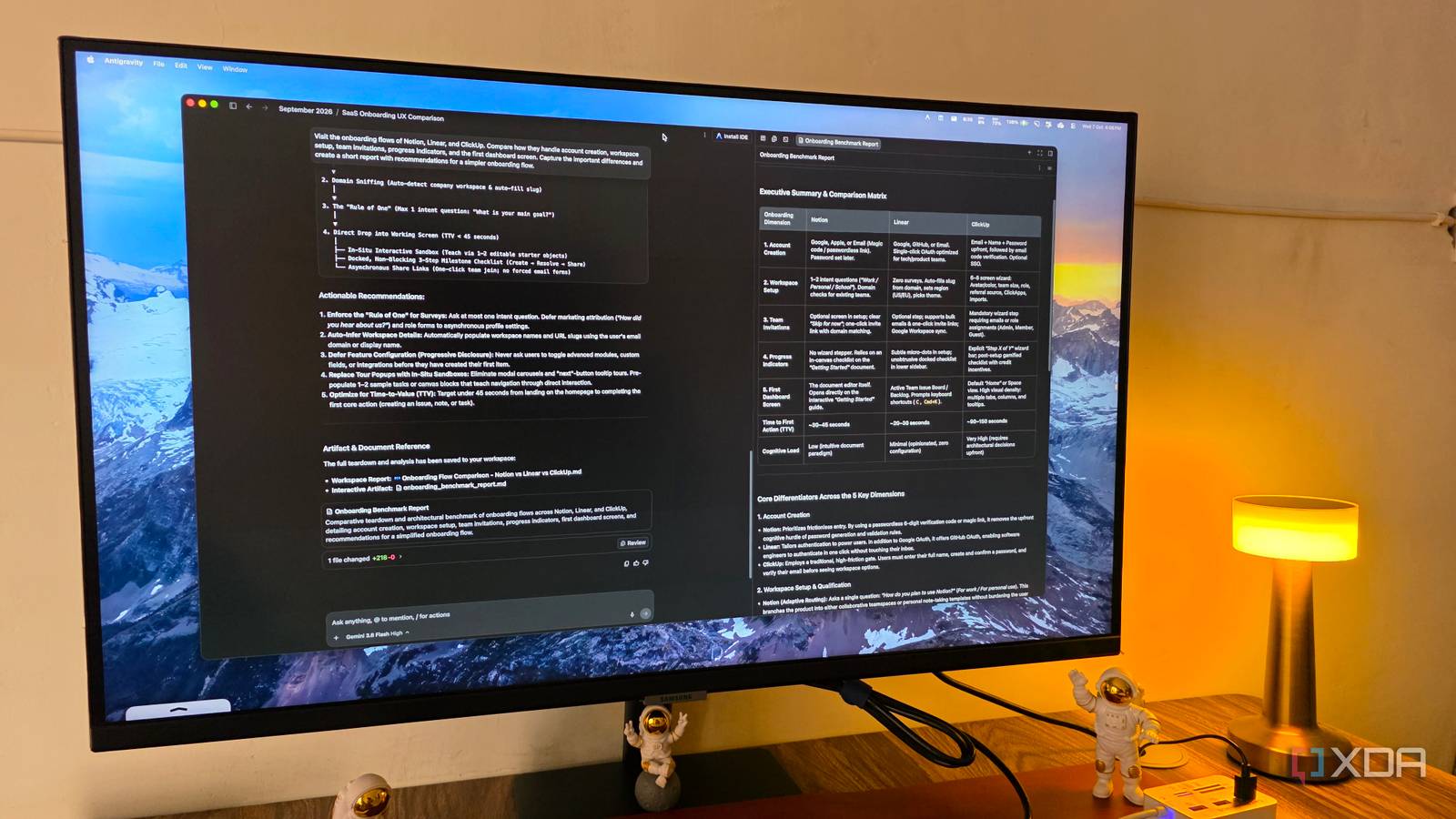
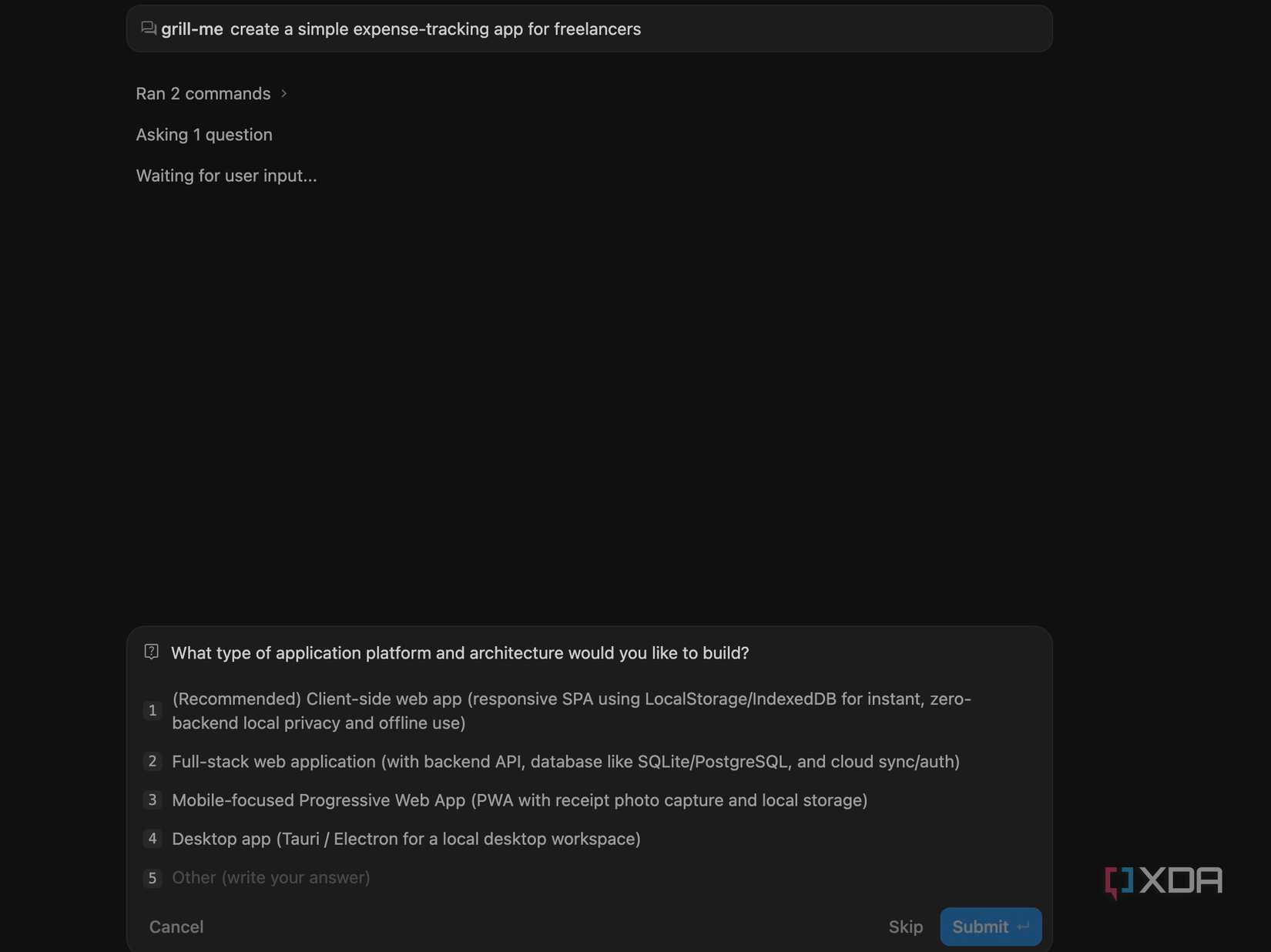
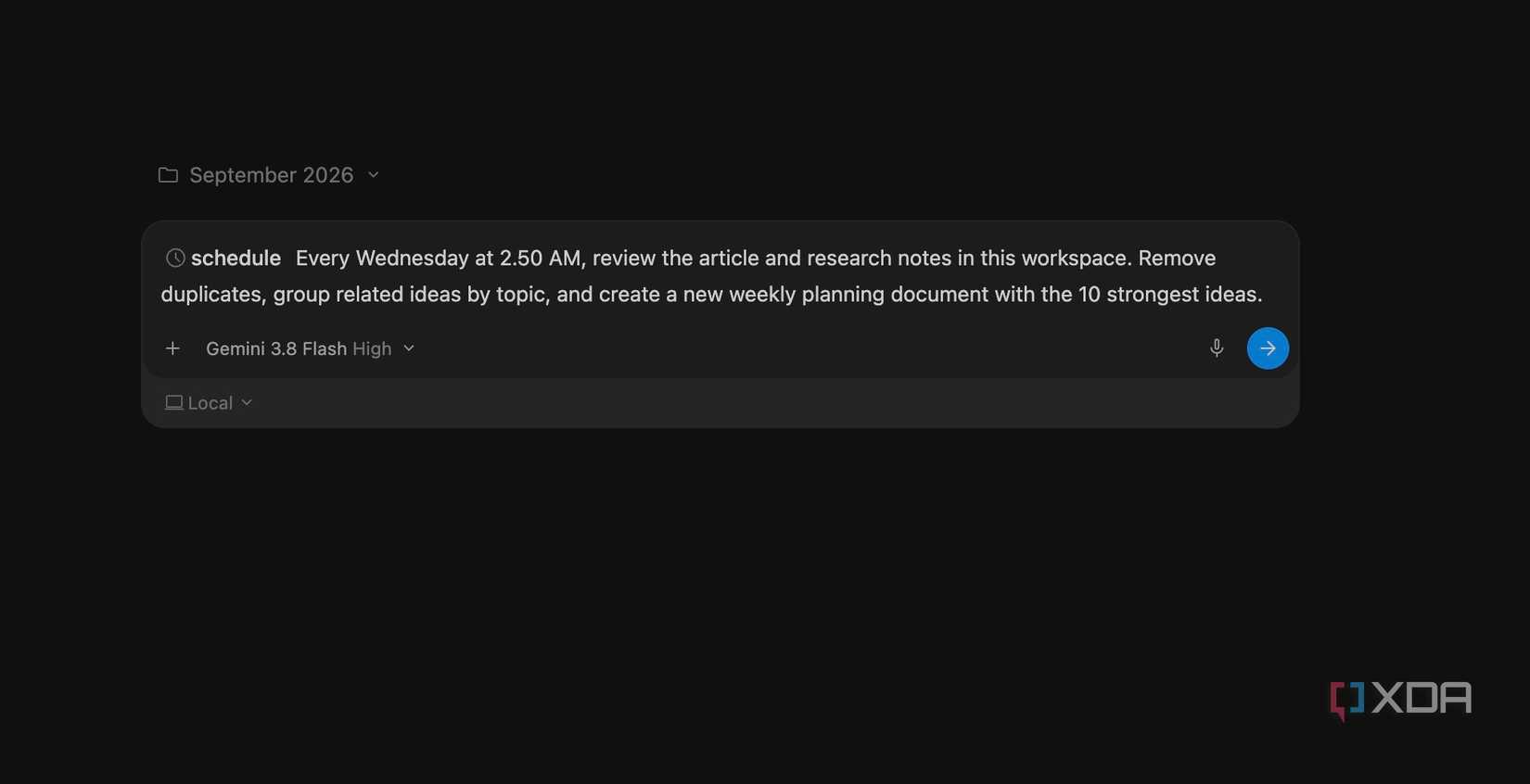
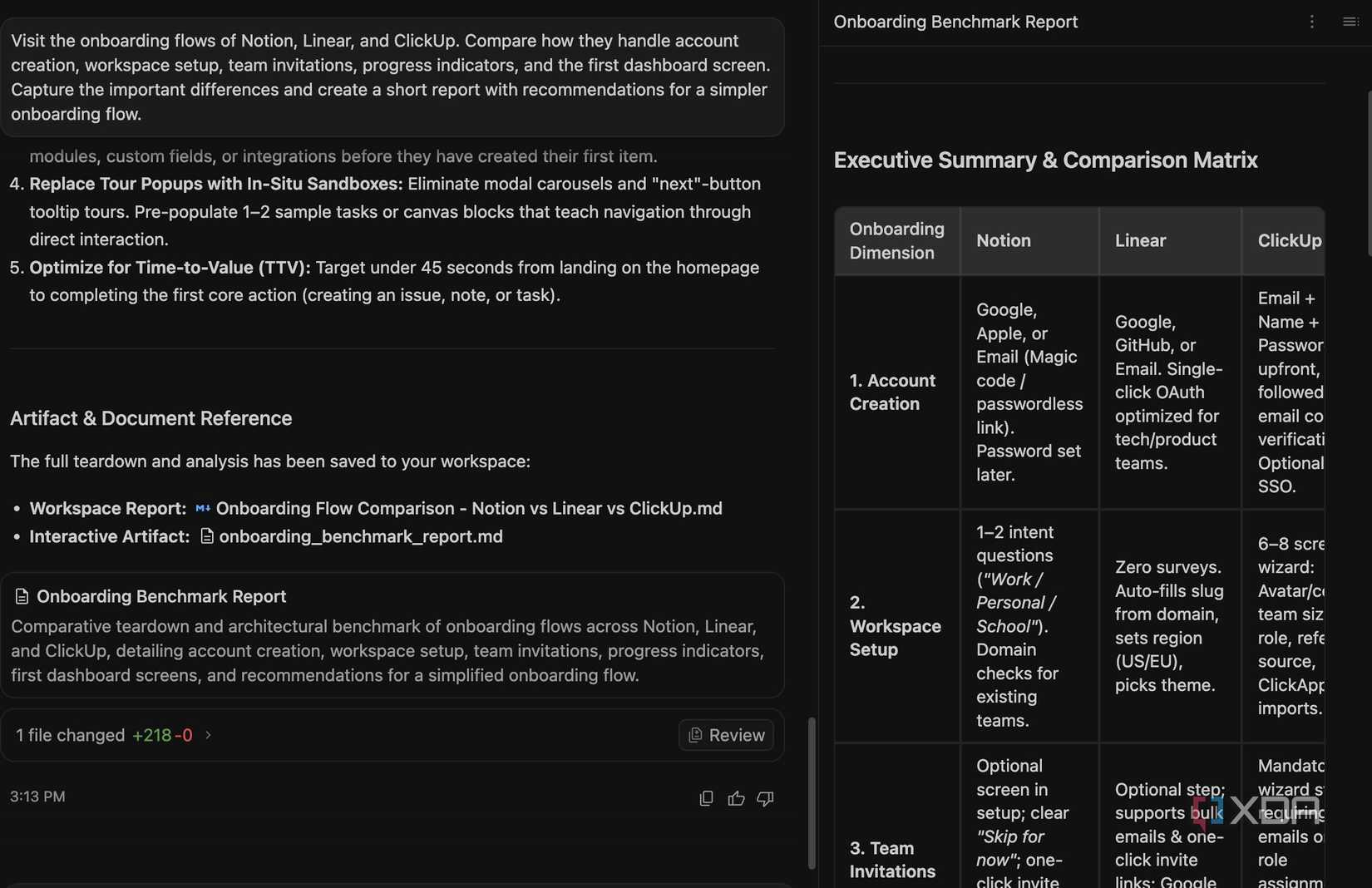
Rather than viewing Antigravity strictly as a code-generation engine, advanced users are treating it as a dynamic workflow orchestrator. By utilizing commands like /grill-me for project ideation, scheduling recurring background tasks, and deploying the platform’s autonomous browser to conduct deep competitor analysis, non-developers are streamlining operations that previously required multiple disjointed software suites.
Chronology: From Niche IDE to Versatile Workflow Utility
Phase 1: The Initial Rollout as a Developer Rival
Upon its release, Google Antigravity was marketed strictly toward software developers. Reviewers and early adopters focused on its contextual awareness, multi-file editing capabilities, and seamless integration with existing repositories. For months, its primary evaluation metric was how quickly it could write boilerplate code or refactor legacy scripts.
Phase 2: The Emergence of Creative Prototyping
As users spent more time within the ecosystem, early adopters began testing the boundaries of its natural language processing and HTML rendering capabilities. Creators realized that instead of spending hours in vector-based design tools like Figma for early-stage client proposals, they could prompt Antigravity to generate fully interactive, browser-previewable HTML/CSS mockups in a matter of minutes.

Phase 3: The Integration of Advanced Operational Commands
The introduction of specialized functional commands—such as the /grill-me interactive questioning prompt and the /schedule automation command—transformed Antigravity from a reactive text box into an active operational partner. Users stopped viewing it merely as a chatbot and began embedding it into weekly planning sessions, automated data sorting, and competitor research routines.
Supporting Data: Efficiency Metrics and Resource Utilization
While quantitative studies on non-developer adoption of coding IDEs are still in their infancy, early anecdotal and workflow metrics shared by beta testers highlight striking efficiency gains:
- Resource Conservation: Generating preliminary website mockups for client pitches consumes a negligible fraction of system resources. For instance, generating an elegant, luxury-styled homepage concept for a fictional jewelry brand used a mere 2% of a standard 5-hour operational limit.
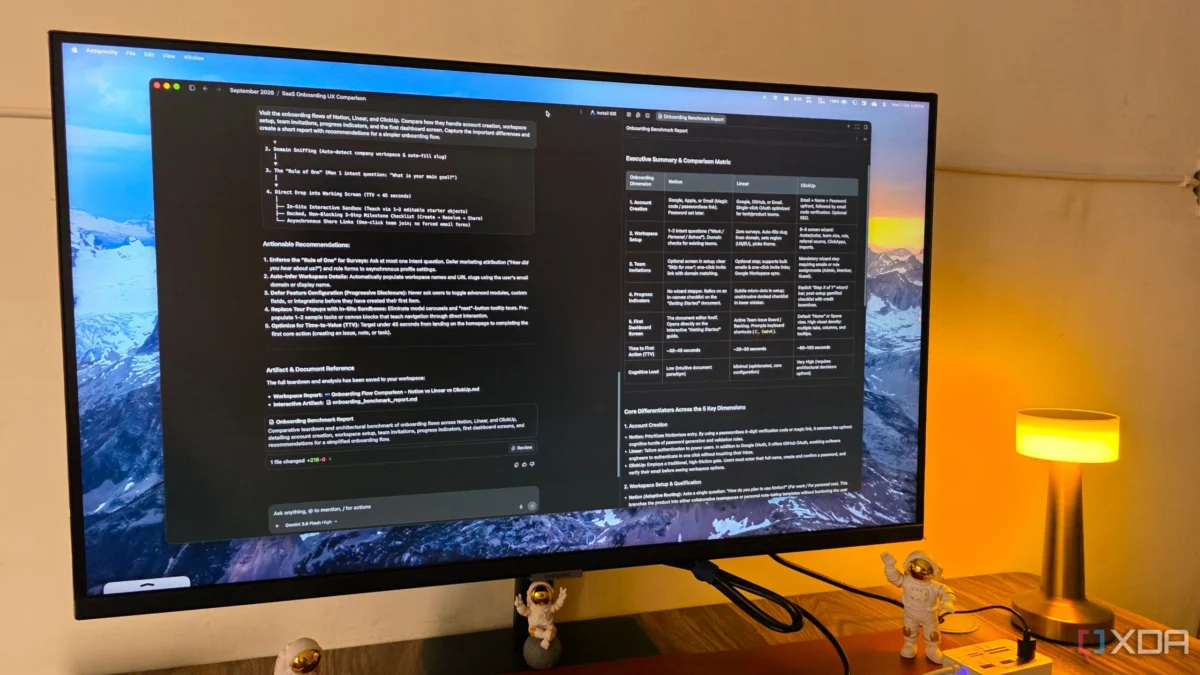
- Reduction of Tool-Switching: By utilizing Antigravity’s built-in browser capabilities to cross-reference onboarding flows across multiple competing SaaS platforms (such as Notion, Linear, and ClickUp), researchers eliminate the need to manually capture dozens of screenshots and compile fragmented notes across separate applications.
- Time-to-Proposal: Designers and consultants report cutting early-stage concept validation times down from days (spent waiting for Figma wireframes) to minutes, allowing for immediate client feedback loops.
Official Responses and Industry Perspectives
The blurring lines between developer tooling and general productivity software have drawn significant commentary from the broader tech community. Product designers and software architects alike have noted that AI environments are naturally suited for conceptual work because they operate on contextual logic rather than rigid syntax.
Industry analysts point out that tools like Google Antigravity represent a broader movement toward "intent-driven software." Instead of requiring users to learn the specific micro-interactions of a dozen different apps (one for scheduling, one for wireframing, one for web scraping, and one for brainstorming), unified AI platforms are beginning to absorb those peripheral tasks.
While Google has continuously optimized Antigravity for core software engineering workloads, representatives and community managers have frequently highlighted the platform’s flexibility, noting that its underlying agentic capabilities are designed to interpret complex, multi-layered human instructions regardless of the output format.
Implications: The Future of Unified Workspaces
The realization that an IDE can function seamlessly as a business analyst, research assistant, and rapid prototyping tool carries several profound implications for the future of work:
1. The Democratization of Rapid Prototyping
Traditionally, translating a vague business concept into a tangible visual asset required specialized design training or hours of manual layout work. By allowing natural language prompts to instantly generate functional browser previews, tools like Antigravity lower the barrier to entry for early-stage conceptualization. Freelancers and small business owners can pitch ideas with higher fidelity, leveling the playing field against larger agencies.
2. Redefining the Role of AI Assistants
Most generative AI tools operate on a transactional basis: the user provides a prompt, the AI provides an answer, and the session ends. Antigravity’s approach—exemplified by the /grill-me command—shifts the dynamic from transactional to conversational-adversarial. By forcing the human user to defend and clarify their ideas through targeted questioning, the AI acts as a digital product manager, resulting in more robust execution plans.
3. The Convergence of Productivity and Development
As IDEs evolve to handle scheduling, autonomous web browsing, and multi-document analysis, the traditional boundaries separating "developer tools" from "productivity software" are dissolving. Professionals who have never written a line of production code in their lives may soon find themselves relying on developer-centric environments simply because their flexibility and agentic capabilities outperform traditional office software suites.
Conclusion
Google Antigravity may have entered the market as a formidable challenger to VS Code and Cursor, but its true legacy may ultimately lie outside the compiler. By reframing how we approach routine busywork, project brainstorming, competitor research, and rapid visual design, platforms like Antigravity are proving that the most powerful productivity tool on your machine might just be the one you least expected to use.