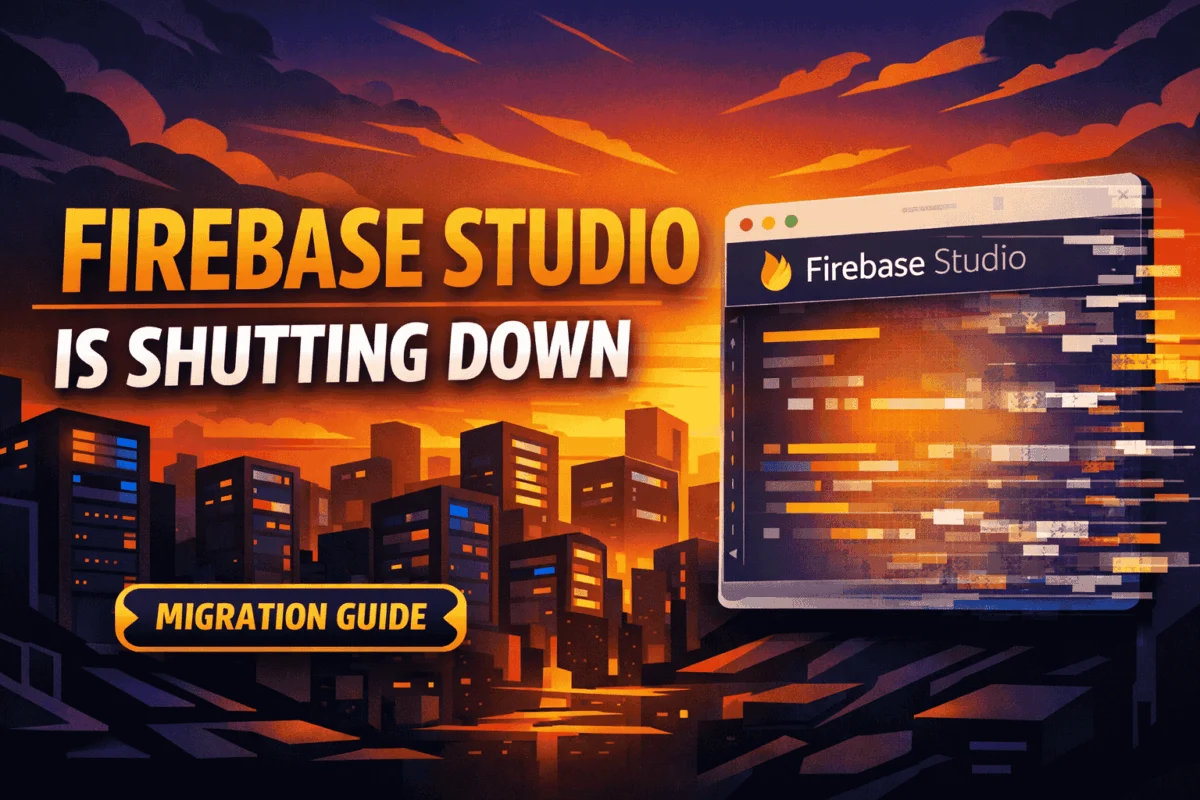
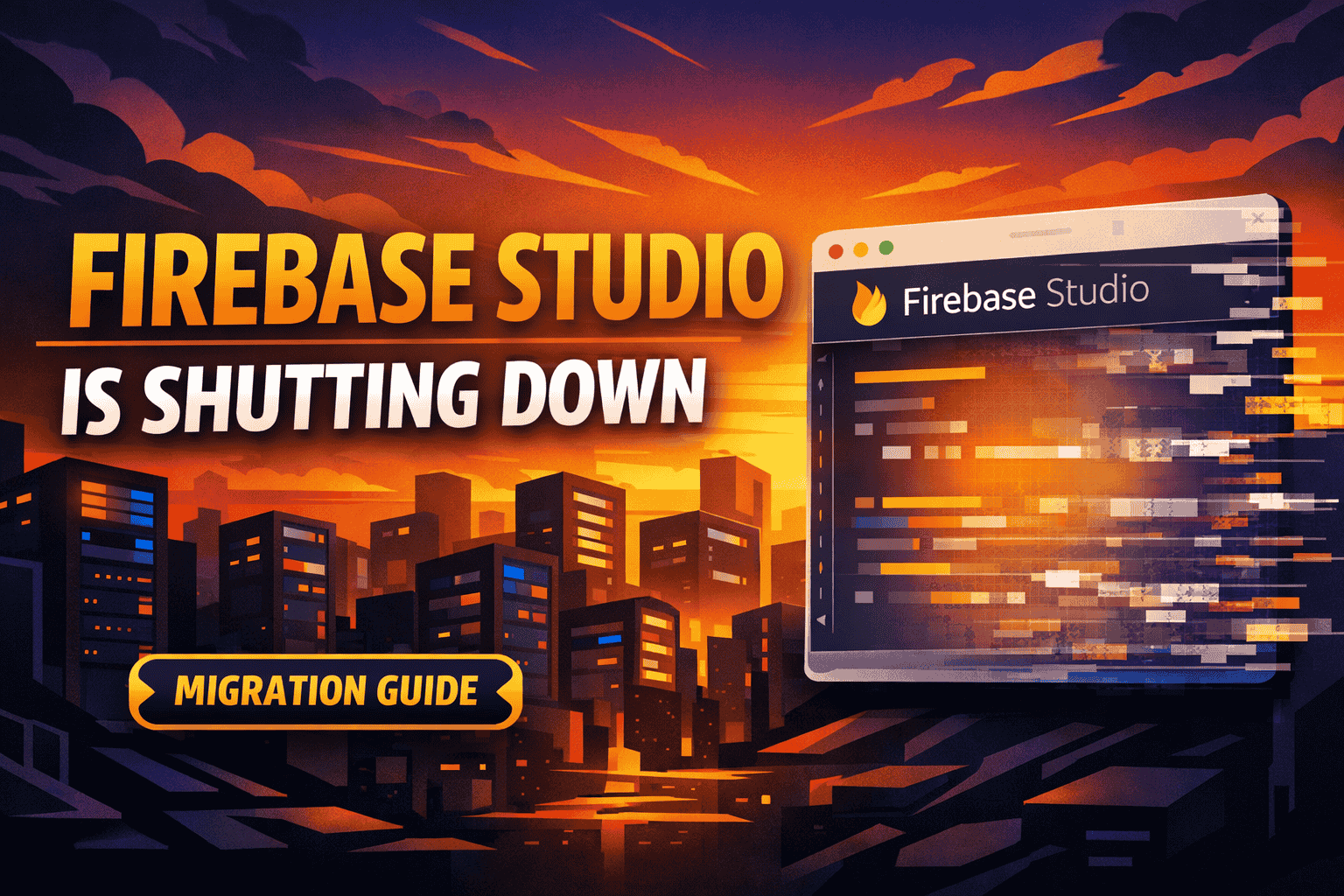
In a move that has sent ripples through the frontend and full-stack development communities, Google has officially confirmed that Firebase Studio will be shuttered on March 22, 2027. This decision brings an abrupt end to the life of the AI-powered, browser-based integrated development environment (IDE) that was once touted as the future of rapid prototyping. While the tech industry is no stranger to the "Google Graveyard," this particular sunsetting carries distinct implications for developers who have integrated AI-native workflows into their daily build cycles.
It is critical, however, to contextualize this announcement: the deprecation is strictly limited to the Firebase Studio IDE. The core Firebase infrastructure—including Cloud Firestore, Firebase Authentication, App Hosting, and Cloud Functions—remains entirely unaffected. For the millions of developers relying on these back-end services, it is business as usual.
Understanding the Scope: What is Actually Sunsetting?
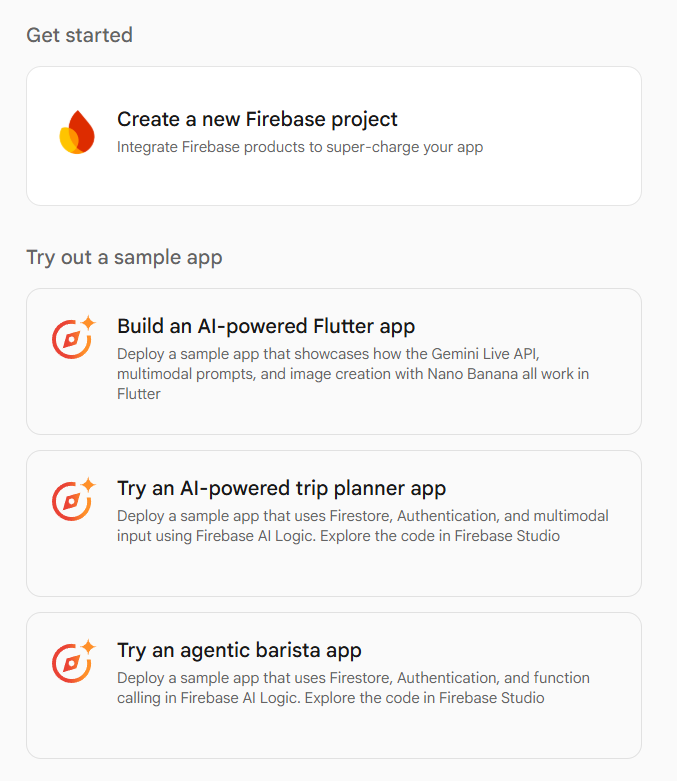
To understand why this change is occurring, one must first look at what Firebase Studio represented. Introduced as an AI-native, cloud-based IDE, it was built upon the architecture of Project IDX. Its core value proposition was providing a "one-stop-shop" for developers to prototype full-stack applications directly within a web browser. With deep integration of Gemini-powered agents, automated code generation, and one-click deployment pipelines, it served as a playground for rapid experimentation.
Google is retiring the development environment itself—the browser interface and its integrated AI agents. The underlying back-end services that power the applications built within that environment are, and will remain, the backbone of Google’s mobile and web strategy.
The Distinction Between Tooling and Infrastructure
There is a fundamental difference between a developer tool and a production service. Firebase Studio was a utility designed to facilitate the creation of applications. Conversely, products like Firebase Authentication or Cloud Firestore are production-grade infrastructure. When Google sunsets an IDE, they are essentially closing a specific "doorway" into their ecosystem, not the ecosystem itself. Developers who feel a sense of loss should be comforted by the fact that their data, their user authentication records, and their cloud functions remain securely hosted on the same infrastructure they have always trusted.
A Timeline of the Transition
Google has opted for a generous one-year transition window, a move clearly designed to minimize disruption for active development teams. This timeline allows for the orderly migration of projects and provides developers with ample time to pivot their workflows without the pressure of an immediate outage.
- Announcement Phase (Present): Developers are encouraged to audit their current projects hosted within the Firebase Studio environment.
- The Grace Period (Throughout 2026): Throughout the next year, Google will maintain full support for the platform, ensuring that no active project is left in a "broken" state while teams work on migration.
- Final Sunset (March 22, 2027): On this date, the environment will be fully decommissioned. Access to the IDE will be revoked, and any un-migrated project data contained solely within the Studio environment may become inaccessible.
The Migration Path: Moving to a Local-First Workflow
The transition away from Firebase Studio is not merely a task of "moving files," but rather a shift in methodology. Google’s provided migration path encourages developers to move away from the browser-based environment and back toward a standard, local development workflow. This is arguably a return to industry best practices, favoring the robustness of local environments over the convenience of browser-based ones.
The Recommended Workflow Transition
For developers looking to preserve their progress, the standard migration flow consists of three primary steps:
- Exporting Project Assets: Utilizing the built-in "Move Now" functionality within the Firebase Studio dashboard, developers can bundle their current project files into a portable format.
- Downloading Local Archives: The system allows for a "Zip and Download" feature, ensuring that every line of code, configuration file, and asset is captured in a local archive.
- Integrating with the Firebase CLI: Once the code is local, developers are instructed to initialize the project using the Firebase Command Line Interface (CLI). This bridges the gap between the Studio-generated code and a standard, professional-grade development environment (such as VS Code or IntelliJ).
By adopting this approach, developers trade the "all-in-one" browser experience for the stability and version control capabilities of a local Git-based repository.
Implications for Developer Productivity
The deprecation of Firebase Studio forces a critical evaluation of modern "all-in-one" development tools. While the allure of AI-powered browser IDEs is significant—offering instant environments without the need for complex local configurations—they often fall short in long-term production scenarios.
The "All-in-One" Trade-off
Firebase Studio was optimized for speed. It excelled at:
- Rapid Prototyping: Getting a proof-of-concept off the ground in minutes rather than hours.
- Learning Environments: Serving as a low-friction entry point for developers new to the Firebase stack.
- Collaborative Demos: Allowing stakeholders to interact with live code without the need for local machine setup.
However, the industry has shown a preference for tools that offer deep integration with Git, robust debugger support, and the ability to work offline. By moving away from Studio, developers regain total control over their environment, security, and deployment pipelines.
The Future: A New Era of AI-Assisted Development
While the specific product "Firebase Studio" is disappearing, the technology it popularized—Gemini-powered code generation—is not going away. Instead, it is being redistributed. Google is signaling a shift where AI is not the environment itself, but a component within a standard environment.
Developers should view this not as a loss, but as an evolution. By combining the Firebase CLI with a modern local IDE and leveraging Google AI Studio for specific generative tasks, developers can maintain the high speed of development they enjoyed in Firebase Studio while gaining the stability of a mature, local-first workflow.
Strategic Recommendations for Teams
If your team is currently relying on Firebase Studio, the following checklist should be prioritized over the coming quarter:

- Inventory Audit: Identify every project currently active in the Studio. Determine which ones are production-ready and which are merely "experimental" or "legacy."
- Repository Setup: Establish a Git repository for each project. Move away from the Studio’s internal storage and move toward a standard GitHub/GitLab/Bitbucket model.
- Local Environment Parity: Ensure that your local machine has the necessary dependencies to run the Firebase CLI and that your environment variables are correctly mapped to your Firebase projects.
- Team Communication: Inform stakeholders that the "browser-based prototype" is being moved to a more robust, version-controlled architecture. This is a perfect opportunity to implement better CI/CD pipelines.
Conclusion: Bittersweet but Necessary
The sunsetting of Firebase Studio is a classic example of "killing your darlings" in the tech world. It was a bold, interesting experiment that served a specific segment of the developer population exceptionally well. However, in the pursuit of long-term sustainability, Google has identified that the future of professional software engineering remains firmly rooted in local, Git-managed, CLI-driven workflows.
While the loss of the browser IDE might seem like a setback for those who valued the convenience of "instant" development, the migration path is clear and well-supported. By transitioning now, developers ensure that their projects are not only preserved but are fundamentally improved by moving to a more standard and secure development framework. As we look toward March 2027, the focus should remain on the underlying strength of the Firebase platform, which continues to be a top-tier choice for developers worldwide. Further updates and technical documentation regarding the migration process are expected in the coming months, providing additional guidance for those navigating this transition.