Beyond the Stream Deck: Why OBS Studio is the Ultimate Productivity Utility for Non-Streamers
Published: October 14, 2026 Author: Samarveer Singh
Main Facts: The Open-Source Powerhouse Hiniter Hidden in Plain Sight
When most PC users hear the acronym "OBS"—short for Open Broadcaster Software—their minds immediately drift toward the colorful, high-energy worlds of Twitch and YouTube Live. The software has long been the gold standard for digital broadcasters, serving as the invisible engine behind millions of weekend gaming marathons, talk shows, and virtual events. With its sprawling interface, myriad audio routing tables, and real-time canvas layers, it easily projects an aura of intimidating complexity. To the uninitiated, it looks like a tool requiring a broadcast degree or a career in professional television production.
Yet, a massive, unacknowledged demographic relies on OBS Studio daily without ever broadcasting a single frame of video to the public: tech writers, software developers, video editors, and casual PC enthusiasts.
OBS Studio is entirely free, open-source, and cross-platform, operating seamlessly across Windows, macOS, and Linux. While lightweight native alternatives like the Windows 11 Snipping Tool or proprietary manufacturer overlays like NVIDIA ShadowPlay offer basic screen capture functions, they pale in comparison to the granular configuration capabilities of OBS. Far from being pigeonholed as a niche tool for online entertainers, OBS Studio has quietly evolved into the ultimate, multi-purpose productivity utility for anyone who needs absolute control over their desktop environment.
Chronology: The Evolution of a Broadcasting Tool into an Everyday Essential
To understand how OBS achieved its universal status, it helps to look at how modern screen capture has transformed over the past decade.
The Early Era (Pre-2015): Screen recording on Windows was historically plagued by bloated, paid software suites like Fraps or Camtasia. These tools often suffered from severe performance hits, high licensing costs, and rigid, inflexible output options that failed to keep pace with rising display resolutions.
The Rise of Open Broadcaster Software (2014–2016): Originally created as a lightweight, open-source project by Hugh Bailey, OBS evolved into "OBS Studio" to support a complete rewrite for multiplatform utilization. While its primary adoption wave was driven by the explosive growth of livestreaming platforms like Twitch, its robust underlying architecture inadvertently laid the groundwork for high-fidelity local recording.
The Multi-Hardware Revolution (2018–2022): As hardware encoding matured—propelled by NVIDIA’s NVENC, AMD’s AMF, and Intel’s QuickSync—OBS integrated these hardware-accelerated pathways. This meant users could record high-resolution, high-framerate footage with virtually zero impact on system performance, regardless of whether they were broadcasting online.
The Modern Workflow Staple (2024–2026): Today, OBS has transcended its streaming roots. Features like the Replay Buffer, isolated multi-track audio recording, and advanced window-capture hooks have cemented its place on the primary installation checklist for technical professionals, gamers, and content creators alike who never intend to stream a single minute of content.
Supporting Data: Granular Control and Performance Metrics
Why do professionals bypass native operating system recorders in favor of a dedicated broadcasting suite? The answer lies in data control, codec flexibility, and system overhead management.
1. Granular Quality Control and Resource Management
Native screenshot and screen-recording utilities built into operating systems typically offer a binary choice: hit record, accept the default compression algorithms, and deal with whatever resolution or bitrate the OS decides is appropriate.
OBS Studio dismantles this limitation. Users can manually configure:
Bitrate and Encoders: Direct selection of CPU (x264) or hardware encoders (NVENC, AMF, QuickSync) to ensure smooth recording without stealing cycles from heavy software applications or games.
Resolution Scaling and Framerates: The ability to capture a 4K game or application window while downscaling the final output to a crisp, storage-friendly 1080p at a locked 60 frames per second.
Container Formats: Direct output to versatile file formats like MP4, MKV, or MOV, eliminating the headache of converting proprietary or corrupted video containers after an unexpected crash.
2. The Efficiency of the Replay Buffer
One of the most persistent issues in digital documentation—whether capturing a rare software bug or an unexpected gaming highlight—is storage bloat. Keeping a traditional screen recorder running for hours consumes terabytes of disk space and forces users to spend grueling hours scrubbing through dead air.
The Replay Buffer feature solves this by functioning as a digital time machine:
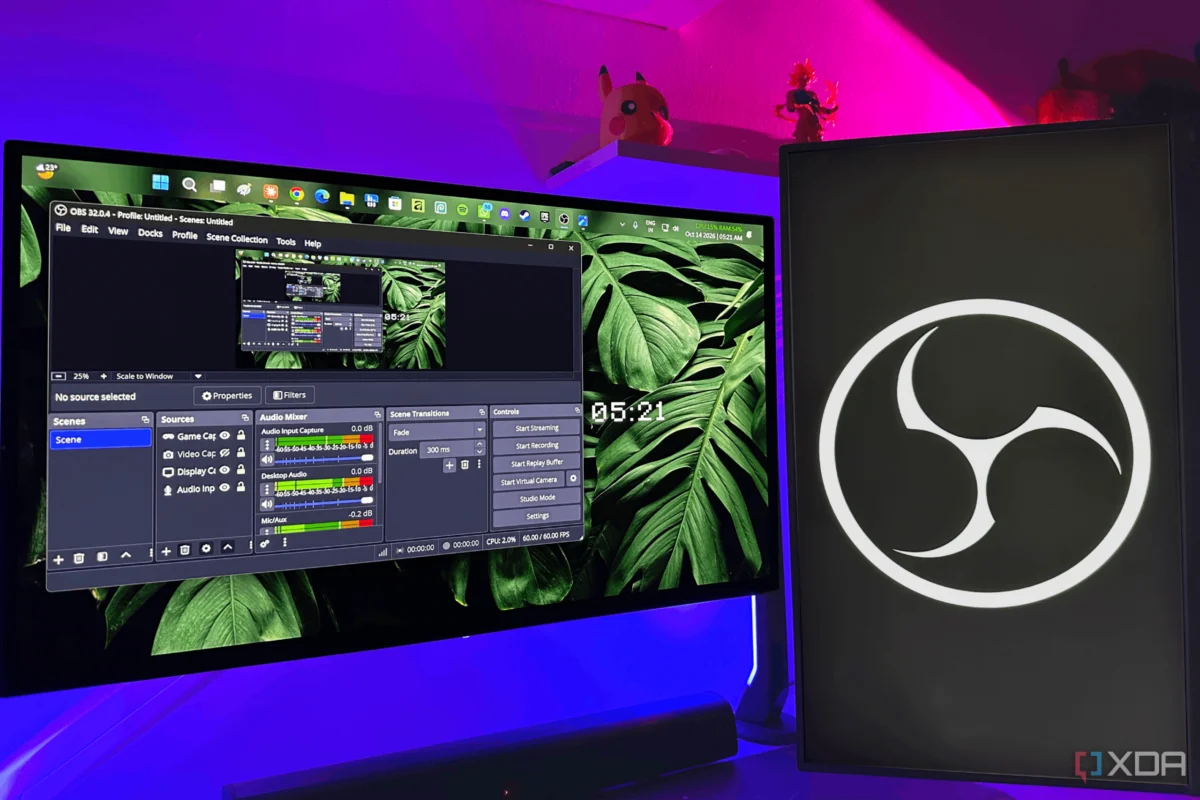
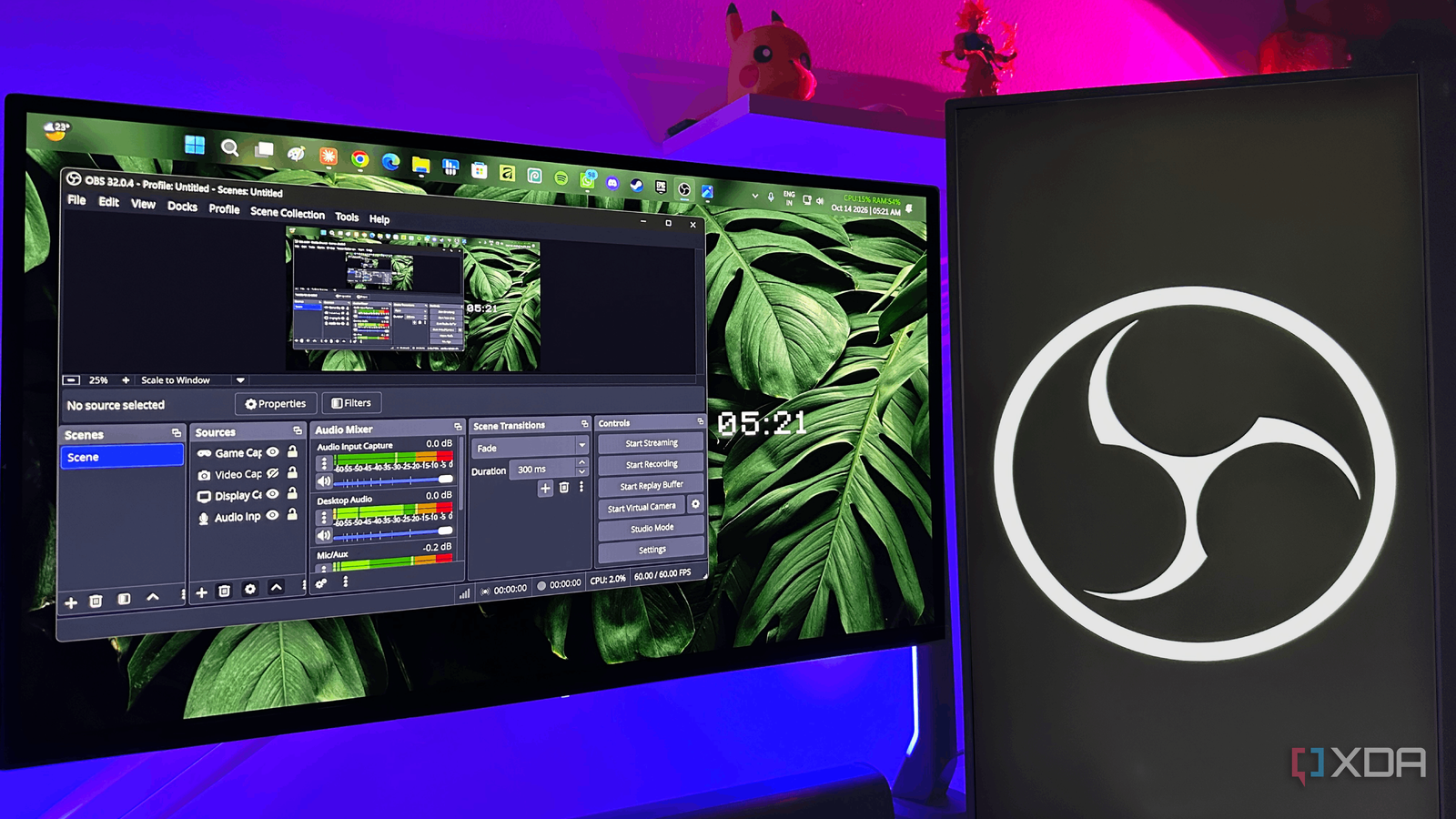
OBS continuously records footage into a rolling temporary memory buffer (e.g., the last 5 minutes).
When a noteworthy event occurs, the user hits a customized hotkey, and OBS instantly writes only that specific retrospective window to permanent storage.
This eliminates unnecessary gigabytes of wasted footage while ensuring moments are never missed. Unlike proprietary manufacturer alternatives like NVIDIA ShadowPlay, OBS’s Replay Buffer is entirely hardware-agnostic, working efficiently across NVIDIA, AMD, and Intel graphics architectures alike.
3. Multi-Track Audio Separation
Audio bleeding is the silent killer of instructional videos, bug reports, and software demonstrations. When a microphone picks up the clacking of a mechanical keyboard, a sudden Windows notification chime, or loud background music alongside the user’s voice, the resulting file is often unsalvageable.
OBS addresses this through a built-in audio mixing suite that routes different audio inputs to separate tracks:
Microphone audio, desktop system audio, and external voice chat applications (like Discord) are isolated into individual channels before ever hitting the recording file.
Professional editing suites, such as DaVinci Resolve or Adobe Premiere, can then manipulate, mute, or clean up individual audio layers independently.
Real-time audio filters—including noise suppression, noise gates, and dynamic compressors—can be applied directly inside OBS, bypassing the need for third-party audio processing utilities.
Official Responses and Developer Insights: The Open-Source Philosophy
The development of OBS Studio is overseen by the OBS Project, led by principal developers and supported by a vast community of open-source contributors and corporate sponsors (including tech giants like Twitch, Logitech, and YouTube).
In various developer documentation and community retrospectives, the core philosophy of the OBS Project has consistently centered on accessibility, modularity, and freedom from proprietary lock-in. Unlike commercial software ecosystems that wall off advanced features behind paywalls or subscription tiers, the OBS team maintains that professional-grade production tools should be universally accessible.
"Our goal has always been to provide a robust, reliable, and completely free framework that empowers users to capture and share their digital worlds on their own terms," notes general consensus within the open-source contributor community. "Whether you are broadcasting to millions of viewers or simply recording a bug report for your engineering team, the underlying mechanics of capturing a screen with precision remain fundamentally the same."
Furthermore, industry analysts point out that OBS’s open-source nature has shielded it from the monetization pressures facing modern productivity software. There are no surprise enterprise licensing fees, no forced cloud accounts, and no telemetry tracking designed to upsell users on premium storage tiers.
Implications: Changing How We Think About Productivity Software
The widespread use of OBS Studio by non-streamers carries significant implications for modern software design and personal computing habits.
1. The Death of Single-Purpose Software Categories
For years, software vendors attempted to segment the market strictly: screen recorders for enterprises, streaming software for gamers, and video editors for post-production. OBS shatters these artificial silos. By providing a modular, highly extensible platform via plugins and native features, it proves that users prefer deep, adaptable power-tools over lightweight, over-simplified applications that lack depth.
2. Democratizing High-End Production Values
Tasks that once required expensive hardware capture cards or costly corporate software licenses—such as picture-in-picture video overlays, synchronized multi-source audio routing, and hardware-accelerated local encoding—are now accessible to anyone with a standard PC setup. This empowers freelance creators, educators, and IT professionals to produce broadcast-quality tutorials and technical documentation without capital investment.
3. Setting a Benchmark for Open-Source Sustainability
OBS Studio stands as a shining counter-narrative to the subscription-heavy, service-oriented software model dominating the tech industry today. Its success proves that complex, professional-grade software can thrive through open-source collaboration, community donations, and corporate sponsorship without compromising user privacy or financial accessibility.
Conclusion
It may still feel slightly unusual to launch a heavy-duty production suite just to capture a ten-second video clip or document a fleeting software quirk. Yet, once a user dials in their audio filters, configures a custom Replay Buffer hotkey, and experiences the freedom of uncompromised multi-track recording, going back to rudimentary native shortcuts feels like a severe downgrade.
You don’t need an audience of thousands, a ring light, or a weekend streaming schedule to appreciate OBS Studio. Beneath its broadcast-ready exterior lies one of the most versatile, reliable, and powerful productivity utilities ever coded for the personal computer.