







In the competitive landscape of modern recruitment, a resume serves as the primary touchpoint between a candidate and a potential employer. While content is king, the presentation of that content acts as the herald. Adobe InDesign has long stood as the gold standard for designers, but its utility for career development is unmatched. By offering granular control over typography, leading, kerning, and grid-based alignment, InDesign allows professionals to transform a standard document into a sophisticated piece of visual communication.
The Strategic Advantage of InDesign
When a recruiter scans a resume, they often spend less than ten seconds on the initial review. In this fleeting window, the visual hierarchy of your document determines whether you move to the next stage or end up in the discard pile. Adobe InDesign provides the architectural stability required to ensure that your career history is not just readable, but compelling.

Unlike word processors, which often struggle with complex layouts and image placement, InDesign allows for precise page dimensions and element positioning. Whether you are aiming for a minimalist, executive aesthetic or a high-impact creative portfolio, InDesign ensures that your design choices remain consistent across all pages. By utilizing a pre-built template, you bypass the structural heavy lifting, allowing you to focus entirely on the narrative of your skills, achievements, and career trajectory.
Chronology of Resume Design Evolution
The history of the resume has evolved from the basic, single-column typed letters of the mid-20th century to the dynamic, multi-media documents of today.
- The Early Era (1970s–1990s): Resumes were text-heavy, typically printed on standard paper with minimal formatting. The focus was entirely on brevity and basic contact information.
- The Digital Transition (2000s): As PDF distribution became the standard, the emphasis shifted toward digital layouts. However, the constraints of early software often resulted in rigid, uninspired formatting.
- The Design-Centric Present: Today, hiring managers in creative, tech, and corporate sectors expect a high level of design literacy. The rise of sophisticated design platforms like InDesign has allowed candidates to use whitespace, typography, and color to distinguish their profiles in a saturated market.
The Top InDesign Resume Templates: A Curated Selection
Choosing the right template is a marriage of your personal brand and the industry you are targeting. Below are some of the most effective, high-quality templates currently available for InDesign users.
1. Simple Resume & CV Template Vol.6
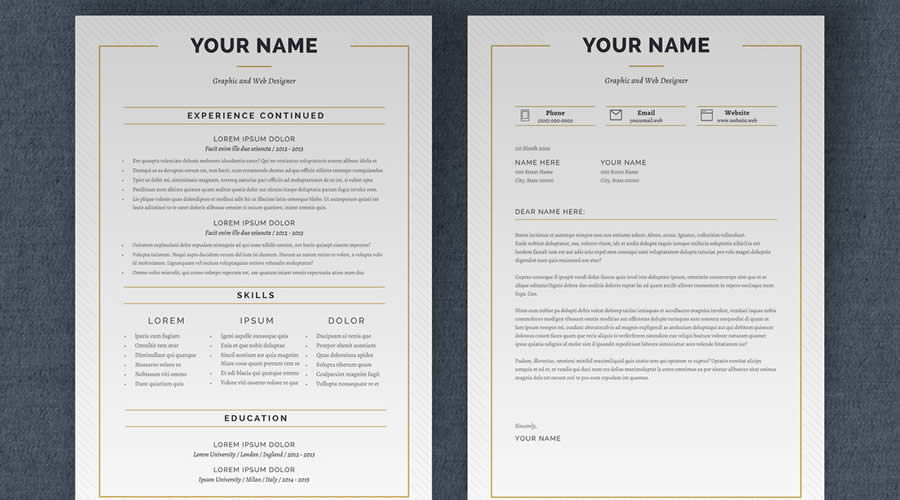
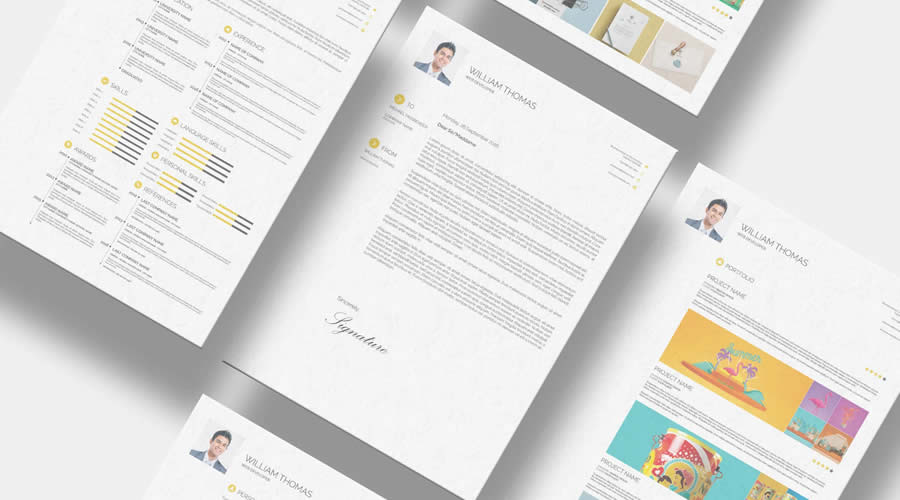
This template is the epitome of "less is more." It offers a clean, one-page layout that prioritizes readability, accompanied by a matching cover letter. Its strength lies in its lack of distraction, making it ideal for traditional corporate roles where clarity is the ultimate priority.
2. Free Linear Resume Layout Template
Spanning three well-organized pages, this template uses bold typography to draw the eye toward key qualifications. It is an excellent choice for candidates with extensive experience who need to balance a deep history of employment with a modern, structured aesthetic.
3. Minimalist InDesign Resume Layout
For those who value white space and subtle elegance, this template is a perfect fit. It is fully compatible with both A4 and US Letter formats and includes both INDD and IDML files, ensuring that even those with older versions of the Creative Cloud suite can customize it with ease.
4. Clean & Elegant Free Resume Layout
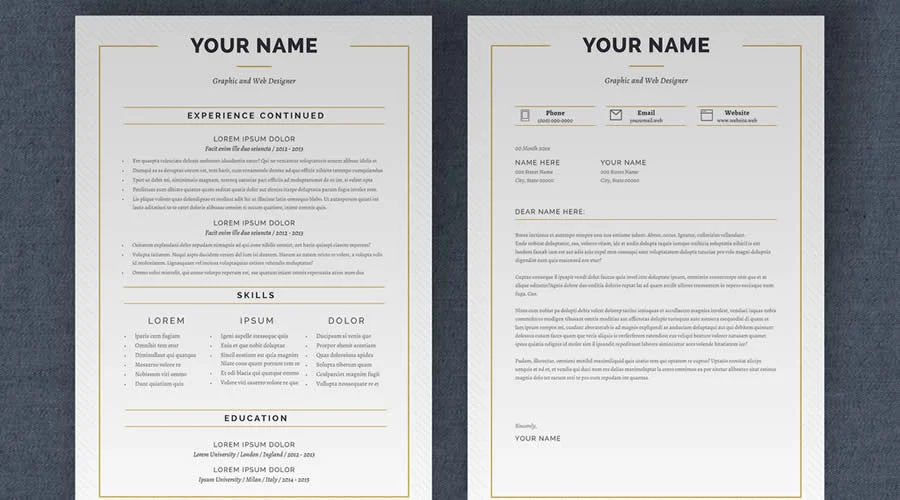
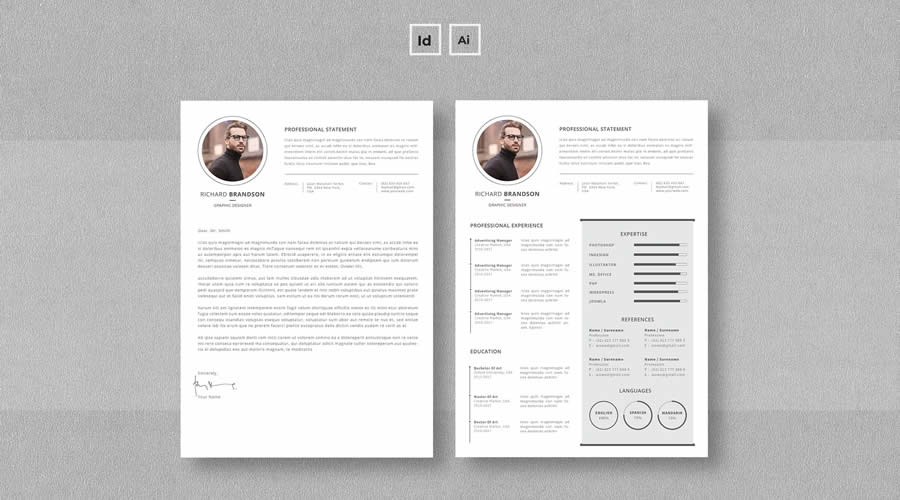
This template leans into classic serif typography. It provides a timeless, professional look that works exceptionally well for law, academia, and senior management roles where credibility and tradition are prized.
5. Modern & Professional Four-Page Template
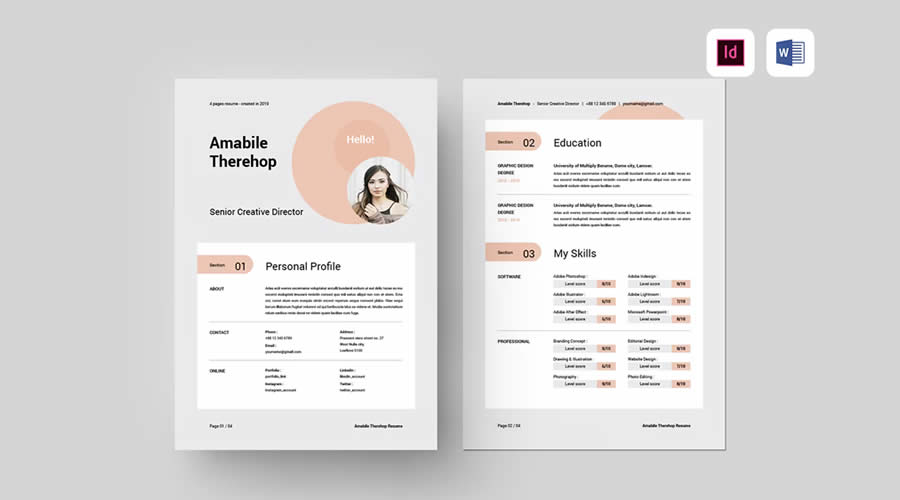
Designed for those with extensive project portfolios or academic backgrounds, this template utilizes a spacious layout across four pages. It is perfect for those who need to showcase a wide array of skills and achievements without creating a cramped visual experience.
6. Vintage Resume Template
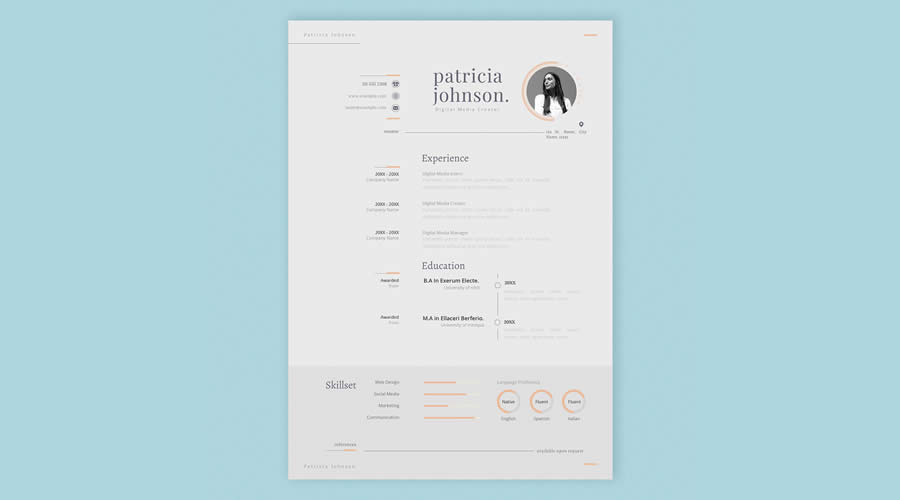
If you are applying to a boutique agency or a role that values personality and a unique aesthetic, the vintage template offers a distinct, memorable look. It includes icon sets that help break up text-heavy sections, keeping the reader engaged.
7. Free CV/Resume Set Template
A minimalist’s dream, this set is built for rapid editing. It is stripped of unnecessary ornamentation, allowing your actual experience to take center stage.
8. Free Resume & Business Card Set
Efficiency is key in networking. This set provides not just a resume, but a matching business card template, ensuring that your branding remains consistent whether you are emailing a PDF or handing over a physical card at an industry event.
9. Minimalist-Style Resume Template
With a focus on beautiful, readable typography and generous margins, this template is designed to stand out by virtue of its restraint. It is a favorite for designers who want their layout skills to speak for themselves.
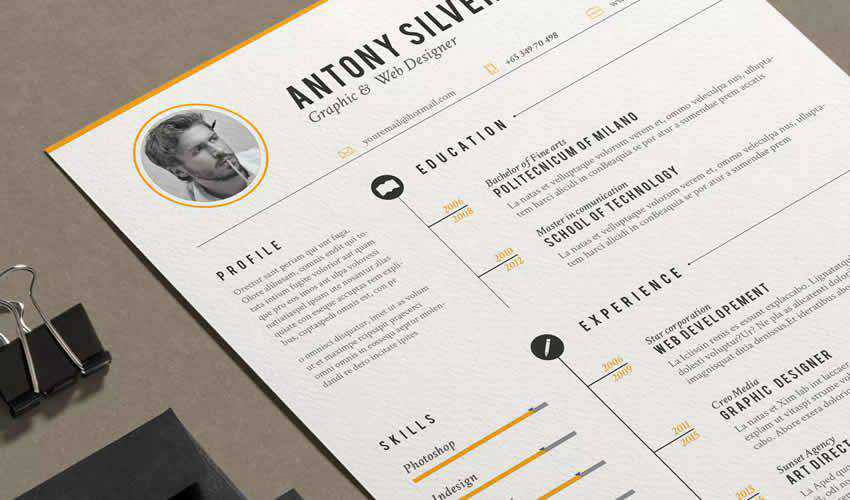
10. Free Resume Template for UX Designers
Specifically tailored for those in the user experience field, this template excels at visual hierarchy. It is intuitive, easy to navigate, and demonstrates an understanding of the very principles UX designers are expected to master.
Supporting Data: The Impact of Design
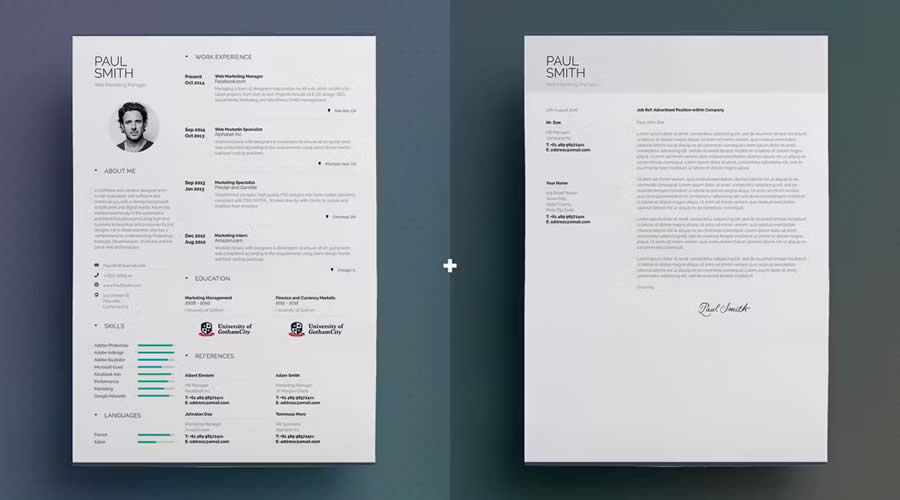
Research into recruiter behavior suggests that "design-aware" resumes are significantly more likely to result in an interview request, provided the design does not interfere with content. A study by the Ladders group indicated that recruiters spend 80% of their time scanning for key information: name, current title, and start/end dates. Templates that use a clear, two-column layout—often found in the InDesign templates mentioned above—facilitate this "F-pattern" scanning, ensuring that your most critical information is absorbed instantly.
Official Best Practices: Editing and Exporting
The effectiveness of a template is often lost during the export process. When preparing your document, consider the following technical steps:
- Preserve Assets: When downloading a template, keep the original folder structure intact. If you move the
.inddfile without the associated links and font folders, your document will break. - Paragraph Styles: Use the "Paragraph Styles" panel to manage your headings and body text. This ensures that every header in your document is identical, creating a professional level of polish.
- PDF Export Settings: When exporting, use the "High Quality Print" preset for physical copies, but use "Smallest File Size" or a custom "Medium" export for digital applications to ensure the file is easily handled by applicant tracking systems (ATS).
- Proofing: Always check the "overprint preview" mode to ensure no text is hidden behind images or graphical elements.
Implications for Your Career
The choice to use a professionally designed InDesign template has profound implications for your professional identity. It signals to a potential employer that you are detail-oriented, technically proficient, and aware of the importance of brand presentation.

However, a word of caution: the template is merely the vessel. The substance of your resume—the metrics of your success, the strength of your action verbs, and the specificity of your skills—must be the driving force. An over-designed resume that lacks substantive content is like a beautiful book with empty pages.
Final Recommendations
When selecting your template, prioritize functionality over flair. If you are applying to a creative studio, feel free to use more adventurous layouts. If you are applying to a highly regulated corporate environment, stick to the cleaner, more linear options. Always ensure your final document is saved as a PDF/X-1a, which is the industry standard for ensuring that fonts and images appear correctly on any machine.

Finally, remember that the most successful resumes are those that are highly tailored. Do not send the same document to every company. Use your InDesign template to create a master file, then iterate on it for every specific job application, ensuring that the keywords in your experience section match the requirements listed in the job description. By combining the precision of Adobe InDesign with a targeted, content-driven approach, you position yourself not just as a candidate, but as a professional who understands the value of their own presentation.