






In the modern living room, the "smart" TV has become the central hub of home entertainment. As we shift away from cable boxes and Blu-ray players toward high-definition streaming services like Netflix, Disney+, and Max, the quality of our connection has become the single most important factor in the viewing experience. Yet, a persistent technical irony plagues many top-tier televisions: the Wi-Fi hardware built into the chassis is often significantly faster than the physical Ethernet port provided by the manufacturer.
For the average consumer, this realization is jarring. We have been conditioned to believe that "wired is always better." For years, network engineers and IT professionals have touted Ethernet as the gold standard for stability, latency, and throughput. However, when it comes to the specific hardware constraints of modern Smart TVs, the landscape is far more complex.
Main Facts: The Ethernet Bottleneck
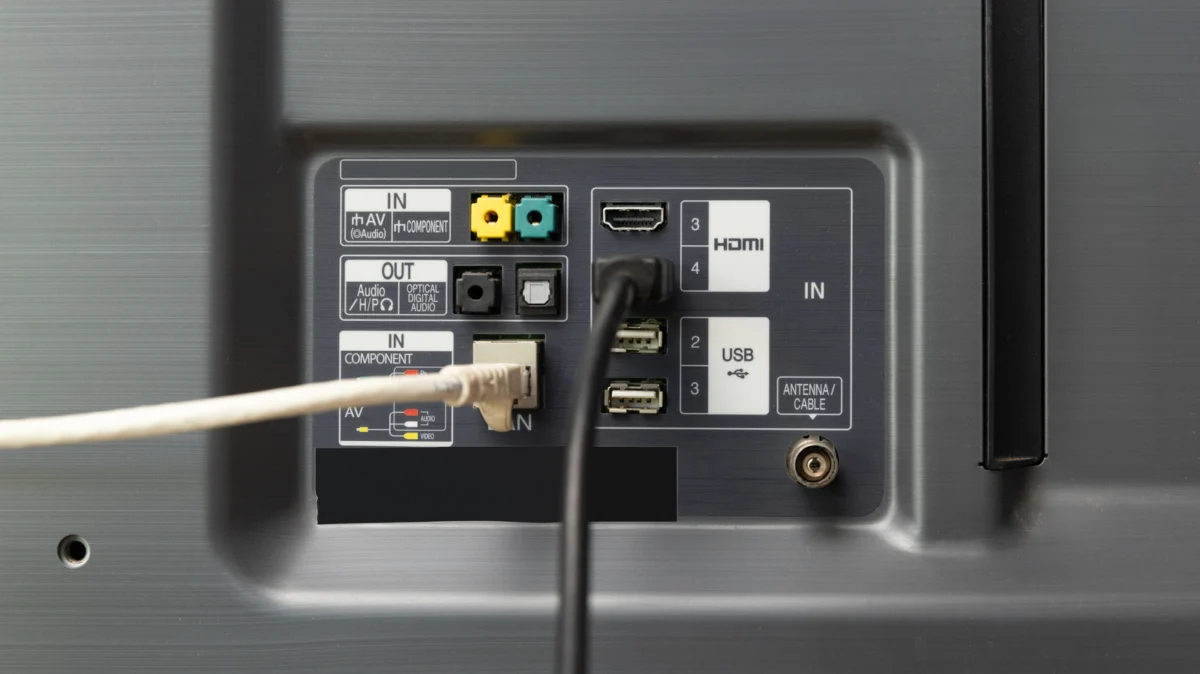
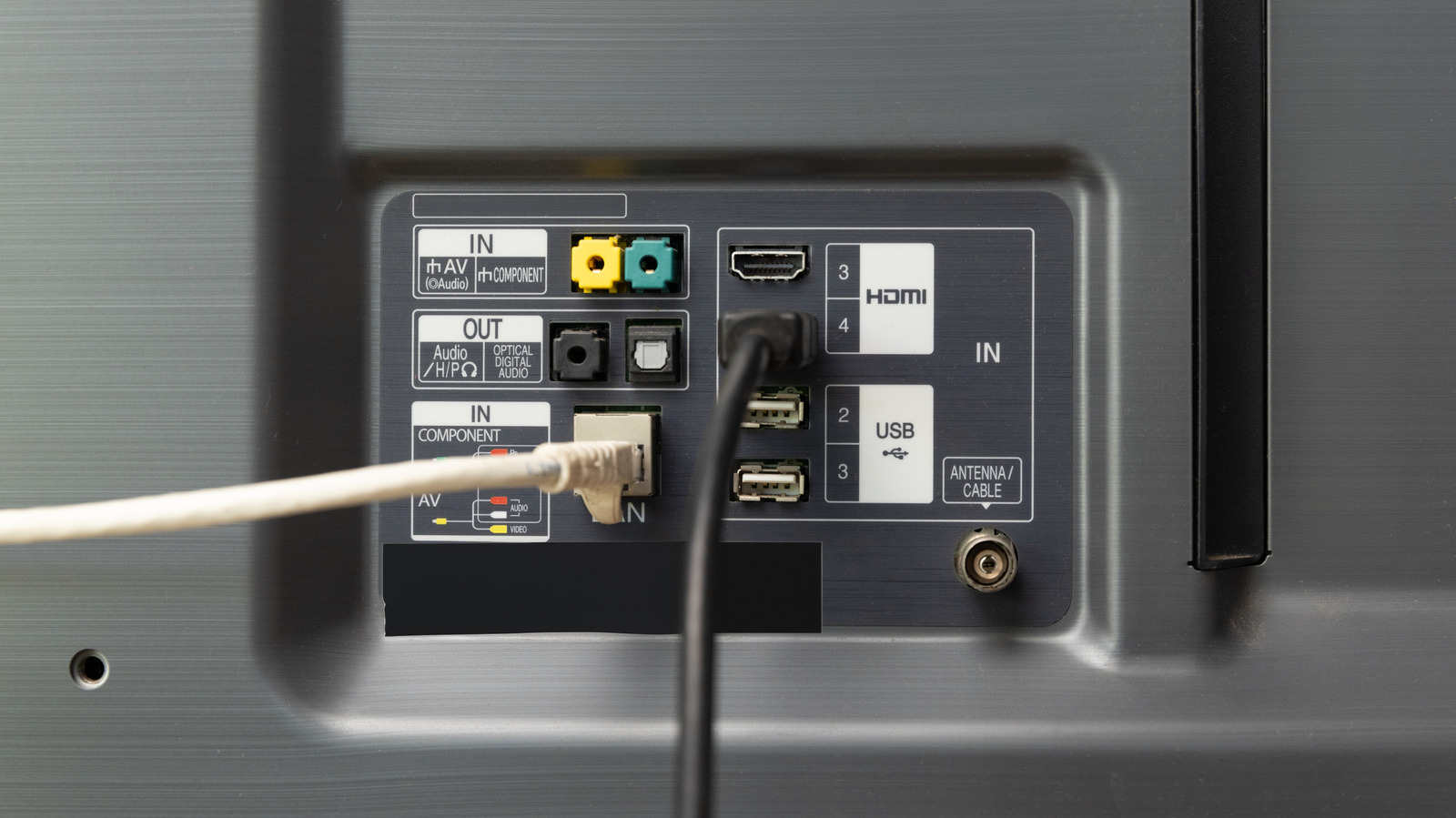
The core of the issue lies in a cost-cutting measure that has become an industry standard. While modern Wi-Fi chips in premium TVs are capable of supporting high-speed protocols—often Wi-Fi 6 or even 6E—many manufacturers continue to equip their televisions with 10/100 Mbps Ethernet ports.
This hardware limitation acts as a hard "speed ceiling." Even if you pay your ISP for a gigabit connection, and even if your router is top-of-the-line, your TV will never draw more than 100 Mbps through a wired connection. Conversely, a stable Wi-Fi 6 connection can theoretically pull several hundred megabits per second, far exceeding the throughput of the onboard Ethernet port.
Does Speed Actually Matter for Streaming?
The average user might ask: "If I only need 25 Mbps for a 4K stream, does it matter if my port is capped at 100 Mbps?"
Technically, no. A 100 Mbps connection is sufficient to handle even the highest-bitrate 4K HDR streams provided by major streaming services. However, the problem arises with "burst" data. Streaming apps often buffer ahead, downloading chunks of data at high speeds to ensure smooth playback. When a TV’s hardware is limited by an older Ethernet standard, the device loses the overhead necessary to handle high-demand scenarios, such as simultaneous high-resolution streaming and background system updates, potentially leading to the dreaded "spinning wheel" of buffering.
Chronology: The Evolution of TV Networking
To understand why we are here, we must look at the historical trajectory of home media consumption:
- The Early Smart Era (2010–2015): Ethernet was considered a "pro" feature. Wi-Fi was notoriously unreliable and prone to interference. Most TVs had 10/100 ports, which were sufficient for the low-bitrate 720p and 1080p content of the time.
- The Rise of 4K (2015–2019): As 4K resolution became standard, the demand for bandwidth surged. Streaming platforms began pushing higher bitrates. Manufacturers upgraded Wi-Fi modules to keep pace with mobile devices, but many kept the Ethernet port stagnant, assuming that "hardwired" was already superior to the then-unstable Wi-Fi standards.
- The Modern Streaming Era (2020–Present): Today, we have moved into the realm of 4K HDR, Dolby Vision, and lossless audio formats like Dolby Atmos. While these technologies demand more bandwidth, the hardware in most TVs has remained largely static. The industry has effectively prioritized wireless performance for mobile/tablet use cases, leaving the Ethernet port as a legacy component for users who simply want a "plug and play" setup.
Supporting Data: Understanding the Throughput
To put this into perspective, let’s look at the bandwidth requirements for modern content:
| Content Quality | Minimum Speed Required | Optimal Speed |
|---|---|---|
| 720p HD | 3 Mbps | 5 Mbps |
| 1080p Full HD | 5 Mbps | 10 Mbps |
| 4K UHD (HDR) | 25 Mbps | 50 Mbps+ |
While 100 Mbps (the typical Ethernet cap) sits comfortably above the 25 Mbps minimum for 4K, it is a narrow margin. When you factor in network overhead—the invisible data packets required to maintain the connection—a 100 Mbps port is working at a higher percentage of its capacity than a Wi-Fi 6 connection would.
Furthermore, data from network analysis tools confirms that Wi-Fi 6, in an unobstructed environment, consistently reaches speeds between 300 Mbps and 600 Mbps on modern smart TVs. This creates a "headroom" that allows the TV to handle software updates, app downloads, and metadata syncing significantly faster than its wired counterpart.
Official Responses and Manufacturer Intent
Why haven’t manufacturers moved to Gigabit Ethernet (1000 Mbps) across the board? The answer, according to industry insiders and supply chain analysts, is twofold: cost and heat.
Adding a gigabit-capable network interface controller (NIC) costs more than a standard 10/100 controller. When manufacturing millions of units, even a cost increase of a few dollars per board translates to millions in lost profit. Furthermore, older chipsets are often integrated into the main System-on-a-Chip (SoC) of the TV. Replacing these components requires a massive redesign of the TV’s motherboard, a move manufacturers are reluctant to make when the current port satisfies the "minimum viable product" requirement for 4K streaming.
Industry spokespeople often emphasize that "stability" is the primary goal for wired connections, and for the vast majority of consumers, a 100 Mbps stable connection is indistinguishable from a 500 Mbps connection when watching a movie.
Implications: How Should You Connect?
The decision to choose between Wi-Fi and Ethernet is no longer a simple choice of "speed vs. reliability." It is now a choice between theoretical throughput and environmental stability.
When to choose Ethernet:
- Congested Wireless Environments: If you live in an apartment complex with dozens of overlapping Wi-Fi networks (2.4GHz and 5GHz), your wireless signal is likely suffering from significant interference. In this case, even a capped 100 Mbps Ethernet connection will be more reliable than an unstable, fluctuating Wi-Fi signal.
- Distance: If your TV is located far from your router, the signal degradation of Wi-Fi might cause dropped packets. Ethernet is physically immune to these range limitations.
- Simplicity: If you have an Ethernet drop behind your TV, there is no downside to using it. It removes the TV from your Wi-Fi device count, leaving more "airtime" for your phones, laptops, and smart home devices.
When to choose Wi-Fi:
- Modern Infrastructure: If you have a Wi-Fi 6 or 6E router and your TV is within a reasonable distance (or you have a mesh system), your Wi-Fi will almost certainly provide faster, more consistent performance.
- Aesthetics: Running a 50-foot Ethernet cable across a living room is an eyesore. Unless you have a professional-grade custom home installation, the visual clutter of a cable is rarely worth the marginal (or non-existent) performance gains.
- Reliability of the Router: If you have a high-end router, it is likely better at managing traffic, packet prioritization (QoS), and signal stability than the aging hardware inside your television’s network port.
Conclusion: The Path Forward
The "Ethernet vs. Wi-Fi" debate for Smart TVs is a relic of a time when wireless was synonymous with failure. Today, the reality is that the weakest link in your entertainment chain is rarely the connection method itself, but rather the hardware limitations imposed by the TV manufacturer.
If you are experiencing buffering, the fix is rarely found by switching from Wi-Fi to a 100 Mbps Ethernet port. Instead, focus on the health of your router, the placement of your access points, and the congestion of your local wireless channels. For the vast majority of households, the modern Wi-Fi standard has not only caught up to Ethernet—it has left it behind.