





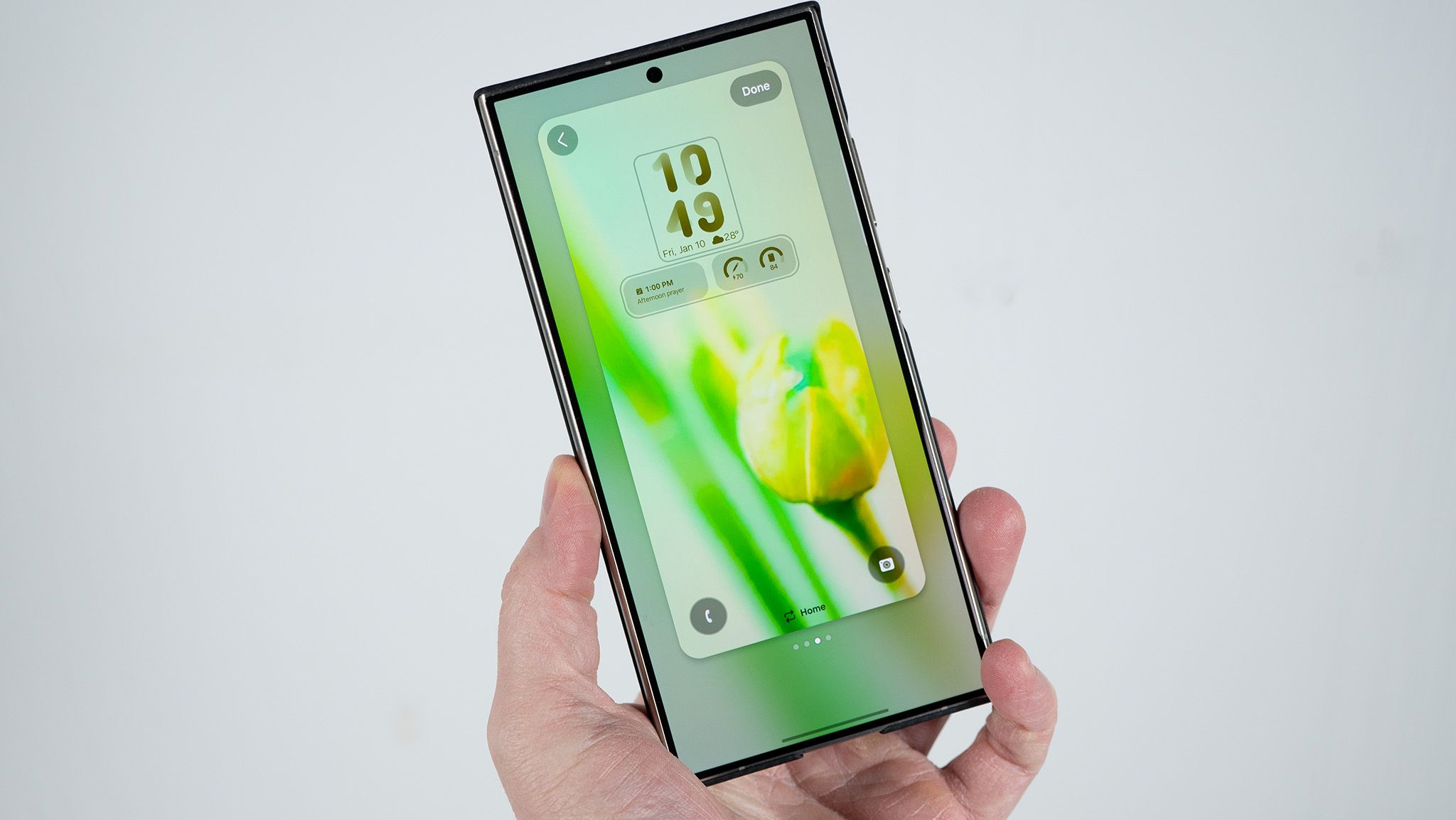
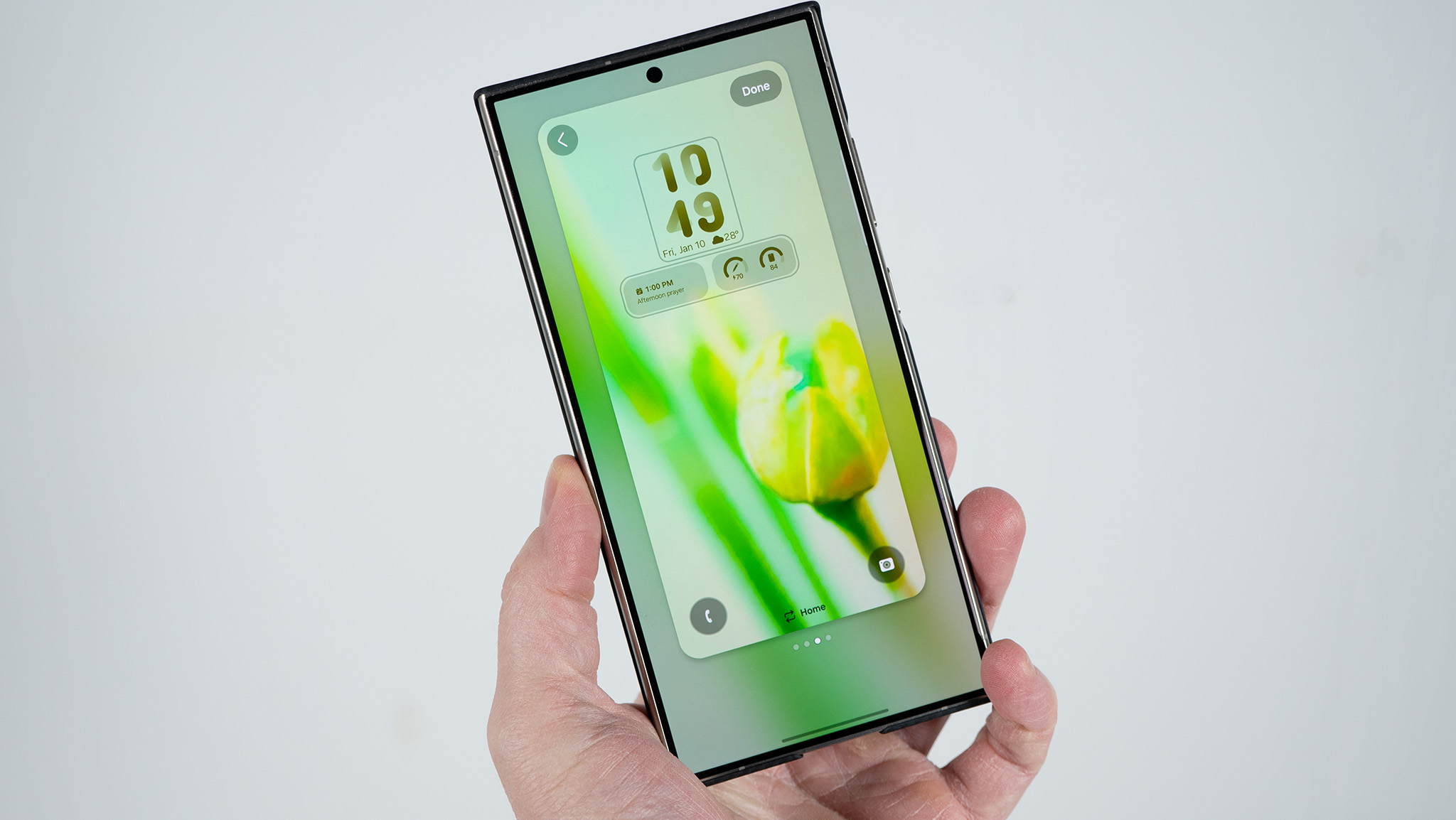
As Samsung presses forward with its aggressive software deployment schedule, bringing its latest operating system interface to a wide array of current-generation and legacy flagship devices, a growing wave of user complaints threatens to overshadow the launch. While major software updates are historically accompanied by minor hiccups, a vocal subset of Samsung Galaxy users—particularly those operating high-end models like the Galaxy S24 Ultra and even select units in the newer Galaxy S25 lineup—have taken to online forums to report alarming rates of battery degradation and disruptive software bugs following the installation of One UI 9.
The issues paint a complex picture of a fragmented rollout, where the vast majority of users experience smooth transitions, while others face perplexing performance bottlenecks that defy easy explanation.
Main Facts: What Is Happening with One UI 9?
The core issue centers on unexpected and severe power consumption following the upgrade to Samsung’s One UI 9. Reports originating from community platforms, enthusiast sites like SammyFans, and deep threads on Reddit highlight cases of abnormal battery drain that severely degrades the daily usability of affected devices.
In one prominent case highlighted by tech monitors, a Samsung Galaxy S24 Ultra user reported that their battery plummeted by 95% in just five hours and twenty minutes. While this instance involved what the user classified as "heavy use," the screen-on time (SoT) accompanying the drop was a meager three hours—a fraction of the endurance typically expected from Samsung’s premier flagship.
Further compounding the software stability concerns, isolated reports have highlighted bizarre peripheral issues, including a persistent setup bug affecting initialization screens, leaving some users locked out of their home interfaces with generic browser-related error prompts.
Chronology: The Timeline of the One UI 9 Deployment and Complaints
- Early October: Samsung initiates its wide-scale rollout of One UI 9 across various regional markets, targeting both current-gen and past-generation flagship portfolios.
- Mid-October: Early adopters begin posting on community boards and Reddit regarding unusual thermal behavior and accelerated battery discharge metrics.
- October 22: Tech publications, including SammyFans and 9to5Google, pick up on specific user threads documenting severe idle battery drain—such as devices losing 40% of their charge over an 11-hour idle period with only two-and-a-half hours of active screen time.
- Late October: Isolated reports begin surfacing regarding secondary bugs, including a frustrating "webpage is unavailable" setup error preventing seamless device initialization for certain users updating to the new Android-based framework.
- Present: Samsung acknowledges minor edge-case operational friction—issuing preliminary troubleshooting guidance for setup loops—while the tech community continues to monitor whether broader patches or hotfixes will be deployed to stabilize power management profiles.
Supporting Data and Technical Analysis
To understand why a software update can cause such dramatic discrepancies in power efficiency, one must examine how major firmware upgrades interact with background optimization routines.
The Battery Drain Phenomenon
When a device undergoes a generational operating system upgrade, the system typically re-indexes files, optimizes applications for the new architecture, and recalibrates background services. In many cases, temporary battery drain during the first 48 to 72 hours post-update is expected. However, the current complaints regarding One UI 9 extend well beyond this standard optimization window.
- Active vs. Idle Drain: Data shared across Reddit and tech support forums indicates a dual-pronged issue. Not only are active users seeing accelerated drain during standard tasks (requiring some users to top off their devices multiple times throughout the day), but idle drain has also spiked dramatically.
- The Numbers: One documented case revealed a 40% battery drop over roughly 11 hours of device inactivity with minimal screen-on time (approx. 2.5 hours).
- Device Variance: Interestingly, the bug does not appear to be universally systemic. While a noticeable cohort of Galaxy S24 Ultra owners are raising red flags, and some sporadic complaints have trickled in regarding the Galaxy S25 series, other hardware configurations running the exact same build report normal, stable battery metrics. Review units tested by major outlets have similarly failed to replicate the severe degradation across the board, pointing toward a complex mix of localized app incompatibilities, cached data conflicts, or specific regional build variations.
The Setup and Initialization Bug
Beyond power management, the rollout has exposed isolated structural flaws in the initial setup wizard. A Korean user documented an inability to progress past the final phases of device configuration following the One UI 9 installation, repeatedly encountering a dead-end error message citing that a required webpage was unavailable.
While rare, such bugs introduce significant friction for consumers who rely on seamless out-of-the-box functionality, forcing manufacturers to issue rapid advisory responses to mitigate user frustration.
Official Responses and Troubleshooting Guidance
As reports gained traction across tech communities, Samsung and industry observers moved quickly to address the friction points.
Regarding the setup and initialization errors—specifically the frustrating loop where users encounter connection or browser errors during final configuration steps—Samsung’s support framework was swift to respond. The company advised affected users to ensure that their default system browsers are updated to the latest available versions prior to initiating major OS migrations. Furthermore, Samsung recommended transitioning to a stable, high-speed Wi-Fi connection during the setup phase to bypass authentication bottlenecks that might trigger the "webpage is unavailable" notification.
However, concerning the broader, more widespread complaints regarding acute battery drain on legacy flagships like the Galaxy S24 Ultra, an official company-wide patch or blanket statement has yet to be formally detailed at the time of writing. Industry analysts expect that if telemetry data indicates a systemic leak within specific background APIs or kernel processes, Samsung will bundle a corrective hotfix into its upcoming security patch cycle.
Implications for Users and the Ecosystem
The unfolding situation surrounding the One UI 9 rollout carries several important implications for both consumers and the broader Android ecosystem.
1. The Challenge of Hardware Fragmentation in Software Updates
Even within a single manufacturer’s ecosystem, maintaining consistent performance across diverse hardware iterations—spanning different processor architectures (such as Snapdragon versus Exynos variants), varying storage configurations, and accumulated user data profiles—presents an immense engineering challenge. When a major UI overhaul drops, older devices with extensive accumulated app caches are often more susceptible to background process loops than clean, freshly formatted review units.
2. Consumer Anxiety and Support Gaps
One of the most frustrating aspects of modern consumer technology is experiencing an isolated, debilitating bug that others cannot replicate. As highlighted in community analysis, users facing severe battery drain often find themselves trapped in an information vacuum—unsure whether to perform a factory reset, clear system cache partitions, or simply wait for an unannounced patch. This disconnect underscores the need for more transparent telemetry reporting and proactive diagnostic tools built directly into device care applications.
3. What Affected Users Should Do
For those currently experiencing abnormal battery performance or unexpected heating issues following their upgrade to One UI 9, tech specialists recommend several standard diagnostic and mitigation steps:
- Wipe the Cache Partition: Accessing the recovery menu and clearing the system cache can often eliminate lingering background conflicts caused by legacy temporary files left behind from previous firmware versions.
- Audit Background Usage: Navigate to device battery settings to identify rogue applications that may not yet be fully optimized for the One UI 9 architecture. Restricting background activity for non-essential apps can drastically improve daily endurance.
- Monitor for Hotfixes: Keep automatic updates enabled to ensure that minor stability patches and security hotfixes are applied as soon as Samsung deploys them to regional servers.
Looking Ahead
Samsung’s One UI 9 represents a major step forward in feature set, aesthetic refinement, and smart integration. However, these early turbulence points serve as a sharp reminder that the path of software deployment is rarely entirely smooth. Whether Samsung can quickly isolate the root causes of these battery anomalies and deliver a definitive system patch will determine how swiftly consumer confidence in this latest cycle is fully restored.