






By Joe Rice-Jones
Published: October 26, 2026
Main Facts
Nvidia’s aggressive push into local artificial intelligence hardware has taken a significant leap forward with the transition of its DGX Spark architecture into consumer-facing Windows laptops, branded globally as the RTX Spark. On paper, these machines represent the holy grail for developers, researchers, and AI enthusiasts demanding high-performance localized model execution: up to 128GB of unified memory, native CUDA compatibility, and serious computational throughput housed inside a standard laptop chassis.
However, real-world deployment reveals crucial friction points. Because the memory is permanently soldered to the motherboard at the factory, configuration choices made during the checkout process are irreversible. Furthermore, while the platform brings the long-awaited power of CUDA to Windows on Arm, software stack maturity, operating system resource allocation, and third-party security features such as Smart App Control introduce hidden complexities that do not appear on standard spec sheets.
Chronology: The Evolution of RTX Spark
- Early 2024 – 2025: Nvidia establishes the groundwork for localized enterprise AI infrastructure through its DGX Spark data solutions, utilizing high-efficiency system-on-chip designs built on advanced arm-based architectures.
- Spring 2026: Rumors and early hardware leaks surface regarding the adaptation of DGX Spark silicon for consumer and prosumer laptops, initially circulating under internal codenames before settling on the RTX Spark moniker.
- Summer 2026: Nvidia officially launches native Windows on Arm support for CUDA alongside the introduction of the RTX Spark driver architecture (debuting around CUDA 13.4, with rapid iterations moving into 13.5).
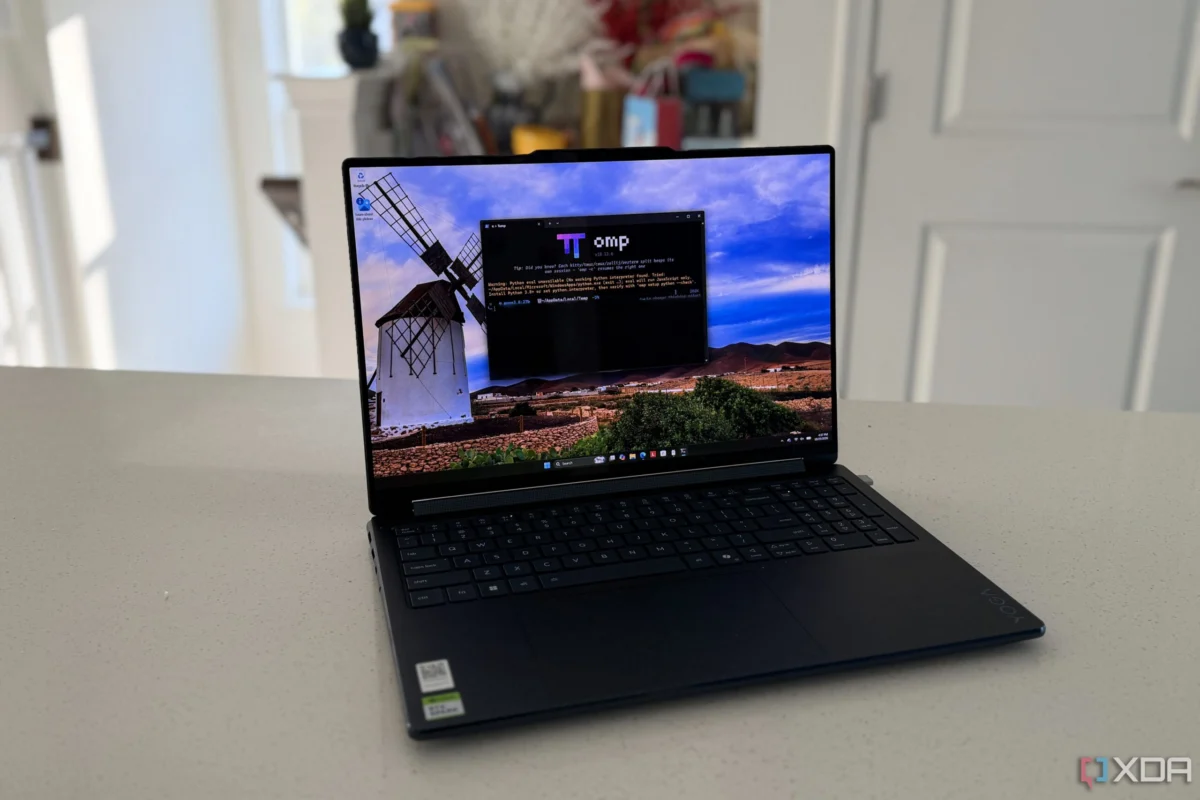
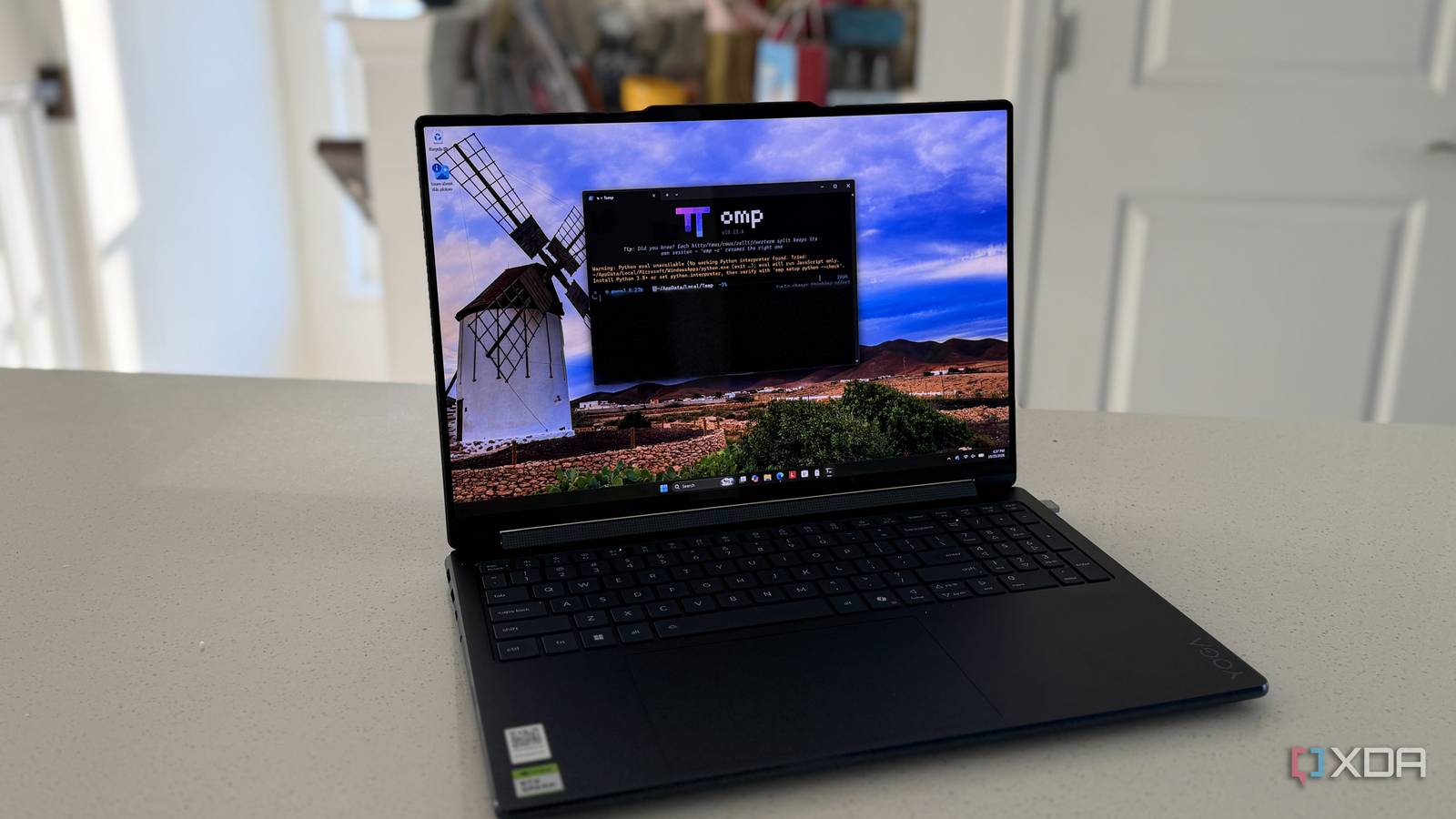
- Fall 2026: Consumer OEM implementations hit the market. Devices such as the Lenovo Yoga 9n 2-in-1 (featuring a 20-core chip and 64GB of memory) and the Microsoft Surface Laptop Ultra (scaling up to 128GB) arrive in retail channels, priced between $3,750 and nearly $6,000.
- Present Day (October 2026): Early adopters and developers put the hardware through rigorous testing pipelines, exposing the realities of memory partitioning, security protocol conflicts, and the current state of ARM64 software ecosystems.
Supporting Data: Hardware Configurations and Performance Metrics
When evaluating machines like the Lenovo Yoga 9n 2-in-1 (64GB RAM, 1TB storage, priced at approximately $3,750) versus the Microsoft Surface Laptop Ultra (scaling from 64GB up to 128GB at $5,900), hardware specifications dictate immediate capabilities.
Model Scaling vs. Memory Ceilings
The silicon is available in two core configurations:
- The Cheaper Tier: Features an 18-core CPU and 5,120 GPU cores, capping system memory at 64GB.
- The Full Tier: Features a 20-core CPU and scales up to 128GB of unified memory.
In practical testing on the 64GB model, Windows reported a maximum available GPU memory total of 55.4GB when allocated with a 48GB split (48GB dedicated, 7.4GB shared). While sufficient for 32-billion-parameter models (such as Qwen3 32B), this falls short of the roughly 65GB needed solely for the weights of larger architectures like gpt-oss-120b.

The Memory Split Dilemma: 16GB vs. 48GB GPU Allocation
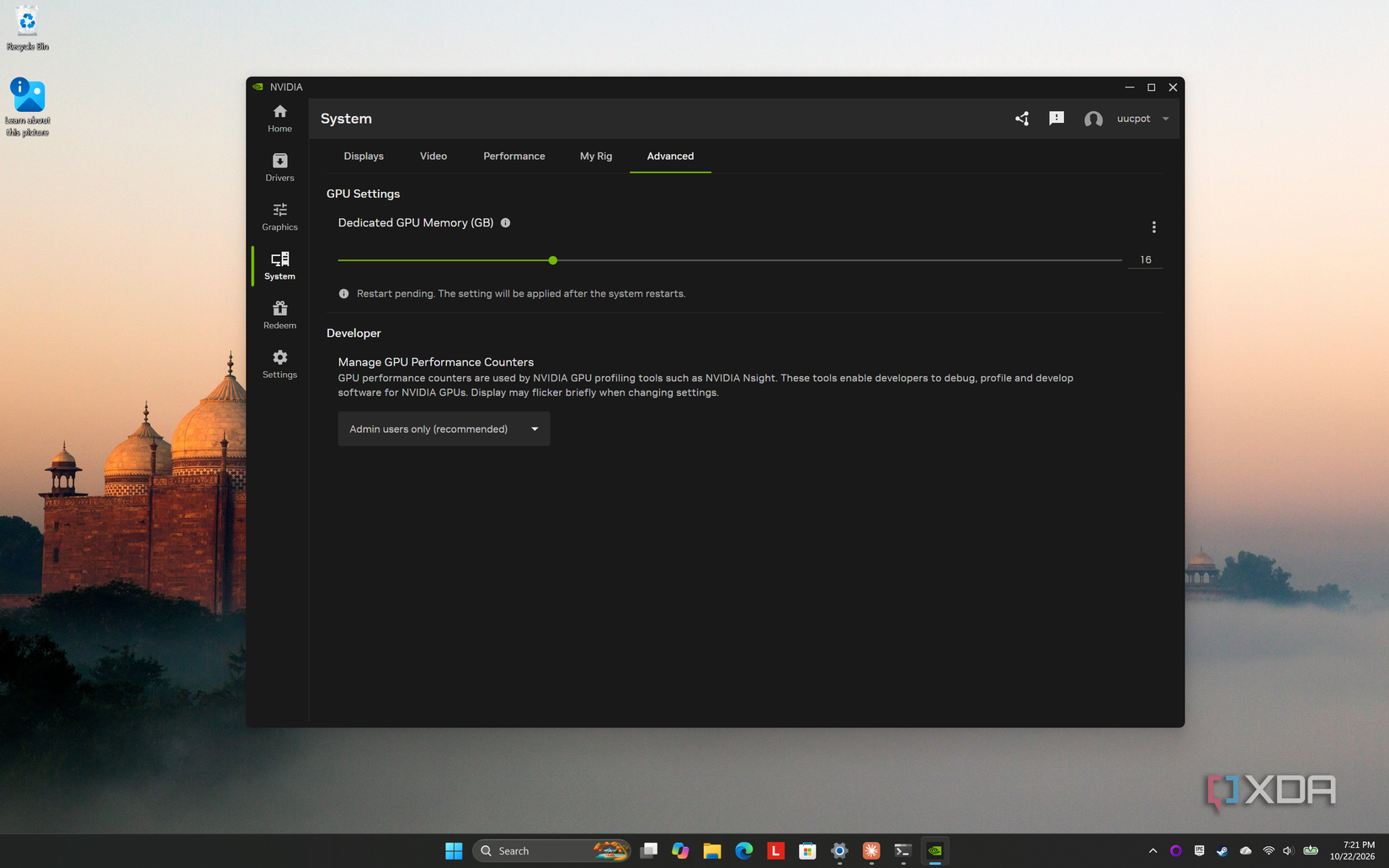
The Nvidia App allows users to dynamically divide the unified memory pool between the CPU and GPU. Testing a 28GB model using Ollama reveals how memory partitioning impacts both performance and operating system stability:
| Metric | 16GB GPU Split | 48GB GPU Split |
|---|---|---|
| Dedicated GPU Memory Used | 15.8GB of 16GB | 29.8GB of 48GB |
| Shared GPU Memory Used | 12.9GB of 30.8GB | 0.7GB of 7.4GB |
| Windows Memory in Use | 26.0GB of 46.8GB | 12.7GB of 14.8GB |
| Generation Speed | 11.8 tokens/sec | 12.1 tokens/sec |
Analysis: Allocating 48GB to the GPU leaves Windows with a restricted 14.8GB pool, which sat at 86% capacity with the model loaded—all for a negligible 3% speed increase on warm runs. Consequently, maintaining a leaner 16GB GPU split preserves OS headroom without sacrificing functional throughput.
Official Responses and Ecosystem Reactions
Nvidia’s official stance emphasizes the broad compatibility of its new platform. The company notes that 97% of the top 15,000 Python packages are fully supported on its new ARM64 architecture, championing the introduction of native CUDA drivers as a watershed moment for mobile AI development.
However, independent developers and industry analysts have flagged notable gaps in the software stack:
- PyTorch and vLLM: Nvidia’s developer preview warnings highlighted that certain PyTorch workflows could occasionally trigger GPU timeouts. Furthermore, complex frameworks like
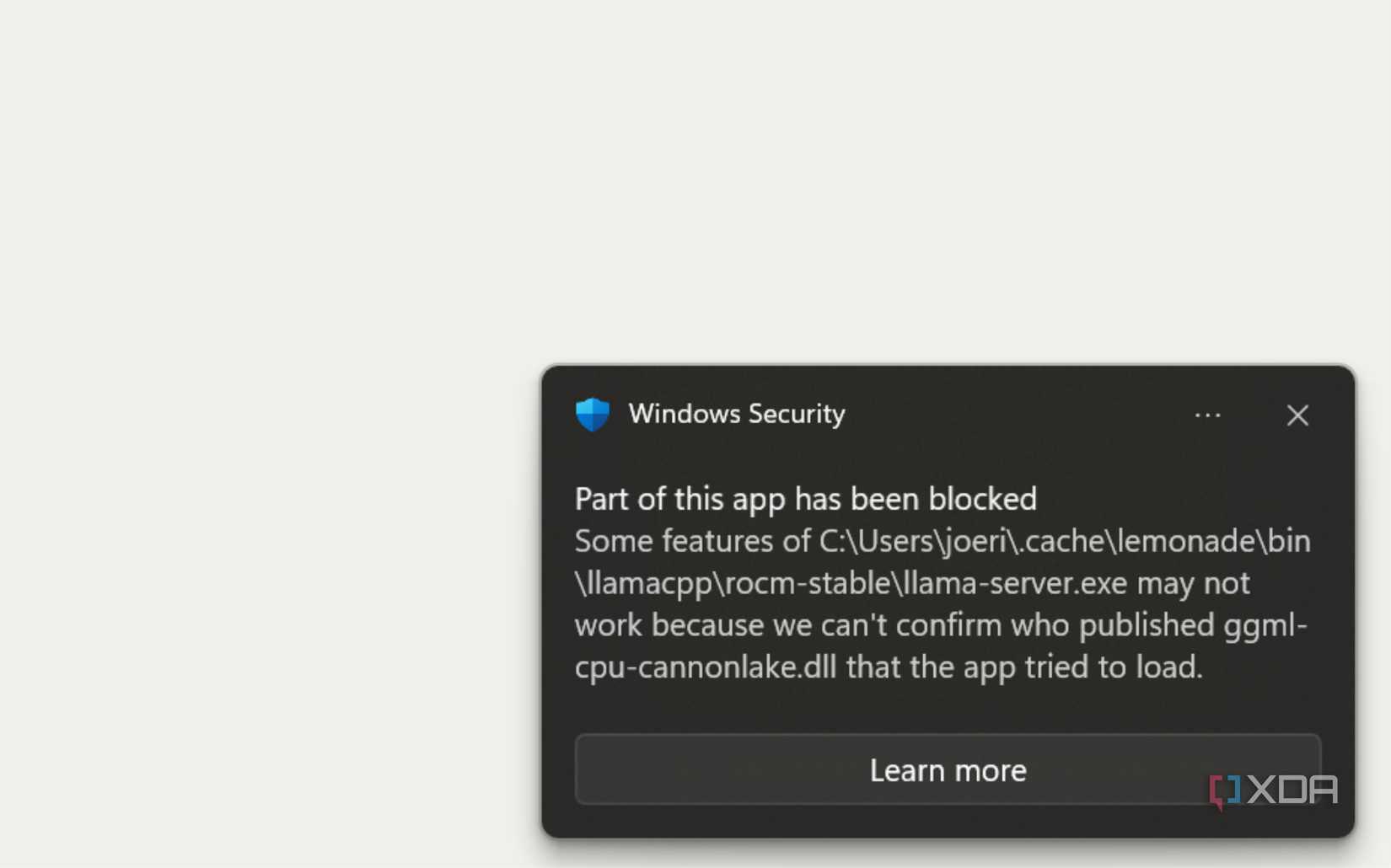
vLLMlack native Windows support out of the box, requiring workaround configurations. - The Smart App Control Barrier: Fresh installations of Windows 11 frequently ship with Smart App Control enabled. This feature blocks unsigned applications or tools sourced informally (such as GitHub ZIP archives). During testing, current builds of tools like Lemonade AI and unsigned releases of
llama.cppwere blocked by default on both RTX Spark hardware and competing platforms, leavingOllamaas one of the few frictionless options. Microsoft documentation confirms that while security toggles can be adjusted, developers must carefully audit their installation pipelines beforehand.
Implications for Developers and Prosumers
1. Buy for Tomorrow’s Models Today
Because the RAM is permanently soldered to the logic board, upgrading memory post-purchase is impossible. Buyers must project their computational needs two to three years into the future rather than optimizing strictly for current model weights.
2. Operating System Allocation Management
Users must abandon traditional mental models of discrete VRAM versus system RAM. On unified memory architectures, over-allocating to the GPU starves Windows of necessary swap and caching space, resulting in micro-stutters and out-of-memory errors during multitasking.
3. The Linux Workaround
While Nvidia’s official laptop drivers currently omit Linux support for the GB10-derived laptop silicon—prompting community pioneers like Josephine Pfeiffer to manually patch Arch Linux ARM using custom ACPI overrides and audio drivers—WSL2 (Windows Subsystem for Linux) remains the most reliable native pathway. Running Ubuntu 24.04 inside WSL2 successfully exposes the underlying GPU memory pools, provided users manually expand the RAM allocation ceiling within their .wslconfig files.
Conclusion
The RTX Spark platform successfully bridges the gap between desktop-class local AI performance and mobile form factors, making it arguably the most capable Windows machine available for localized machine learning workloads. Yet, success with the platform requires a clear-eyed understanding of its immutable hardware ceilings, strict security gatekeeping, and evolving software dependencies. Approached with careful planning at checkout and during initial setup, it is a powerhouse; treated casually, it can quickly run into architectural walls.