






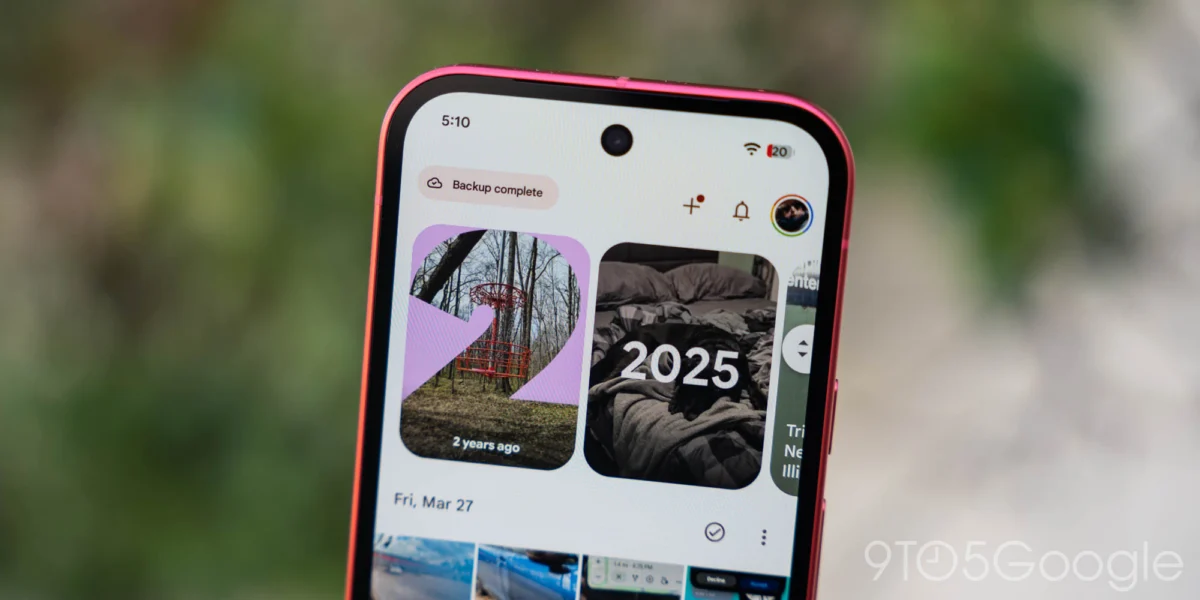
In a significant update to its flagship media management platform, Google has begun a widespread rollout of a revamped "Collections" tab for Google Photos on Android. This redesign, arriving alongside version 7.97 of the application, shifts the user interface from a rigid, algorithm-determined layout to a highly personalized experience. The update follows the introduction of a floating navigation bar earlier this summer, signaling a broader effort by Google to streamline photo discovery and management in an era where users are storing tens of thousands of images in the cloud.
Main Facts: What is Changing in Google Photos?
The core of the update centers on user agency. Previously, the Collections tab functioned as a static dashboard. It utilized a 2×2 grid at the top—featuring fixed items like Favorites and Trash alongside dynamic shortcuts—followed by a vertical list of categories such as "People & Pets," "Documents," and "Stickers."
The new design fundamentally changes how these elements are presented. The page is now anchored by a "Pinned" section, which acts as a customizable carousel. Users can curate this space to prioritize the folders they access most frequently. By default, Google populates this with Favorites, Screenshots, and Trash, but users are no longer forced to accept this configuration. In a notable departure from previous design philosophies, users can now remove the "Pinned" section entirely, offering a cleaner interface for those who prefer minimalism.
Beyond the Pinned area, the update introduces a more fluid carousel system for primary categories, including "On this device," "Albums," "People & pets," "Wardrobe," "Places," and "Documents." Each of these sections is now collapsible, hideable, and—most importantly—reorderable. A "View all" button located at the top-right of each section allows users to transition instantly from the carousel view to a full grid or list view, depending on the data type.
The bottom of the page now hosts an "Other Collections" grid. This serves as a catch-all for remaining categories, including Moments, Videos, Recently Added, Stickers, Creations, Archive, and Locked files. A dedicated "Reorder" button sits at the very base of the screen, serving as the command center for the entire page’s layout.
Chronology: The Evolution of the Collections Tab
To understand the weight of this update, one must look at the recent trajectory of the Google Photos interface.
- Mid-2024: Google began experimenting with more aggressive sorting algorithms within the Collections tab, attempting to predict user needs based on temporal data and frequency of access. While helpful for some, this led to complaints about a cluttered, unpredictable UI.
- July 2026: Google introduced a "floating navigation bar" to the Android client. This move was widely interpreted as a design pivot toward "floating" UI elements, which improve ergonomics on larger displays and foldable devices. This update laid the groundwork for the modular approach seen today.
- Late 2026 (Current): Google Photos 7.97 begins its global rollout. Unlike previous updates that were tied to static app store downloads, this transition is being managed primarily via server-side toggles. Early adopters found that while the update is tied to version 7.97, the feature can often be triggered by a simple device restart, suggesting that Google is closely monitoring the deployment to ensure stability.
Supporting Data: Why Customization Matters
The shift toward customization is not merely an aesthetic choice; it is a response to the "digital hoard" problem. According to recent industry analytics regarding cloud storage usage, the average Google Photos user now manages significantly higher volumes of media than they did five years ago, driven by the ubiquity of high-resolution video and automatic backup features.
Data from the redesign indicates that the average user interacts with fewer than 30% of the categories previously displayed on the Collections page. By allowing users to hide categories like "Stickers" or "Creations"—which are often automatically generated and rarely requested—Google is successfully reducing the "cognitive load" of the application.
Furthermore, the integration of "Wardrobe" and "Documents" as top-tier, reorderable items reflects a shift in how Photos is used. It is no longer just a gallery for memories; it is a utilitarian tool for productivity. Users now utilize the app to archive receipts, identification, and clothing inventory. By allowing these to be pinned to the top, Google is acknowledging that for many, the app has become a secondary filing cabinet.
Official Responses and Development Context
While Google has not released a formal press release detailing the shift, the company’s design language for Android—Material You—has always emphasized user-centricity. The "Reorder" functionality and the ability to hide sections are consistent with the "Your Phone, Your Way" ethos that Google has been pushing since the launch of Android 12.
Engineers involved in the Photos project have noted in internal forums that the shift to server-side updates is intended to allow for A/B testing on a massive scale. By observing which collections users move to the top, Google can refine its future AI-driven suggestions. For instance, if data shows that the majority of users prioritize "Screenshots" over "People & Pets," future versions of the app might suggest "Smart Folders" that automatically curate such content based on observed behavior.
Implications for the Future of Mobile UI
The redesign of the Collections tab carries several implications for the future of mobile software design.

1. The Death of the "One Size Fits All" UI
For years, mobile apps relied on a fixed hierarchy. Google’s latest move suggests that the "Universal Interface" is becoming obsolete. As applications grow in complexity, the ability to hide unused features will become a standard requirement for user retention. If a user cannot customize their experience, they are more likely to churn to a competitor that offers a more streamlined environment.
2. The Rise of the "Personalized Dashboard"
The Google Photos redesign positions the app as a "dashboard" rather than a gallery. This mirrors the trajectory of other enterprise-level tools. As artificial intelligence continues to tag and categorize our lives (identifying faces, locations, and even text within documents), the amount of "meta-data" available to the user becomes overwhelming. Providing a customizable dashboard is the only way to manage that data without it becoming a source of stress.
3. Impact on Accessibility and Ergonomics
The move toward a floating bottom bar in July and the new reorderable top-section design are clear wins for accessibility. Users with limited reach or those using large-format devices (like the Pixel Fold or tablets) benefit immensely from having the most-used buttons shifted toward the bottom of the screen. By allowing the user to place their most-used items in the most ergonomic spots, Google is effectively democratizing access to the app’s deepest features.
4. Continued Server-Side Dominance
The fact that this update is a server-side rollout is a double-edged sword. On one hand, it allows Google to push updates instantly without waiting for app store approval or forcing users to manually update their APKs. On the other hand, it makes the experience unpredictable. Users may find themselves with different UI layouts than their friends, leading to fragmentation in the user experience. However, this appears to be a trade-off Google is willing to make to maintain the agility required to compete with Apple’s iCloud Photos.
Conclusion: A More Intelligent Gallery
The redesign of the Google Photos Collections tab is a mature step forward for the platform. By moving away from a prescriptive layout and embracing a modular, user-defined structure, Google is acknowledging that every user’s relationship with their digital history is unique.
Whether you are a power user who treats Google Photos as a document management system or a casual photographer who just wants to find that one photo of a pet from three years ago, the ability to pin, hide, and reorder your collections makes the app feel less like a rigid software product and more like a personalized digital home. As we move into 2027, it is likely that this level of customization will become the baseline for all major mobile productivity and lifestyle applications. For now, users on Android can look forward to a cleaner, faster, and more intuitive way to manage the thousands of digital memories stored in their pockets.