








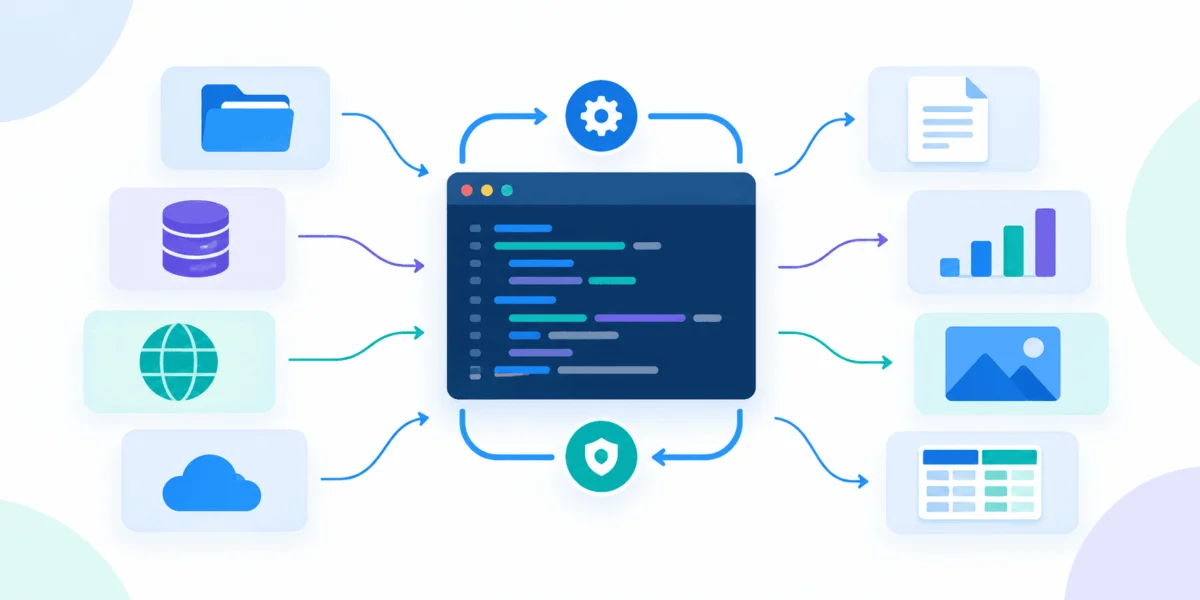
In the world of professional software engineering, few constructs are as widely used yet as fundamentally misunderstood as the Python with statement. While most developers are introduced to context managers through the simple act of opening a file—with open(path) as f:—this represents only the tip of a much larger, more powerful iceberg.
Context managers are the industry-standard solution to a perennial problem: resource lifecycle management. They provide a structural guarantee that setup and cleanup code will execute regardless of how a block of code terminates—whether it finishes successfully, hits an early return, or crashes under the weight of an unexpected exception. For engineers building data pipelines, machine learning models, or complex infrastructure, moving beyond simple file handling to custom context management is not just a stylistic choice; it is a prerequisite for writing production-grade, failure-resilient code.
The Problem with Manual Housekeeping
To understand the necessity of context managers, one must look at the fragility of "procedural cleanup." Consider a typical evaluation script in an AI research environment. Such a script often performs a series of preliminary tasks: creating a temporary scratch directory, setting environment variables for caching, adjusting logger levels to suppress noise, and initializing a performance timer.
In a naive implementation, the cleanup code lives at the bottom of the script. When the evaluate() function runs without error, the directory is deleted, the variable is restored, and the timer prints its results. However, should a malformed data record cause evaluate() to raise an exception, execution jumps immediately to the stack trace. The cleanup code at the bottom is bypassed entirely.
The result? The system is left in a "stale" state. The next user might encounter a corrupted model cache, a logger that remains perpetually quiet, and gigabytes of orphaned data files cluttering the drive. This is not just untidy; it is a primary source of "heisenbugs" in production systems.
The Anatomy of the with Statement
At its core, the with statement is a boundary, not a file-specific trick. The Python language reference defines the protocol via two special methods: __enter__() and __exit__().
- The Entry Phase: When Python encounters the
withkeyword, it executes the expression and calls the object’s__enter__()method. The return value of this method is then bound to the variable specified after theaskeyword. - The Managed Block: The program proceeds to execute the indented block of code.
- The Exit Phase: Upon leaving the block—regardless of whether it finished naturally or via an exception—the
__exit__()method is triggered.
Crucially, __exit__() receives three arguments: the exception type, the exception value, and the traceback. If the block completes cleanly, these arguments are all None. If an exception occurred, they contain the details of that error. The return value of __exit__() determines the fate of that error: returning True suppresses the exception, while returning False allows it to propagate. In most robust applications, you will want to return False to ensure that errors are properly surfaced to the monitoring stack.
Designing Custom Context Managers
When building custom tools, the implementation strategy depends on the complexity of the state you are managing.
1. The Class-Based Approach
A class-based context manager is the ideal choice when the manager needs to maintain state that the caller must access later. Consider a Timer class. By encapsulating the perf_counter() logic, we ensure the timer is stopped even if the code being timed fails.
import time

class Timer:
    def __init__(self, label):
        self.label = label
        self.elapsed = None

    def __enter__(self):
        self._start = time.perf_counter()
        return self

    def __exit__(self, exc_type, exc_val, exc_tb):
        self.elapsed = time.perf_counter() - self._start
        status = "failed" if exc_type else "ok"
        print(f"self.label: self.elapsed:.3fs (status)")
        return False
This pattern ensures that "feature extraction" times are logged even if the pipeline crashes, providing critical telemetry for debugging failed runs.
2. The @contextmanager Decorator
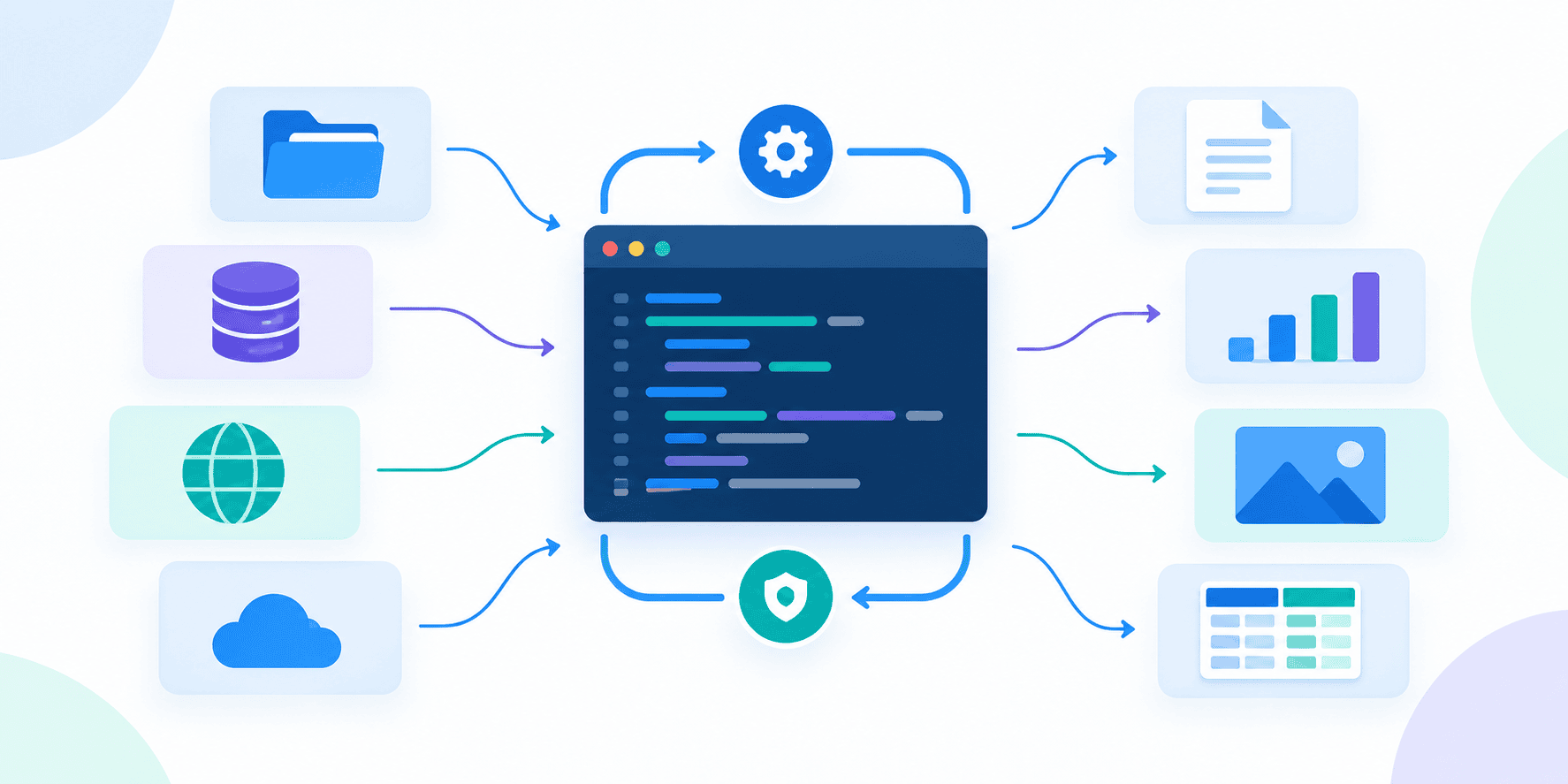
For simpler workflows where no persistent object state is required, the contextlib library provides a decorator that turns a generator function into a context manager. This eliminates the boilerplate of writing a class.
from contextlib import contextmanager
import logging

@contextmanager
def quiet(logger_name, level=logging.WARNING):
    logger = logging.getLogger(logger_name)
    previous = logger.level
    logger.setLevel(level)
    try:
        yield logger
    finally:
        logger.setLevel(previous)
The use of try...finally within the generator ensures that even if the code inside the with quiet(...) block fails, the logger level is restored to its previous state.
Strategic Resource Handling
The standard library offers sophisticated tools for managing specific lifecycle challenges:
- Temporary Directories: The
tempfile.TemporaryDirectoryclass is the gold standard for scratch space. It creates a unique directory upon entry and performs anrmtree(recursive delete) upon exit. This prevents the "clutter" issue entirely, ensuring artifacts are wiped even if the script crashes. - State Reversals: Using
unittest.mock.patch.dictis an elegant way to temporarily override environment variables or configuration dictionaries. It captures the original state and restores it exactly, avoiding the common mistake of trying to manually "unset" a variable that may not have existed in the first place. - The ExitStack Pattern: When you have a dynamic number of resources—such as opening a list of shards discovered at runtime—
ExitStackis indispensable. It allows you to register context managers or arbitrary cleanup callbacks dynamically. It unwinds these in reverse order, ensuring that resources are released in a "Last-In, First-Out" (LIFO) sequence, which is vital for file handles and network sockets.
Implications for Production Engineering
The transition to a context-manager-centric architecture has profound implications for code maintainability.
Reliability: By binding cleanup to the lifecycle of the object, you eliminate the "happy path" bias in your code. You no longer have to rely on the developer remembering to include an os.remove() call at every possible exit point of a function.
Visibility: A module that makes heavy use of context managers is self-documenting. A developer scanning the code can immediately see the "contract" of a function: what environment it requires, what resources it will hold, and the guarantees it provides regarding cleanup.
Concurrency Considerations: While context managers are powerful, engineers must be cautious with global state. Using contextlib.chdir() or patch.dict on os.environ in a multi-threaded or asynchronous environment can lead to race conditions. In these cases, it is safer to pass configurations as explicit arguments rather than relying on global process state changes.
Summary Table: Choosing the Right Pattern
| Pattern | Best Use Case | Primary Benefit |
|---|---|---|
| Class-based | Storing results (e.g., Timer) |
Encapsulation of state and logic |
| @contextmanager | Setup-Yield-Cleanup | Minimal ceremony, highly readable |
| Built-in (e.g., TempDir) | Standard system resources | Proven, bug-free implementation |
| ExitStack | Dynamic, variable number of resources | Safe, LIFO cleanup of unknown sets |
Conclusion
The true power of the Python context manager lies in its ability to move cleanup logic from the end of a file to the point of resource acquisition. By adopting this pattern, you move from a "hope-based" approach to cleanup to a "guarantee-based" one.
In a production environment, where code often runs unattended at 2:00 AM, the difference between a script that leaves behind a trail of corruption and one that cleans up after itself is the difference between a stable system and a maintenance nightmare. Whether you are managing database connections, temporary filesystem artifacts, or logger configurations, the with statement is your most reliable ally. Master the protocol, understand the stack, and you will find that your code becomes significantly more robust, readable, and ready for the challenges of professional-grade engineering.