







The landscape of web development is undergoing a tectonic shift. With the release of WordPress 7.0, the world’s most popular Content Management System (CMS) has officially entered the era of native artificial intelligence integration. While third-party plugins have long served as a bridge between WordPress and large language models (LLMs), the introduction of the Connectors API marks a watershed moment: AI is no longer a bolt-on accessory; it is now a core component of the platform’s DNA.
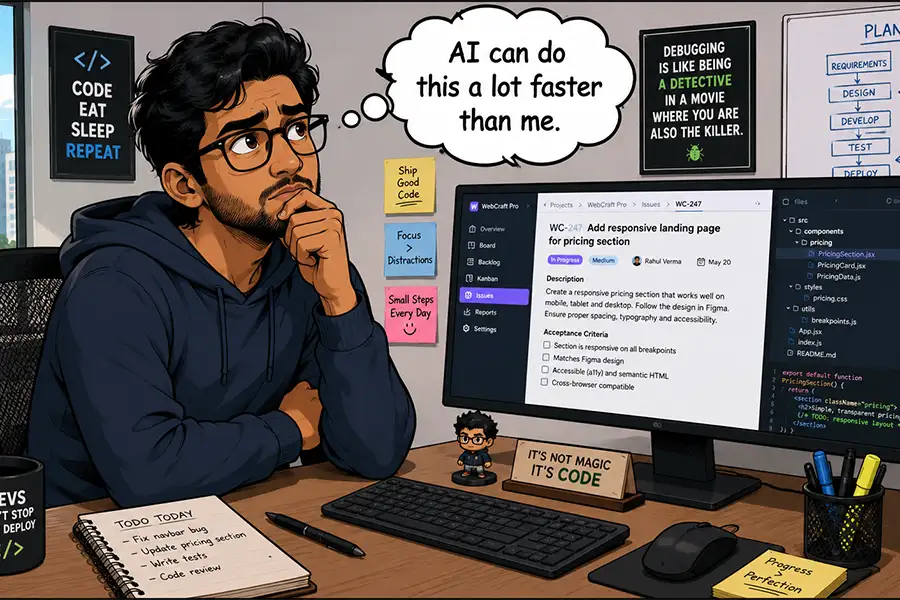
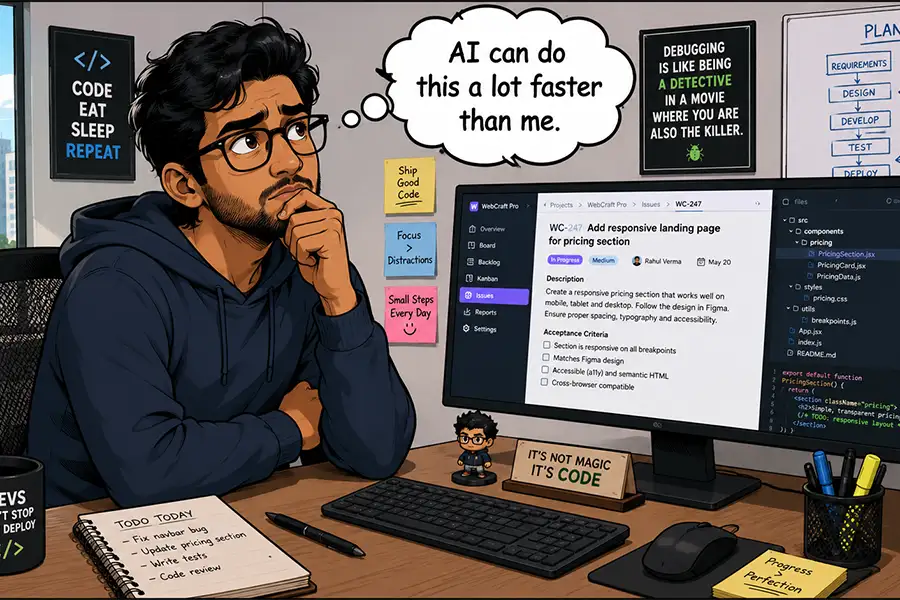
As site owners, developers, and agencies grapple with this new functionality, a critical question emerges: Beyond the hype, where does AI provide genuine utility, and where does it become an expensive distraction?
A Chronology of Integration: From Plugins to Core
To understand the significance of WordPress 7.0, we must look at the trajectory of AI adoption within the ecosystem.
- The Pre-AI Era: For two decades, WordPress relied on human-coded plugins and theme-specific features to manage content and site architecture.
- The Rise of Third-Party AI (2022–2025): Following the public explosion of generative AI, the WordPress plugin repository saw an influx of tools offering everything from automated blog post generation to SEO meta-description writers. These tools were powerful but fragmented, often requiring separate API keys and disparate user interfaces.
- The Turning Point (March 2026): The WordPress Core team published the official specification for the Connectors API. This was the signal that the platform was moving toward a standardized way to communicate with external AI models.
- The 7.0 Launch (2026): With the release of WordPress 7.0, the API became a stable, core feature, allowing developers to build AI-driven experiences that feel like native parts of the dashboard.
Supporting Data: The Economics of Automation
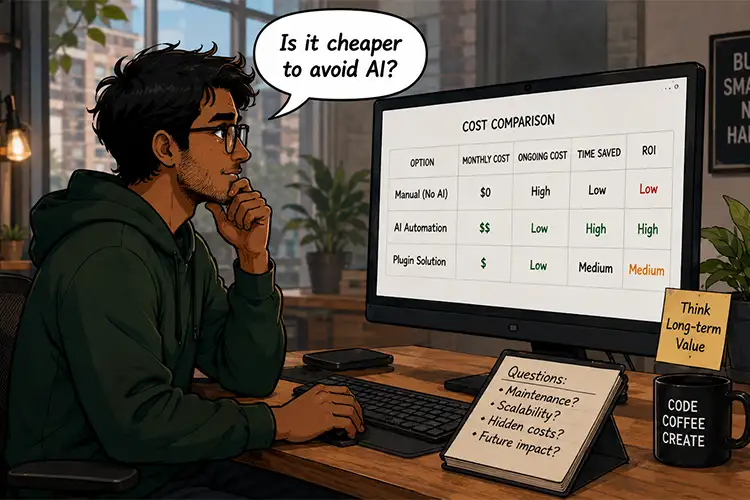
The decision to implement AI within a WordPress workflow is as much an economic calculation as it is a technical one. When evaluating the integration of tools like OpenAI’s GPT-4 or Anthropic’s Claude, users must balance efficiency against "token fatigue."
The Cost-Benefit Equation
- Token Overhead: Every interaction with a premium LLM incurs a cost. For a high-traffic site, automating trivial tasks—like renaming image files or adjusting CSS padding—can result in an inflated monthly bill that outweighs the time saved.
- Productivity Metrics: Studies suggest that AI can reduce the time required for repetitive content audit tasks by 60–80%. However, when applied to creative tasks, the time spent "prompt engineering" and correcting AI hallucinations can sometimes exceed the time required for a human to perform the task manually.
Official Responses and Strategic Implications
The WordPress community is currently divided on the depth of AI integration. Core contributors argue that the Connectors API is designed to "democratize intelligence," allowing non-technical users to perform complex administrative tasks with simple natural language prompts. Conversely, seasoned developers express caution, noting that allowing AI to manipulate core database files or plugin code introduces security vectors that could cripple a production site if left unmonitored.
Defining the AI Use Case: Where Does It Shine?
1. The Power of Scale
AI’s greatest strength is its ability to perform "grunt work" across massive datasets. A manual audit of 5,000 blog posts to identify missing ALT attributes is a task that might take a human editor several days of tedious labor. An AI-driven agent, utilizing the Connectors API, can scan the media library, cross-reference it with post content, and propose descriptive, accessibility-compliant text in minutes. This is where AI moves from a "toy" to a professional-grade tool.
2. Troubleshooting and Education
Perhaps the most underrated application of AI is as an on-demand tutor. Instead of scouring documentation or forums, a developer can prompt the AI to explain why a specific hook is conflicting with a theme. This doesn’t just solve the problem; it serves as a training mechanism, potentially making the human operator more skilled over time.
3. The "Human-in-the-Loop" Requirement
For tasks involving high-stakes modifications—such as database optimization, complex layout generation, or security patches—the "human-in-the-loop" model is mandatory. AI should be treated as an intern: highly capable and fast, but prone to errors that require professional verification.
The Case for Traditional Solutions: Is AI Overkill?
It is vital to recognize that AI is not a panacea. For many, a well-coded, traditional plugin remains the superior choice.
- Predictability: Traditional plugins offer fixed costs and predictable performance.
- Support: When a standard SEO or caching plugin fails, there is a developer or a support ticket system to rely on. If an AI agent makes a logic error, the root cause can be significantly more difficult to trace.
- Simplicity: If a task can be performed by ticking a checkbox in a settings menu, utilizing a complex AI model to "prompt" that same outcome is an unnecessary consumption of resources.
Strategic Questions for Site Owners
Before integrating AI into your WordPress workflow, consider these four diagnostic questions:
- Is this a repetitive, low-creativity task? If yes, automate it.
- Does this task require deep institutional knowledge of the brand? If yes, keep it human-led.
- What is the "cost of failure"? If the AI makes a mistake, will it break the site or simply require a quick edit? If it could break the site, avoid full automation.
- Is there a non-AI alternative? If a $20 annual plugin solves the problem effectively, avoid the variable-cost model of AI tokens.
Future Implications: The Hybrid CMS
The future of WordPress is not "AI vs. Human," but rather the hybrid CMS. We are entering an era where the dashboard will proactively suggest optimizations based on user behavior and site performance metrics.
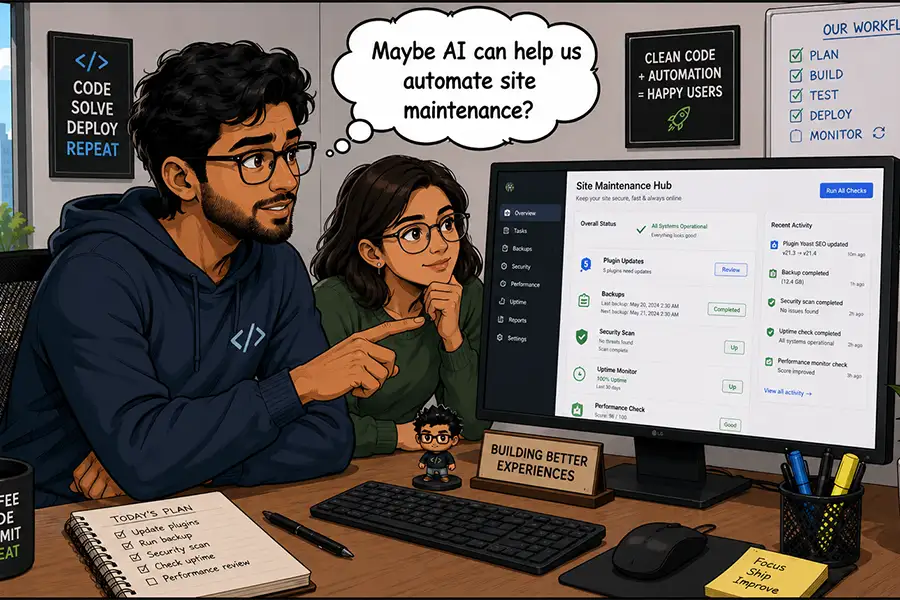
As the Connectors API matures, we will likely see "Agentic WordPress"—sites that not only accept prompts but actively monitor their own health, security, and content quality. For example, an AI agent could monitor site speed trends and automatically suggest image compression settings or minify JS/CSS files without human intervention.
Conclusion: A Measured Approach
WordPress 7.0 is a milestone that grants us unprecedented power, but with that power comes the responsibility of discerning usage. The goal of the modern web professional should not be to replace human intuition with machine logic, but to augment human capability with machine efficiency.
Start small. Use AI to assist with content audits, data formatting, and learning new technical concepts. Monitor your token usage closely, and never allow the allure of "automation for the sake of automation" to overshadow the stability and security of your digital infrastructure.
Ultimately, AI is a tool like any other in the WordPress ecosystem. Whether it becomes a revolutionary force in your workflow or a costly experiment depends entirely on how effectively you define its boundaries. You have the control; now is the time to decide how you will wield it.