Updated on January 2, 2026 | 21-minute read

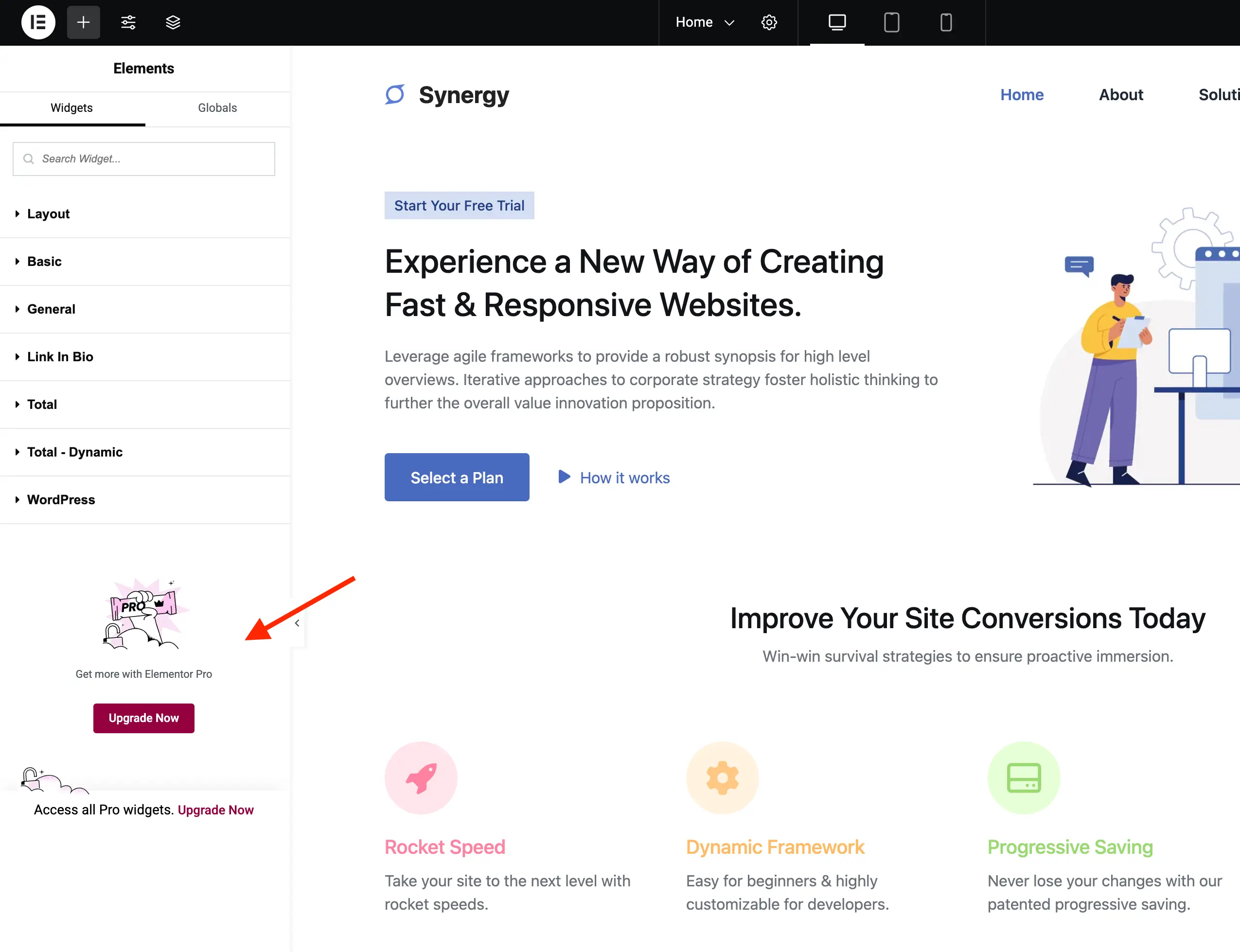
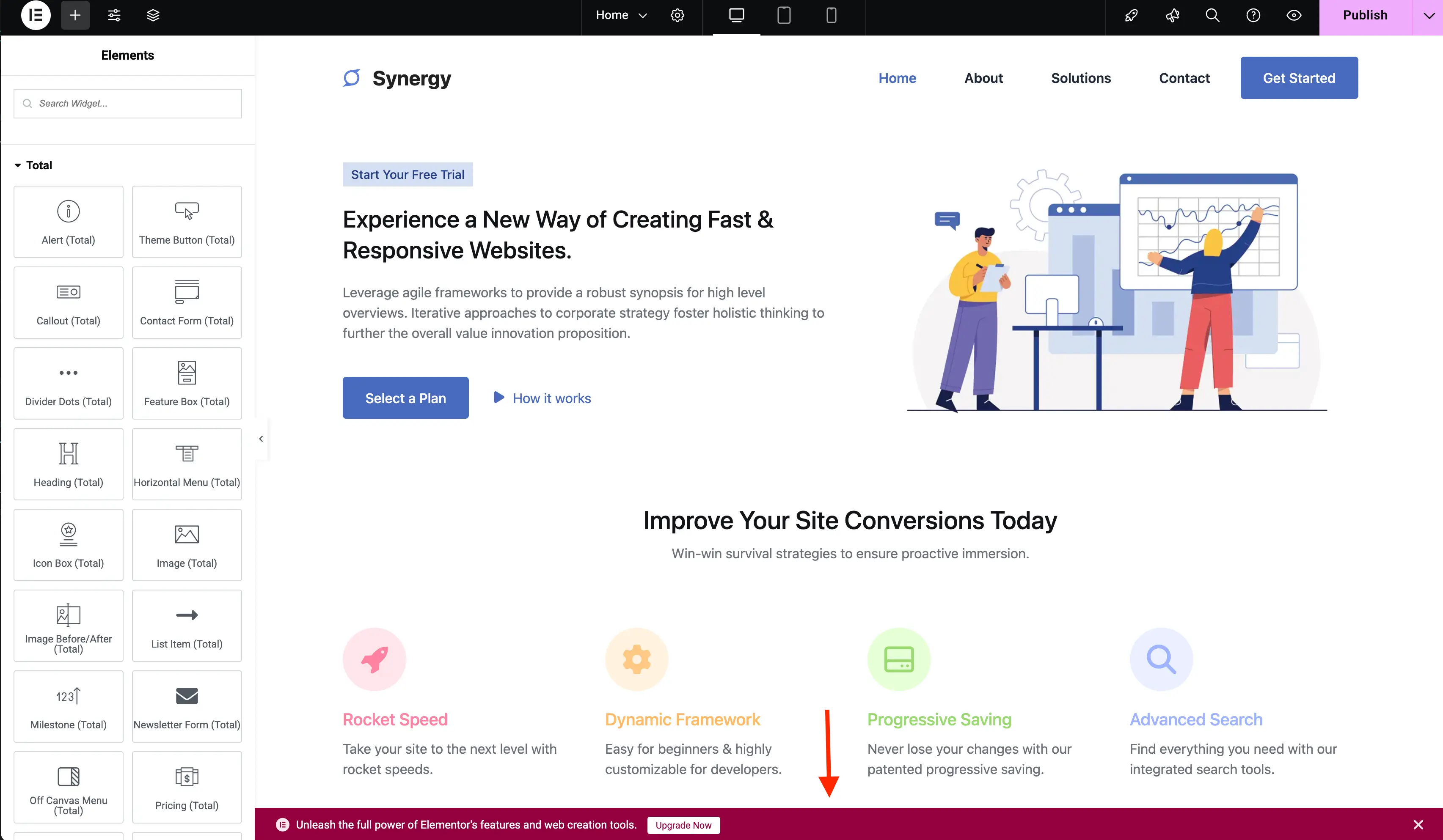
The WordPress ecosystem thrives on open-source philosophy, yet the tension between free-tier accessibility and the necessity of monetization remains a point of contention for many web developers. Elementor, arguably the most powerful page builder for WordPress, has built an expansive ecosystem. However, for users relying on the free version, the dashboard experience is frequently interrupted by aggressive upsell prompts, promotional panels, and locked features designed to drive conversions to Elementor Pro.

For developers and site managers, these "clutter" elements can impede productivity. This guide examines the technical methodology for streamlining the Elementor interface, providing a professional roadmap for those who wish to maintain a distraction-free workspace.
The Landscape of Plugin Monetization
Understanding the "Freemium" Model
The "freemium" business model is standard practice in the WordPress repository. Developers provide a robust base product to capture a broad user base, then monetize through premium add-ons, support, and exclusive functionality. Elementor’s strategy is highly effective, yet it raises valid questions about user experience (UX) and the boundaries of promotional content within a software interface.
The GPL Perspective
At the core of the debate is the General Public License (GPL). While Elementor is a GPL-compliant product, granting users the legal right to modify the code, there is a distinct difference between legal permission and practical implementation. Many users believe that if they are operating within an open-source framework, they should have the autonomy to suppress interface elements that do not serve their specific project goals.
Chronology of Interface Bloat
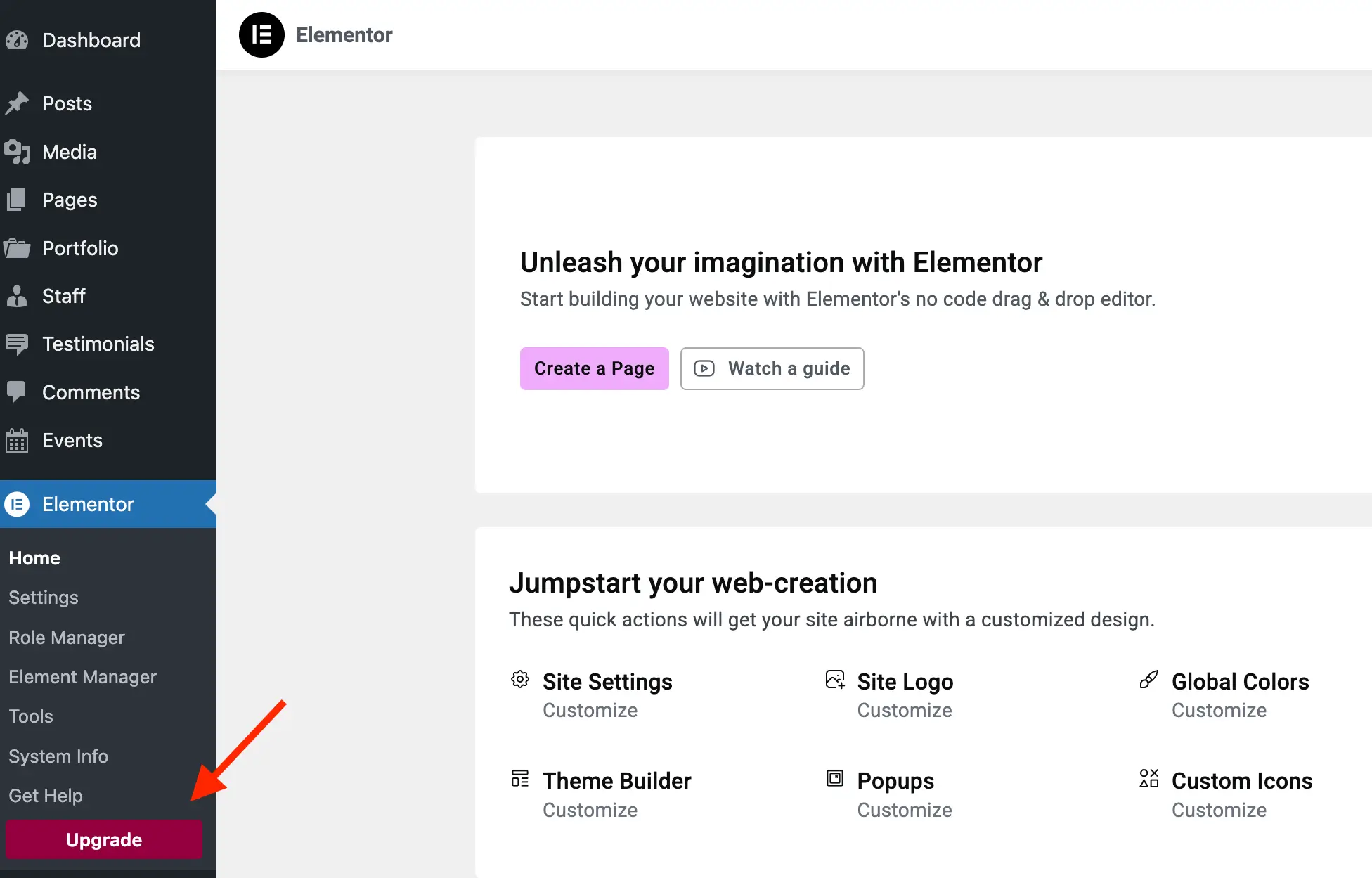
Over the last several years, as Elementor has expanded its suite of services—including the Theme Builder, AI integration, and the Kit Library—the number of "promotional entry points" has grown.
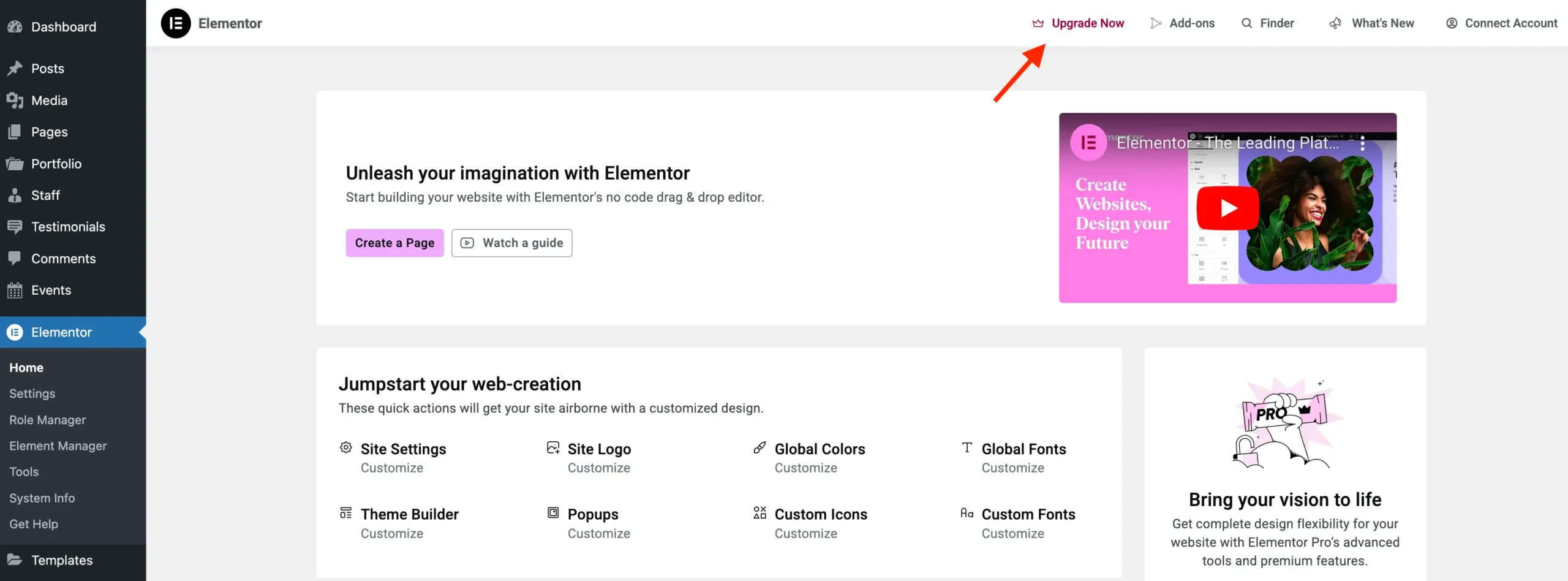
- Phase 1: Basic Upsells. Early versions featured simple "Upgrade to Pro" buttons in the sidebar.
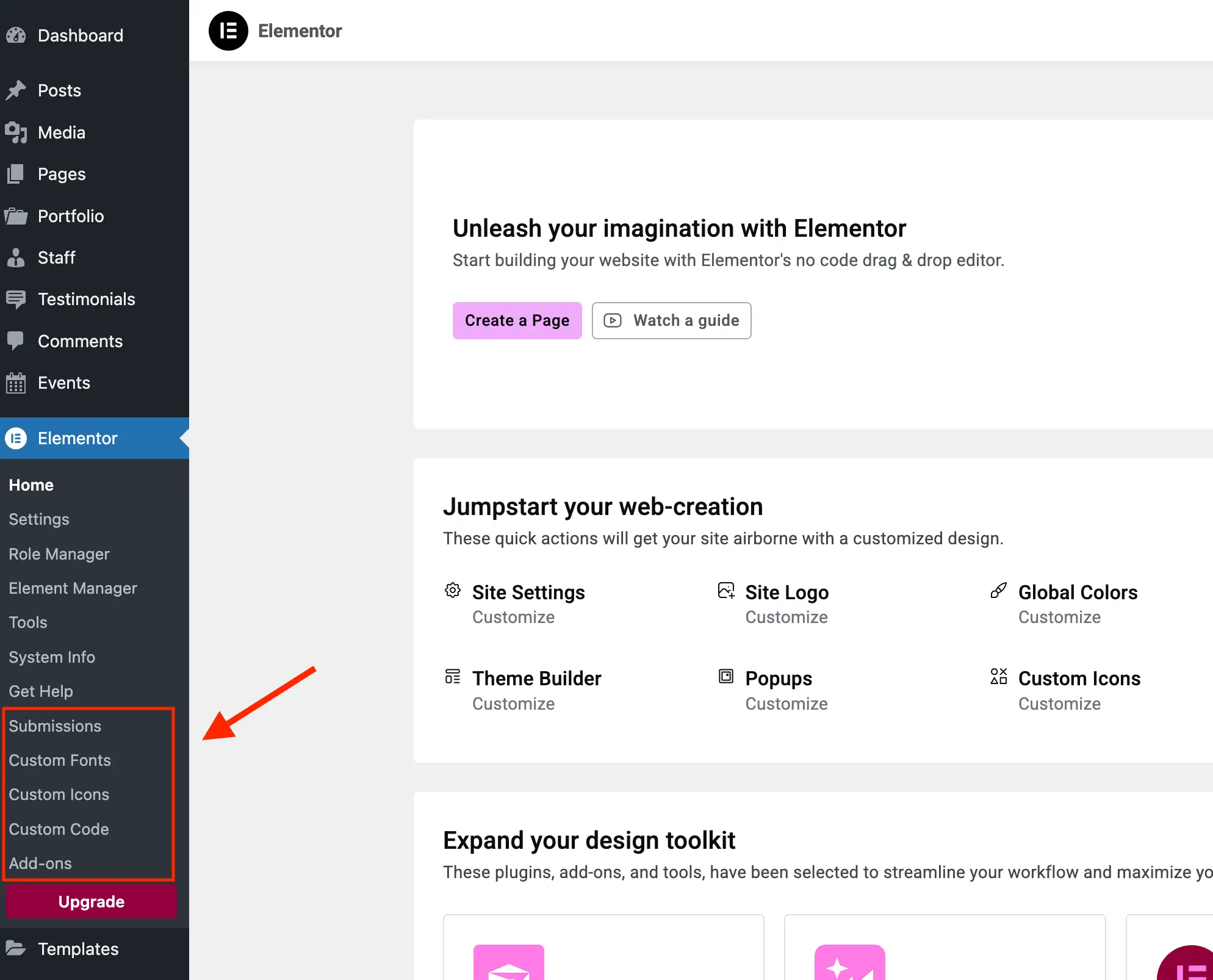
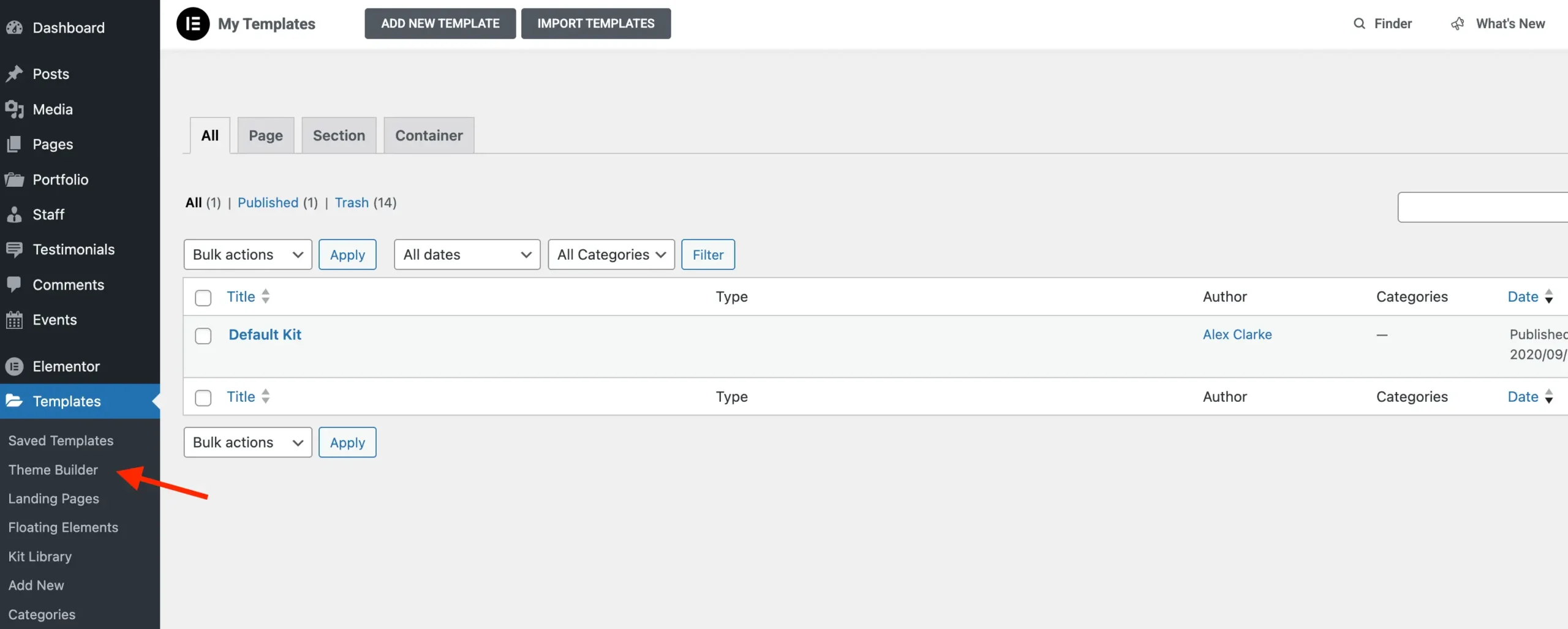
- Phase 2: Administrative Clutter. Elementor began registering dummy admin pages that serve only as landing pads for checkout funnels.
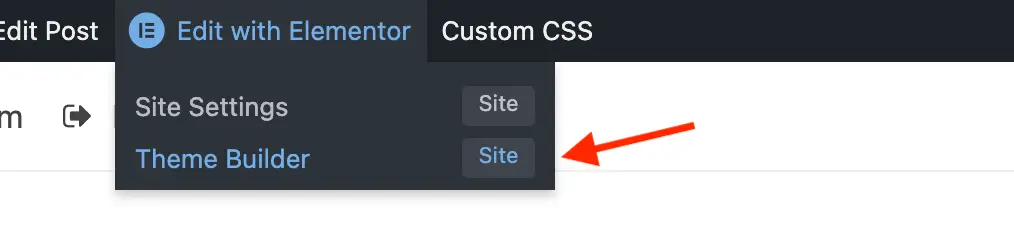
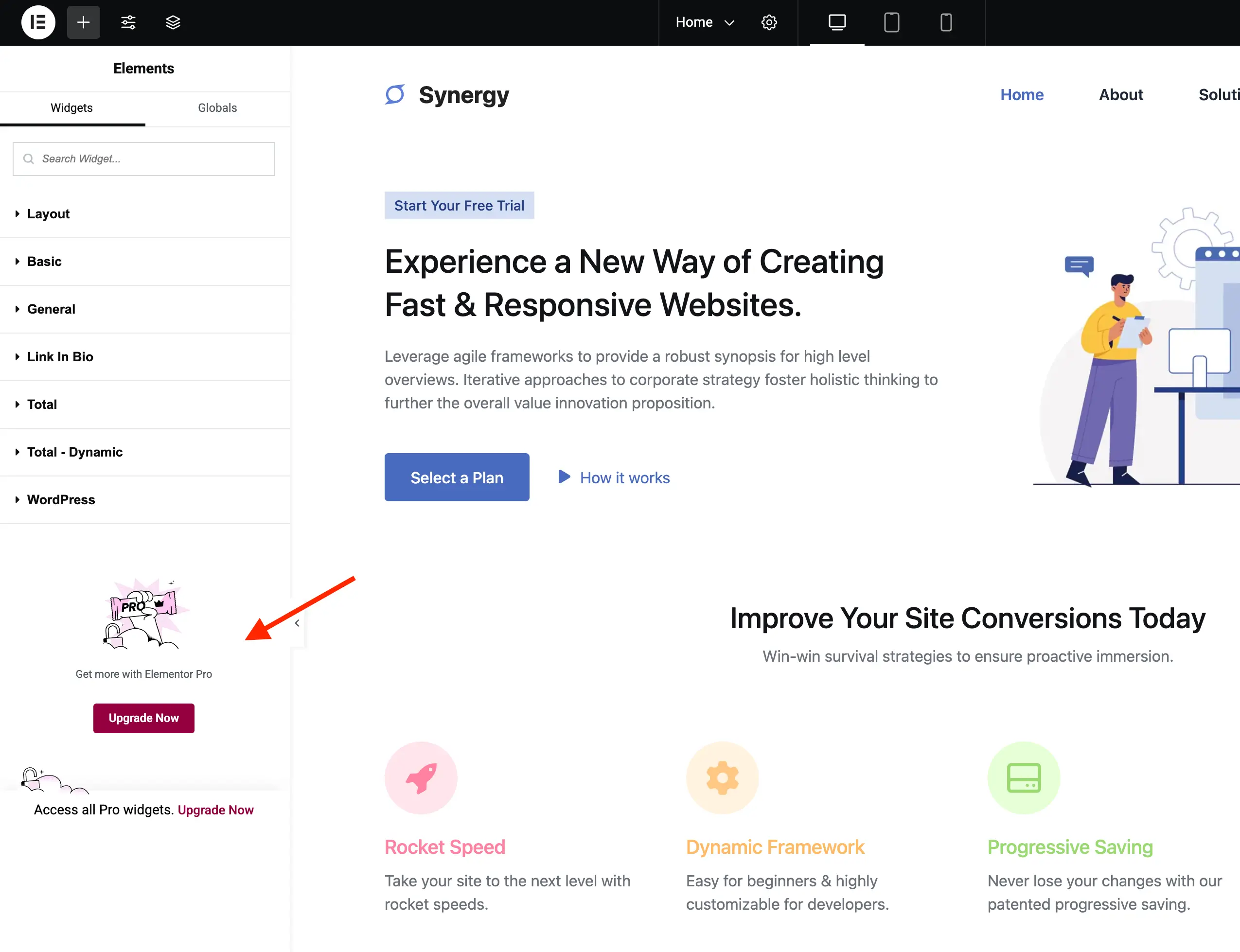
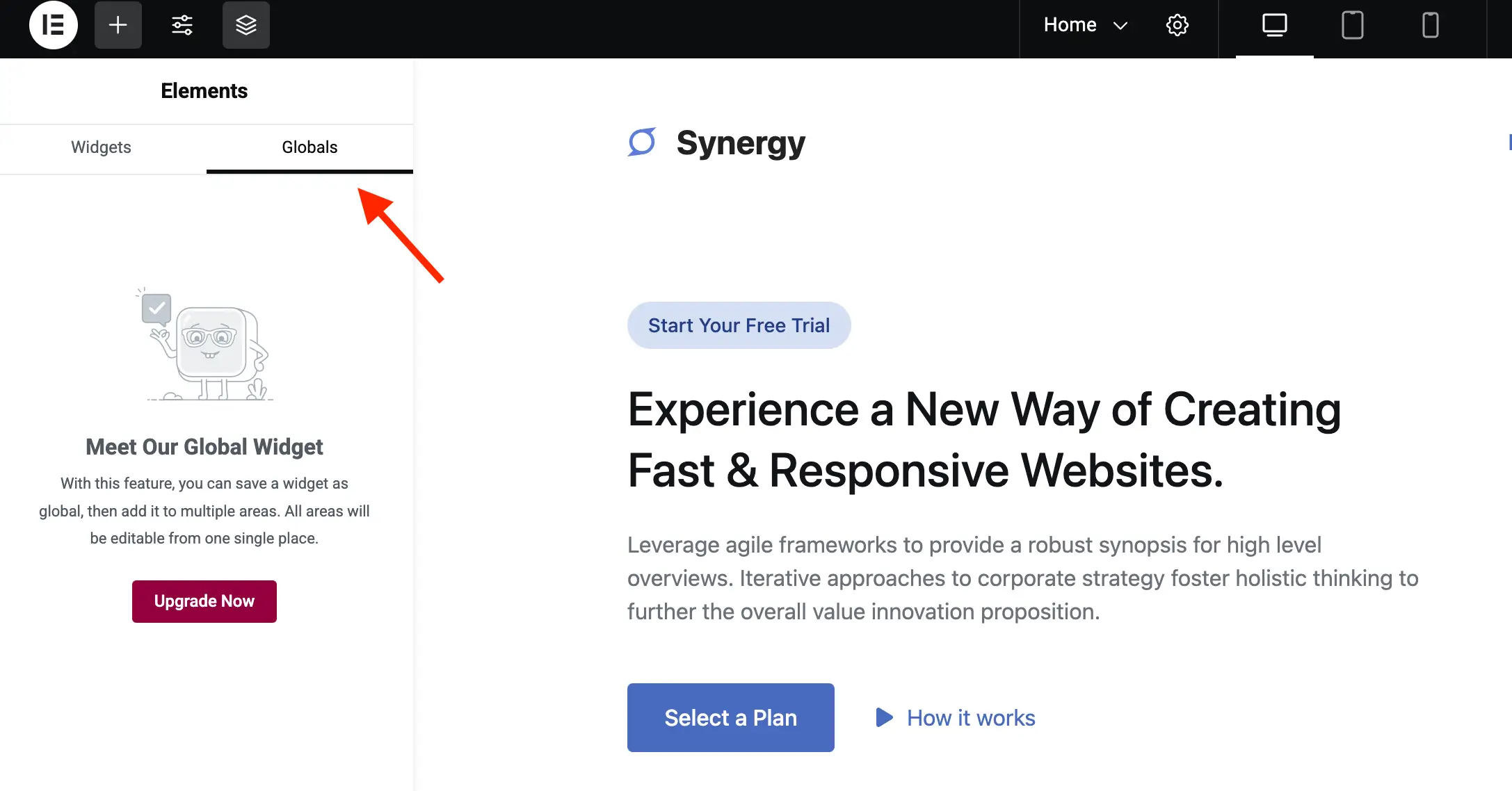
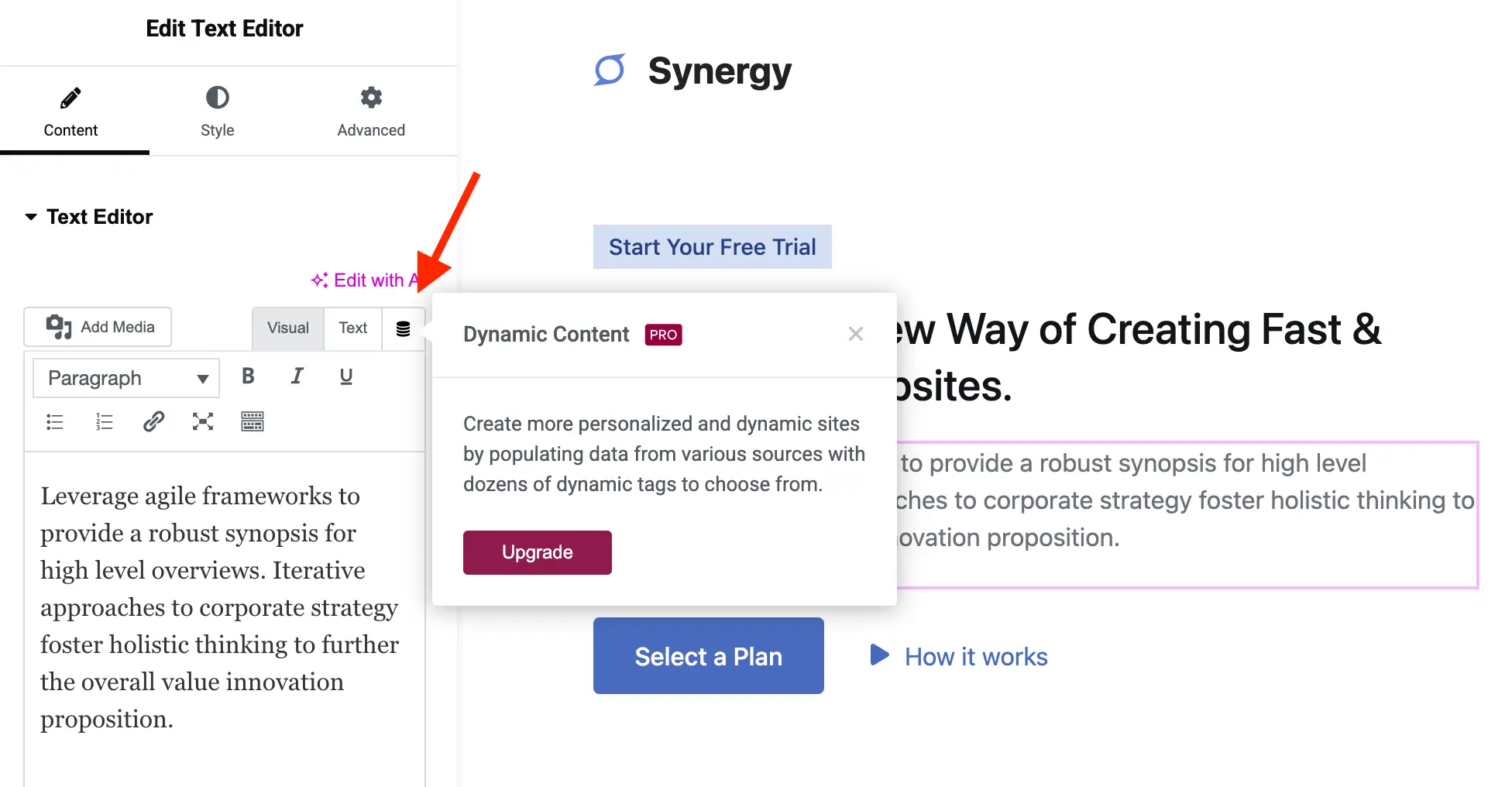
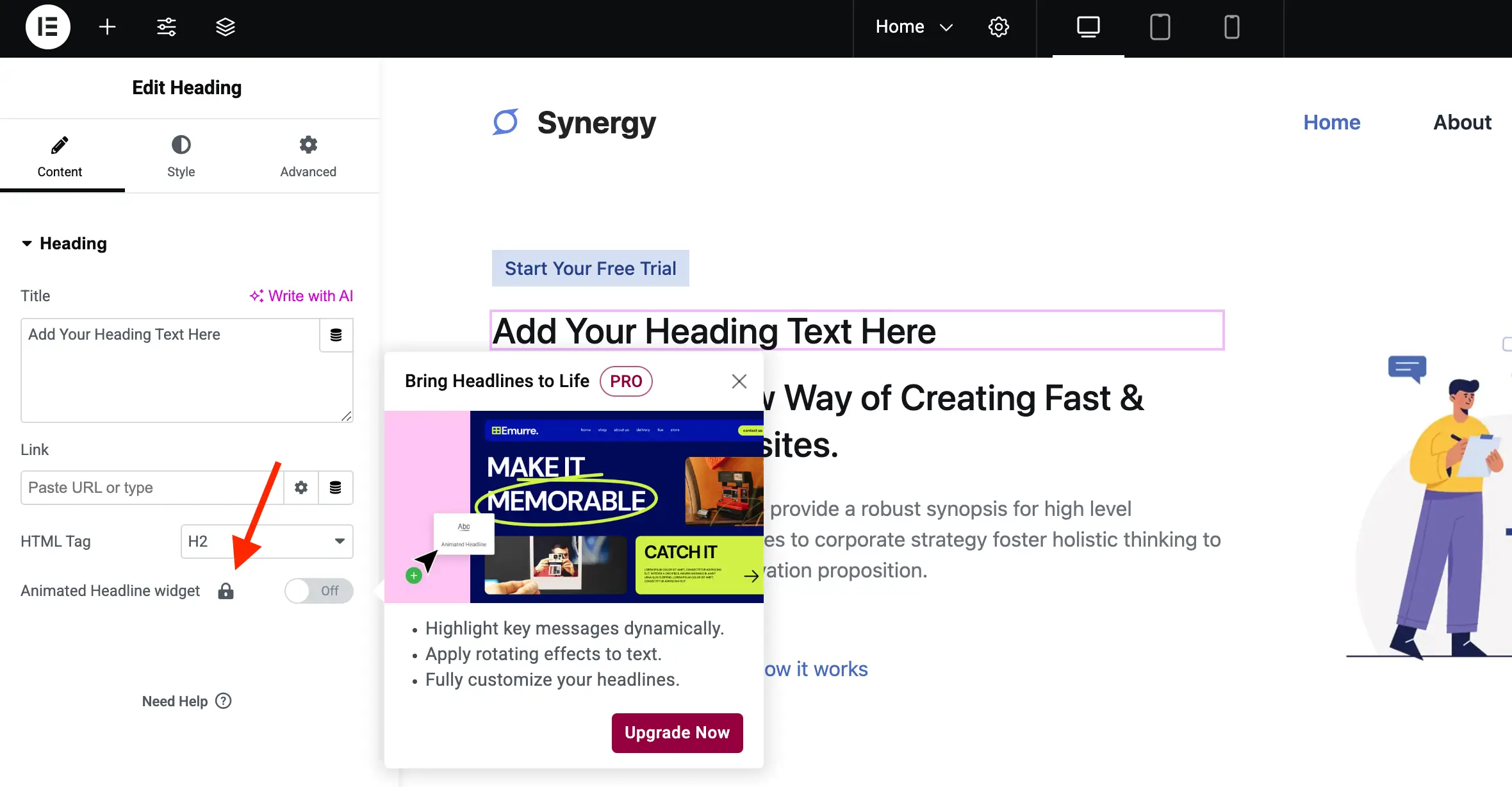
- Phase 3: Deep Editor Integration. The introduction of locked widgets, dynamic content tags, and "Globals" tabs within the editor itself marked a shift toward a more intrusive promotional strategy.
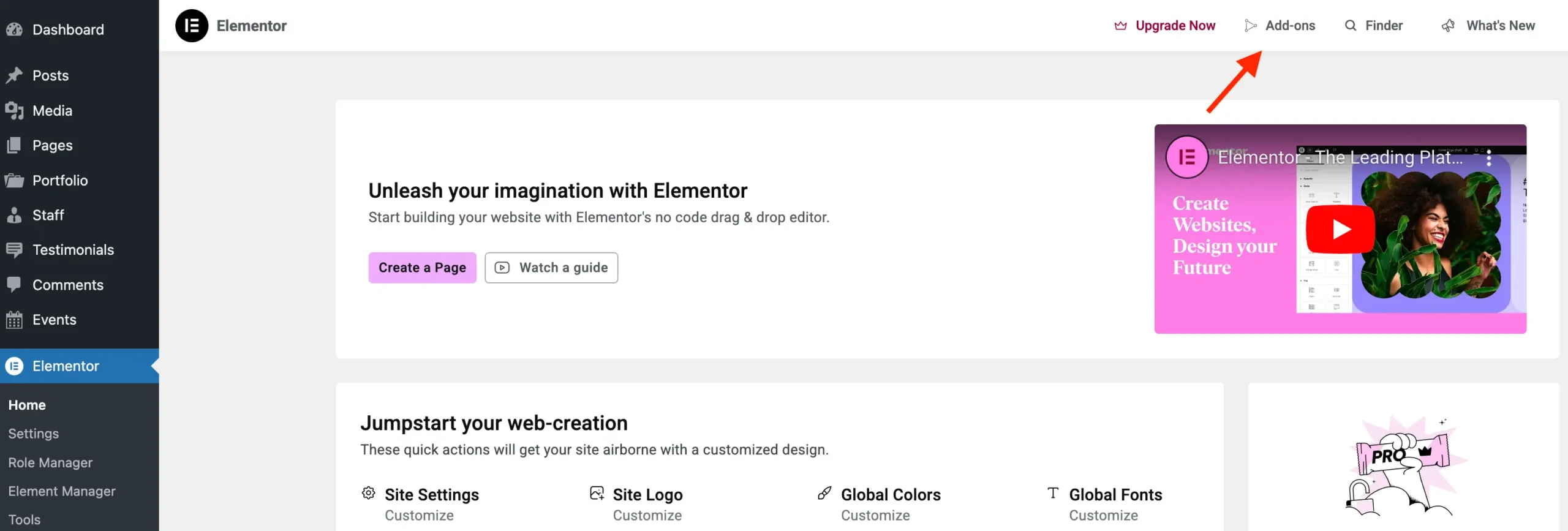
- Phase 4: The Current Ecosystem. Today, the interface includes notice bars, dashboard widgets, and user-profile settings that act as perpetual reminders of the Pro tier’s benefits.
Technical Implementation: The WPEX_Remove_Elementor_Upsells Class
To achieve a cleaner interface without breaking the underlying functionality of the free plugin, we must utilize a structured approach. The following PHP class acts as a central repository for these modifications.
Initializing the Class
By using a dedicated class, we ensure that our modifications are modular and easily reversible. Critically, we include a "bail-early" check to ensure that if a user eventually decides to upgrade to Elementor Pro, our scripts do not conflict with the premium features.
class WPEX_Remove_Elementor_Upsells
    public function __construct()
        if ( did_action( 'elementor/loaded' ) )
            $this->register_actions();
         else
            add_action( 'elementor/loaded', [ $this, 'register_actions' ] );


    public function register_actions(): void
        if ( is_callable( 'ElementorUtils::has_pro' ) && ElementorUtils::has_pro() )
            return;

        // Hooks will be registered here


new WPEX_Remove_Elementor_Upsells;
Systematic Removal of Promotional Elements
Removing "Useless" Admin Panels
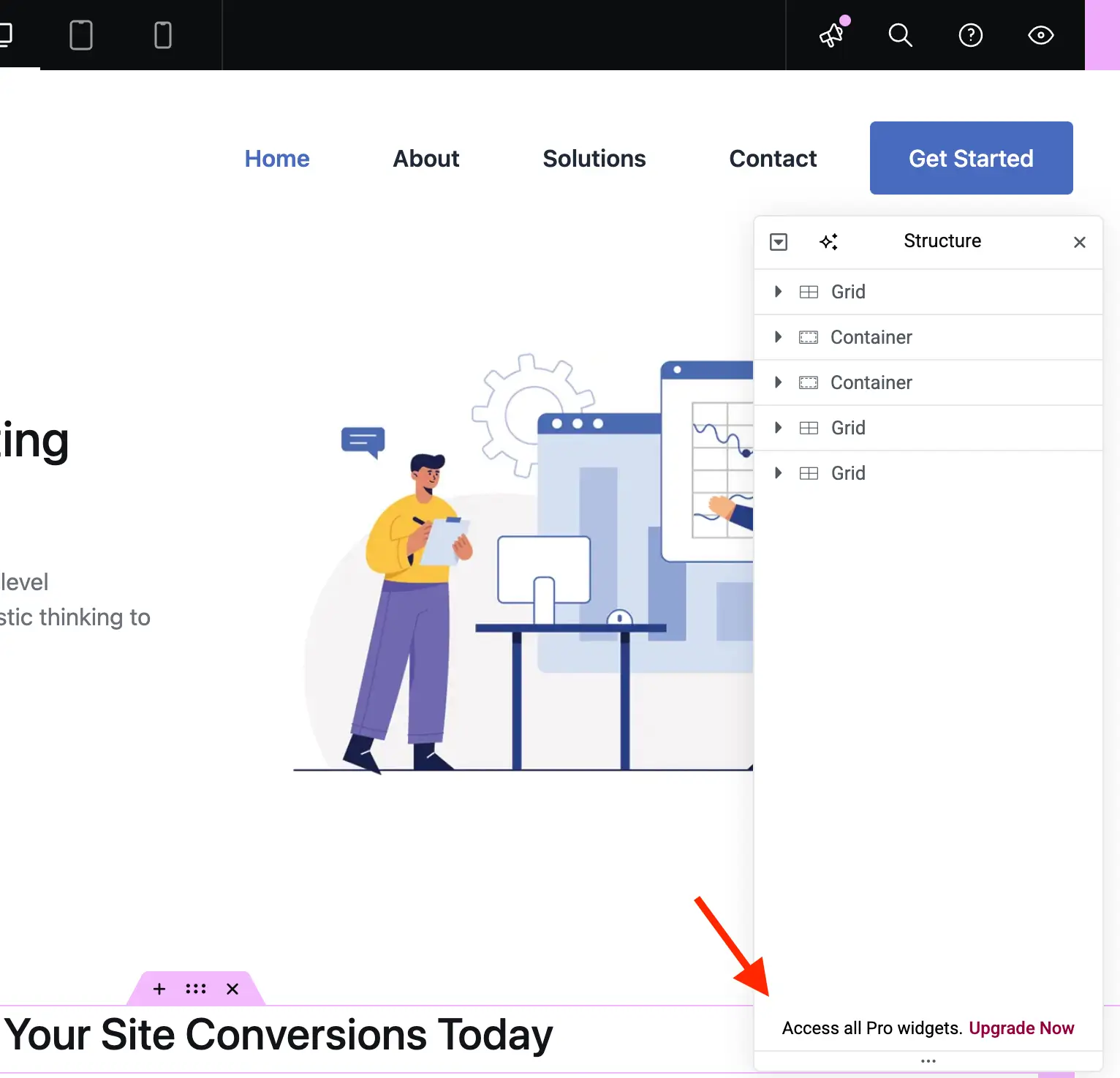
Elementor registers several sub-pages that provide no functional utility to free users. By hooking into elementor/admin/menu/after_register, we can identify these promotional menu items by checking their class hierarchy against Base_Promotion_Item.
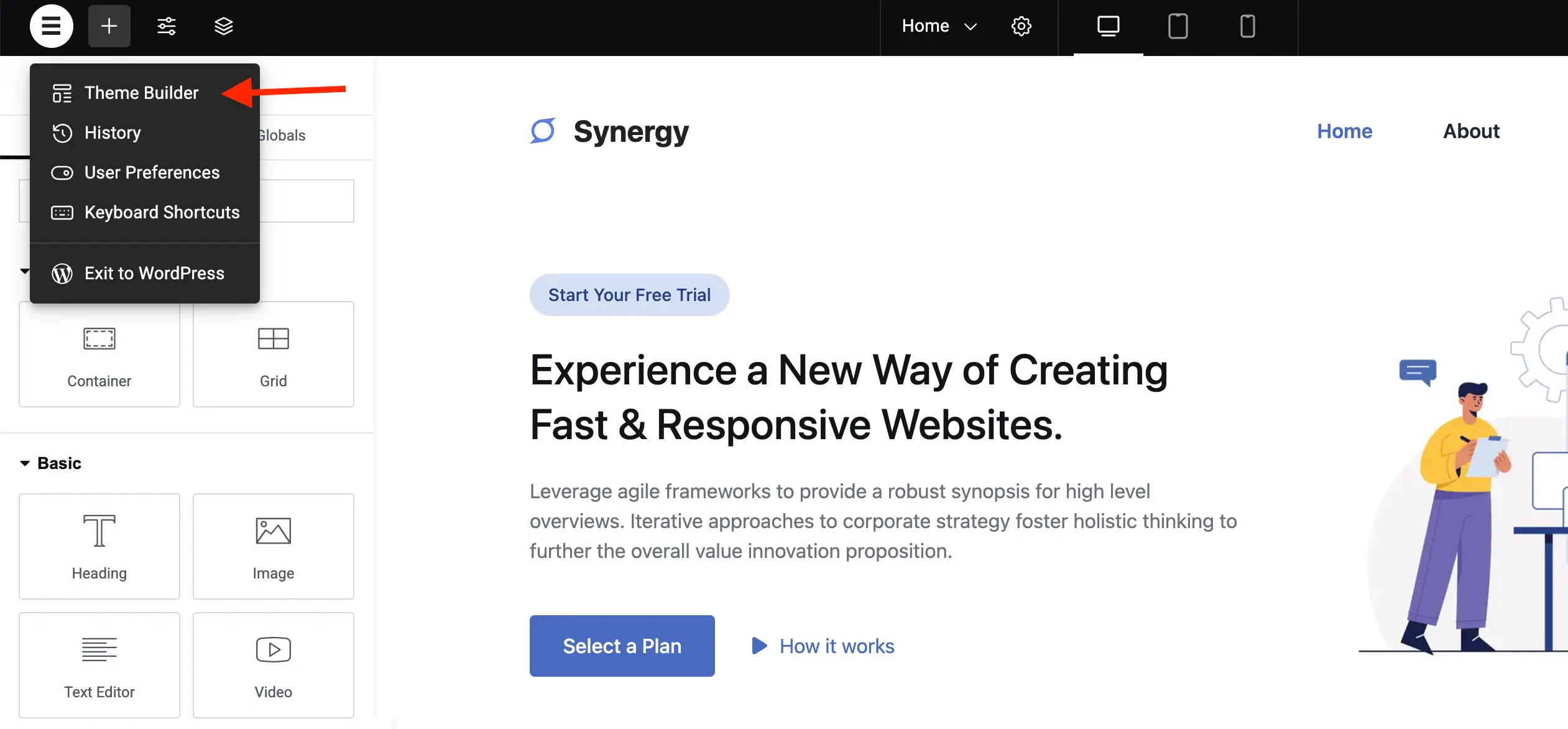
Targeted CSS Suppression
While PHP is excellent for removing menu items, CSS is the most surgical tool for hiding interface elements within the editor itself. Using the modern :has() selector, we can target specific buttons (like the "Upgrade Now" crown icon) and remove them without affecting the rest of the layout.
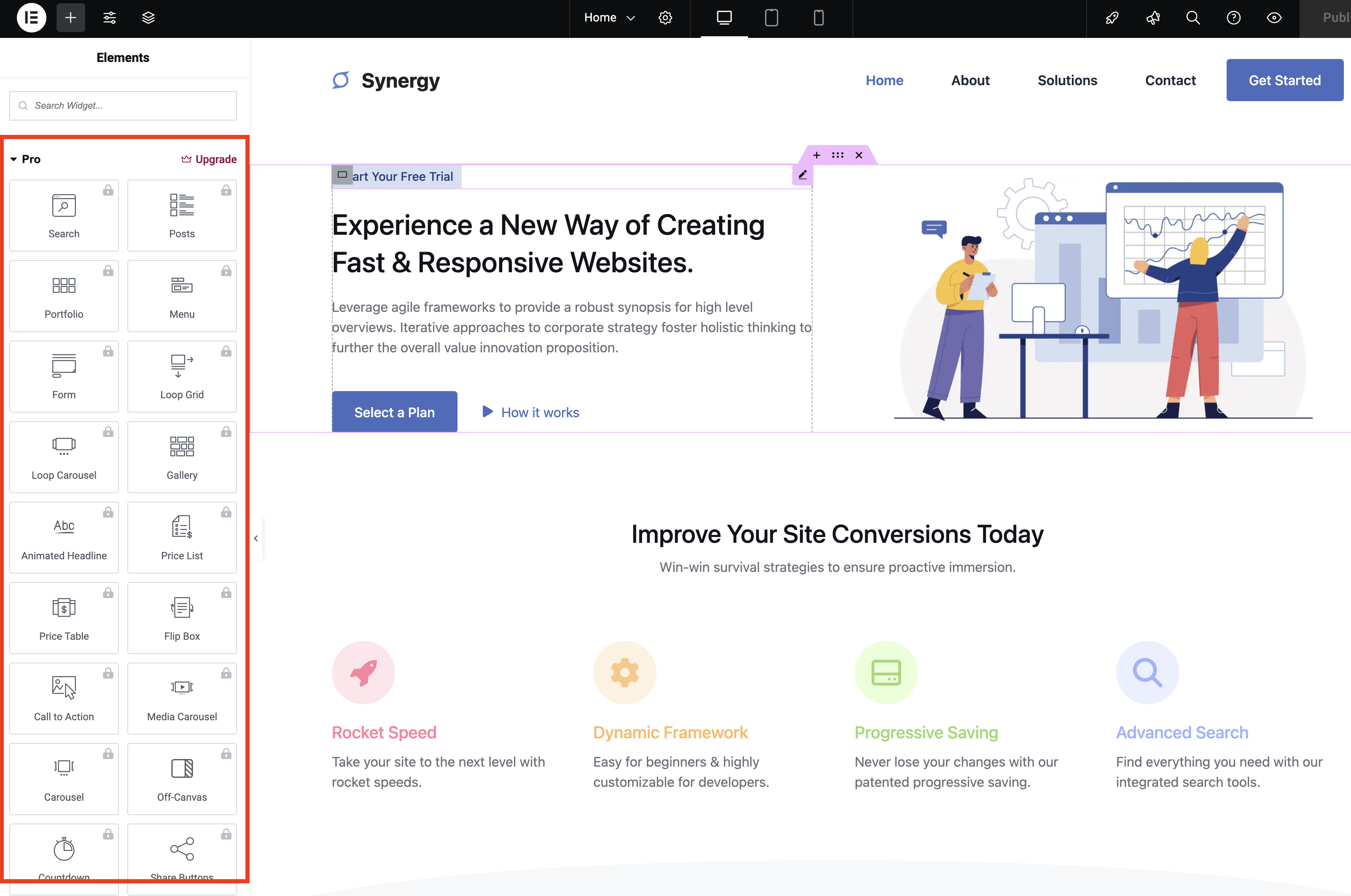
Example for Editor Cleanup:
public function editor_css(): void
    wp_add_inline_style(
        'elementor-editor',
        '.elementor-element-wrapper.elementor-element--promotion, #elementor-panel-category-pro-elements, .e-notice-bar  display:none!important; '
    );
Addressing Dashboard and User Profile Bloat
The Elementor dashboard widget often acts as a blog feed for promotional content. We remove this via remove_meta_box. Similarly, regarding the "Enable Elementor AI" user field, we employ a combination of JavaScript injection and metadata filtering to ensure the setting remains disabled by default.
Supporting Data: Why This Matters for UX
A cluttered interface is more than just an aesthetic grievance; it is a cognitive load issue. Research into UI/UX design suggests that excessive "noise" in a development environment can increase the time required for task completion. For agencies managing dozens of client sites, the cumulative time lost to navigating around irrelevant "Upgrade" buttons represents a tangible hit to operational efficiency.
Furthermore, there is a compliance aspect. WordPress plugin guidelines state that plugins should avoid "hijacking" the admin dashboard with advertising. While Elementor’s implementation is sophisticated, it walks a fine line. Developers who choose to "prune" their interface are effectively reclaiming the dashboard for its intended purpose: site management, not product marketing.
Official Stance and Implications
Elementor’s official position remains focused on providing the best possible value to its users. They argue that the free version provides a powerful foundation, and the "promos" are simply signposts to the advanced capabilities that can truly unlock professional web design.
The Implications of Modification
- Performance: The impact on site speed is negligible, as these CSS/PHP modifications are lightweight.
- Maintenance: The primary risk is updates. If Elementor changes its class names or hook structures, these scripts may need to be updated. This is why using a plugin or a dedicated theme-include file is recommended over direct core modification.
- Ethics: As noted in the guide, purchasing Elementor Pro is the most ethical way to support the developers. It grants access to the full suite of features and ensures the long-term sustainability of the project.
Conclusion: Balancing Autonomy and Support
Reclaiming your workspace is a legitimate exercise in software ownership. By using the WPEX_Remove_Elementor_Upsells approach, you can strip away the noise while maintaining the core functionality of the free version.
However, this guide should not be viewed as a means to avoid supporting the ecosystem. If your business relies on Elementor, the Pro version is an investment in your own efficiency and the continued health of the WordPress community. For those not yet ready for that investment, the code provided here offers a path to a more focused, professional, and efficient development environment.

For those who prefer to avoid manual coding, the complete, ready-to-use plugin can be found on the WPExplorer GitHub repository. Always back up your site before implementing custom code.