







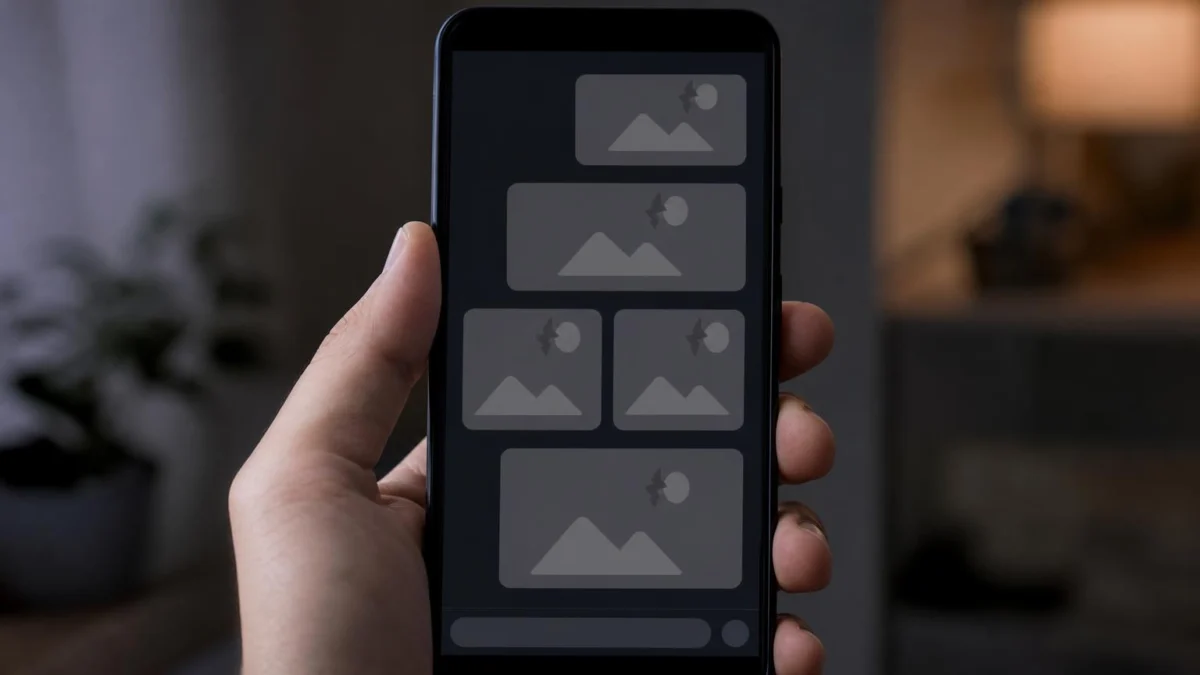
For the modern digital communicator, the GIF is more than just an image; it is a shorthand for emotion, a tool for irony, and the bedrock of server culture. Discord’s "Favorites" folder serves as a personal archive of these reactions, curated over months or even years. However, many users have recently found their once-vibrant collections replaced by unsettling gray squares, flickering placeholders, or static, non-responsive images.
This guide explores the technical underpinnings of this issue, the root causes behind the "broken link" phenomenon, and a comprehensive, step-by-step resolution strategy to restore your GIF library to its former glory.
The Anatomy of a Discord Favorite: How It Actually Works
To understand why GIFs fail, one must first understand that Discord does not actually "store" your GIFs in the traditional sense. When you click "Favorite" on a GIF in the Discord picker, the application does not upload that file to its own servers. Instead, it saves a URL reference.
These URLs typically point to external content delivery networks (CDNs) hosted by platforms like Tenor or Giphy. Your Discord client acts as a browser window that fetches these files in real-time whenever you open your favorites folder. Because Discord acts as a bridge rather than a host, any change on the source platform—whether it be a deleted file, a changed URL structure, or a server-side outage—is immediately reflected in your personal favorites folder.
Chronology of a Glitch: From Smooth Playback to Static Gray
The breakdown of a favorite GIF usually follows one of three predictable patterns:
- The Silent Fade: The GIF is no longer available at the source URL. The link is effectively "dead," leading to a 404 error that your client displays as a gray or empty box.
- The Cache Corruption: Your Discord client retains "ghost" data in its local storage. Even if the GIF is live, your application’s local cache is so cluttered or corrupted that it fails to fetch or display the image correctly.
- The Accessibility Trigger: Following a Discord update, global settings like "Reduced Motion" or "Automatically play GIFs" may toggle unexpectedly, causing high-quality animations to revert to static thumbnail images, masquerading as broken files.
Diagnostic Data: Understanding the Failure Points
Before diving into repairs, it is essential to identify the specific nature of the failure. Use the following diagnostic table to categorize your experience:

| Cause | Visual Symptom | Resolution Complexity |
|---|---|---|
| Source Deletion | Gray box, "Failed to Load" icon | High (Must re-save) |
| Cache Corruption | Widespread loading icons/Empty list | Low (One-click fix) |
| Accessibility Lock | GIF shows as a static image | Low (Settings toggle) |
| Network/VPN Block | Infinite spinning wheel | Medium (Network adjust) |
| GPU Hardware Glitch | Flickering or black screen | Medium (Hardware accel) |
| Database Bloat | Extremely slow load times | Low (Cleanup) |
Troubleshooting: A Step-by-Step Recovery Guide
1. The Power Cycle: Beyond the Window Close
Closing the Discord window on your desktop does not kill the process. It continues to run in the background system tray, retaining the corrupted data that is preventing your GIFs from loading.
- For Windows: Right-click the Discord icon in your system tray (bottom right) and select Quit Discord.
- For Mac: Right-click the icon in the Dock and select Quit.
- The "Ctrl + R" Shortcut: If a full restart is too disruptive, pressing
Ctrl + R(Windows) orCmd + R(Mac) triggers a soft-reload of the Discord client, which forces it to re-fetch the interface components.
2. Addressing the Accessibility Filters
Many users inadvertently trigger the "Reduced Motion" or "Auto-play" settings during an update. If your GIFs are present but refuse to animate, this is almost certainly the culprit.
Navigate to User Settings > Accessibility. Ensure that "Automatically play GIFs when Discord is focused" is toggled to ON. Furthermore, check the "Reduced Motion" setting. If enabled, this accessibility feature is designed to stop all animations across the app, including your favorite GIFs. Disabling it will restore motion immediately.
3. The "Cache Flush": A Technical Necessity
Just as a web browser accumulates cache to speed up loading times, Discord stores temporary files locally. Over time, these files can become corrupted, leading to the infamous "gray box" syndrome.
- Windows: Navigate to
%appdata%discordand locate theCache,Code Cache, andGPUCachefolders. Delete the contents of these folders. - Mac: Use
Cmd + Shift + Gin Finder to navigate to~/Library/Application Support/discordand remove the cache folders. - Mobile: Android users can clear the cache via Settings > Apps > Discord > Storage. iOS users must unfortunately uninstall and reinstall the app, as Apple’s ecosystem does not allow for manual cache clearing of individual applications.
4. Toggling Hardware Acceleration
Discord leverages your GPU to render animated content. If your GPU driver is outdated or experiencing a conflict with Discord’s rendering engine, GIFs may appear to flicker, freeze, or fail to load entirely.
Go to User Settings > Advanced. Locate "Hardware Acceleration" and toggle it. If it is currently on, turn it off; if it is off, turn it on. Restart the app when prompted. This forces Discord to renegotiate its relationship with your graphics hardware, often resolving rendering issues instantly.

5. Managing the "Dead Link" Cleanup
Sometimes, the issue is not with your computer, but with the internet’s volatility. If a creator removes their GIF from Tenor, that specific "Favorite" will remain broken forever.
The Strategy: Treat your Favorites folder like a digital bookshelf. If a specific GIF consistently fails to load after a cache clear, it is likely a dead link. Remove it from your Favorites, search for a fresh version of the same GIF (or a similar one), and add it back. This refreshes the link, pointing your Discord client to a new, active source.
6. Dealing with "Folder Bloat"
Discord was not necessarily designed to handle thousands of saved GIFs. If your folder contains hundreds of items, the application struggles to fetch every single thumbnail simultaneously upon opening. This leads to long loading times and potential timeouts.
The Solution: Periodically prune your collection. If you haven’t used a GIF in six months, remove it. A cleaner library is not only faster but makes it easier to find the reaction you actually want during the heat of a conversation.
Official Responses and Platform Implications
Discord has remained relatively quiet regarding specific "Favorites" bugs, as the issue is often tied to the underlying APIs of third-party GIF providers (Tenor/Giphy). However, industry experts note that as these platforms update their own infrastructure, Discord’s integration can occasionally stutter.
The implication for power users is clear: Do not rely on the Favorites folder as a permanent archive. If you have a GIF that is truly "precious" or essential to your digital identity, save the original file directly to your device or a cloud storage service. By treating the Discord Favorites folder as a "temporary cache of reactions" rather than a "permanent library," you align your usage with the platform’s technical reality.

Conclusion: Reclaiming Your Reaction Game
There is nothing more frustrating than having the perfect, witty, or sarcastic response ready to go, only to be met with a gray box. By understanding that Discord is a browser of sorts—dependent on external links and local cache files—you can effectively troubleshoot these errors.
Start with a full restart, check your accessibility settings for "Reduced Motion," and don’t be afraid to clear that cache. Most importantly, keep your collection lean and tidy. By following these steps, you ensure that when the moment calls for the perfect GIF, you won’t be left searching for a loading icon.
Did one of these fixes solve your problem? The community often relies on crowdsourced troubleshooting to solve edge-case bugs. If you found a unique solution, feel free to share your findings with fellow Discord users; your technical discovery might be the fix someone else has been looking for all week.