Hollywood on a Hard Drive: How AI Video Editors are Demystifying Cinematic Visual Effects
The barrier to entry for high-end cinematic production has officially crumbled. For decades, achieving Hollywood-grade visual effects (VFX) required massive studio budgets, elite hardware, teams of specialized compositors, and years of mastering dense, arcane software like Adobe After Effects or Foundry’s Nuke. Today, that paradigm is shifting entirely.
Driven by rapid advancements in machine learning, a new wave of AI-powered video editing platforms is putting Hollywood-level capabilities directly onto consumer-grade laptops. Whether you are an indie filmmaker, a 3D artist, a corporate content creator, or an absolute beginner, artificial intelligence is automating the most tedious aspects of post-production—leaving creators free to focus on what matters most: storytelling, rhythm, and style.
The Evolution of Post-Production: What is AI in Video Editing?
To understand the current landscape, one must first look at how artificial intelligence functions within the editing suite. Rather than merely following hard-coded macros or basic scripts, modern video AI is trained on staggering datasets of visual media. It "learns" physics, lighting, human anatomy, and spatial relationships, allowing it to interpret raw footage much the way a human artist does.
In practical terms, AI acts as an infinitely patient, lightning-fast assistant embedded within your timeline. It handles complex, frame-by-frame tasks—such as rotoscoping, object removal, relighting, and color matching—in a fraction of the time it once took.
Rather than replacing human creativity, these tools act as an accelerator. They absorb the mechanical burden of post-production, democratizing techniques that were previously locked behind expensive paywalls and steep learning curves.
Chronology of a Revolution: From Manual VFX to Generative AI
The democratization of visual effects did not happen overnight. It is the result of a steady, decade-long technological migration:
The Pre-AI Era (Pre-2018): Visual effects were defined by manual keyframing, green screens, and excruciating rotoscoping. A single second of clean masking could take hours of meticulous work by a junior artist.
The Machine Learning Dawn (2018–2021): Early AI integrations began appearing in professional suites. Tools like Adobe’s Content-Aware Fill and basic background removal plugins emerged, but they required heavy GPU rendering and frequent manual corrections.
The Generative Boom (2022–Present): The introduction of text-to-video models, neural color engines, and cloud-rendered platforms fundamentally changed the industry. Today, applications like Runway Gen-2, OpenAI’s Sora (in preview), and Envato VideoGen allow users to generate cinematic scenes from text prompts or transform existing footage with simple natural language commands.
The Leading AI Video Tools for Creators
With dozens of applications crowding the market, choosing the right platform can be daunting. The most effective, beginner-friendly tools available today balance advanced neural processing with intuitive user interfaces.
1. Envato VideoGen
As Envato’s proprietary text-to-video tool, VideoGen is an ideal starting point for creators needing rapid visual assets without a production background. Integrated directly into the Envato ecosystem, it excels at generating short cinematic sequences, social media shorts, and presentation loops from simple text prompts.
2. Runway ML
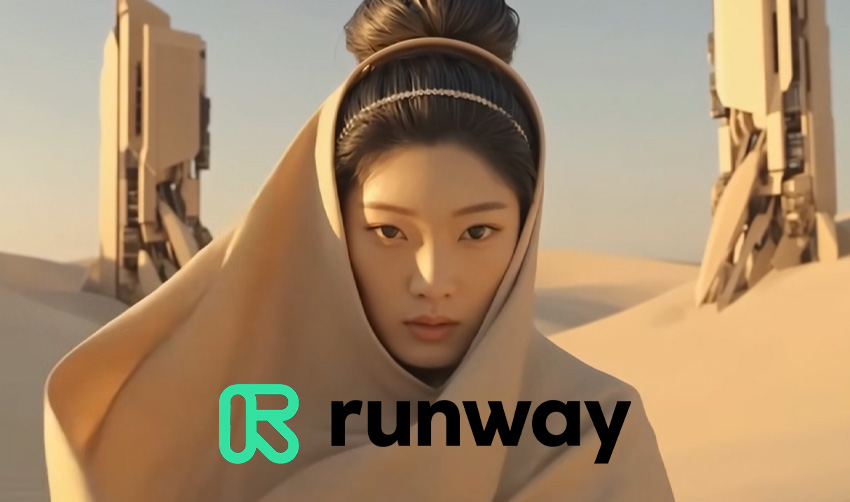
Operating entirely within the browser, Runway ML is a powerhouse for experimental creators. It packages advanced machine learning models into a clean, timeline-based interface, making features like motion tracking, green-screen elimination, and generative video expansions accessible to complete novices.
3. Adobe Premiere Pro & Adobe Firefly
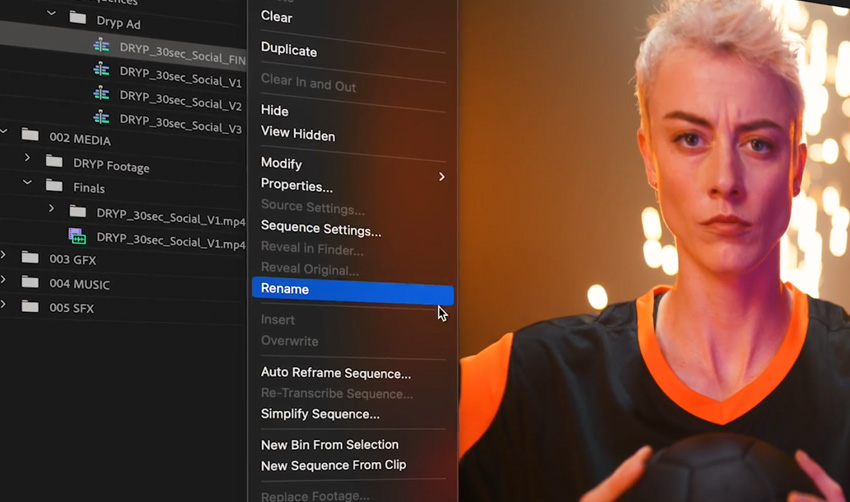
For editors already embedded in the professional ecosystem, Adobe has quietly revolutionized its flagship NLE. By embedding Adobe Firefly generative AI directly into Premiere Pro, users can effortlessly expand scenes, generate background plates, and clean up audio artifacts without ever leaving their project timelines.
4. DaVinci Resolve (Neural Engine)
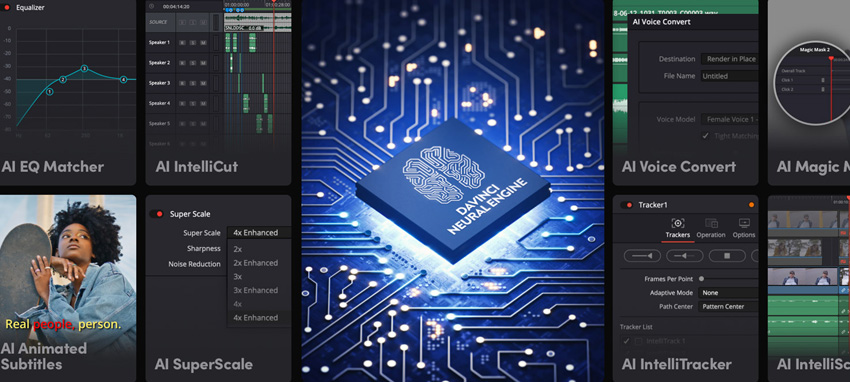
Renowned industry-wide for its peerless color grading suites, Blackmagic Design’s DaVinci Resolve features a proprietary Neural Engine. This AI framework automates complex tasks like face refinement, magic masking, and speed warping. Crucially, its robust free version offers nearly all of these capabilities without crippling watermarks or time limits.
5. CapCut
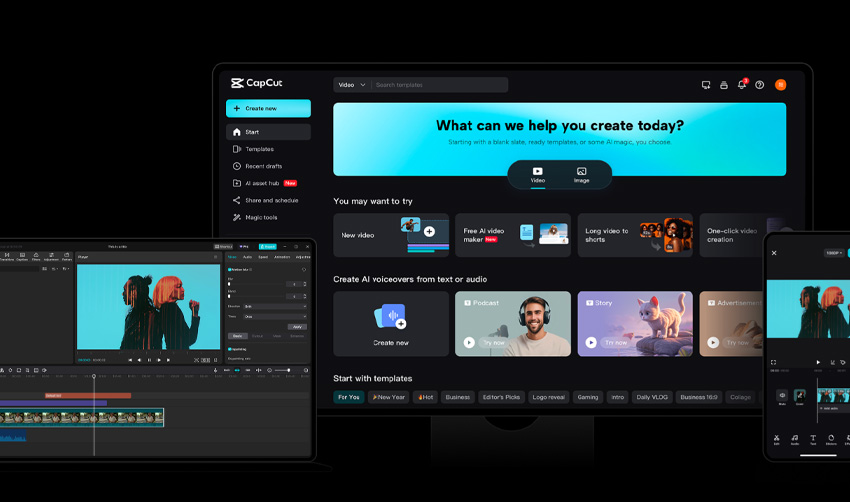
Evolving far beyond its mobile-app origins, desktop CapCut has become a go-to utility for short-form creators. It packs advanced features—such as auto-captions, background removal, and AI styling—into a lightweight, free-to-use application.
6. Canva Video Editor
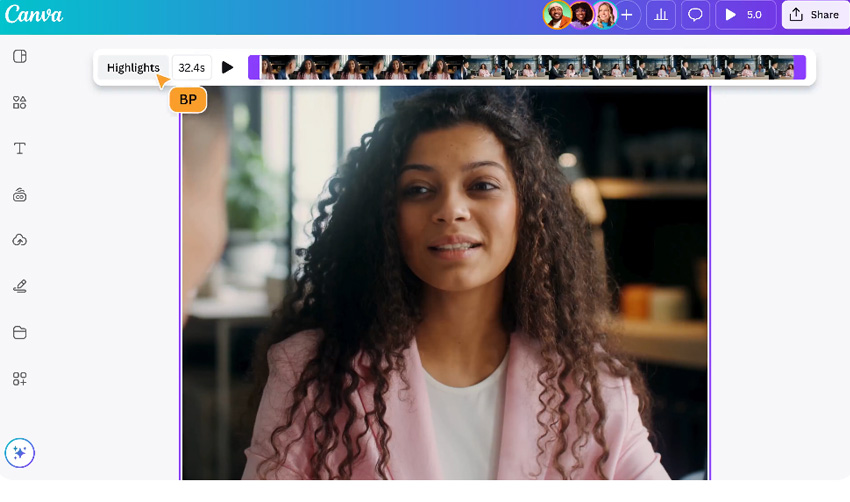
Targeting designers rather than traditional video editors, Canva’s video platform utilizes AI to streamline storytelling. It removes the friction of complex timelines, allowing users to assemble polished, narrative-driven video content with drag-and-drop simplicity.
Supporting Data: The Shift in Creator Workflows
Industry metrics indicate a massive migration toward AI-assisted workflows among independent creators and boutique agencies:
Time Savings: Studies on automated rotoscoping and background removal indicate an average time reduction of 70% to 85% per project compared to manual keyframing.
Accessibility: Over 60% of independent video creators now utilize at least one AI-powered feature in their regular editing pipeline, citing accelerated turnaround times and reduced hardware overhead.
Cost Efficiency: Browser-based tools have reduced the necessity for high-end rendering rigs, allowing creators to produce complex visual outputs on standard consumer laptops.
Official Perspectives: Industry Responses
While the adoption of artificial intelligence has been swift, industry leaders maintain a pragmatic view regarding its limitations and long-term impact.
"AI is not here to replace the director or the editor; it is here to eliminate the friction between imagination and execution."
— Post-Production Technologist Panel, NAB Show
Major software developers emphasize that AI output is inherently raw. Without human curation, AI-generated video often suffers from uncanny artifacts, temporal inconsistencies, and a lack of narrative cohesion. Industry veterans frequently stress that artificial intelligence is a powerful paintbrush, but the human artist remains the ultimate author of the film’s emotional resonance.
Step-by-Step Workflow: Crafting Cinematic Effects with AI
Achieving a cinematic look using AI does not require you to abdicate creative control. By following a structured workflow, you can leverage automation while maintaining artistic integrity.
Step 1: Start with Strong Footage and Storytelling
AI can enhance your visuals, but it cannot rescue a fundamentally flawed story. Prioritize strong composition, intentional lighting, and clear narrative intent during production. The cleaner and more dynamic your source material, the more effectively neural networks can elevate it during post-production.
Step 2: Automate Cleanups and Technical Tasks
This is where AI provides its greatest return on investment. Instead of spending hours meticulously masking hair or removing boom mics from a shot, deploy AI tools to handle the mechanical heavy lifting:
Smart Masking: Instantly isolate subjects from complex backgrounds without manual rotoscoping.
Object Removal: Erase unwanted elements (power lines, stray pedestrians) with content-fill algorithms.
Audio Cleanup: Instantly strip out room echo, wind noise, and hums using neural audio restoration.
Step 3: Add Cinematic Polish
With your footage clean, use AI-assisted tools to inject mood and depth. Apply AI-driven color matching to unify disparate camera angles into a cohesive color grade, or use generative tools to add subtle atmospheric effects like dust motes, volumetric lighting, or lens flares.
Step 4: Refine with Manual Adjustments
The final, and most crucial, step is purely human. Turn off the AI assistants and review your timeline with fresh eyes. Check for pacing, emotional flow, and stylistic consistency. Ensure that the AI-generated elements do not feel overly uniform or "auto-generated." Trust your gut instincts to balance technical precision with emotional storytelling.
Implications for the Future of Filmmaking
The widespread availability of AI video editing tools carries profound implications for the media landscape:
The Rise of the Solo Studio: Small teams and individual creators can now produce narrative content that rivals the visual fidelity of mid-tier studio productions.
Democratization of Regions: Filmmakers in underfunded regions or developing markets now have access to high-end VFX pipelines previously restricted to major media hubs in Los Angeles, London, or Vancouver.
The Premium on Human Taste: As technical execution becomes commoditized by algorithms, the true differentiator for creators will not be how well they can execute an effect, but why they choose to use it. Original vision, narrative depth, and unique artistic perspective will hold higher value than ever before.
We are living through a renaissance in digital creation. The tools that once required a Hollywood studio are now sitting on your hard drive, waiting for an idea. By pairing human curiosity with artificial intelligence, the cinematic screen is truly open to everyone.