










For hiring managers in the creative industry, the daily grind involves navigating an endless sea of applications. Behind every job posting lies a time-consuming, meticulous process: sifting through hundreds of resumes, portfolios, and cover letters to identify the rare talent that possesses both the technical aptitude and the creative spark necessary to thrive.
In this landscape, your resume is not merely a document of record; it is your first piece of design work. When you apply for a creative role, your CV acts as a primary litmus test for your design sensibilities, attention to detail, and ability to communicate complex information under constraints. A generic, uninspired template will likely be lost in the noise. Conversely, a thoughtfully curated, professionally designed resume acts as an immediate differentiator.
The Strategic Importance of Resume Design
In the creative sector, the medium is the message. Recruiters are not just looking for the most experienced candidate; they are looking for the candidate who understands how to present themselves. If a designer cannot effectively design their own career summary, it raises questions about how they will approach client projects.
While the internet is flooded with "free" resume builders, the vast majority are built for corporate, non-creative roles. These templates often ignore modern design trends, such as the use of negative space, hierarchical typography, and intuitive user experience. They fail to account for the competitive nature of the creative industry, where a subtle balance between aesthetic appeal and functional readability is mandatory.
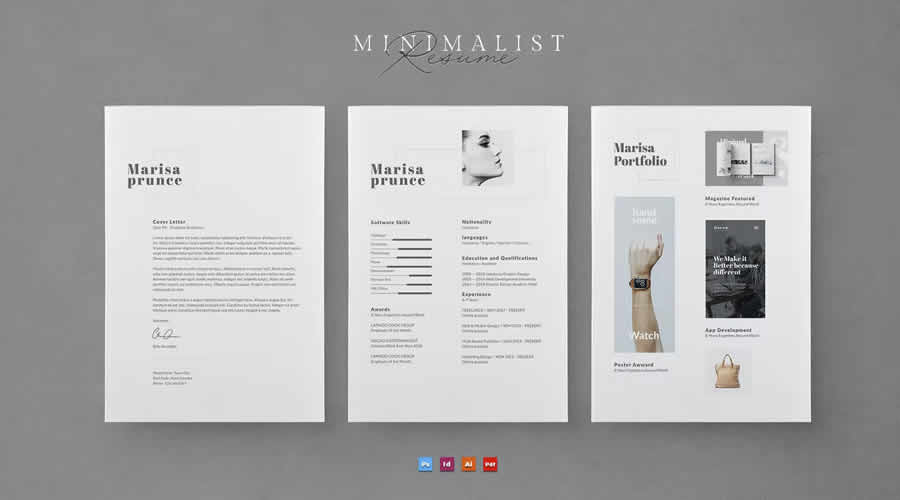
To help you stand out, we have curated a list of premium-grade, free resume templates specifically crafted by designers, for designers. These templates serve as the perfect foundation for building a document that commands attention and lands interviews.
Which Resume Template Format Should You Choose?
Before you begin, you must determine which format aligns with your workflow. The "best" template is the one you are most comfortable editing.
- Adobe InDesign: The industry standard for layout. It offers the most control over typography and grid systems, perfect for those who want a truly bespoke look.
- Adobe Illustrator: Ideal for those who want to treat their resume like a vector graphic project, allowing for intricate illustrative elements.
- Adobe Photoshop: Best for designers who prefer working with layer-based compositions and raster-integrated imagery.
- Figma: The modern choice. As a browser-based tool, it is perfect for UI/UX designers who want to maintain their design system workflow while creating a responsive, clean, and highly shareable document.
- Microsoft Word: Often overlooked, but vital for recruiters who use automated Applicant Tracking Systems (ATS). If a job posting requires an easily parsable document, a well-structured Word template is your safest bet.
Always check the included fonts and file types before committing to a download. A beautiful template is useless if you do not have the software or the specific typeface license required to edit it.
Curated Collection: Top-Tier Designer Resume Templates
Below are some of the most effective, professionally designed templates available for download, categorized by their primary design philosophy.
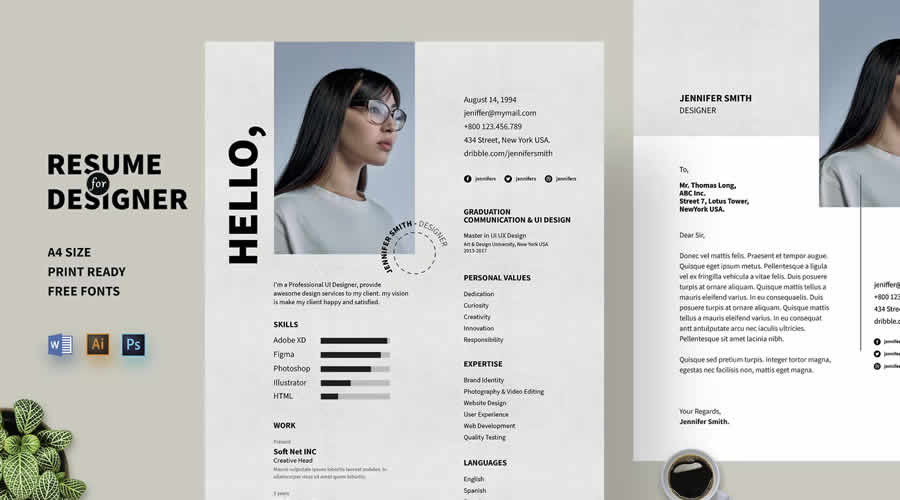
1. Comprehensive Packages (The "All-in-One" Approach)
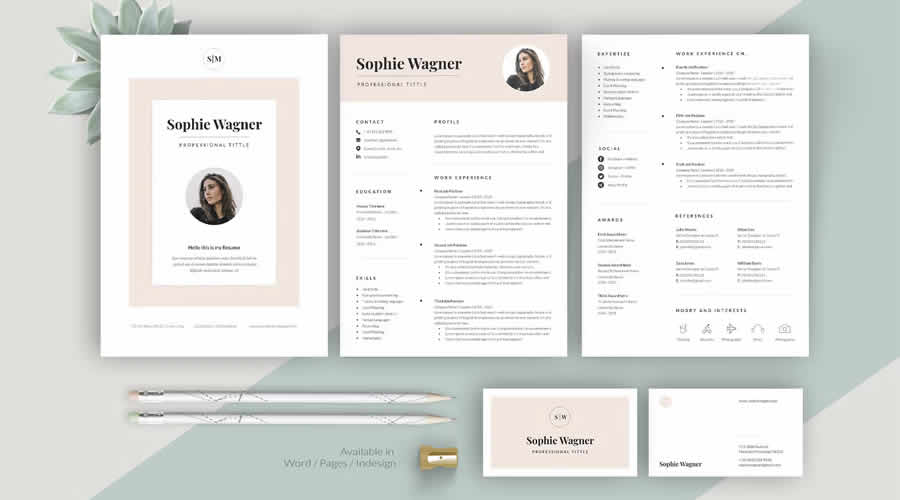
For those who want a unified brand identity, these sets include matching cover letters, portfolios, and even business cards.
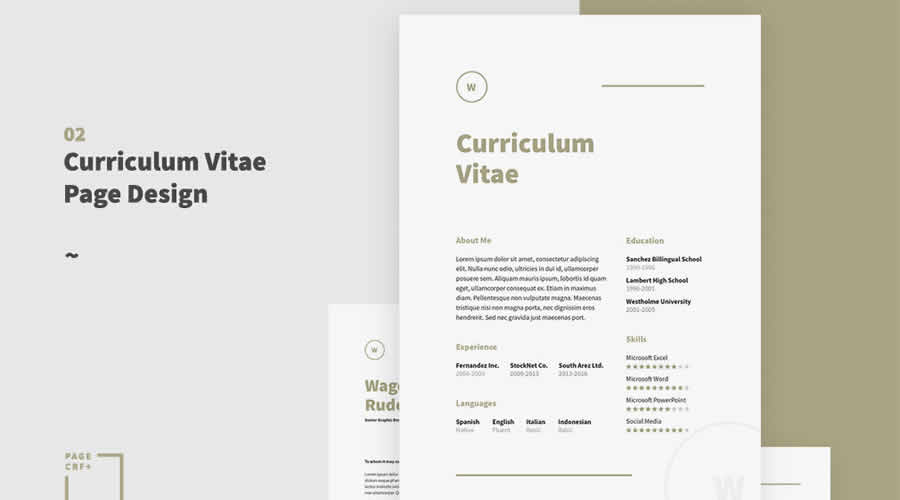
- Resume, Cover Letter & Portfolio Templates: Available in Word and InDesign, this package is the gold standard for a complete, minimalist professional package.
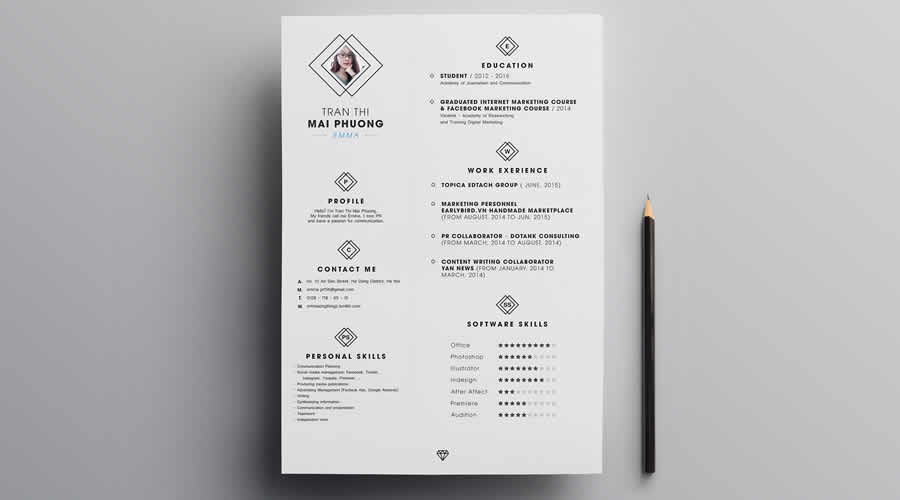
- Minimalist Resume Template for Creatives: A versatile option in PSD, AI, and InDesign that prioritizes readability and professional polish.
2. The Minimalist Aesthetic
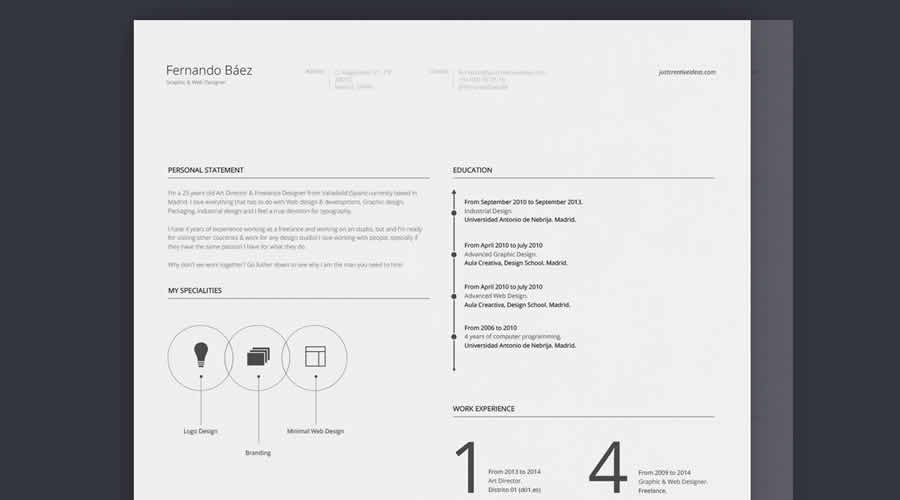
Minimalism is the hardest style to master because there is nowhere to hide errors. These templates focus on beautiful typography and generous white space.
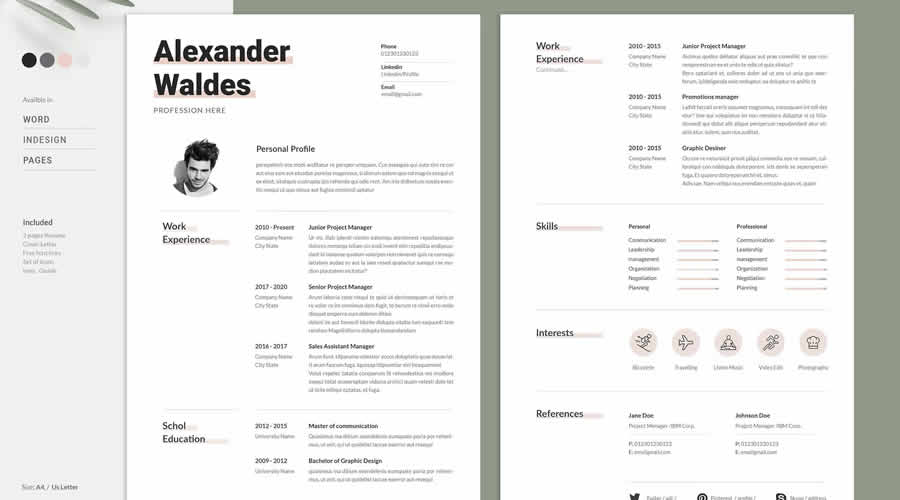
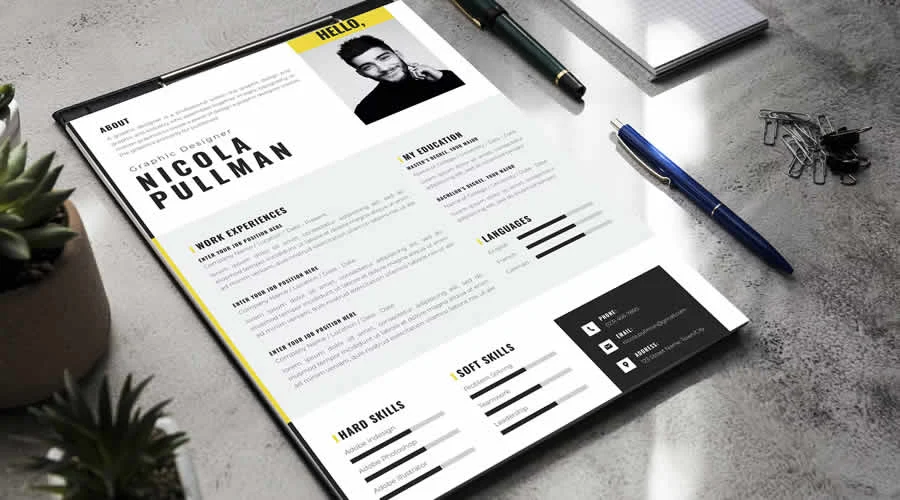
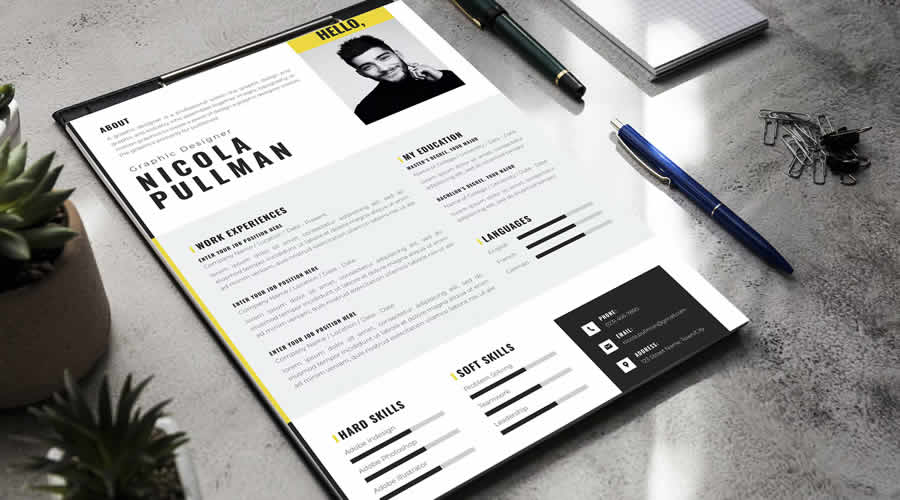
- Neat Resume Template for Designers: A Photoshop-based gem that uses a bold header and clean, well-organized sections to let your experience speak for itself.
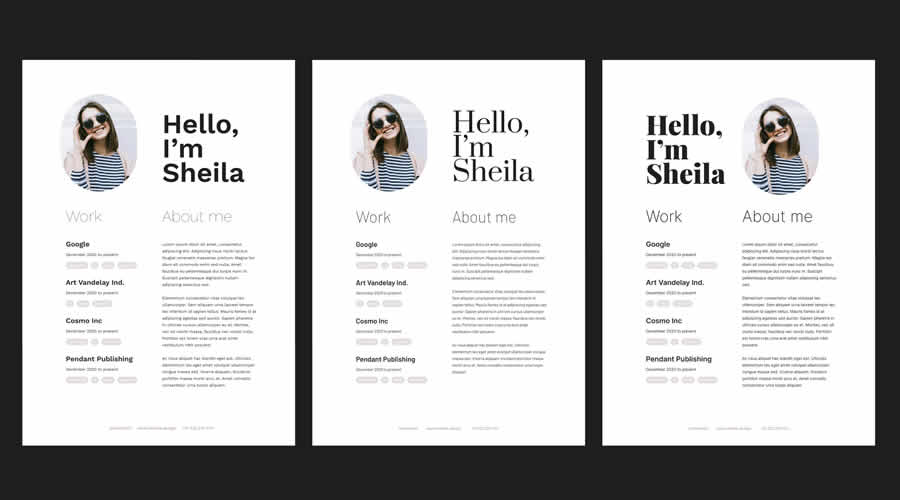
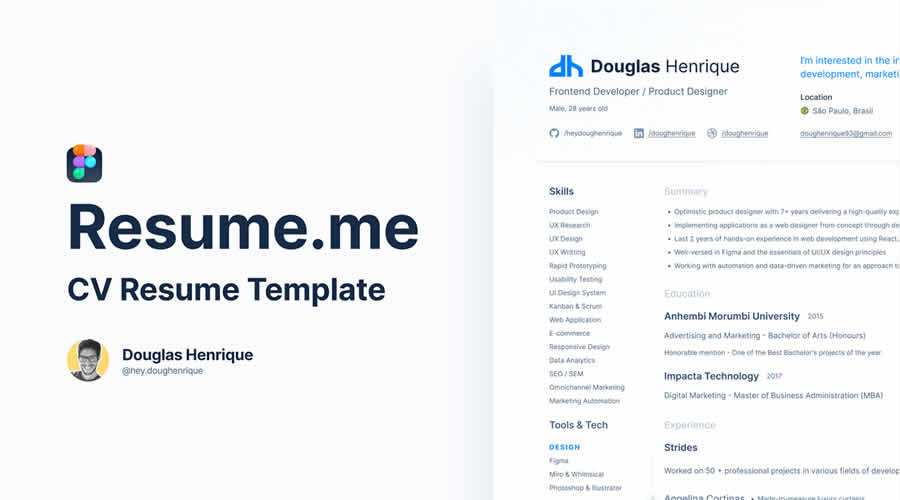
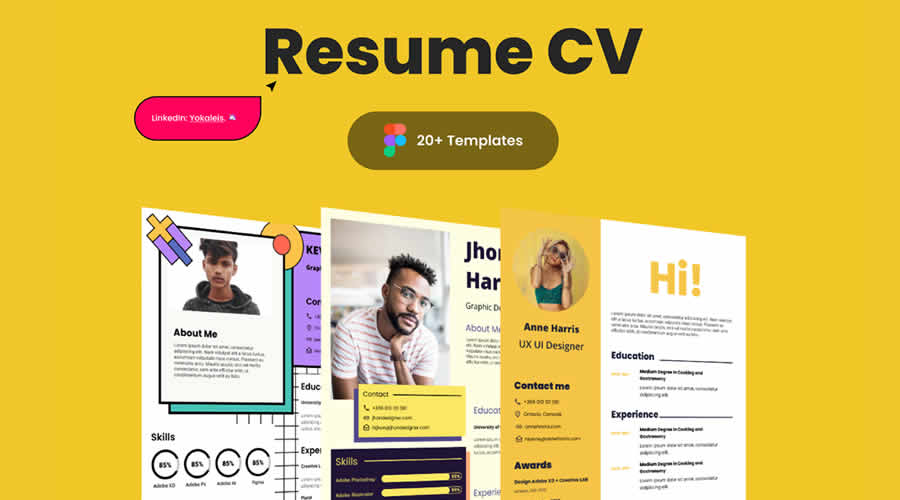
- Minimal Resume Template (Figma): Perfect for modern web and product designers. It is fully customizable, allowing you to swap out brand colors and fonts in seconds.
- Clean & Professional Resume (Figma): Pairs perfectly with a matching printable portfolio template.
3. Bold and Typographic
If your work is loud, energetic, and visually driven, your resume should reflect that energy without sacrificing clarity.

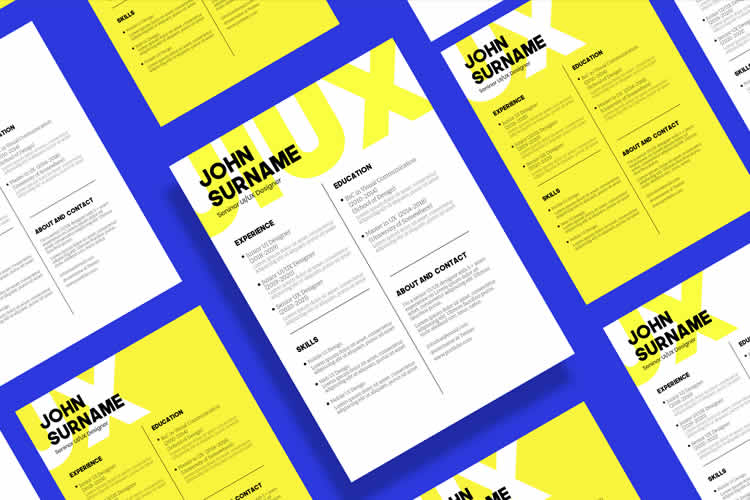
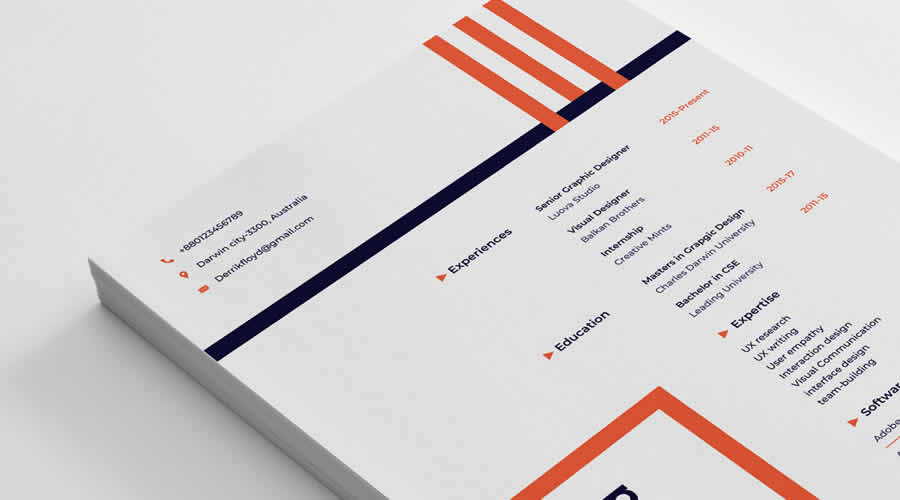
- Creative & Modern Resume: Features large, impactful typography and a grid layout that feels contemporary and high-end.
- Typographic Resume Template: Available for Word and InDesign, this template proves that you don’t need graphics to create a striking impression—just great font pairing.
4. Specialized Templates for UX/UI and Product Design
- Resume Template for UX & UI Designers: Built in Figma, this template accounts for the specific needs of digital designers, providing ample space for project case studies and technical skill sets.
Chronology of the Application: What to Include
When building your resume, structure is just as important as aesthetics. Your document should act as a guided tour of your career.
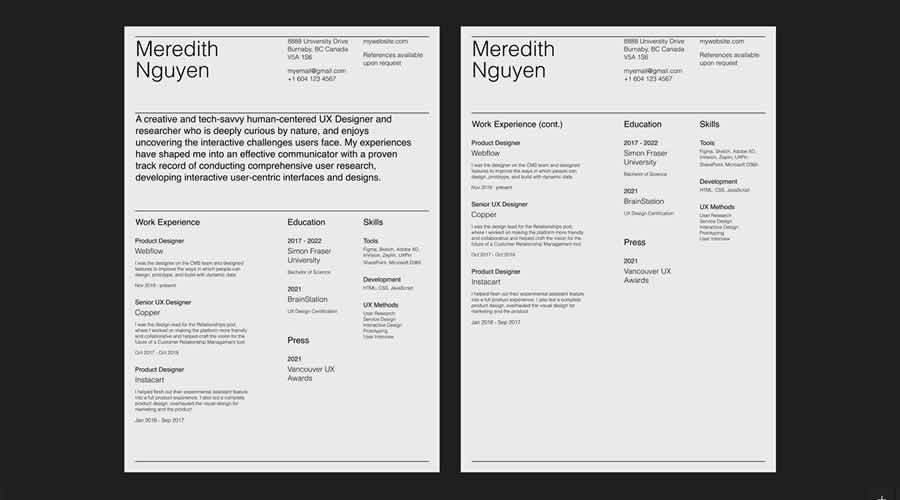
- Header: Name, title, portfolio URL, and contact information. Keep this clean and consistent.
- Summary/Objective: A 2-3 sentence hook that defines who you are as a designer and what you bring to the table.
- Experience: Use reverse-chronological order. Focus on results—not just duties. Use action verbs (e.g., "Led," "Optimized," "Developed").
- Skills: Categorize these by "Hard Skills" (Software/Tools) and "Soft Skills" (Leadership/Communication).
- Education/Certifications: Keep this brief unless you are a recent graduate.
- Projects/Portfolio: If the resume is digital, ensure every project links directly to your portfolio.
Supporting Data: The Impact of Good Design
Studies into recruitment behavior indicate that hiring managers spend an average of six to ten seconds on an initial resume screen. During this "first pass," they are looking for visual cues of organization. A template that uses a logical grid structure is 40% more likely to be retained for a second, deeper review compared to a text-heavy, single-column document. By using a template with clear, defined zones for contact info, skills, and experience, you are essentially "UX designing" the recruiter’s experience, making it easier for them to say "yes."
Official Recommendations and Best Practices
To ensure your application is as effective as possible, consider these final professional recommendations:
- Edit, Don’t Just Fill: Treat every template as a starting point. If the template has a section for "Hobbies" that you don’t need, delete it. If it doesn’t have a section for "Awards," add one.
- Typography Hierarchy: Ensure your headers are clearly distinguished from your body text. The smallest text should be no smaller than 10pt to ensure it remains legible on all screens.
- The PDF Rule: Always export as a high-quality, small-size PDF. Never send raw files unless specifically asked.
- Proofread: A designer who misspells "typography" or "interface" is an immediate red flag. Use spell-check, and then have a peer review it for clarity and tone.
- Balance: A restrained, elegant design will almost always outperform a chaotic, "over-designed" resume. Your resume is a tool for communication; your portfolio is the canvas for your creative expression.
Implications for Your Career
Choosing the right template is a reflection of your professional maturity. It shows that you understand the context of the role you are applying for and that you value the time of the person reading your application. By selecting a template that prioritizes clean, modern, and readable design, you are signaling to potential employers that you are a candidate who is ready to hit the ground running.
In the highly competitive creative industry, where talent is abundant, your resume is the key that unlocks the door to your next career opportunity. Treat it with the same respect and attention to detail that you would apply to your most high-profile client project. Your dream job is waiting—make sure your first impression is the one that lasts.



