










For many technology enthusiasts and creative professionals, the ritual of setting up a new computer is a rite of passage. There is a palpable sense of excitement in unboxing a machine with cutting-edge specifications—a faster processor, a more responsive display, and the promise of a cleaner, more efficient workspace. For years, this setup ritual followed a predictable path: hours spent downloading installers for Adobe’s creative suite, the Microsoft Office ecosystem, local development environments, and a cluttered desktop of utility apps for FTP, media conversion, and project management.
However, as we stand on the precipice of a new era in software delivery, a realization is dawning on the industry: the "app-heavy" workflow may soon be a relic of the past. Today, a vast majority of the tasks that once required resource-intensive desktop software can be accomplished entirely within a web browser. This shift prompts a critical professional inquiry: Are we witnessing the final days of traditional desktop software, or is the browser-based ecosystem simply a convenient, albeit compromised, alternative?
The Evolution of the Web-Based Workspace
To understand the current paradigm shift, one must look at the historical trajectory of web applications. In the early days of the internet, browser-based tools were often dismissed as "toys." They were clunky, latency-ridden, and functionally crippled compared to their native desktop counterparts. For a web designer who cut their teeth in the pre-Netscape era, the browser was a source of constant frustration, defined by compatibility quirks and severe performance limitations.
Chronology: From Static Web to Cloud Powerhouse
- The Early 2000s: Browser tools were largely limited to basic text editing and rudimentary calculators. Native apps like Photoshop and Dreamweaver were the undisputed kings, offering high-level performance that the web simply couldn’t replicate.
- The Mid-2010s: The rise of HTML5, CSS3, and high-performance JavaScript engines (like Google’s V8) began to bridge the gap. We saw the emergence of collaborative platforms that moved beyond simple functionality to actual creative workflows.
- The Current Era: We now live in a world of "Software-as-a-Service" (SaaS) dominance. Platforms like Figma have fundamentally altered how UI/UX design is conducted, while browser-based video editing suites and cloud-native office suites offer parity with—and in some cases, superiority over—traditional desktop installs.
The Case for the Browser: Efficiency and Collaboration
The most compelling argument for the browser-based shift is not just the software itself, but the nature of modern work. Collaboration is the lifeblood of contemporary design and business, and traditional desktop apps often create "data silos."
Breaking Down the Barriers
Modern web apps have broken the boundaries of geography and platform dependency. By moving the heavy lifting to the cloud, these tools have become:

- Platform Agnostic: Whether you are on a high-end Windows workstation, a MacBook, or even a Chromebook, the experience remains consistent. The browser acts as the universal equalizer.
- Collaborative by Default: Real-time, multi-user editing, as seen in platforms like Figma or Google Workspace, eliminates the need for endless email chains, versioning conflicts, and file-syncing headaches.
- Hardware Optimization: While modern creative work still benefits from a decent GPU and ample RAM, the reliance on massive, local hard drives is diminishing. Files are stored in the cloud, allowing for seamless transitions between office and home setups.
Supporting Data: The Trade-Offs in Security and Ownership
While the benefits are clear, the transition to a browser-first environment is not without significant friction. The move from local to remote computing introduces complex questions regarding data sovereignty, privacy, and long-term ownership.
The "Can of Worms" Effect
When software resided on your hard drive, your data was, for the most part, within your physical control. Cloud-based platforms change the power dynamic:
- The Continuity Risk: As noted in recent reports, users have faced the terrifying prospect of losing access to terabytes of data when cloud providers cease operations or shift service models without warning. When your workflow is tethered to a provider’s server, their business health becomes your business health.
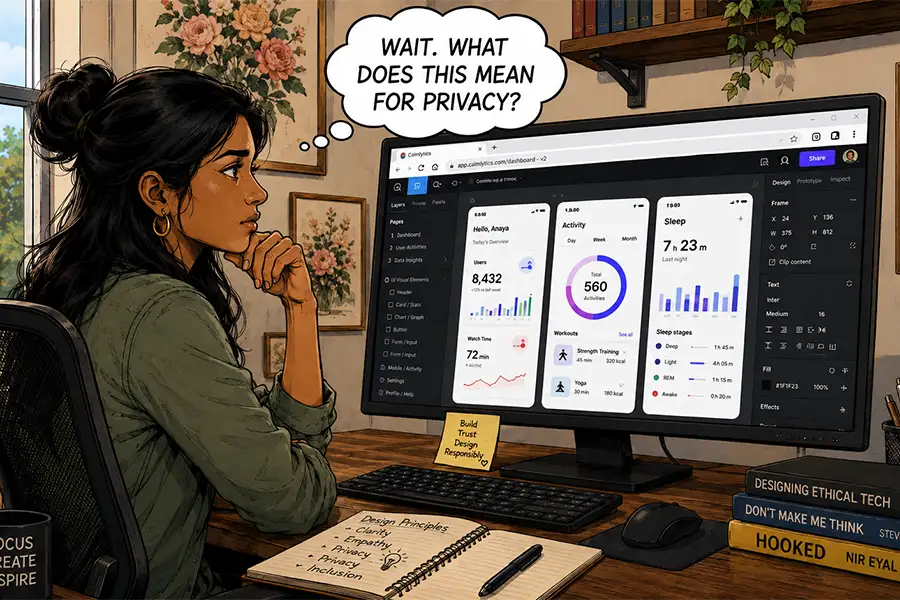
- AI and Model Training: Perhaps the most pressing concern for designers today is the intersection of cloud software and Artificial Intelligence. Many SaaS platforms now integrate AI-driven features. The critical question remains: are your proprietary designs and client data being used to train the provider’s machine learning models? Without strict, transparent data-handling agreements, your creative output could inadvertently contribute to the competition.
- Third-Party Surveillance: Browsers are designed to be gateways to the web, which means they are inherently more exposed to trackers and analytics scripts than a sandboxed desktop application. Even if the software itself is secure, the environment in which it operates is rarely private.
Official Responses and Industry Sentiment
Industry leaders are divided on the necessity of this migration. While software giants like Adobe have successfully pivoted to a hybrid model—offering robust desktop apps that integrate seamlessly with cloud libraries—they are increasingly pushing users toward their "Web-First" versions.
In internal discussions among creative agencies, the consensus is shifting toward a tiered approach. Many firms now use browser tools for "low-stakes" collaboration and ideation, while keeping high-fidelity, high-security projects on local, offline-capable desktop environments. The general sentiment is that while "convenience is king," "control is security."
The Strategic Implications: Why Desktop Still Matters
Despite the allure of the browser, it is premature to declare the death of desktop software. There remain specific professional domains where the limitations of the web are simply unacceptable.

When Control Matters More Than Convenience
- High-End Production: Complex, resource-intensive tasks—such as 4K video rendering, advanced 3D modeling, or high-volume data analysis—still benefit from the direct hardware access provided by native operating systems. The latency of the web, even on high-speed connections, cannot match the near-instant response time of a local processor.
- Customization and Workflow: Desktop applications often offer deeper levels of personalization, allowing power users to script, automate, and customize their interface to a degree that browser sandboxes simply do not allow.
- The "Lawn Chair" Myth: The promise of working from anywhere is enticing, but the reality is that deep, focused work requires a stable environment. Professionals who value granular control over their toolsets—and who recognize that data stored locally (with robust, redundant, offline backups) is the only data that is truly "theirs"—will continue to rely on the "old-school beasts" of the desktop era.
Conclusion: A Hybrid Future
The shift toward browser-based applications is not an "either/or" scenario; it is an evolution of our professional toolkit. For the web designer, the copywriter, or the digital marketer, the browser is likely to become the primary interface. It offers unparalleled efficiency and facilitates a modern, collaborative workflow that desktop-bound apps struggle to match.
However, we must remain vigilant. The ease of the cloud comes at the cost of potential dependency and privacy risks. As we continue to embrace these online tools, the responsibility falls on the professional to understand exactly where their data goes, how it is used, and what happens when the connection drops.
On my next computer, I will undoubtedly install fewer apps. I will embrace the convenience of the browser for the majority of my day-to-day operations. But I will not be deleting my local creative suite. There is still a place for the desktop application—a place reserved for the work that requires the absolute highest levels of precision, security, and personal control. The future is browser-first, but for the discerning professional, it will remain stubbornly, and necessarily, hybrid.



