







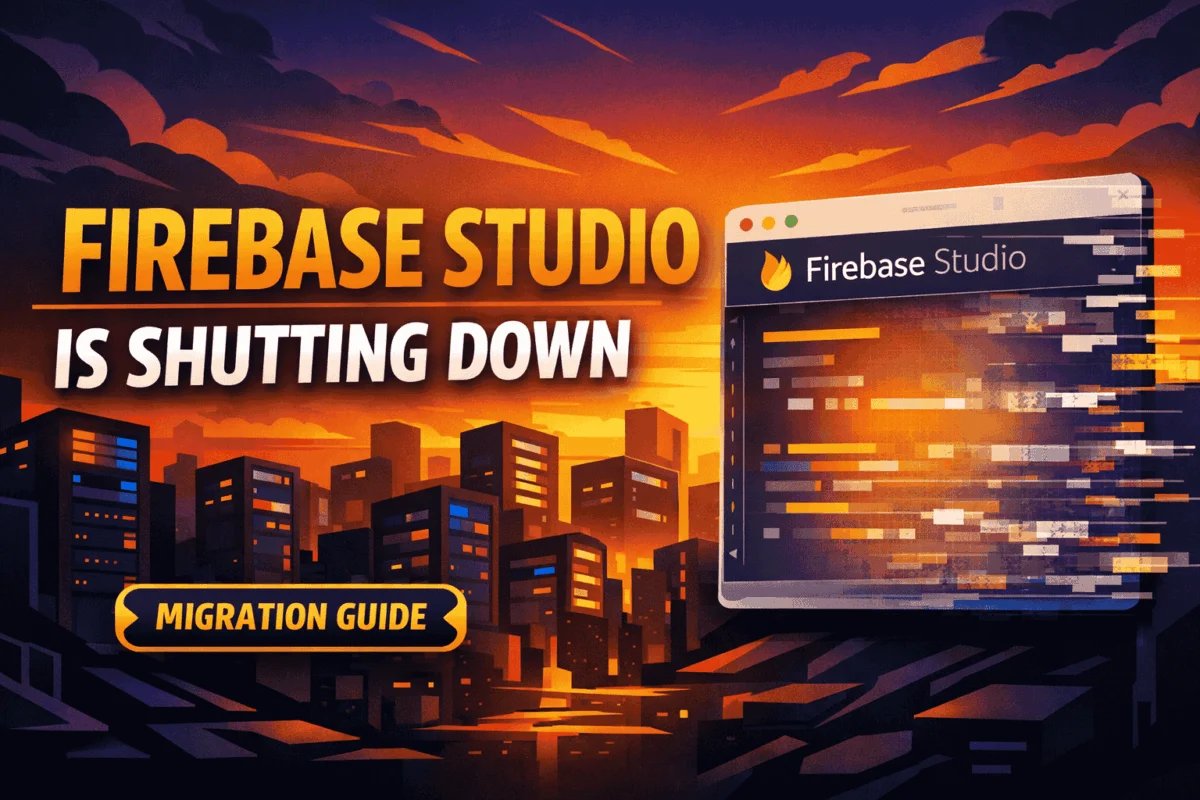
In a move that has sent ripples through the developer community, Google has officially confirmed that Firebase Studio—its browser-based, AI-native integrated development environment (IDE)—will be shut down on March 22, 2027. While the tech giant frequently pivots its product strategy, the deprecation of Firebase Studio marks a significant transition in how Google approaches cloud-native development and rapid prototyping.
For many, this announcement feels like yet another entry in the infamous "Google Graveyard." However, it is vital to distinguish between the development environment and the underlying infrastructure. Google has been quick to reassure stakeholders that the core Firebase ecosystem—including Cloud Firestore, Authentication, App Hosting, and Cloud Functions—remains entirely unaffected. Your production backends are safe, stable, and fully supported.
Understanding the Sunset: What is Actually Changing?
To grasp the implications of this news, one must understand what Firebase Studio represented. Launched as a specialized development environment built atop the foundational architecture of Project IDX, Firebase Studio was designed to be the ultimate sandbox for full-stack application development. It offered an all-in-one browser experience featuring integrated Gemini-powered AI agents, real-time code generation, and one-click deployment pipelines.
The "sunsetting" of this tool specifically targets the web-based IDE interface. Google is effectively removing the "front-end" development environment while keeping the "back-end" engine running at full speed.
Why is Google pulling the plug?
While Google has not explicitly detailed the internal strategic rationale, industry analysts suggest that the shift reflects a broader consolidation of developer tools. By moving away from a siloed, browser-based IDE, Google is pushing developers toward a more flexible, local-first workflow. The company is encouraging users to adopt standard Firebase CLI (Command Line Interface) workflows, which integrate seamlessly with industry-standard IDEs like VS Code, rather than relying on a proprietary cloud interface that, while convenient for prototyping, lacked the robust version control and local-environment parity that enterprise developers require.
The Chronology: A Transition Timeline
Google has provided a generous one-year window to ensure that no developer is left stranded. This transition period is designed to allow teams to move their prototypes, experimental projects, and documentation from the Firebase Studio environment into a more sustainable, long-term development setup.
Key Dates for Your Calendar:
- Announcement Date: The official sunset notification was issued recently, triggering the start of the migration countdown.
- The Transition Window: Users have until March 2027 to finalize their workflows.
- The Shutdown Date (March 22, 2027): Firebase Studio will be officially deactivated. Access to the IDE environment will cease, and any data or code remaining within the platform that has not been exported will be inaccessible.
Developers are strongly advised not to wait until the final quarter of this window. Proactive migration allows for testing and verifying that local configurations function as expected before the deadline pressure mounts.
Implications for the Modern Developer Workflow
The transition away from Firebase Studio is not merely a task of data migration; it is a shift in methodology. For years, the industry has been debating the efficacy of browser-based IDEs versus local development.
The Pros and Cons of the Shift
- The Loss of Convenience: The primary loss here is the "frictionless" nature of the studio. Being able to open a tab, prompt an AI, and have a deployed app in minutes was a powerful tool for hackathons, MVPs, and rapid prototyping.
- The Gain of Stability: By returning to local development, developers gain access to the full power of their local file systems, advanced Git integration, and the ability to work offline. Furthermore, standard CLI-based development is generally more extensible, allowing for complex CI/CD pipelines that were often difficult to configure within the constraints of the Firebase Studio browser interface.
Impact on AI-Driven Development
The integration of Gemini into the developer experience is not disappearing; it is merely migrating. Google intends for developers to use Google AI Studio in conjunction with local IDEs. This decoupled approach allows developers to leverage the same powerful Gemini agents while retaining full control over their source code and environment configurations.
Practical Migration Steps: Moving to a Local Workflow
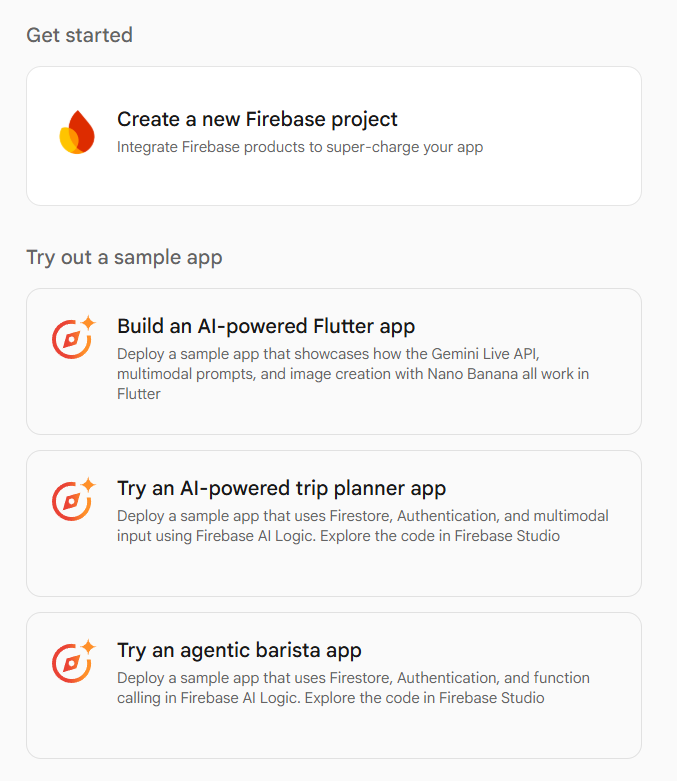
Google has streamlined the migration process to ensure that your code doesn’t remain trapped in the cloud. If you have active projects, follow this high-level migration framework:
1. Exporting Your Assets
The most critical step is securing your work. Firebase Studio provides a built-in export functionality. Navigate to your project settings within the Studio interface, select the export option, and download your project as a ZIP archive. This archive contains your source code, configuration files, and necessary project dependencies.
2. Setting Up Your Local Environment
Once you have your files, the next step is establishing a local environment that mirrors your previous setup:
- Install the Firebase CLI: Ensure you have the latest version of the Firebase CLI installed on your machine.
- Initialize the Project: Run
firebase initin your local project directory. This will map your local files to your existing cloud project. - Configure IDE Extensions: If you were using the AI features heavily, install the appropriate extensions for VS Code (or your preferred editor) that integrate with Google’s Gemini API.
3. Verification and Testing
Do not assume your project will work perfectly upon import. You must:
- Re-verify your environment variables (Firebase secrets).
- Test your Cloud Functions locally using the Firebase Emulator Suite.
- Ensure your authentication and database rules are correctly applied in the local
firebase.jsonconfiguration file.
Supporting Data and User Sentiment
The developer response to this news has been mixed. On one hand, many users have praised Firebase Studio for its ability to lower the barrier to entry for junior developers. On the other, senior developers have often viewed browser-based IDEs as "glorified toys" that lack the depth required for professional production cycles.
Google’s decision highlights a strategic pivot back toward the "Local-First" development philosophy. Data from recent developer surveys suggests that while cloud-based coding environments are growing in popularity, the vast majority of professional software engineering still occurs on local machines where developers can manage dependencies, build tools, and security protocols without relying on browser-based constraints.

Official Responses and Future Outlook
While Google has not released a long-form press release regarding the sunset, internal documentation and support forums emphasize a focus on "developer productivity and long-term maintainability." The company’s messaging is clear: they want developers to use the best possible tools for the job, and for serious, scalable development, that remains the local CLI workflow combined with the specialized power of Google AI Studio.
In the coming months, we can expect Google to release a series of blog posts, technical documentation updates, and migration guides. These resources will likely focus on how to replicate the "one-click" experience of Firebase Studio using modern automation tools and GitHub Actions.
The Future of Prototyping
As we look toward 2027, the lesson is clear: the ecosystem of tools is evolving, and relying on proprietary cloud-IDE interfaces carries inherent risks. The "bittersweet" nature of this sunset—losing a convenient prototyping tool but gaining long-term stability—is the price of progress in the cloud era.
By adopting a combination of the Firebase CLI, a robust local IDE, and Google AI Studio, you can maintain the same, if not better, velocity you achieved in Firebase Studio. The transition may require an afternoon of setup, but the result is a professional-grade workflow that is immune to the whims of interface-level product lifecycles.
Final Checklist for Developers:
- Audit your active Firebase Studio projects: Identify which are still in production and which are archival.
- Back up everything: Do not rely on Google’s servers to store your code indefinitely.
- Update your tooling: Familiarize yourself with the latest Firebase CLI commands.
- Join the Community: Keep an eye on official Google developer blogs for upcoming migration tutorials and scripts designed to automate the export-to-local process.
While the Firebase Studio chapter is closing, the Firebase platform itself remains as essential as ever. As we prepare for this transition, developers have a unique opportunity to refine their development stacks and embrace more resilient, portable, and powerful workflows. The cloud is not disappearing—it is simply becoming a more professional, reliable, and standardized place to build.