









In the modern digital landscape, establishing a credible online presence is no longer a luxury reserved for tech-savvy enterprises; it is an absolute necessity for freelancers, creatives, and small business owners alike. Among the myriad website builders crowding the market, Squarespace has long maintained a reputation as the premier destination for design-conscious individuals.
This comprehensive review examines Squarespace’s core offerings, dissects its pricing structure, evaluates its functionality across blogging, SEO, and e-commerce, and weighs its advantages against major competitors like WordPress, Shopify, and Wix. By analyzing what the platform does exceptionally well—and where it falls short—we aim to help you determine whether Squarespace is the right engine for your digital ambitions.
Main Facts: What Is Squarespace?
At its core, Squarespace is a hosted website builder and content management system (CMS). Unlike self-hosted platforms where users must independently secure web hosting, domain security certificates, and software updates, Squarespace bundles hosting, design templates, content editing, and analytics into a single, cohesive subscription.

Key Highlights at a Glance:
- Design & Templates: Highly rated for modern, clean, and visually striking aesthetics.
- Ease of Use: User-friendly visual editor that does not require extensive coding knowledge.
- Hosting: Fully hosted infrastructure, eliminating external server management.
- Target Audience: Creatives, photographers, bloggers, freelancers, and small-to-medium-sized businesses (SMBs).
- Core Pricing (Annual Billing): Ranging from $7/month for the Basic plan up to $12/month for the Advanced tier.
Despite its streamlined approach, users must weigh the benefits of an all-in-one platform against platform-specific constraints, such as structural customization limits, transaction fees on lower tiers, and the absence of a permanent free plan.
Chronology: The Evolution of Squarespace
Understanding Squarespace requires a look at how the platform has evolved over the past two decades:
- 2003: Founded by Anthony Casalena in a University of Maryland dorm room, Squarespace initially launched as a simple blogging tool.
- 2010s: The platform shifted its focus from a niche blogging application into a full-scale website builder and e-commerce engine, introducing advanced visual drag-and-drop capabilities.
- Recent Years: Squarespace expanded its ecosystem beyond basic website creation, introducing complementary services such as Squarespace Scheduling, robust email marketing tools, and expanded digital product monetization features.
- Current Era: Today, Squarespace positions itself as an integrated digital operating system for small businesses, continually updating its pricing tiers, transaction structures, and SEO controls to compete aggressively against specialized e-commerce and blogging platforms.
Supporting Data: Plan Breakdown and Pricing Analysis
Squarespace operates on an annual billing model, offering significant promotional discounts (often advertised around 30% off). Below is a breakdown of the primary plans available to users:

| Plan | Monthly Equivalent (Annual Billing) | Best Suited For | Key Transaction Fees |
|---|---|---|---|
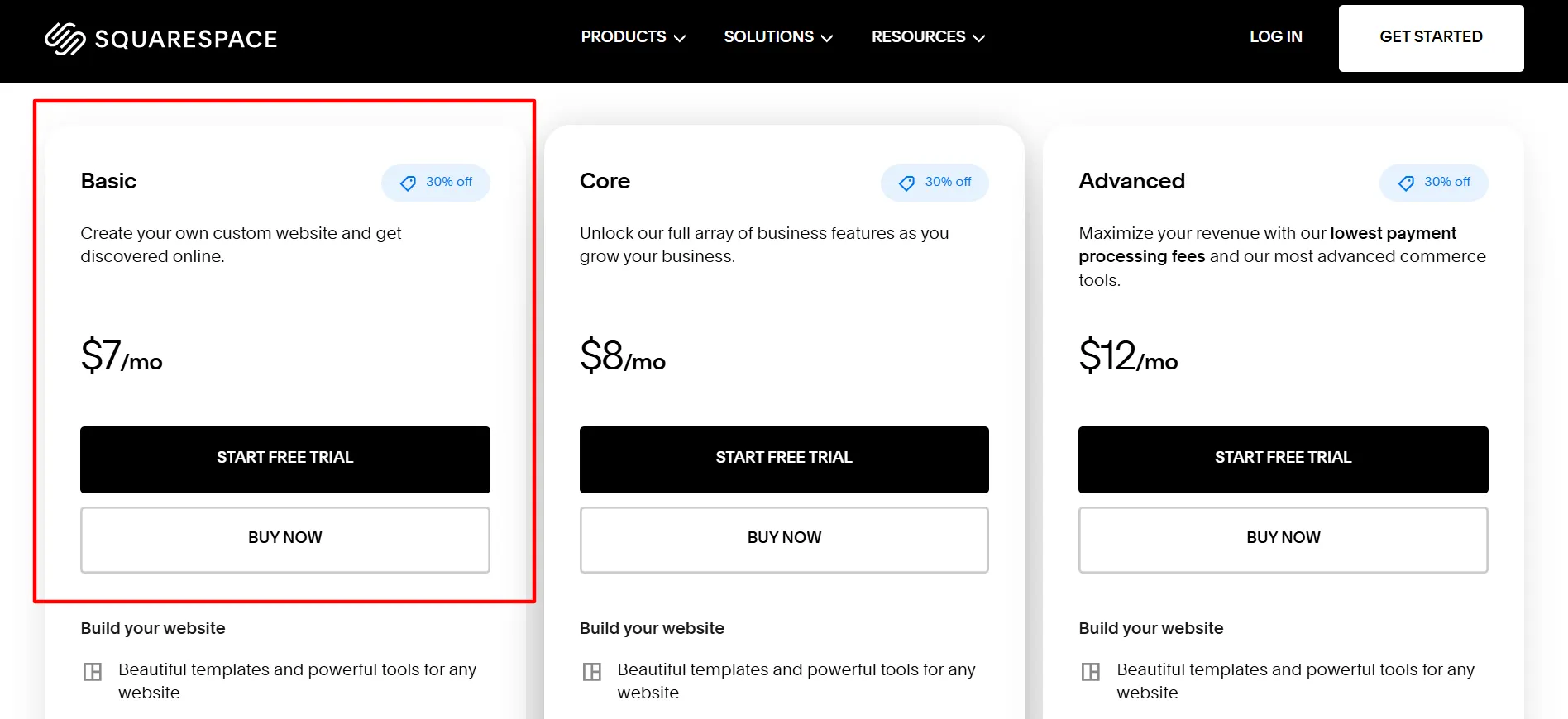
| Basic | $7 / month | Blogs, personal portfolios, simple brand sites | 2% commerce fee; 7% digital product fee |
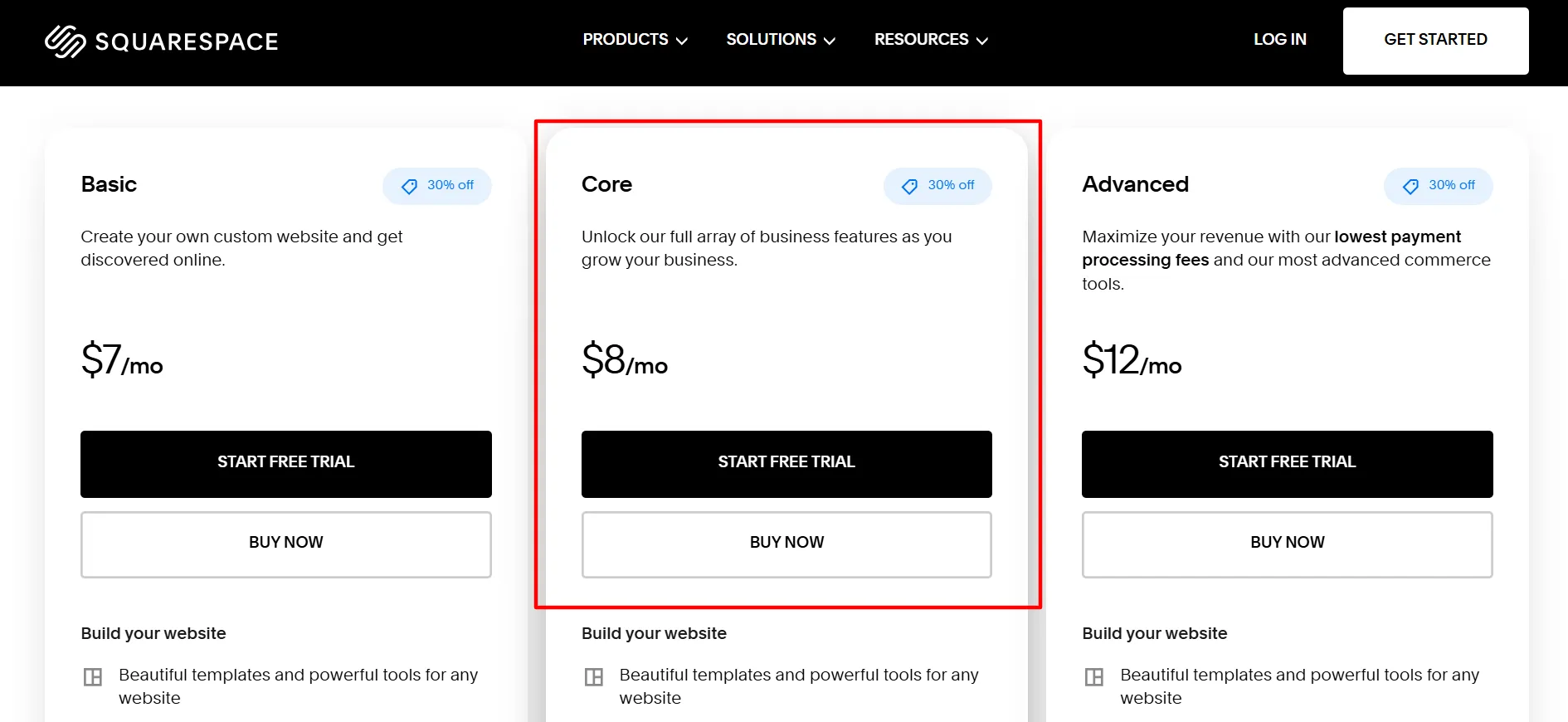
| Core | $8 / month | Small businesses needing advanced controls | 0% standard commerce fee; 5% digital product fee |
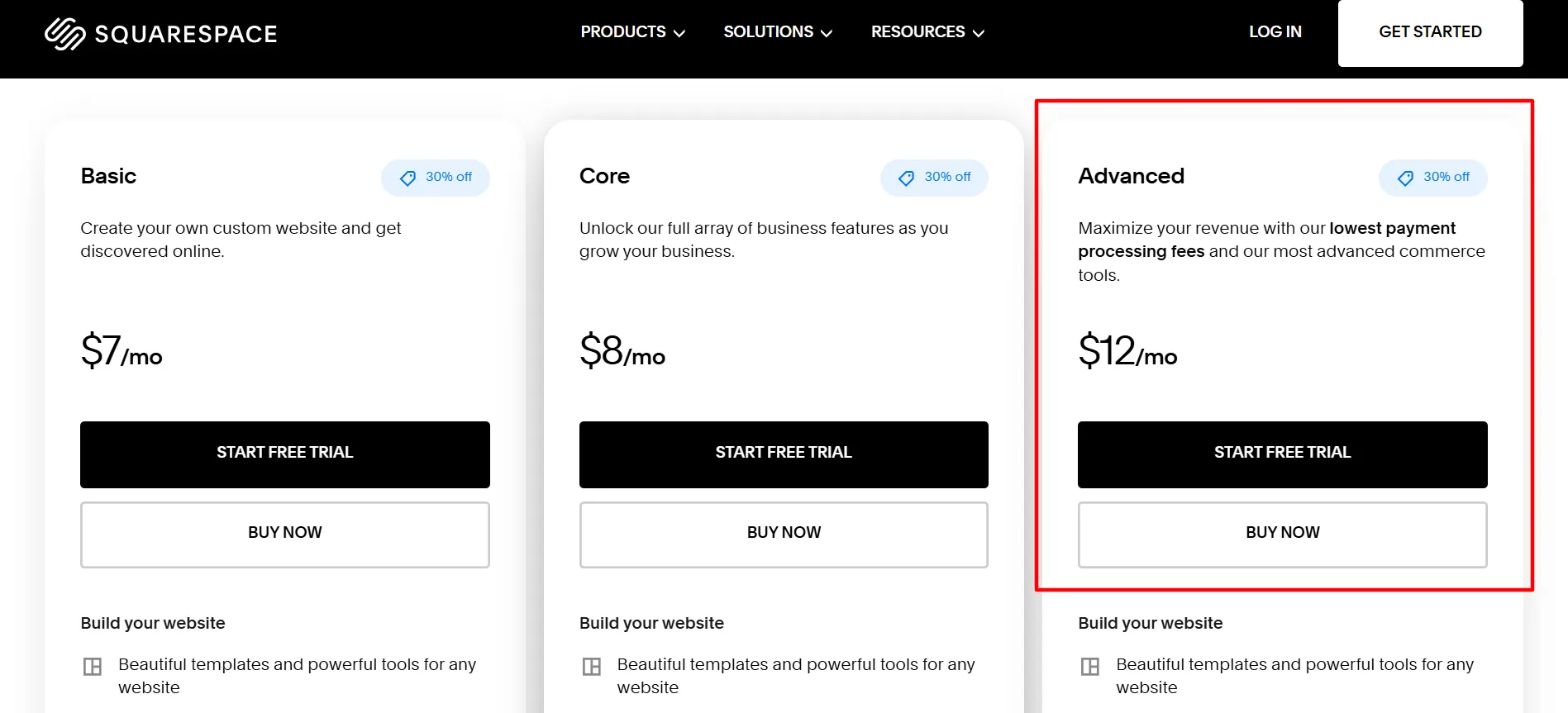
| Advanced | $12 / month | Established online stores & heavy e-commerce | 0% commerce fee; 0% digital product fee |
Note: Prices are listed in USD and may vary depending on local taxes, regional promotions, and chosen billing cycles. Payment processing fees apply across all plans.
1. The Basic Plan ($7/month)
Tailored for portfolios, personal blogs, and freelance showcases. It includes foundational templates, visual editing tools, basic SEO settings, and site analytics. However, users utilizing this plan for sales incur a 2% commerce transaction fee alongside a 7% digital product fee.
2. The Core Plan ($8/month)
Stepping up by just a dollar a month unlocks unlimited contributors, custom code options, and removes the standard 2% commerce transaction fee on physical goods. It is ideal for growing small businesses that require collaborative management and an expanded commercial footprint.
3. The Advanced Plan ($12/month)
Designed for power-sellers, this tier includes unlimited video storage, advanced shipping calculations (carrier-calculated rates), and eliminates standard commerce and digital product transaction fees entirely.
Feature Deep Dive: Strengths and Limitations
Design Quality and Templates
Squarespace’s crown jewel is its visual design standard. Templates are meticulously curated to feature clean typography, balanced spacing, and sophisticated imagery arrangements.
- Pros: Allows non-designers to launch a polished, professional site within hours. Consistency is maintained automatically across mobile and desktop breakpoints.
- Cons: Highly specific, unorthodox layouts can feel restricted by the built-in grid system. Deep code customization requires technical proficiency.
Usability and Content Publishing
Managing text, imagery, and navigation menus is handled through a streamlined visual interface.
- Blogging: Highly capable for independent writers, tutorial sites, and content marketing operations. Features include URL customization, tag/category management, and scheduling.
- Limitations: Complex editorial workflows or massive multi-author publications may still find platforms like WordPress more accommodating.
SEO Controls and Analytics
Squarespace provides robust on-page optimization tools. Users can directly edit meta titles, descriptions, slugs, and alt text. Built-in SSL certificates and mobile responsiveness further reinforce search engine health. However, as with any CMS, technical optimization must be paired with a strong, ongoing content strategy to achieve high search rankings.
E-Commerce Capabilities
Whether selling physical goods, digital downloads, service packages, or recurring memberships, Squarespace handles transactions smoothly. Smaller shops will find the interface intuitive, though high-volume merchants with complex inventory needs may eventually outgrow the platform in favor of specialized giants like Shopify.
Official Responses and Platform Positioning
In official statements and product updates, Squarespace continually emphasizes its commitment to simplicity without creative compromise. Executives frequently highlight that the platform aims to bridge the gap between rigid, cookie-cutter site builders and complex, high-maintenance self-hosted environments.
By keeping hosting, design, security, and marketing tools under one roof, Squarespace officially maintains that business owners should spend their time growing their brand rather than managing server downtime, plugin conflicts, and security patches.
Implications: Squarespace vs. The Competition
Choosing Squarespace has distinct ripple effects on your digital strategy. Here is how it compares to alternative platforms:
- Squarespace vs. WordPress: WordPress offers unrivaled flexibility and a massive plugin ecosystem, but demands active maintenance and security management. Squarespace trades deep customizability for hands-off reliability and aesthetic polish.
- Squarespace vs. Shopify: If selling online is the absolute core of your enterprise, Shopify offers superior inventory and multi-channel sales tools. Squarespace is better suited for businesses where design, branding, and content take equal or primary precedence over massive product catalogs.
- Squarespace vs. Wix: Both are robust hosted builders, but Squarespace generally wins on modern typography and editorial structure, while Wix offers granular drag-and-drop freedom.
Final Thoughts
Squarespace remains a top-tier choice for creators, freelancers, and small business owners who prioritize visual elegance and a seamless user experience. While it lacks a permanent free tier and imposes certain transaction fees on lower plans, its all-in-one ecosystem saves considerable time and technical friction.

If you value a polished aesthetic, dependable hosting, and an intuitive content editor, Squarespace is well worth the investment. Prospective users are encouraged to take advantage of the platform’s trial period to test its features firsthand before committing to an annual subscription.