Main Facts
The latest software iterations—iOS 27 and macOS 27 Golden Gate—have officially landed, bringing a robust suite of long-awaited upgrades to one of Apple’s most convenient continuity features: iPhone Mirroring. Since its initial introduction, the capability to beam an interactive iPhone interface directly onto a Mac desktop has been a favorite for power users and multitaskers alike. However, the latest release transcends mere convenience, introducing foundational architectural shifts that fundamentally change how users interact with their mobile devices from a computer.
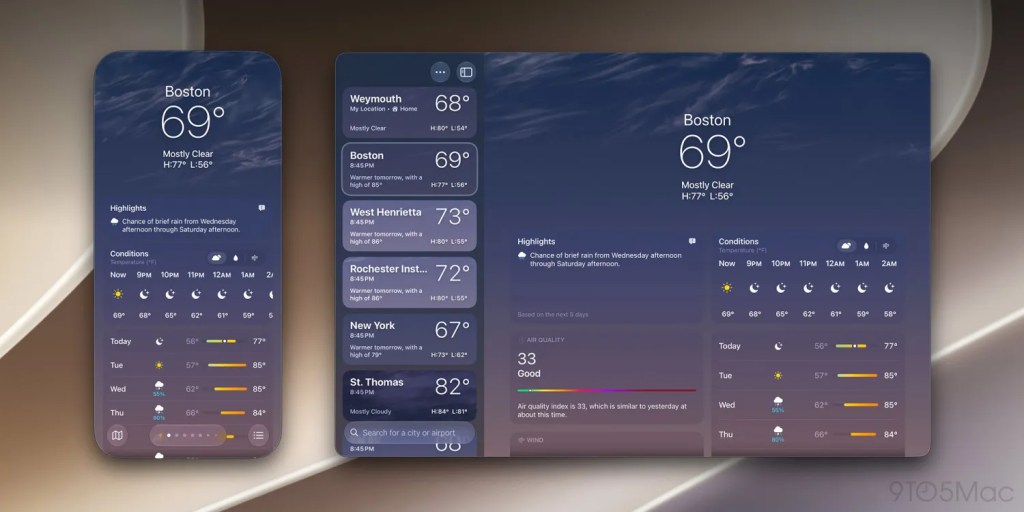
The headline feature of this release is the elimination of rigid window constraints. In macOS 27, users are no longer limited to three arbitrary preset dimensions (smaller, actual size, and larger). Instead, the iPhone Mirroring window is now fully and dynamically resizable. While this capability currently applies natively to Apple’s first-party iOS applications, support is expected to scale rapidly as third-party developers roll out their iOS 27-optimized updates later this year.
Beyond window scaling, the update introduces three critical functional enhancements:
- Control Center Access: Users can now seamlessly pull up the iOS Control Center directly within the mirrored interface using either a dedicated keyboard shortcut (
CMD + 4) or via the "View" menu in the Mac menu bar. - DRM Video Support: Previously plagued by black screens due to digital rights management restrictions, iPhone Mirroring now natively supports playing protected video content from streaming apps directly on the Mac.
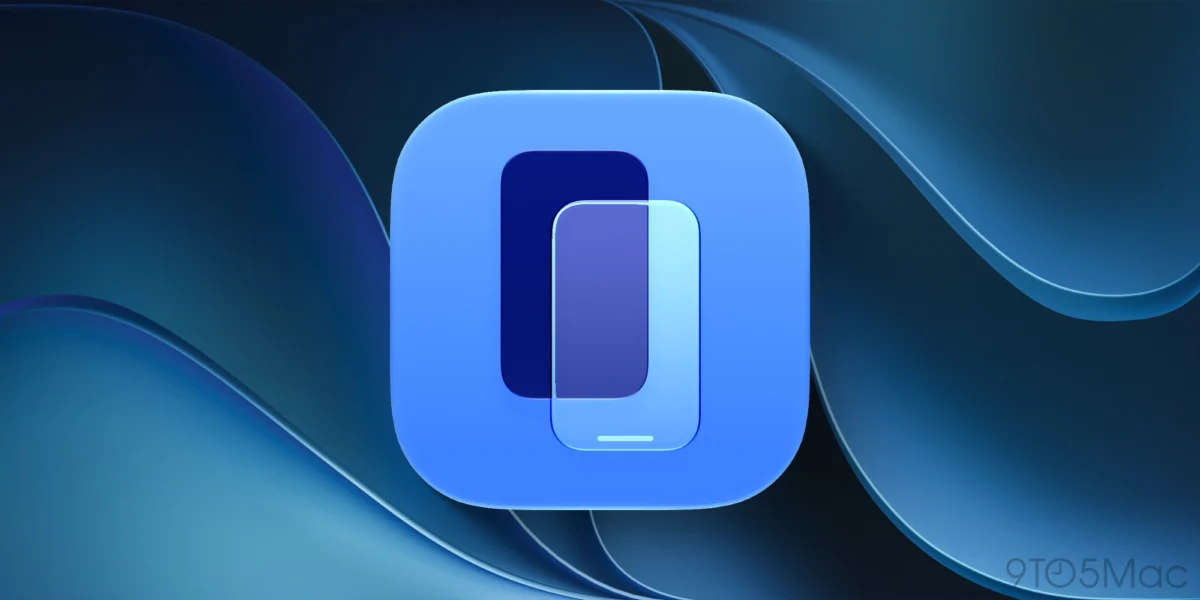
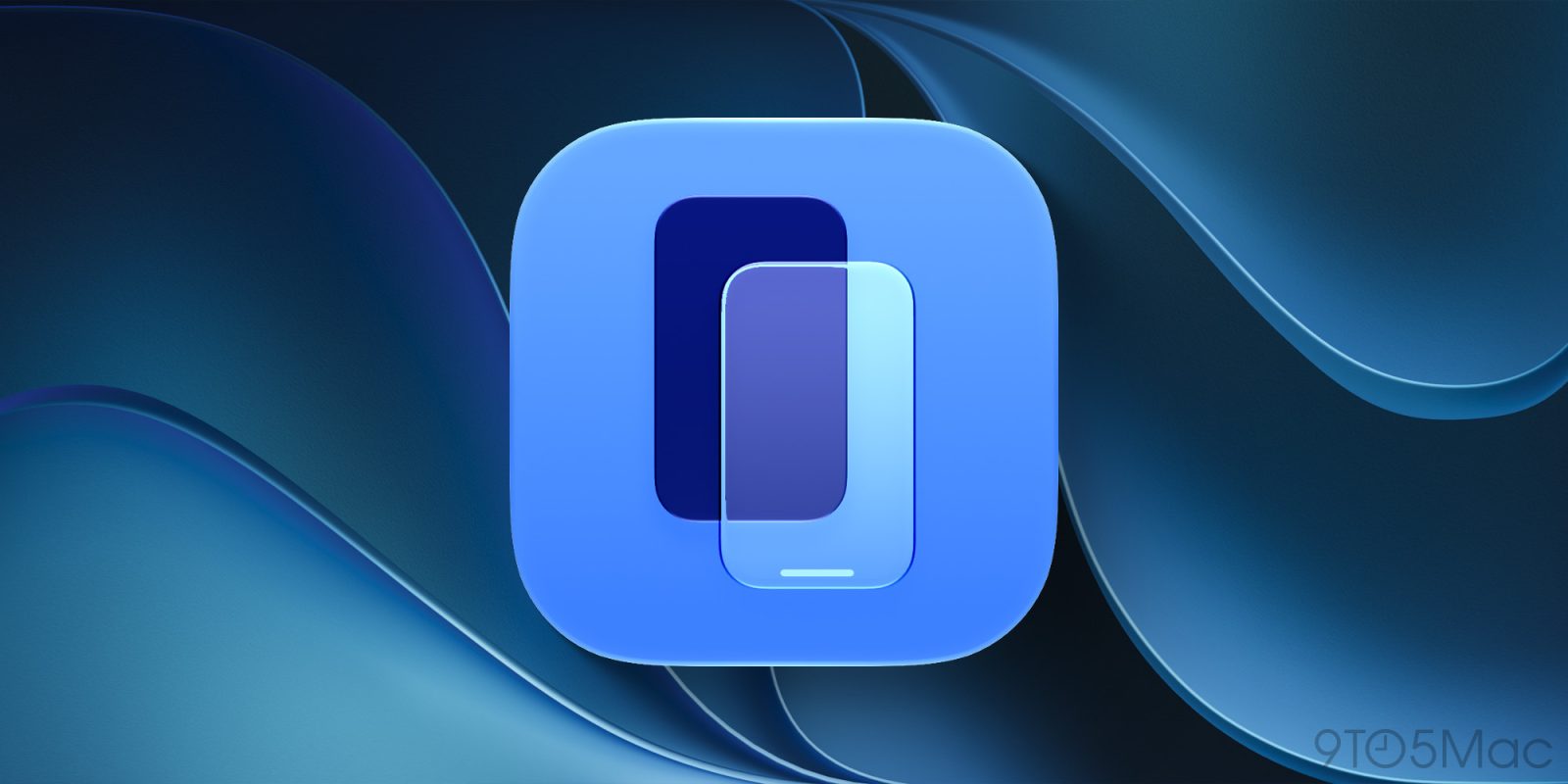
- Visual Refresh: macOS 27 introduces a brand-new, polished app icon for iPhone Mirroring, aligning it with the modern design language of other stock Apple applications.
Industry analysts are already pointing out that this newfound flexibility in aspect ratios and window geometry is a massive technological stepping stone, strongly hinting at Apple’s preparation for rumored hardware shifts, such as a foldable iPhone Ultra anticipated later this year.
Chronology of the Feature: From Continuity Basics to macOS 27
To understand the significance of the macOS 27 update, it is helpful to trace the evolution of Apple’s Continuity ecosystem and the specific rollout of iPhone Mirroring.
- The Early Days of Continuity (2014–2020): Apple established ecosystem dominance early on with features like Handoff, Universal Clipboard, Continuity Camera, and iPhone Cellular Calls. While these features allowed Macs and iPhones to communicate fluidly, users still had to physically pick up their phones for app-specific interactions that lacked native Mac counterparts.
- The Introduction of iPhone Mirroring: Apple formally unveiled iPhone Mirroring to bridge the final gap between desktop and mobile. Initially, the feature allowed users to view their locked iPhone screen, receive notifications, and launch apps on their Mac while the phone remained safely tucked away in a pocket or bag. However, the user experience was bound by strict limitations: fixed window sizes and an inability to bypass DRM blackouts or easily trigger Control Center.
- The Release of iOS 27 and macOS 27 Golden Gate (Last Month): Apple pushed out the Golden Gate builds of iOS 27 and macOS 27 to developers and testers. This update quietly transformed iPhone Mirroring from a novel utility into a deeply integrated, highly versatile productivity tool by introducing free-form window resizing, Control Center shortcuts, and DRM playback.
- The Road Ahead (Later This Year): As third-party developers adopt the iOS 27 SDK, dynamic resizing will roll out across the entire App Store ecosystem, paving the way for upcoming hardware announcements.
Supporting Data and Technical Breakdown
The technical hurdles overcome in macOS 27 and iOS 27 are substantial. Mirroring a mobile operating system onto a desktop environment requires low-latency video streaming, bidirectional touch-to-cursor input translation, and secure end-to-end encryption.
Window Resizing Mechanics
Historically, the iPhone Mirroring feature rendered the fixed pixel dimensions of the physical iPhone display onto the Mac. Users could scale the preset views up or down, but the application container maintained a strict aspect ratio matching physical form factors. With macOS 27, the underlying rendering engine dynamic-scales the UIKit and SwiftUI view hierarchies on the fly.
- First-Party Support: At launch, Apple’s built-in apps (such as Messages, Settings, Notes, and Safari) instantly support arbitrary window scaling.
- Developer Adoption: Developers utilizing Xcode for iOS 27 can enable fluid scaling with minimal refactoring, ensuring that apps automatically adapt to non-standard aspect ratios—a capability that will be crucial not just for Mac mirroring, but potentially for non-standard or foldable iOS device screens.
DRM and Multimedia Handling
Digital Rights Management (DRM) has historically been a bottleneck for screen-sharing and mirroring technologies due to high-security piracy prevention protocols enforced by content providers (like Netflix, Disney+, and Apple TV+). In previous versions of iPhone Mirroring, attempting to play protected media resulted in an instantaneous blackout of the video feed.
Through secure hardware-accelerated decoding pipelines introduced in macOS 27, Apple has established a secure session tunnel that allows encrypted HDCP streams to pass safely from the mirrored iOS device to the macOS window manager, enabling true multimedia multitasking without forcing users to open a separate native browser tab on their Mac.
Official Responses and Developer Perspective
While Apple has traditionally maintained tight-lipped confidentiality ahead of official fall hardware keynotes, engineering teams have highlighted the architectural alignment between macOS and iOS in developer documentation accompanying the macOS 27 release.
During early developer sessions, Apple engineers emphasized that the shift toward dynamic UI scaling is designed to unburden users from fixed-device paradigms. By treating the iPhone interface less like a rigid hardware projection and more like a fluid, scalable application window, Apple is bridging the gap between desktop and mobile computing paradigms.
Third-party developers have also expressed enthusiasm. Early feedback on the iOS 27 beta forums indicates that updating apps to support dynamic container scaling is straightforward. Developers note that applications built with modern SwiftUI frameworks naturally reflow their layouts, making the transition to resizable iPhone Mirroring windows seamless.

Furthermore, privacy advocates and enterprise IT departments have praised Apple’s continued commitment to security. Even with the introduction of Control Center shortcuts and DRM video streaming, the underlying connection remains locked behind biometric authentication (Touch ID/Face ID) on the Mac, ensuring that unauthorized users cannot casually access sensitive toggles or personal data simply by glancing at an unattended desktop.
Implications: What This Means for the Future of Apple Hardware and Software
The quiet yet profound changes in macOS 27 carry massive implications for the future trajectory of Apple’s product lineup, software philosophy, and the broader consumer tech landscape.
1. Preparing the Ecosystem for Foldable Form Factors
The most widely discussed implication of free-form iPhone Mirroring window scaling is the undeniable signal it sends regarding hardware development. For years, industry insiders have circulated rumors regarding Apple’s exploration of foldable displays—whether an iPad/Mac hybrid or a foldable iPhone Ultra.
By engineering iOS and macOS to handle fluid, variable-aspect-ratio mobile applications on desktop screens, Apple is effectively future-proofing its software stack. When a foldable device eventually hits the market, the operating system will not need to scramble to support dynamic resizing; the infrastructure will have already been thoroughly tested by millions of Mac users via iPhone Mirroring.

2. Redefining Desktop-Mobile Convergence
For decades, tech giants have attempted to merge mobile and desktop operating systems with varying degrees of success. Microsoft’s Continuum and Samsung’s DeX attempted to turn smartphones into desktop replacements by plugging them into external monitors. Apple, conversely, has taken the opposite approach: keeping macOS and iOS distinct, elegant operating systems while building deeply integrated software bridges between them.
iPhone Mirroring in macOS 27 represents the pinnacle of this philosophy. Users no longer need to break their workflow concentration to reply to a text, check a mobile-only banking app, or adjust a setting. The boundaries between the device in your pocket and the workstation on your desk are dissolving.
3. Productivity and Workflow Shifts
For professionals, creators, and everyday power users, these updates dramatically reduce friction. Being able to watch a DRM-protected tutorial video directly inside a mirrored app window while taking notes in a native macOS application—all without cluttering the Mac desktop with extra browser windows—streamlines complex multi-app workflows.
As developers universally adopt iOS 27 sizing standards in the coming months, iPhone Mirroring will evolve from a clever continuity trick into an indispensable, core component of the modern macOS desktop experience.