







In the modern job market, the traditional text-heavy resume is no longer the only way to get noticed. As competition for top-tier roles intensifies, professionals across every sector—from graphic design to corporate management—are turning to visual storytelling to differentiate themselves. PowerPoint, once reserved strictly for boardrooms and lecture halls, has emerged as a surprisingly powerful tool for career advancement.
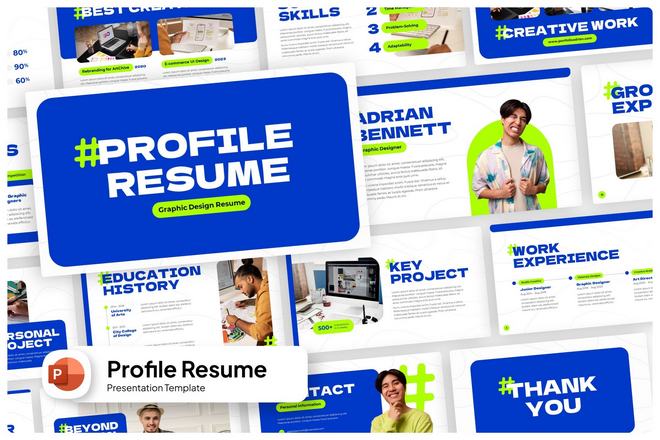
By utilizing creative, high-quality resume PowerPoint templates, candidates can transform static bullet points into dynamic, engaging presentations that reflect their personality, technical proficiency, and professional intent. Whether you are pitching a freelance project or applying for a high-stakes corporate position, the following guide explores how to leverage these tools to secure your next career milestone.
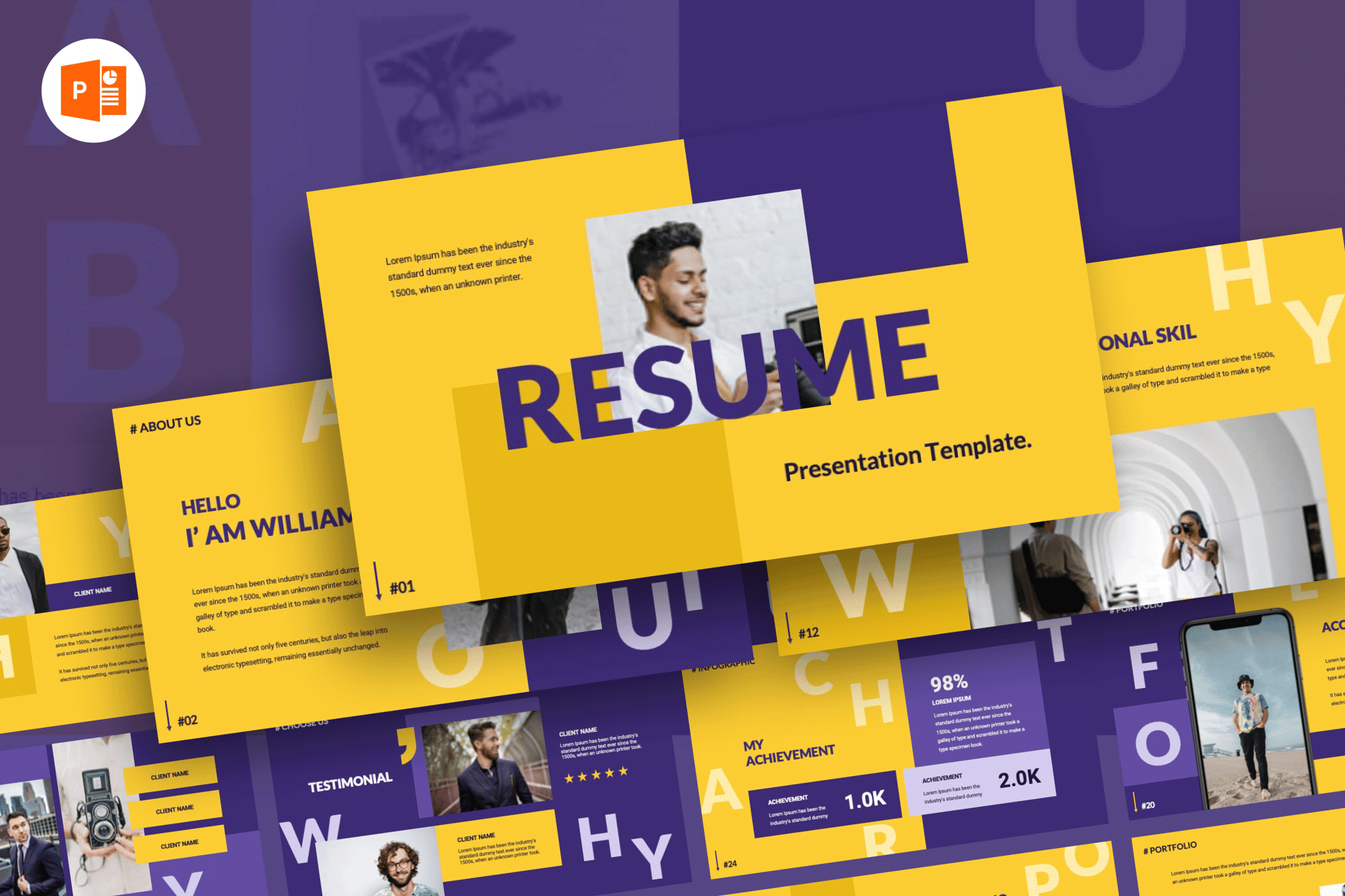
The Evolution of the Professional CV: Why Visuals Matter
Historically, the resume served as a functional document, a dry chronology of employment and education. However, in an era of digital portfolio sharing and short attention spans, the "document" is being replaced by the "experience."
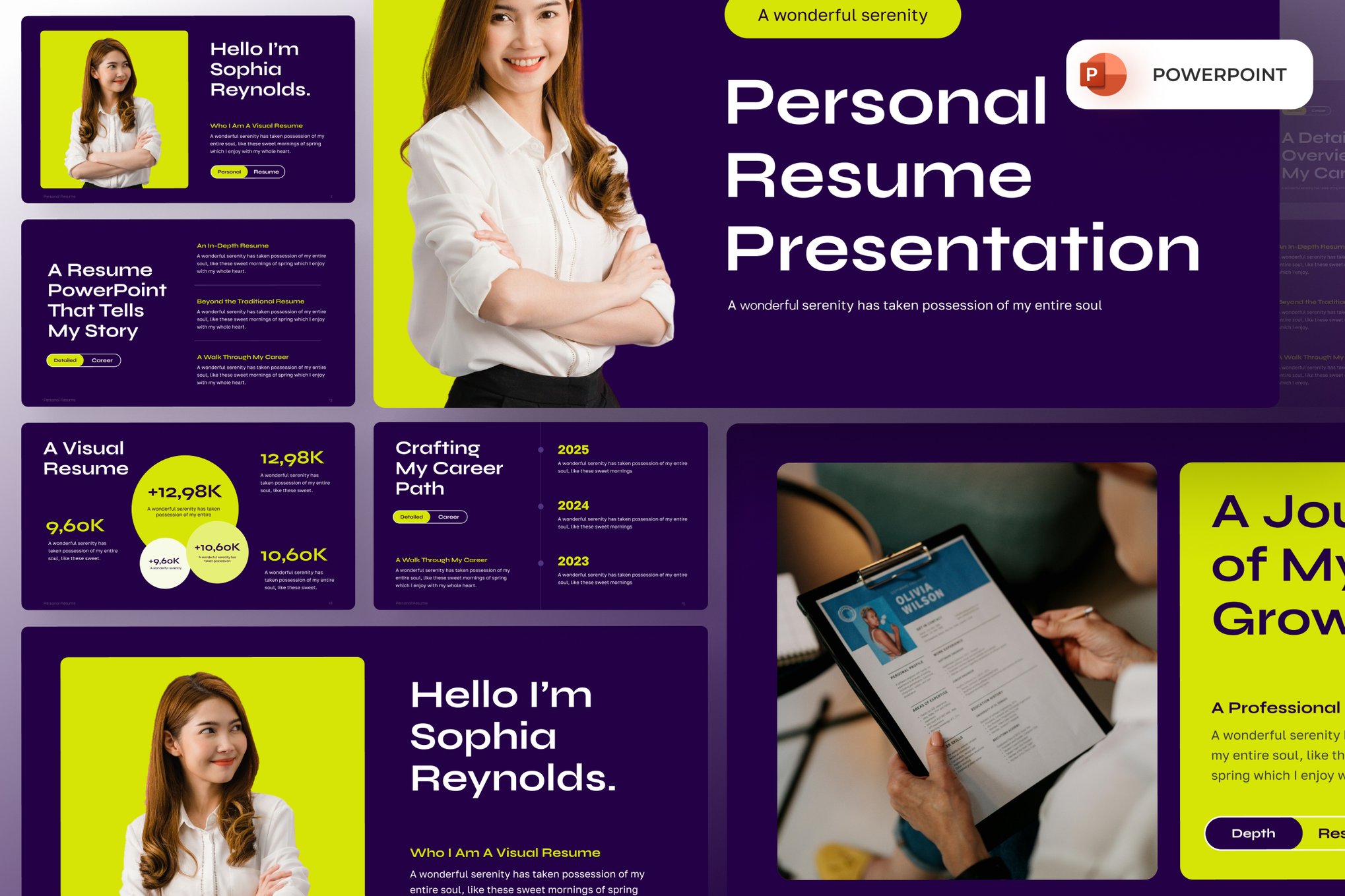
The Psychology of First Impressions
Recruiters and hiring managers spend an average of six seconds on an initial scan of a resume. When a document is cluttered or overly dense, that window of opportunity is often wasted. A professionally designed PowerPoint template introduces white space, visual hierarchy, and strategic color usage—elements that guide the reader’s eye toward your most significant achievements.
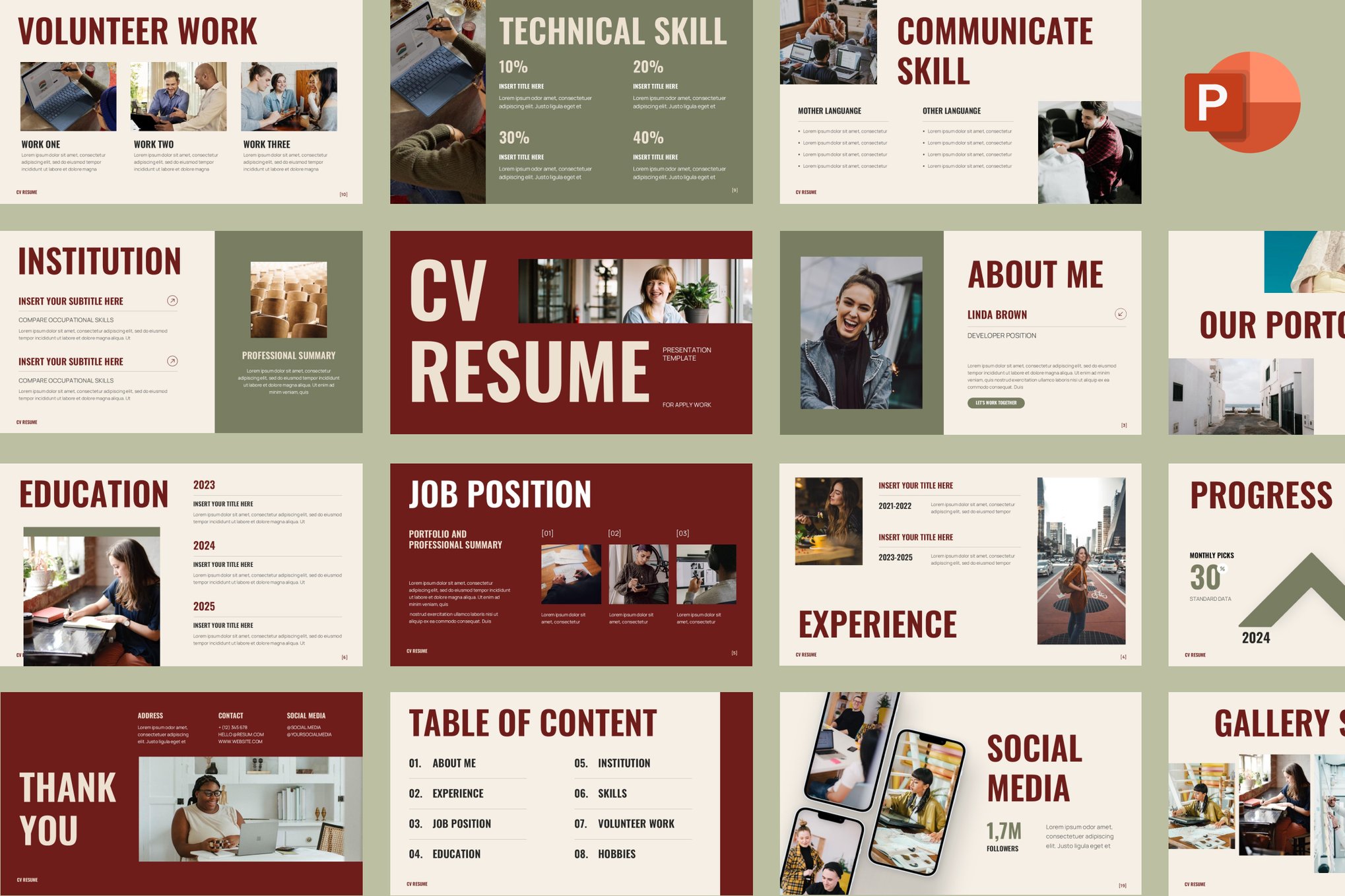
Versatility Across Industries
The use of slide-based resumes is particularly effective for:
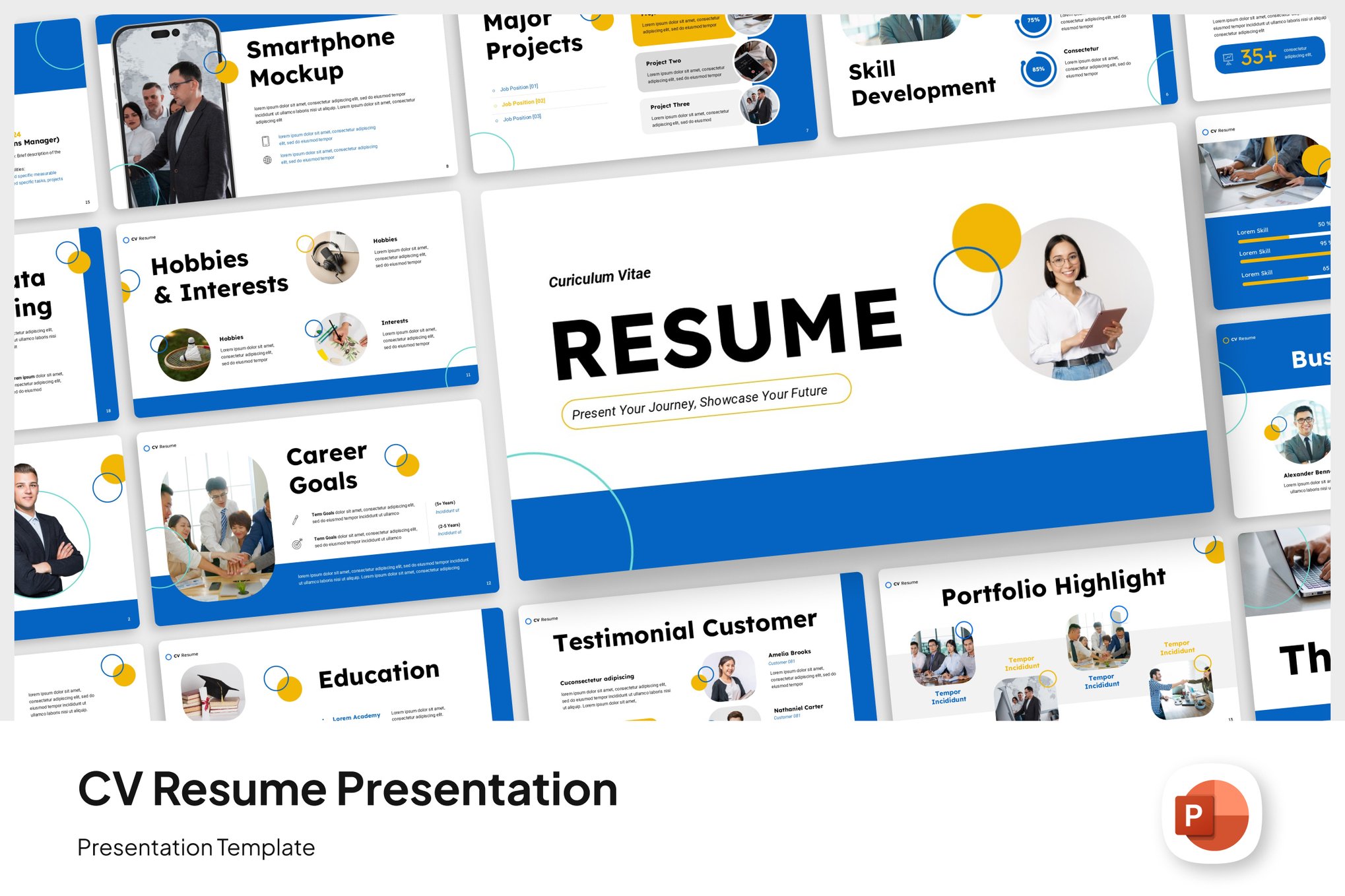
- Creative Professionals: Designers and marketers can use slides to showcase actual work samples alongside their history.
- Consultants and Freelancers: These templates act as a "pitch deck," allowing you to explain your value proposition and ROI to potential clients.
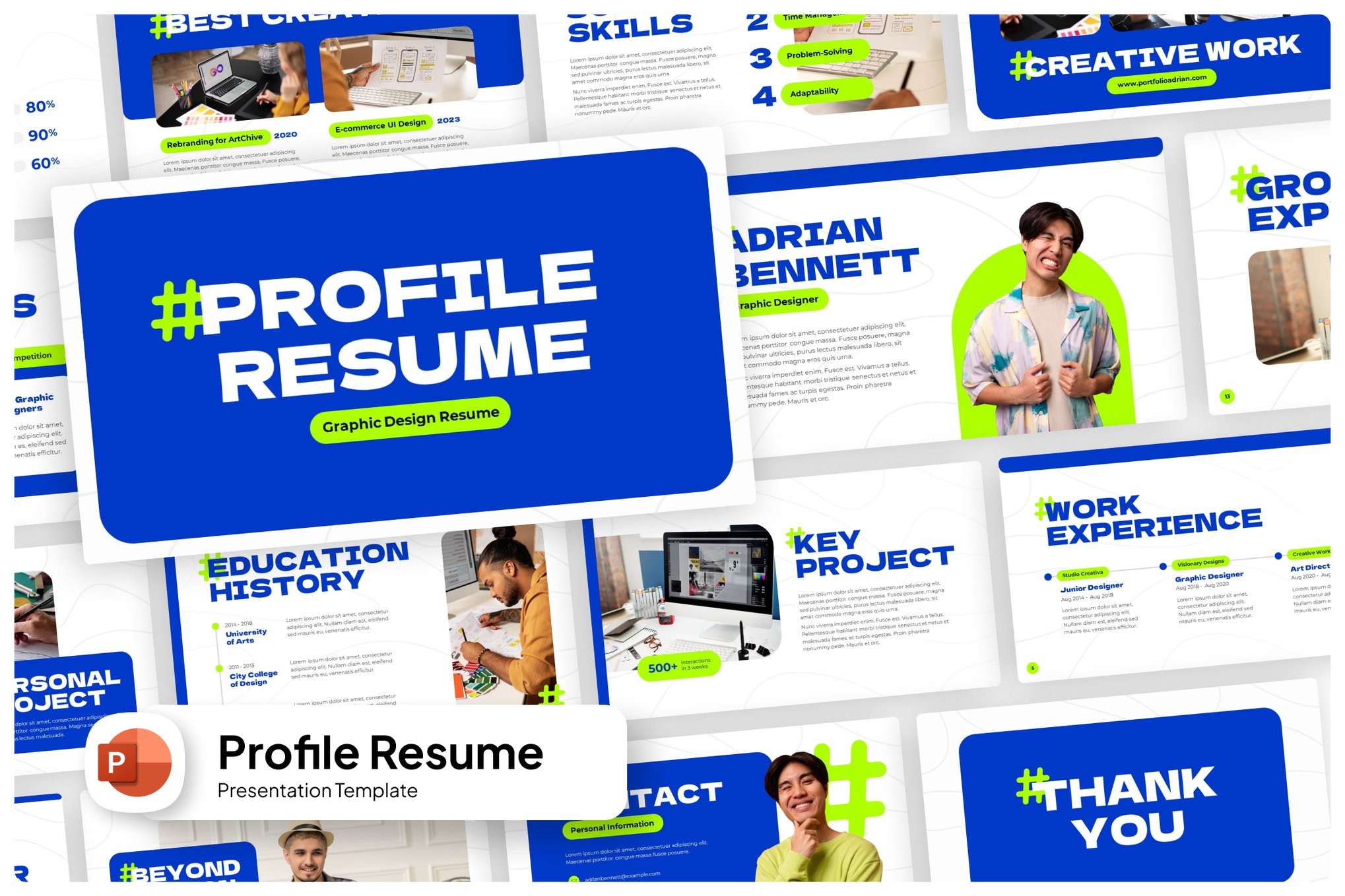
- Corporate Leaders: Modern, minimalist templates allow executives to present complex career narratives, such as company growth or financial turnarounds, through charts and infographics.
Chronology of the Rise of Presentation-Based Resumes
While the transition to visual resumes has been gradual, the timeline reflects a broader shift toward "Personal Branding."
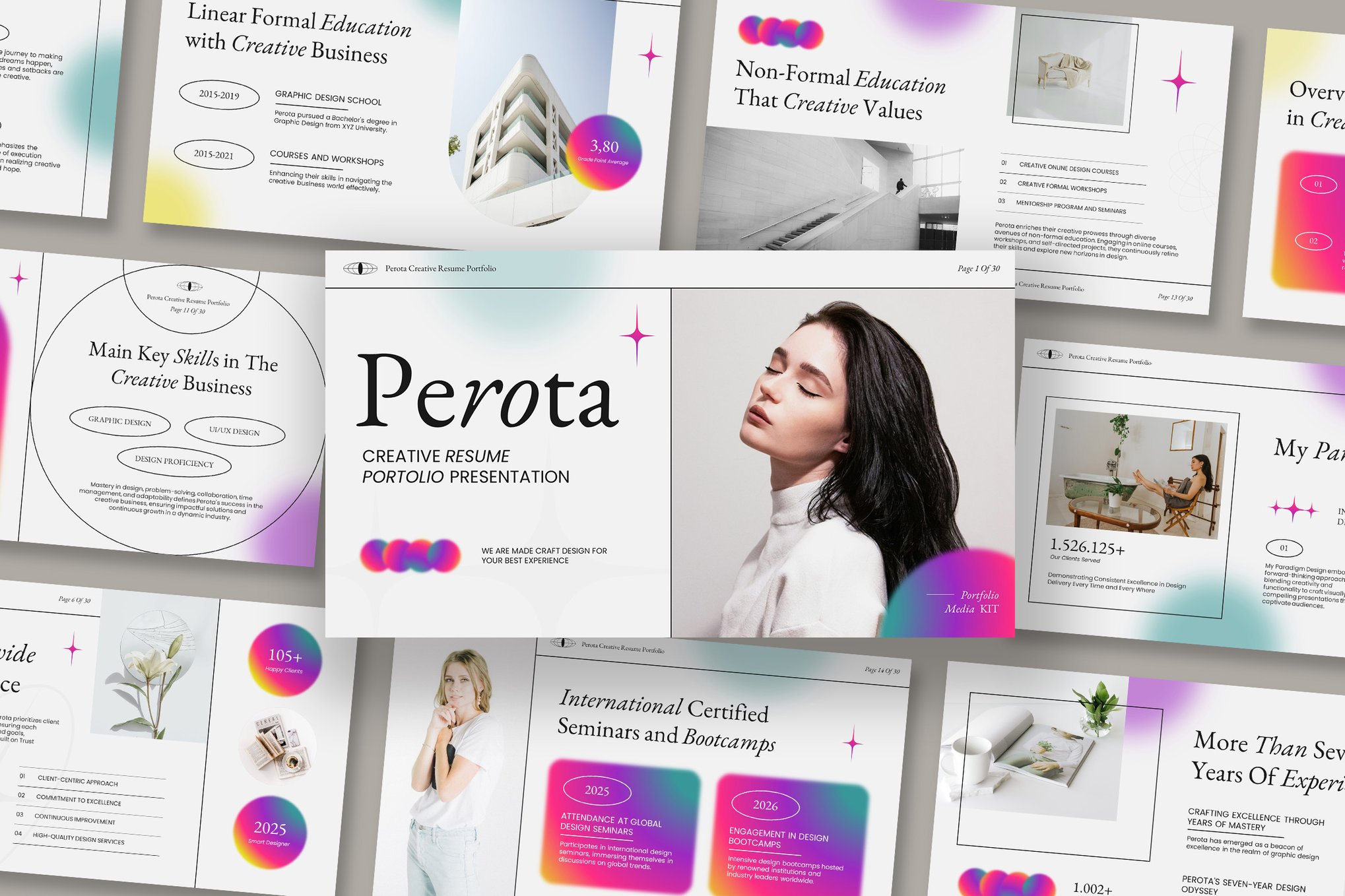
- Pre-2010: The era of the "standard" Microsoft Word resume. Diversity was limited to font choices and simple bullet points.
- 2010–2015: The rise of Adobe InDesign and professional desktop publishing. Candidates began hiring designers to create custom PDF resumes, signaling a move toward high-end aesthetics.
- 2015–2020: The democratization of design. Platforms like Canva and high-quality slide template marketplaces made professional, graphic-heavy layouts accessible to the average job seeker.
- 2020–Present: The "Hybrid Work" shift. With remote interviews and screen-sharing becoming the norm, the PowerPoint resume has become a live, interactive asset during Zoom or Microsoft Teams interviews.
Essential Features of Top-Tier PowerPoint Templates
When selecting a template, it is important to look for technical markers that ensure the file remains usable and professional.
1. Master Slide Integration
The hallmark of a premium template is the use of "Master Slides." This allows you to change a logo, a font, or a color scheme once, and have it update across all 20 or 30 slides in the deck. It prevents the tedious task of manual formatting and ensures visual consistency.
2. Interactive Data Representation
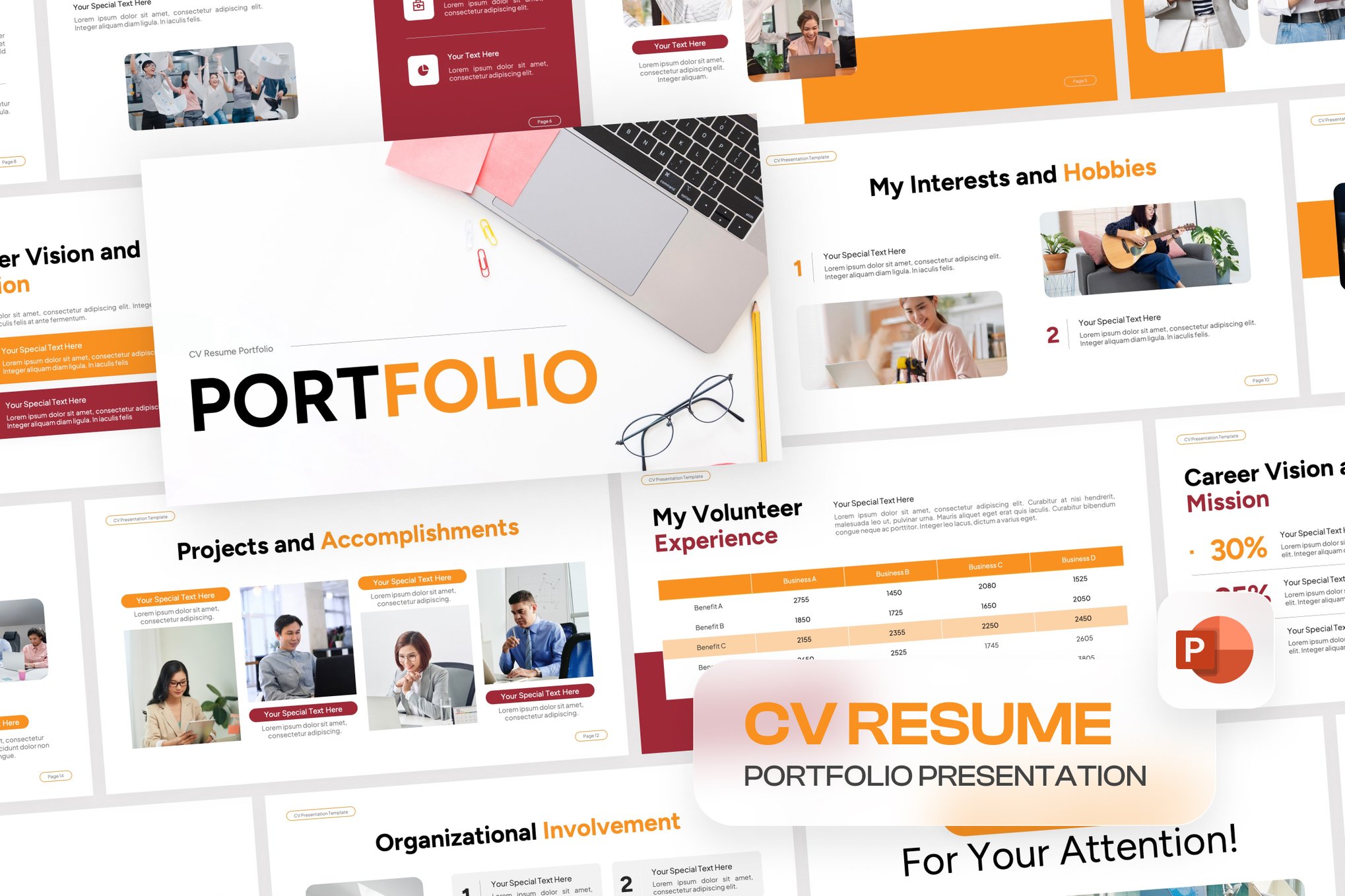
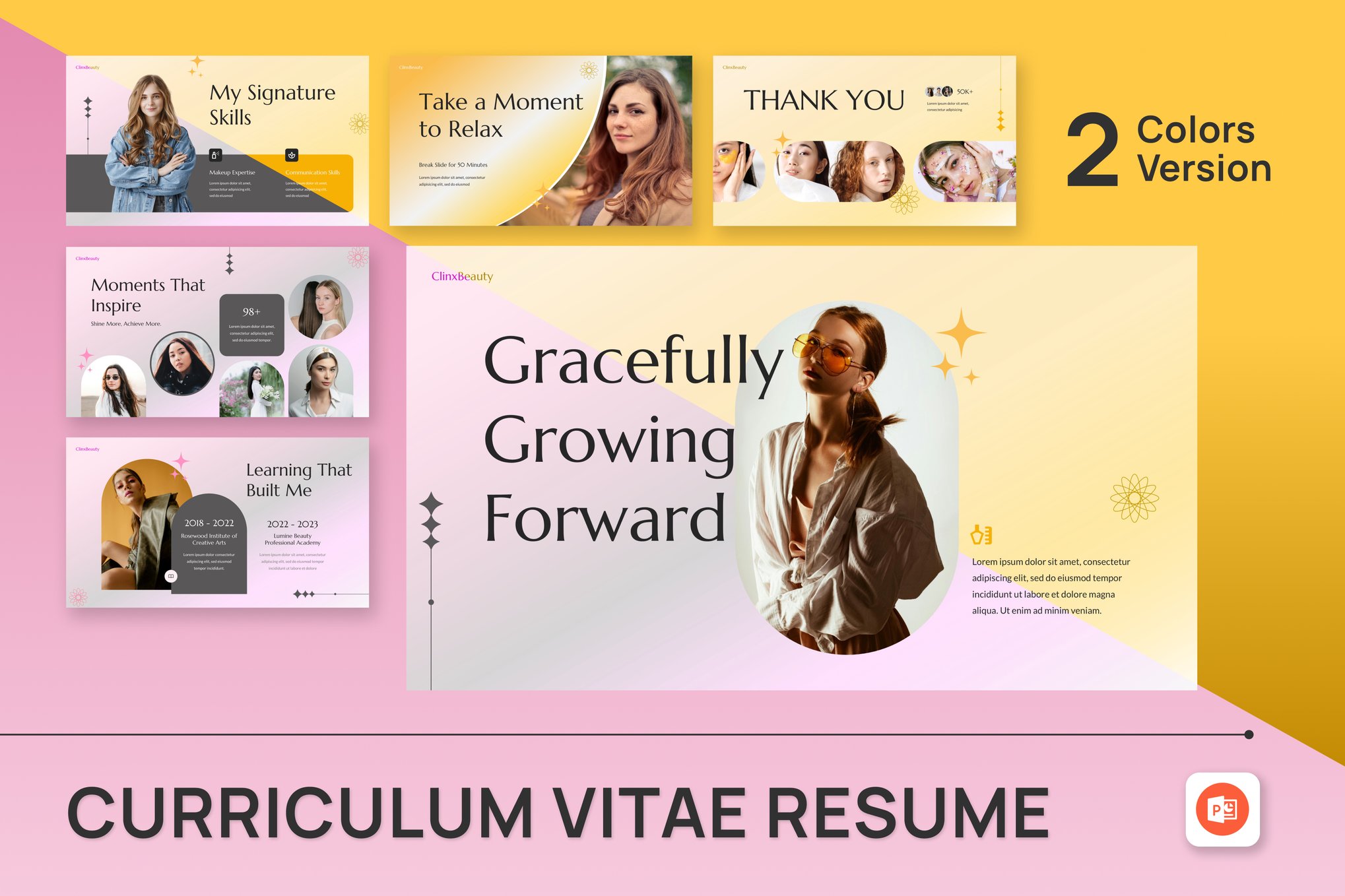
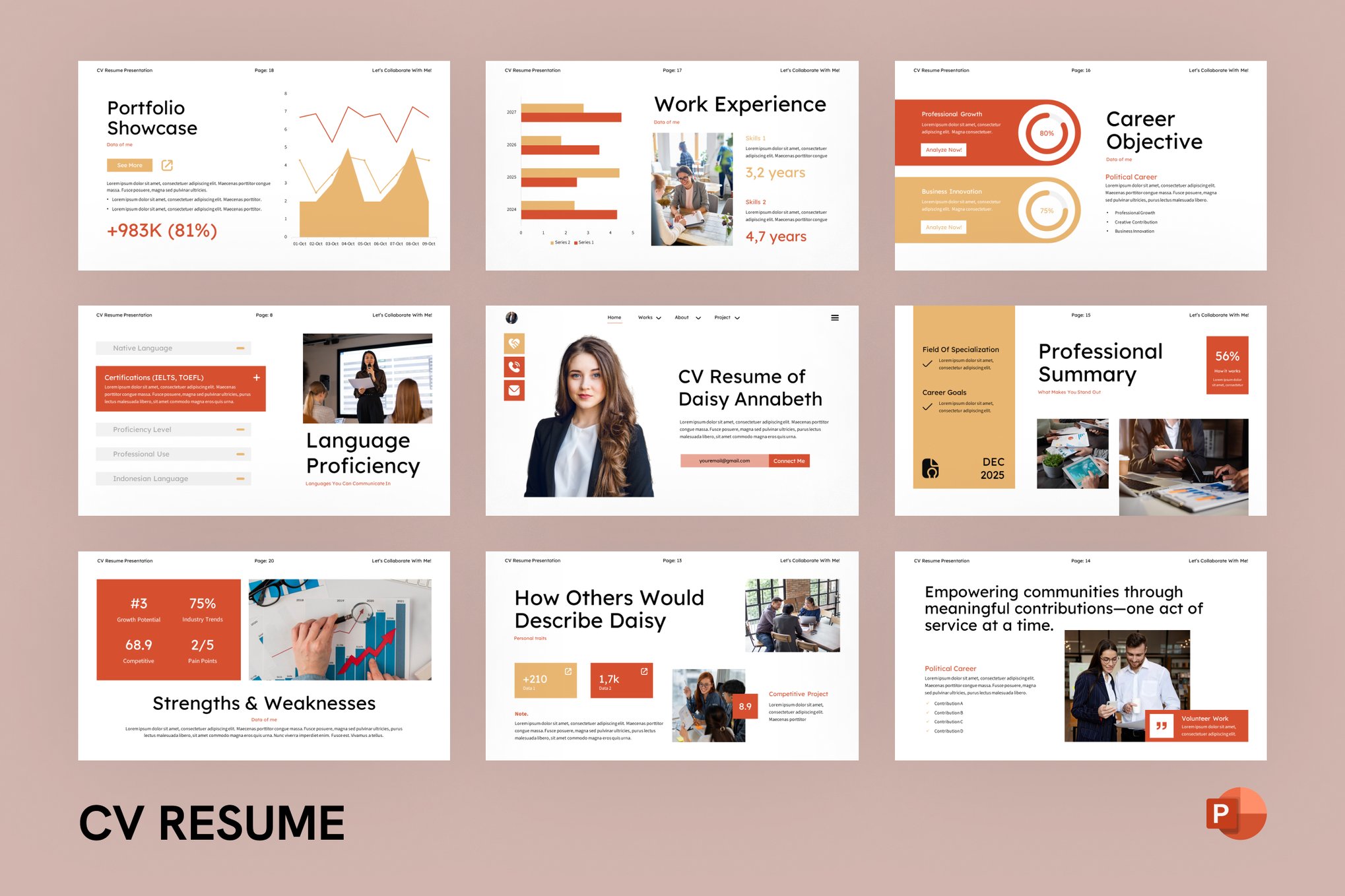
A great resume template doesn’t just hold text; it holds data. Look for templates that include editable charts, progress bars for skill sets, and timeline infographics. These allow you to quantify your success—for instance, showing a 30% increase in revenue on a line graph is far more impactful than writing the words "increased revenue."
3. Aspect Ratio and Exportability
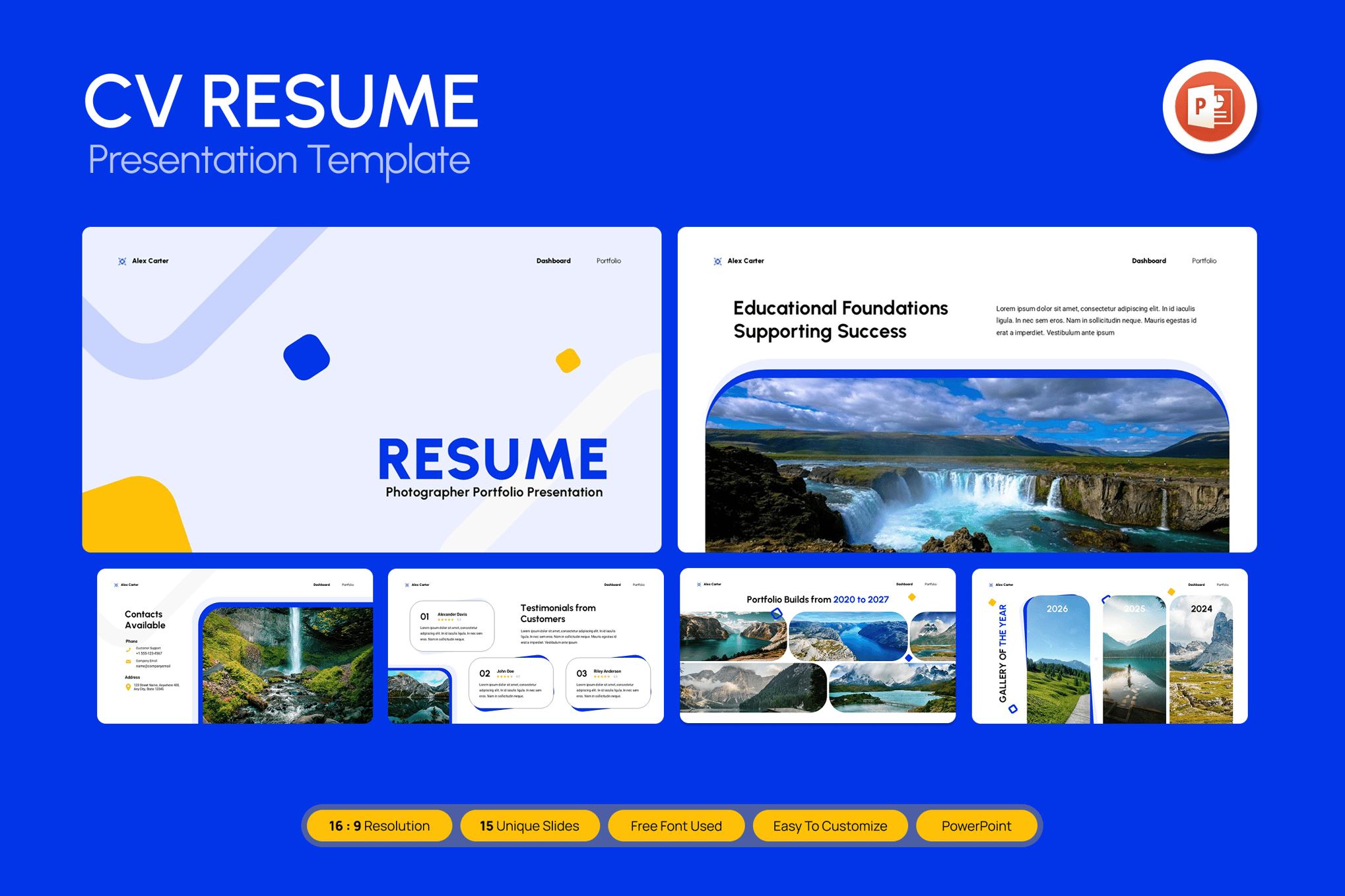
Always ensure your chosen template supports a 16:9 widescreen ratio, which is the standard for modern monitors and projectors. Additionally, confirm that the template exports cleanly to a high-quality PDF for instances where you need to send a standard file to an HR portal.
Curated Selection: Premium Templates for Every Professional
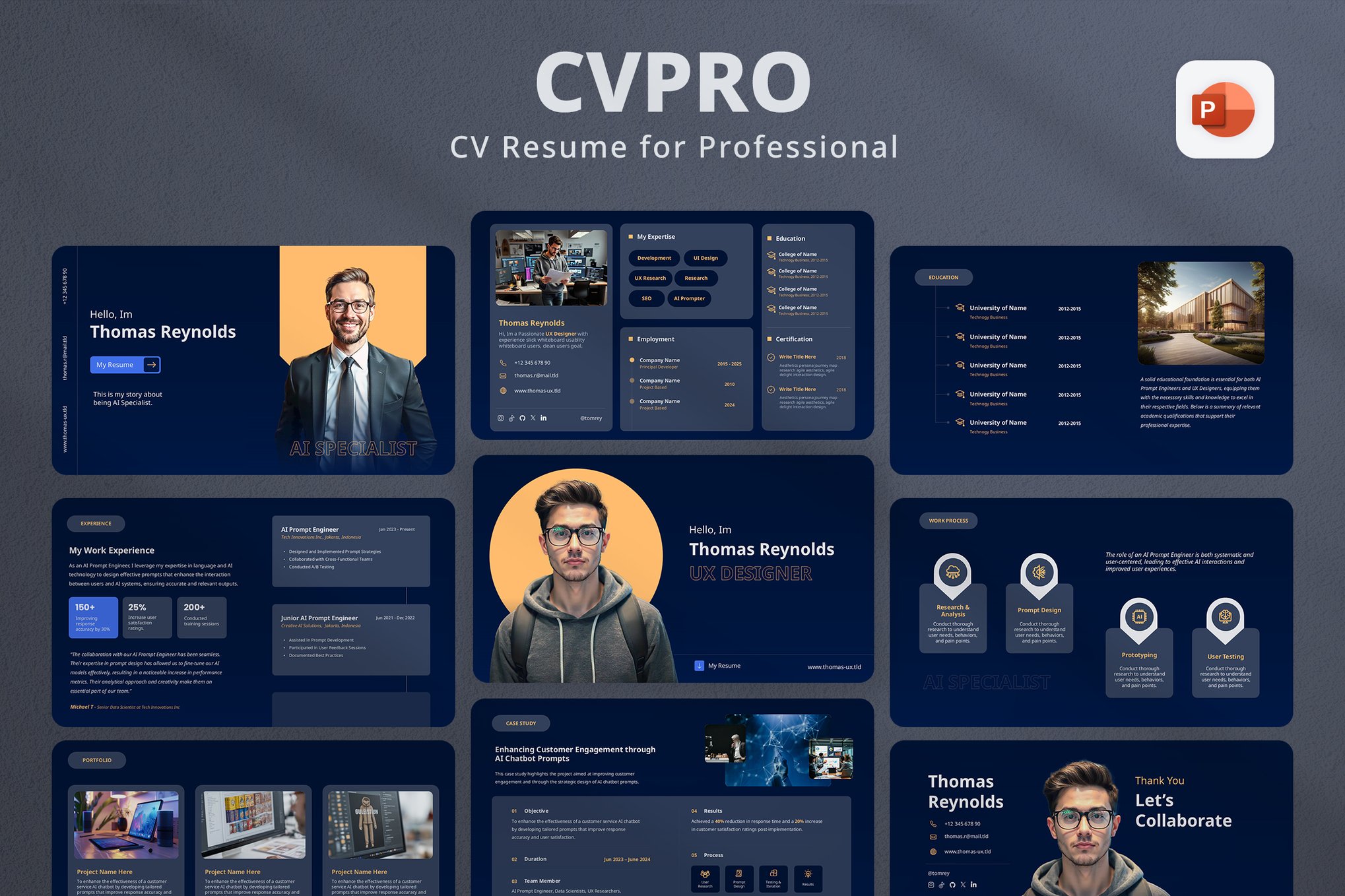
The following templates represent the gold standard in design, functionality, and customization.
Bold Modern Resume PowerPoint Template
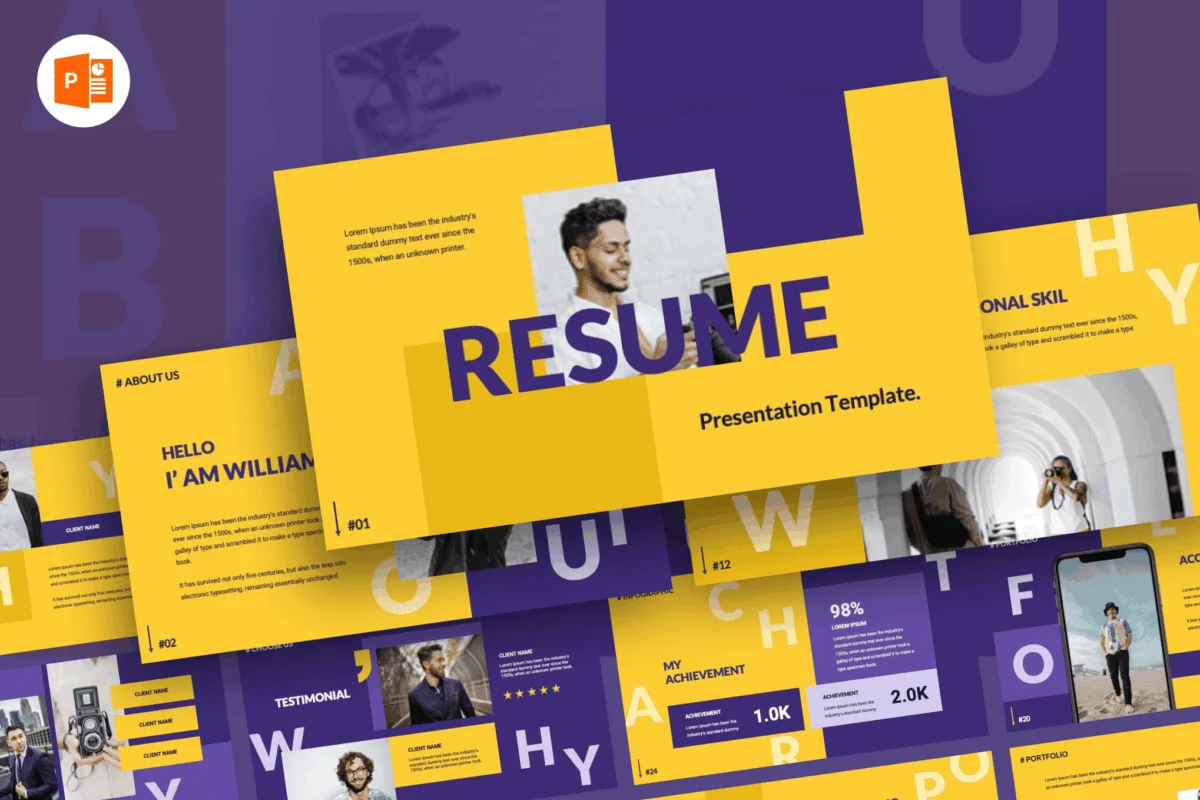
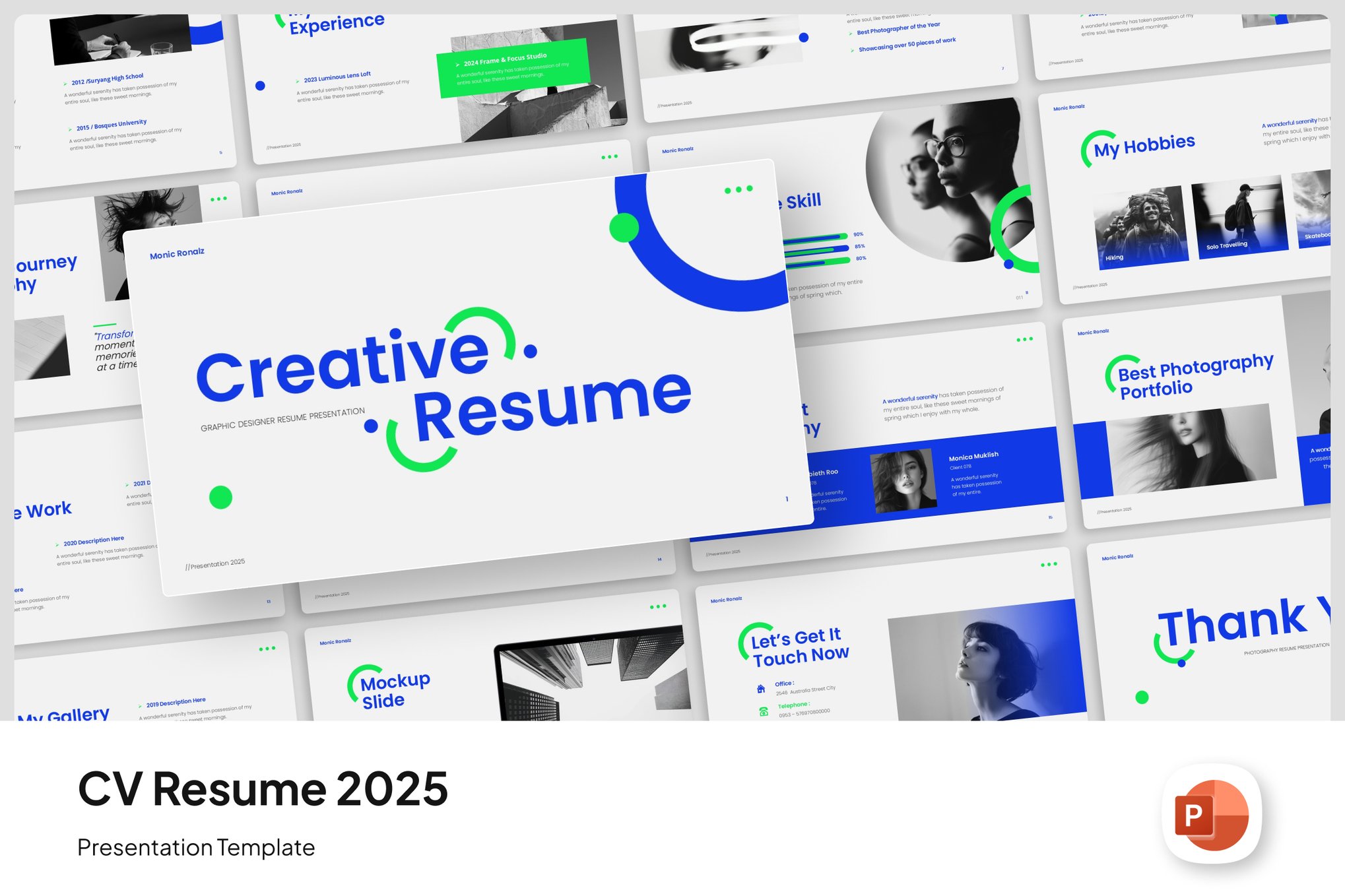
For those who want to command attention, this template is the benchmark. With 35 unique slides, it provides enough structure to detail an entire career path. The inclusion of interactive data tools makes it perfect for candidates who need to showcase complex results.
Personal CV Resume PowerPoint Template
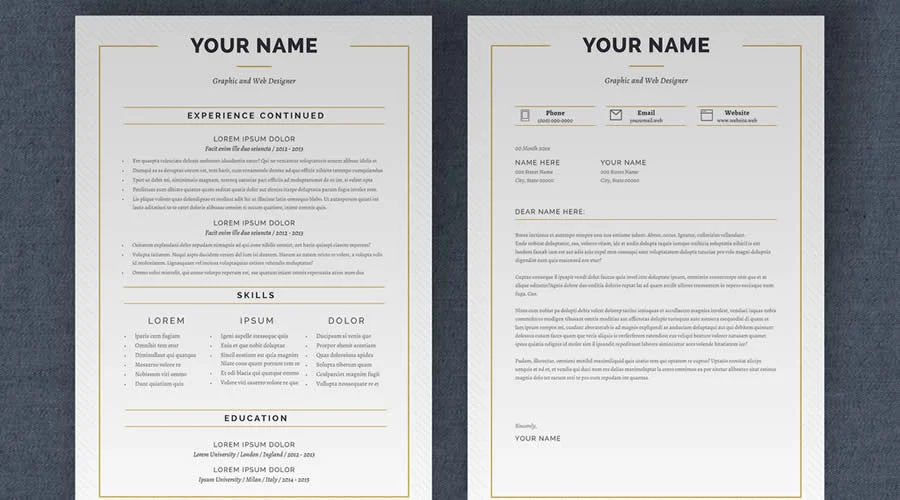
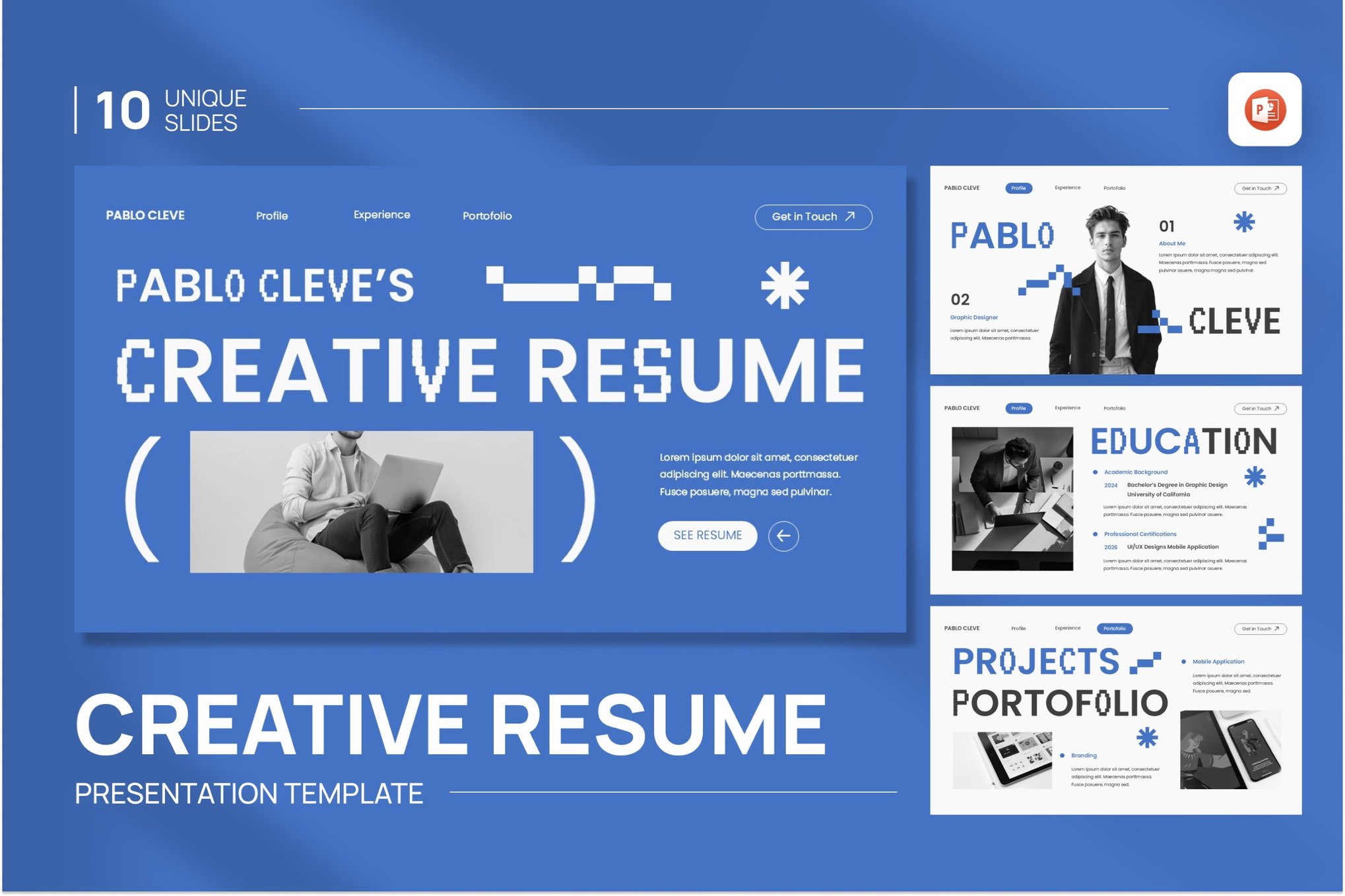
This is a masterclass in modern, clean design. With 17 slides and a light background, it is ideal for professionals who prefer a subtle, elegant aesthetic. It is particularly effective for those in professional services like law or consulting, where clean lines denote reliability.
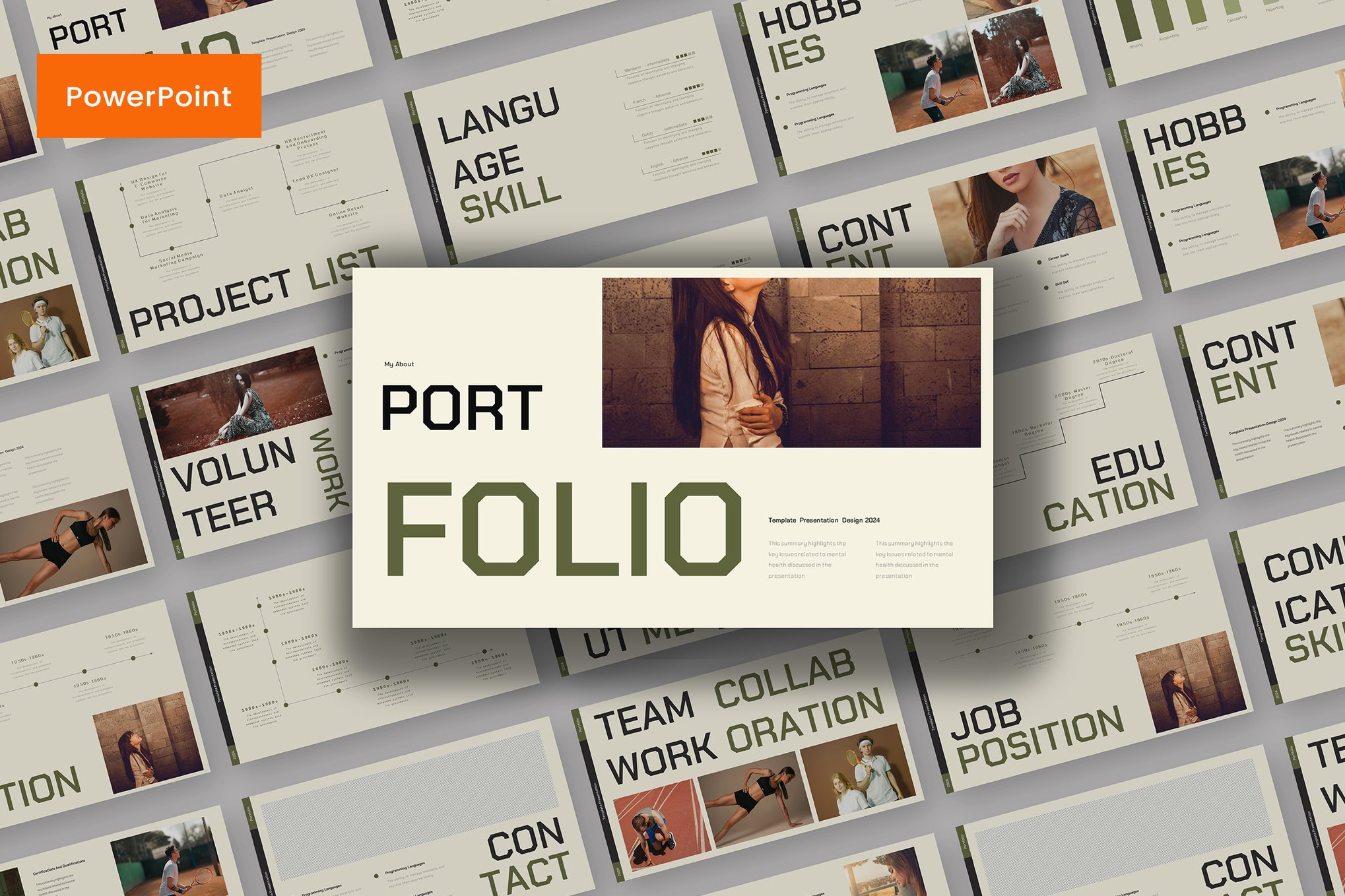
Modern Resume PowerPoint Template
Designed for versatility, this template includes sections for "Company Overview" and "Financial Projections." It is a favorite among project managers and those moving into leadership roles, as it treats your personal career as a business entity.
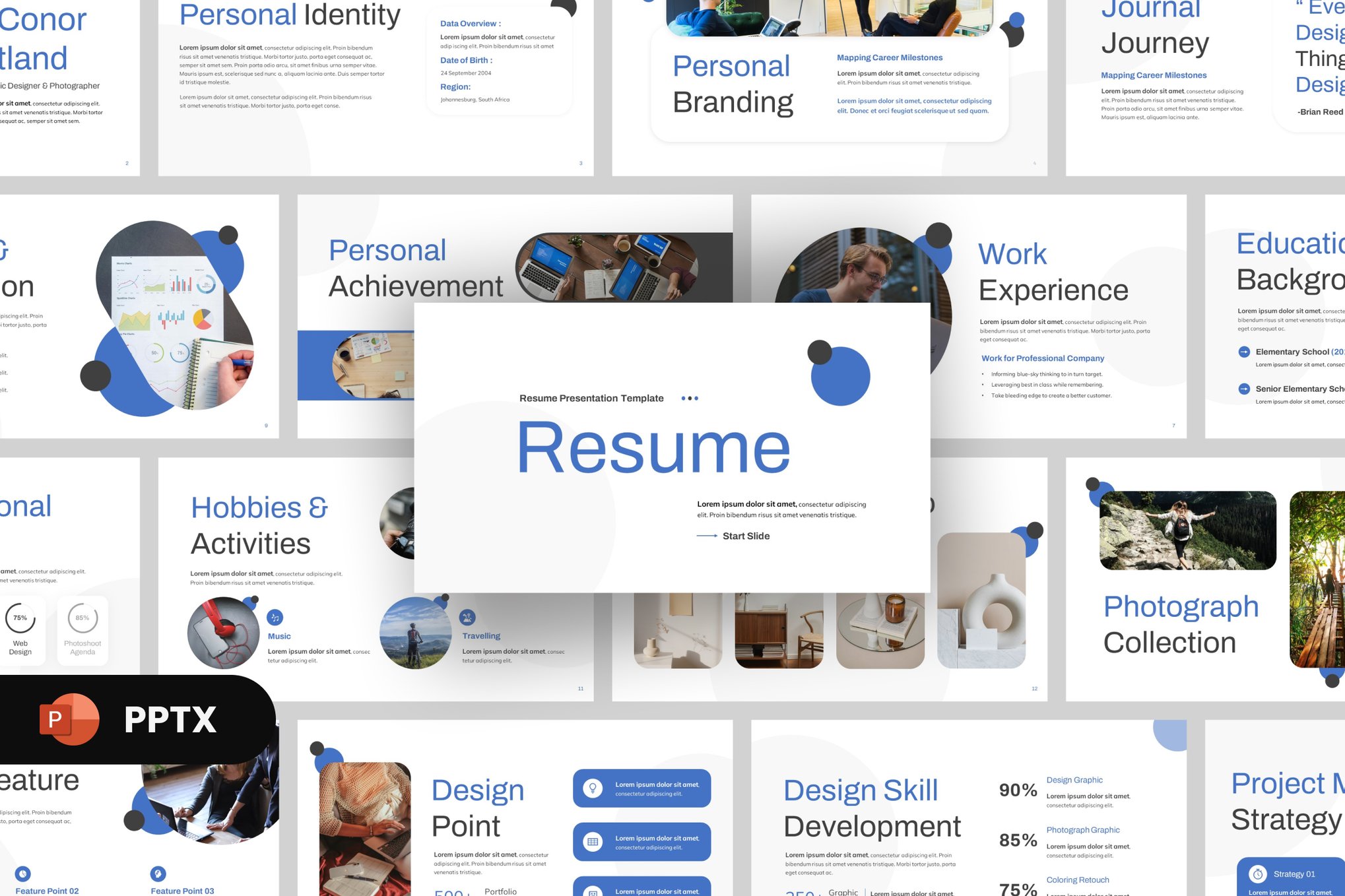
Clean Professional Resume PowerPoint Template
With 20 distinctive slides and a sharp 16:9 layout, this template focuses on readability. Its strength lies in its simplicity; it removes the "noise" and allows your experience to speak for itself.
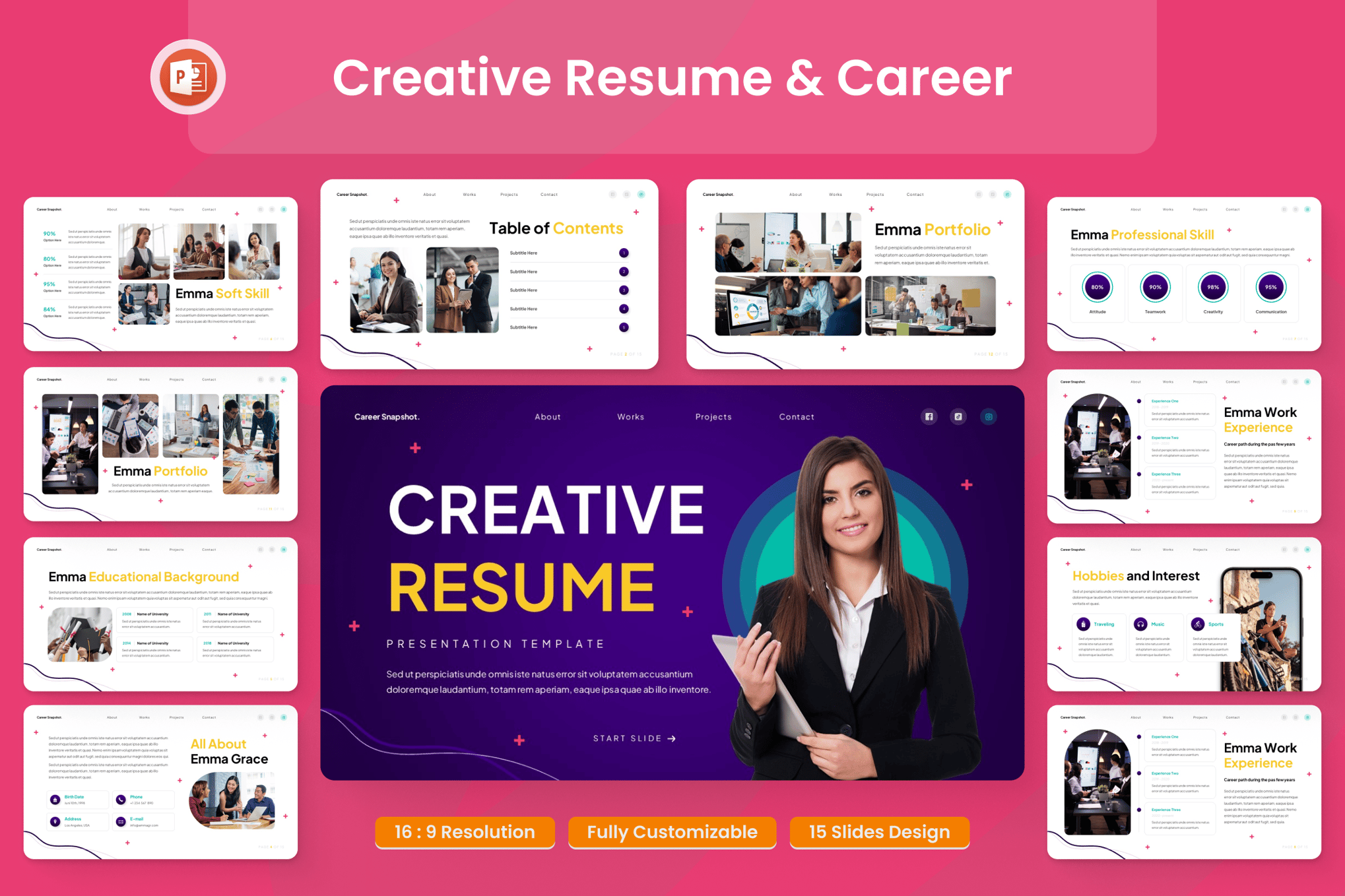
Free Alternatives: Quality Without the Price Tag
You do not need to spend money to access high-quality design. Several platforms, such as Slidesgo, offer professional-grade assets at no cost.
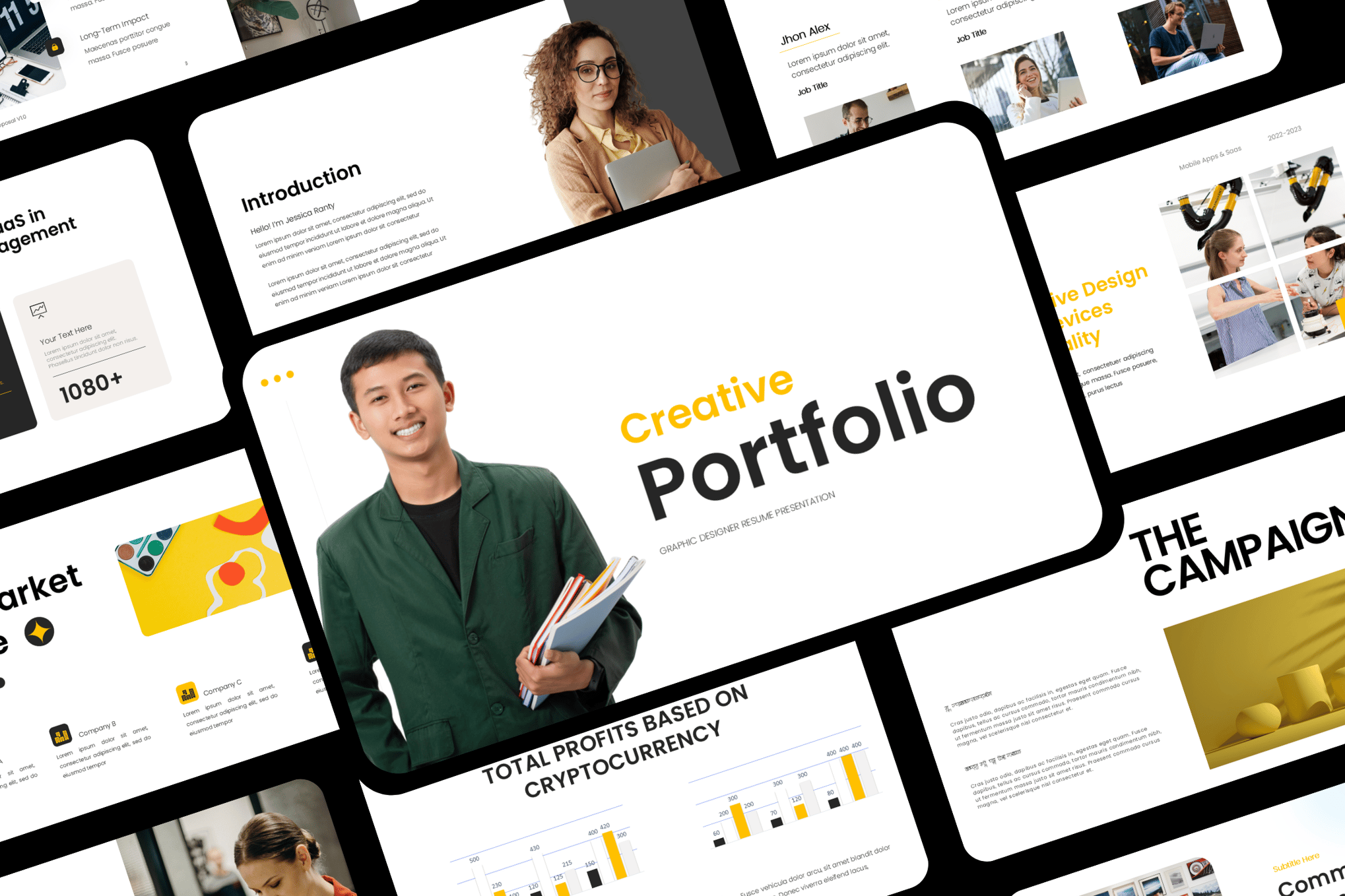
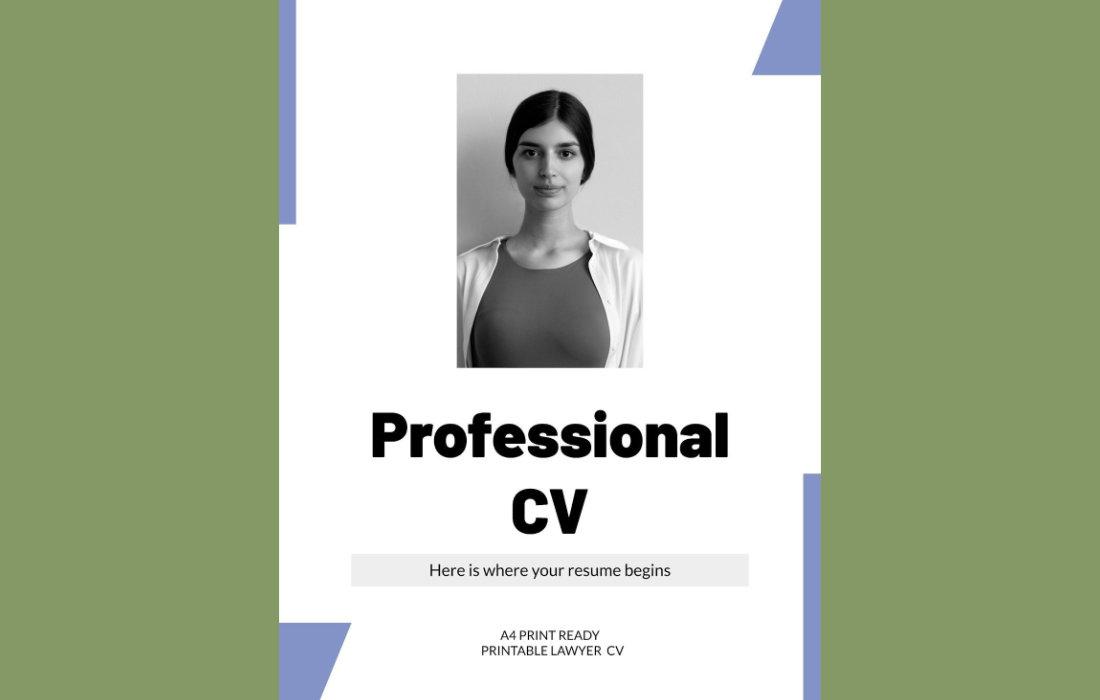
- Free Professional Resume PowerPoint Template: A geometric-style masterpiece that is ideal for those who need a formal layout that looks perfect both on-screen and as a printed A4 document.
- Free Graphic Designer Resume PowerPoint Template: This template embraces the "creative" side, offering bold icons and flexible layouts that allow for maximum artistic expression.
- Free Resume PowerPoint Template for Marketers: This set includes a matching cover letter, creating a cohesive visual package that impresses hiring managers with its attention to detail.
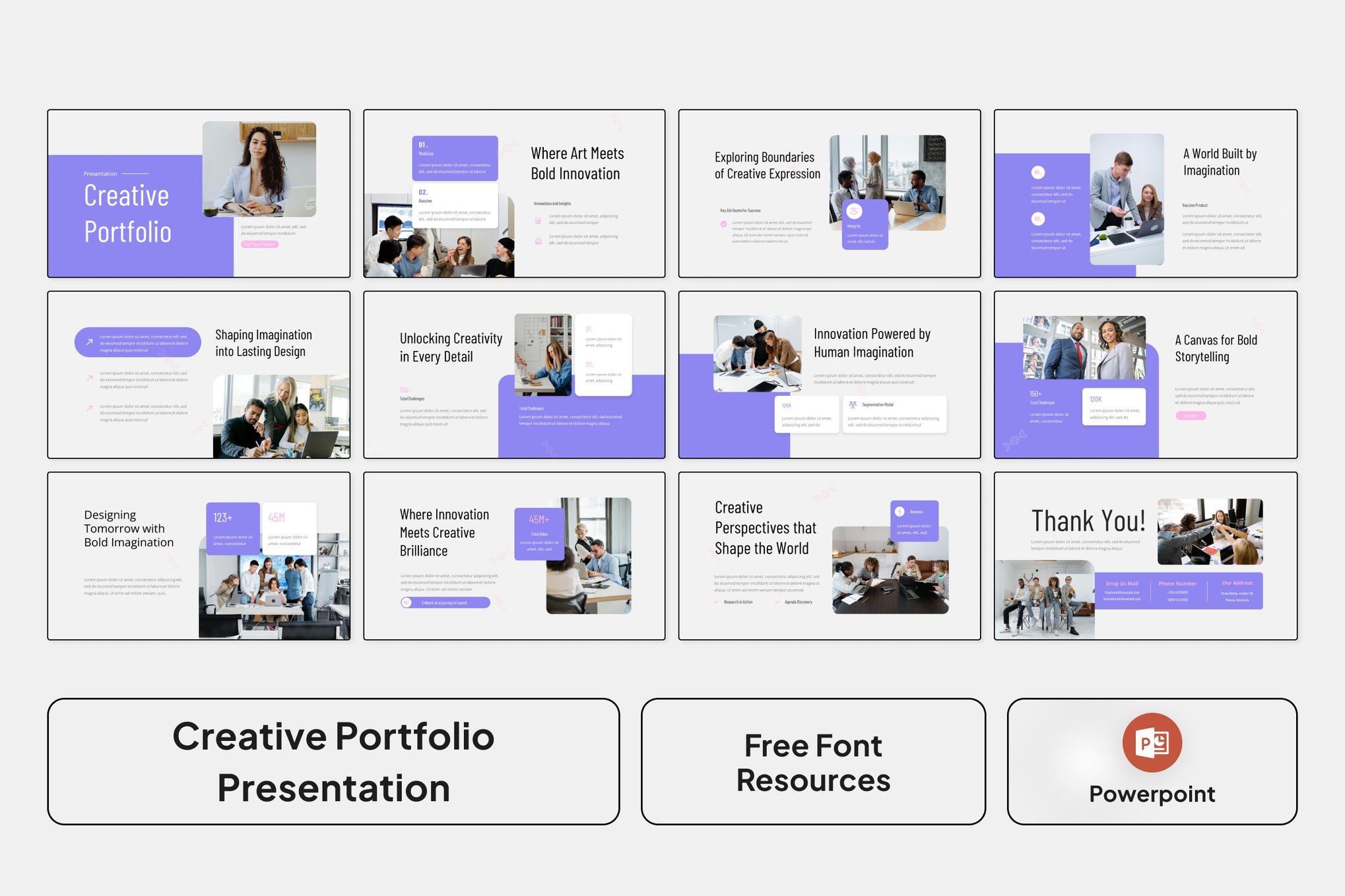
- Free Elegant CV Resume PowerPoint Template: Featuring soft colors and organic design elements, this is the go-to for professionals in creative-professional fields, such as non-profits or education.
Strategic Implications: How to Use These Effectively
Using a PowerPoint resume is not just about aesthetics; it is about how you present yourself in the interview.
The "Screen-Share" Advantage
During a virtual interview, don’t just email your resume. Ask the interviewer if you can share your screen to walk them through your "Professional Profile." A 5-slide deck that highlights your biggest wins is significantly more engaging than a recruiter scrolling through a static Word document.
The "Take-Away" Value
When you provide your resume as a slide deck (or a PDF version of it), you are giving the hiring manager a document that is "meeting-ready." It can be easily shared among a hiring committee, ensuring your personal brand remains consistent throughout the internal review process.
Cautionary Note: The ATS Problem
It is vital to remember that many large corporations use Applicant Tracking Systems (ATS) to filter candidates. These systems are designed to read standard text files. Always keep a standard, text-only resume on hand for the initial application, and save your creative PowerPoint resume for the interview phase or for direct communication with recruiters and hiring managers.
Conclusion: Crafting Your Narrative
Your resume is the most important marketing document you own. By moving beyond the constraints of traditional word processing and embracing the visual power of PowerPoint, you position yourself as a candidate who is not only qualified but also modern, tech-savvy, and intentional.
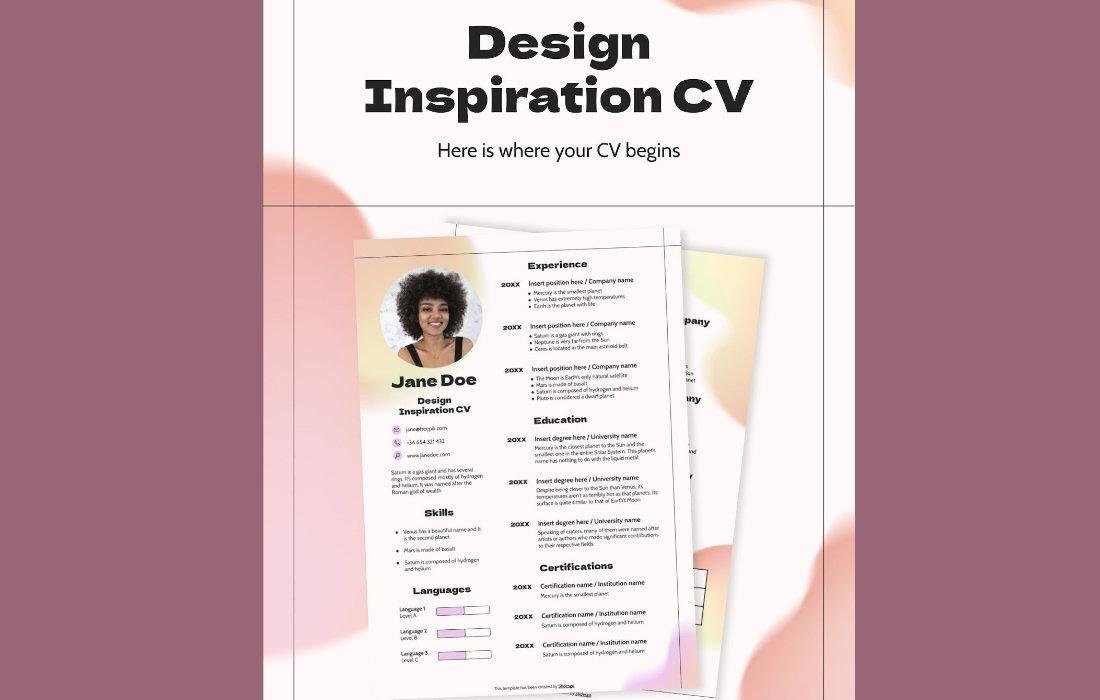
Whether you choose a bold, data-heavy layout or a minimalist, elegant design, the key is consistency. Choose a template that reflects your professional identity, customize it with your specific achievements, and use it as a tool to tell your story. In a sea of plain CVs, a well-crafted, visual presentation is the ultimate competitive advantage.