






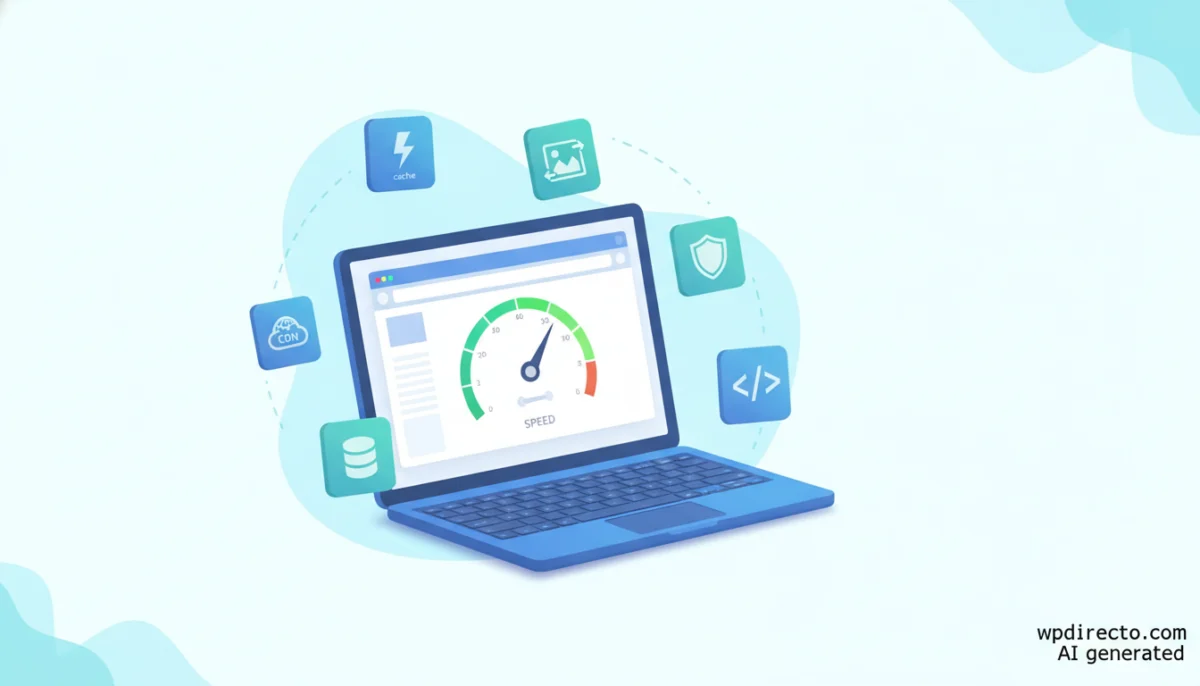
The quest for high web performance has long been associated with open wallets and premium subscriptions. However, a comprehensive analysis published by the Imagify team challenges this conventional wisdom, arguing that an exceptionally fast WordPress site can be built entirely using a carefully curated ecosystem of free tools. Covering everything from server caching and image compression to database optimization, security, and asset delivery, this approach promises enterprise-grade speed without the recurring software costs.
Yet, behind this ostensibly altruistic guide lies a nuanced commercial reality. Because the blog belongs to the creators of the industry-leading caching plugin, WP Rocket, several prominent recommendations naturally point back to the company’s proprietary ecosystem.
This deep dive examines the 12 free plugins highlighted in the recent industry guide, evaluates their practical utility, reviews crucial security caveats, and explores the broader implications for website owners seeking a lightning-fast digital footprint without breaking the bank.
Main Facts: The Anatomy of a Zero-Cost WPO Strategy
Web Performance Optimization (WPO) is rarely solved by a single silver bullet. Instead, it requires a synchronized chain of operations that begins before a visitor even types a URL into their browser. According to the recent framework, a high-performing, zero-cost WordPress architecture relies on six distinct pillars:
- Caching: Reducing server response times by serving static HTML snapshots instead of dynamically executing PHP and database queries on every visit.
- Image Optimization: Reducing file sizes through next-generation formats (WebP, AVIF) without sacrificing visual fidelity.
- Security: Mitigating resource exhaustion caused by brute-force attacks, malware scans, and malicious traffic spikes.
- Database Maintenance: Purging orphan transients, post revisions, spam comments, and leftover tables from uninstalled plugins.
- Asset Management: Minifying CSS and JavaScript, deferring non-critical scripts, and stripping unnecessary code from specific page views.
- Delivery Networks: Leveraging Content Delivery Networks (CDNs) to distribute static assets globally, minimizing physical distance latency.
Before deploying any tools, experts advise adhering to strict selection criteria: choose plugins with active install bases exceeding 100,000, ensure regular updates, verify that the tool does not introduce latency overhead of its own, and—most importantly—stick to the "one tool per job" rule to avoid fatal conflicts.
Chronology of the WPO Debate: From Paid Monopolies to Free Toolkits
The evolution of WordPress optimization has moved through distinct phases over the last decade:
- The Early Years (Pre-2015): Performance optimization was largely manual, requiring deep knowledge of
.htaccessfiles, server configurations, and manual image compression. - The Rise of Premium All-In-Ones (2015–2022): The market shifted heavily toward paid plugins like WP Rocket and FlyingPress, which promised out-of-the-box speed by bundling multiple optimization layers into a single commercial interface. This created a stigma that free tools were either too complex or dangerously underpowered.
- The Modern Hybrid Era (2023–Present): With Core Web Vitals becoming a definitive Google ranking factor, developers and site owners began auditing the true cost-benefit ratio of bloated plugins. This culminated in recent movements—highlighted by developer-driven guides in mid-2026—systematically proving that free, modular toolkits can match or exceed the performance of monolithic paid solutions, provided they are configured correctly.
Supporting Data: The 12 Free Plugins Breakdown
To understand how a zero-cost stack operates in practice, we can categorize the 12 recommended tools by their functional domain, noting the core limitations of their free tiers.
| Operational Area | Recommended Plugins | Primary Free Tier Limitations |
|---|---|---|
| Caching | W3 Total Cache, WP Fastest Cache | Advanced features (Fragment Cache, database optimization, etc.) relegated to Pro/Premium versions. |
| Images | Imagify, ShortPixel | 20 MB/month limit (Imagify); 100 images/month limit (ShortPixel). |
| Security | Wordfence Security, Solid Security | Wordfence free malware signatures lag 30 days behind real-time threat intelligence. |
| Database | WP-Optimize, Advanced Database Cleaner | Automated, scheduled cleanups and advanced dead-code scanning require paid licenses. |
| CSS & JavaScript | Autoptimize, Asset CleanUp | Advanced conditional logic and deeper script-control rules locked behind paywalls. |
| Lazy Load & CDN | Lazy Load by WP Rocket, Cloudflare | Fully functional free tiers with robust global capabilities. |
1. Caching & Image Compression: The Frontline
For server-side caching, W3 Total Cache provides granular control over page, browser, object, and database caches. However, its complex interface can overwhelm beginners, and users must remain vigilant regarding security patches following historical critical vulnerabilities. Conversely, WP Fastest Cache offers a streamlined, beginner-friendly alternative, restricting advanced minification and database tools to its paid tier.
On the media front, Imagify automates compression and converts JPEGs and PNGs into next-gen WebP and AVIF formats. Promotional benchmarks often cite radical reductions—such as shrinking a 1.97 MB cover image down to 37.4 KB (a 98.14% reduction)—though real-world savings depend entirely on source material and chosen compression aggression levels. ShortPixel serves as a viable alternative, though its 100-images-per-month free cap requires careful inventory management.
2. Security and Database Hygiene
Though security plugins are ostensibly defensive, defending against malicious DDoS vectors and automated botnets directly preserves server CPU and memory resources. Wordfence Security offers a robust firewall and malware scanner, though its free signature delay requires caution during active zero-day exploits. Solid Security handles two-factor authentication and brute-force mitigation smoothly.
For database housekeeping, WP-Optimize and Advanced Database Cleaner strip away digital debris like post revisions, transient options, and spam comments. Because these actions permanently alter the database, maintaining a recent backup before executing cleanups remains non-negotiable.
3. Asset Management and Global Delivery
Autoptimize excels at minifying and combining HTML, CSS, and JS files, while Asset CleanUp takes surgical precision a step further by letting administrators disable specific scripts on pages where they are not needed. Missteps here can easily break frontend layouts, demanding careful staging-site testing.
Finally, Lazy Load by WP Rocket defers media rendering until assets enter the user’s viewport. Combined with Cloudflare’s free CDN tier, which caches and serves static assets from edge servers worldwide, this final layer drastically cuts Time to First Byte (TTFB) metrics.
Official Responses and Industry Perspectives
The release of the 12-plugin optimization guide sparked widespread discussion within the WordPress community, prompting responses from independent developers, hosting providers, and performance engineers.
Independent optimization experts generally praised the guide for democratizing web performance. “You do not need a $250 annual subscription to pass Core Web Vitals,” noted a prominent open-source community contributor. “What you need is discipline, a clean theme, and a logical understanding of resource loading order.”
However, hosting providers injected a dose of realism into the conversation. Representatives from managed WordPress hosts emphasized that software optimization has a strict ceiling if the underlying server infrastructure is substandard. “Caching plugins only mask poor server architecture,” stated a senior infrastructure engineer at a major European host. “If your database queries take two seconds to execute because your host uses budget, overcrowded hardware, no amount of free caching plugins will save your user experience.”
Furthermore, developer forums quickly pointed out the omission of LiteSpeed Cache from the primary lineup. Given that LiteSpeed web servers power a massive percentage of modern WordPress installations, omitting LiteSpeed Cache—which leverages server-level acceleration far superior to traditional PHP-based caching plugins—was viewed by many as a notable oversight.
Implications: Navigating Bias, Bloat, and Budget
For website owners, freelancers, and small business operators, adopting a zero-cost WPO strategy carries several important strategic implications.
1. Recognizing Commercial Bias
The most critical takeaway for consumers is the importance of digital literacy regarding content sources. The optimization guide in question was authored by the team behind Imagify and WP Rocket. While the tools recommended are genuinely functional and widely respected, the selection naturally steers users toward the parent company’s ecosystem (such as Imagify and Lazy Load by WP Rocket) while framing WP Rocket as the ultimate, hassle-free paid upgrade. Critical alternatives, such as LiteSpeed Cache or independent image compressors, receive minimal or secondary acknowledgment.
2. The Danger of Plugin Bloat
Ironically, a guide aimed at speeding up WordPress through free plugins can easily backfire if misinterpreted. Installing all 12 recommended plugins simultaneously would introduce massive software bloat, database overhead, and plugin-to-plugin conflicts. The true philosophy of the guide is selectivity: choosing one tool per operational category based strictly on individual site requirements.
3. Long-Term Maintenance Costs
While the software licenses cost $0, the "hidden" cost of a free plugin stack is human time. Maintaining a multi-plugin setup requires ongoing monitoring, manual testing after core updates, conflict resolution, and security oversight. For enterprise sites or high-revenue e-commerce stores, the time spent managing a fragmented free ecosystem often outweighs the subscription cost of a cohesive, premium all-in-one solution.
Conclusion
A fast WordPress site is entirely achievable without a financial investment in premium software. By selectively combining robust free utilities—such as WP Fastest Cache, Imagify, Autoptimize, and Cloudflare—site owners can achieve stellar Core Web Vitals scores. Success, however, relies not on collecting free plugins, but on disciplined implementation, rigorous testing, and an uncompromising refusal to let software bloat replace fundamental architectural hygiene.