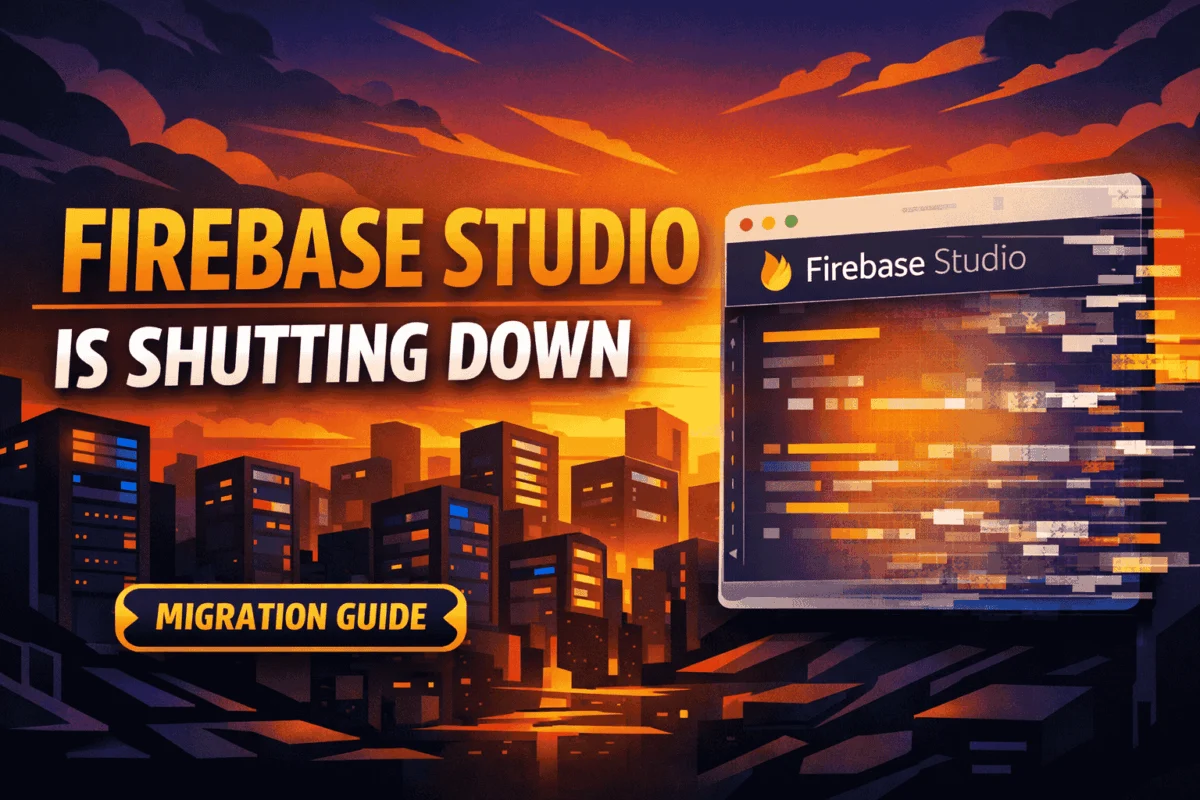
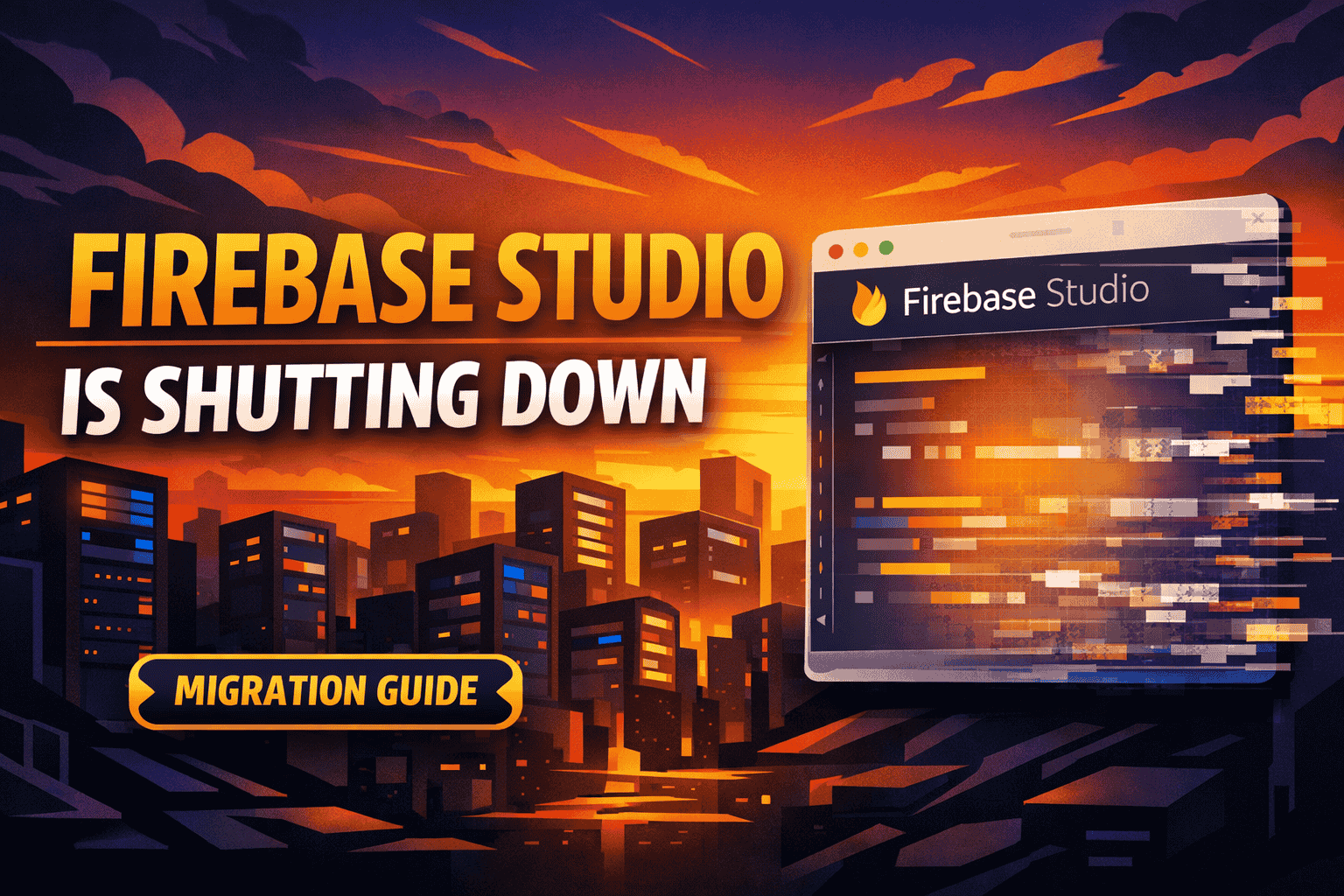
In a significant announcement for the developer community, Google has confirmed that Firebase Studio—its browser-based, AI-integrated integrated development environment (IDE)—will be officially sunsetted on March 22, 2027. This decision marks the end of a bold experiment in cloud-native, AI-first application development. While the news has triggered concerns among early adopters who relied on the platform for rapid prototyping, Google has moved quickly to reassure the ecosystem that this change is limited strictly to the IDE interface, leaving core Firebase backend services completely untouched.
For developers, this transition represents more than just the retirement of a tool; it signifies a recalibration of Google’s developer experience strategy. As the industry moves toward more stable, local-first development patterns, the sunsetting of Firebase Studio provides a timely opportunity to evaluate how we integrate generative AI into our professional workflows.
The Core Facts: What is Changing?
To avoid confusion, it is essential to distinguish between the development environment and the backend infrastructure.
Firebase Studio was launched as a specialized, browser-based sandbox built atop Project IDX. It was designed to allow developers to build full-stack applications directly in the cloud, leveraging Gemini-powered coding assistants and one-click deployment pipelines. Because it offered such a frictionless path from concept to code, it became a favorite for rapid prototyping and educational use cases.
What is being retired:
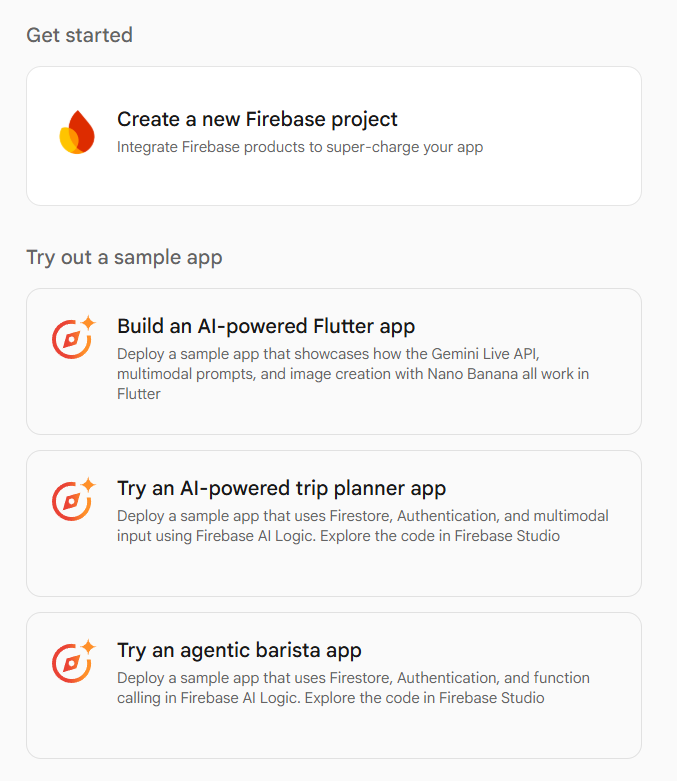
- The Firebase Studio IDE: The browser-based interface where you write code, interact with AI agents for generation, and trigger deployments.
- The Integrated Prototyping Environment: The specific workflow that bound the frontend and backend management into a single browser window.
What remains completely unaffected:
- Cloud Firestore: Your database instances remain secure and operational.
- Authentication: User management and login systems will continue to function.
- App Hosting & Cloud Functions: Your server-side logic and web hosting deployments will not be interrupted.
- Firebase SDKs: All standard libraries and SDKs will continue to receive support, security updates, and performance patches.
In short, your production applications are safe. The change is isolated to the "studio" interface, meaning your infrastructure remains robust, scalable, and fully managed by Google.
A Chronology of the Transition
Google has provided a generous three-year runway, a clear signal that they intend to prioritize a "graceful exit" for active projects. This timeline is designed to ensure that no developer is forced into a sudden or disruptive migration.
- The Announcement Phase (Q1 2024): The official sunset notice was issued, providing immediate transparency to the user base.
- The Transition Period (2024–2026): Developers are encouraged to audit their existing projects within Firebase Studio. Google has committed to providing ongoing technical documentation and migration support throughout this window.
- Sunset Cutoff (March 22, 2027): Firebase Studio will cease to be accessible. By this date, all necessary code, configurations, and project assets should be migrated to local or alternative cloud-based environments.
Google’s recommendation is clear: do not wait until the final months of 2026 to begin this process. The transition should be treated as a routine update to your local development environment.
Supporting Data: Why the Shift?
Industry analysts suggest that the sunsetting of Firebase Studio is a reflection of the "maturation" of AI-assisted coding. When Firebase Studio was introduced, browser-based IDEs were viewed as a revolutionary way to democratize coding. However, as the field has evolved, two major trends have emerged:
- The Preference for Local-First Workflows: Professional developers overwhelmingly prefer local IDEs (such as VS Code or IntelliJ) that offer deeper integration with local file systems, Git version control, and complex debugging tools. The browser, while convenient, often lacks the robust ecosystem of extensions that power enterprise-grade development.
- The Decoupling of AI and IDEs: We are moving away from "AI-native IDEs" toward "AI-enhanced IDEs." Developers now prefer to choose their own AI tools (such as GitHub Copilot or independent Gemini integrations) rather than being locked into a proprietary platform.
By retiring Firebase Studio, Google is essentially streamlining its focus. Instead of maintaining a niche, proprietary IDE, the company is doubling down on ensuring that its Firebase services work seamlessly with any industry-standard development environment.
Official Perspective and Strategic Implications
Google’s messaging emphasizes "long-term stability." The company is moving toward a model where developers use the Firebase CLI—the gold standard for interacting with Firebase services—coupled with their preferred local development environment.
This move effectively removes the friction of being "trapped" in a specific IDE. By forcing a migration to local workflows, Google is indirectly helping developers adopt better software engineering practices:
- Version Control: Moving to a local setup encourages the use of Git, allowing for better collaboration and history management.
- Dependency Management: Local environments make it easier to manage complex Node.js or Python dependencies that might be restricted in a browser sandbox.
- Flexibility: Developers can now choose the exact version of the Firebase SDKs and CLI tools that fit their specific project requirements, rather than being bound by the version supported within a browser environment.
Practical Migration: How to Move Your Projects
If you are currently housing projects in Firebase Studio, the migration process is straightforward. Google has built a native export tool that allows you to download your entire project as a ZIP archive.
The Migration Roadmap:
- Identify Active Projects: Catalog which of your projects are currently residing in the Firebase Studio interface.
- Use the "Move Now" Export: Inside the Studio interface, look for the "Move Now" button. This triggers a bundle creation process that packages your source code, configuration files, and Firebase settings into a downloadable format.
- Initialize Locally: Once you have downloaded your project, initialize it on your local machine using the Firebase CLI (
firebase init). This will bridge your local folder to your existing Firebase backend projects. - Audit Dependencies: Review your
package.jsonor equivalent configuration files to ensure that local versions match the requirements of your project. - Re-establish Git Flow: If you were not using Git inside the Studio, now is the time to create a repository, commit your code, and push it to GitHub, GitLab, or Bitbucket.
Future-Proofing Your Development Workflow
The sunsetting of Firebase Studio should not be viewed as a negative event, but rather as an evolution of your toolkit. For many, the "sweet spot" for future development will be a combination of:

- Google AI Studio: For rapid prototyping, testing API prompts, and experimenting with Gemini models.
- Standard Local IDEs: Utilizing VS Code with the Firebase extension, providing a stable, professional-grade environment.
- Firebase CLI: For all administrative tasks, deployment, and backend management.
This "decoupled" approach is inherently more resilient. It removes reliance on a single, centralized portal and places the power of the Firebase backend firmly into the developer’s local machine.
Implications for the Ecosystem
What does this mean for the future of Firebase? It means the platform is refocusing on its core competency: Backend-as-a-Service (BaaS). By moving away from the "UI-heavy" aspect of development environments, Google is signaling that it wants Firebase to be the foundational layer for all applications, regardless of the IDE the developer chooses to use.
This is a victory for open, modular development. While the convenience of Firebase Studio will be missed by some, the shift to standard CLI-based workflows will ultimately result in more portable, manageable, and professional codebases.
Summary Checklist for Developers:
- [ ] Review: Identify all Firebase Studio projects.
- [ ] Export: Use the "Move Now" function to secure your code.
- [ ] Localize: Install the Firebase CLI on your local development machine.
- [ ] Sync: Ensure all backend configurations (Firestore, Auth, Hosting) are correctly mapped to your local project.
- [ ] Commit: Push your migrated code to a version control system.
As we look toward the March 2027 deadline, the most successful developers will be those who treat this as a migration to a more robust, local-first workflow. Firebase continues to be a top-tier choice for developers, and this administrative update is merely a step toward a more modular and flexible future. As Google continues to release updates on the migration path, stay tuned to official Firebase blogs to ensure your transition is as smooth as possible.