In the rapidly evolving landscape of mobile technology, the longevity of a device is no longer measured solely by its hardware specifications. While high-resolution cameras, AI-driven processors, and vibrant OLED displays define the initial purchase, the true "shelf life" of a smartphone in the modern era is dictated by its software support window. For Google Pixel users, this window has shifted dramatically in recent years, transforming from a standard three-year cycle into an industry-leading seven-year commitment. However, navigating these timelines can be complex, as support varies significantly depending on the specific model and its release date.
Understanding when your device will reach its "end-of-life" status is crucial, not only for performance and feature accessibility but, more importantly, for maintaining the security of your personal data.
The Paradigm Shift: Why Long-Term Support Matters
For years, the Android ecosystem struggled with a fragmented reputation regarding software updates. Unlike the more rigid, controlled environment of Apple’s iOS, Android devices historically suffered from a "planned obsolescence" stigma. When a manufacturer ceased pushing security patches, the device became a liability—a digital gateway vulnerable to exploits, malware, and privacy breaches.
When Google announced with the launch of the Pixel 8 series in 2023 that it would provide seven years of software and security updates, it was more than just a marketing gimmick; it was a fundamental shift in the smartphone industry. This move surpassed even the most aggressive policies from competitors like Samsung, which had previously set the gold standard with its four-year OS and five-year security update policy for flagship devices. By committing to seven years, Google essentially signaled that a phone purchased in 2023 could remain functional and secure until 2030, fundamentally changing the economics of smartphone ownership and environmental sustainability.
Chronology of Support: From Pixel 1 to the Pixel 11
Google’s support strategy is tethered to the date the device was first available for purchase on the Google Store in the United States. To help users determine their device’s remaining lifespan, we can categorize Pixel devices into three distinct tiers of longevity.
1. The Legacy Tier: Devices No Longer Supported
If you are still operating a device from the original Google Pixel (2016) through the Pixel 5a (5G), your phone has reached its official end-of-life. These devices no longer receive Android OS upgrades or, more critically, monthly security patches. While they may still function for basic tasks, they are effectively "dead" in the eyes of cybersecurity professionals and should be retired or repurposed as offline-only devices.
2. The Mid-Tier: Five Years of Security
The Pixel 6 and 7 families, along with the original Pixel Fold, fall into a transitionary category. These devices are guaranteed five years of security updates starting from their respective US launch dates.
- Pixel 6 and 6 Pro: Support expires in October 2026.
- Pixel 6a: Support expires in July 2027.
- Pixel 7 and 7 Pro: Support expires in October 2027.
- Pixel 7a: Support expires in May 2028.
3. The Gold Standard: Seven Years of Support
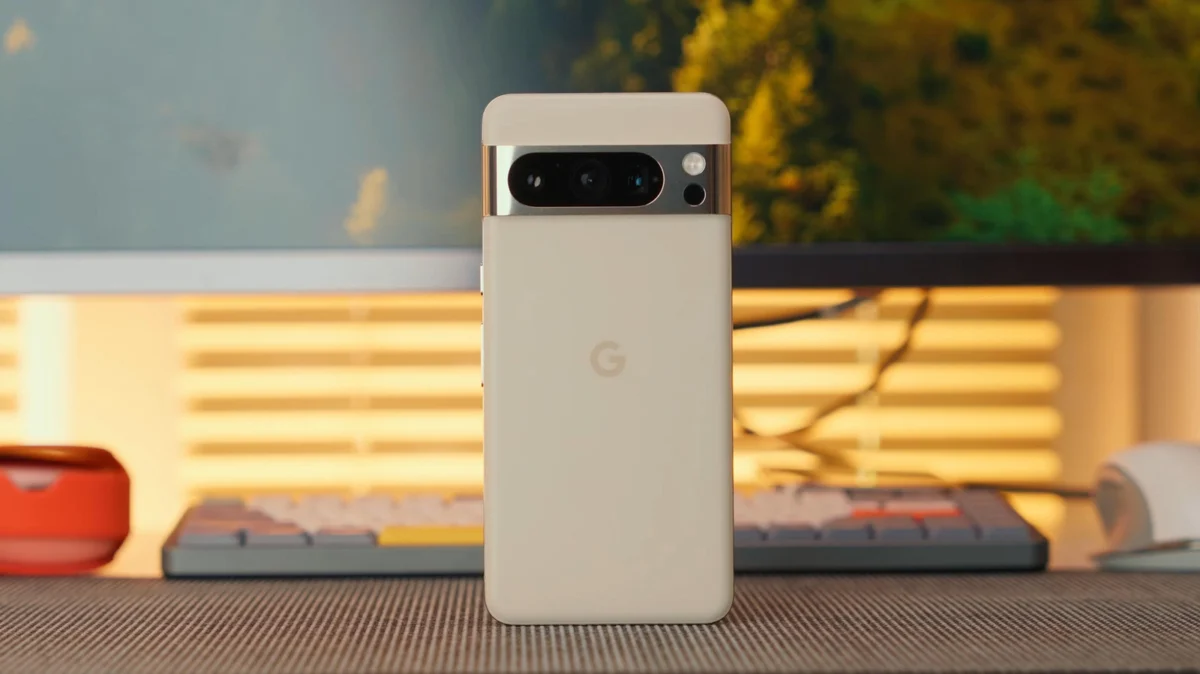
Starting with the Pixel 8, Google set a new benchmark. These devices receive seven years of OS, security, and "Feature Drop" updates.
- Pixel 8 and 8 Pro: Supported until October 2030.
- Pixel 8a: Supported until May 2031.
- Pixel 9 and 9 Pro: Supported until August 2031.
- Pixel 9a: Supported until April 2032.
- Pixel 10 and 10 Pro: Supported until August 2032.
- Pixel 10a: Supported until March 2033.
- Pixel 11 and 11 Pro: Supported until August 2033.
The Hidden Implications of "End-of-Support"
The expiration of software support is often misunderstood by consumers. Many users assume that if the phone still turns on and connects to Wi-Fi, it is "fine." However, the implications of running an unsupported device extend far beyond the lack of new Android features or UI tweaks.
Security Vulnerabilities: The Silent Threat
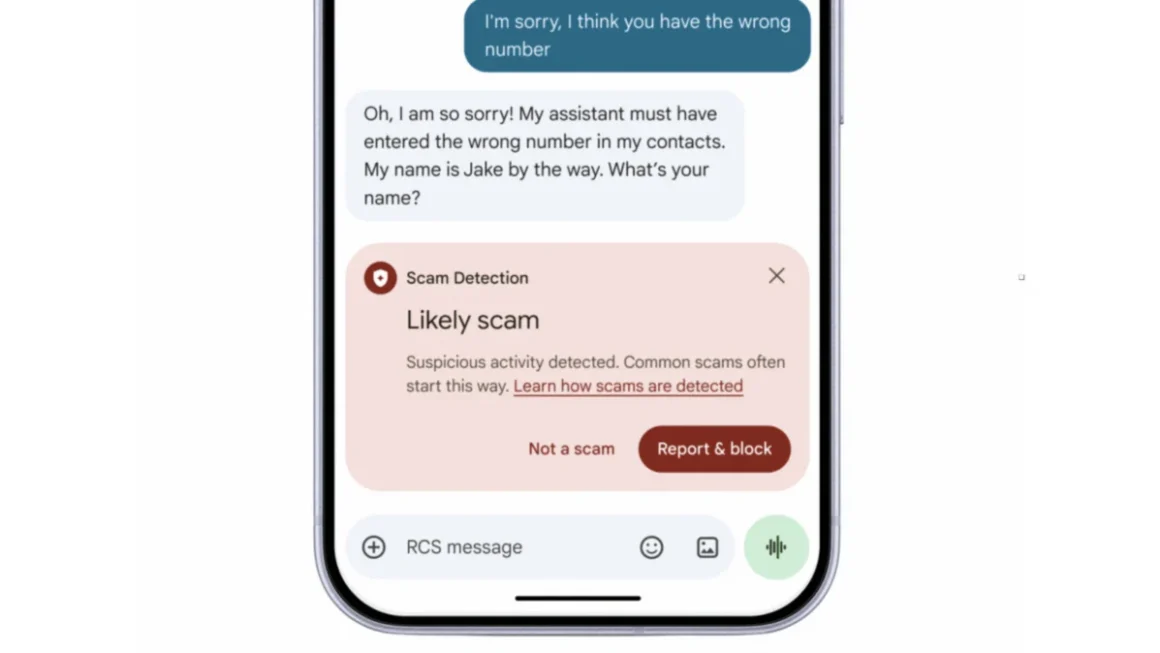
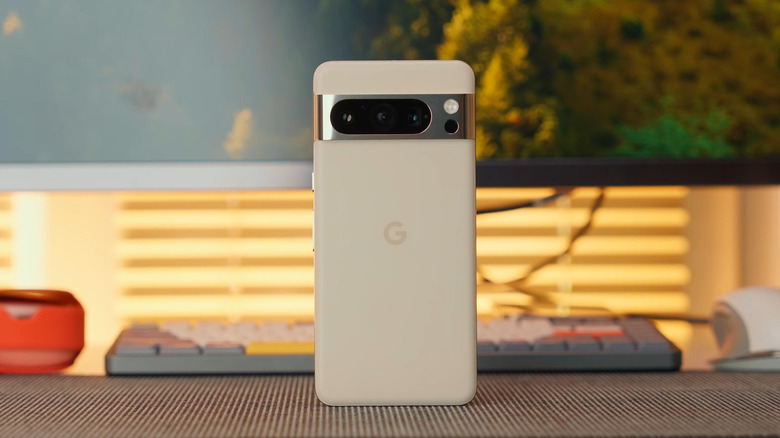
The most significant danger of using an expired phone is the accumulation of unpatched security vulnerabilities. Google’s monthly security bulletins address flaws in the Android kernel, the driver level, and individual system apps. Once these updates stop, any newly discovered "zero-day" exploit will remain on your device indefinitely. Hackers actively monitor these end-of-support schedules, effectively creating a list of "low-hanging fruit" for potential attacks.
App Compatibility and Banking
Beyond security, there is the issue of software obsolescence. As Google updates the Android framework, app developers eventually drop support for older versions of the operating system. Over time, your favorite banking apps, mobile wallets, and even essential communication tools will refuse to launch, stating that your OS version is too old to be secure. This renders the phone functionally obsolete long before the hardware itself fails.
Can You "Extend" the Life of Your Pixel?
Many tech enthusiasts turn to the custom ROM community, such as LineageOS or GrapheneOS, to breathe new life into older hardware. While this can extend the usability of a device, it is important to understand the technical trade-offs.
The Custom ROM Reality
If you install a custom ROM like LineageOS, you are moving away from the proprietary firmware provided by Google. While you might receive updated Android versions, you are often lacking the "vendor" blobs—the proprietary drivers that control the camera, the modem, and the specialized AI processing chips. These drivers are not open-source, and once Google stops providing them, the custom ROM developer has no way to fix security holes in those specific components.
Furthermore, moving to a custom ROM usually requires an unlocked bootloader. This breaks "SafetyNet" or "Play Integrity" protections. As a result, apps that require high-security environments—such as banking, contactless payments, and certain corporate productivity suites—will likely cease to function entirely.
For the average user, the best advice remains: when the official support ends, it is time to upgrade. Attempting to force an old device to continue in a modern, hyper-connected world poses a risk that outweighs the cost savings of holding onto a legacy handset.
Sustainability and Future Outlook
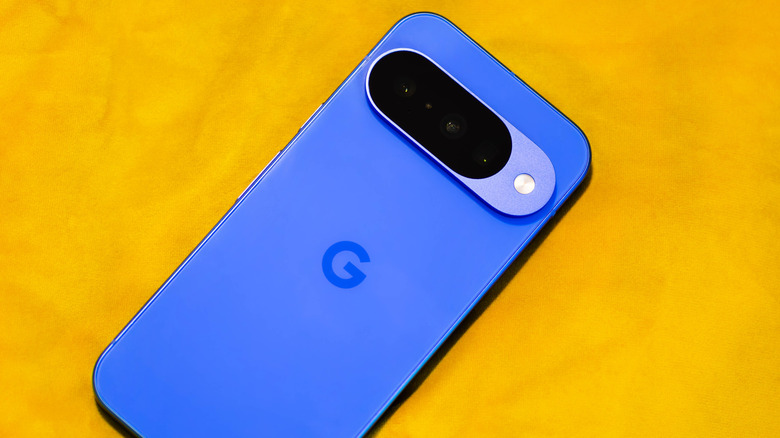
Google’s commitment to seven years of support is a major victory for the "Right to Repair" and sustainability movements. By ensuring that phones remain secure for nearly a decade, Google is encouraging users to keep their devices longer, reducing the massive environmental impact of electronic waste.
However, as we look toward 2030 and beyond, the next challenge for the industry will be hardware longevity—specifically, battery degradation and component fatigue. While software can be patched, hardware eventually reaches a point of physical decline. Google has made strides in making repair parts more accessible, but for the average consumer, the current seven-year software promise is the most powerful tool we have in ensuring that our investment in a smartphone remains a responsible and secure choice for years to come.
Conclusion
To maximize your investment in a Google Pixel, check the specific release date of your model against Google’s support pages. If your device is approaching its final year of support, begin planning for a replacement. While the allure of "just one more year" is strong, the evolving threats in mobile security make staying within the support window a necessity for anyone handling sensitive data, banking, or personal communications on their mobile device.
In the modern digital age, your phone is more than just a camera and a screen; it is your digital identity. Ensuring that identity is protected by regular, active, and official software updates is the single most important maintenance task a smartphone owner can perform.