








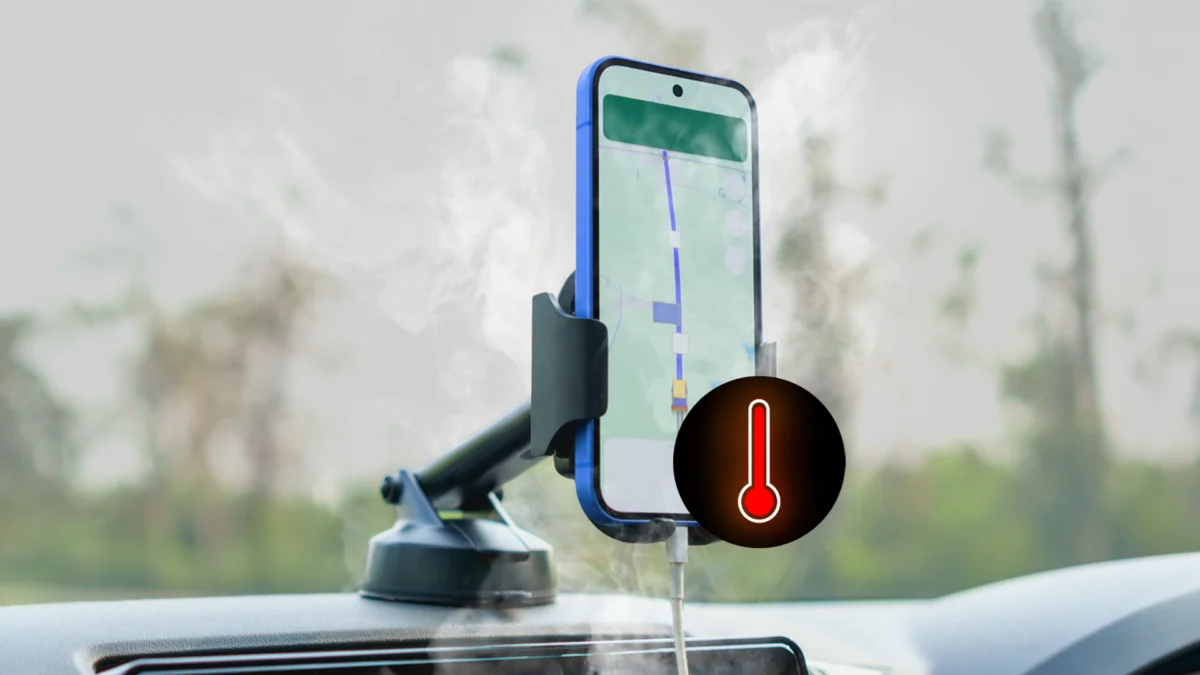
Modern smartphones are marvels of engineering, capable of handling complex computational tasks, high-fidelity gaming, and real-time navigation simultaneously. However, even the most advanced flagship devices—like the Google Pixel 10 Pro XL—are bound by the laws of physics. When external environmental factors collide with high-intensity usage, the result can be a device that becomes dangerously hot to the touch.
Recently, during a mid-summer heatwave in France, I experienced firsthand the terrifying reality of a smartphone pushed to its thermal limits. What began as a simple road trip turned into a masterclass in what not to do when your electronics begin to cook. This article serves as a cautionary tale and a technical guide on how to manage, protect, and preserve your device when temperatures soar.
The Perfect Storm: Anatomy of a Thermal Failure
The incident occurred during a five-hour journey from Paris to Bordeaux. France was in the grip of a relentless heatwave, with outdoor temperatures hovering around 100°F (38°C). To make matters worse, the vehicle’s air conditioning system had failed days prior, turning the cabin into a mobile sauna.
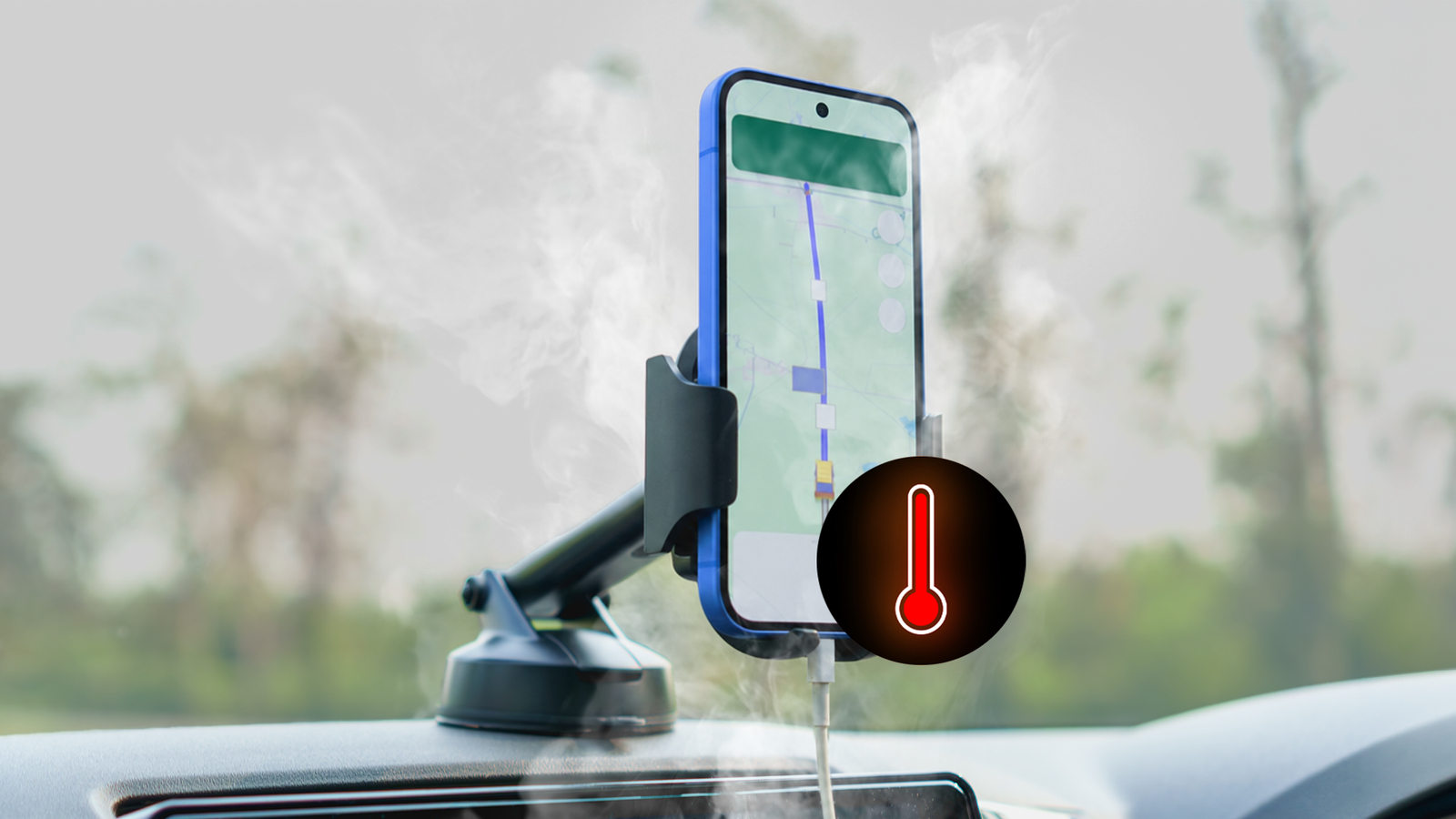
As the drive progressed, my friend’s iPhone succumbed to the heat, shutting down to protect its internal components. Seeking an alternative for navigation, I volunteered my Pixel 10 Pro XL. This was, in hindsight, a critical error in judgment. By mounting the device on the dashboard—directly in the path of sunlight—I had essentially created a solar-powered heating element.
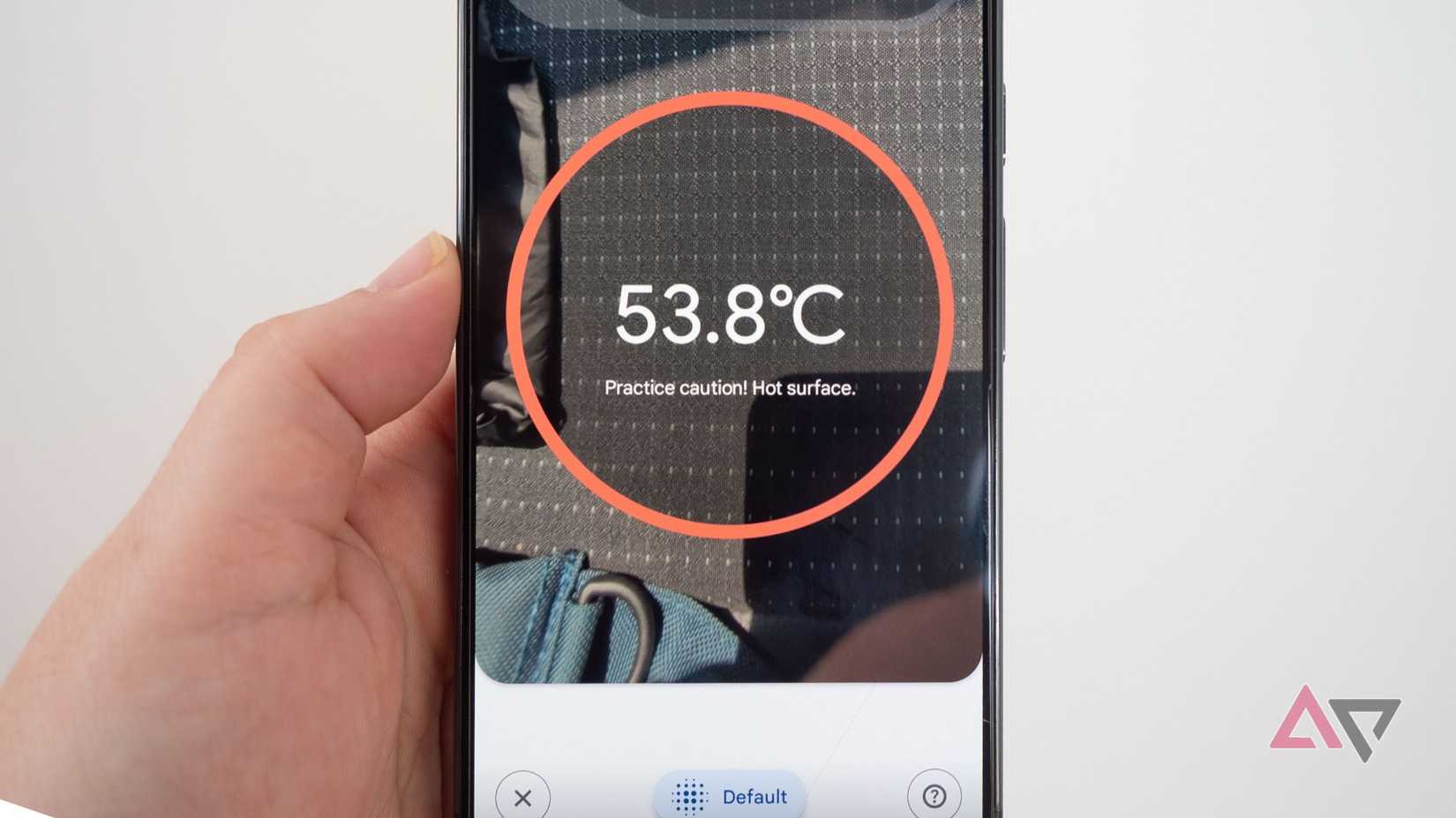
Using the Pixel’s integrated thermometer, I later measured the dashboard surface at a staggering 129°F (53.8°C). The phone, already struggling to maintain GPS connectivity and display brightness in direct sunlight, was fighting a losing battle. Within 40 minutes, the device triggered an emergency thermal shutdown, killing the Google Maps interface.
When I reached for the phone, it was searing—too hot to hold comfortably. Using diagnostic software, I recorded a battery temperature of 118°F (47.7°C). This was not merely "warm" from a gaming session; this was a level of thermal saturation I had never encountered in over a decade of smartphone testing.
Chronology of the Incident: A Sequence of Errors
The escalation of the event followed a predictable, yet preventable, timeline:
- Exposure (T-minus 60 minutes): The device was placed on the dashboard, exposed to direct solar radiation and the ambient heat of a non-air-conditioned vehicle.
- Increased Workload: Running GPS navigation at high brightness levels forced the SoC (System on a Chip) to push significant power, generating internal heat that had nowhere to dissipate.
- Thermal Throttling & Shutdown (T-zero): The device’s onboard sensors reached a critical safety threshold. The OS automatically suspended high-demand processes, including Google Maps, to prevent hardware damage.
- The Panic Response: My immediate instinct was to force a rapid cool-down. I placed the device inside a cooler containing ice packs.
- The Aftermath: Upon realizing the potential danger of the "cooler method," I retrieved the device and allowed it to return to ambient temperature slowly.
The Danger of Rapid Cooling: Why You Should Never Use a Freezer
In moments of panic, many users resort to the "fridge or freezer" trick. It feels logical: if the phone is hot, put it somewhere cold. However, this is one of the most destructive actions a user can take.
The Physics of Condensation
When you place a hot, humid-laden device into a freezing environment, you create a perfect recipe for internal condensation. As the air inside the phone’s chassis cools rapidly, the moisture naturally present in the air transforms into liquid water.
This water does not stay neatly tucked away; it migrates to the logic board, the charging port, and the delicate ribbon cables connecting the screen and battery. Over time, this moisture causes:

- Electrolytic Corrosion: Even a tiny amount of water, combined with the electrical current running through the board, will eat away at copper traces.
- Short Circuits: Water bridging two contact points can cause an immediate, catastrophic failure of the motherboard.
- Sensor Malfunction: Cameras, microphones, and speakers are particularly susceptible to fogging and long-term water damage.
The Golden Rule: Never accelerate cooling artificially. Your phone’s internal components are designed to withstand high temperatures up to a certain point; they are not designed to handle rapid thermal shock.
Supporting Data: Understanding Thermal Thresholds
Lithium-ion batteries, which power our modern smartphones, are incredibly sensitive to temperature. According to industry standards (such as those provided by the IEEE and battery manufacturers), the ideal operating temperature for a smartphone is between 32°F and 95°F (0°C to 35°C).
- 100°F – 110°F (38°C – 43°C): The device will begin to exhibit "throttling." Performance will drop as the processor downclocks to reduce heat generation. Charging speeds will likely be limited or disabled entirely.
- 115°F – 125°F (46°C – 52°C): The device enters a safety state. Most non-essential apps are force-closed. If the heat persists, the OS will trigger an emergency shutdown to prevent the battery from entering a "thermal runaway" state, which can lead to permanent degradation or fire.
- Above 140°F (60°C): At this stage, permanent damage to the battery’s chemical structure is almost guaranteed, significantly reducing the battery’s maximum capacity and cycle life.
Official Recommendations: Best Practices for Overheating
Manufacturers, including Google, Apple, and Samsung, provide specific guidelines for managing thermal events. Based on these protocols, here is the professional approach to handling an overheated device:
1. Remove the External Insulation
If your phone is in a case, remove it immediately. Protective cases are designed to absorb shock, but they also act as insulators, trapping heat inside the chassis.
2. Cease All Activity
Stop charging the device immediately. Charging generates heat through the chemical reaction in the battery and the conversion of energy in the power management IC. Stop high-demand apps like games, cameras, or navigation.
3. Utilize Natural Airflow
If you are in a vehicle, hold the phone in front of a standard air vent—not the AC output if it is blowing ice-cold air, but rather the ambient air vent. If you are outdoors, move to the shade and allow the ambient breeze to facilitate heat transfer.
4. Utilize Power-Saving Modes
Modern smartphones feature sophisticated power-saving modes that reduce CPU clock speeds and limit background data usage. These are your best friends during a heatwave. For navigation, use "Battery Saver" mode or, better yet, use voice-only navigation with the display turned off.
Implications: The Future of Mobile Thermal Management
The incident with my Pixel 10 Pro XL highlights a growing tension in smartphone design. As devices become thinner and processors become more powerful, the internal surface area available for heat dissipation decreases.
While manufacturers are experimenting with vapor chambers and graphite cooling sheets, the user remains the final line of defense. The industry is moving toward more aggressive "Thermal Management Systems" (TMS) that communicate more clearly with users. In the future, we may see more granular OS-level warnings that suggest specific actions—such as "Reduce display brightness by 50% to prevent shutdown"—rather than the generic "Device is too hot" message.
Ultimately, the most important lesson learned is that technology is a tool, not a miracle. Respecting the physical limitations of your device, especially in extreme environmental conditions, is essential to ensuring your hardware survives for years to come. If you find yourself in a situation where your phone is hot to the touch, remember: slow and steady cooling is the only way to save your hardware.