





By Patrick Hearn
Published October 25, 2026
Main Facts: The Feature Gap Between Cloud and Desktop
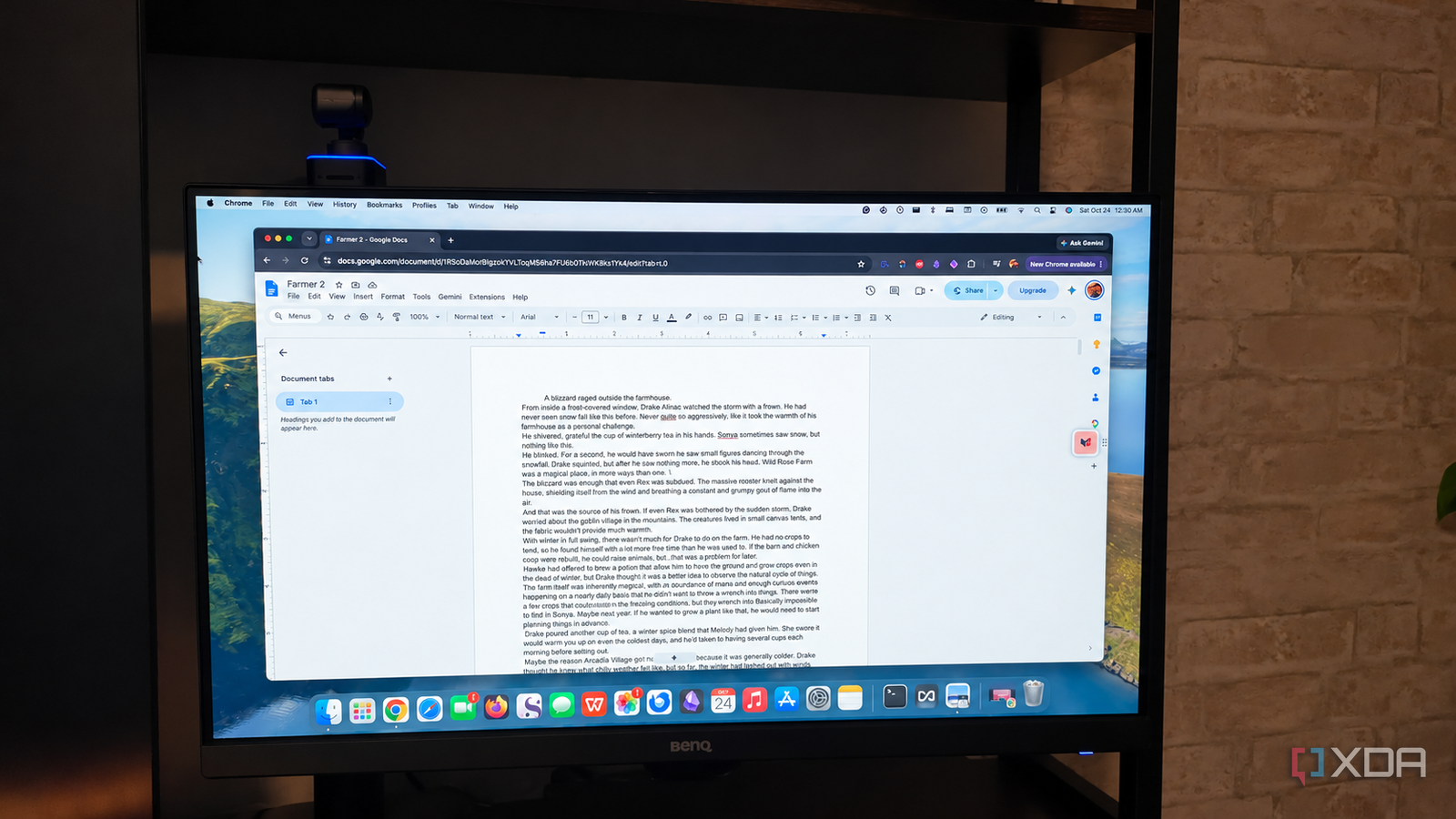
Google Docs has cemented its status as one of the most ubiquitous and widely utilized word processing tools on the planet. Its appeal is undeniable: it is deeply integrated into the Google ecosystem, freely accessible to anyone with a Google account, and bound to no single hardware platform thanks to its cloud-first architecture. For the vast majority of users, it handles drafting essays, business reports, and school papers with effortless reliability.
Yet, an examination of legacy software reveals a startling reality. Microsoft Office 2003—a software suite released an astonishing 23 years ago—featured advanced document control, formatting, and indexing capabilities that modern Google Docs still fails to offer natively.
While Google Docs launched in 2006, just a few years after Office 2003, the gap in feature parity is not merely a byproduct of age. Instead, it highlights a fundamental philosophical divergence between the two platforms. Microsoft Office was engineered from the ground up as a deep, device-local publishing and layout engine meant for absolute document control. Google Docs, by contrast, was conceived as a lightweight, cloud-native canvas designed explicitly for real-time collaboration.
Nevertheless, for writers, editors, and independent publishers who demand granular layout control, the absence of these decades-old features in Google Docs remains a persistent frustration.
Chronology: The Evolution of Digital Word Processing
To understand how a quarter-century-old software package retains functional superiority in specific niches, it helps to examine the timeline of digital word processing:
- Late 1980s – Late 1990s: Desktop word processors like WordPerfect and Microsoft Word battle for market dominance, steadily introducing complex styling tools, advanced section breaks, and automated field codes.
- October 2003: Microsoft launches Office 2003, introducing refined XML support, robust find-and-replace capabilities tied to specific formatting, and sophisticated indexing tools like field codes (
XEandINDEX). - 2006: Google introduces Google Docs (stemming from Writely), pioneering the era of web-based, collaborative document editing. The initial feature set is sparse, prioritizing cross-platform accessibility over deep layout tools.
- 2016: A full decade after its public debut, Google Docs finally introduces support for regular expressions (RegEx) within its Find and Replace tool—lagging far behind desktop counterparts that had mastered deep text manipulation years prior.
- Present Day (2026): Despite two decades of iterative updates, Google Docs remains a leader in collaborative convenience, but still delegates complex pagination, typography searches, and back-of-book indexing to third-party add-ons or external desktop software.
Supporting Data: Three Legacy Features Google Docs Left Behind
While casual users may never notice their absence, three specific capabilities demonstrate how Microsoft Office 2003 outperformed contemporary cloud tools in raw typographic and layout depth.
1. Granular Break Management
Google Docs provides basic page breaks, column breaks, and simple continuous or next-page section breaks. However, it completely lacks advanced pagination controls.

Office 2003 allowed users to dictate exact section behaviors—such as forcing a new section to begin exclusively on the next odd- or even-numbered page. In Google Docs, attempting to format a professional print book often results in fragile layouts. Tweaking a header or modifying font sizes can easily throw off the entire pagination sequence, lacking the structural resilience required for professional print publishing.
2. Formatting-Specific Find and Replace
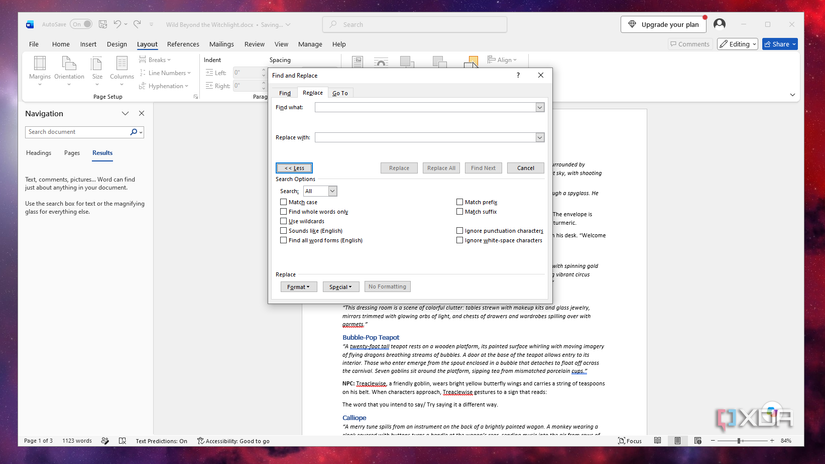
Find and Replace is a cornerstone of digital editing. While Google Docs has mastered basic text searches and later added RegEx, it still cannot filter searches by specific typographic characteristics natively.
In Microsoft Office 2003, a user could search specifically for text styled in a foreign font family, a distinct point size, or a unique text color imported from a web page and swap it out instantly. In Google Docs, importing messy external text often requires tedious, manual formatting cleanup because the search engine cannot target formatting attributes directly.
3. Automated Field Codes and Back-of-Book Indices
Field codes in legacy Microsoft software went far beyond simple automated dates or page numbers. Hidden commands like XE allowed writers to tag specific words and phrases throughout a manuscript, while INDEX generated a multi-column, alphabetized registry with exact page references.
Google Docs limits its structural mapping almost exclusively to document headings for a basic table of contents. Creating a comprehensive, professional index at the back of a manuscript requires relying on external, third-party add-ons within the Google Workspace Marketplace—tools that frequently lack reliability and native integration.
Official Perspectives: Philosophy Over Parity
Software architects and productivity analysts generally agree that the divergence between cloud editors and desktop suites is intentional. Representatives from productivity tech sectors emphasize that feature bloat can compromise the speed, simplicity, and accessibility that make cloud applications appealing to millions of daily active users.
"Google Docs isn’t trying to replace professional desktop publishing software; it is trying to remove friction from human collaboration," notes software usability analysts. "Adding deep, desktop-class layout controls could complicate the real-time syncing architecture that makes Google Workspace so frictionless."
Microsoft’s ongoing evolution of Office (now Microsoft 365) mirrors this philosophy by maintaining its heavy-duty document control heritage while gradually adding cloud collaboration features. Meanwhile, Google continues to focus on AI integration, smart chips, and commenting workflows rather than rebuilding its core pagination and indexing engine.
Implications: Workflow Realities for Modern Writers
What do these lingering limitations mean for modern content creators, authors, and office workers? The reality of the modern digital landscape is simple: there is no single, one-size-fits-all application.
For the average student, corporate worker, or casual writer, the missing features of Microsoft Office 2003 are entirely inconsequential. The convenience of opening a browser tab on a smartphone, tablet, or laptop and instantly collaborating with co-workers or editors vastly outweighs the need for odd-even page breaks or automated back-of-book indices.
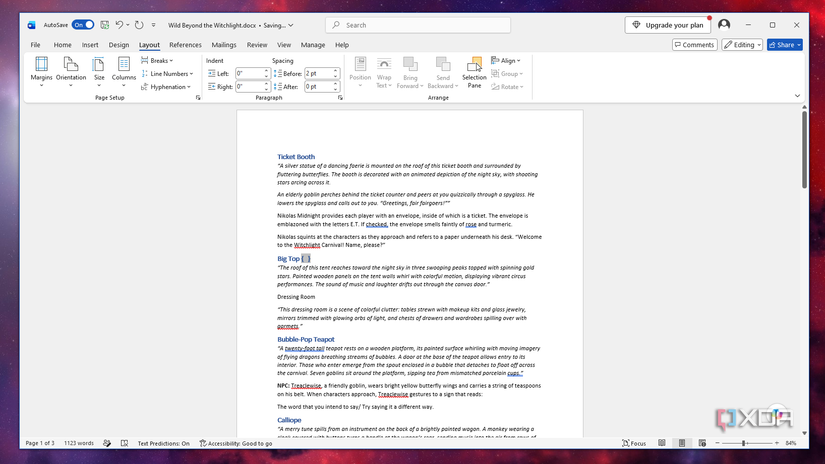
However, for authors, self-publishers, and academic researchers handling complex manuscripts, a hybrid workflow is mandatory. Writers frequently utilize Google Docs for its unmatched collaborative agility—sharing early drafts with developmental editors and co-authors over the cloud—before exporting the finalized text into a robust desktop environment like Microsoft Word or Adobe InDesign for final formatting, pagination, and publication prep.
Ultimately, Google Docs and Microsoft Office occupy distinct, complementary spaces in the modern digital ecosystem. While it remains baffling that a 23-year-old desktop program still holds the upper hand in structural text handling, recognizing the strengths of each tool allows writers to leverage the best of both worlds without compromise.