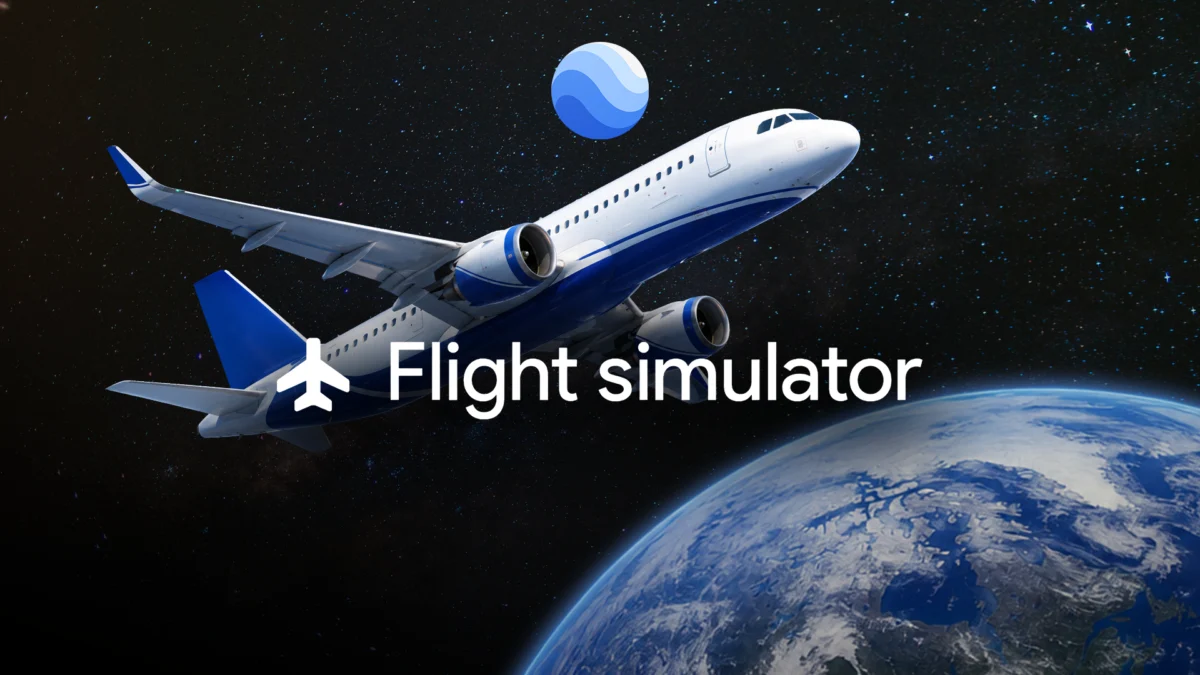
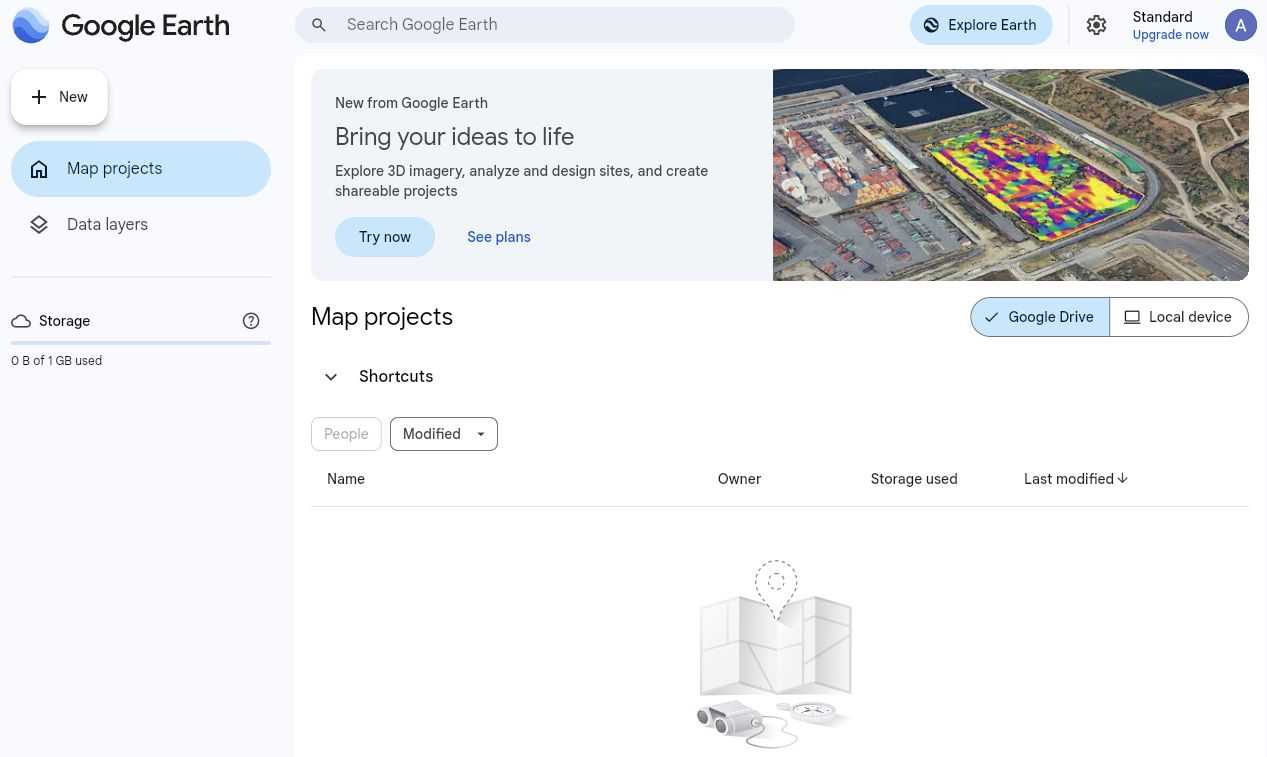
For nearly two decades, Google Earth has served as the quintessential tool for digital globe-trotting. Whether you are scouting a vacation destination, studying geography, or simply losing yourself in the satellite imagery of remote landscapes, the platform has long been the gold standard for armchair travel. However, a hidden feature recently expanded to the web version—a fully functional flight simulator—is transforming how users interact with the planet, shifting the experience from passive observation to active exploration.
Main Facts: The Evolution of Digital Aviation
In June 2026, Google introduced a long-requested update to the web-based iteration of Google Earth, integrating an experimental flight simulator directly into the browser. While seasoned users of the legacy desktop application may remember this feature from as far back as 2007, its arrival on the web marks a significant accessibility milestone.

The simulator allows users to pilot a virtual aircraft over the same high-fidelity 3D terrain and satellite imagery that defines the Google Earth ecosystem. Unlike professional-grade simulators like Microsoft Flight Simulator, which prioritize aerodynamic realism and complex cockpit management, Google’s offering is built for accessibility and casual exploration. It utilizes the browser’s hardware acceleration to render the globe in real-time, allowing users to soar over landmarks, mountain ranges, and urban centers with a simple keyboard-based control scheme.
Chronology: From Desktop Legacy to Browser Innovation
The journey of this feature is a testament to Google’s shifting philosophy regarding web-based software.

- 2007: The flight simulator is first introduced as an "Easter Egg" within the downloadable Google Earth desktop client. It quickly became a cult favorite among enthusiasts who enjoyed the novelty of flying over their own homes or iconic global landmarks.
- 2017: Google pivots to a modern, browser-based version of Google Earth, focusing on performance and ease of use. However, many advanced "Pro" features from the desktop version, including the flight simulator, were initially omitted.
- 2024–2025: As browser technologies like WebGL and WebGPU matured, Google began testing more resource-intensive features within the web interface, setting the stage for the reintroduction of advanced interactive tools.
- June 2026: Google officially rolls out the flight simulator to the web version. This update bridges the gap between the legacy desktop experience and the modern, cloud-powered web interface, allowing for seamless integration without the need for high-end gaming hardware.
Supporting Data and Technical Requirements
Transitioning a 3D flight simulation from a standalone desktop application to a browser environment requires significant compute power, specifically regarding graphical processing. To ensure a smooth experience, the platform relies on the browser’s ability to offload rendering to the user’s GPU.
Hardware and Software Prerequisites
For those looking to take to the skies, Google specifies the following requirements:
- Browser Compatibility: The feature is optimized for the latest stable versions of Google Chrome, Mozilla Firefox, Apple Safari, and Microsoft Edge.
- Hardware Acceleration: Users must ensure that "Hardware Acceleration" is toggled "On" in their browser settings. Failure to do so will result in stuttering, graphical artifacts, or an inability to load the 3D terrain data.
- Connectivity: Given that Google Earth streams its terrain data in real-time, a stable, high-speed internet connection is essential to prevent the "pop-in" effect of 3D buildings and landscapes during flight.
Control Mechanics
The interface is intentionally simplified to lower the barrier to entry. Key controls include:
- Thrust: Managed via the
Page UpandPage Downkeys. - Pitch: The
Down Arrowtilts the nose up for a climb, while theUp Arrowpoints the nose down for a descent. - Roll: The
LeftandRightarrows bank the aircraft.
A critical note for new pilots: The system operates on a "Roll and Pitch" logic. Unlike arcade-style flight games, there is no separate "Yaw" control. To execute a turn, a pilot must combine a roll with a pitch adjustment, mimicking the behavior of a real-world light aircraft.
Navigating the Challenges: The Learning Curve
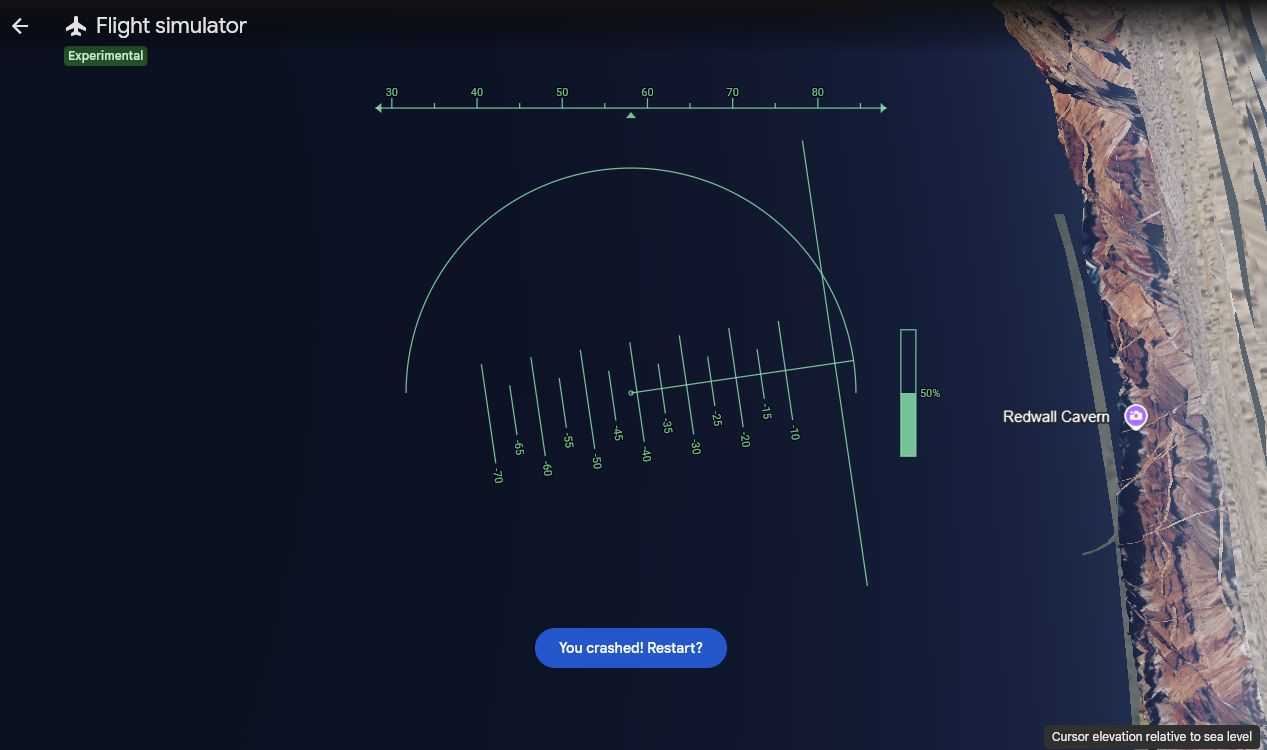
For the uninitiated, the initial experience can be chaotic. Without the sophisticated fly-by-wire systems found in modern flight sims, overcorrecting is a common hurdle. A slight press of an arrow key can send the virtual plane into a steep bank, leading to a sudden, albeit consequence-free, collision with the terrain.
When a crash occurs, the simulator pauses, providing a moment of reset before allowing the user to resume at a safe altitude. This "fail-safe" design emphasizes that the tool is intended for exploration, not rigorous flight training. Experienced drone operators—particularly those who fly FPV (First Person View) craft—often find the controls intuitive, as they are accustomed to the three axes of movement: roll, pitch, and yaw. For the general public, however, mastering the "coordinated turn"—the marriage of banking and pitching—is the true skill ceiling of the application.
Strategic Destinations: Where to Fly
Once the controls are mastered, the utility of the flight simulator becomes clear: it is a new way to experience the world. Several locations stand out for their visual impact:
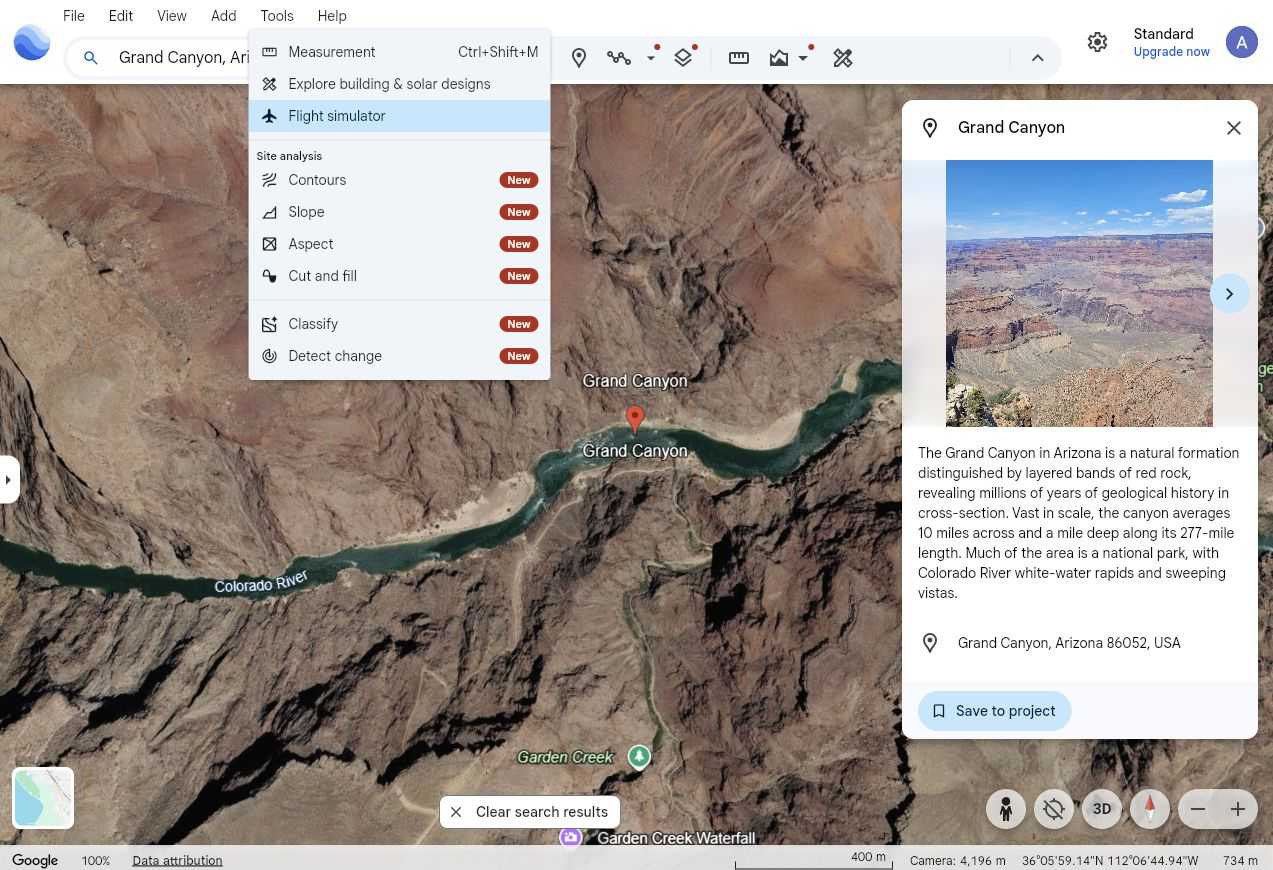
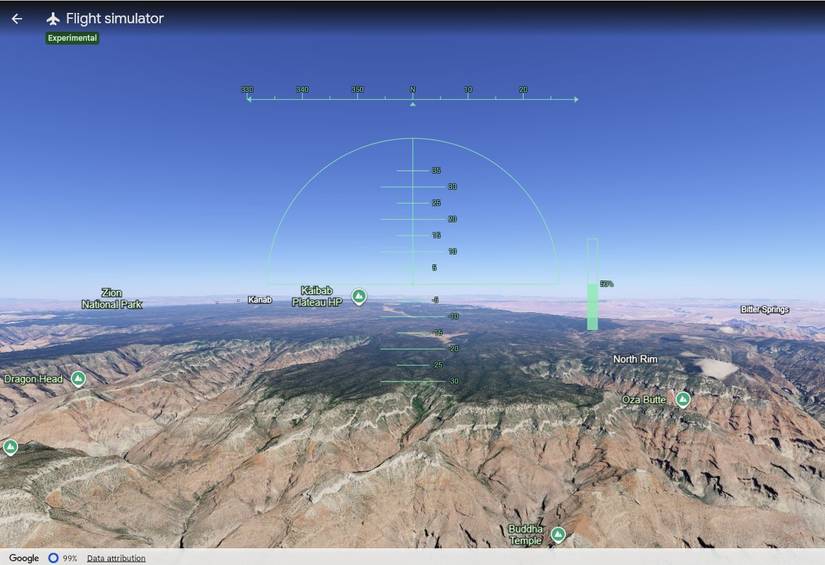
- The Grand Canyon: Ideal for practicing flight. The canyon walls provide a clear sense of scale and depth, forcing the pilot to adjust their altitude constantly to navigate the winding river path.
- Mount Everest: A test of skill. The rapidly rising elevation changes make this a difficult flight, perfect for those who have moved past the "beginner" phase and want a challenge.
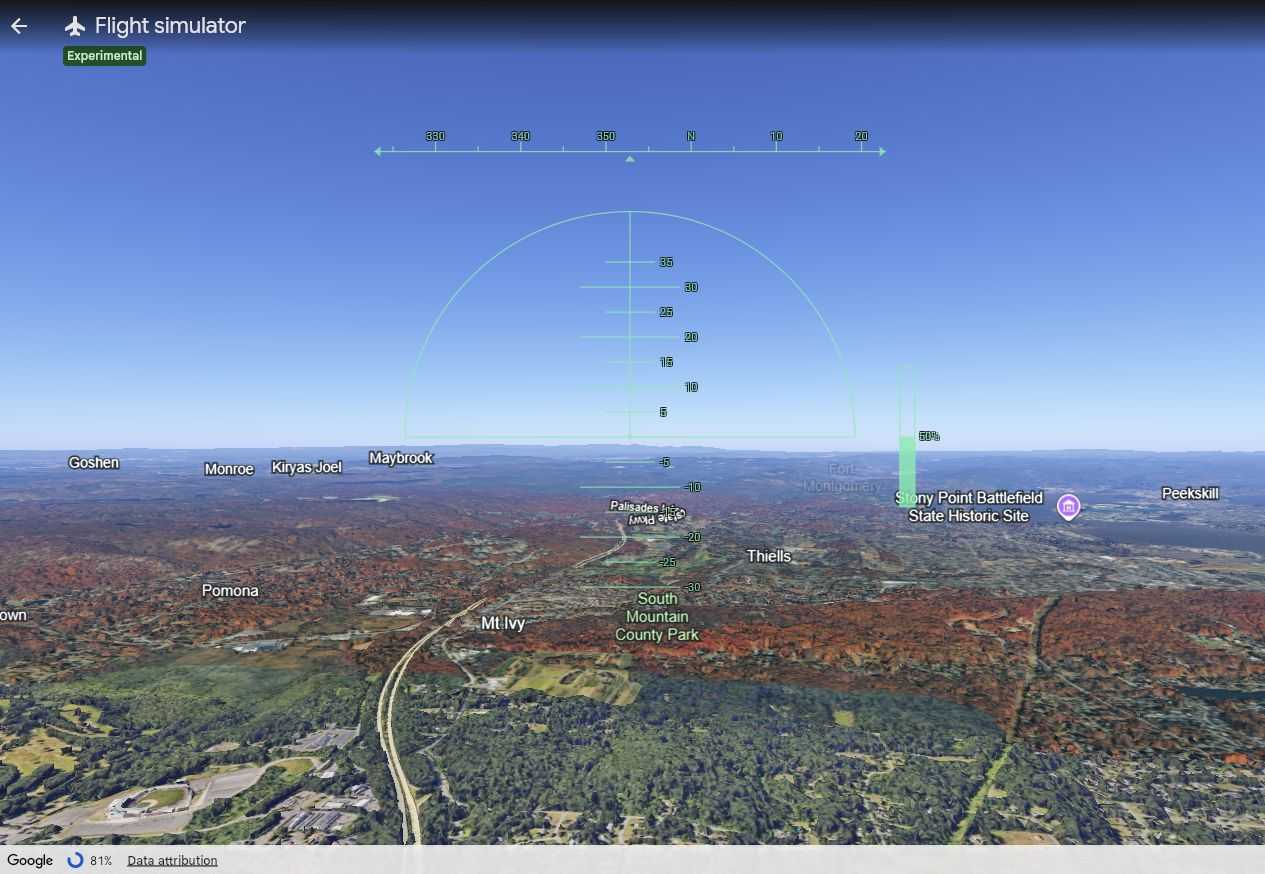
- New York City: Offers a high-density environment. Flying between the skyscrapers of Manhattan provides a unique perspective on urban planning and architecture that is impossible to replicate in standard 2D map views.
- Paris and London: Navigating by major rivers like the Seine or the Thames serves as an excellent navigational exercise, allowing users to identify landmarks like the Eiffel Tower or Big Ben from an aerial vantage point.
Implications for Education and Future Tech
The inclusion of a flight simulator in a browser-based, mass-market tool has broader implications for how we consume geographic data.
Educational Utility
Educators are beginning to look at the simulator as a tool for geography and physics instruction. By simulating the feeling of distance and the impact of elevation, students can better understand the scale of the Earth’s features. It transforms a static map into a dynamic, experiential learning environment.
The Future of "Virtual Tourism"
As the fidelity of Google Earth’s 3D mesh continues to improve, the flight simulator acts as a gateway to "Virtual Tourism." In a world where travel is often restricted by economic or physical barriers, the ability to "fly" over a city on the other side of the planet provides a sense of presence that scrolling through photos cannot match.
A New Standard for Browser-Based Apps
Google’s success in bringing this feature to the browser suggests that the line between "Web Apps" and "Desktop Software" is effectively gone. As WebGPU becomes a standard, we can expect more interactive, resource-heavy simulations to migrate from heavy, installed programs to lightweight, URL-based experiences.
Conclusion: Is It Worth Your Time?
If you are searching for a high-fidelity flight simulator to learn the intricacies of aviation, this is not the tool for you. However, if you are looking for a relaxing, awe-inspiring way to interact with the world, the Google Earth flight simulator is a triumph. It strikes the perfect balance between accessibility and engagement.
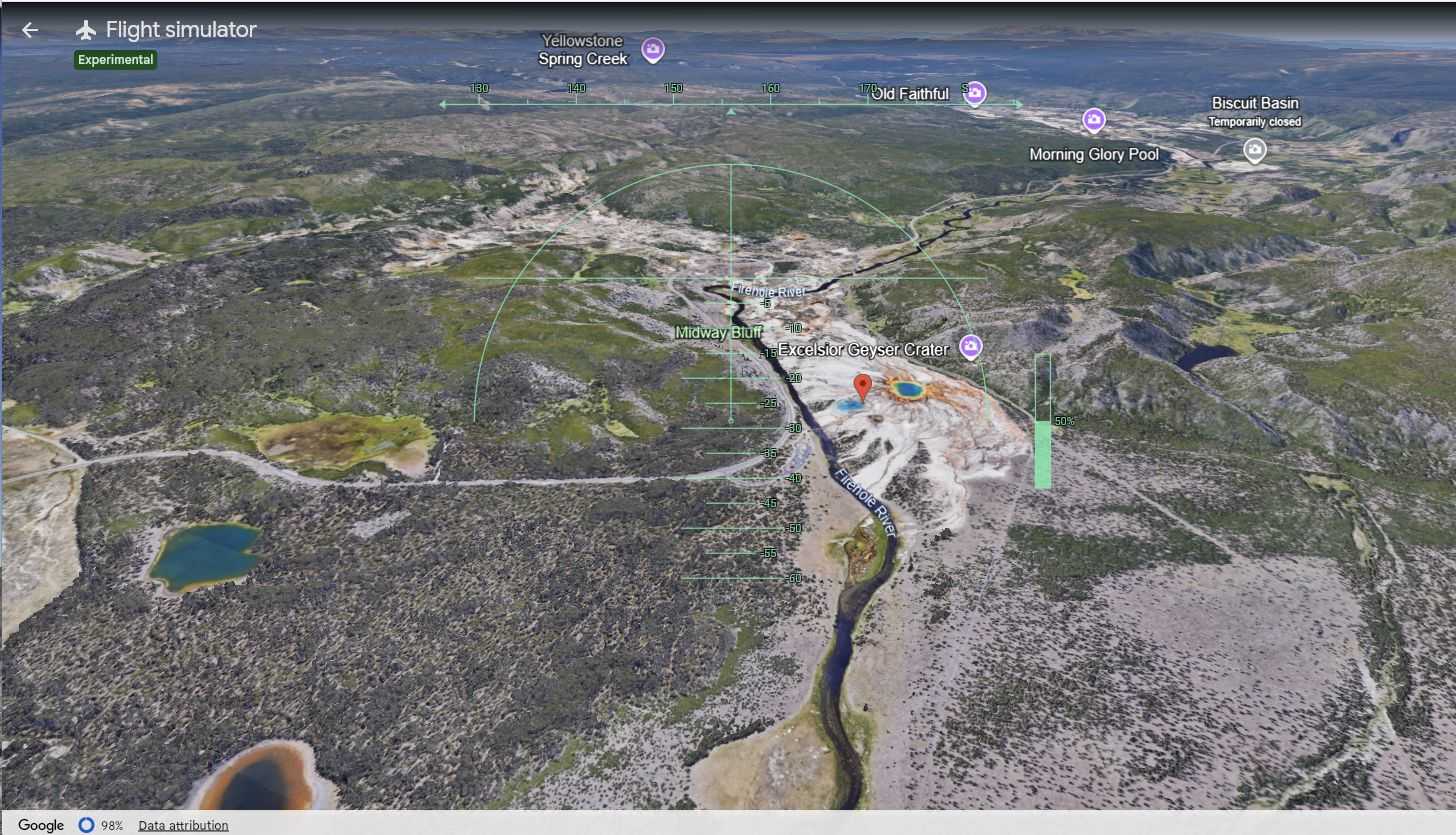
The next time you open Google Earth to look up an address, take a moment to venture into the "Tools" menu. Whether you are buzzing the tower of the Eiffel Tower or attempting to navigate the rugged peaks of the Himalayas, you will find that the sky is, quite literally, the limit. It is an experimental feature that captures the original spirit of the internet: playful, exploratory, and endlessly fascinating.