










In the digital era, where camera sensors are engineered for clinical sharpness, extreme dynamic range, and high-contrast perfection, many photographers and content creators are moving in the opposite direction. They are turning to the "matte effect"—a post-processing style that mimics the organic, soft, and slightly imperfect look of analog film. By lifting the black levels, compressing shadows, and gently desaturating color palettes, the matte look transforms crisp digital files into atmospheric, timeless pieces of art.
Whether you are a wedding photographer looking to add a romantic glow to your galleries, an Instagram influencer seeking a cohesive "branded" feed, or a travel blogger aiming to evoke nostalgia, matte presets have become the essential tool in the modern creative workflow.
Understanding the Matte Aesthetic: The Science of Softness
The "matte look" is not merely a filter; it is a specific approach to tone curve manipulation. In traditional photography, a deep black is the baseline of contrast. In the matte aesthetic, those absolute blacks are "lifted" or "crushed," turning them into deep grays. This process reduces the overall contrast ratio of the image, removing harsh edges and creating a smoother, more cinematic color transition.
Beyond the tone curve, the matte effect often involves:
- Highlight Taming: Gently lowering the exposure of the brightest areas to prevent "blown out" whites.
- Color Desaturation: Pulling back the saturation of specific hues to prevent digital images from looking "neon" or artificial.
- Grain Injection: Adding a subtle layer of digital noise to emulate the silver halide crystals found in 35mm film stock.
This aesthetic has moved from a niche editing trick to a mainstream stylistic choice, heavily influencing the visual language of portrait, lifestyle, and social media photography over the last decade.
The Evolution of the Matte Look: A Brief Chronology
The journey of the matte look is inextricably linked to the history of film.
- 1950s–1990s: During the analog age, the "matte" look was often an unintentional byproduct of underexposed film, aged negatives, or cheap printing paper that could not hold deep blacks. Photographers would later seek out specific film stocks—like Kodak Portra or Fuji Pro 400H—to replicate these soft, pastel-leaning tones.
- 2010–2015: As Adobe Lightroom became the industry standard for digital post-processing, early adopters began using the "Tone Curve" tool to manually lift the bottom-left point of the graph. This was the birth of the "Instagram filter" era, where users prioritized mood over absolute image fidelity.
- 2016–2020: The rise of mobile photography and the "influencer" economy solidified the matte look as a professional standard. Creators began selling "preset packs," allowing users to achieve complex, professional-grade grading with a single click.
- 2021–Present: The trend has evolved into "cinematic" and "moody" iterations. Today’s presets are more sophisticated, often including intelligent masking and color calibration that protect skin tones while still providing that signature faded aesthetic.
Curated Professional Collections: Elevating Your Workflow
For those looking to adopt this style, the sheer number of options can be overwhelming. Below are some of the most highly regarded preset collections that balance technical precision with artistic flair.
Premium Desktop and Mobile Collections
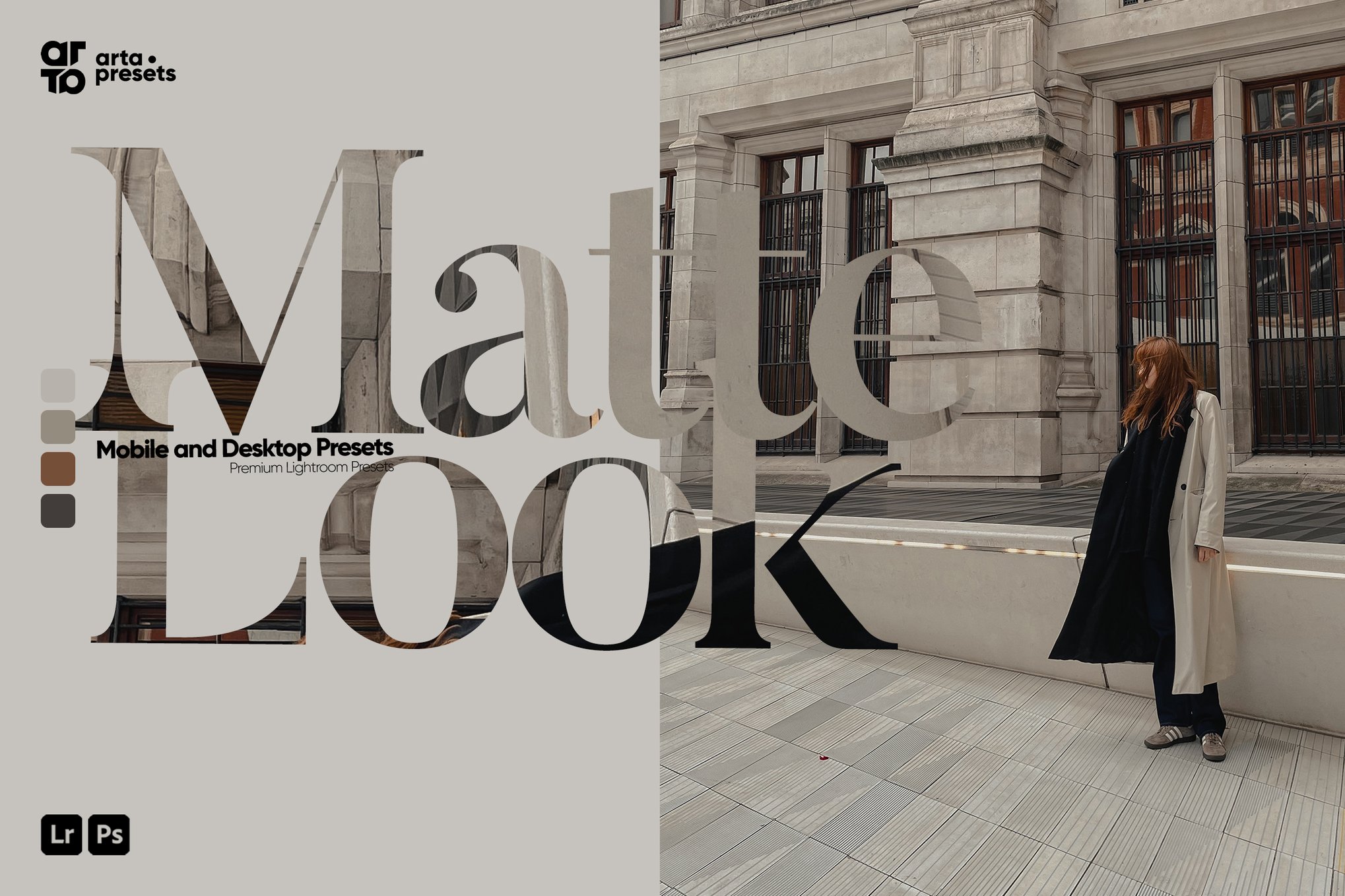
1. ARTA – Matte Look Presets for Lightroom
This collection is widely praised for its versatility. Designed for both desktop and mobile, it caters to bloggers who need a consistent look across various lighting conditions. It excels in preserving detail while providing that sought-after "faded" quality.
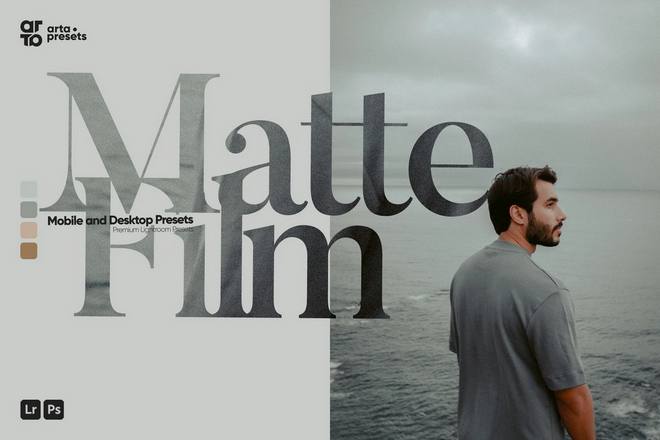
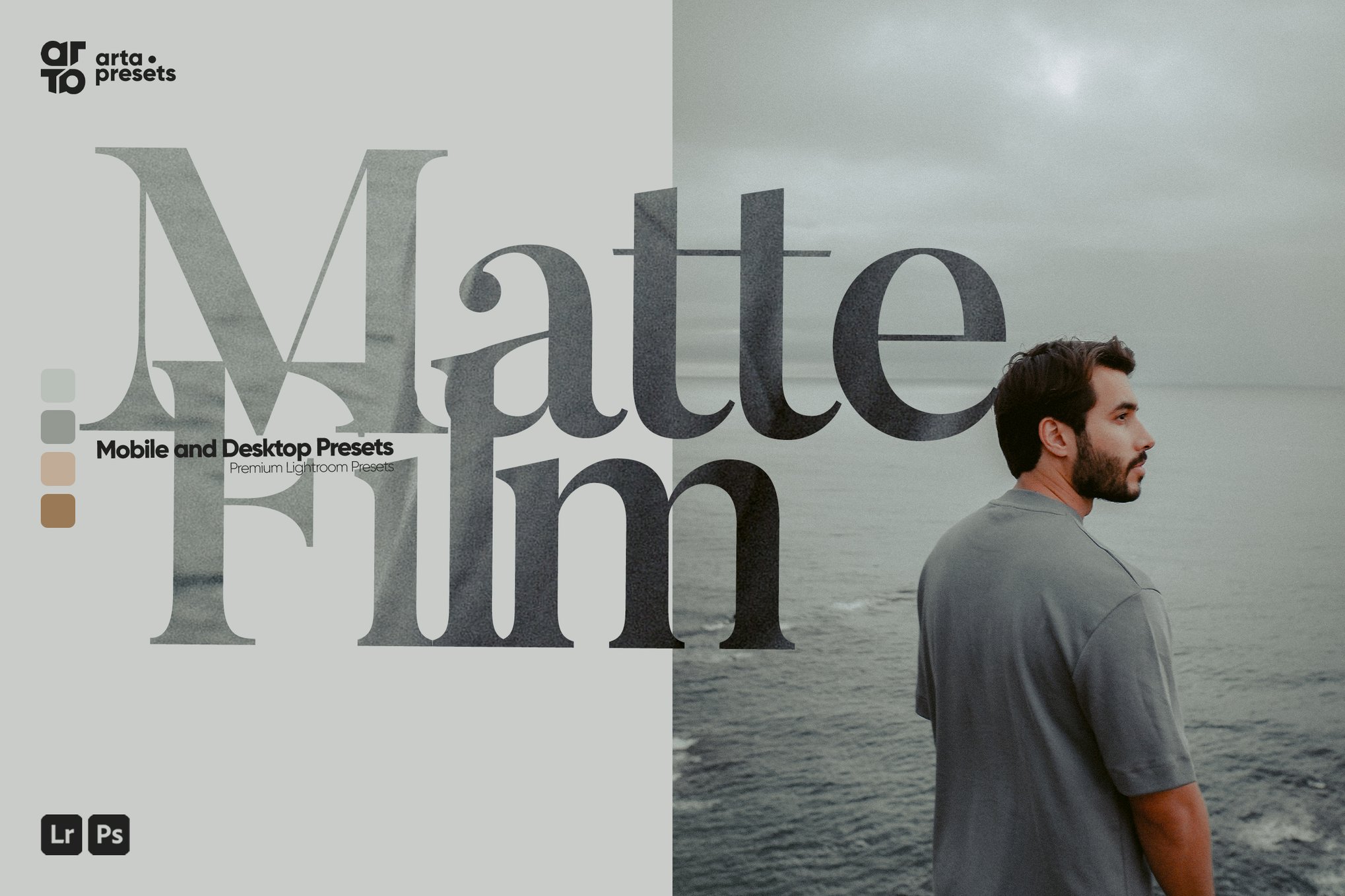
2. ARTA – Matte Film Presets
A specialized pack that leans heavily into the analog aesthetic. It is perfect for travel and lifestyle photography, adding a cohesive, high-end look to your Instagram grid without the need for manual tweaking.
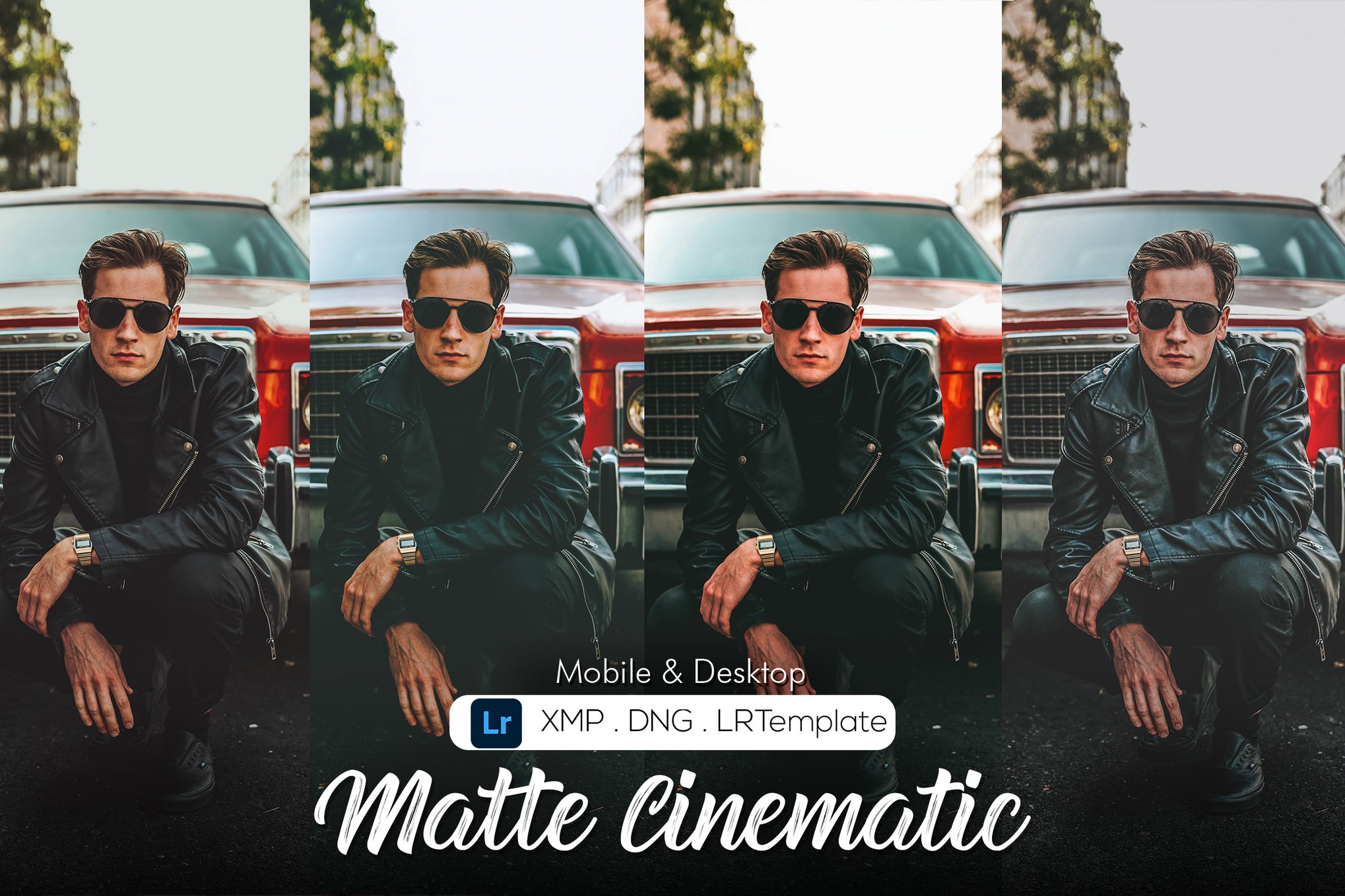
3. Matte Cinematic Presets
Using sophisticated calibration techniques, this set of 10 presets is designed for photographers who want a more professional, "Hollywood-inspired" look. It is an excellent choice for those working on editorial-style shoots where color accuracy must be balanced with atmospheric mood.
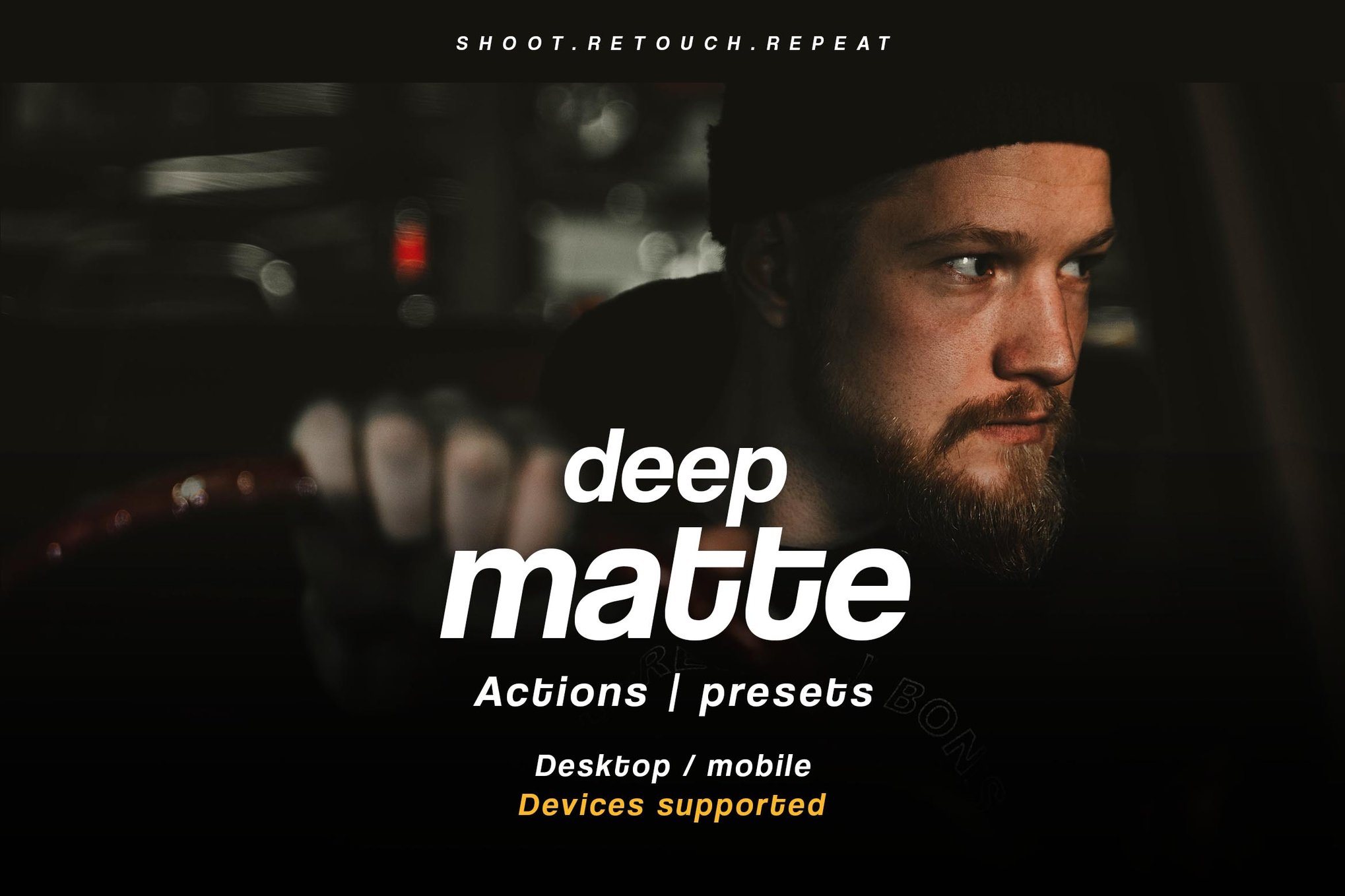
4. Deep Matte – Actions & Lightroom Presets
If your work requires a punchy, dark, and intimate feel, the Deep Matte collection is a standout. It is particularly popular among wedding and portrait photographers who want to emphasize emotion through deep, rich, and slightly muted tones.
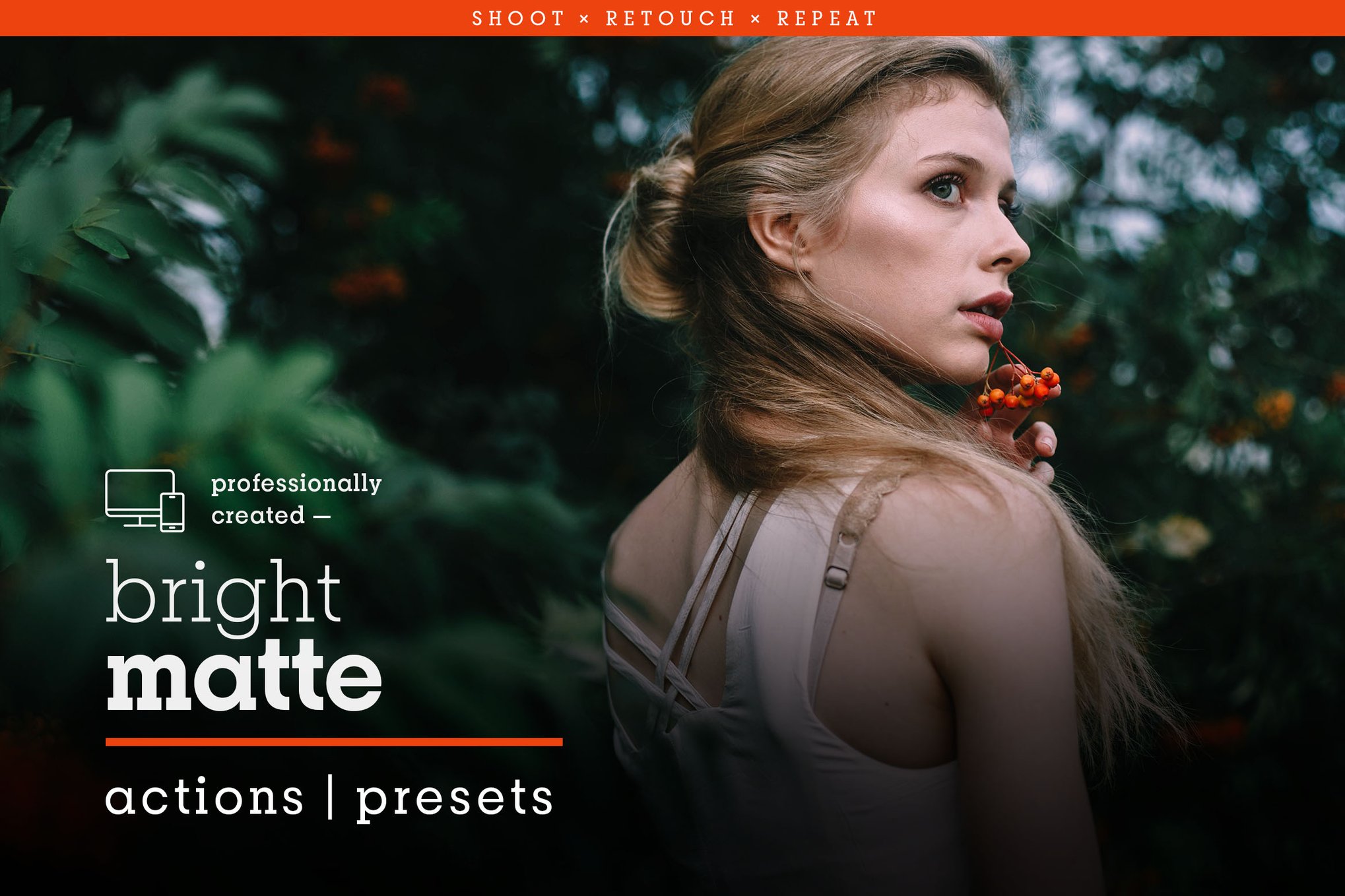
5. Bright Matte – Bold Lightroom Presets
Not all matte looks have to be dark. The Bright Matte collection proves that you can have a soft, faded finish while maintaining vibrant, "popping" colors. This is the go-to for summer lifestyle photography and outdoor portraiture.
6. Matte Box – Actions & Lightroom Presets
With a massive library of 39 presets, the Matte Box collection is the ultimate starter kit. It provides a wide range of intensities, ensuring you have a "matte option" for virtually any lighting scenario.
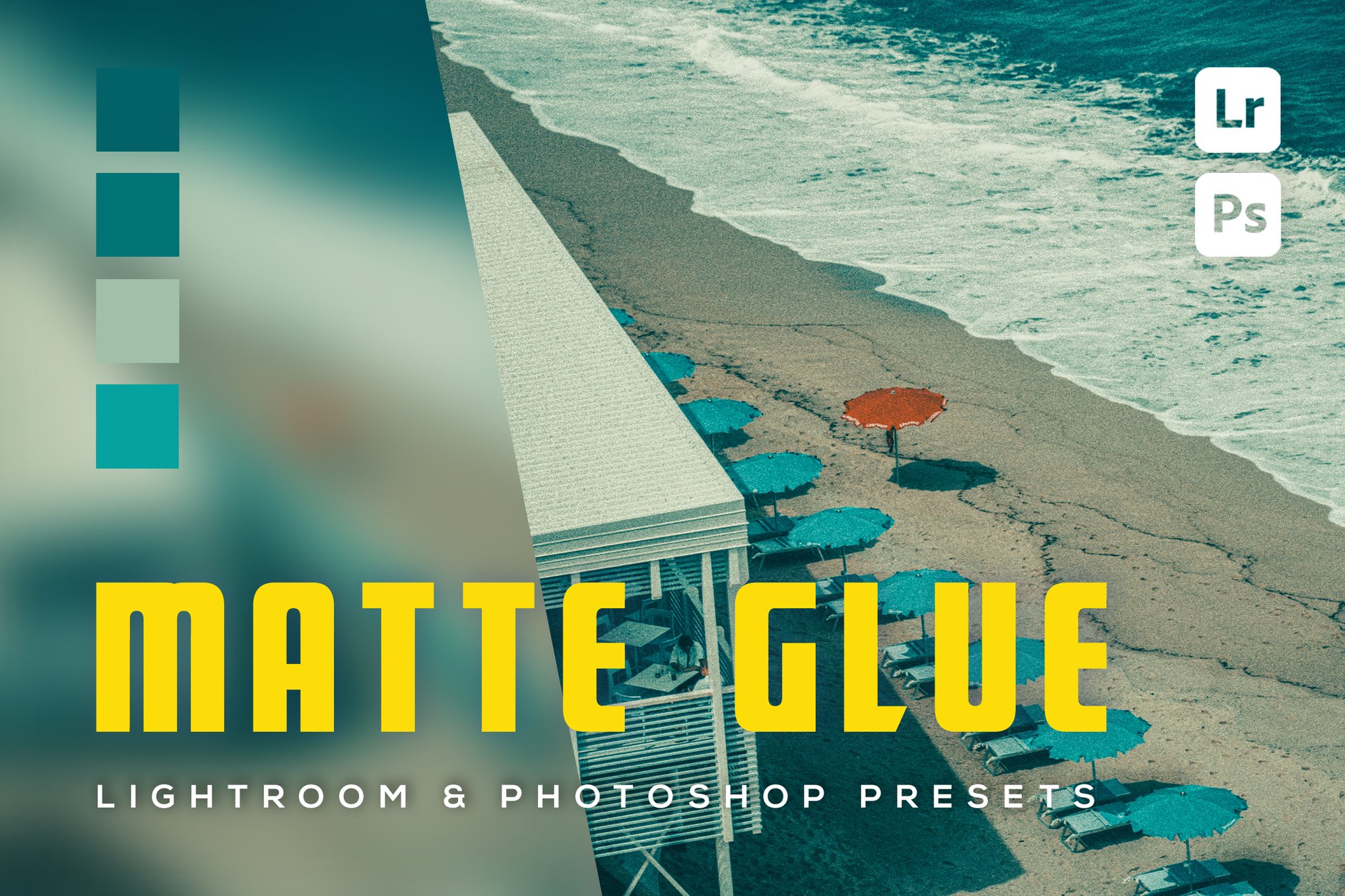
7. 6 Matte Glue Lightroom Presets
This pack focuses on the "glue" that binds a series of photos together. It is highly recommended for creating cohesive photo essays or Instagram carousels where color consistency is paramount.
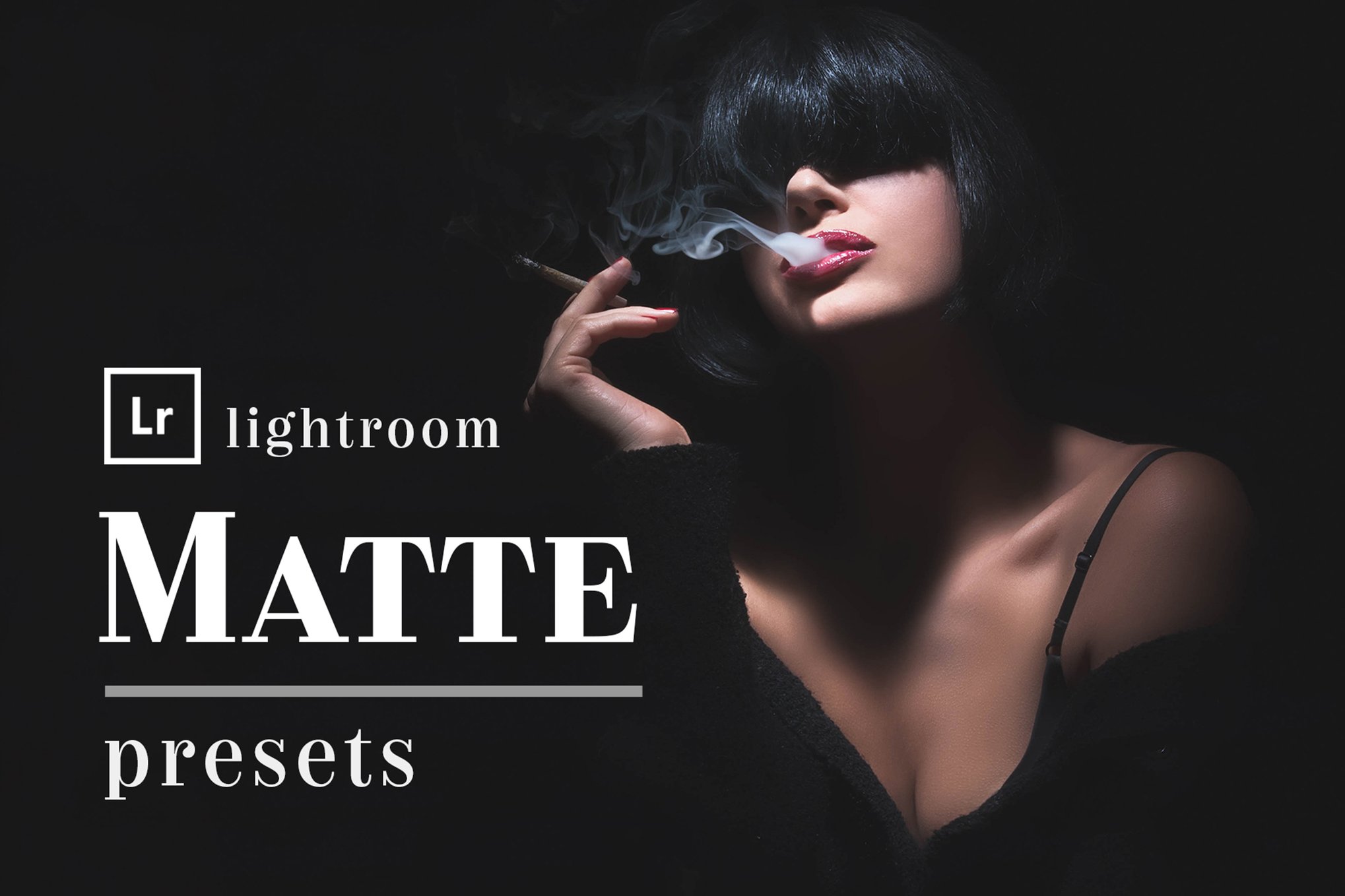
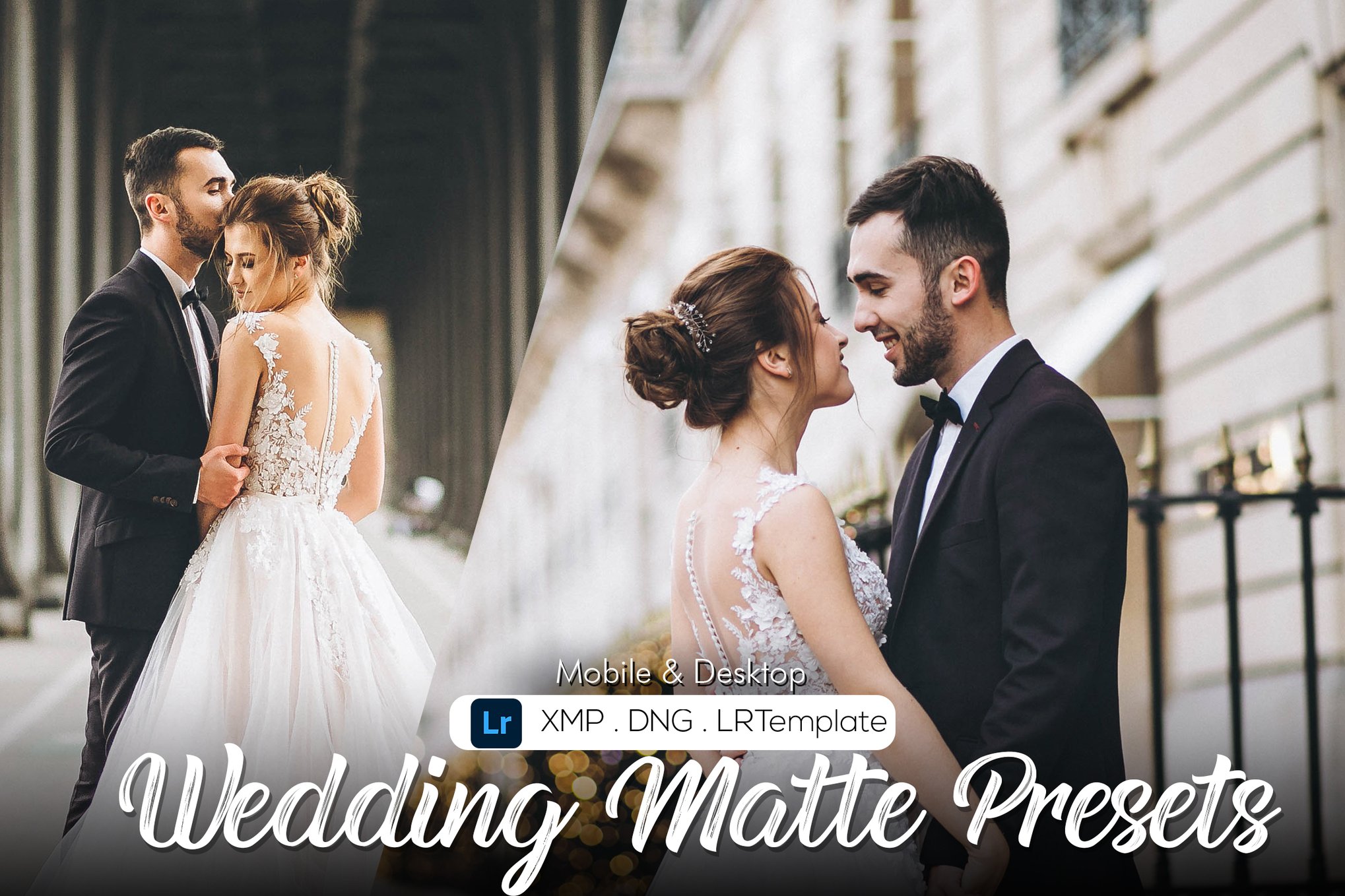
8. Matte Wedding Lightroom Presets
Designed specifically for the nuances of wedding photography—where skin tones are critical—this collection offers a soft, elegant finish that enhances the romance of the day without making subjects look washed out.
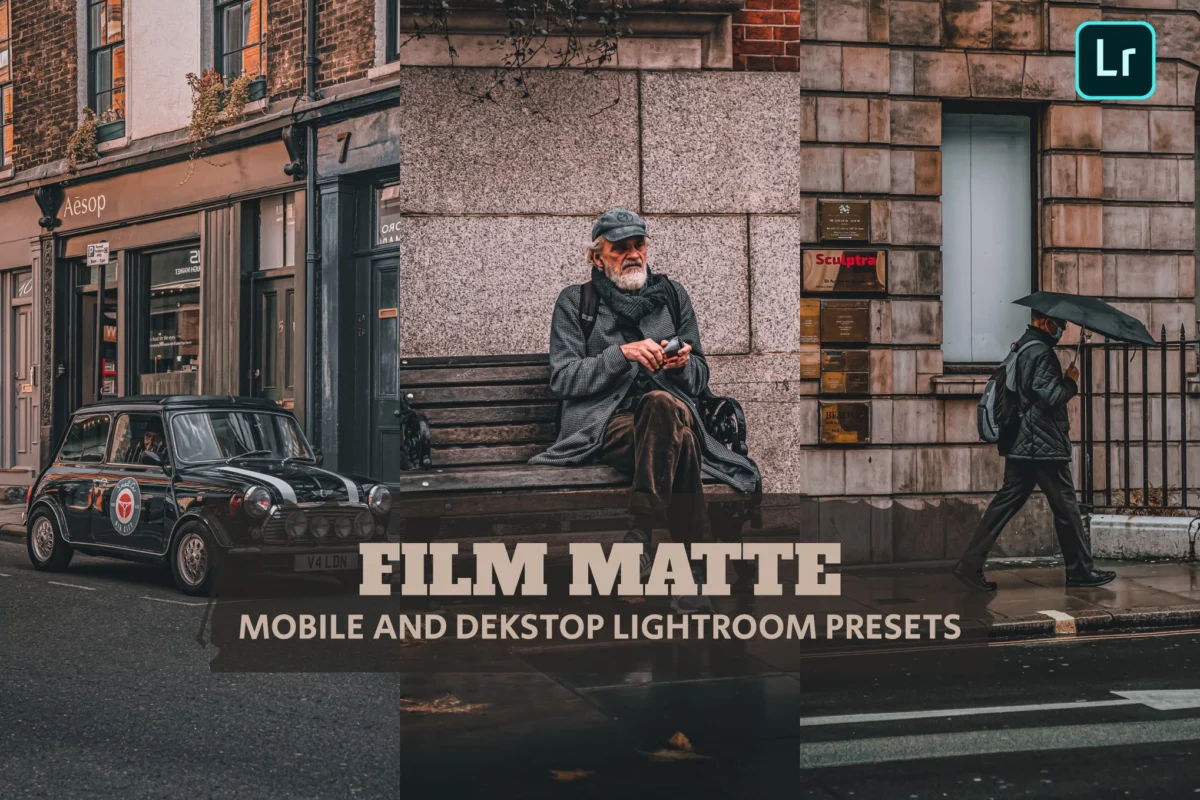
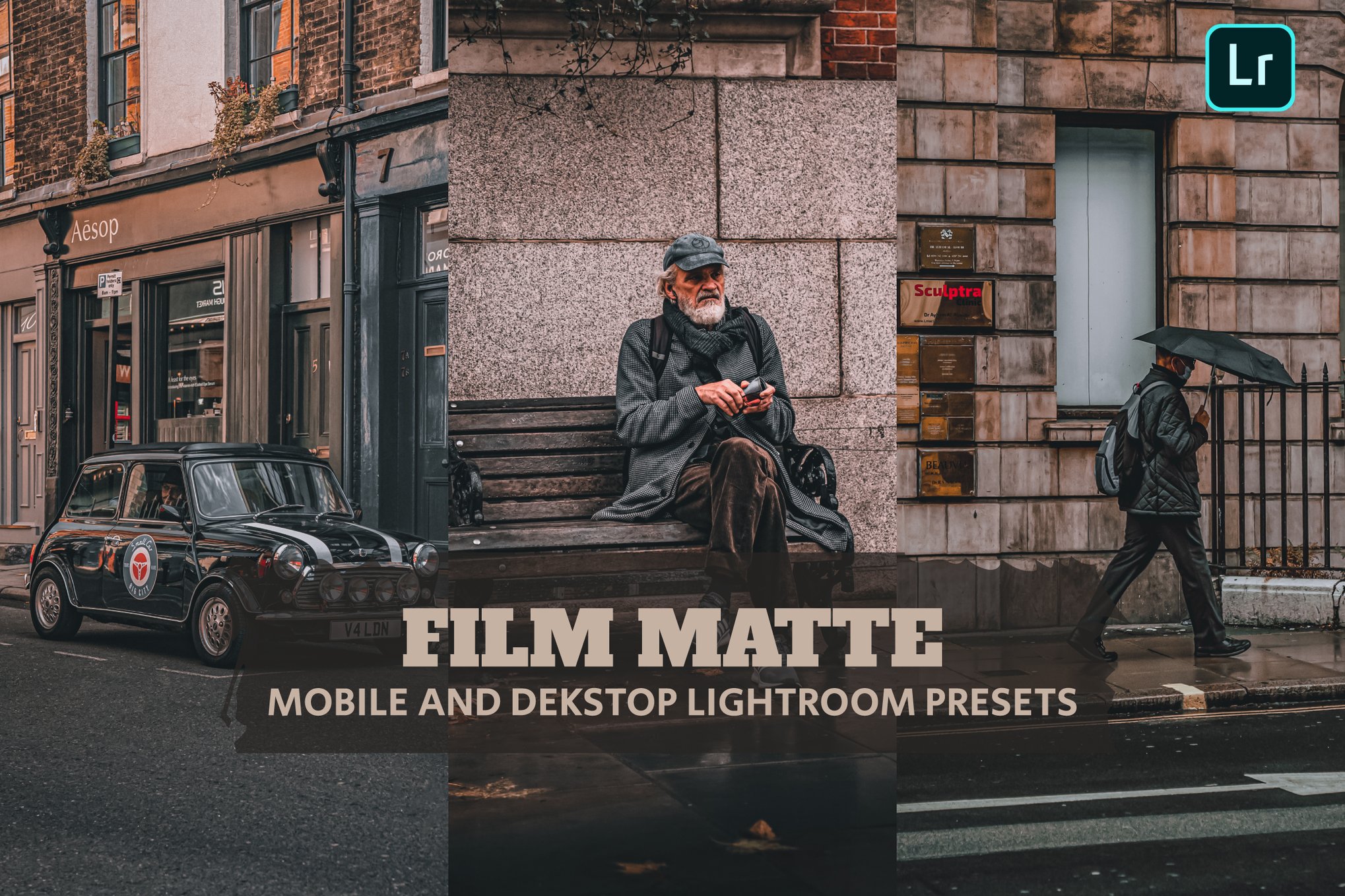
9. Film Matte Lightroom Presets
A balanced collection that bridges the gap between modern digital clarity and vintage film soul. It is ideal for those who want a "classic" look that never goes out of style.
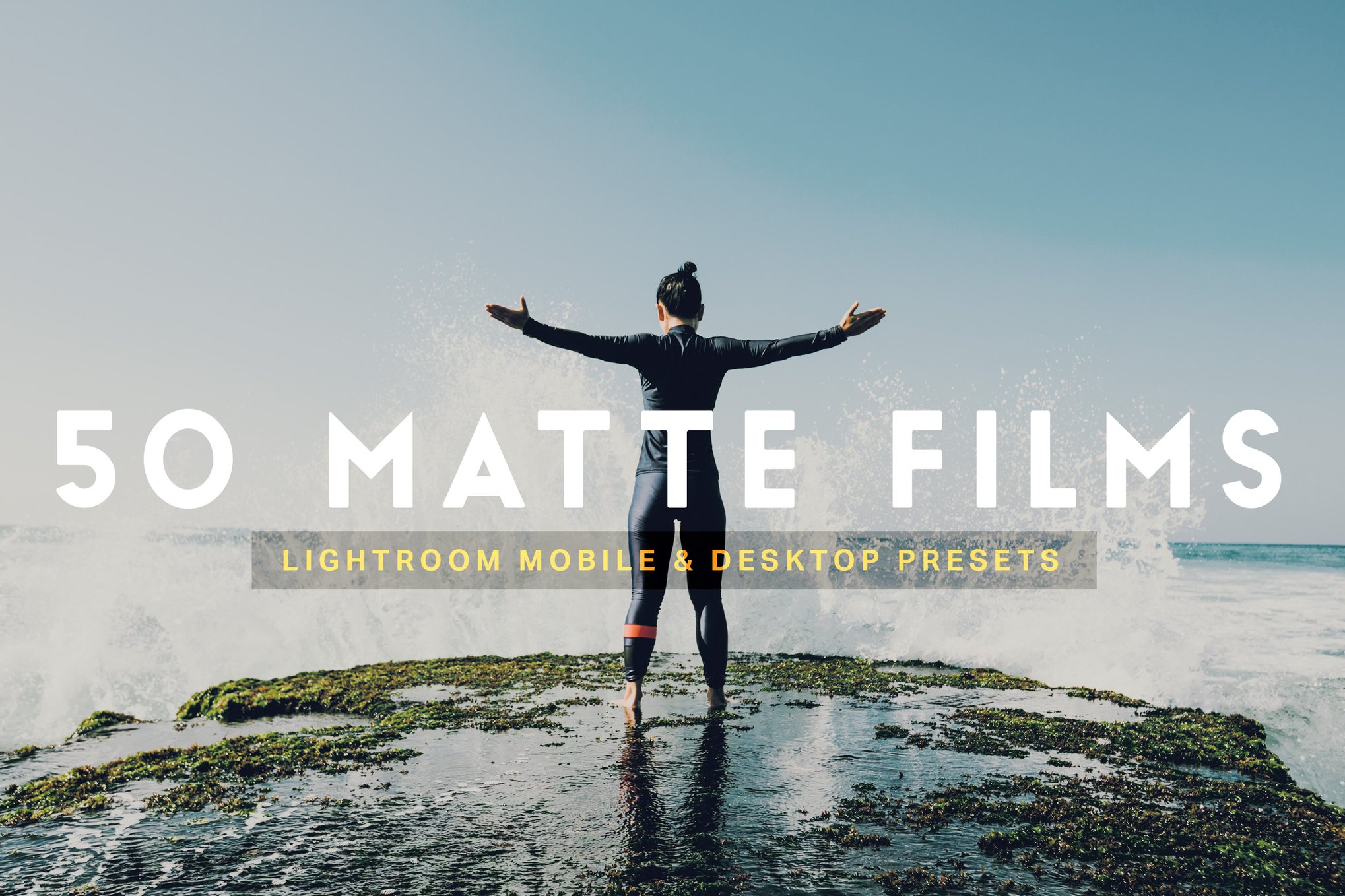
10. 50 Matte Film Lightroom Presets LUTs
For the power user, this massive bundle includes LUTs (Look-Up Tables) for video editing, making it the most comprehensive option for creators who shoot both photo and video.
The Role of Free Resources: A Gateway to Creativity
You do not need to invest heavily to begin experimenting with the matte aesthetic. Several developers offer high-quality free presets that serve as an excellent introduction to the style.
- Matte Film (by PresetPro): A perfect example of a balanced matte look. It provides a gentle lift to the shadows, mimicking classic film stock.
- Matte Color: This preset is unique in that it prioritizes color depth alongside the matte effect. It is perfect for images that need to feel "warm" and inviting.
- Matte Fade: If you are looking for a very soft, airy, and "relaxed" look, this is the industry standard for free alternatives.
- Mood (by PSDStack): For those who prefer a darker, more dramatic aesthetic, the "Mood" preset is essential for street and architectural photography.
Technical Implications: Why "One-Click" Isn’t Always Enough
While the term "one-click edit" is a marketing staple for preset creators, professional photographers understand that presets are a starting point, not an end. The effectiveness of a matte preset is heavily dependent on the original exposure and white balance of the RAW file.
The Importance of White Balance
Because the matte effect desaturates colors, a "warm" (yellow-tinted) or "cool" (blue-tinted) white balance can be heavily exaggerated by the preset. Always adjust your white balance before applying your chosen matte look.
Protecting Skin Tones
One of the primary criticisms of heavy matte presets is that they can turn skin tones gray or sickly green. When selecting a preset, ensure the pack features "skin tone protection" or "calibration." If you find your subject’s skin looks off, use Lightroom’s "HSL" (Hue, Saturation, Luminance) panel to manually boost the orange and red luminance channels.
Non-Destructive Workflow
Always apply your presets to RAW files. Because the matte effect involves manipulating shadows and highlights, you need the extra data contained in a RAW file to ensure you don’t introduce digital "banding" or pixelation when pushing the tone curve.
Conclusion: Crafting Your Visual Identity
The matte aesthetic is more than a fleeting trend; it is a testament to our collective desire to infuse the sterile, high-tech world of digital imagery with the warmth and imperfection of human experience. By lifting the shadows and softening the edges, we invite the viewer into a more intimate, cinematic, and timeless world.
Whether you choose a professional-grade, multi-pack suite or begin with a single, carefully chosen free preset, the key to success lies in experimentation. Take these presets, adjust them to fit your unique style, and use them to tell stories that feel less like digital data and more like captured memories. In a world saturated with hyper-realistic images, the soft, faded, and atmospheric look of the matte aesthetic remains a powerful tool for any photographer’s creative arsenal.



