










Introduction: The Anatomy of a Flawless Interface
In the fast-paced ecosystem of digital product design, efficiency and visual consistency are the ultimate currencies. A well-curated icon set not only saves valuable development and design hours but also significantly reduces cognitive load for the end-user. By relying on standardized visual markers—such as the ubiquitous magnifying glass for search, the hamburger menu for hidden navigation, or the notification bell for alerts—designers help users parse complex information at a glance.
However, the modern creator faces a distinct paradox of choice. While the internet is awash with vector graphics, finding libraries that balance aesthetic pleasure, visual harmony, and immense breadth remains a formidable challenge. Too often, designers find themselves running out of options halfway through a project, forced to mix and match disparate styles that clash on the canvas.
To solve this, we have analyzed the definitive landscape of iconography, evaluating open-source defaults, massive commercial systems, niche styles, and powerful search engines. Below are the 11 premier icon libraries every designer and front-end developer should bookmark immediately, complemented by the broader contextual framework of how to utilize them effectively.
Chronology of Digital Iconography: From Pixel Grids to Framework Integration
To understand why modern icon libraries are engineered the way they are, it helps to examine how the medium has evolved over the past two decades:
- The Early Web (Late 1990s–2000s): Icons were handcrafted raster graphics (GIFs and PNGs) often laden with skeuomorphic bevels, drop shadows, and complex gradients. They were notoriously difficult to scale and maintain.
- The Flat Design Revolution (2010s): Driven by mobile operating system updates and responsive web design, the industry shifted toward scalable vector graphics (SVGs). The focus moved to crisp pixel grids (typically 24×24 pixels) and minimalist geometric shapes.
- The Component-Driven Era (Mid-2010s–Present): Icons ceased to be mere files downloaded from the web. With the rise of React, Vue, Svelte, and design systems in Figma, icon libraries transformed into comprehensive software packages complete with native framework components, automated stroke-width adjustments, and live API integrations.
Supporting Data: Why Choosing the Right Icon Pack Matters
Recent surveys in UI/UX ergonomics indicate that standardized, recognizable icons reduce user interaction time by up to 24% compared to text-only links or poorly rendered custom symbols. Furthermore, vector optimization plays a critical role in web performance. Using optimized SVG icon libraries rather than monolithic icon fonts (like older implementations of FontAwesome) can reduce initial load times, improve Core Web Vitals scores, and enhance mobile accessibility.
The Top 11 Icon Libraries for Designers and Developers
1. Lucide
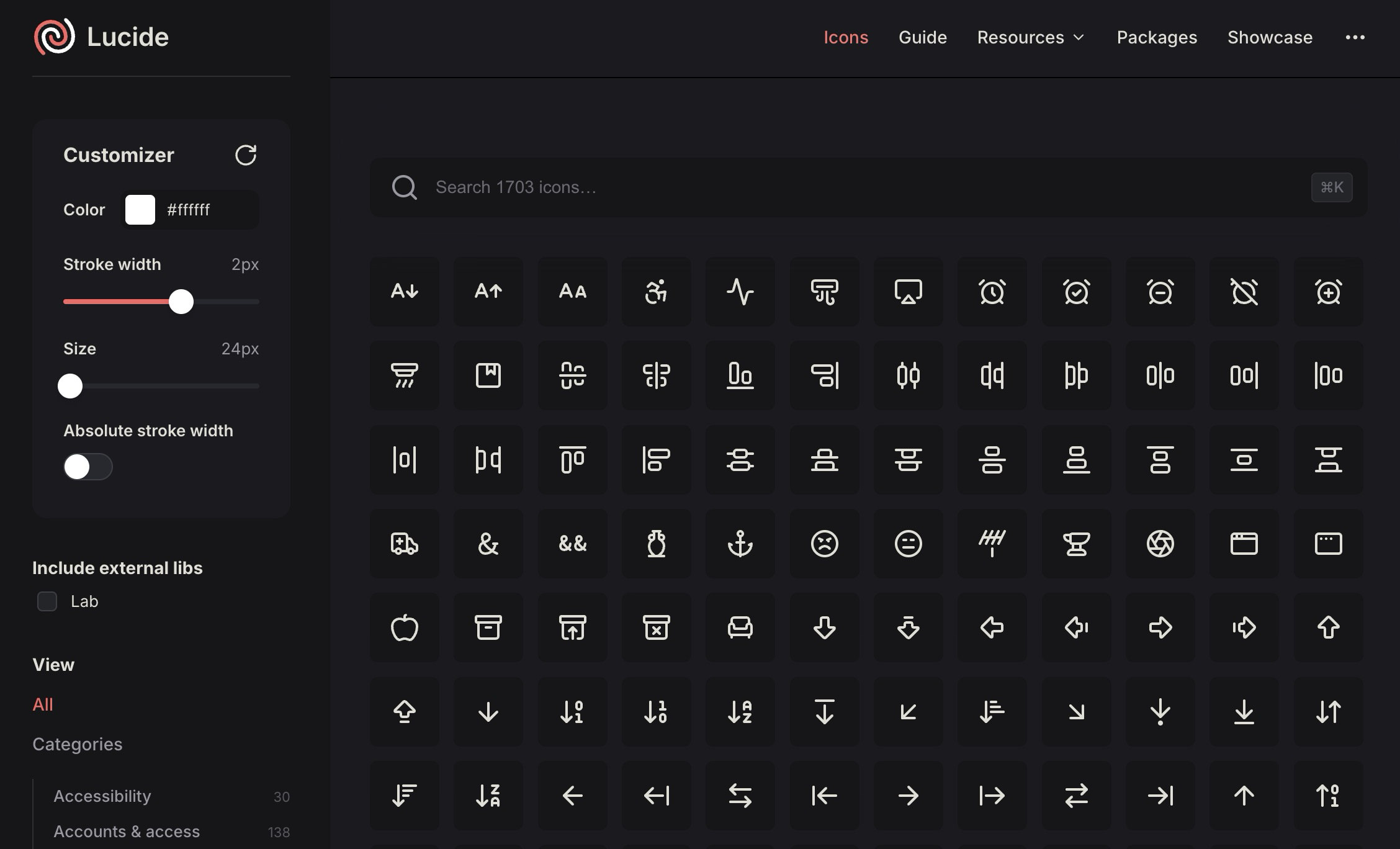
Lucide has quickly established itself as a cornerstone of modern open-source UI design. It features a crisp, minimal style that effortlessly integrates into contemporary web applications without visually competing with the rest of your interface.
What sets Lucide apart is its robust developer tooling. It is not merely a repository of static SVG downloads; it offers dedicated packages for React, Vue, Svelte, Solid, Astro, and React Native. If your workflow demands lightweight, clean outline icons with unwavering visual consistency, Lucide belongs in your daily rotation.
2. Iconsax
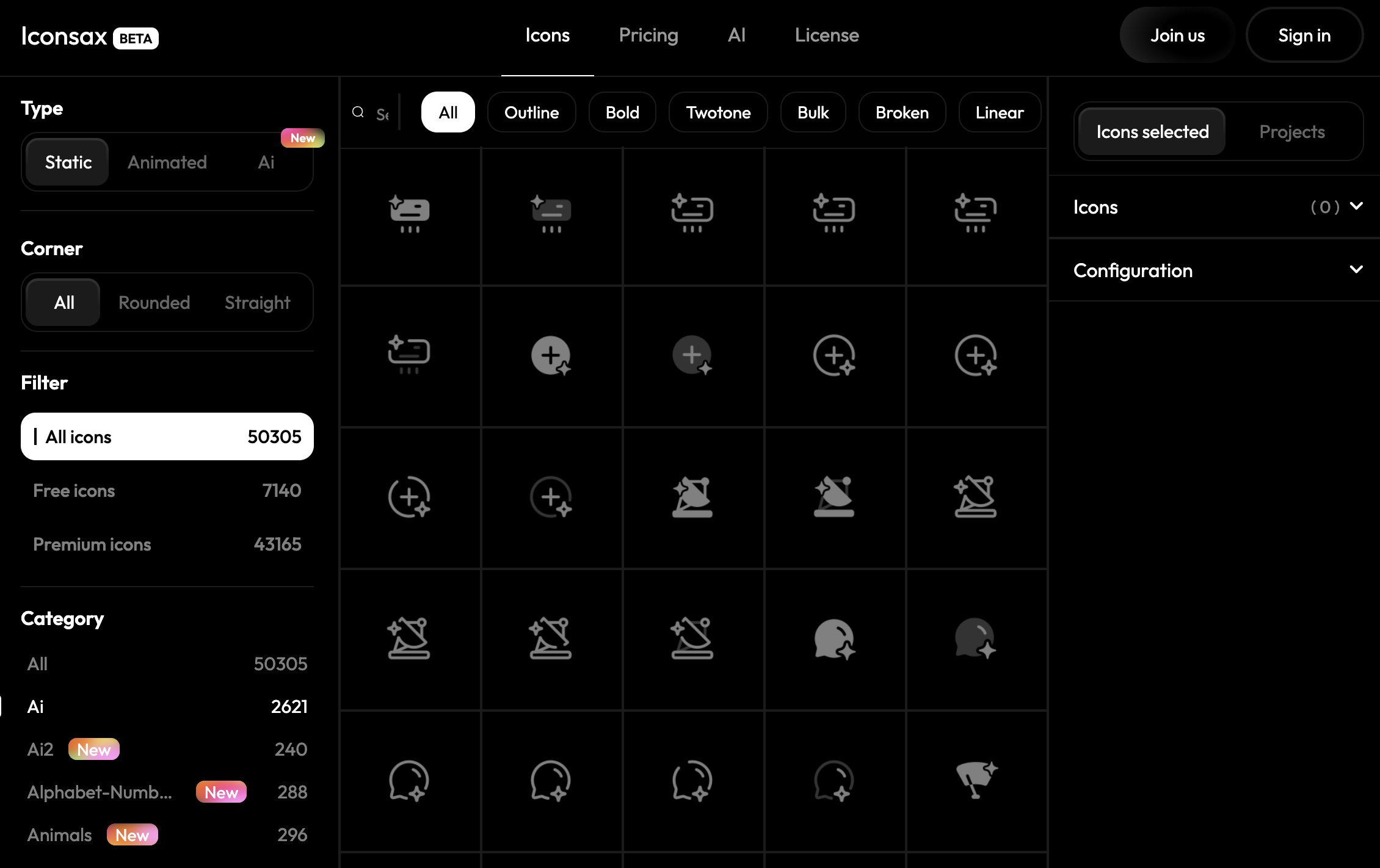
For projects that demand vast range and commercial depth, Iconsax is an exceptional powerhouse. Boasting tens of thousands of icons distributed across multiple distinct styles, Iconsax is designed for complex ecosystems like enterprise dashboards, multi-platform mobile applications, and intricate admin panels.
Beyond sheer volume, the platform provides deep framework support, a dedicated Figma plugin, and even AI-assisted icon generation capabilities. It is the ideal choice when you need a single comprehensive ecosystem to carry an entire product build from conception to deployment.
3. The Noun Project
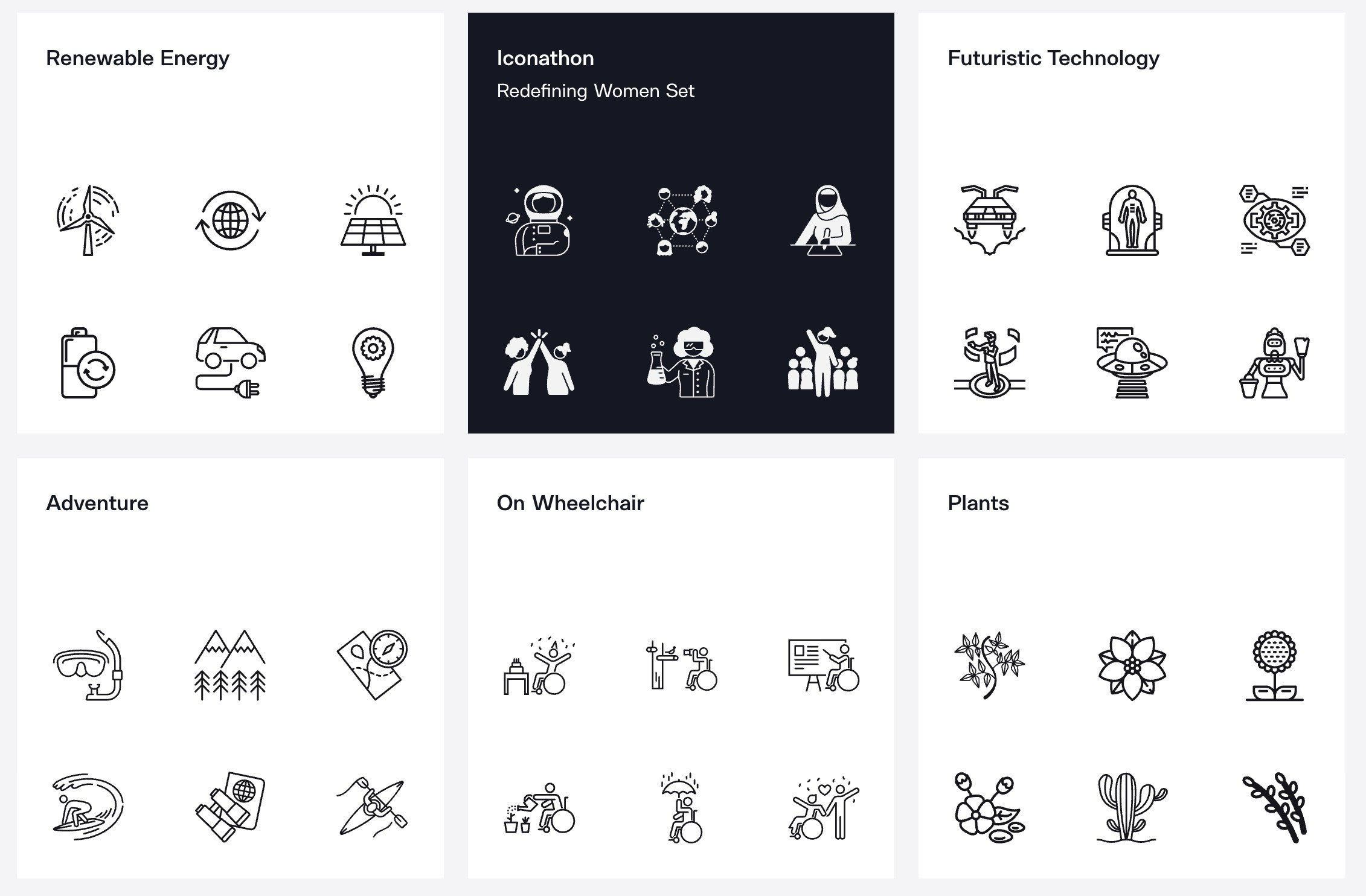
Rather than functioning as a unified, singular icon pack, The Noun Project operates as a sprawling global marketplace. It houses an immense, highly diverse collection of symbols contributed by designers from around the world.
The primary advantage here is conceptual breadth: if you are looking for an ultra-niche symbol that standard UI libraries ignore, you will likely find it here. However, designers must exercise caution; because contributions come from a multitude of creators, mixing icons directly from this platform requires careful manual curation to maintain visual harmony across an interface. It remains an invaluable companion for editorial graphics, slide decks, and concept-driven presentations.
4. Iconic
Iconic champions precision and simplicity. Built meticulously on a standard 24×24 grid with a consistent 1.5px stroke, its icons are pixel-perfect by design.
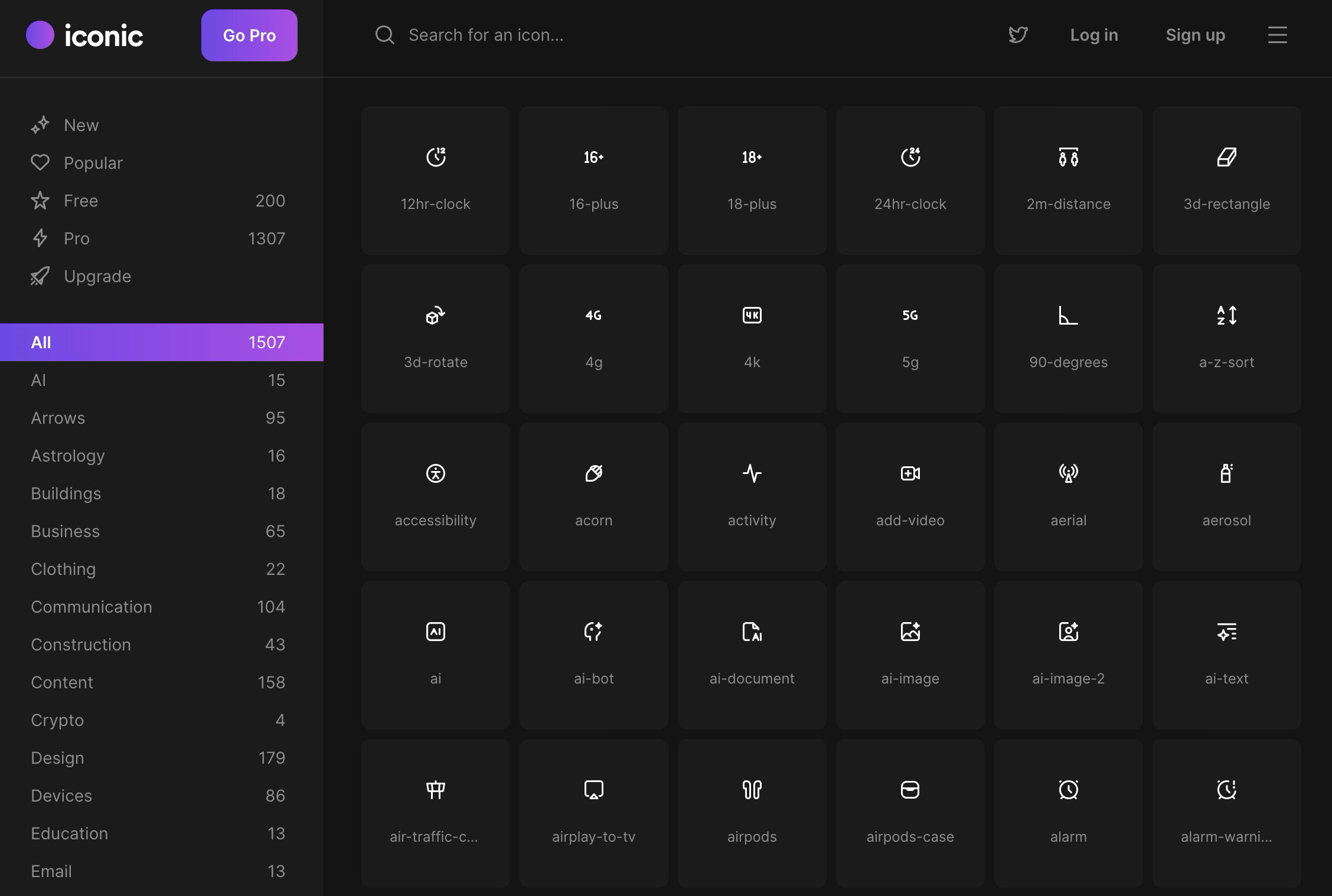
The platform splits its collection into accessible free and professional tiers. Crucially, its free license is genuinely usable for production work, preventing the frustration of hitting paywalls the moment you need a functional asset. The library focuses heavily on everyday UI shapes, making it a natural fit for standard web applications.
5. Hugeicons
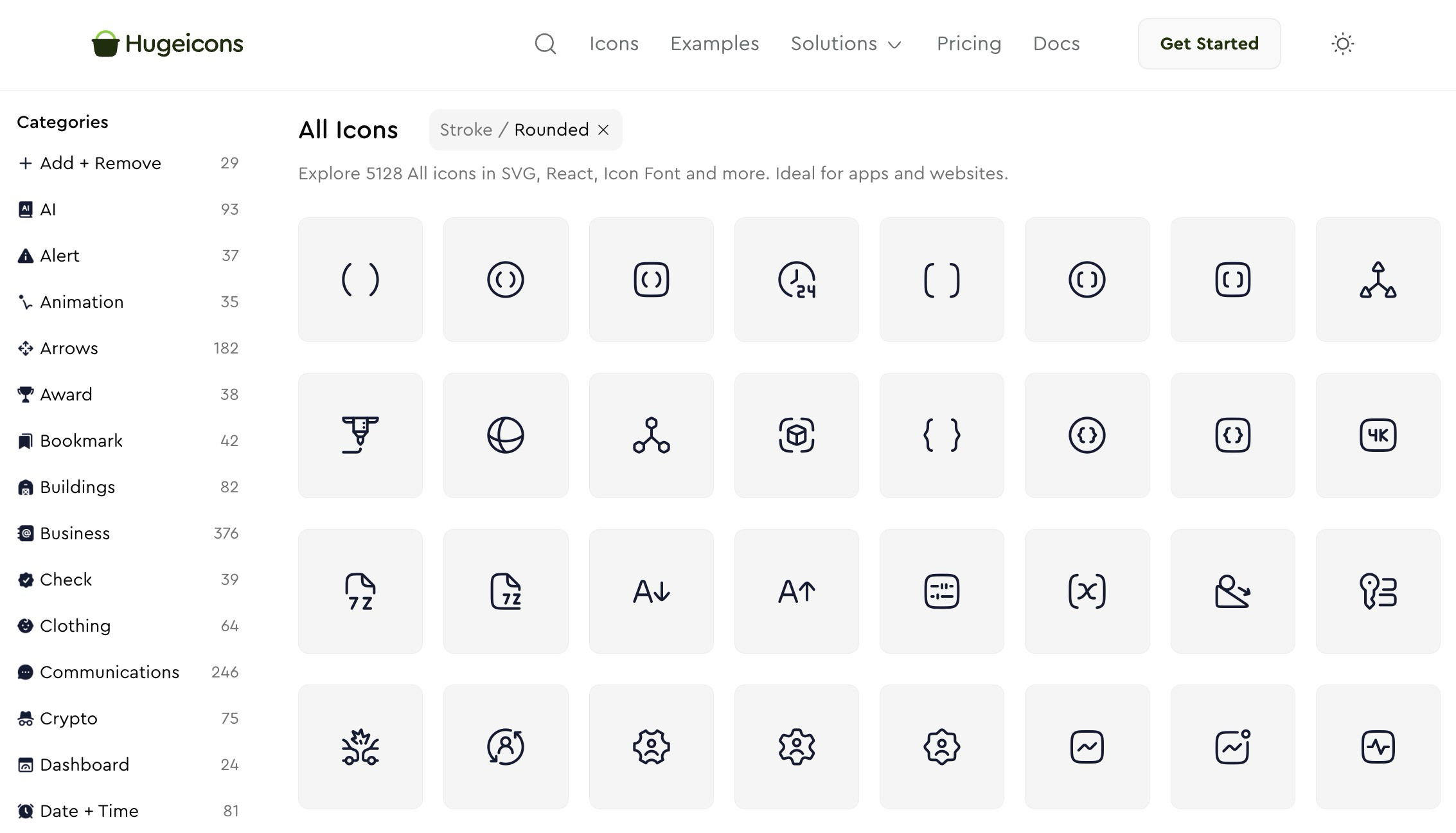
True to its name, Hugeicons is built entirely around massive scale and enterprise-level coverage. Positioned as a giant icon system tailored equally for designers and developers, it features comprehensive framework packages, an intuitive Figma plugin, downloadable icon fonts, and vast category coverage. When a project requires a commercial-grade infrastructure capable of scaling across multiple digital products, Hugeicons delivers reliable muscle.
6. Pixelarticons
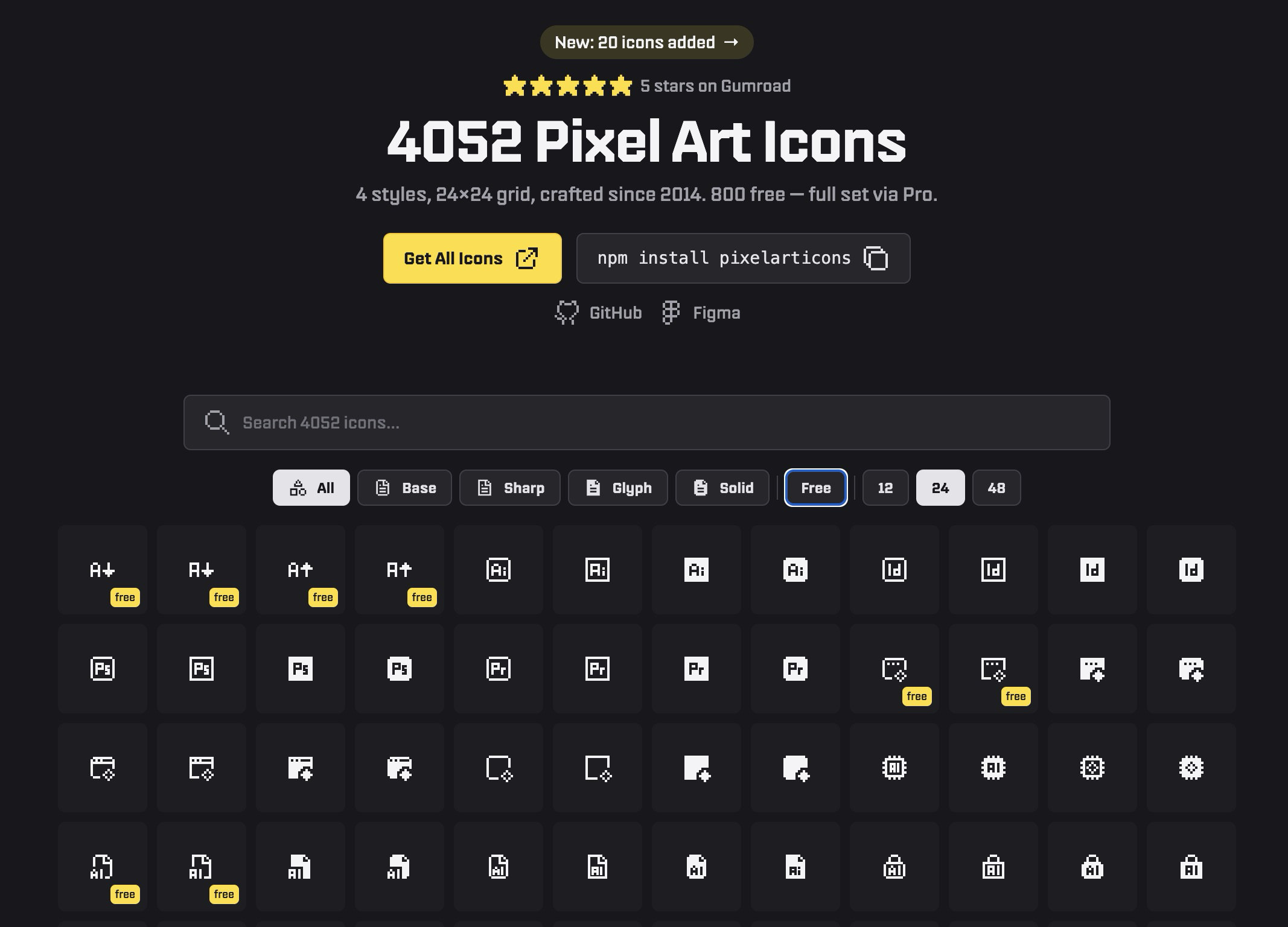
While most modern libraries chase ultra-smooth, clinical neutrality, Pixelarticons joyfully travels in the exact opposite direction. Embracing a full, authentic pixel-art aesthetic, this library is tailored for retro themes, indie gaming interfaces, playful branding, or deliberately low-fi web experiences. Featuring thousands of icons across multiple variants—with a robust free tier and a pro upgrade—it prevents designers from having to painfully force generic outline icons into whimsical, stylized environments.
7. Nucleo
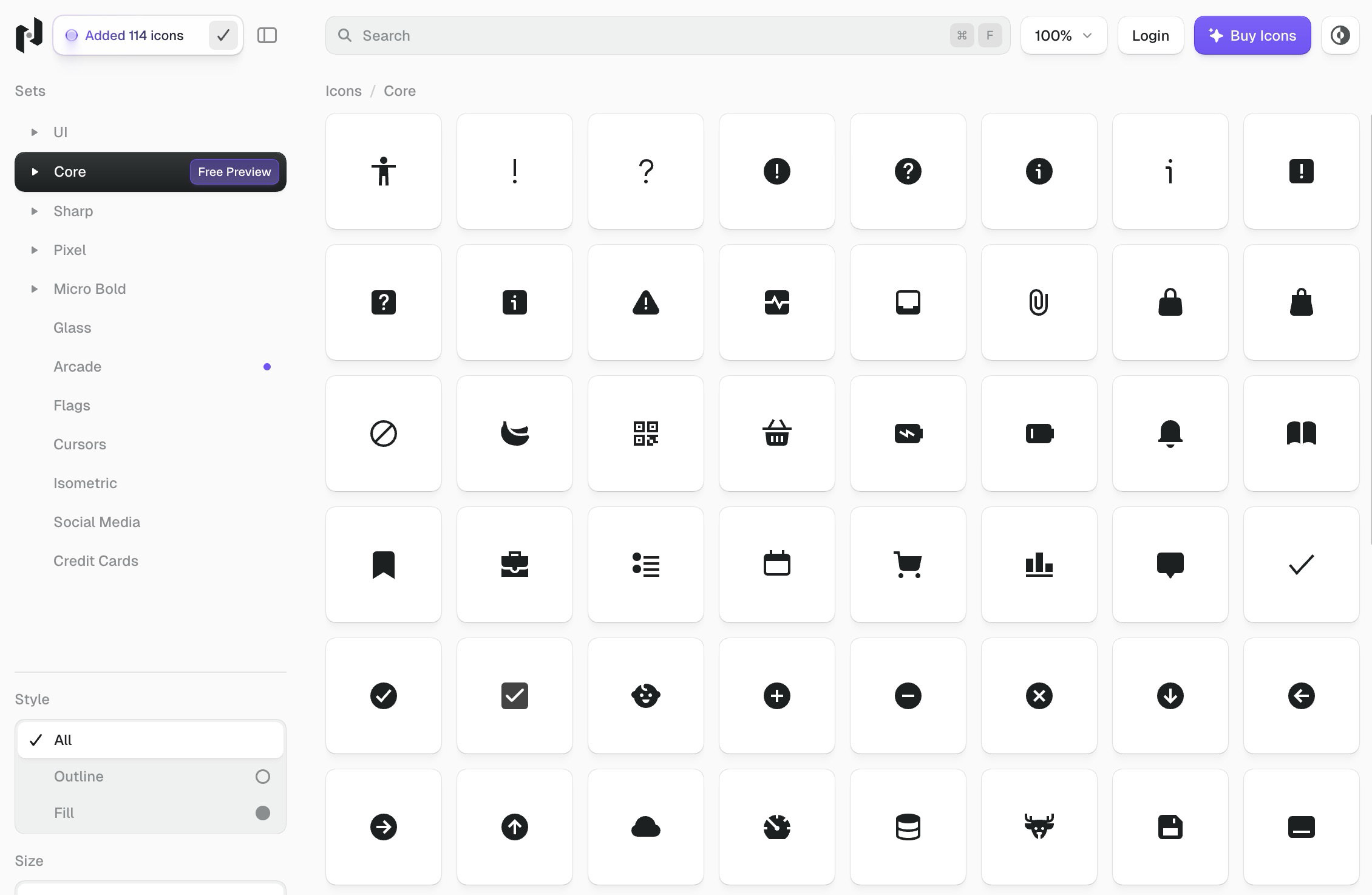
Nucleo redefines the icon management workflow. It bridges the gap between a massive premium asset library and a dedicated desktop application used for browsing, customizing, and exporting icons directly into development environments.
For design teams managing complex design systems across multiple squads, Nucleo acts as a complete operational toolkit rather than a simple folder of static files.
8. Iconoir
Iconoir is a breath of fresh air in the open-source space: modern, flexible, and completely free of aggressive upsell tactics. Its aesthetic strikes a delicate balance—clean and professional yet expressive enough to avoid looking sterile.
Furthermore, Iconoir boasts remarkable format support, offering outputs in SVG, font variants, React, React Native, Flutter, Figma, and Framer. It is arguably one of the safest recommendations for teams seeking a zero-cost, product-ready library.
9. Feather Icons
For purists who value extreme minimalism, Feather Icons is the ultimate default. Eschewing marketplace clutter and bloated enterprise features, Feather offers a restrained collection of foundational icons with fully adjustable sizing, stroke weights, and colors. If your design philosophy dictates that less is more, Feather provides all the essentials without the noise.
10. Phosphor Icons
Phosphor Icons is a flexible, highly popular icon family engineered specifically for digital products, diagrams, and editorial layouts. It offers incredible breadth while maintaining strict geometric guidelines. If you find Feather to be too sparse for your product’s requirements, Phosphor is frequently the most logical, scalable step up.
11. Pikaicons
Rounding out our list is Pikaicons, a library that injects warmth and playfulness into interfaces that might otherwise feel overly mechanical. Containing over 5,000 icons across multiple styles with a distinctly Figma-first workflow, Pikaicons helps designers achieve a polished, modern aesthetic without sacrificing approachability or visual consistency.
Official Industry Perspectives on Iconography and Accessibility
Industry standards bodies and accessibility advocates emphasize that iconography must never rely solely on visual representation. According to recent guidelines from digital accessibility frameworks, every functional icon used in navigation or interactive elements must be paired with clear programmatic labeling (such as aria-label attributes in HTML) or visible text to ensure seamless comprehension for screen-reader users and individuals with cognitive disabilities. Leading design systems increasingly incorporate these accessibility practices directly into their component wrappers.
Implications for the Future of Design Workflows
The evolution of icon libraries from static image folders into dynamic, framework-native packages signals a broader shift in digital design. As AI integration deepens—as seen in platforms like Iconsax—the generation and contextual placement of icons will likely become more automated.
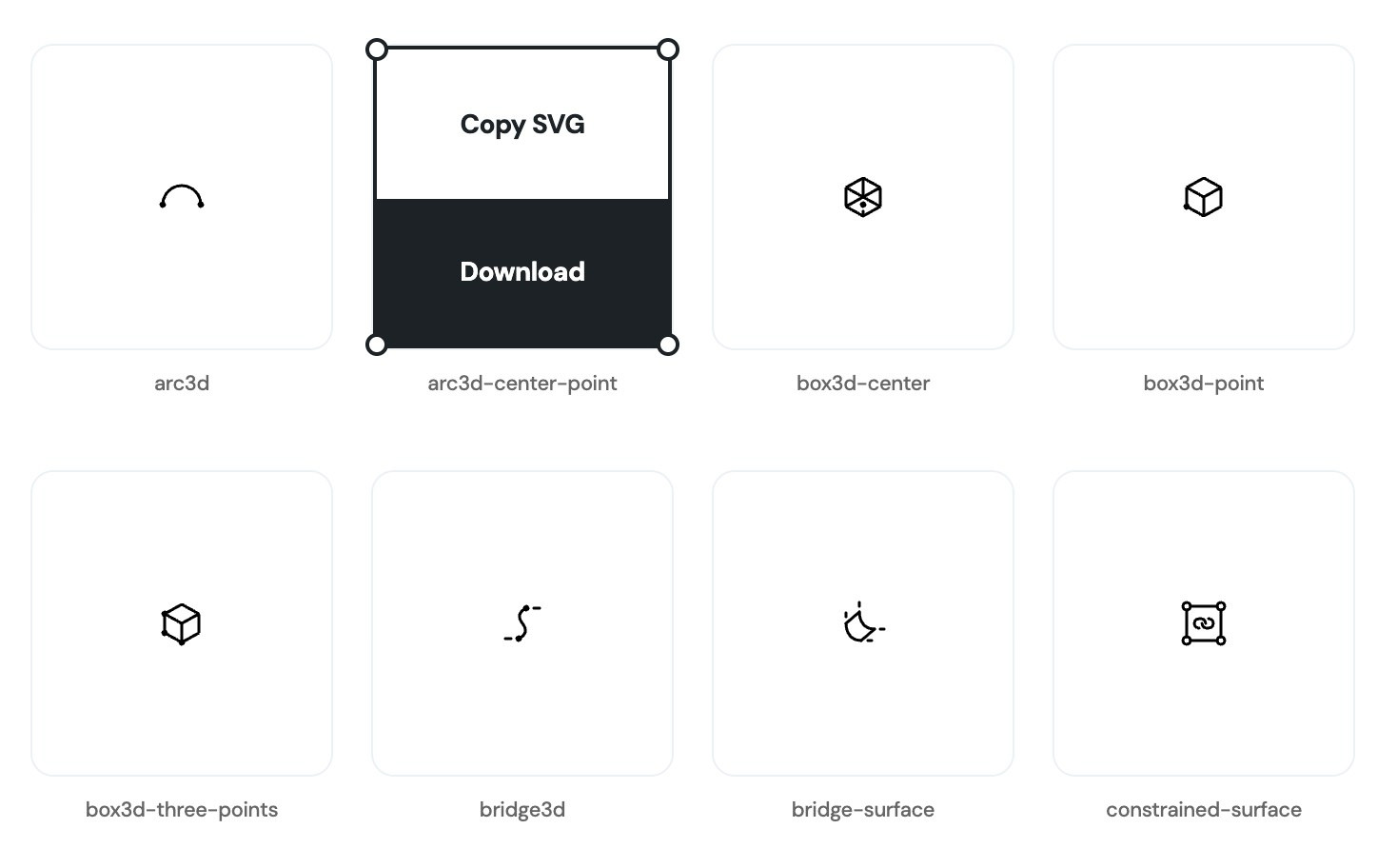
However, human curation remains irreplaceable. The careful selection of an icon set dictates the emotional resonance, functional clarity, and brand personality of a digital product. By leveraging these 11 premier libraries and understanding their underlying strengths, designers and developers can build faster, scale cleaner, and deliver truly exceptional user experiences.



