










In the contemporary digital landscape, the aesthetic of "controlled chaos" has become a hallmark of modern graphic design. A well-executed glitch effect does more than just distort an image; it breathes electric, kinetic energy into static visuals, bridging the gap between retro-analog nostalgia and futuristic, high-tech disruption. As design trends lean heavily into cyberpunk, Y2K-revival, and experimental digital artistry, the ability to manipulate pixels with precision has become an essential skill for professionals across branding, editorial, and motion design.
This comprehensive guide explores the evolution of the glitch aesthetic, examines the professional tools available to today’s designers, and provides a strategic framework for implementing these high-impact effects in your own projects.
The Evolution of the Glitch Aesthetic
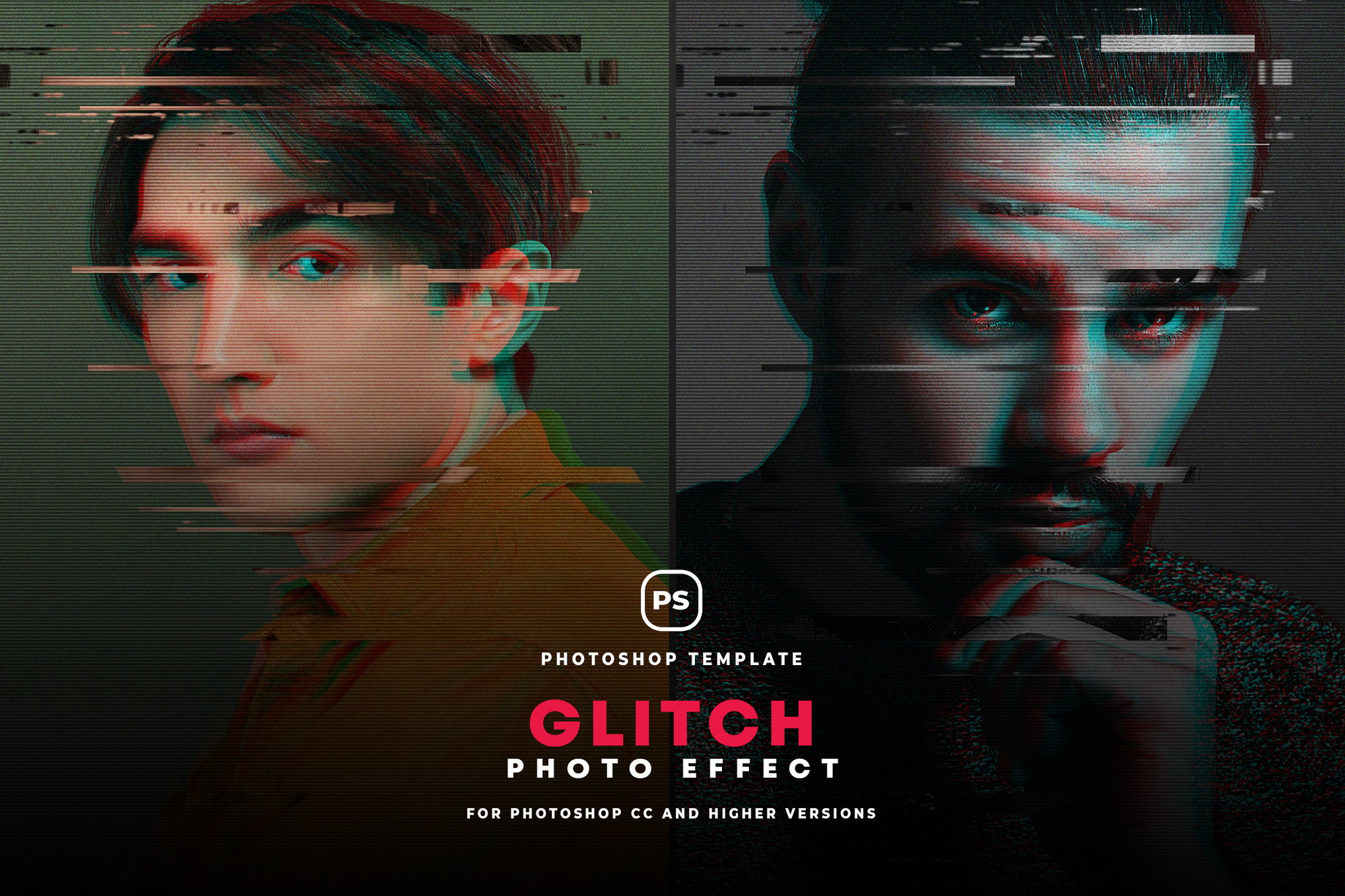
The "glitch" as a design element was born from the unintended: corrupted video files, faulty cable transmissions, and damaged magnetic tape. In the early 2000s, digital artists began to intentionally induce these errors, celebrating the beauty of the breakdown.
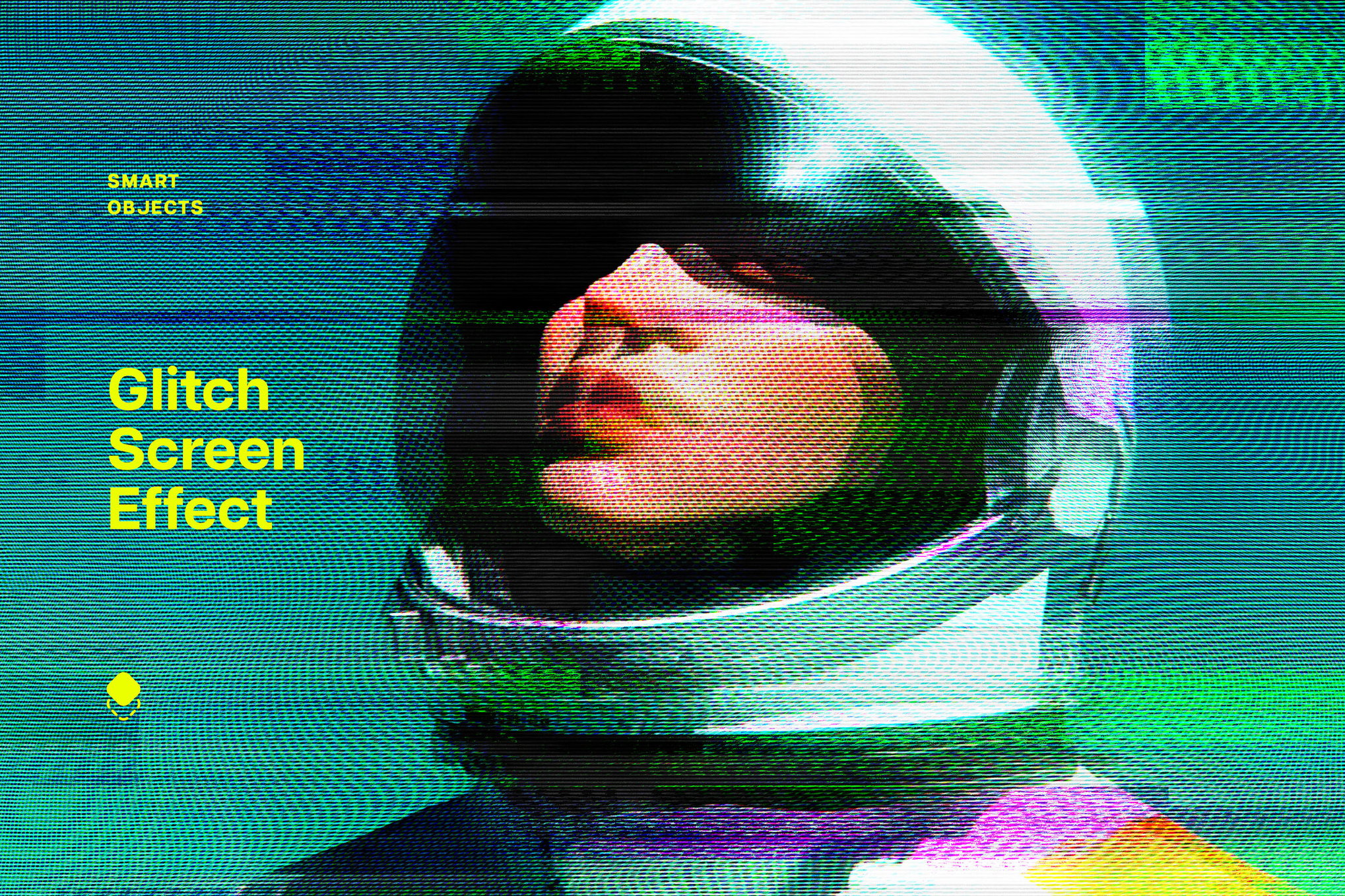
What was once a technical nuisance—the horizontal scan line, the chromatic aberration of an RGB split, or the pixelated block—has matured into a sophisticated design language. Today, designers are no longer waiting for their software to crash to achieve these looks. With advanced Photoshop actions and curated PSD templates, the "digital error" has been tamed, allowing for surgical precision. Designers can now dictate the intensity, color palette, and structural integrity of their distortions, ensuring the final product feels like a deliberate creative choice rather than a rendering error.
Professional Tooling: A Curated Selection
For the modern creative, time is as valuable as technique. Leveraging pre-built actions and templates allows for rapid prototyping and high-fidelity output. Here are some of the most effective tools currently shaping the industry standard for glitch art.
1. Advanced Studio Suites
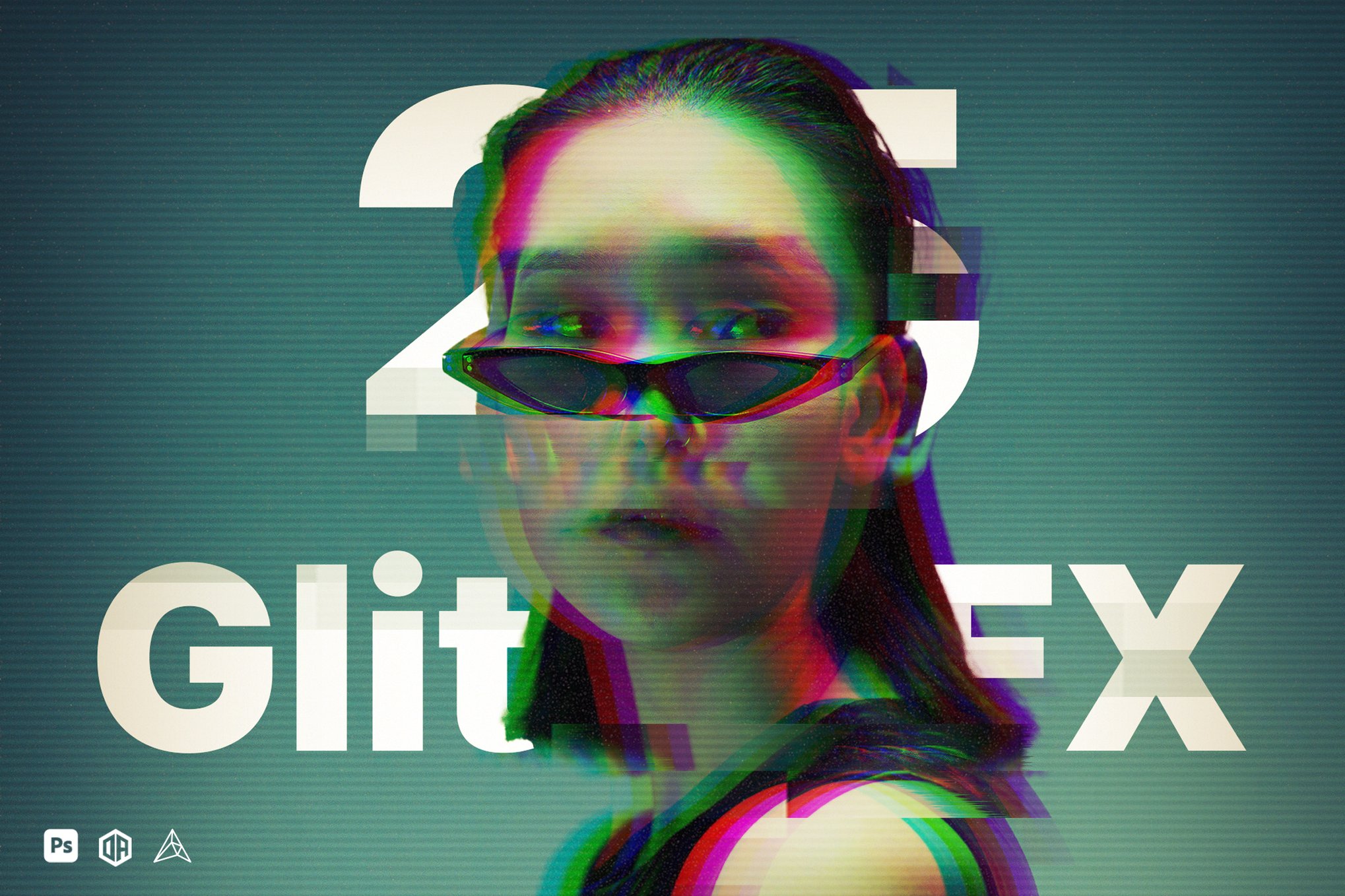
- Glitch Studio (25 Glitch Effects): This comprehensive plugin remains a favorite for its versatility. Offering seven distinct categories of distortion, it allows designers to customize textures and color channels through Photoshop’s layer stack. The inclusion of video tutorials makes it an ideal entry point for those looking to master non-destructive editing.
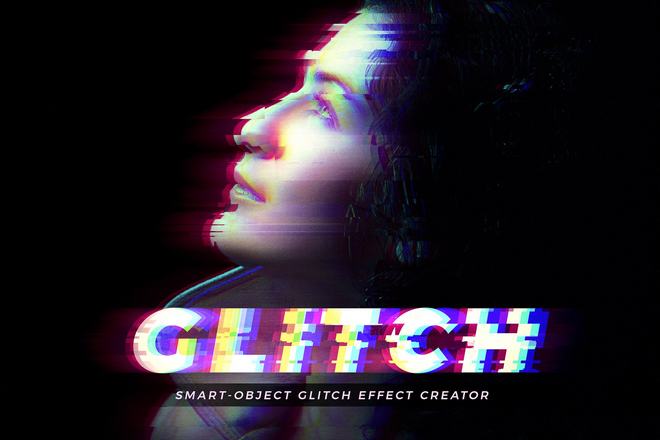
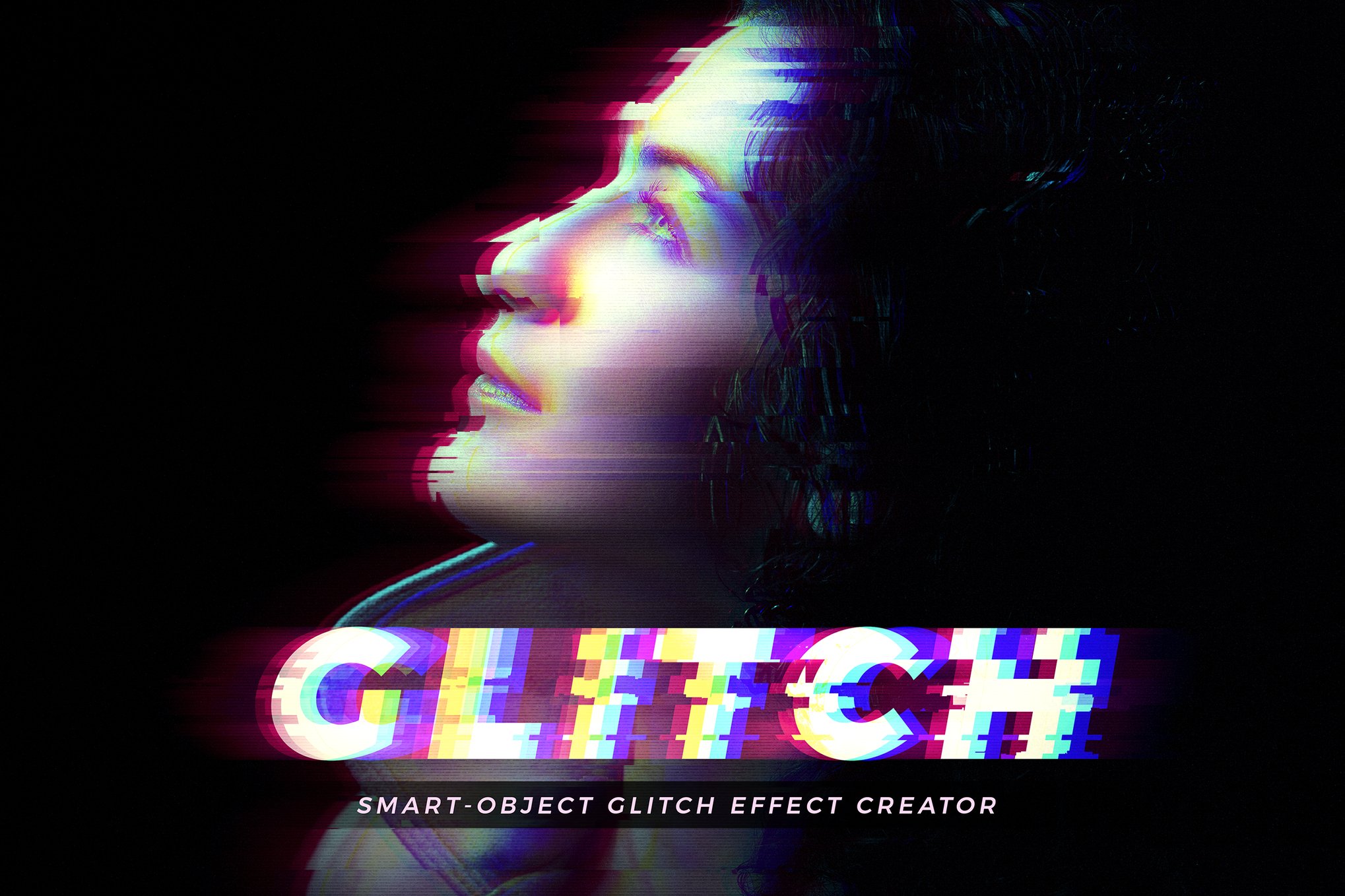
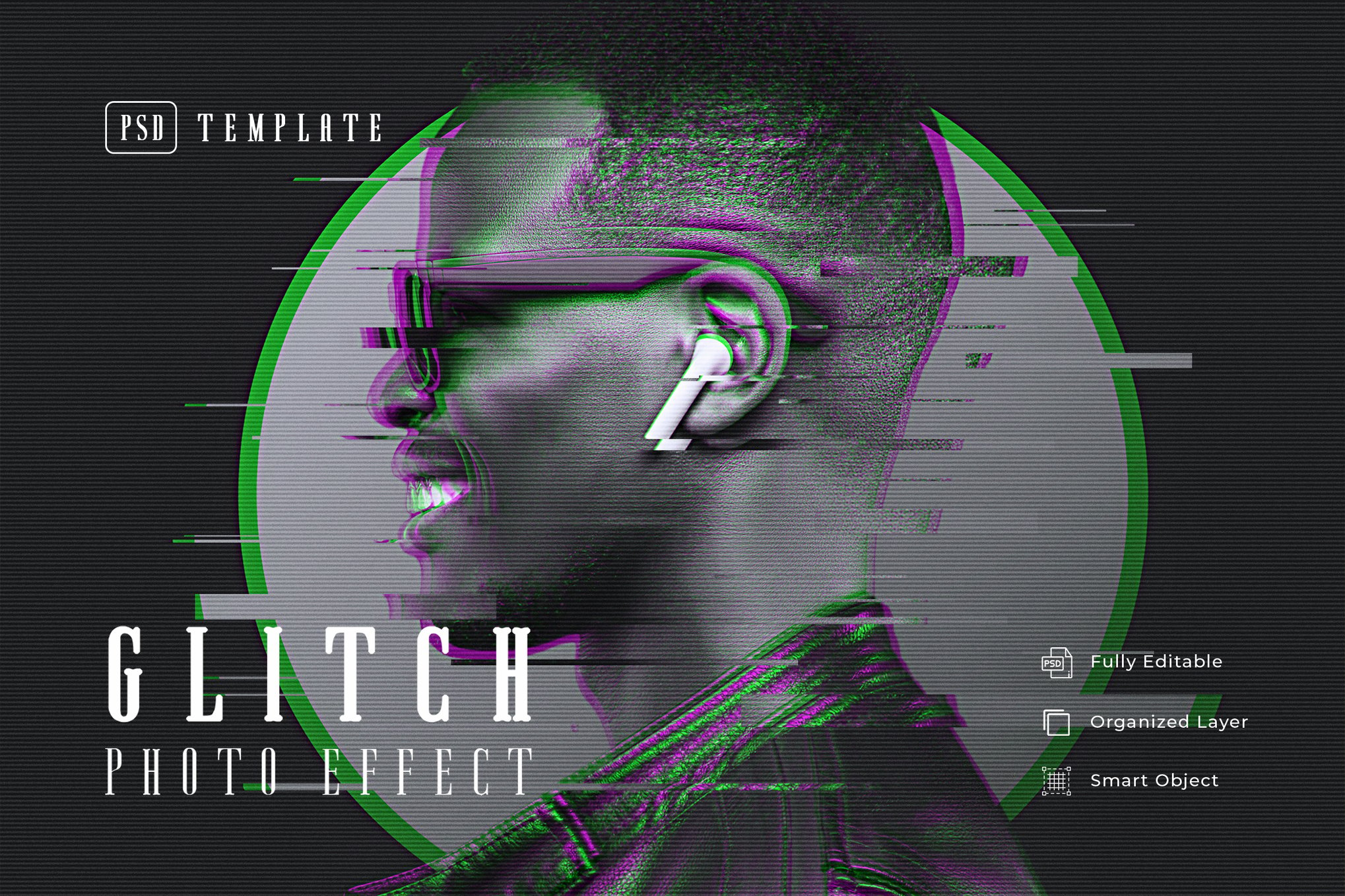
- Glitch Effect Creator: Focused on the cyberpunk and neon aesthetic, this template is built for speed. With highly organized layers and Smart Object integration, it is particularly effective for high-stakes environments like advertising and large-format poster design.
2. Specialized PSD Templates
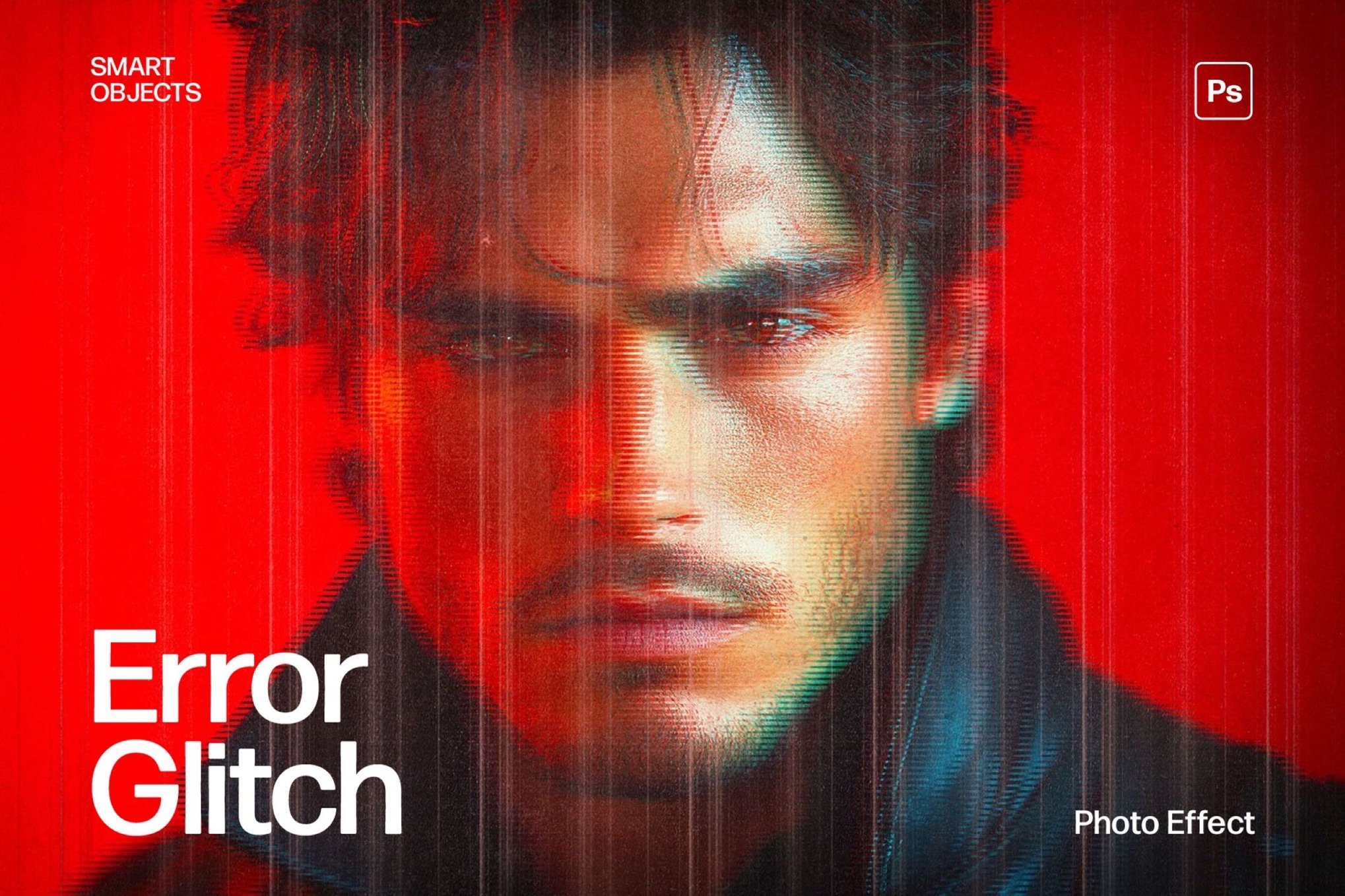
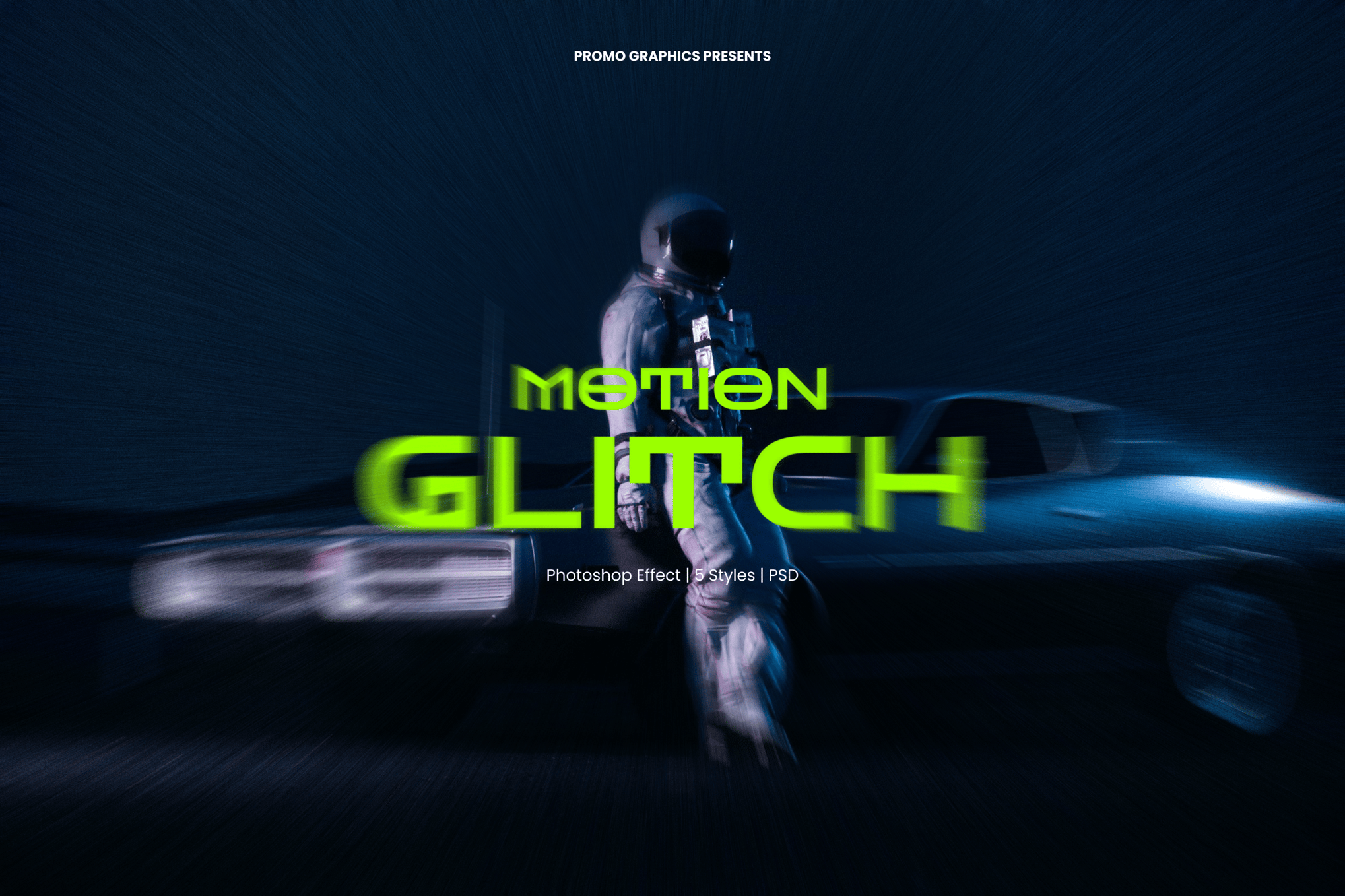
- Error Glitch & Motion Glitch Templates: These assets are specifically designed for high-resolution output (often exceeding 3840 x 2160px). They excel at adding "motion" to still images, perfect for creating digital stills for social media campaigns or high-end web banners.
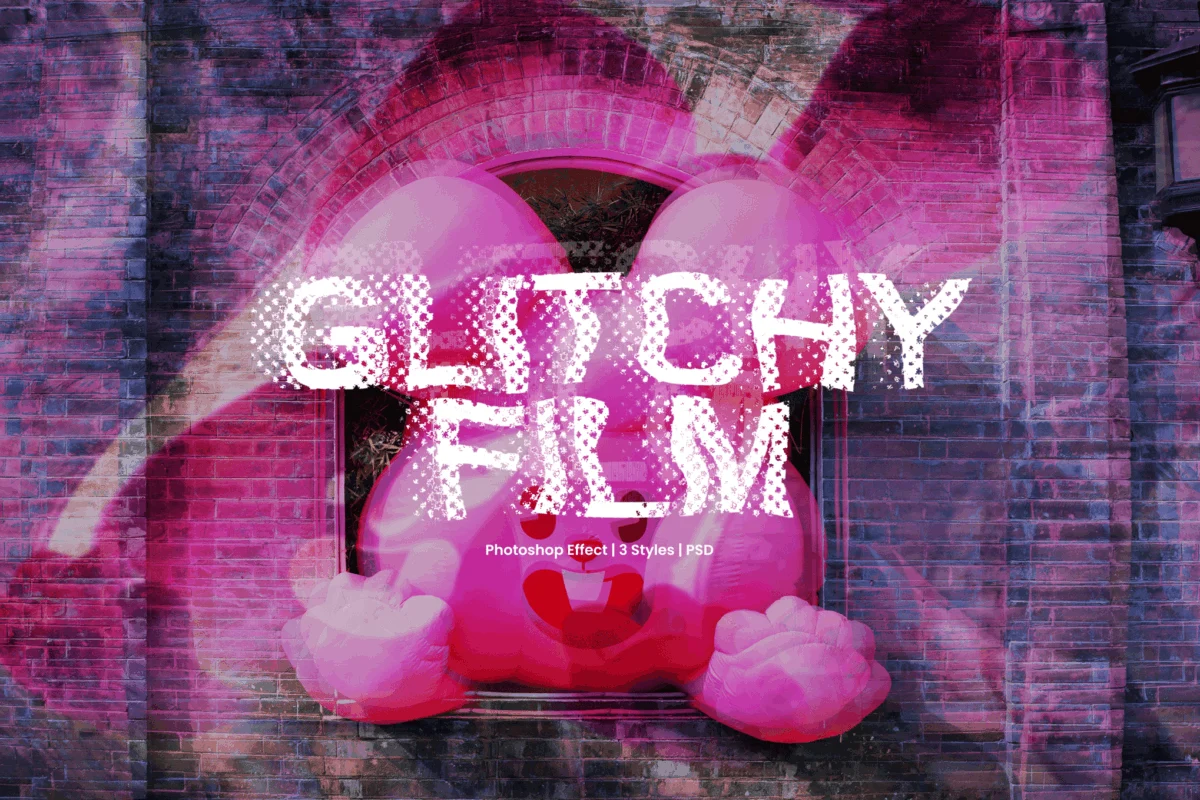
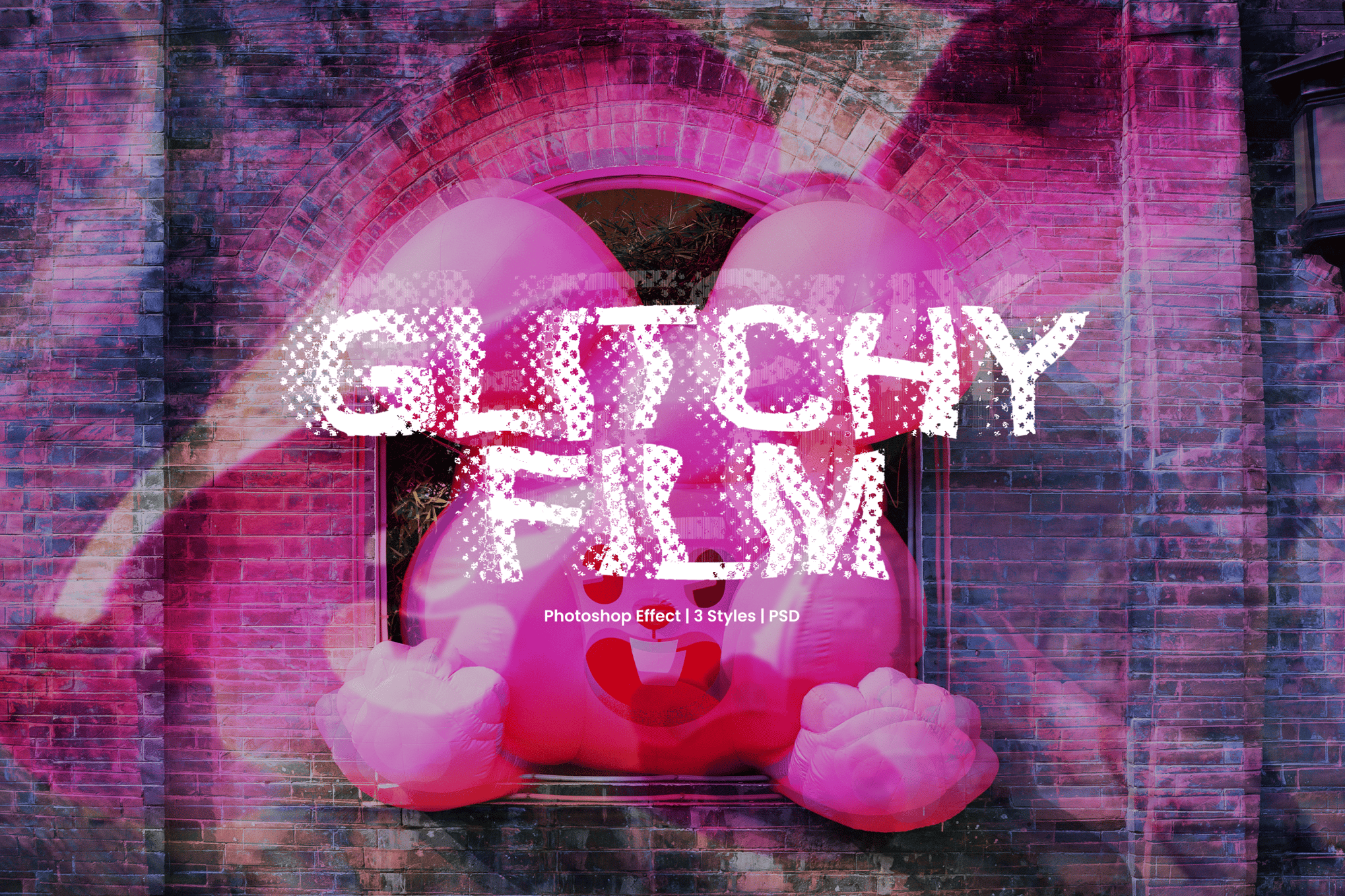
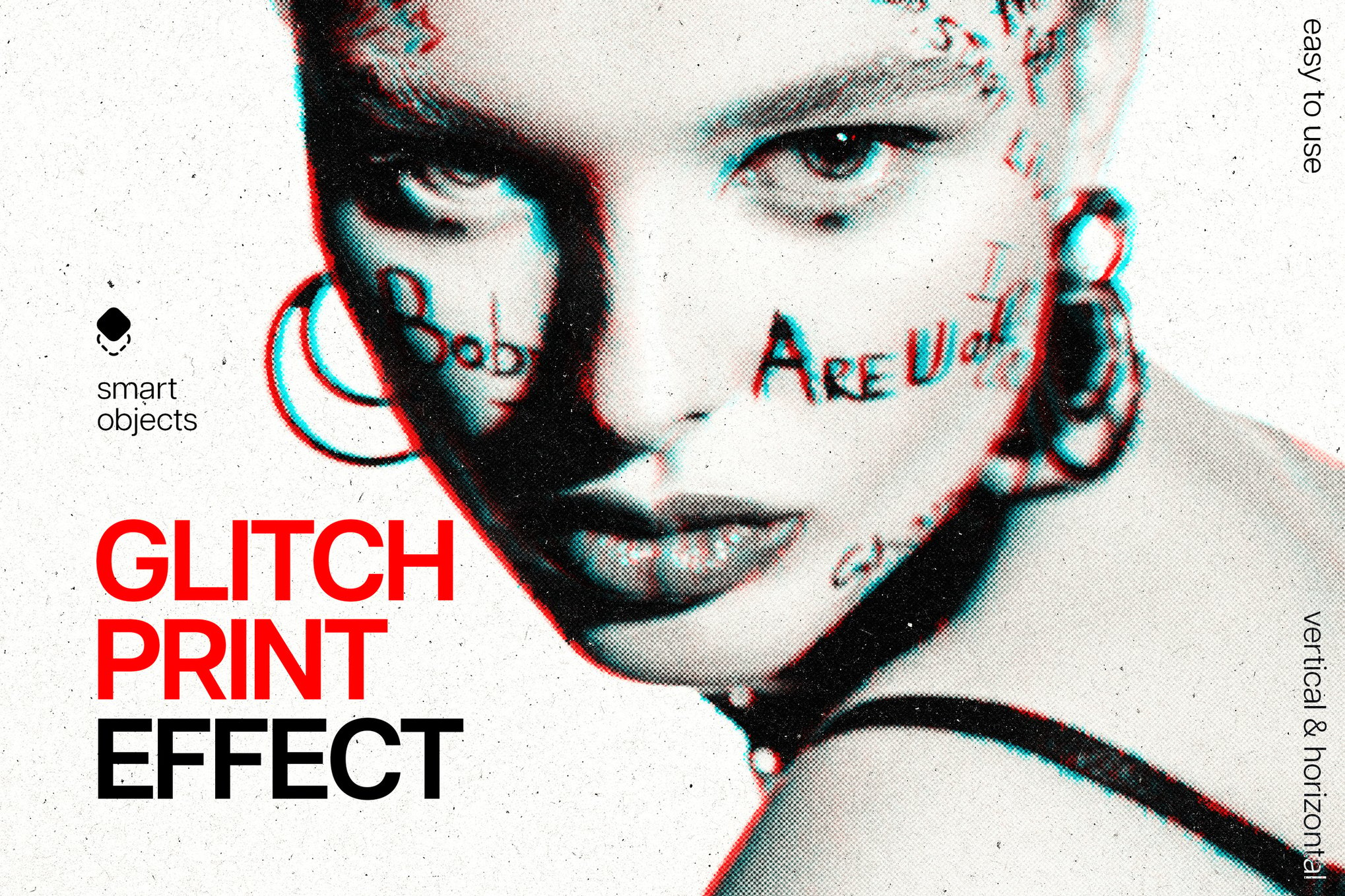
- The "Glitchy Film" & "Ghost Glitch" Series: These templates focus on the intersection of vintage, analog, and digital. By mimicking the look of degraded film strips mixed with modern digital artifacts, they provide a nostalgic texture that is increasingly popular in high-fashion photography and editorial layouts.
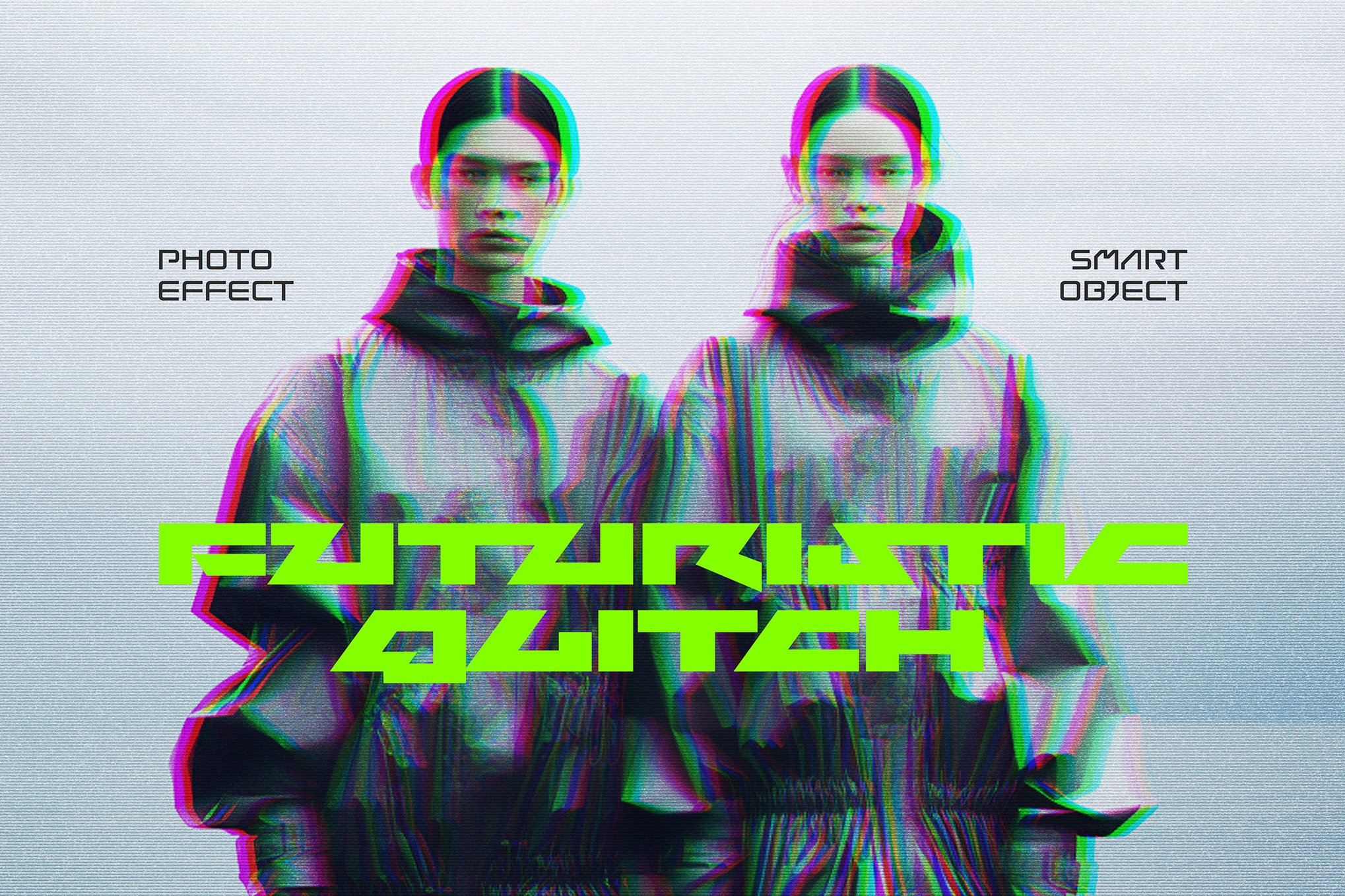
- Futuristic 3D Distort: These templates leverage displacement maps and smart layers to create depth. By shifting color channels in 3D space, these effects move beyond simple horizontal lines, creating a sense of physical, fractured volume.
Supporting Data: Why Glitch is Trending
The rise of the glitch aesthetic is not merely a stylistic fad; it correlates with the broader cultural shift toward digital-native experiences.
- Audience Engagement: Studies in visual communication suggest that images with high contrast and "unexpected" visual elements (like pixel displacement) stop the scroll 30% more effectively than standard, clean photography on social media platforms.
- Brand Perception: For tech, gaming, and streetwear brands, the use of glitch motifs is a visual shorthand for "innovation" and "cutting-edge." It implies that the brand is operating at the speed of the digital future.
- Technical Accessibility: As high-resolution (4K/8K) displays become standard, the demand for high-fidelity, high-DPI glitch templates has surged. Modern templates now offer 300 DPI support, ensuring that the "error" looks crisp even when printed on large-format posters or billboards.
The Creative Workflow: Implementing Glitch Effects
For designers looking to integrate these effects, the process should be guided by intent rather than impulse.
1. Defining the Intensity
Before applying a filter, determine the narrative goal. Is the glitch meant to be a subtle, high-end texture (useful for luxury fashion) or a loud, aggressive disruption (useful for music festivals or gaming events)? Using Smart Objects is non-negotiable here, as it allows you to tweak the intensity of the distortion without permanently altering the source image.
2. Managing Color Channels
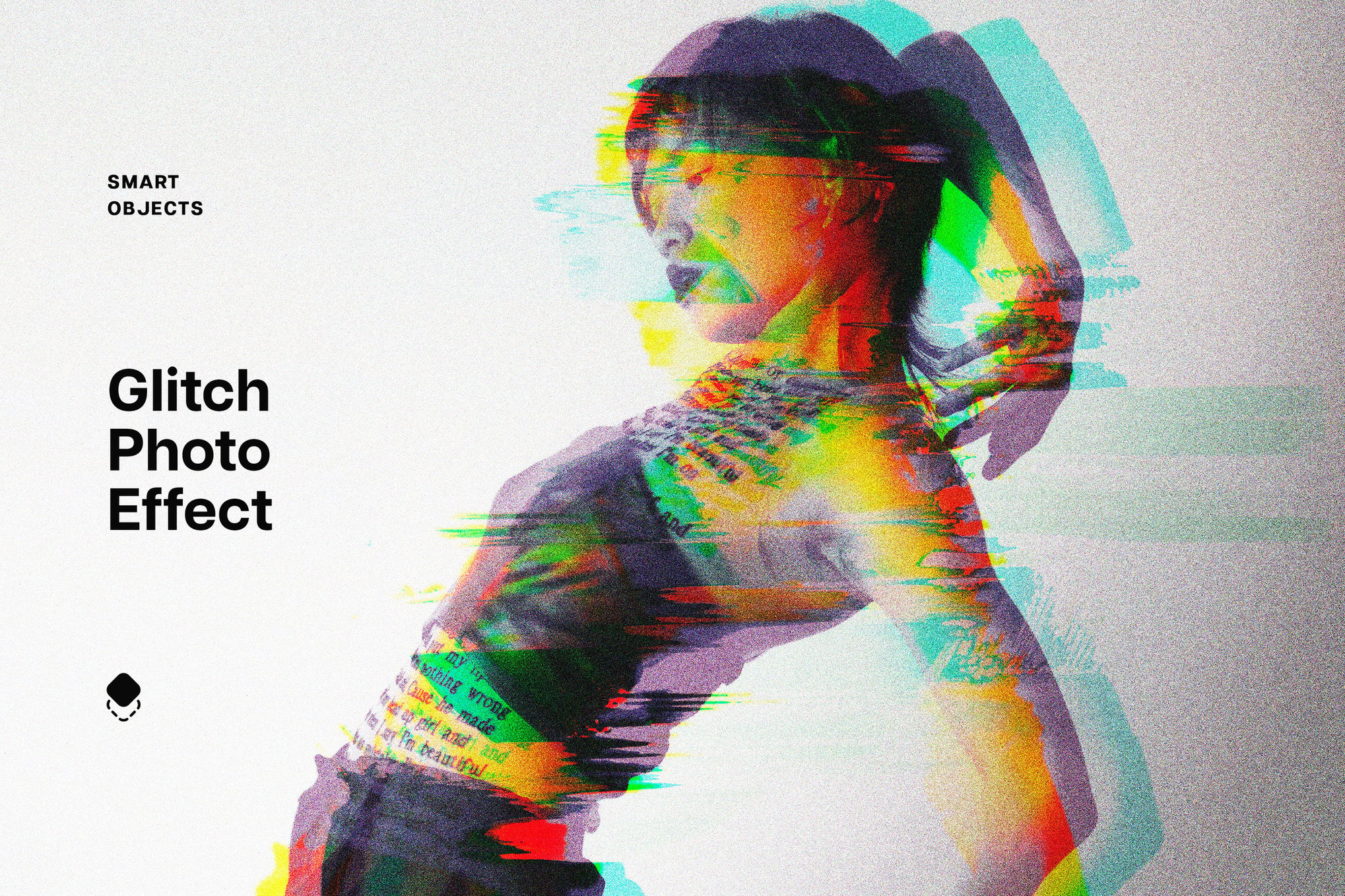
The most sophisticated glitch effects don’t just shift pixels; they split the RGB channels. By separating the Red, Green, and Blue layers and shifting them independently, you create a "fringing" effect that feels authentically like a low-quality digital signal.
3. Layering and Transparency
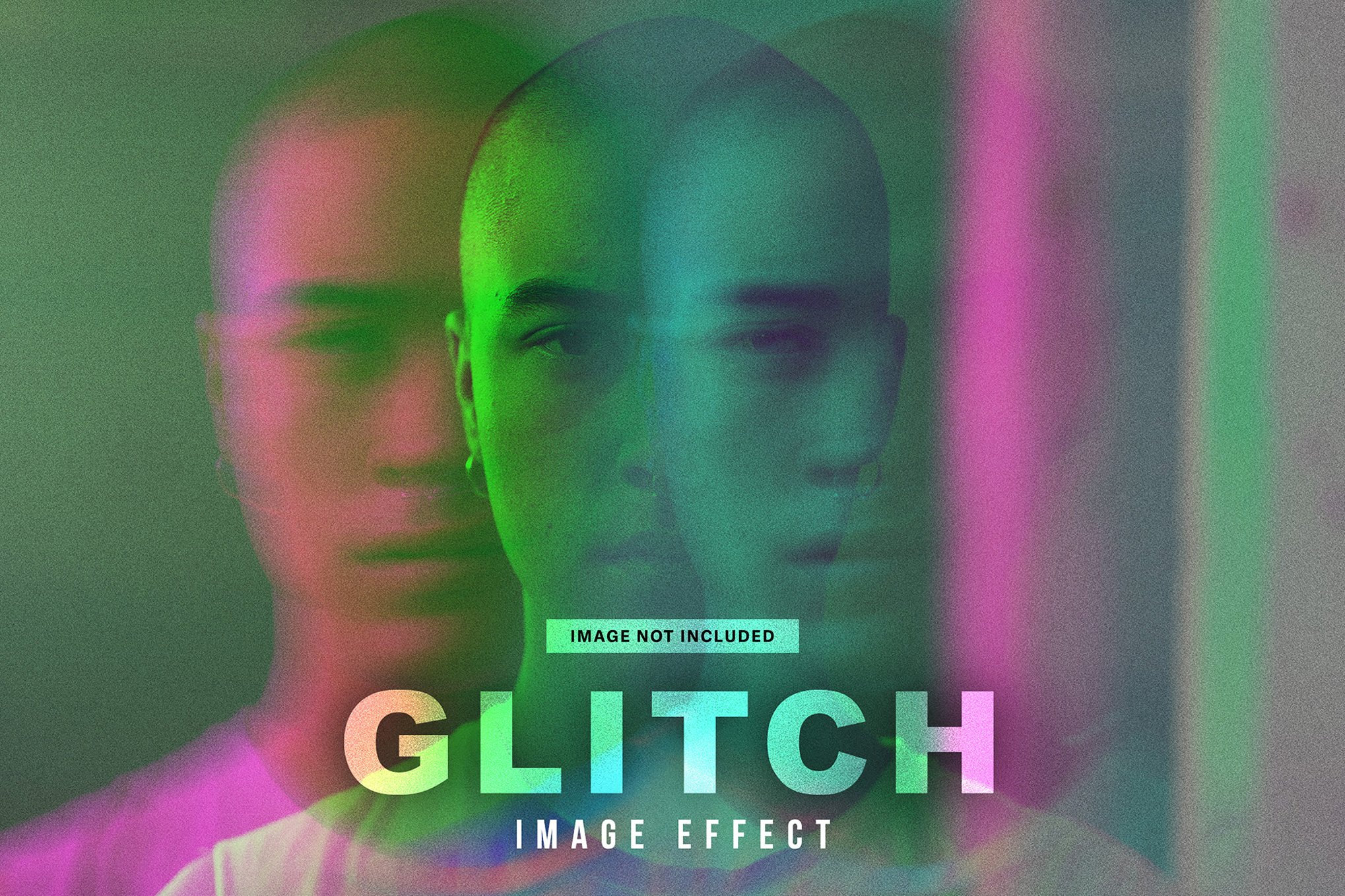
Do not rely on a single layer of glitch. The best results often come from stacking: applying a heavy, structural distortion layer at 30% opacity, and then adding a lighter, granular "static" noise layer over the top. This adds a depth of field that keeps the design feeling rich rather than flat.
Implications for Design Professionals
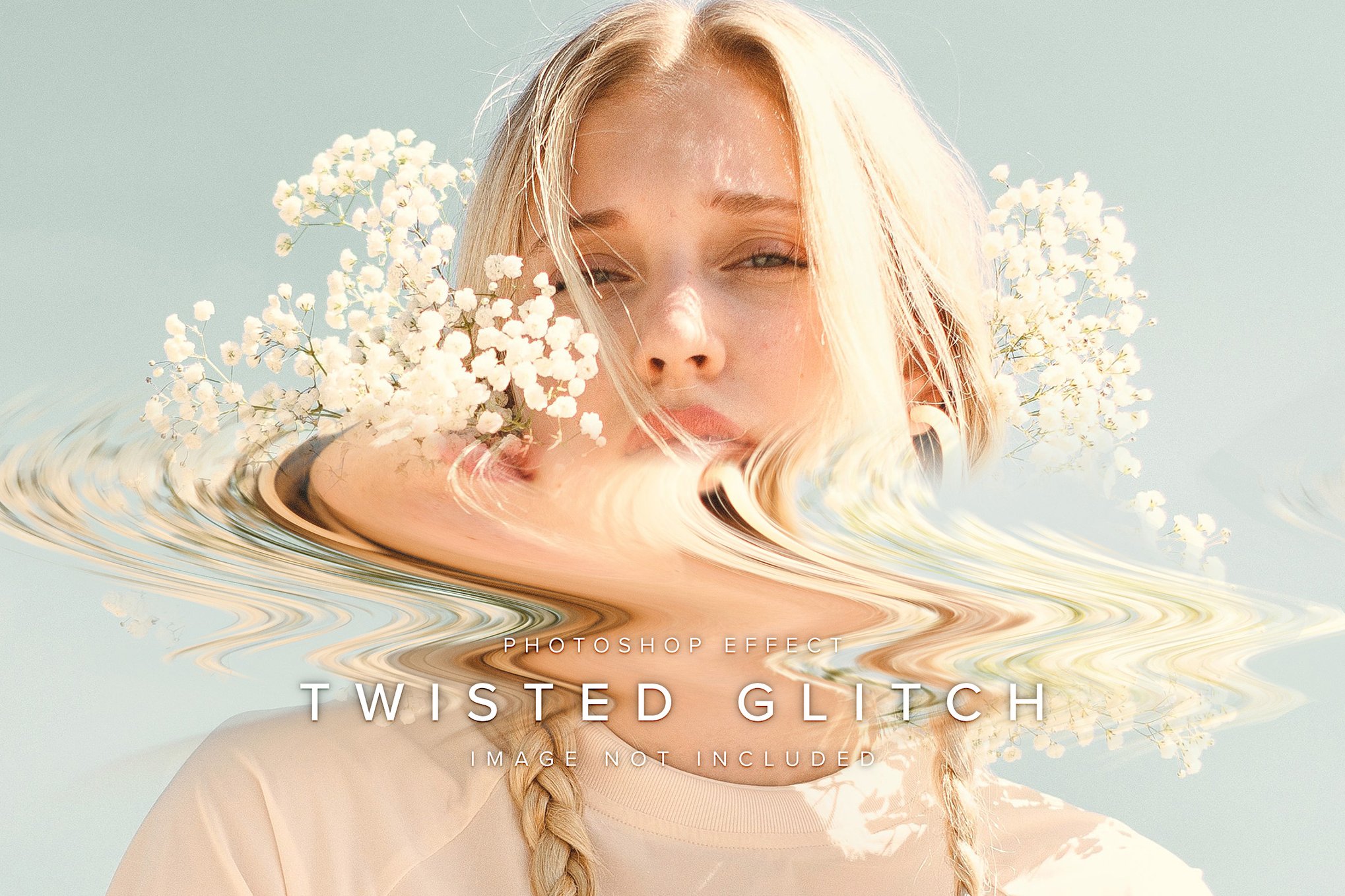
The democratization of these tools has significant implications for the industry. On one hand, it lowers the barrier to entry for junior designers to produce "professional" looking work. On the other, it raises the bar for veterans to move beyond the "one-click" effect.
The "Intentionality" Mandate
As these tools become ubiquitous, the value shifts from the ability to create a glitch to the decision of where to place it. Using a glitch effect on every element of a composition leads to visual fatigue. Instead, use these effects to highlight key data points, focus the viewer’s eye on a specific subject, or break the monotony of a rigid, grid-based layout.
Future-Proofing
With the integration of AI-driven tools in Adobe Photoshop, the next wave of glitch art will likely be generative. We are already seeing tools that allow for "dynamic" glitches that react to the lighting of an image. As these technologies evolve, designers should focus on understanding the logic of the distortion—how light moves through a fractured digital medium—rather than just relying on pre-built templates.
Summary of Best Practices
To ensure your work remains at the forefront of digital design:
- Always use high-resolution source material: Glitch effects rely on detail. If your source image is low quality, the distortion will look muddy.
- Maintain a focal point: Ensure that your main subject remains legible. Even in a sea of distortion, the human eye craves a place to rest.
- Balance your color palette: If your glitch effect introduces intense color shifts, try to balance them with a monochromatic or neutral background to prevent the design from becoming visually overwhelming.
- Iterate via Smart Objects: Always work in a non-destructive manner. If you find the effect is too strong, you should be able to dial it back without having to restart the project.
Conclusion
The glitch effect is a powerful tool in the arsenal of the modern graphic designer. Whether you are creating a high-energy poster for a tech conference, a sleek social media campaign, or an experimental editorial spread, these effects provide a means to communicate the pace, complexity, and inherent uncertainty of the digital age. By moving beyond the simple application of filters and embracing a methodology of precision, layering, and intentionality, you can transform your static visuals into living, breathing pieces of digital art that command attention in an increasingly crowded visual landscape.



