







In an era where digital surveillance has become increasingly sophisticated, the average smartphone user often takes for granted the invisible layers of security protecting their personal data. However, for a select group of high-profile individuals—including journalists, human rights activists, and political dissidents—the threat of state-sponsored "mercenary" spyware is not merely theoretical. It is an everyday reality.
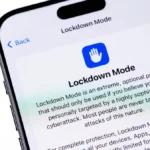
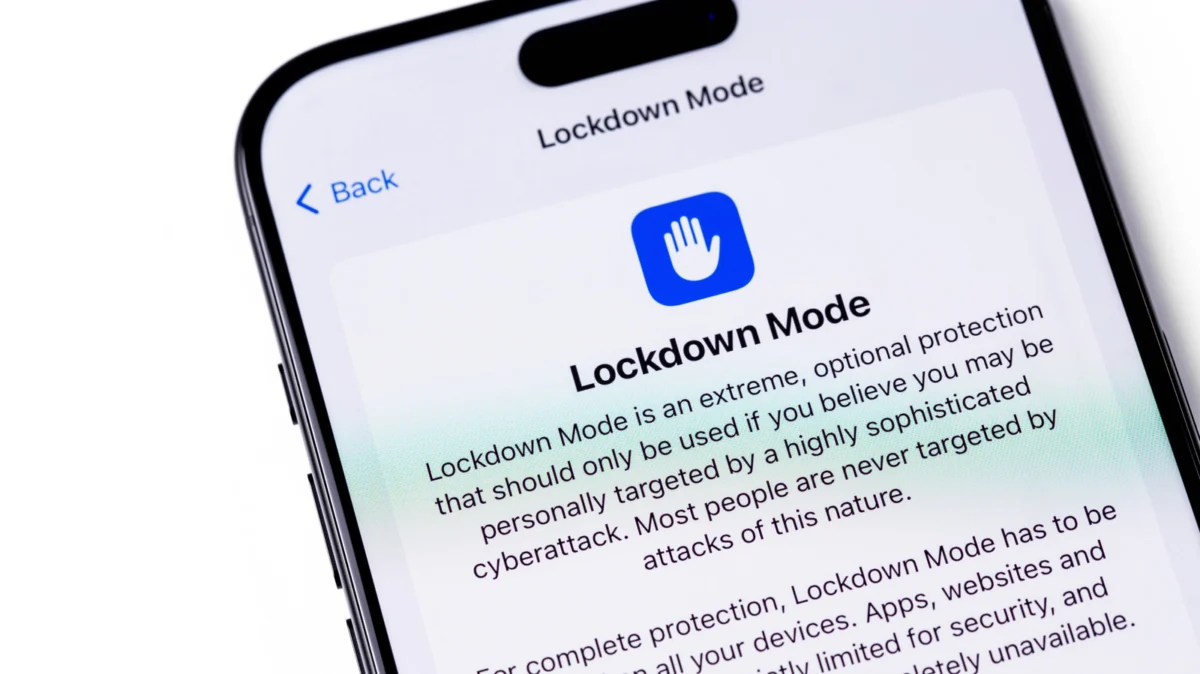
To combat this, Apple introduced "Lockdown Mode" in 2022, a high-security feature that effectively transforms an iPhone from a general-purpose consumer device into a hardened digital vault. While the feature offers an unparalleled level of defense, it comes at a significant cost to user convenience.
The Genesis of Lockdown Mode: A Chronology of Necessity
The impetus for Lockdown Mode can be traced back to the rise of commercial spyware suites, most notably the NSO Group’s "Pegasus." Unlike traditional malware, which often requires a user to click a malicious link or download a compromised app, Pegasus gained notoriety for "zero-click" exploits. These are vulnerabilities that allow a device to be compromised without any interaction from the user, often through corrupted media files sent via messaging apps like iMessage.
The Timeline of Escalation
- 2021: Global reports, including the Pegasus Project, revealed the widespread use of spyware to target government officials, activists, and journalists across the globe.
- July 2022: Apple officially announces Lockdown Mode as part of iOS 16, responding to the growing demand for "extreme" protection against state-level cyber threats.
- September 2023: Researchers uncover "Blastpass," a sophisticated exploit used by the NSO Group to install Pegasus via iMessage. Crucially, tests revealed that devices with Lockdown Mode enabled were entirely immune to the attack, validating the efficacy of Apple’s defensive architecture.
- 2024 and Beyond: Apple continues to iterate on the feature, expanding its reach across watchOS, macOS, and iPadOS, while doubling its bug bounty rewards to incentivize researchers to find weaknesses in the mode.
Understanding the Mechanics: What Lockdown Mode Actually Does
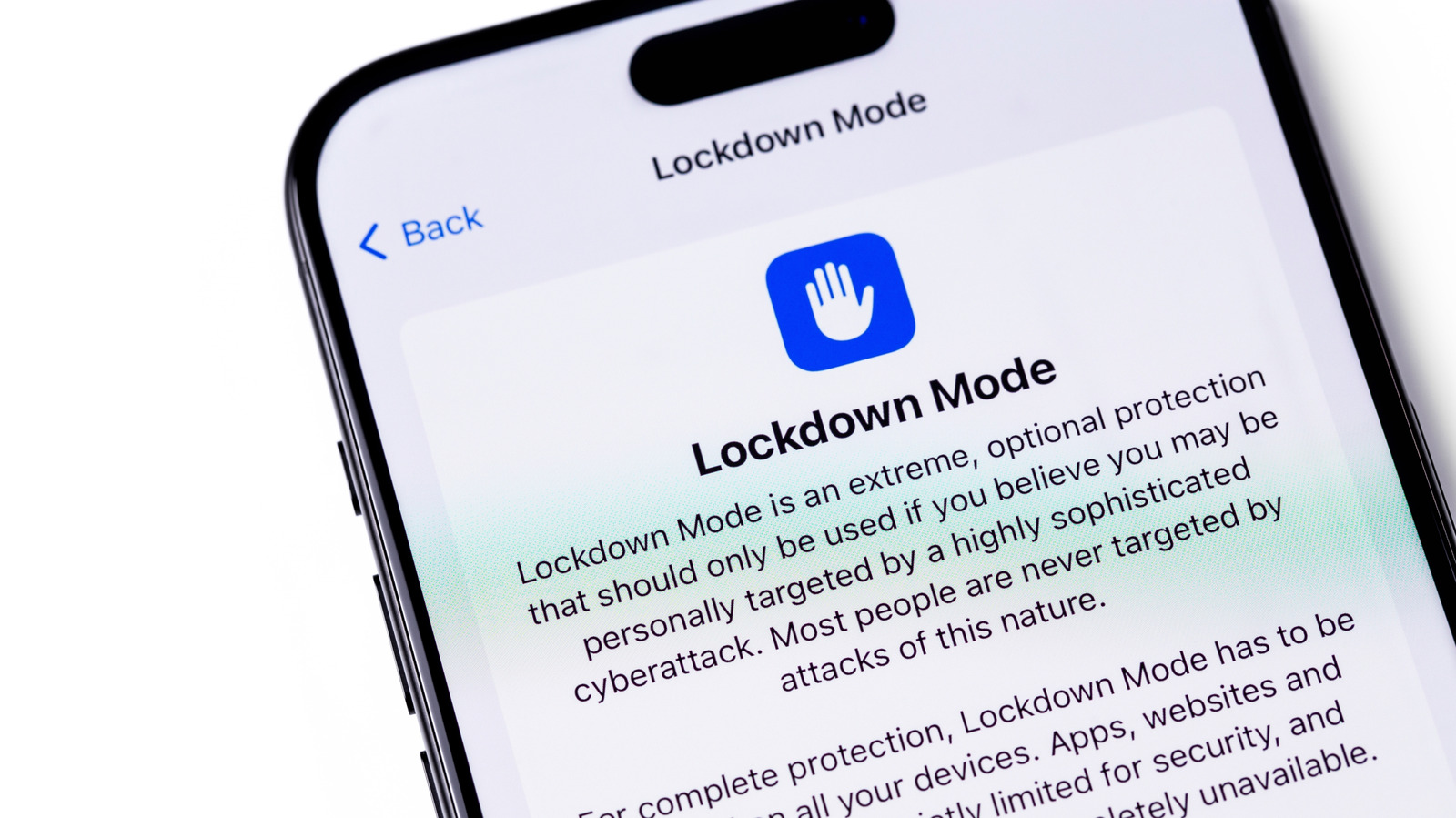
Lockdown Mode functions by aggressively reducing the "attack surface" of the device. By disabling features that are frequently exploited by hackers to gain initial access, Apple effectively shuts the doors and windows of the operating system.
The Compromised Features
When enabled, the user experiences a notable shift in device functionality:
- Messages: The most common vector for zero-click attacks. Lockdown Mode blocks most message attachment types (other than select images) and disables link previews, preventing the device from parsing potentially malicious code hidden in metadata.
- Web Browsing: The Safari engine is severely restricted. Complex web technologies, such as Just-In-Time (JIT) JavaScript compilation, are disabled. While this makes browsing significantly safer, it causes many modern, interactive websites to break or load with degraded performance.
- Connectivity: When the device is locked, wired connections to computers or accessories are blocked. Furthermore, the device disables support for 2G and 3G cellular networks—older protocols that are notoriously insecure and susceptible to "man-in-the-middle" interceptions.
- Remote Services: Incoming FaceTime calls are blocked unless the user has previously initiated a call to that contact. Similarly, shared albums in the Photos app are removed, and HomeKit invitations are disabled to prevent unauthorized remote access.
- Configuration Profiles: The ability to install management profiles (often used by schools or corporate IT departments) is blocked, preventing the installation of software that could potentially monitor device activity.
The Security-Utility Trade-off: Supporting Data
The core philosophy of Lockdown Mode is that security should not be a "one-size-fits-all" solution. The performance hit taken by a device in Lockdown Mode is intentional.
Research into mobile security consistently highlights that the more features a device has—Bluetooth, NFC, Wi-Fi, complex web rendering, and cloud-syncing—the more "bugs" are likely to exist. By systematically stripping away these features, Apple creates a scenario where a hacker’s toolkit becomes largely obsolete.
Apple’s commitment to this feature is evidenced by its Security Bounty program. The company offers a 100% bonus—up to $2 million—to security researchers who can bypass Lockdown Mode. This massive incentive serves as a "stress test" designed to ensure that the feature remains, as Apple claims, the "gold standard" for consumer-grade protection.
Official Stances and Industry Implications
Apple’s official position is that Lockdown Mode is not for the average user. Ivan Krstić, Apple’s head of Security Engineering and Architecture, has described the feature as an extreme measure for a "very small number of users who are at risk of targeted cyberattacks."
The "Mercenary Spyware" Threat
The industry has seen a pivot in how companies handle threats from private intelligence firms. In late 2023, Apple began sending "Threat Notifications" to users in over 150 countries, warning them that they might have been targeted by state-sponsored mercenary spyware. This move marked a shift from reactive patching to proactive communication, signaling that the company views these attackers as a persistent, long-term threat.
Industry experts generally agree with Apple’s assessment. While the protection provided by Lockdown Mode is absolute in many scenarios, the resulting degradation of the user experience makes it impractical for daily use by the general public. For the average user, standard security practices—such as keeping iOS updated, using strong passwords, and enabling Two-Factor Authentication (2FA)—are considered sufficient.
The Path Forward: Who Should Enable It?
For the vast majority of iPhone users, Lockdown Mode is a "look, don’t touch" feature. Enabling it will lead to missed calls, broken websites, and a generally "clunky" experience that offers no tangible benefit to someone not actively being hunted by a state-level actor.
However, for those at risk, the calculus changes. If you are a journalist working in a region with high censorship, an activist involved in sensitive political movements, or an individual who has received an official "Threat Notification" from Apple, the trade-offs of Lockdown Mode are a small price to pay for digital integrity.
Customization and Flexibility
Apple has recognized that even high-risk users need some level of functionality. The latest versions of the feature allow users to:
- Whitelist specific websites: Allowing critical news or government portals to load with full functionality.
- Allow specific contacts: Ensuring that family or colleagues can still send media attachments.
A Final Word on Digital Hygiene
Ultimately, Lockdown Mode is a testament to the fact that no system is truly unhackable. It serves as a reminder that as software becomes more complex, the only way to achieve true safety is to move toward simplicity.
If you decide to enable it, do so with the understanding that your device will behave differently. Test it, understand which features you lose, and decide if your personal threat model justifies the inconvenience. For most, the best security policy remains what it has always been: vigilance, updated software, and a healthy dose of digital caution.