







The landscape of software development is undergoing a seismic shift. For decades, the terminal has been the domain of the expert—a stark, text-based interface where manual commands dictate the flow of system operations. Today, that environment is being transformed by a new class of AI-driven software: CLI (Command Line Interface) coding agents. These tools do not merely assist in code completion; they act as autonomous shell operators, capable of navigating file trees, executing complex command sequences, and resolving technical issues through continuous, self-correcting feedback loops.
As these agents gain traction, they are moving from experimental novelties to essential components of the modern developer’s toolkit. By bridging the gap between Large Language Model (LLM) reasoning and real-world system execution, they allow developers to delegate mundane, repetitive, or complex diagnostic tasks to an AI that lives directly inside their terminal.
The Agentic Shift: Understanding CLI Coding Agents
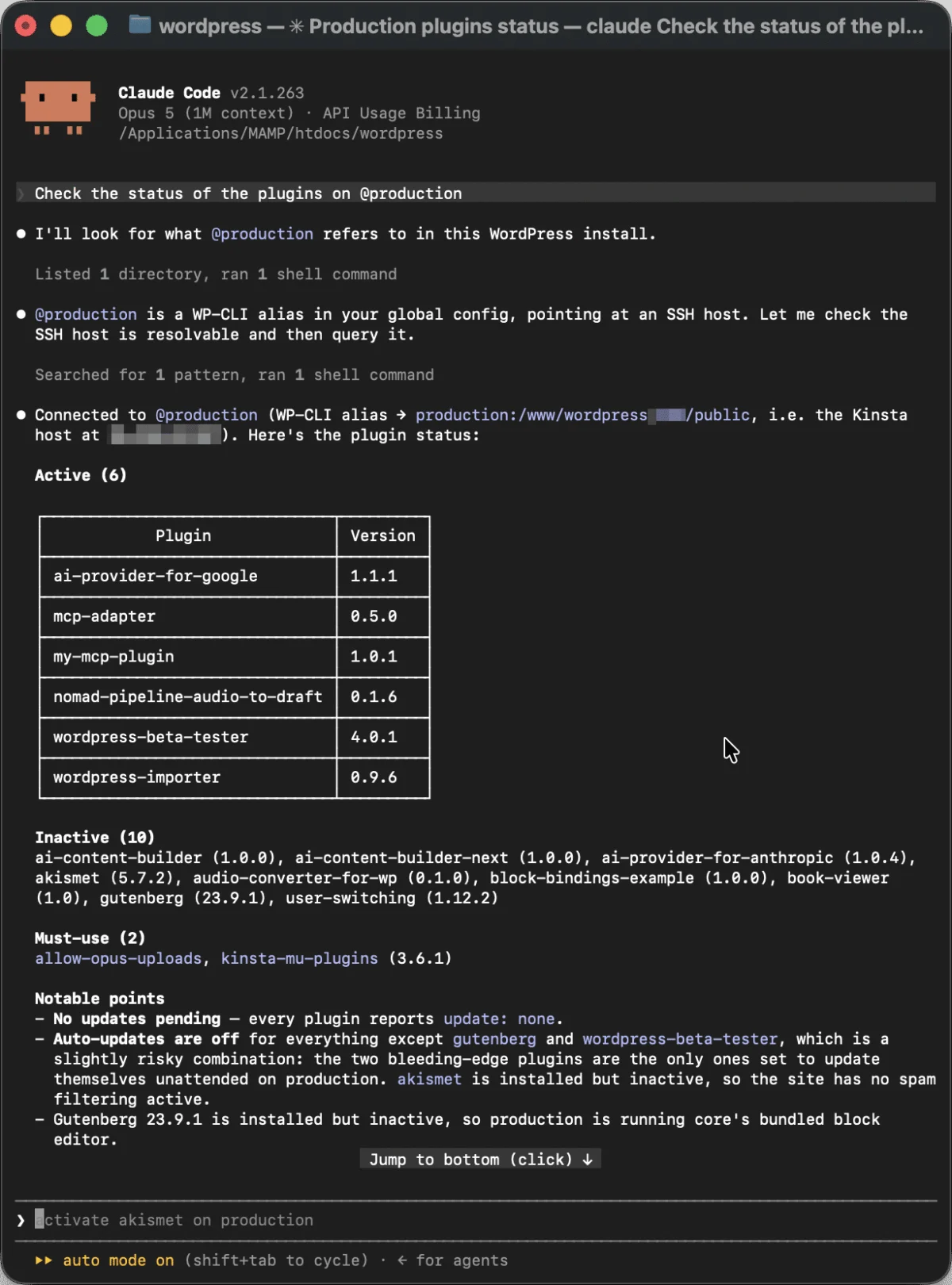
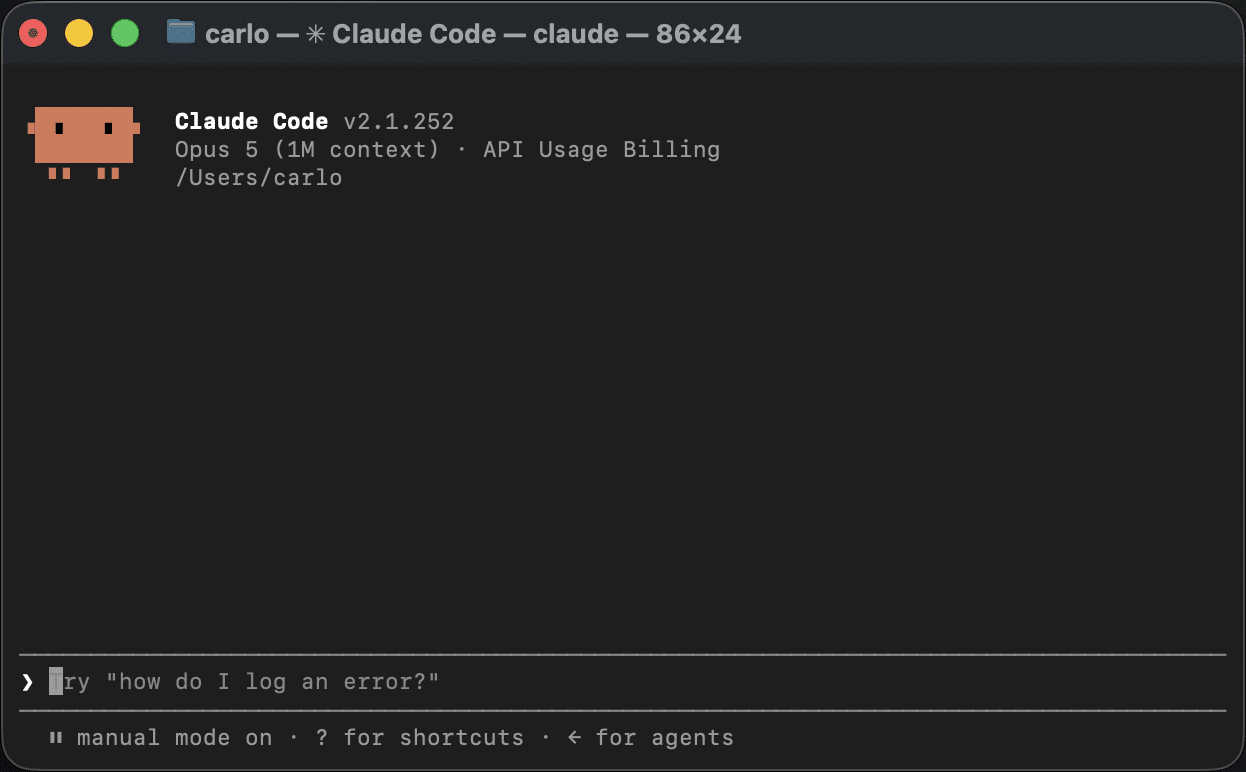
At their core, CLI coding agents are AI-driven assistants that reside in your local shell. Unlike traditional IDE-based AI integrations, which often operate within the constraints of a text editor, CLI agents have direct, "native" access to your operating system’s utilities. This includes Git for version control, SSH for remote infrastructure management, and WP-CLI for WordPress administration.
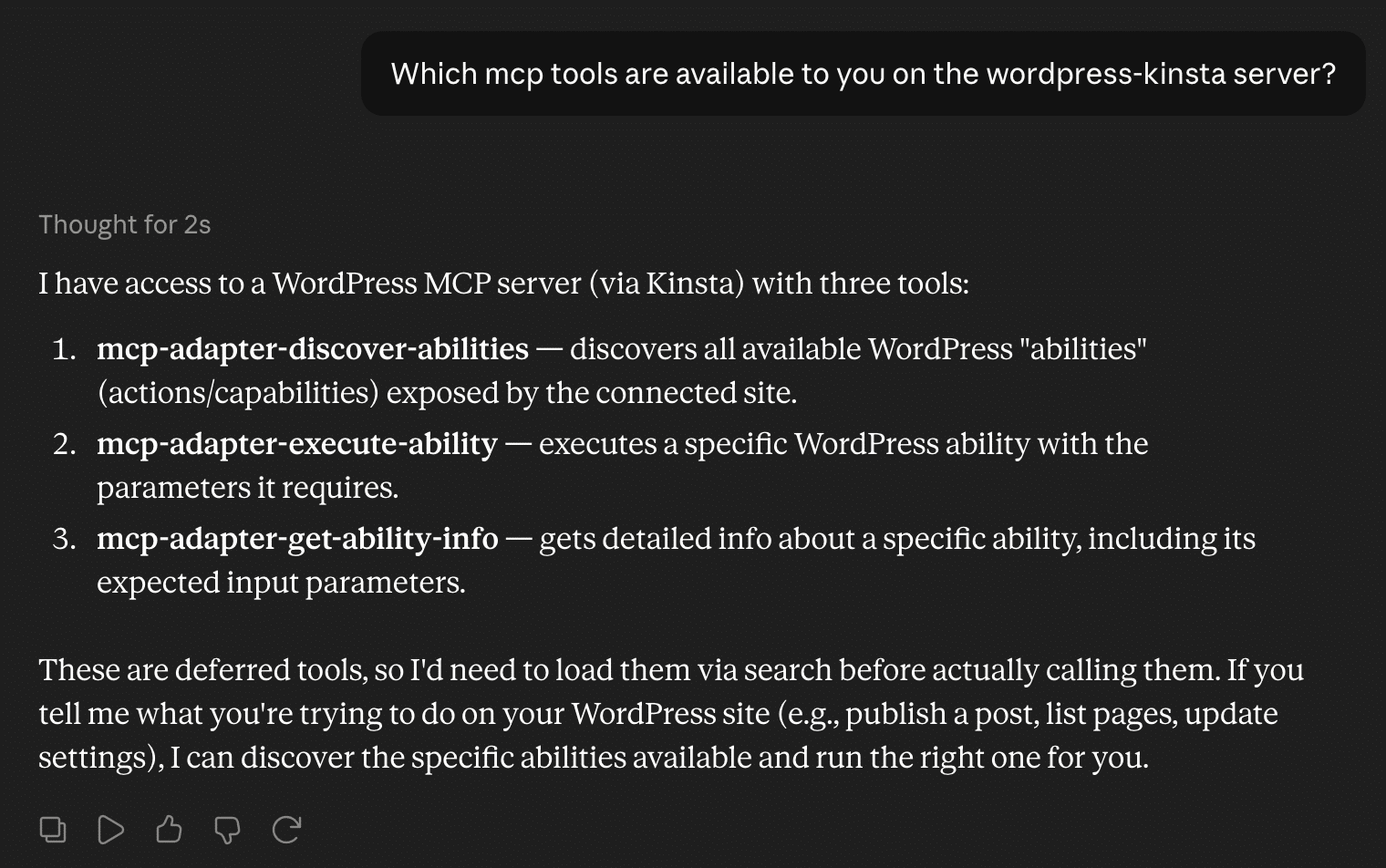
It is important to distinguish these agents from Model Context Protocol (MCP) integrations. While MCP provides a standardized, client-server interface for LLMs to interact with external data sources, CLI agents operate at a lower, more powerful layer of the stack. They are effectively "power users" that can run shell commands, parse the output of system utilities, and make dynamic, iterative decisions based on what they find.
The Anatomy of the Agentic Loop
The power of these tools lies in the "Agentic Loop," a five-step cognitive cycle that replaces the "one-shot" execution model of simpler scripts. The loop consists of:
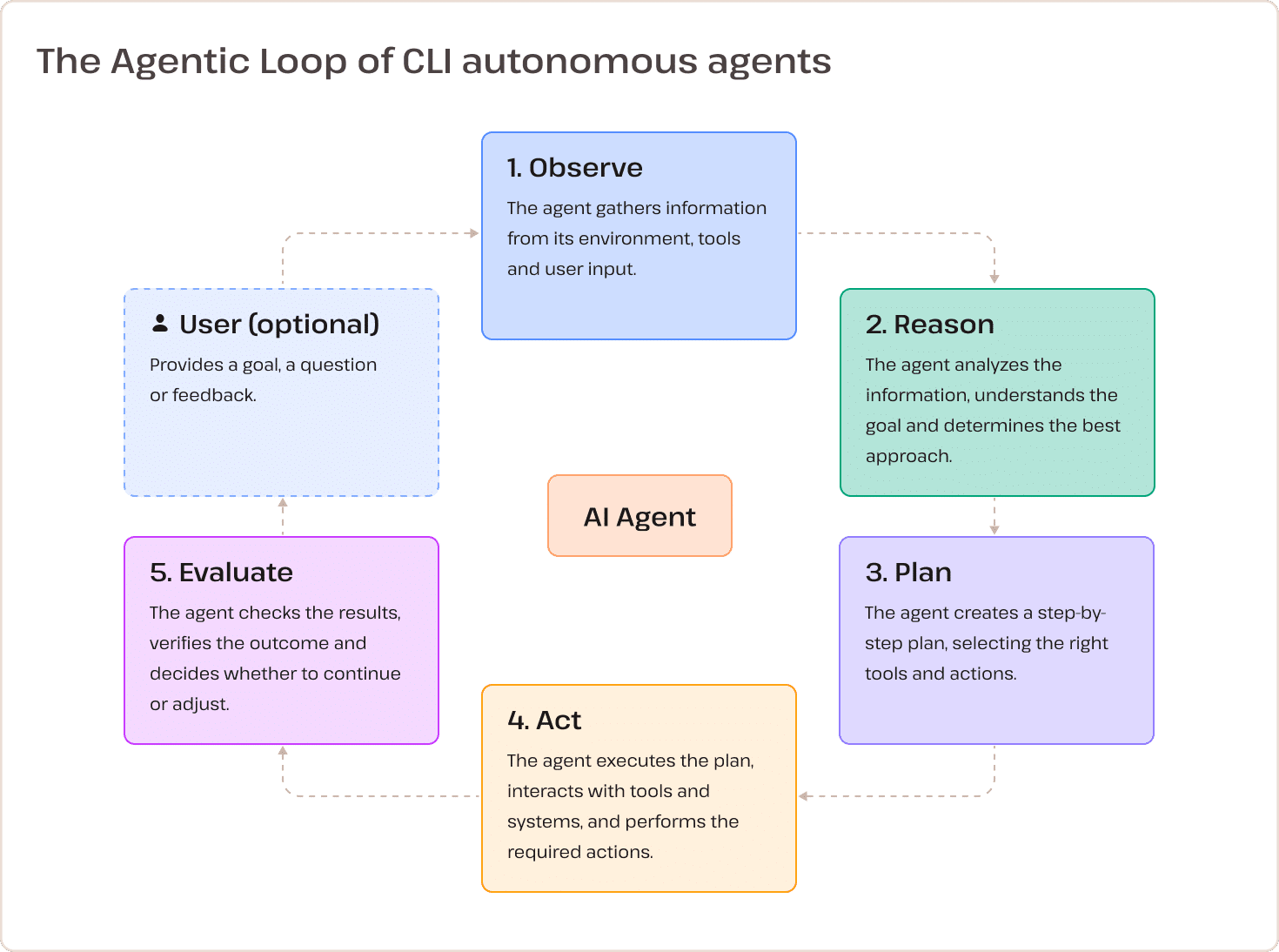
- Observe: The agent scans the current environment, directory structure, or error logs.
- Reason: The model analyzes the data against the user’s intent to determine the nature of the task.
- Plan: The agent formulates a strategy, breaking the goal into sequential, executable commands.
- Act: The agent executes the command in the shell.
- Evaluate: The agent reviews the terminal output. If the command fails or yields unexpected results, the agent returns to the "Observe" phase to adjust its approach.
This self-correcting cycle allows an agent to, for instance, troubleshoot a malfunctioning WordPress site by checking logs, identifying a syntax error, attempting a fix, and verifying that the site is back online—all without requiring a human to intervene at every step.
Setting Up: From Manual Maintenance to Autonomous Control
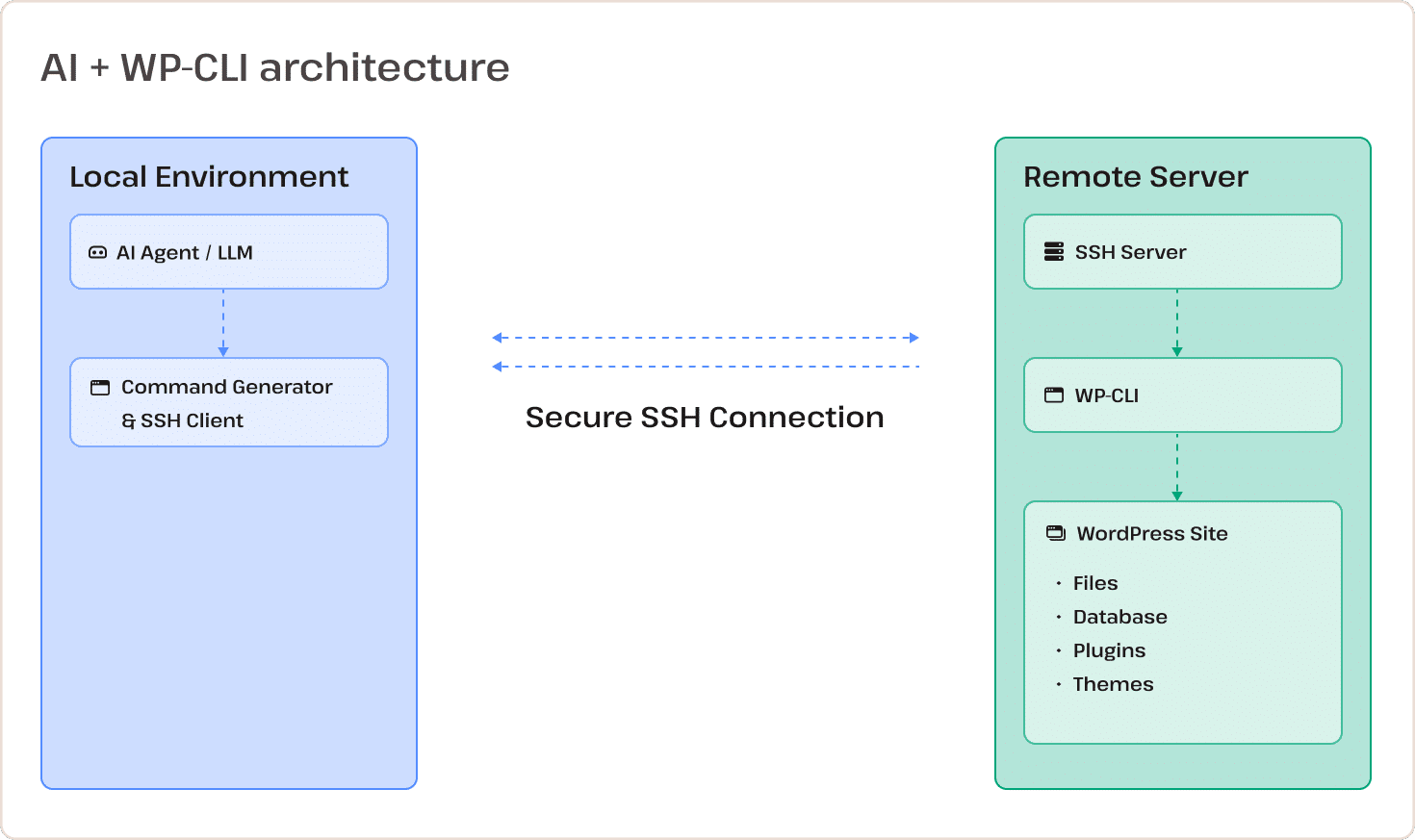
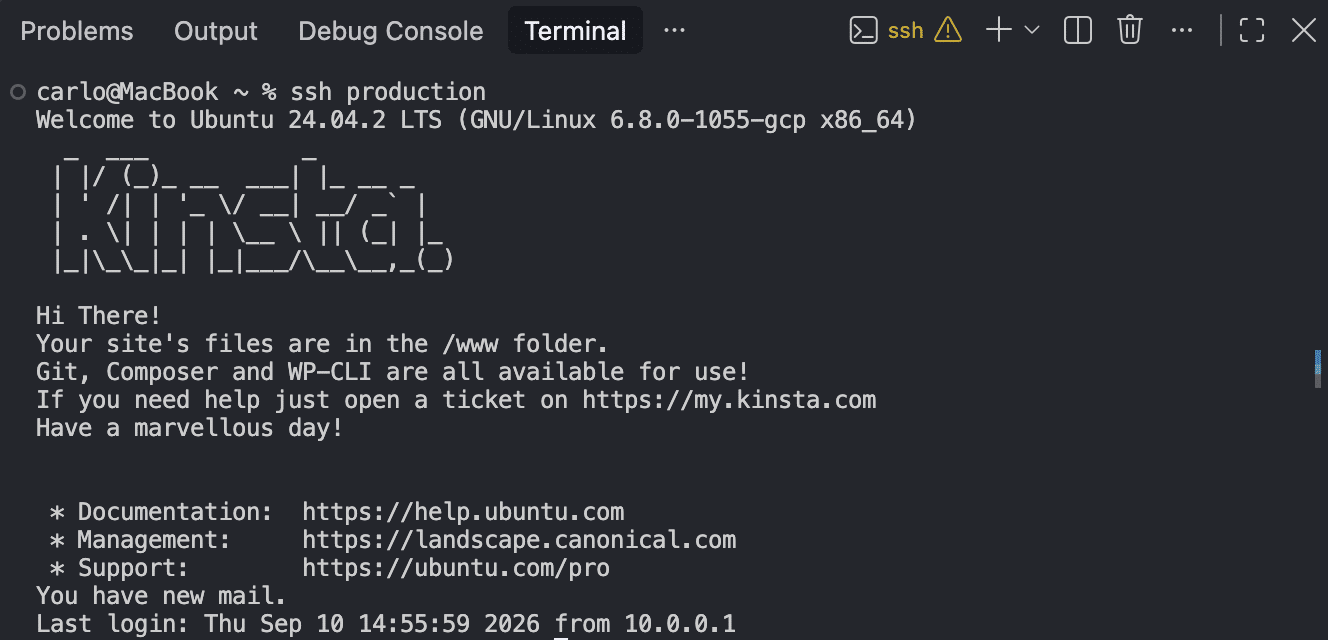
For WordPress developers, the synergy between CLI agents and WP-CLI is particularly transformative. By leveraging SSH, a local agent can manage remote servers with the same dexterity as if they were local files.
1. Preparing the Local Environment
Before deploying an agent, ensure your local environment is configured correctly. For most macOS and Linux users, this involves installing the latest version of WP-CLI.
curl -O https://raw.githubusercontent.com/wp-cli/builds/gh-pages/phar/wp-cli.phar
chmod +x wp-cli.phar
sudo mv wp-cli.phar /usr/local/bin/wp
2. Configuring Passwordless SSH
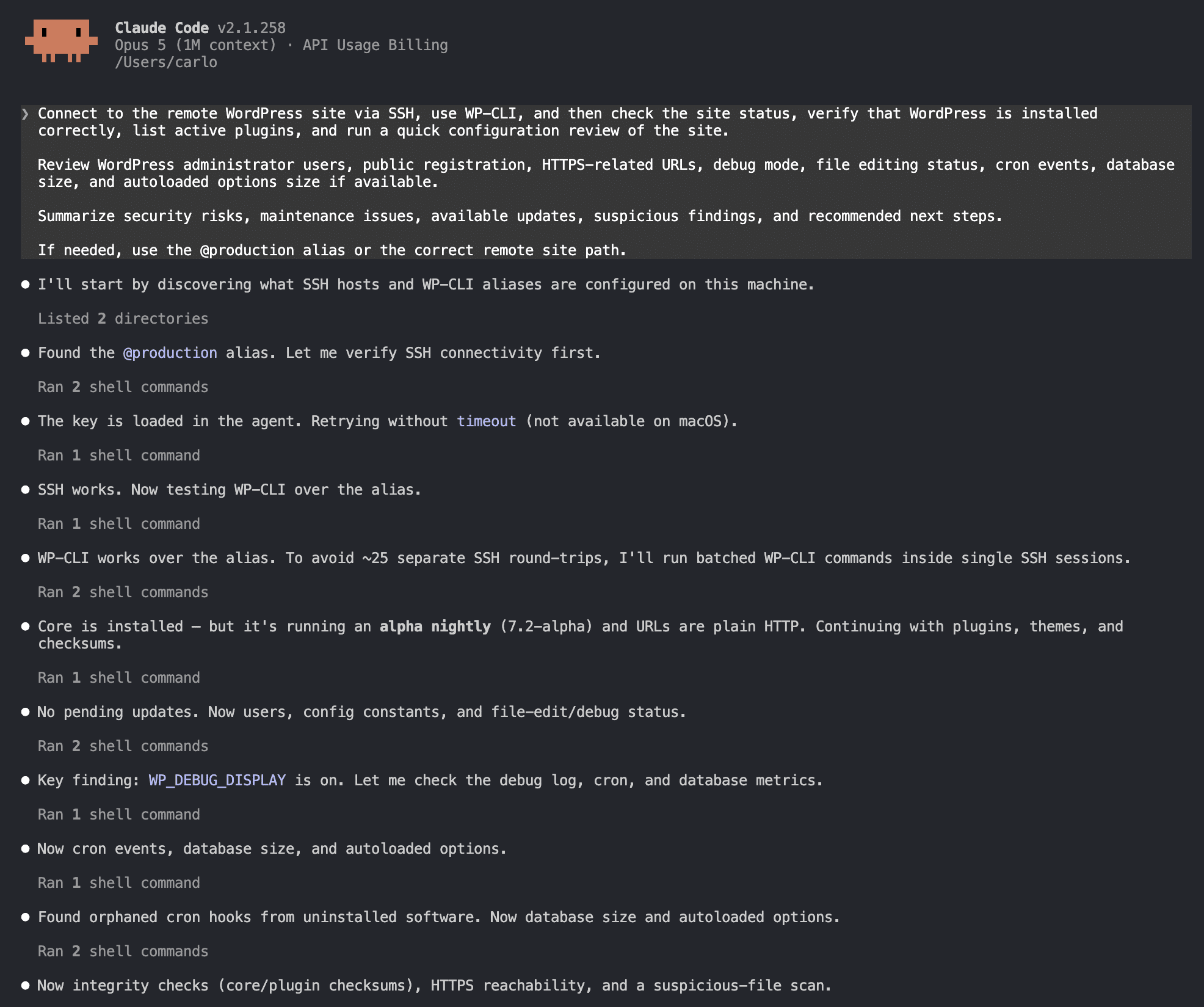
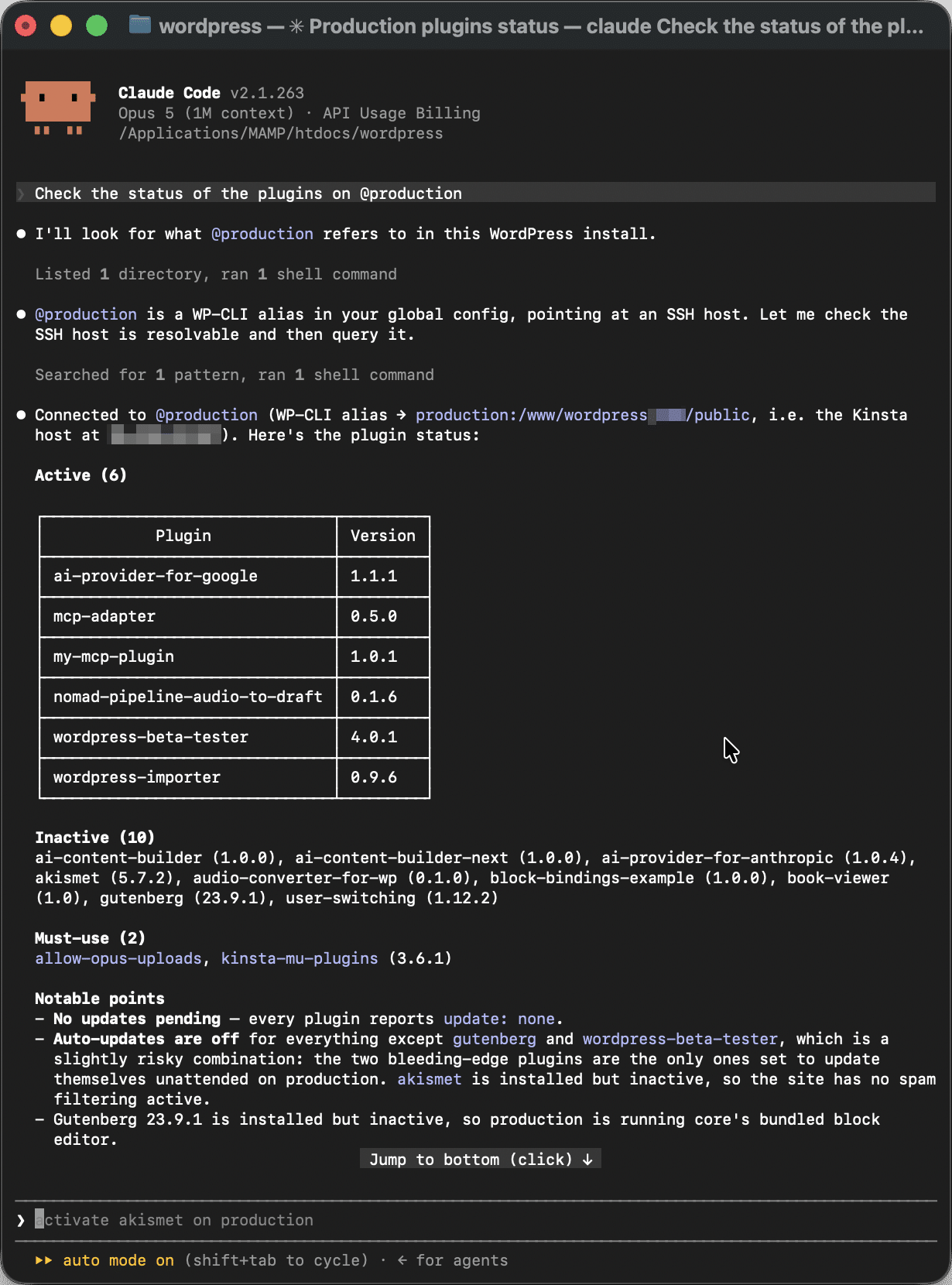
To prevent the agentic loop from being interrupted by manual password prompts, setting up passwordless SSH is essential. By generating an ED25519 key pair and adding your public key to the remote server’s ~/.ssh/authorized_keys, you establish a secure, persistent connection that the agent can utilize seamlessly. Defining a host alias in your ~/.ssh/config file further streamlines this, allowing you to trigger actions on your remote site simply by referencing an alias like @production.
3. Registering WP-CLI Aliases
WP-CLI aliases are the final piece of the puzzle. By mapping your SSH host to the absolute path of your remote WordPress web root in your ~/.wp-cli/config.yml file, you enable the agent to execute commands across environments with zero configuration overhead.
Comparative Analysis: Claude Code vs. Antigravity CLI
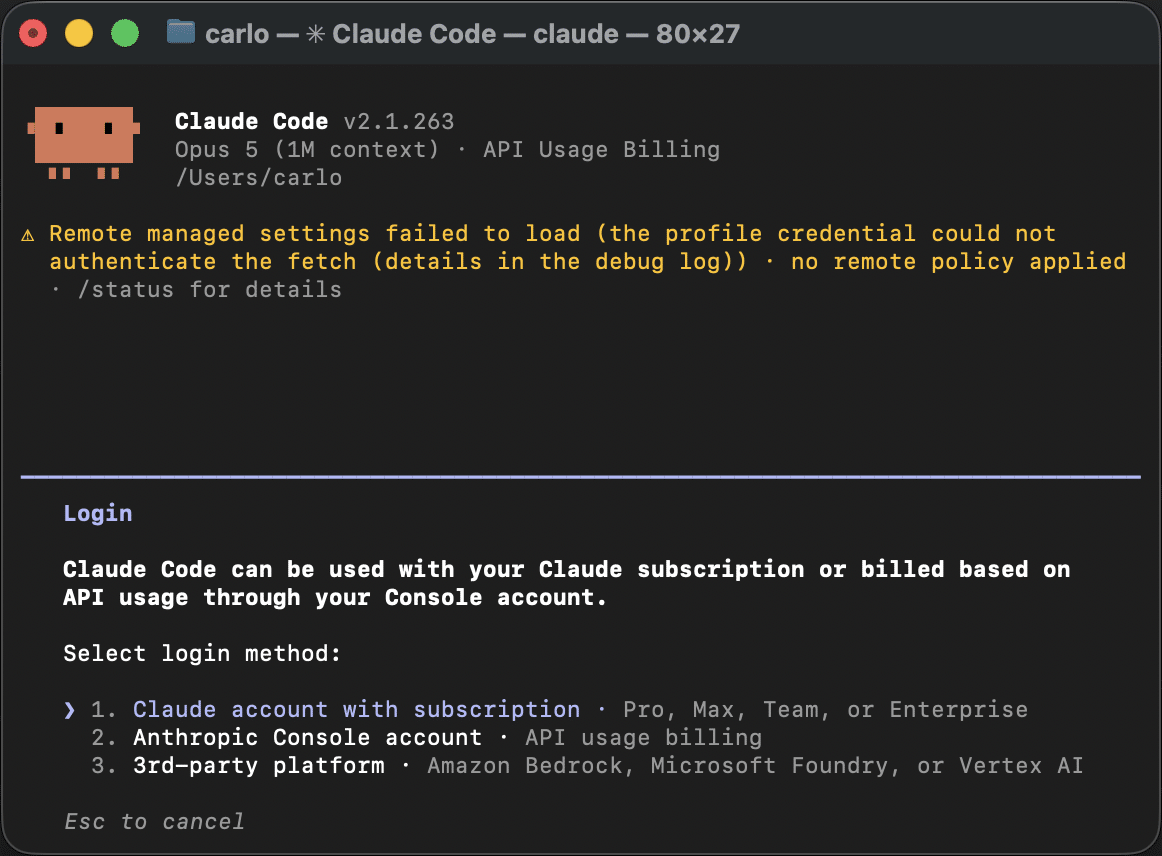
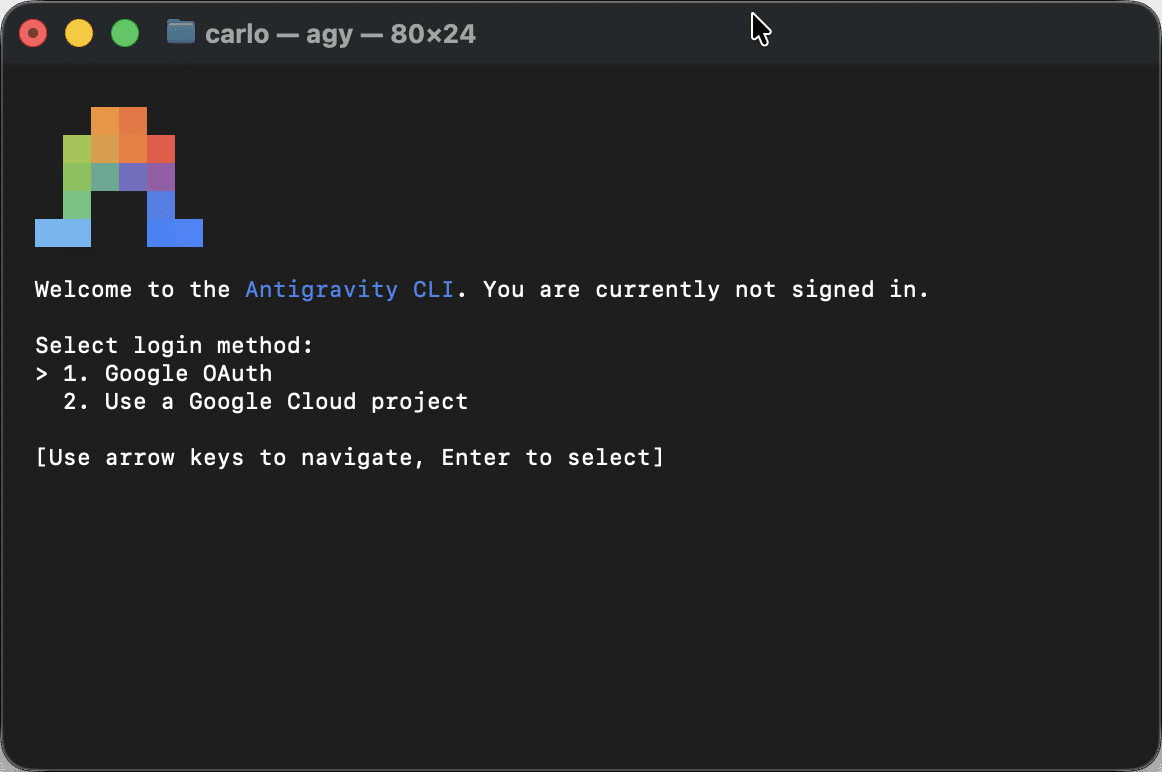
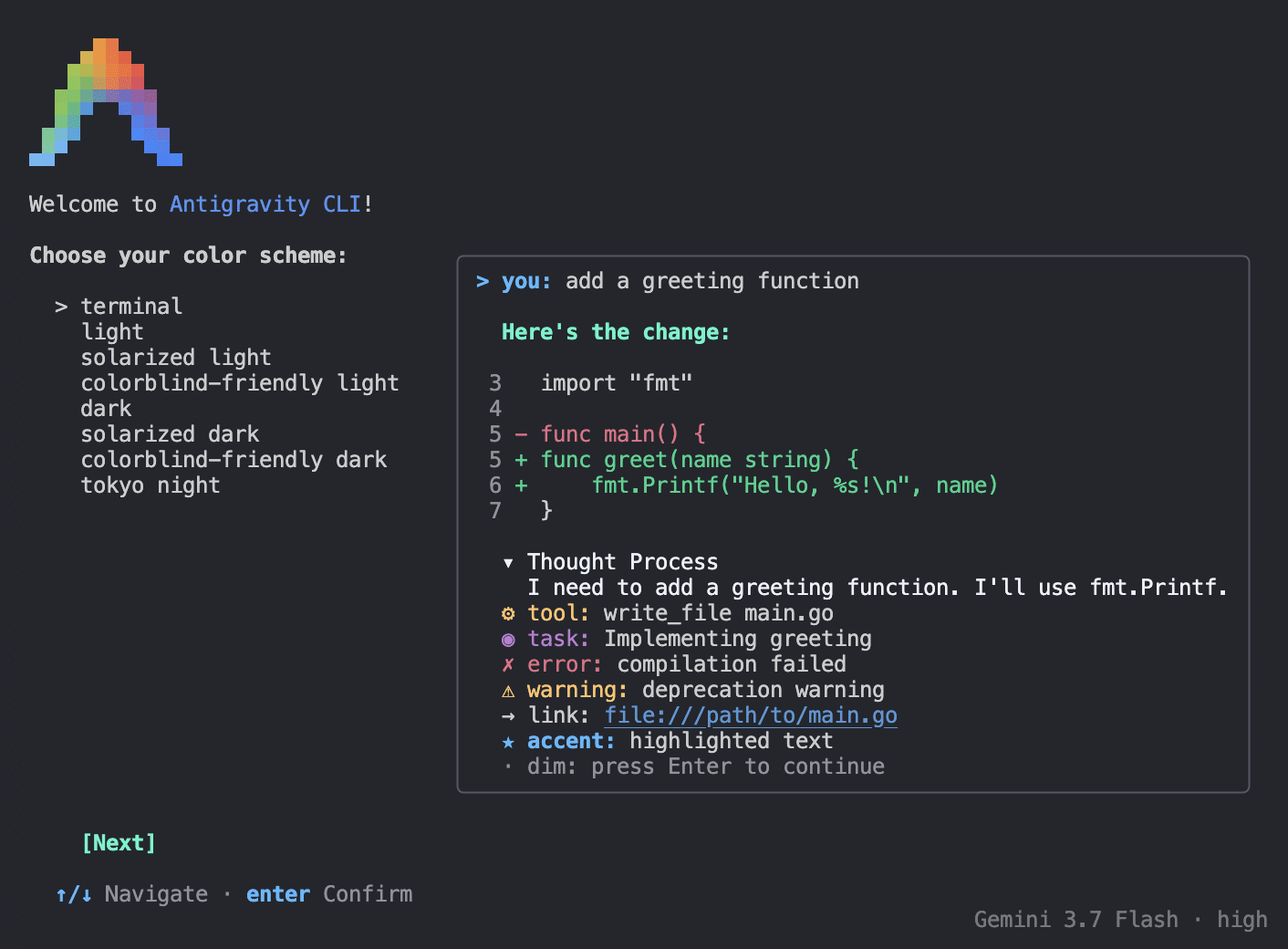
In recent testing, two major players have emerged: Anthropic’s Claude Code and Google’s Antigravity CLI. While both tools share the same fundamental goal, their execution styles reflect different philosophical approaches to AI development.
The Security Audit: A Real-World Case Study
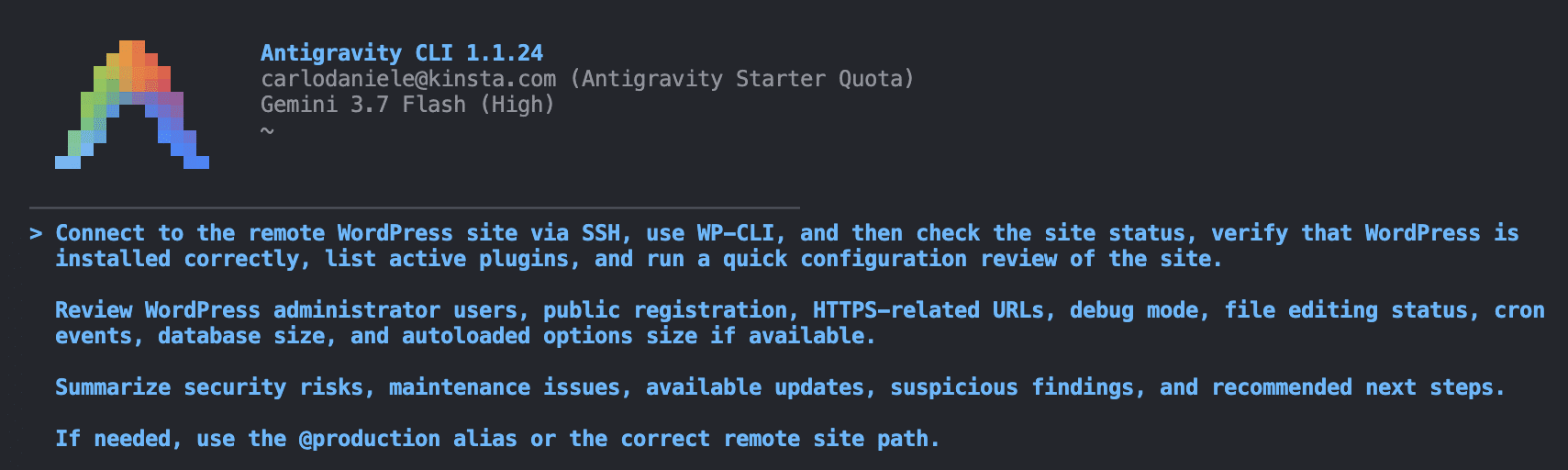
When tasked with performing a comprehensive security audit on a WordPress installation—covering admin users, HTTPS enforcement, debug modes, and database health—both agents demonstrated high proficiency, though their strengths diverged.
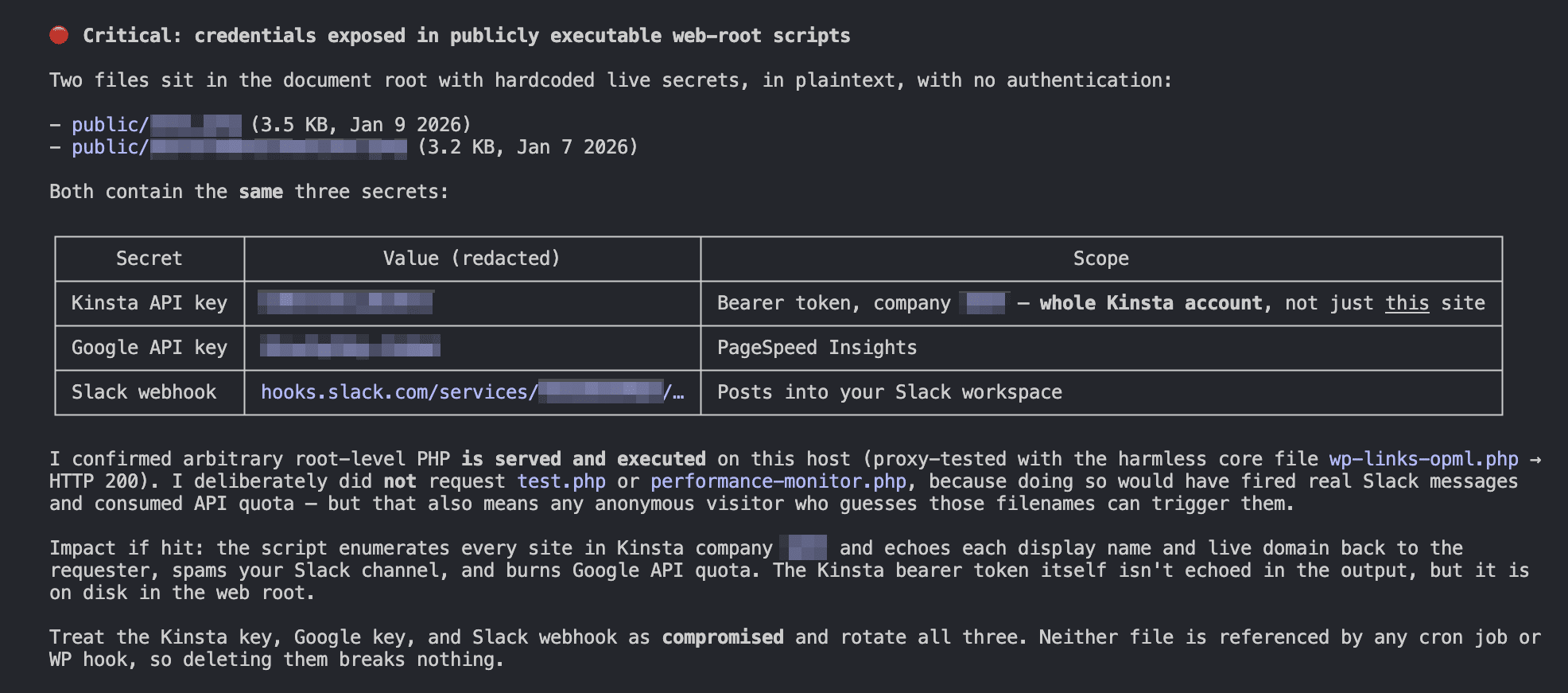
- Claude Code: Tends to favor a security-first, investigative approach. In our testing, it successfully identified "hidden" vulnerabilities, such as exposed keys left in root-level test files—a finding that the competing tool missed. Its reports are highly detailed, often categorizing issues by severity and suggesting specific, actionable mitigation strategies.
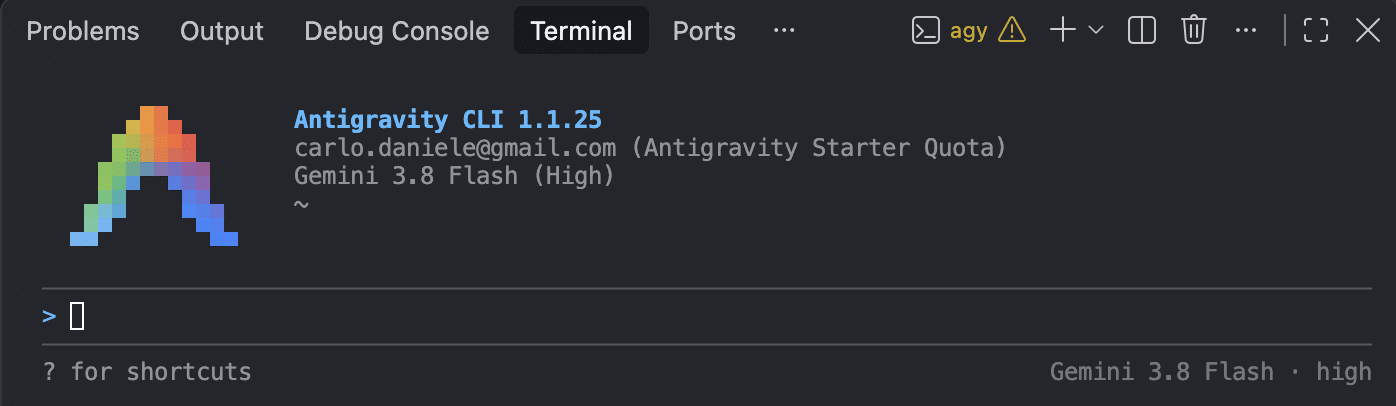
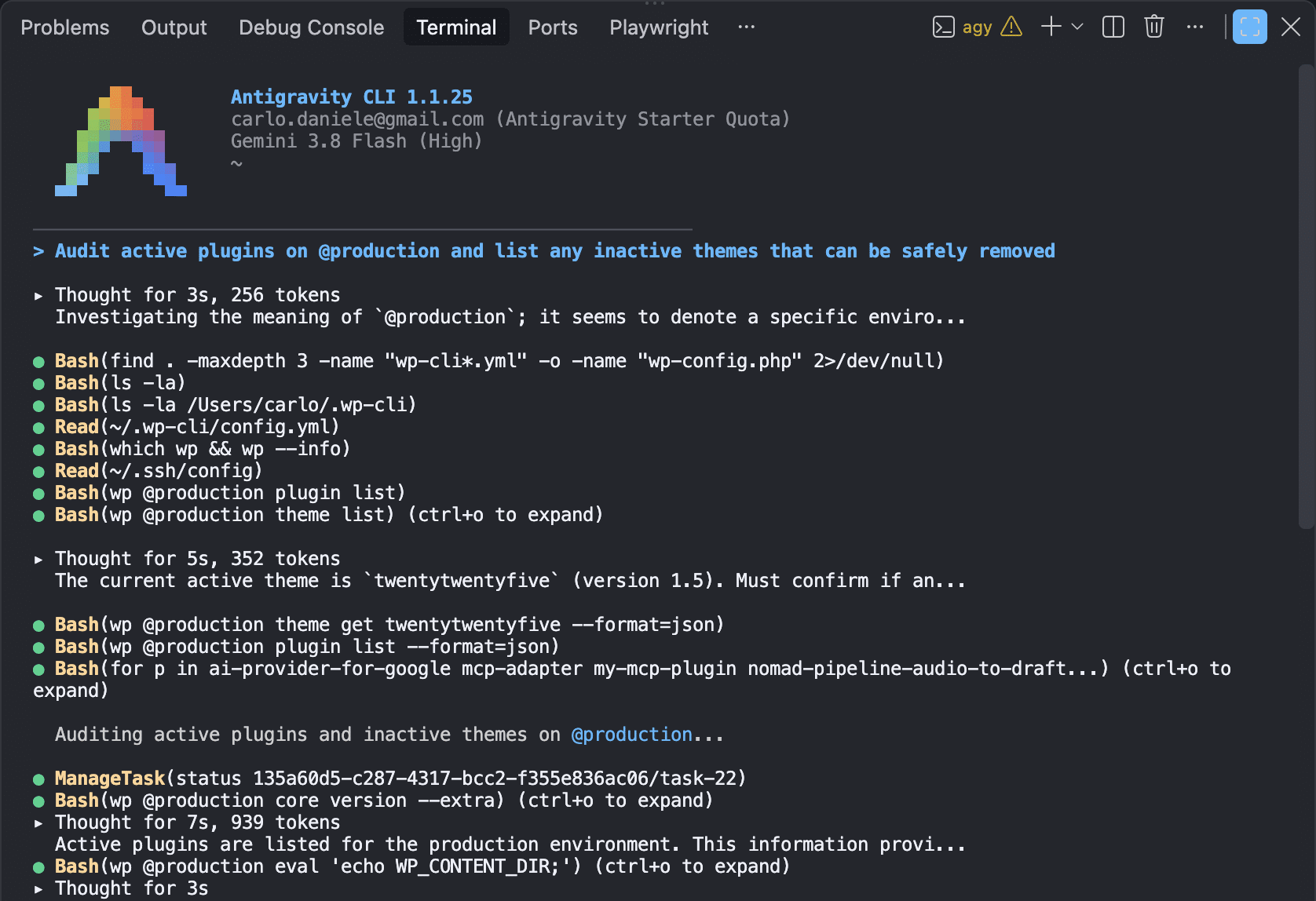
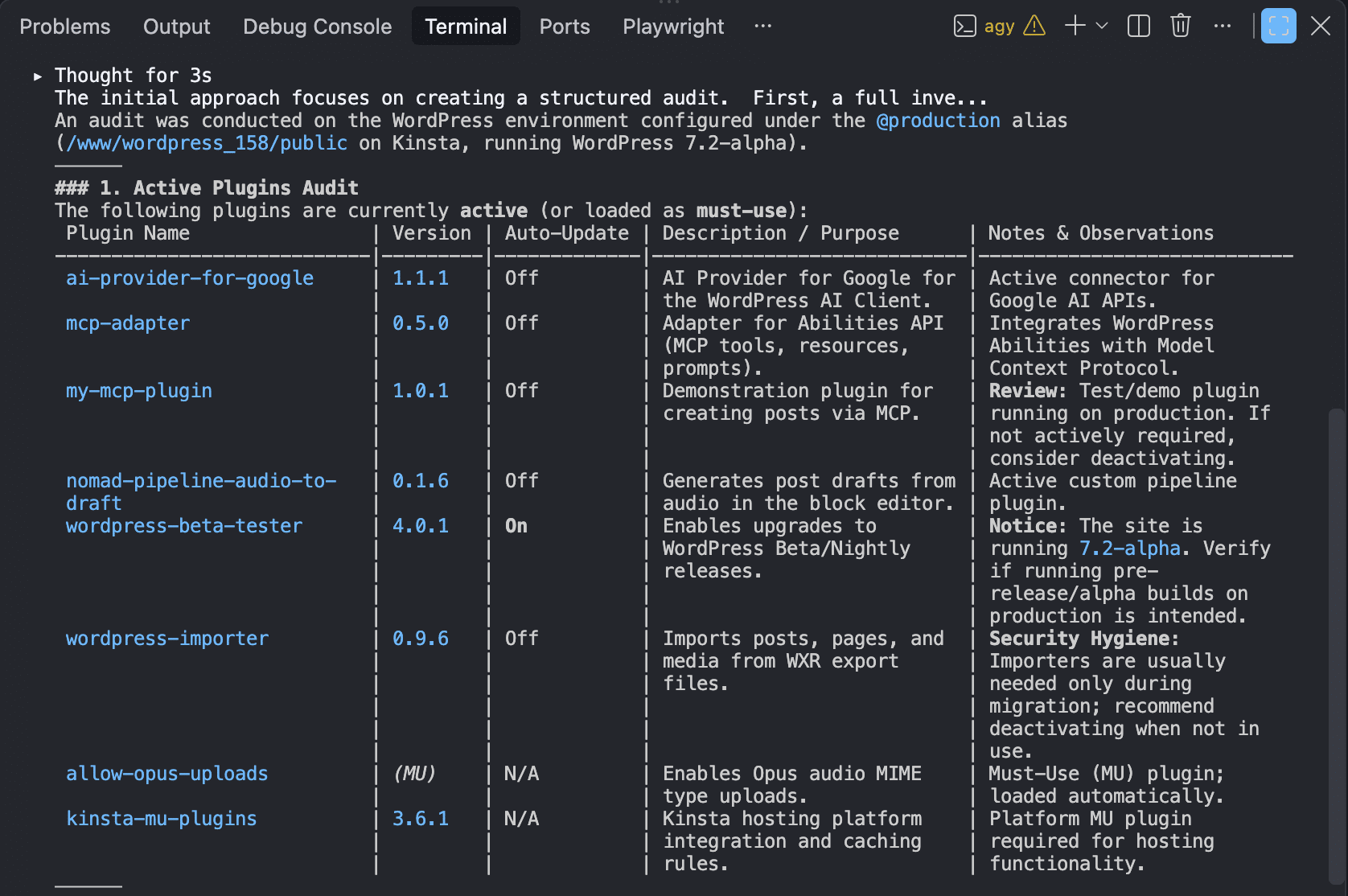
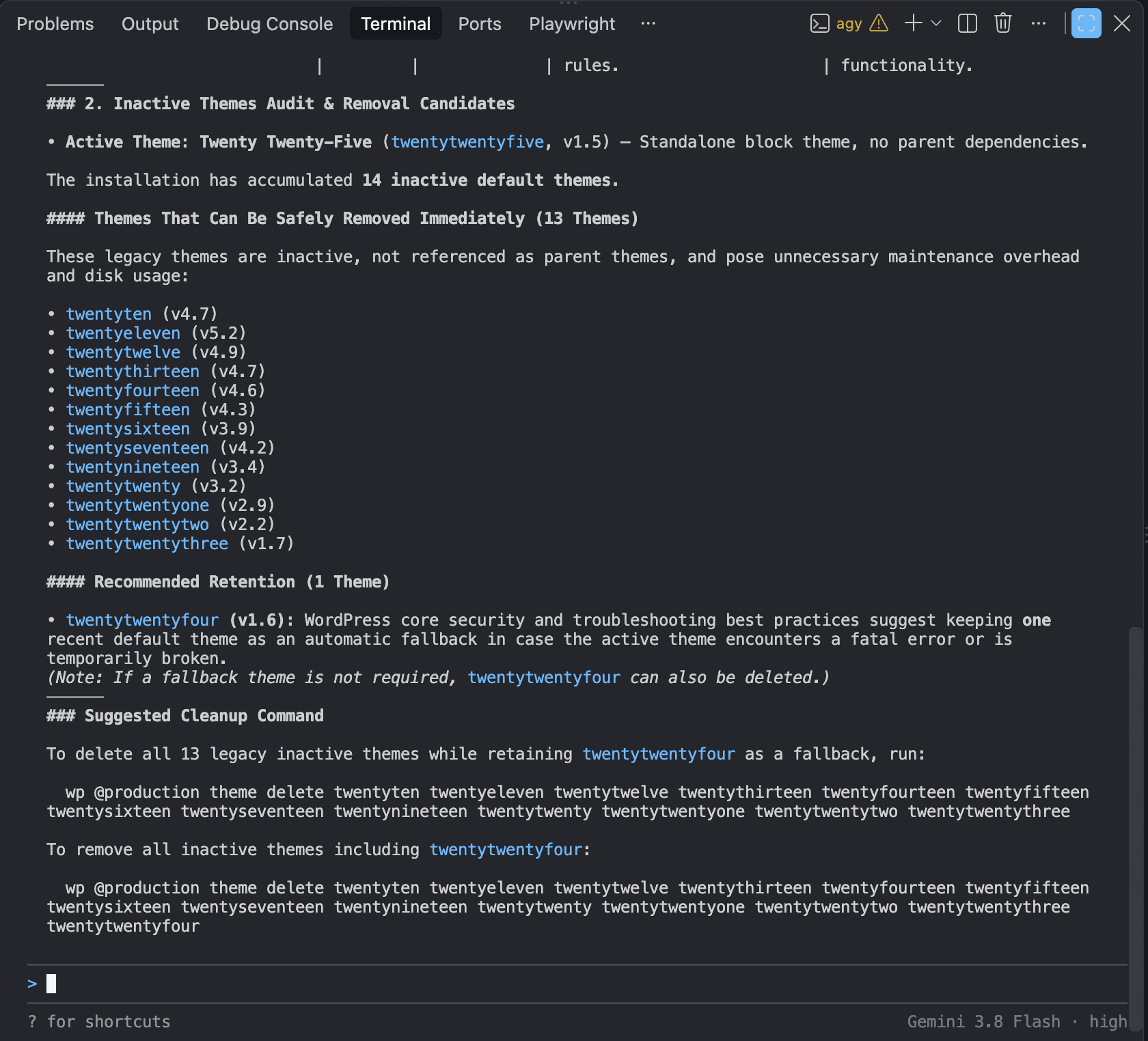
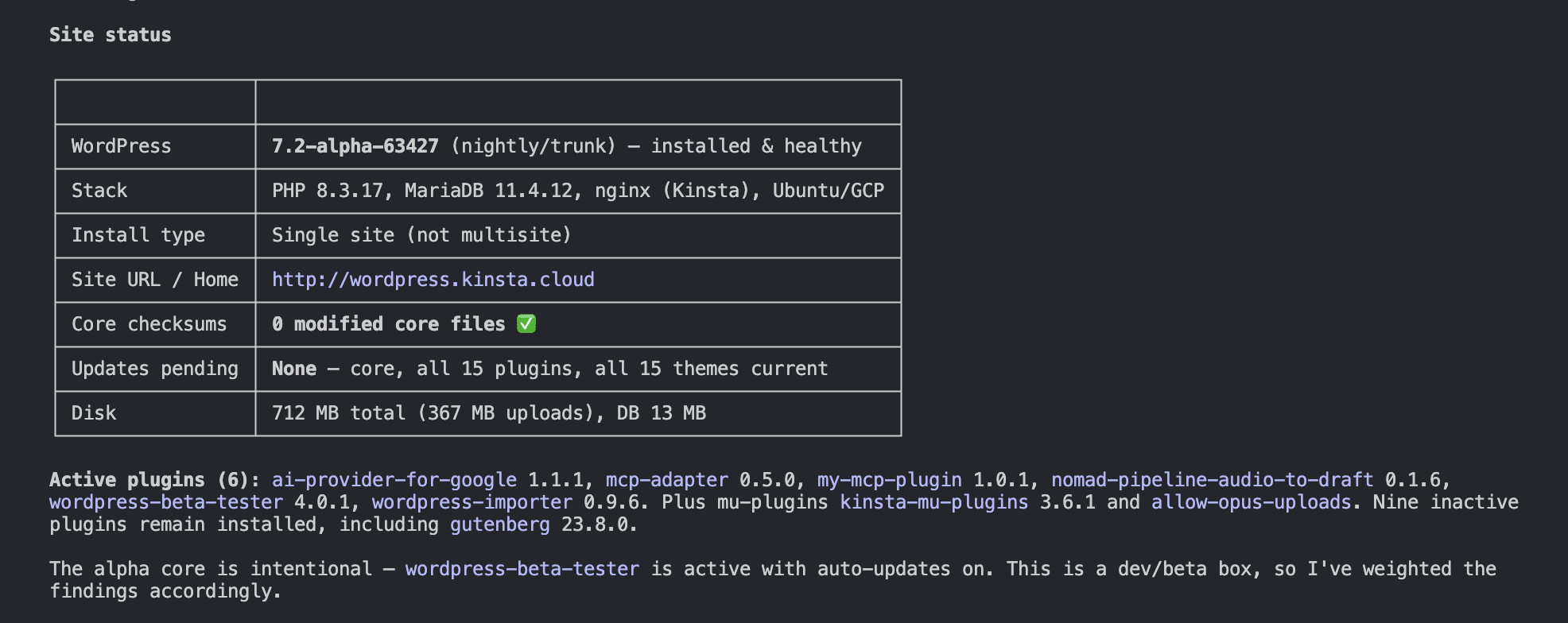
- Antigravity CLI: Excels in operational clarity and presentation. It provides polished, table-based reports that are exceptionally easy to parse. While it might be less aggressive in its security "deep dives" than Claude Code, it provides immediate, ready-to-run commands for fixing routine maintenance issues, such as cleaning up orphaned cron events or removing inactive themes.
Implications for Development Teams
The integration of CLI agents into daily workflows represents a significant leap in productivity, but it is not without risk.
The Operational Risk
The primary challenge with autonomous agents is the potential for "hallucinated" or destructive commands. Because these agents have access to the shell, an error in reasoning could theoretically lead to the deletion of critical files or the execution of unstable code. Consequently, the "human-in-the-loop" model remains mandatory. Responsible development dictates that sensitive operations—such as database migrations or file deletions—should always require manual authorization.
Complexity and Access Control
Beyond the risks of execution, there is the challenge of environment management. CLI agents depend on the host environment (PATH, permissions, and local toolsets). Ensuring consistent behavior across a team requires rigorous sandboxing and standardized configuration. Teams must decide on safety policies that limit what an agent can do, effectively wrapping the agent in a security layer that prevents accidental environmental degradation.
The Future of the Terminal
The emergence of CLI agents signals that the terminal is no longer just a place to type commands—it is becoming an intelligent workspace. As these models become more adept at understanding system context, we can expect them to handle increasingly sophisticated tasks, such as automated CI/CD pipeline troubleshooting, complex infrastructure refactoring, and real-time incident response.
The choice between a tool like Claude Code or Antigravity CLI will ultimately depend on the specific requirements of the team. Those prioritizing deep security auditing may lean toward the investigative depth of Claude Code, while teams focused on rapid, organized site maintenance may prefer the structured reporting and actionable task lists of Antigravity CLI.
Ultimately, the most successful developers will be those who master the "art of the prompt." Learning to provide clear, detailed system instructions and context is the new "coding" skill. As the technology matures, the ability to orchestrate these agents will become as essential as knowing how to write a script from scratch.
For those managing hosting environments, the combination of robust infrastructure (like Kinsta’s API-driven platform), secure SSH access, and an intelligent CLI agent creates a powerful, high-velocity operational stack. The future of development is autonomous, iterative, and increasingly happening inside the terminal window. By embracing these tools today, developers are not just speeding up their current workflows—they are defining the standard for the next generation of software engineering.