In the digital age, the smartphone has evolved from a simple communication device into a professional-grade camera suite. At the heart of this transformation is Adobe Lightroom Mobile, an application that has fundamentally redefined the workflow for photographers on the go. Whether you are a seasoned professional capturing high-stakes assignments or a hobbyist documenting daily life, Lightroom Mobile provides an unparalleled suite of tools that bring desktop-class editing power to the palm of your hand.
However, the secret weapon of the modern mobile photographer is not just the editing software itself, but the use of Lightroom Presets. These pre-configured settings allow users to apply complex adjustments—such as exposure correction, color grading, contrast, and saturation—with a single tap. By automating the technical heavy lifting, presets allow photographers to focus on the art of composition and the spontaneity of the moment.
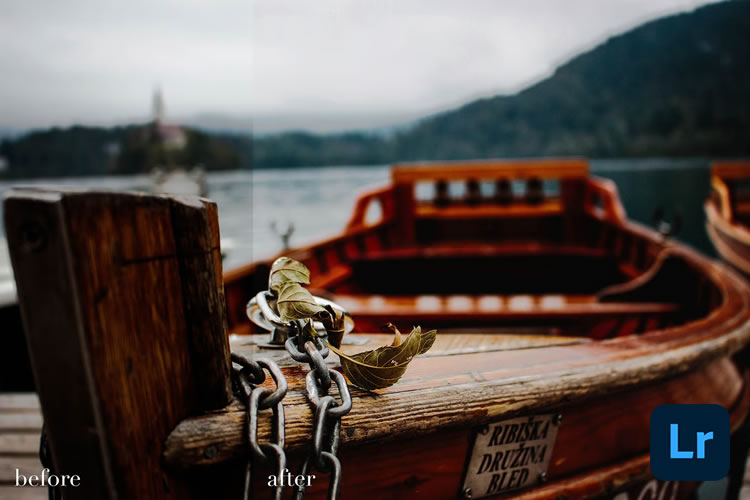
The Evolution of Mobile Editing: Why Presets Matter
The rise of social media platforms like Instagram and TikTok has created a demand for high-quality, visually consistent imagery. For content creators and professional photographers, maintaining a "brand aesthetic" is crucial. This is where presets prove their worth. By applying a consistent filter or adjustment layer across a series of images, a photographer can ensure a uniform look that defines their portfolio.
Beyond consistency, presets serve as a significant time-saver. Manual editing—adjusting individual sliders for highlights, shadows, and white balance—can be an exhausting process. Presets streamline this workflow, allowing users to batch-process their favorite shots, thereby freeing up more time to capture new content.
A Curated Collection of Free Lightroom Mobile Presets
To assist you in your creative journey, we have curated a selection of the best free Lightroom Mobile presets available today. Each of these has been chosen for its unique ability to transform raw, unedited mobile captures into professional-grade imagery.
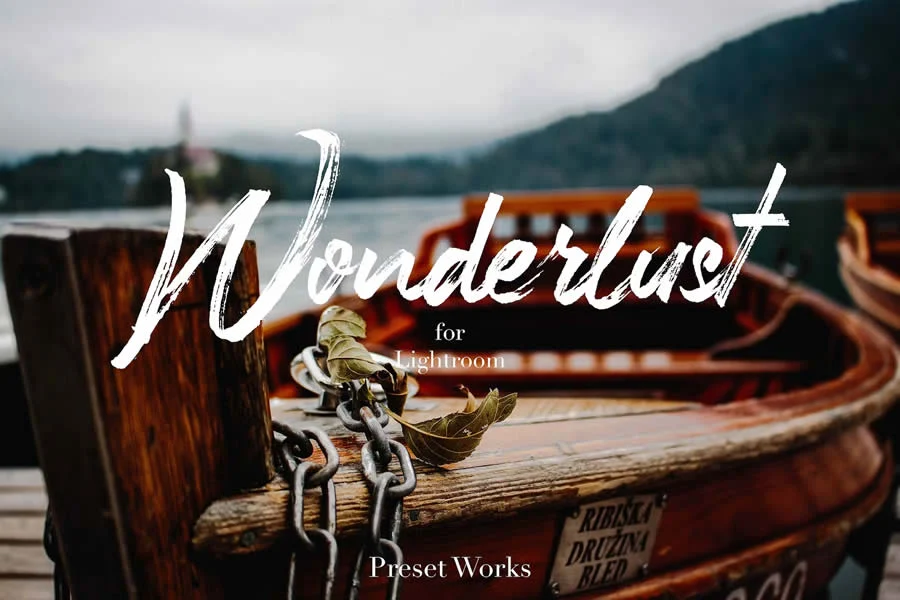
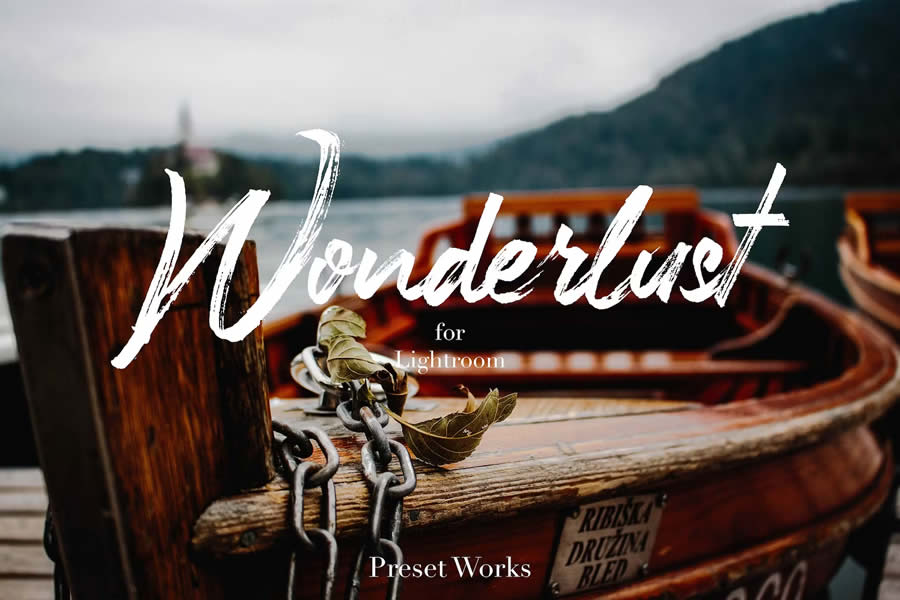
1. The Wanderlust Collection
Whether you are documenting the chaotic energy of a Tokyo street market or the serene silence of a mountain trail, the Wanderlust Mobile Presets are designed to elevate your travel photography. They emphasize natural lighting and vibrant color balance, ensuring that every adventure is captured with clarity and professional polish.
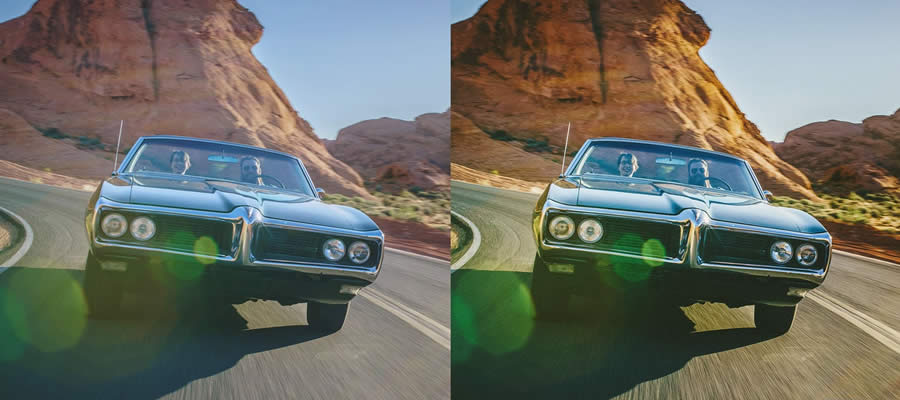
2. Road & Travel: The Vintage Aesthetic
For those who favor the nostalgic look of classic film, the Road & Travel Lightroom Preset is an essential download. By introducing subtle color shifts and a soft fade, this DNG-based preset brings a sense of history and storytelling to your travel photos.
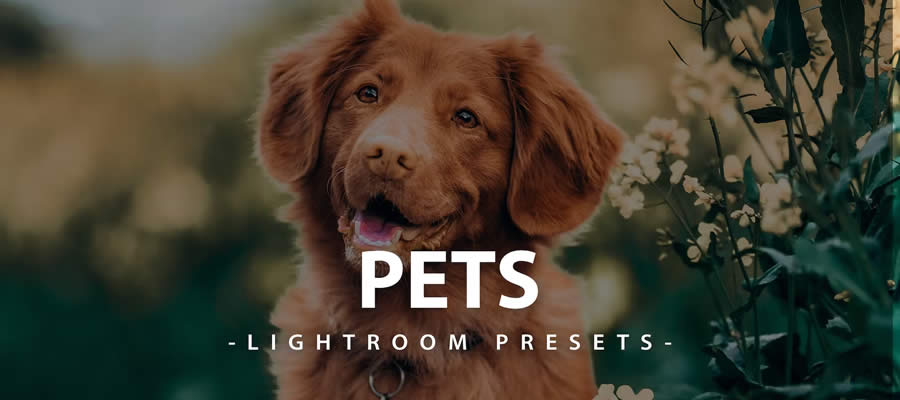
3. Capturing Life: Presets for Pets
Our animal companions bring immense joy, but they are often difficult to photograph due to their erratic movement and varying lighting conditions. Mobile Lightroom Presets for Pets are specifically calibrated to enhance fur textures and bring out the "spark" in their eyes, ensuring your furry friends look their best.
4. Bronze Effect: Dramatic Flair
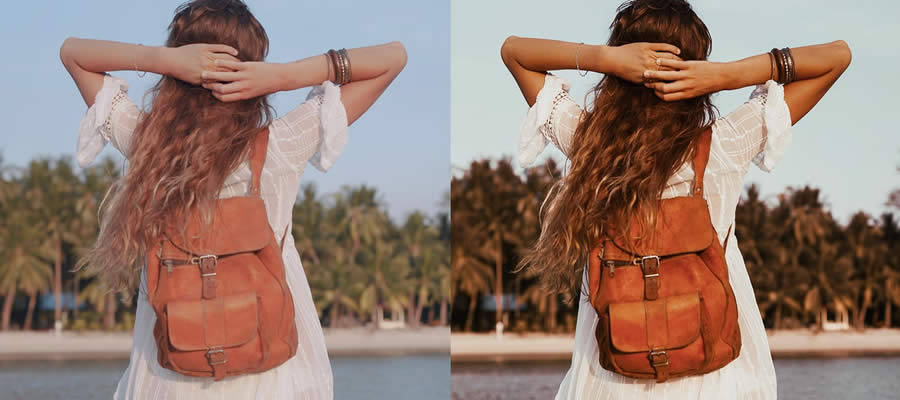
Sometimes a photo requires a mood shift to be truly impactful. The Bronze Effect Mobile Preset envelops your images in deep, metallic tones. It is particularly effective for sunset portraits or architectural photography where a sense of warmth and drama is required.
5. Landscape Mastery: A 35-Preset Collection
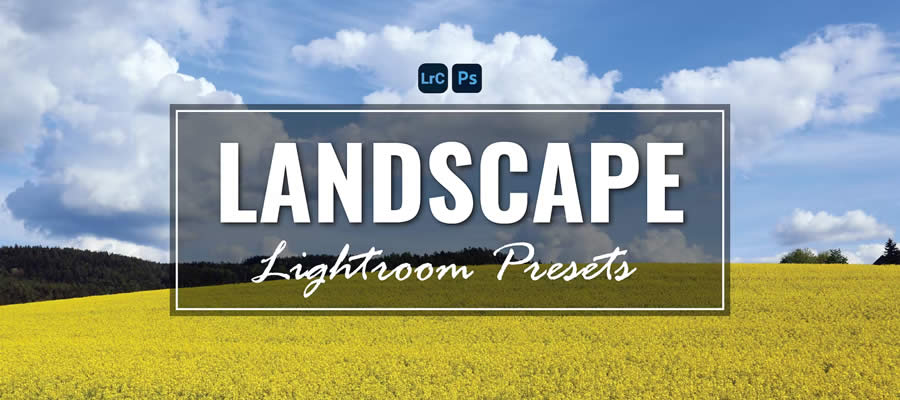
Nature photography presents unique challenges, particularly regarding dynamic range. This comprehensive collection of 35 free landscape presets provides specific adjustments for outdoor environments, from lush forests to expansive coastlines, ensuring the grandeur of the wilderness is fully preserved.
6. The Cinematic Grittiness
For photographers who prefer an edgier, film-noir aesthetic, the Cinema Effect Mobile Preset is the industry standard. By utilizing green-tinted shadows and a slightly muted palette, it turns everyday urban scenes into emotionally charged, story-driven stills.
7. The Influencer Look: Instagram-Ready Styles
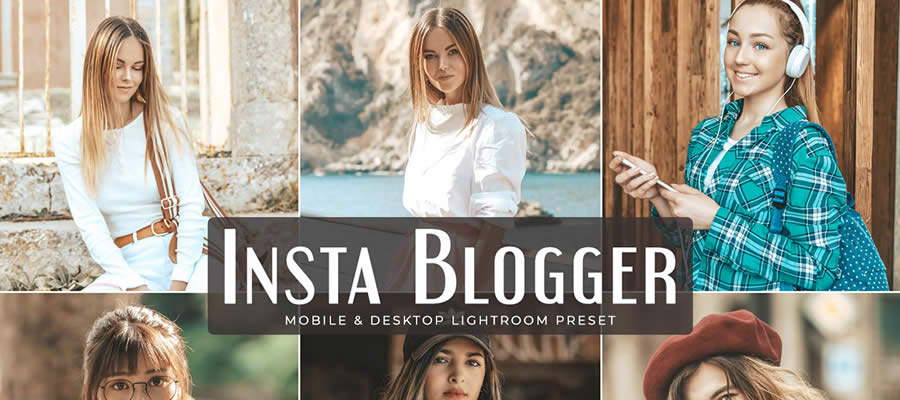
Modern digital branding requires a clean, polished look. The Insta Blogger Preset is specifically designed to replicate the high-key, bright, and airy aesthetic favored by top social media influencers. It is the perfect tool for keeping your feed at the forefront of digital trends.
8. Grainy Retro Aesthetics
Nostalgia is a powerful tool in modern photography. The Grainy Mobile Lightroom Presets collection adds a tactile, film-like texture to digital images. This is perfect for street photography, where the grit adds a layer of authenticity to urban exploration.
9. Film Pop: Analog Charm
Film Pop strikes a balance between modern sharpness and the authentic, vibrant colors of analog photography. It is the ideal choice for those who want the reliability of a digital sensor with the soulful aesthetic of 35mm film.
10. Introvert Retro: Muted Reflections
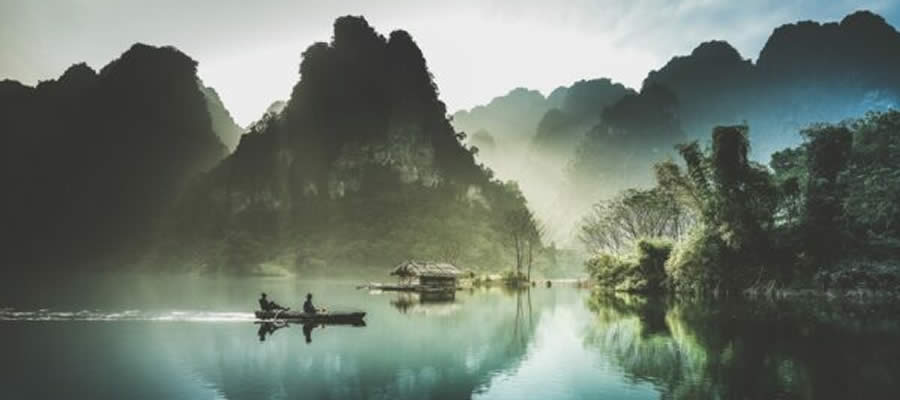
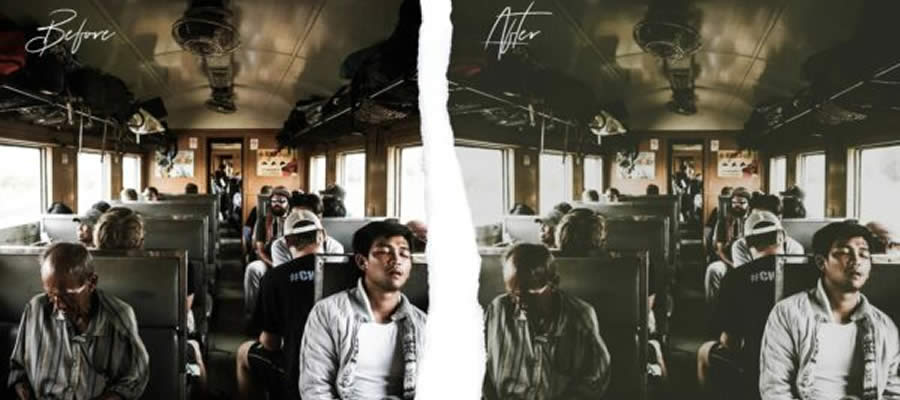
Sometimes, the best stories are quiet ones. The Introvert Retro preset offers a somber, muted color grade with soft green undertones. It is designed for contemplative, minimalist photography where the mood matters more than the saturation.
11. Orange & Teal: The Urban Classic
No list of presets would be complete without the iconic Orange & Teal look. This high-contrast style separates the warm skin tones and architectural highlights (orange) from the cool shadows and sky (teal), creating a stunning, high-fashion aesthetic that is perfect for cityscapes.
12. Cinematic Excellence
For those seeking a professional, big-budget movie look, the Cinematic Lightroom Mobile Presets offer sophisticated color science. They provide clean, vibrant adjustments to blues and greens, making them ideal for both portraiture and scenic work.
13. Groovy Wedding Presets
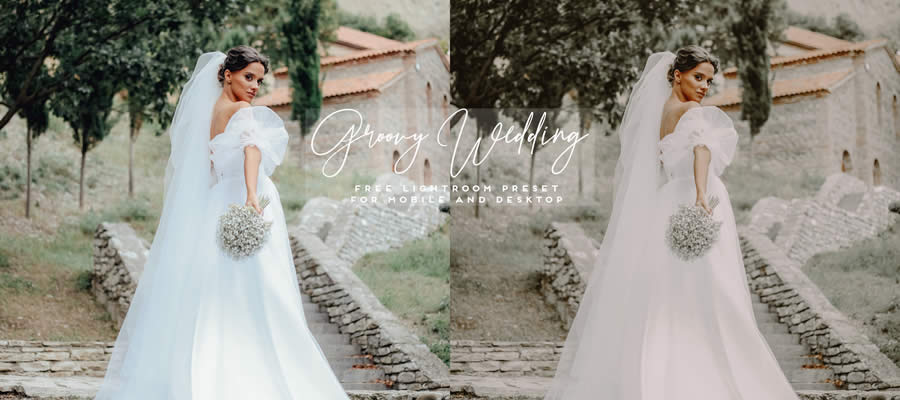
Wedding photography is about capturing fleeting, emotional moments. The Groovy Wedding preset provides a soft, romantic atmosphere, ensuring that every candid glance and intimate detail is rendered in a warm, timeless light.

14. Chocolate Matte: Cozy and Timeless
The Chocolate Matte preset is a masterclass in subtlety. By blending rich, warm brown tones with a matte finish, it removes the "digital harshness" of modern smartphone cameras, resulting in cozy, inviting, and timeless imagery.
15. Architectural & Interior Design
Interior photography requires precision. The Interior Design Lightroom Preset is tailored to emphasize lines, textures, and lighting balance. It ensures that the architectural details of a room are highlighted, making every space look like a spread in a design magazine.

16. Film Grade: The Raw Charm
Film Grade is a direct nod to the golden age of cinema. It adds a gentle grain and a slightly desaturated color profile, perfect for photographers who want their images to feel like a frame pulled from a classic movie.
17. Miami Beach: Summer Glow
The Miami Beach preset is all about maximizing vibrancy. It is designed to boost sun-kissed tones, making beach photography look luminous and full of life, even if the original weather was overcast.
18. Indoor Fashion: The Runway Look
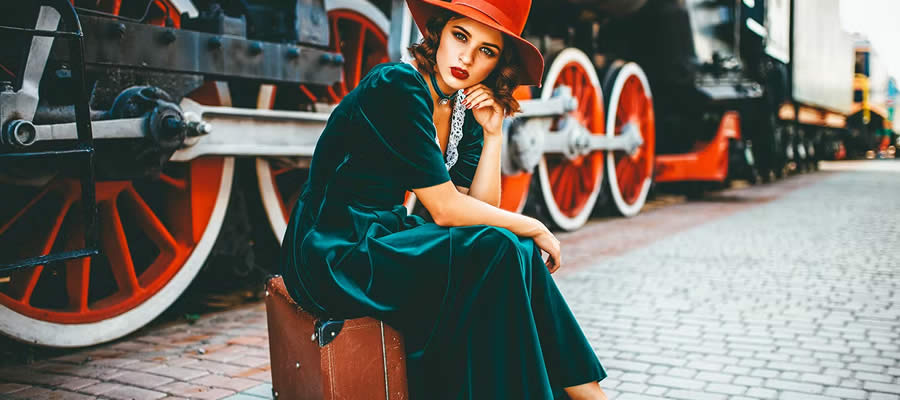
Fashion photography requires a sharp, polished, and sophisticated finish. The Indoor Fashion Mobile Preset is optimized to handle low-light conditions often found in studios or indoor settings, ensuring the subject remains the focal point with elegant contrast.
19. Moody Light: Narrative Intensity
Sometimes you need to tell a darker story. Moody Light uses heavy blacks and deep, rich colors to create an atmosphere of mystery. It is the go-to choice for dramatic portraiture and street photography.

19. Coffee House Vibes
The Coffee Mobile Lightroom Preset leans into the "warm, cozy, and caffeinated" aesthetic. With deep browns and a gentle fade, it is perfect for lifestyle, food, and travel shots that need an inviting, comfortable feel.
Technical Implications and Best Practices
While presets are powerful, they are not a "one-size-fits-all" solution. The success of a preset depends heavily on the original photograph. Factors such as the quality of light, the camera sensor’s capabilities, and the original exposure settings all influence how a preset will render.
Adjusting for Success
Even after applying a preset, it is considered best practice to make minor manual adjustments. Adobe Lightroom Mobile makes this intuitive:
- Exposure: If a preset makes your photo too bright or dark, adjust the exposure slider first.
- White Balance: If the color temperature feels "off," use the Temp and Tint sliders to neutralize the skin tones.
- Cropping: Often, a slight crop or adjustment to the perspective can dramatically improve the composition, even if the color grading is already perfect.
The Future of Mobile Creativity
The democratization of professional editing tools has fundamentally shifted the power balance in the photography industry. A decade ago, achieving these looks required expensive desktop software and years of technical training. Today, a teenager with a smartphone and a free collection of presets can create imagery that rivals professional magazine work.
As we look toward the future, the integration of AI-driven presets—which can analyze the content of a photo (e.g., detecting a face, a landscape, or a pet) and adjust settings dynamically—will continue to push the boundaries of what is possible. However, the human eye and the creative intent of the photographer will remain the most critical components of the process.
Conclusion
Lightroom Mobile has bridged the gap between the casual snap and the professional photograph. By utilizing the presets outlined in this guide, you are not just applying filters; you are adopting a visual language that allows you to express your unique perspective. Whether you are chasing the golden hour, documenting your travels, or simply capturing the quiet beauty of your daily life, these tools are designed to ensure your memories are preserved with the quality they deserve.
Take the time to experiment with these presets. Apply them, tweak the sliders, and observe how they transform your work. The goal is not just to make your photos look "better," but to make them feel exactly the way you experienced the moment when you pressed the shutter button. Happy shooting!