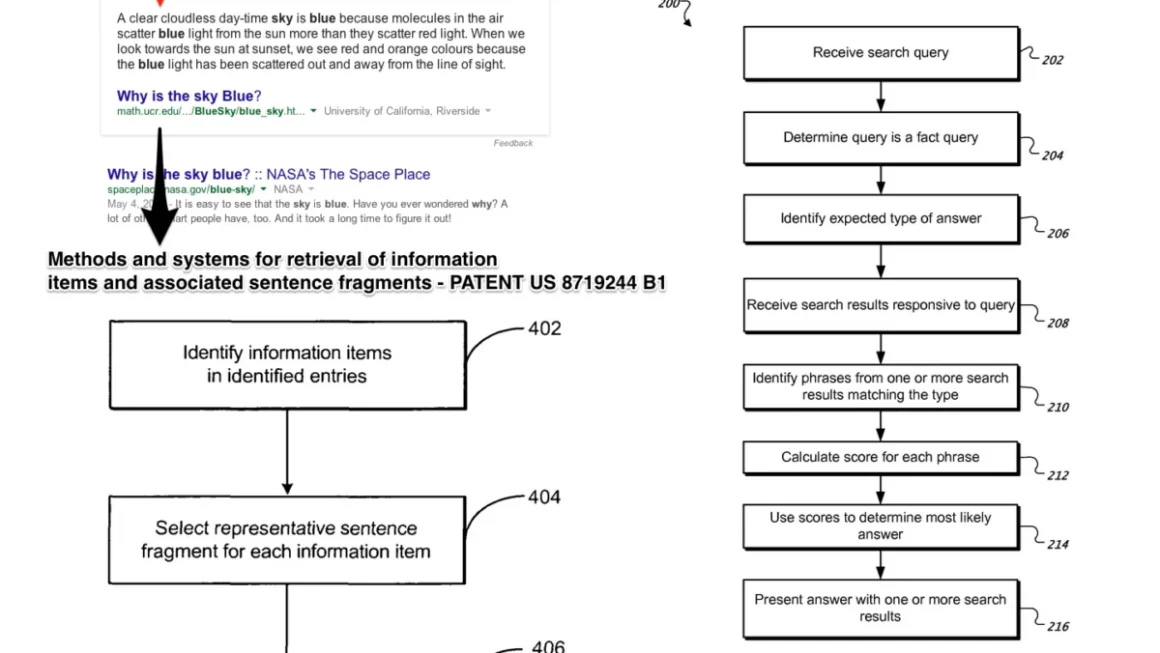








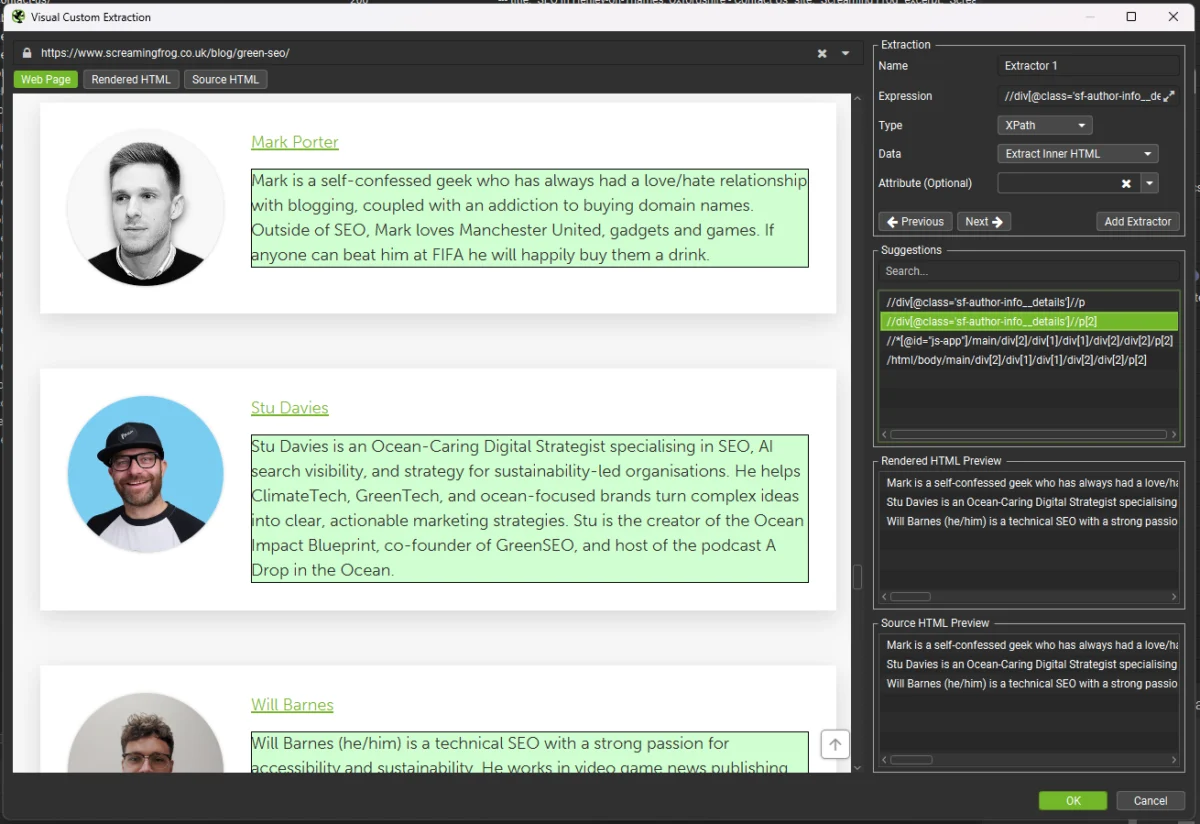
As artificial intelligence and Large Language Models (LLMs) cement their place in modern technical operations, search engine optimization (SEO) professionals and data engineers face a growing operational hurdle. Building Retrieval-Augmented Generation (RAG) pipelines, preparing fine-tuning datasets, and executing large-scale content audits all begin with the same fundamental requirement: extracting unstructured web content and transforming it into a clean, standardized, and machine-readable format.
Among the various text formats available today, Markdown has emerged as the definitive standard for AI workflows. It is lightweight, retains core document structure via semantic elements like headings and lists, and is natively understood by nearly every LLM on the market. However, extracting Markdown cleanly at scale remains deceptively complex. Modern web pages are bloated with extraneous elements—navigational menus, dynamic cookie consent banners, targeted advertisements, sidebars, and footers. Manually stripping these elements across thousands of URLs is entirely impractical.
To solve this enterprise-grade data engineering challenge, practitioners are turning to the Screaming Frog SEO Spider. Utilizing its robust Custom JavaScript execution engine, engineers can automatically convert entire websites into clean Markdown during a standard web crawl.
The Rise of Markdown in AI Workflows
The demand for clean text formats stems from the diverse ecosystem of modern AI tooling. Whether enterprises are constructing internal knowledge-base chatbots, preparing domain-specific training data for fine-tuning open-source LLMs, executing automated competitor analyses, or archiving text-based assets prior to a major site migration, raw HTML is inefficient.

HTML introduces syntactic noise that consumes valuable token windows and degrades model output quality. Markdown strips away this overhead while preserving essential hierarchical relationships.
Serving Markdown to Bots: A Contentious Debate
Before diving into technical implementation, it is vital to distinguish between one-off or periodic data extraction and live server-side rendering for web crawlers.
Recently, some site owners have experimented with serving raw Markdown files directly to AI agents—either alongside or in place of traditional HTML—citing lower server costs and simplified bot parsing. Platforms like Cloudflare even offer native features to dynamically convert HTML to Markdown for incoming agent requests.
However, this practice remains highly controversial. Prominent industry figures, including Google’s Search Advocate John Mueller, have publicly criticized the approach. Critics point out that serving parallel, machine-facing versions of a site introduces severe trust and verification deficits. Search engines and web crawlers struggle to verify whether the static Markdown files accurately reflect the live user experience, raising compliance, security, and synchronization concerns.
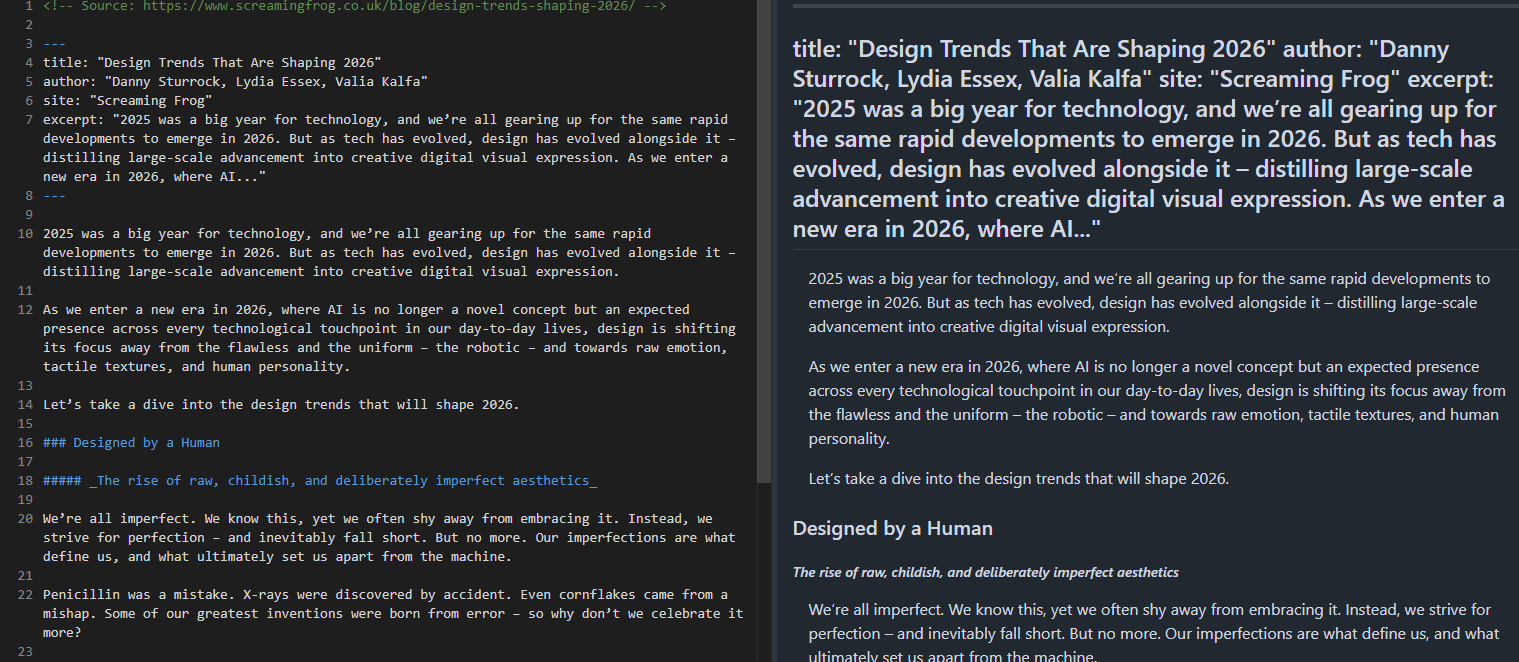
This guide focuses strictly on downstream data extraction. By crawling publicly accessible web pages and converting them into clean Markdown locally, engineers retain full control over their data pipelines without altering live production environments for web crawlers.
Two Methods for Automated Extraction
The Screaming Frog SEO Spider offers two distinct pathways for generating Markdown during a crawl, both leveraging the software’s Custom JavaScript feature. To utilize either approach, JavaScript rendering must first be enabled within the SEO Spider configuration under Configuration > Spider > Rendering > JavaScript, ensuring the engine executes scripts against fully rendered Document Object Models (DOMs).
Method 1: The Automated Approach Using Readability.js and Turndown.js
For the vast majority of web properties, the easiest and most reliable method relies on two open-source JavaScript libraries:
- Mozilla Readability.js: The underlying engine behind Firefox Reader View. It intelligently isolates and parses the primary content block of a web page, automatically discarding wrappers, navbars, and footers without requiring manual configuration.
- Turndown.js: A robust DOM-to-Markdown conversion library that translates the isolated HTML DOM tree into structured Markdown.
Implementation Steps
- Navigate to Configuration > Custom > Custom JavaScript within the SEO Spider.
- Click Add to create a new snippet, name it "Page Markdown," and paste the following execution script:
function loadScripts()
    return new Promise((resolve, reject) =>
        const readability = document.createElement('script');
        readability.src = 'https://unpkg.com/@mozilla/readability/Readability.js';
        readability.onload = () =>
            const turndown = document.createElement('script');
            turndown.src = 'https://unpkg.com/turndown/dist/turndown.js';
            turndown.onload = () => resolve();
            turndown.onerror = () => reject(new Error('Failed to load Turndown.js'));
            document.head.appendChild(turndown);
        ;
        readability.onerror = () => reject(new Error('Failed to load Readability.js'));
        document.head.appendChild(readability);
    );


function extractMarkdown()

return loadScripts()
    .then(() => seoSpider.data(extractMarkdown()))
    .catch(error => seoSpider.error(error));
This script asynchronously injects both libraries, parses the document via Readability, applies custom formatting rules (such as cleaning empty links and stripping images lacking alt text), and constructs clean YAML frontmatter containing metadata like titles and authors.
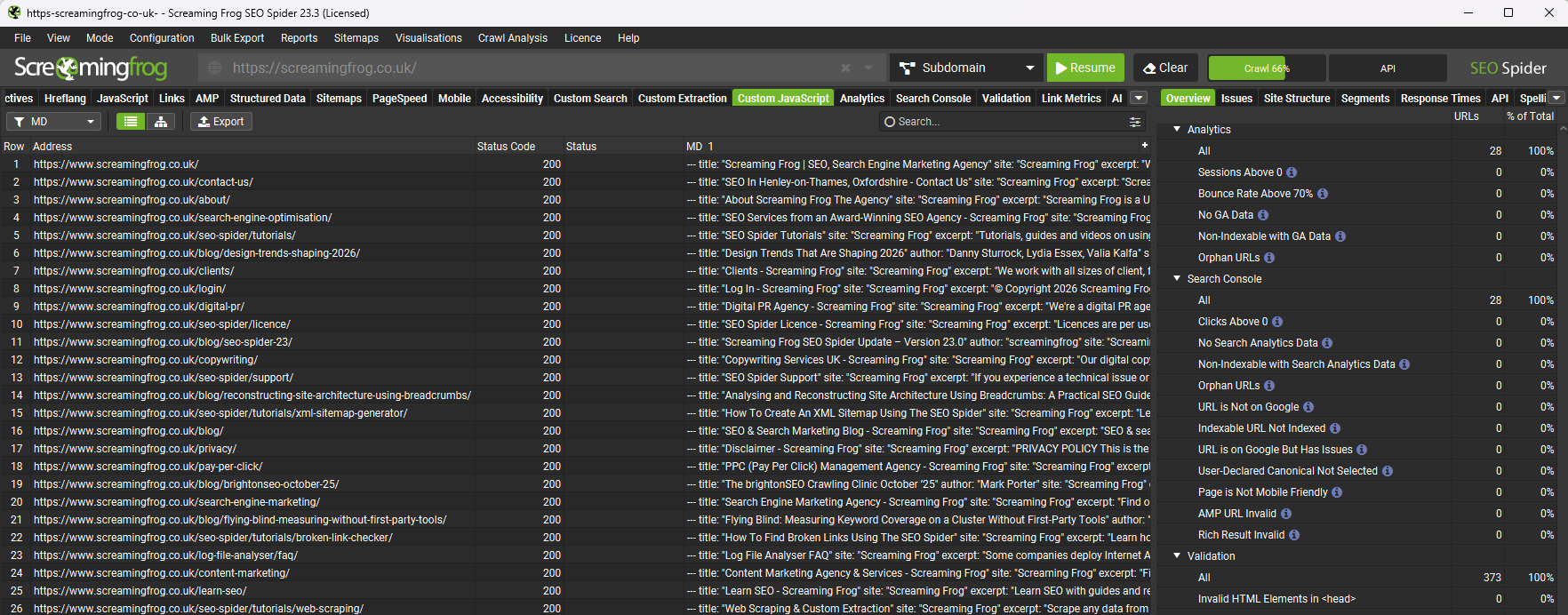
Method 2: The Precision Approach Using Visual Custom Extraction
While Readability is exceptional for standard articles and blog formats, unconventional layouts—such as complex documentation hubs, single-page applications (SPAs), or e-commerce product detail pages (PDPs)—can occasionally cause automated parsers to capture peripheral text.
For scenarios requiring granular control, practitioners can combine Screaming Frog’s Visual Custom Extraction tool with Turndown.
Pinpointing Selectors Visually
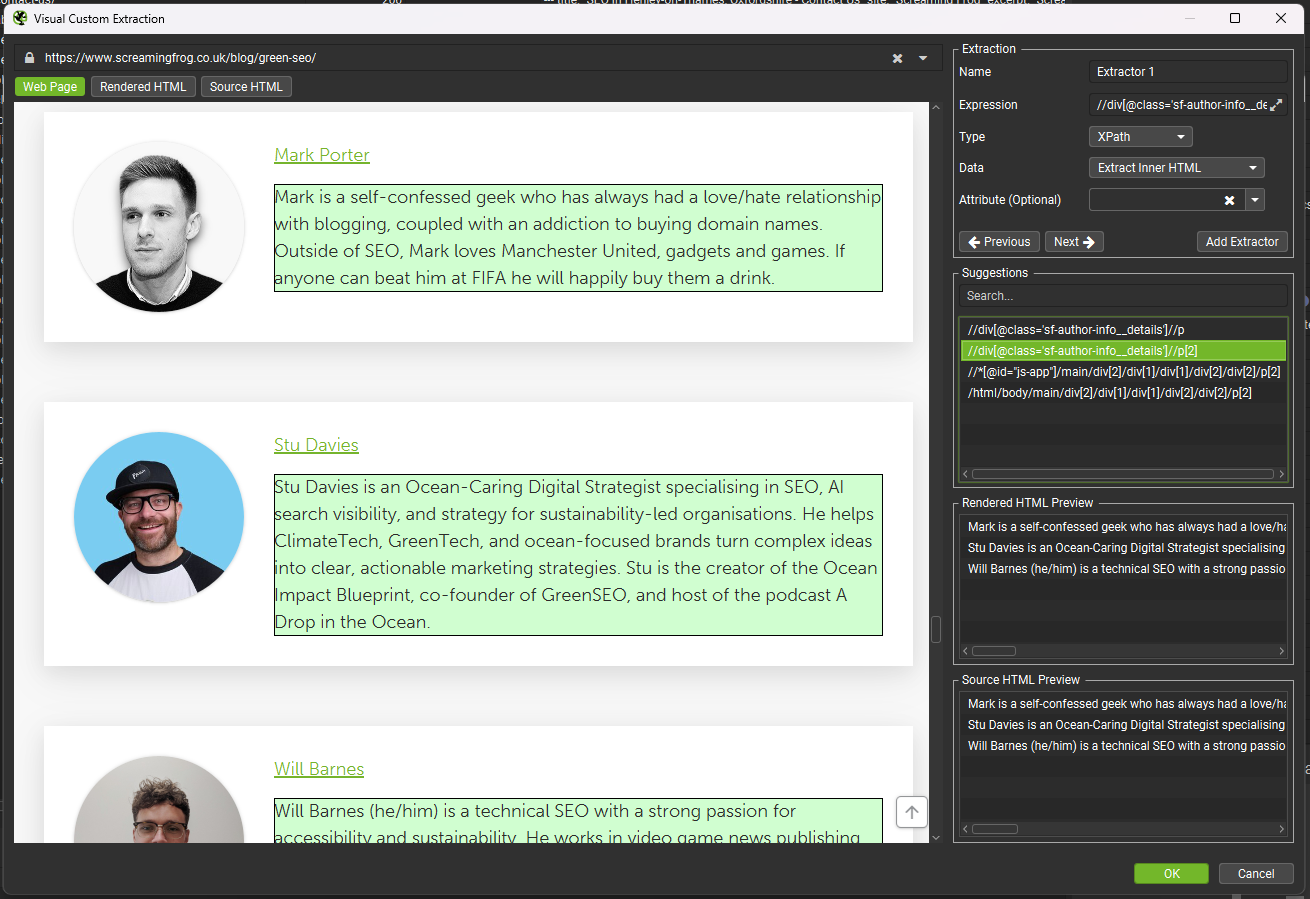
- Open the Visual Custom Extraction window within the SEO Spider.
- Click directly on the target content container within the rendered browser view.
- The software automatically generates a precise CSS Selector or XPath expression.
Once the selector is acquired, apply the following script to isolate the container, strip specified auxiliary elements, and convert the remainder to Markdown:
const CONTENT_SELECTOR = "YOUR_CSS_SELECTOR_HERE";

const STRIP_SELECTORS = [
    'nav', 'footer', 'header', 'aside',
    'script', 'style', 'noscript', 'iframe', 'svg',
    '.sidebar', '.navigation', '.menu',
    '.cookie-banner', '.social-share', '.comments',
    '.related-posts', '.breadcrumb', '.share-buttons'
];

function loadTurndown()
    return new Promise((resolve, reject) =>
        const script = document.createElement('script');
        script.src = 'https://unpkg.com/turndown/dist/turndown.js';
        script.onload = () => resolve();
        script.onerror = () => reject(new Error('Failed to load Turndown.js'));
        document.head.appendChild(script);
    );


function extractMarkdown()
    const content = document.querySelector(CONTENT_SELECTOR);
    if (!content)
        return 'No content found for selector: ' + CONTENT_SELECTOR;


    const clone = content.cloneNode(true);

    STRIP_SELECTORS.forEach(selector =>
        clone.querySelectorAll(selector).forEach(el => el.remove());
    );

    const turndownService = new TurndownService(
        headingStyle: 'atx',
        codeBlockStyle: 'fenced',
        bulletListMarker: '-'
    );

    const markdown = turndownService.turndown(clone.innerHTML);
    return markdown.replace(/n3,/g, 'nn').trim();


return loadTurndown()
    .then(() => seoSpider.data(extractMarkdown()))
    .catch(error => seoSpider.error(error));
Bulk Exporting and File Generation via Python
Once a crawl concludes, the generated Markdown exists within the SEO Spider’s Custom JavaScript data tab. While reviewing data inside a spreadsheet interface is useful for debugging, downstream ingestion tools—such as vector databases, LangChain loaders, LlamaIndex pipelines, and static site generators—require individual .md files organized within a structured directory.
The following production-ready Python script processes the spreadsheet export, iterates over every crawled URL, and outputs individual files mapped directly to the site’s URL path architecture (e.g., converting example.com/blog/ai-trends/ to blog__ai-trends.md):
import pandas as pd
import os
import re
from urllib.parse import urlparse

EXPORT_FILE = 'custom_javascript_md_.xlsx'
OUTPUT_DIR = 'markdown_output'

def url_to_filename(url):
    parsed = urlparse(url)
    path = parsed.path.strip('/')
    if not path:
        return 'index.md'
    filename = path.replace('/', '__')
    filename = re.sub(r'[^w-.]', '_', filename)
    filename = re.sub(r'.(html?|php|aspx?)$', '', filename)
    return filename + '.md'

def main():
    os.makedirs(OUTPUT_DIR, exist_ok=True)
    df = pd.read_excel(EXPORT_FILE)

    url_col = df.columns[0]
    md_col = df.columns[3]

    count = 0
    skipped = 0

    for _, row in df.iterrows():
        url = str(row[url_col]).strip()
        markdown = str(row[md_col]).strip()

        if not markdown or markdown == 'nan' or not url:
            skipped += 1
            continue

        filename = url_to_filename(url)
        filepath = os.path.join(OUTPUT_DIR, filename)

        with open(filepath, 'w', encoding='utf-8') as f:
            f.write(f'<!-- Source: url -->nnmarkdown')

        count += 1

    print(f'Successfully created count markdown files in /OUTPUT_DIR')
    if skipped:
        print(f'Skipped skipped rows due to empty content or missing URLs.')

if __name__ == '__main__':
    main()
Implications and Operational Best Practices
Implementing an automated crawl-to-Markdown pipeline fundamentally alters how organizations manage unstructured textual data. By shifting from ad-hoc scraping scripts to a standardized crawler configuration, data teams gain several distinct advantages:
- Reduced Data Cleaning Overhead: Traditional web scrapers often dump raw HTML into vector stores, requiring intensive, token-heavy LLM preprocessing steps to clean text. Providing clean Markdown upfront maximizes embedding efficiency and reduces vector database storage costs.
- Seamless Migration Audits: Content architects preparing for enterprise CMS migrations can quickly mirror existing site structures in plain text, verifying content completeness without relying on fragile database dumps.
- Reproducibility: Because scripts are executed within the SEO Spider’s rendering environment, teams can re-run crawls periodically to capture content updates, feeding fresh data directly into continuous RAG synchronization pipelines.
Conclusion
Integrating Screaming Frog’s JavaScript execution engine with modern JavaScript libraries like Readability and Turndown bridges the gap between traditional SEO technical audits and advanced artificial intelligence engineering. Whether deploying zero-configuration parsing or precise visual extraction, organizations can scale their text acquisition workflows efficiently—turning messy web pages into pristine, actionable data assets in minutes.