







The digital landscape has long demanded a middle ground between the complexity of a full-scale e-commerce storefront and the limitations of a simple "Donate" link. With the release of the Payment Button Module in Divi 5.11, Elegant Themes has introduced a versatile solution designed to bridge this gap. This new tool empowers WordPress users to accept payments via PayPal or Stripe directly through the Divi Visual Builder without the overhead of maintaining an inventory system, a shopping cart, or a complex WooCommerce integration.
Main Facts: What Is the Payment Button Module?
At its core, the Payment Button Module is a native Divi component that functions as a high-conversion gateway to external payment processors. Unlike traditional e-commerce plugins that require deep database integration, the Payment Button acts as a bridge. You place the module on your page, style it using Divi’s industry-leading design controls, and link it to a specific payment resource.
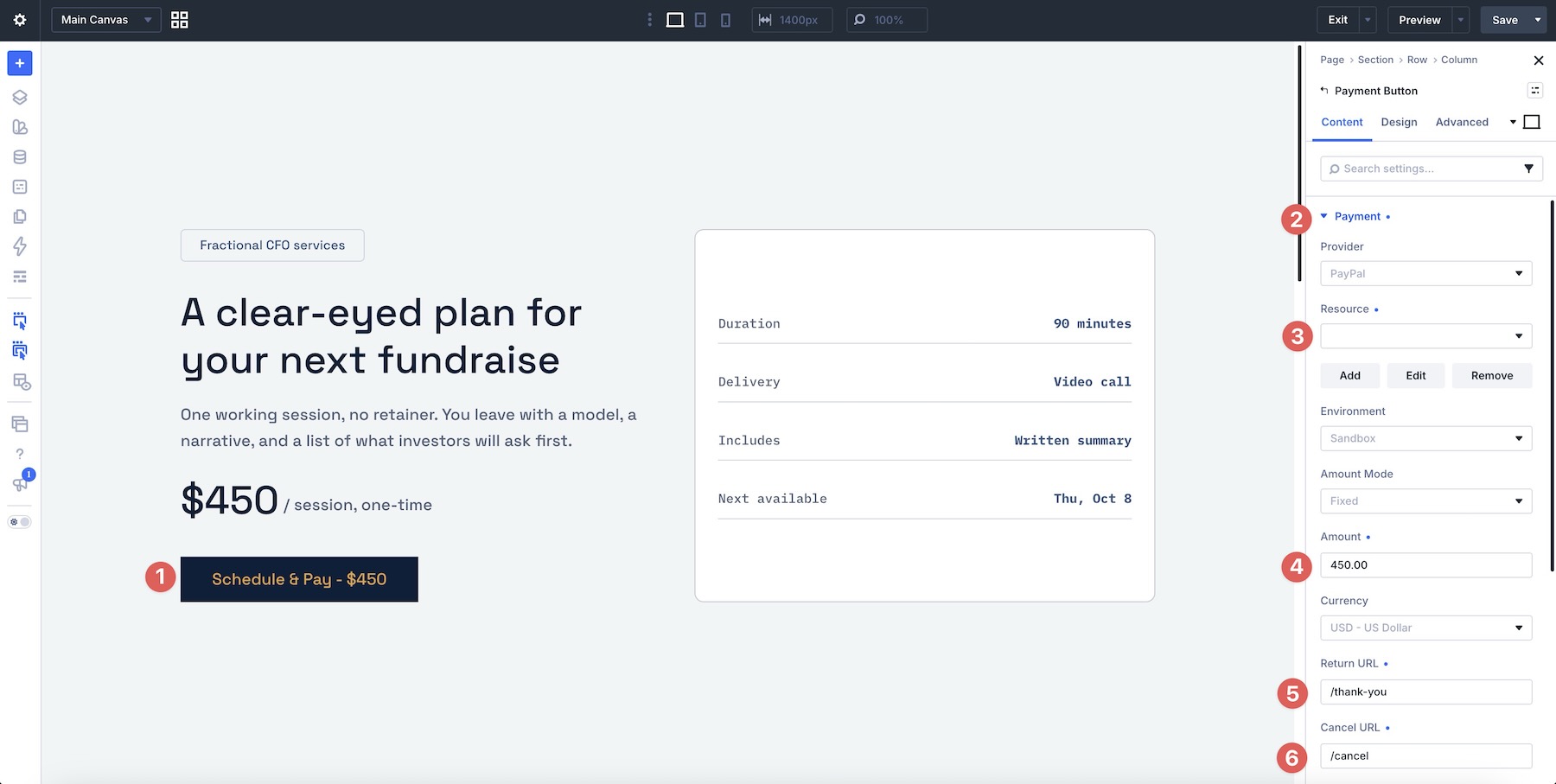
When a visitor clicks the button, they are seamlessly handed off to the payment provider’s secure environment—either PayPal or Stripe—to complete the transaction. This "handoff" model offers several advantages:
- Security: Sensitive credit card information is never stored or processed on your WordPress server, significantly reducing your compliance burden.
- Independence: The module operates entirely outside of the WooCommerce ecosystem. It does not track stock, calculate shipping, or generate order records.
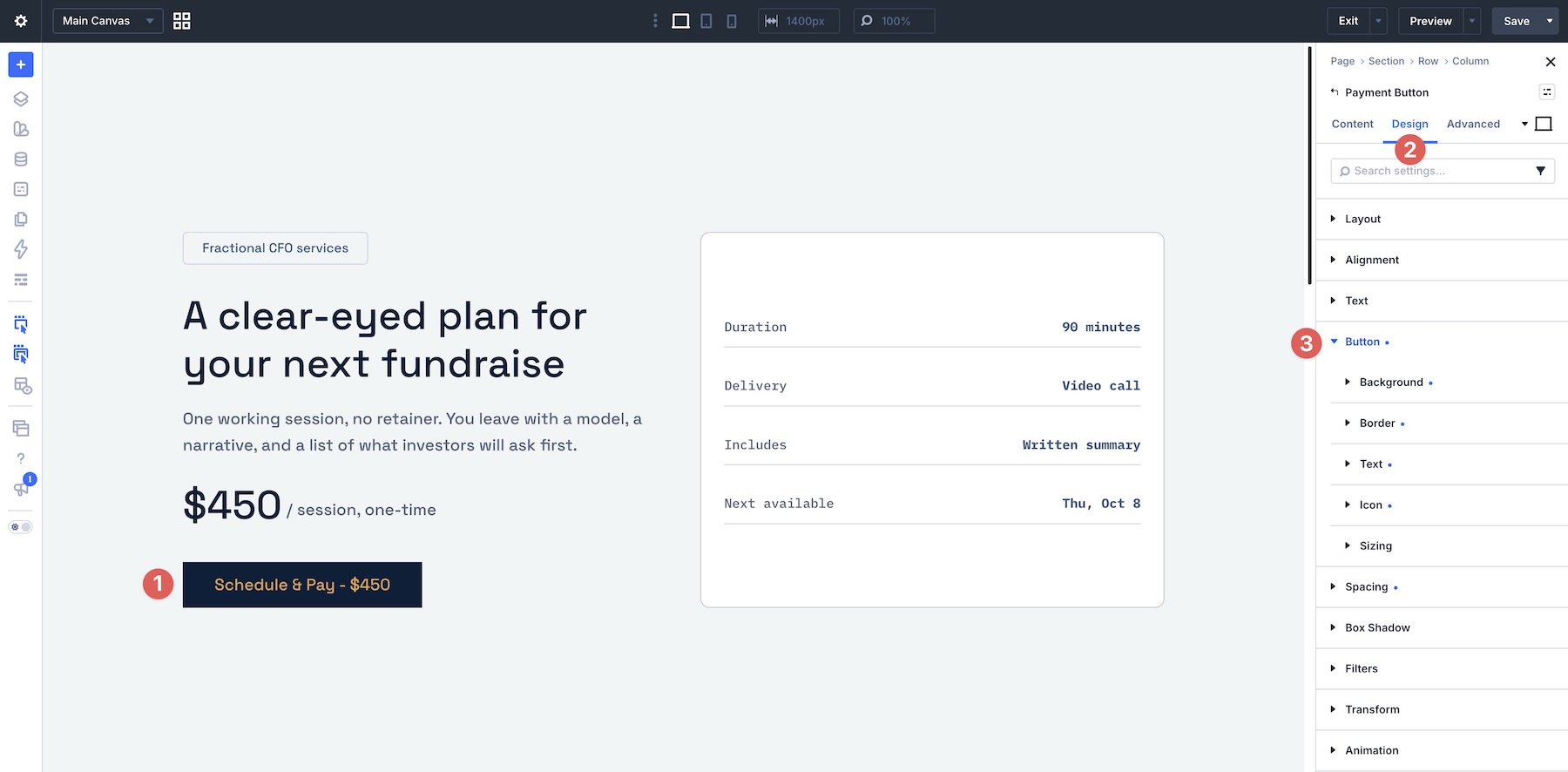
- Design Freedom: It leverages Divi’s full design suite, allowing you to style the button to match your brand identity, complete with hover states, custom typography, and border effects.
Chronology and Evolution of Divi 5 Tools
The introduction of the Payment Button Module follows a strategic shift in the Divi 5 roadmap. As the platform moves toward a more modular and performance-oriented architecture, the focus has shifted from "all-in-one" plugins toward specialized, lightweight modules that perform one task exceptionally well.
- Pre-Divi 5.11: Users requiring payment functionality were largely forced to adopt full-scale solutions like WooCommerce, even for simple, one-off transactions like receiving a donation or booking a single consultation session.
- Divi 5.11 Launch: Elegant Themes released a suite of new modules, including Charts, Gravity Forms, Imagely, and the Payment Button, marking a pivot toward integrating external services more efficiently.
- The Present: Developers and site owners can now implement "frictionless" checkout paths, reducing the number of clicks between a visitor’s interest and the final transaction.
Supporting Data and Technical Configuration
The efficacy of the module lies in its split-configuration model. How a transaction is handled depends entirely on the provider chosen by the site administrator.
PayPal Configuration
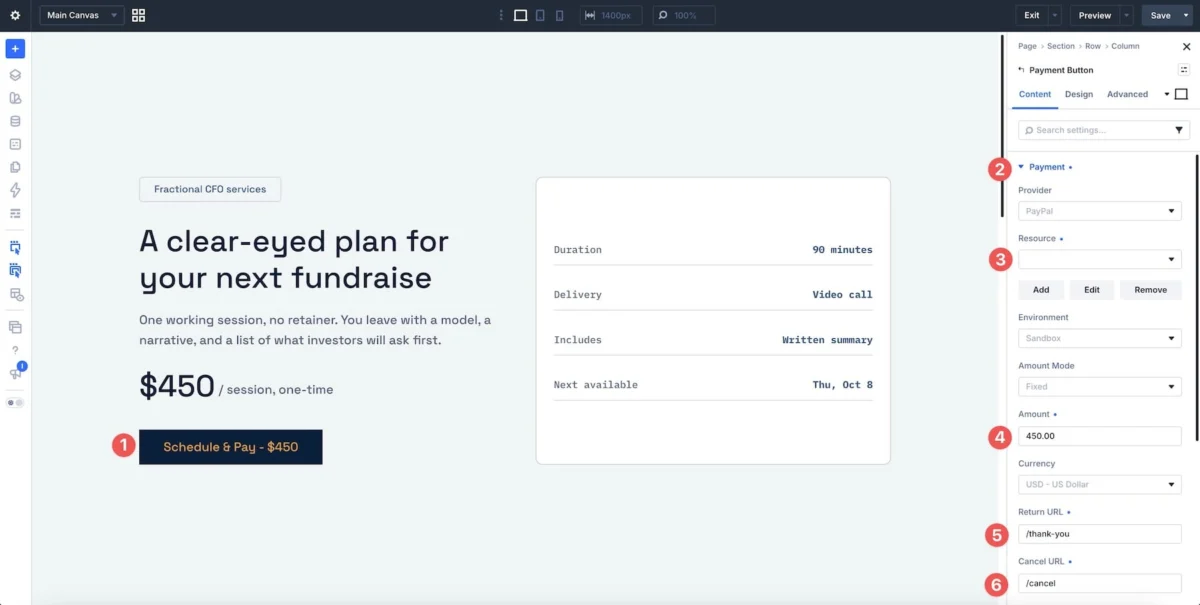
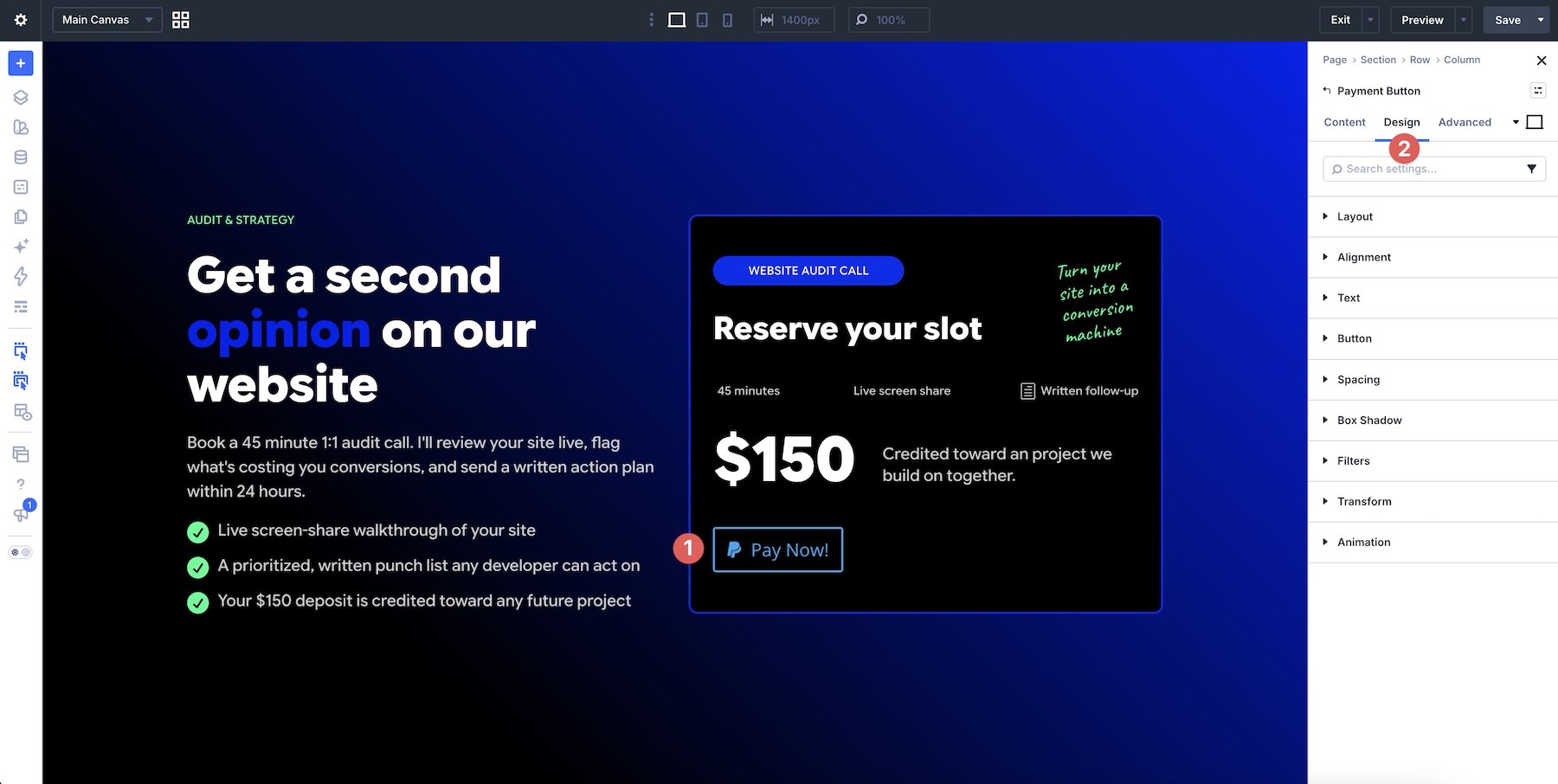
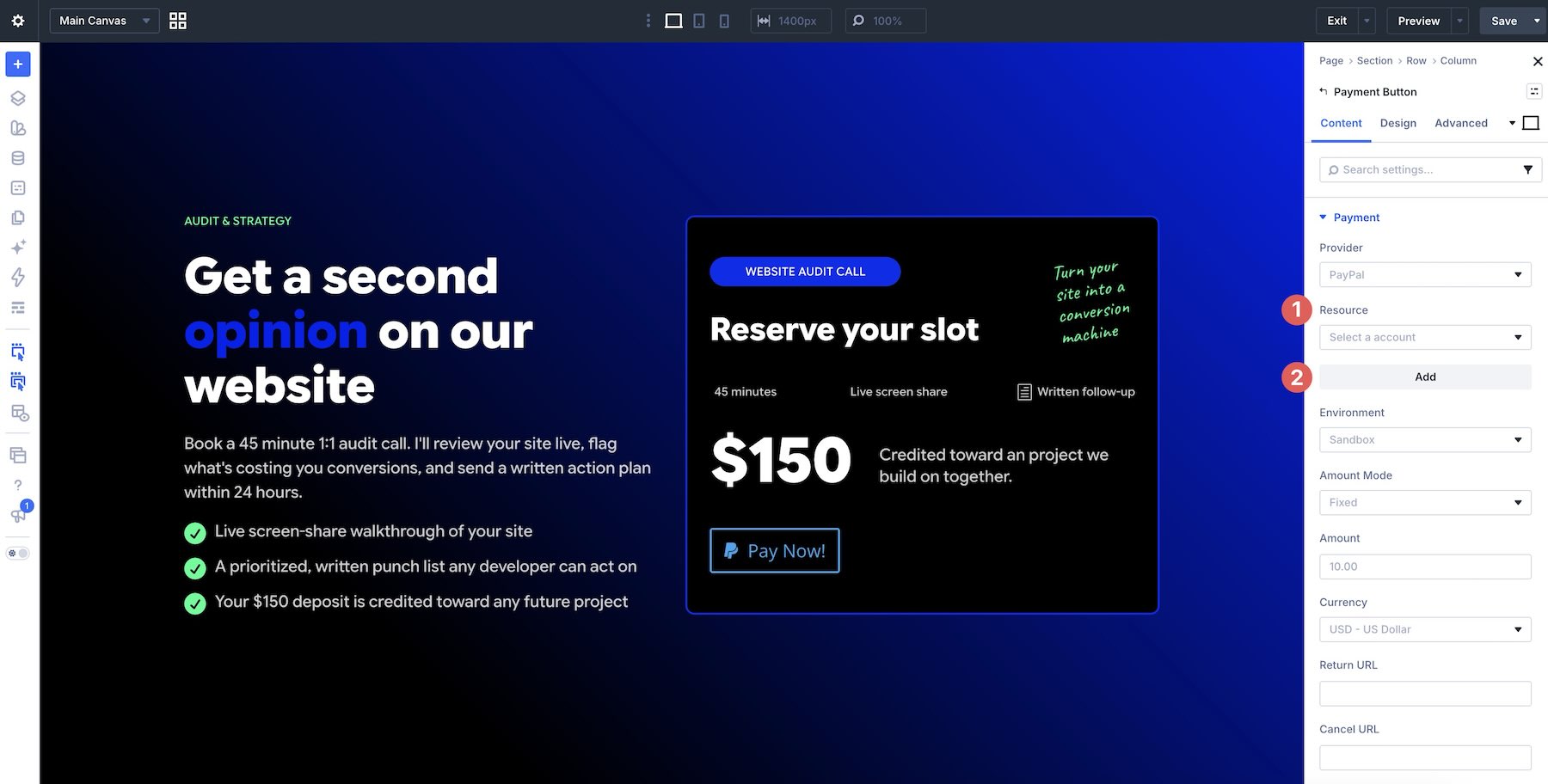
For PayPal, the configuration is handled largely within the Divi interface. Administrators can:
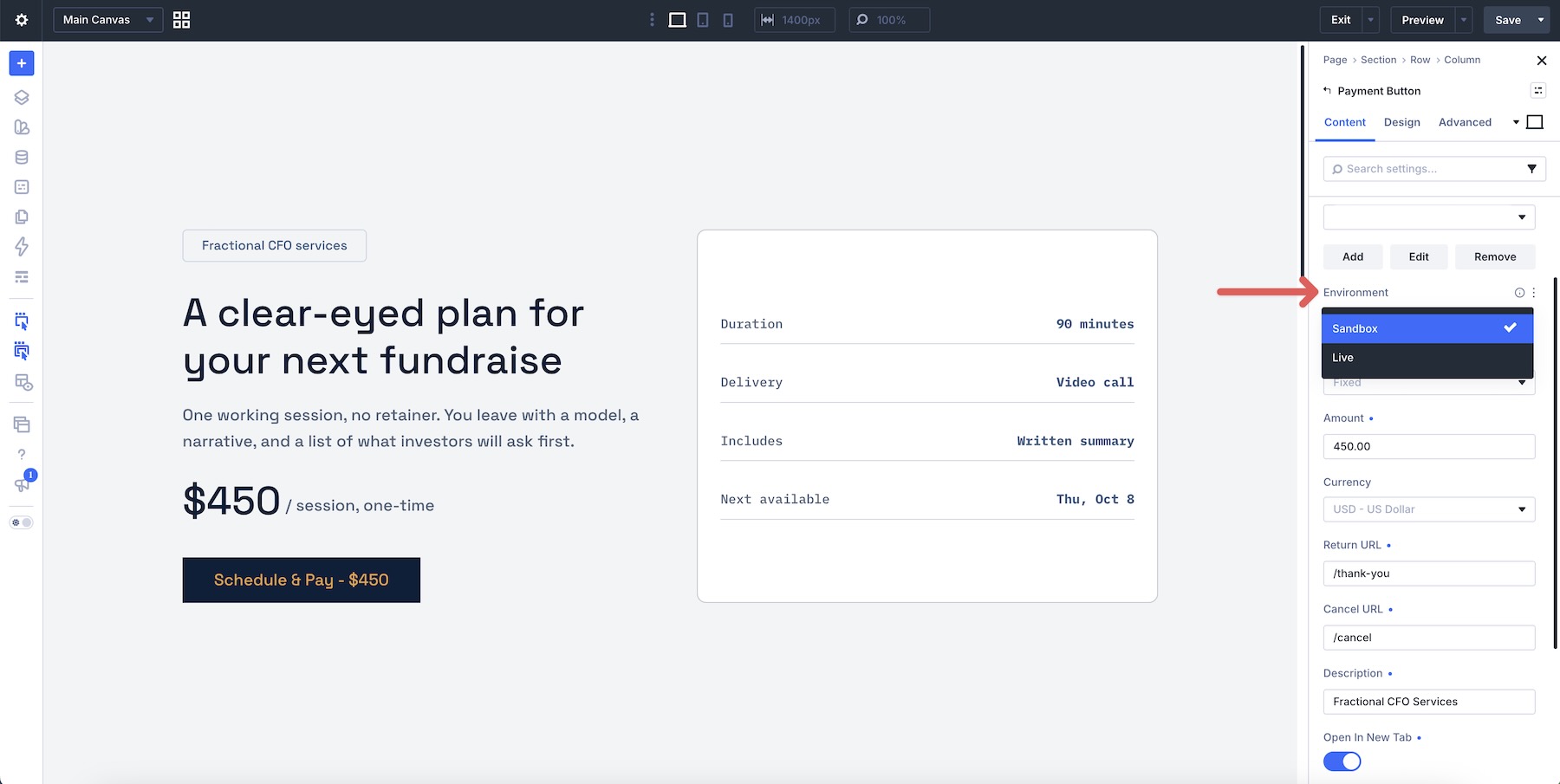
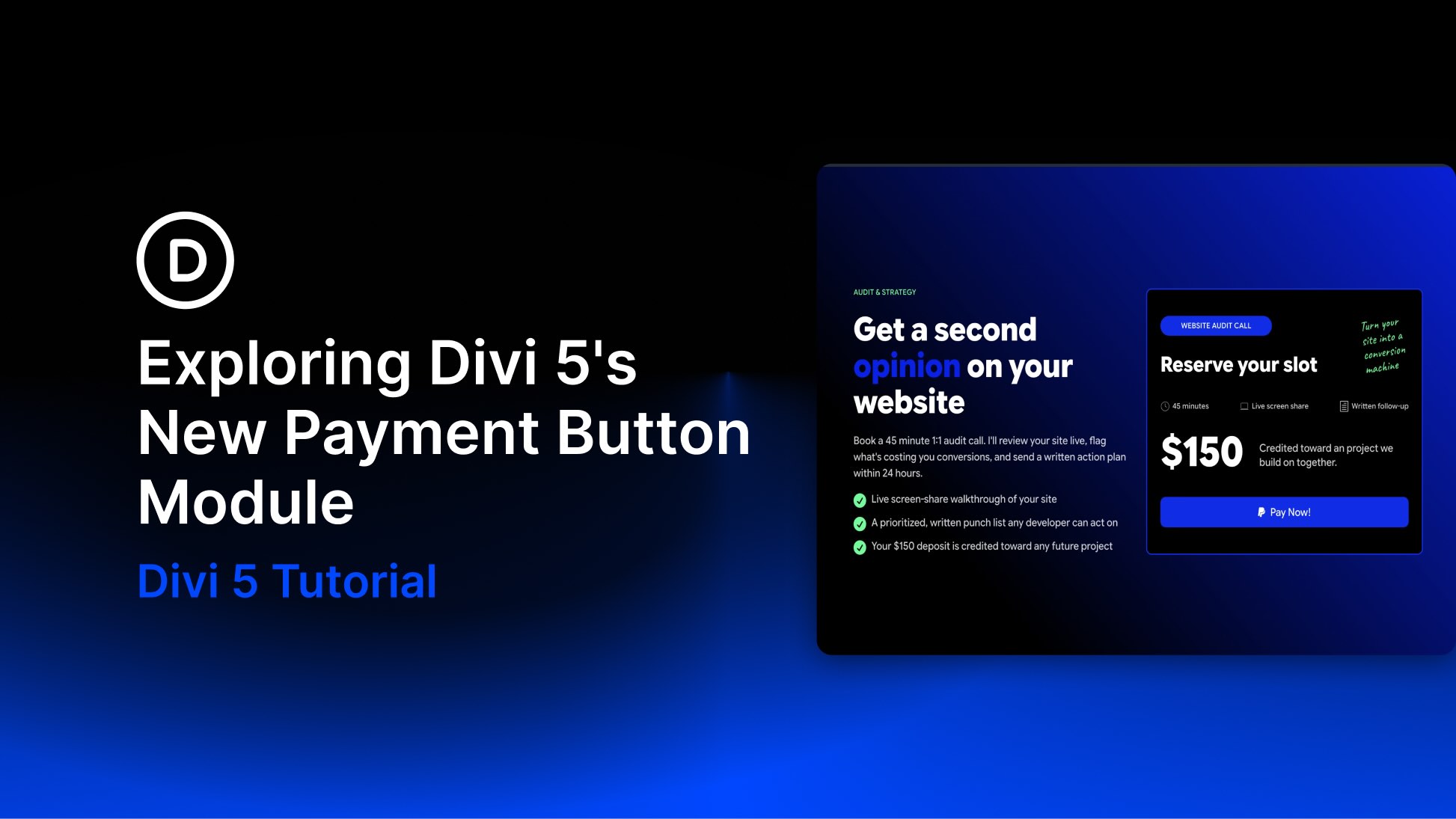
- Define the Amount: Choose between a "Fixed" amount (e.g., $150 for a service) or a "User Defined" amount (ideal for donations).
- Environment Selection: Switch between "Sandbox" mode for rigorous testing and "Live" mode for real-world transactions.
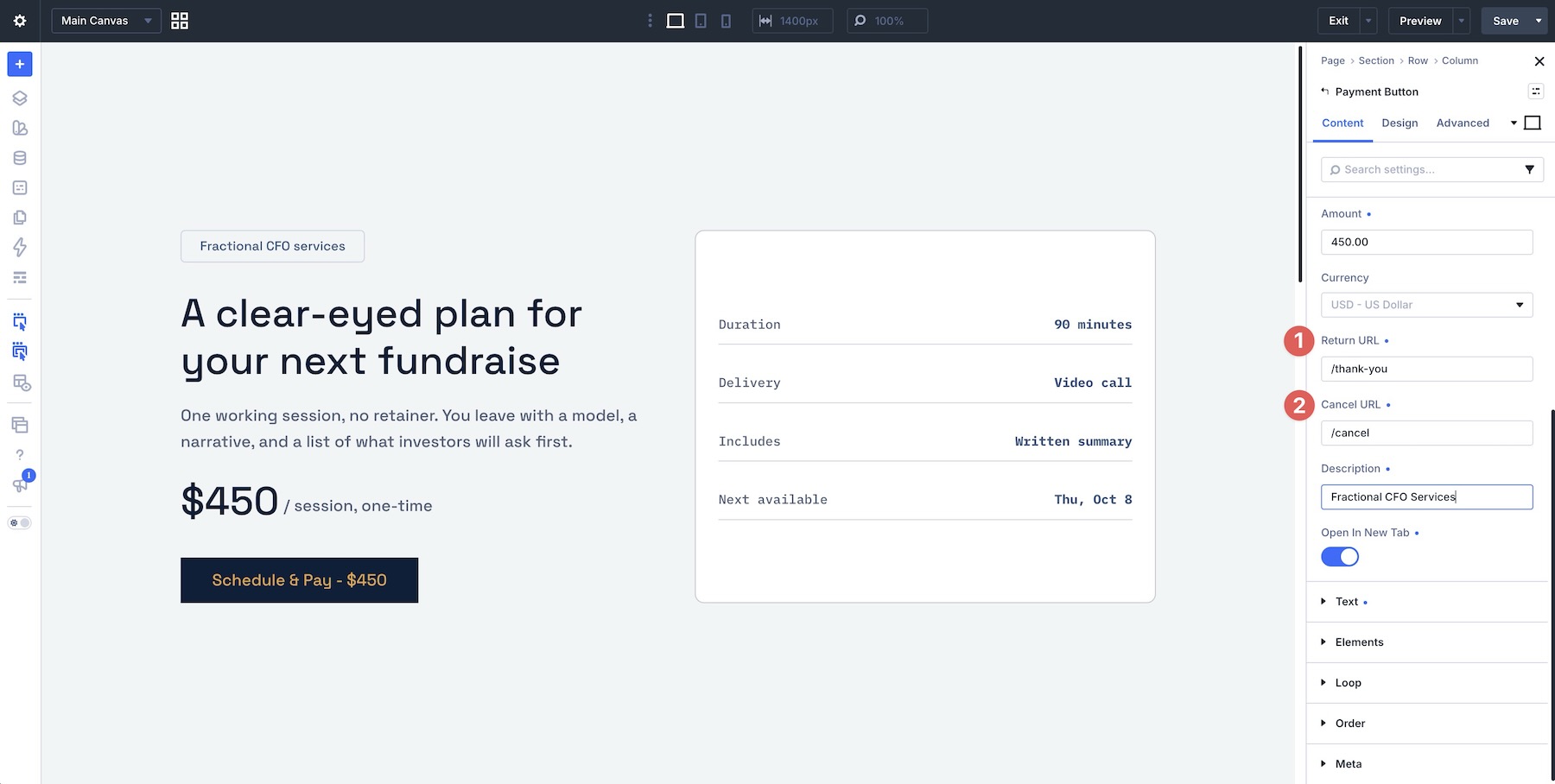
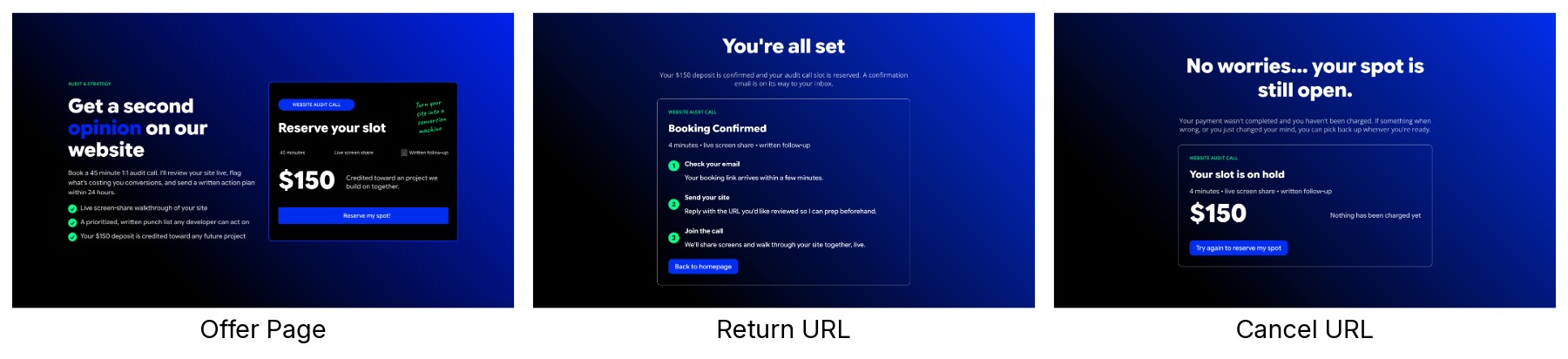
- Post-Purchase Workflow: Configure specific "Return" and "Cancel" URLs to guide the user experience after the transaction attempt.
Stripe Configuration
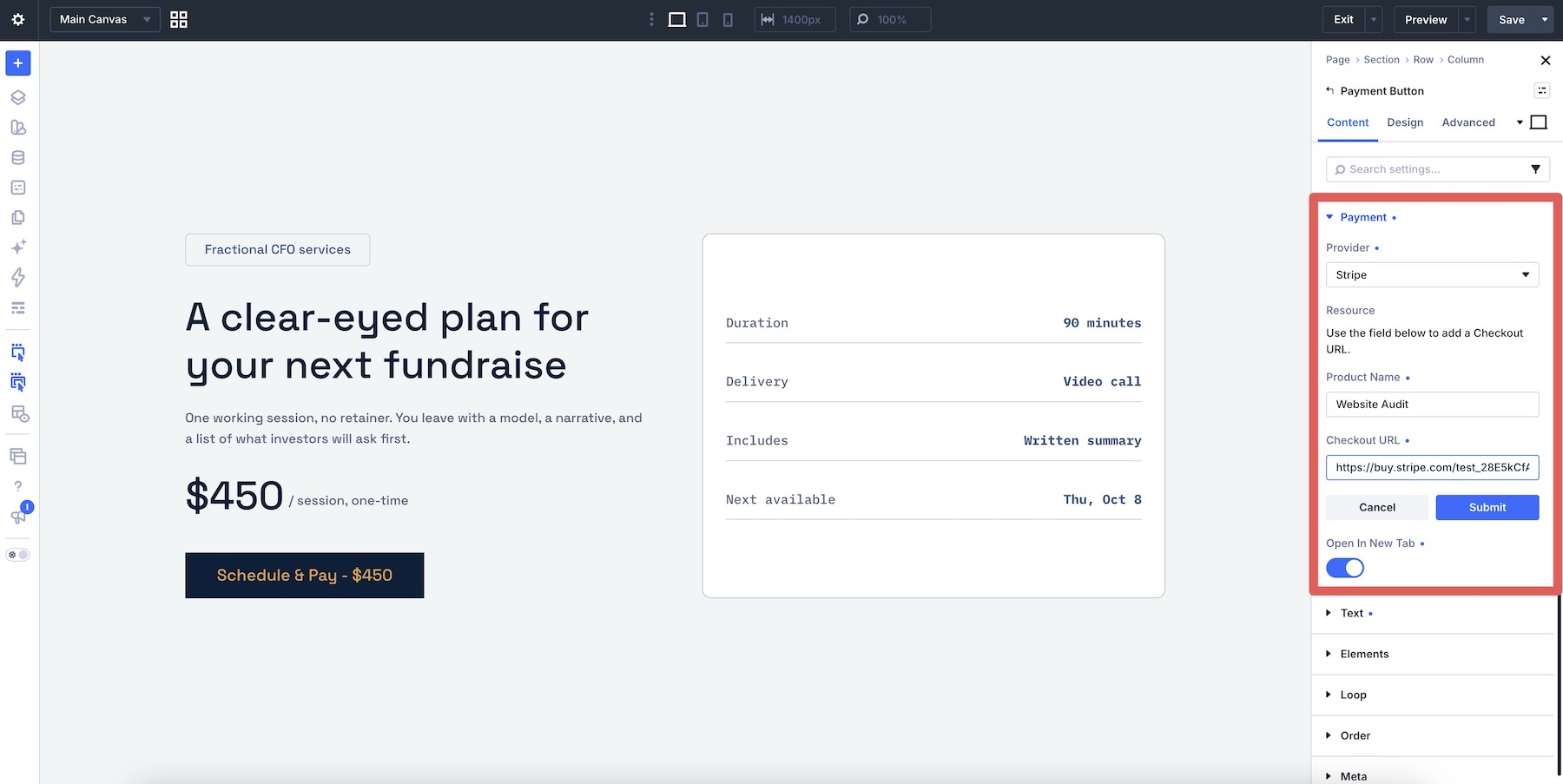
Stripe utilizes a slightly different, more robust workflow centered around "Payment Links." By creating a product in the Stripe dashboard, you generate a unique URL that encapsulates the pricing, currency, and tax settings.
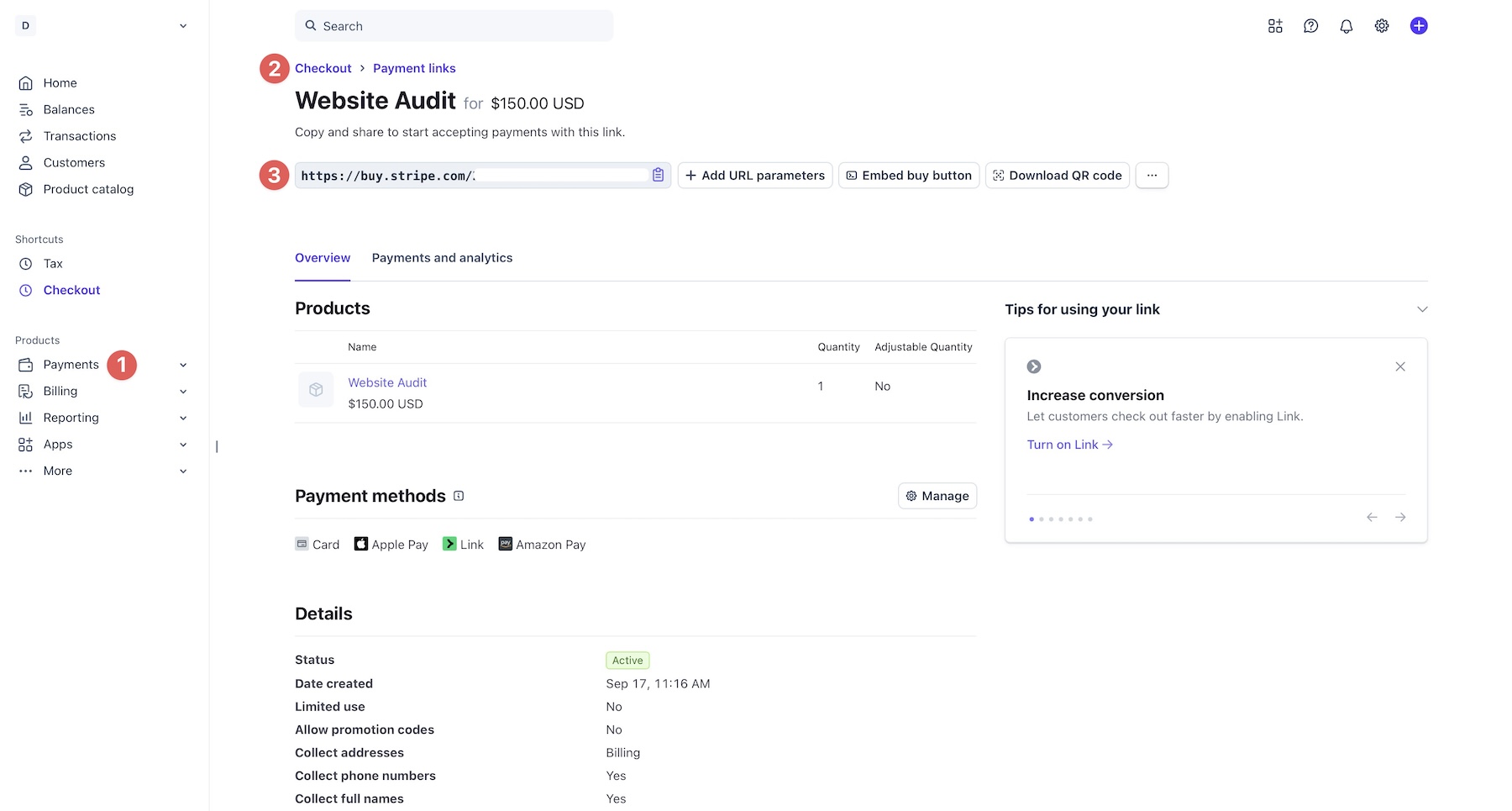
- Dashboard First: The administrator creates the product and Payment Link within the Stripe environment.
- URL Integration: The generated link is then pasted into the Divi module as the primary resource.
- Redirects: Stripe handles the post-payment redirection, which can be configured to point to a custom "Thank You" page on your WordPress site.
Implications for Web Design and Business Strategy
The introduction of this module has profound implications for how small businesses and freelancers structure their digital presence.
Moving Beyond the "Storefront" Mentality
Many businesses—such as consultants, digital creators, and non-profits—do not need a "Store" page. They need a "Call to Action." The Payment Button Module acknowledges that a full product catalog is often a barrier to conversion rather than a facilitator. By placing a payment button directly on a landing page, companies can shorten the customer journey from three or four pages down to a single interaction.
The Separation of Fulfillment and Payment
A critical implication of this module is that it does not handle "fulfillment." If you are selling a digital file, a ticket to an event, or a seat in a workshop, the Payment Button collects the money, but it does not automatically send the file or reserve the seat.
This forces a cleaner separation of concerns:
- Payment: Handled by the module and the processor.
- Fulfillment: Handled by your internal workflow (e.g., an automated email with a download link, a calendar booking tool, or manual registration).
This distinction is vital for developers to understand. Attempting to use the Payment Button as a substitute for a full-featured booking engine will likely result in operational inefficiencies.

Official Responses and Best Practices
In documentation accompanying the release, the development team at Elegant Themes has emphasized a strict set of best practices to ensure user success.
1. The Necessity of the Sandbox
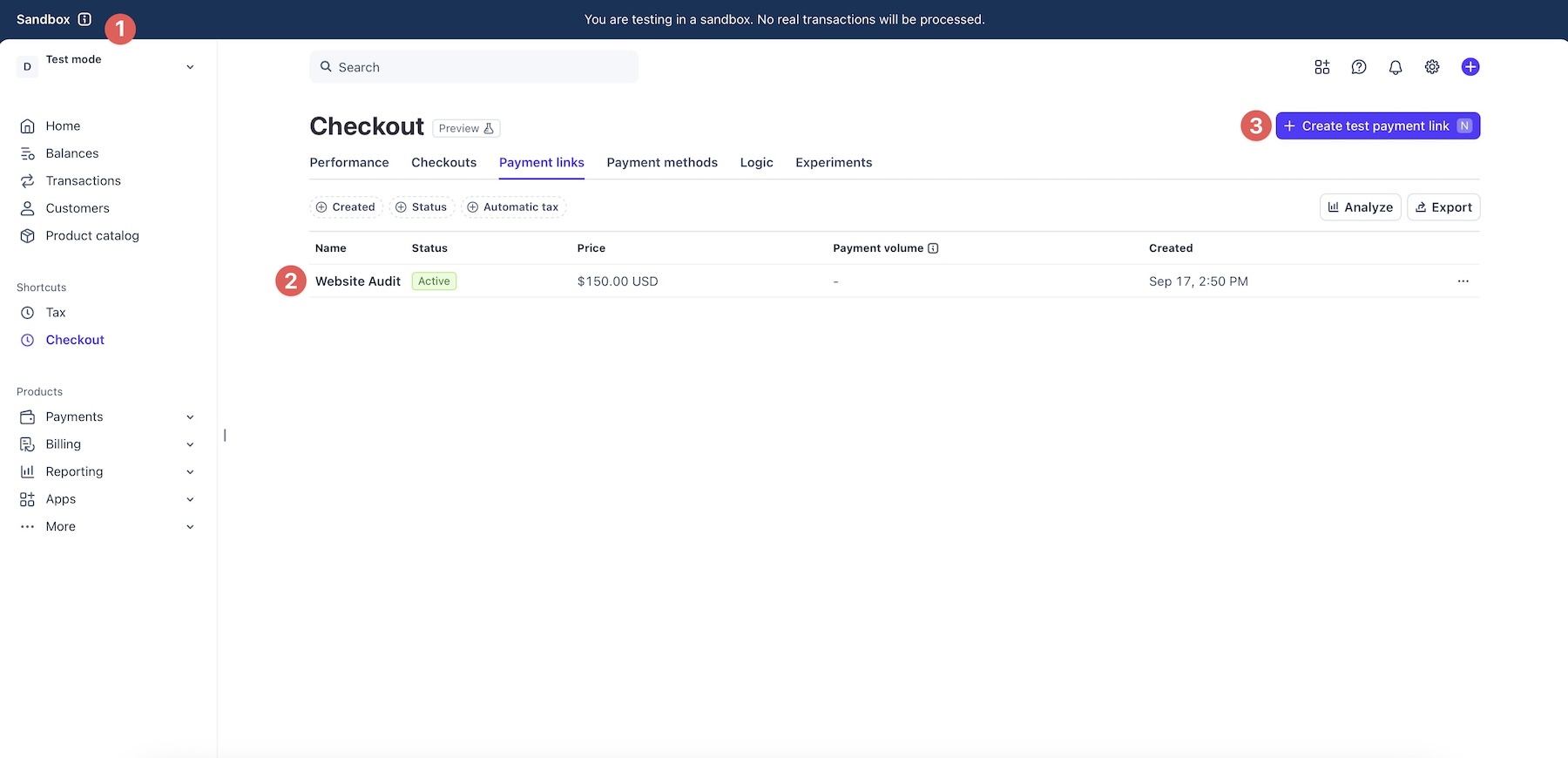
The most recurring theme in the official documentation is the "Sandbox First" rule. Because payments involve real currency and user trust, testing in a live environment is strictly discouraged. Both PayPal and Stripe offer robust testing environments, and users are encouraged to verify that the Return/Cancel URL logic functions correctly before moving to the live production state.
2. Consistency Through Presets
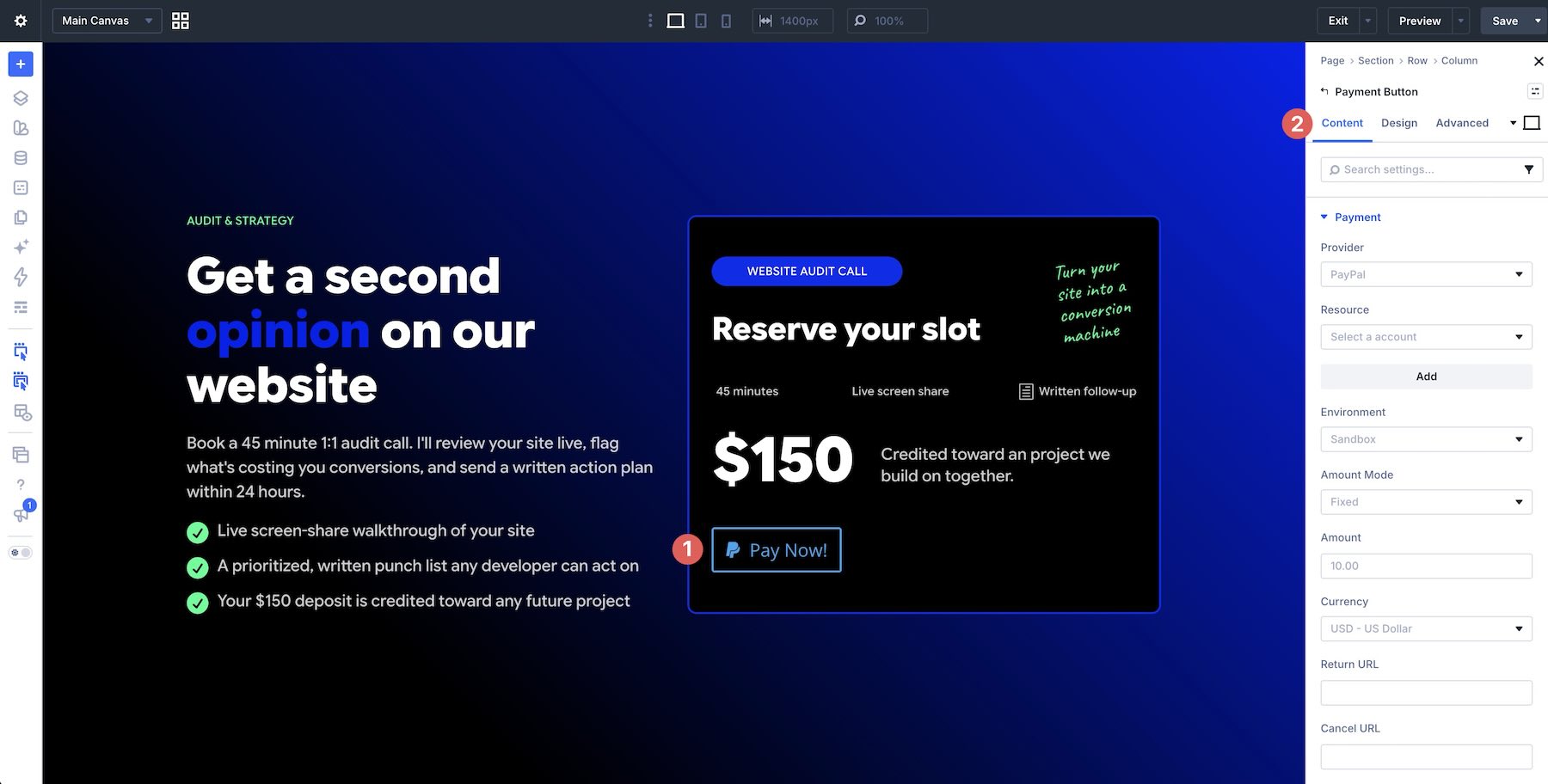
Divi 5’s power lies in its design system. Elegant Themes suggests that once a Payment Button is styled to match a brand, it should be saved as a Global Preset. This ensures that if a brand updates its color palette, all payment buttons across the site can be updated simultaneously.
3. Clear Communication
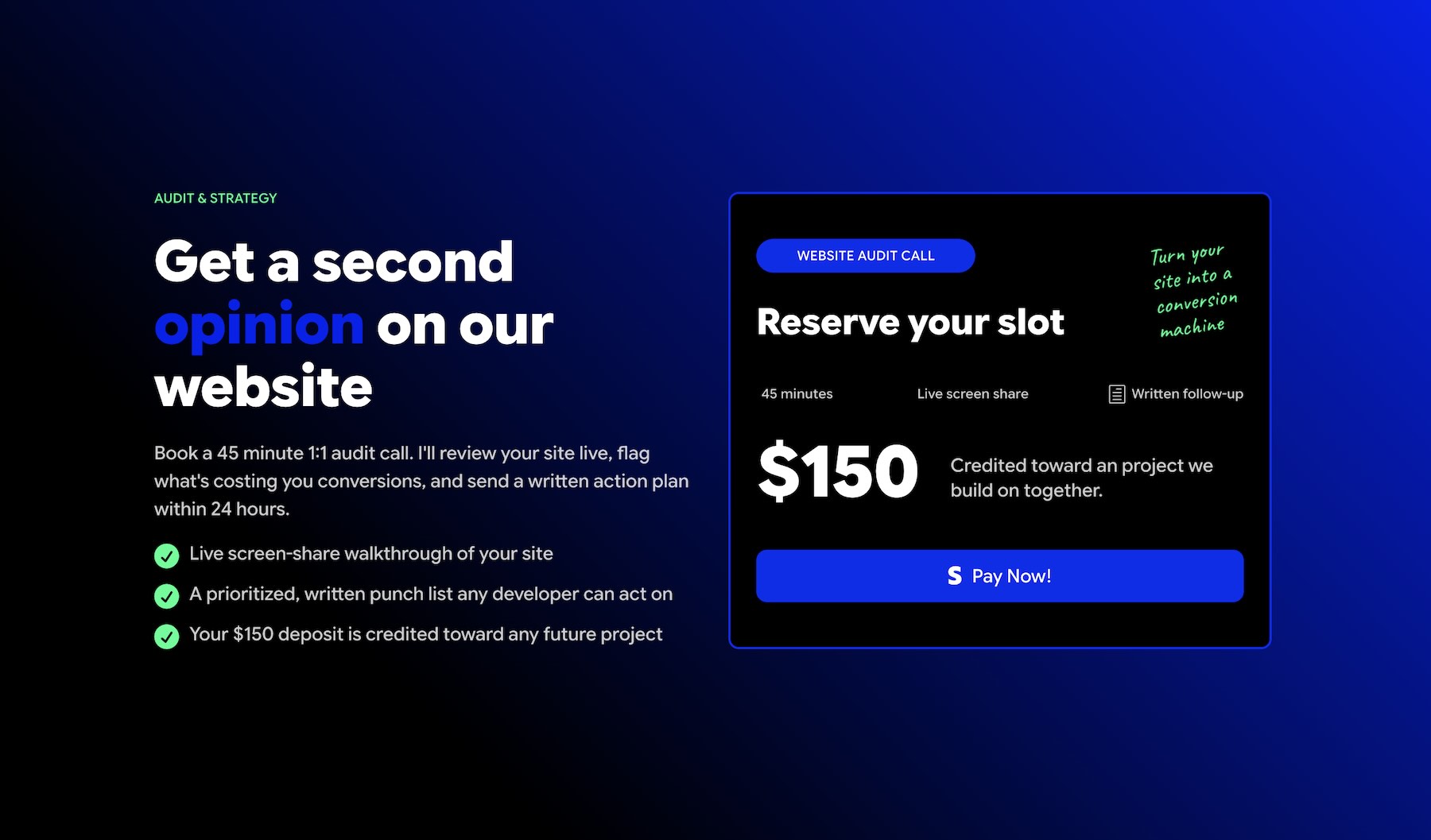
There is a strong emphasis on "matching copy to intent." Labels like "Donate" vs. "Purchase" carry different psychological weights. The module allows for custom labels, and the official guidance suggests that these labels should be explicitly descriptive of the service being rendered to avoid user confusion.
Typical Use Cases: A Practical Overview
The versatility of the module is best illustrated through its application across different sectors:
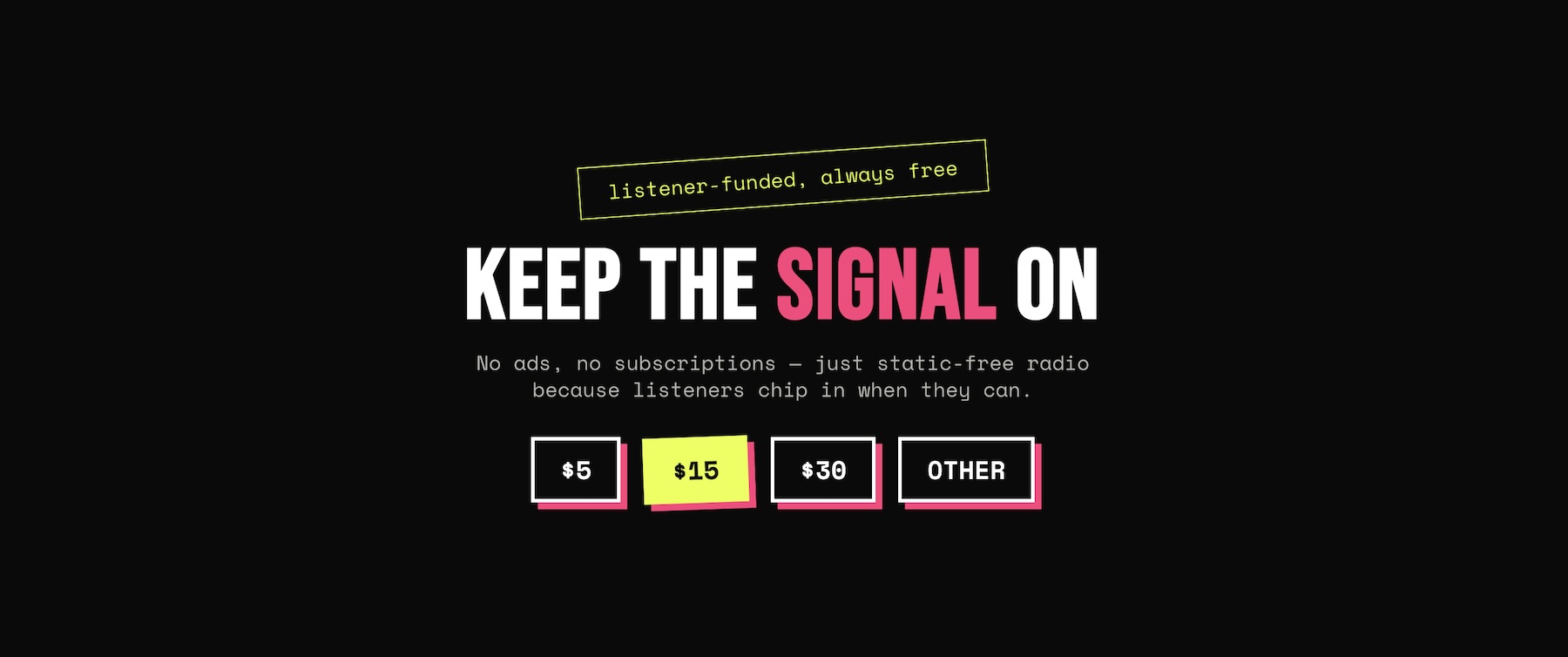
- Non-Profit Fundraising: A radio station or charity can use multiple buttons—one for a fixed $25 donation, one for $50, and one for a custom amount—without needing a complex cart system.
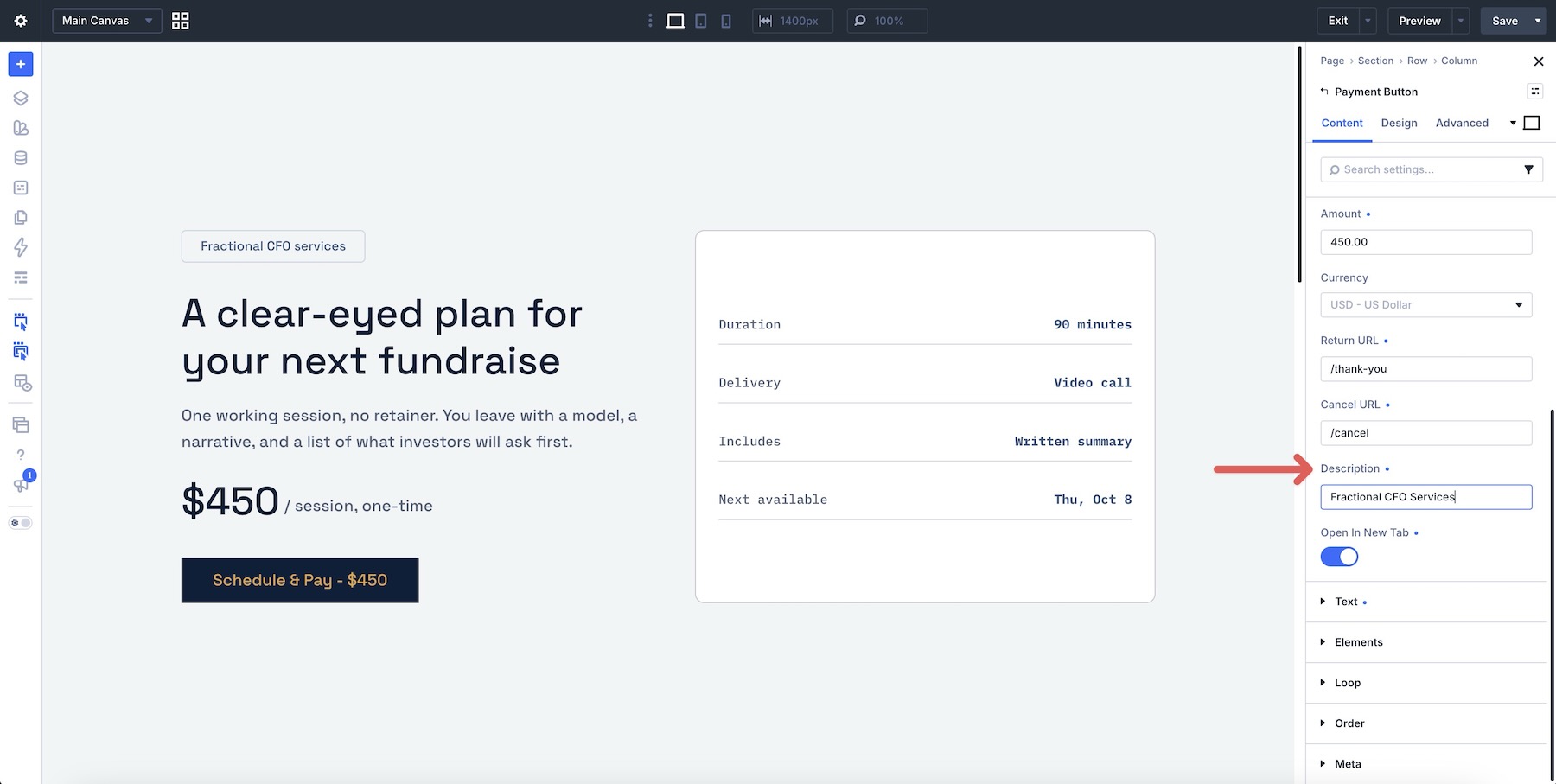
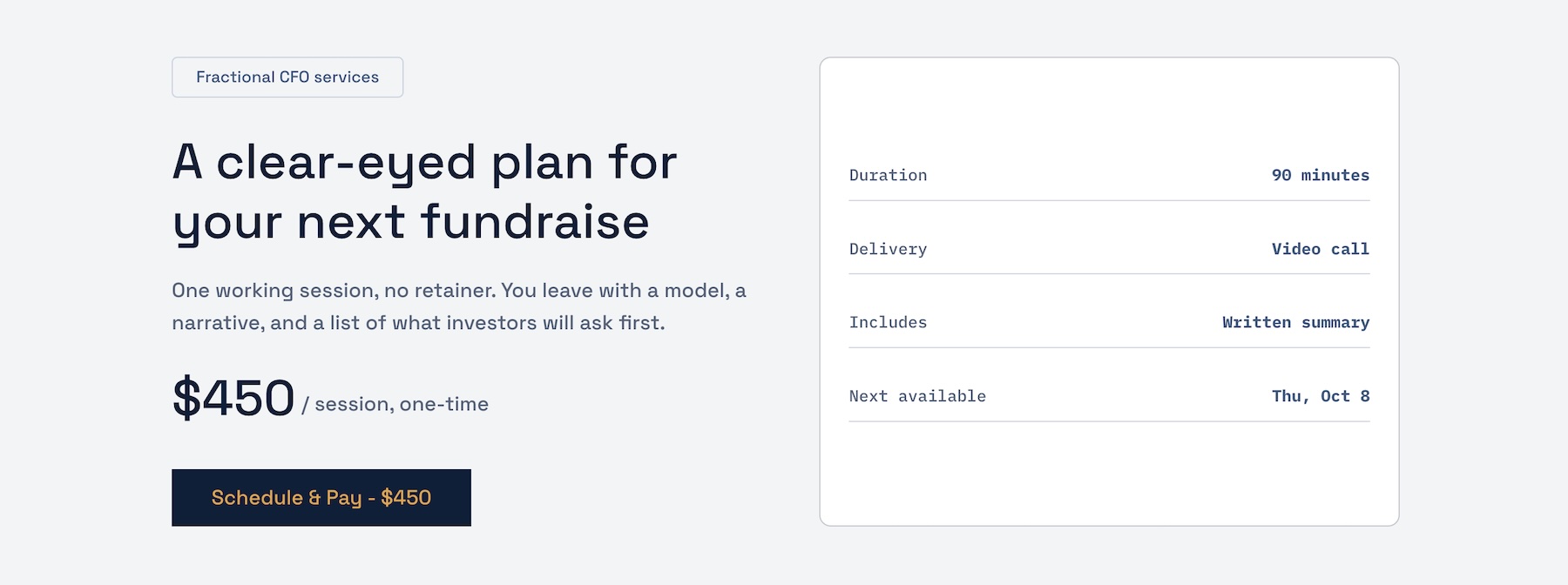
- Consultancy Services: A fractional CFO or business coach can create a dedicated landing page for a "90-minute Audit." The button takes the payment, and the subsequent "Thank You" page directs the client to a Calendly link to book the specific time slot.
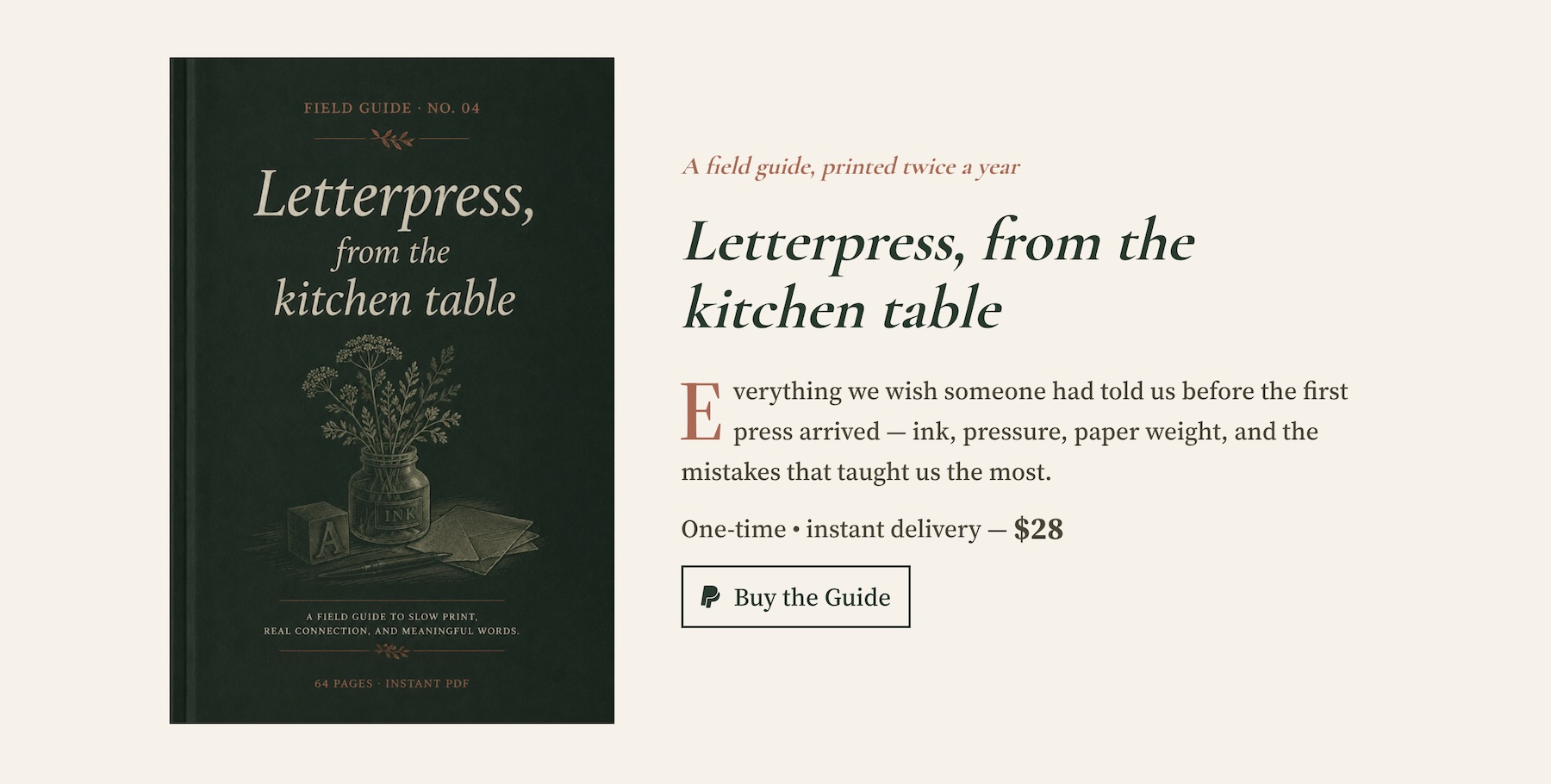
- Digital Products: A creator selling a PDF guide can use the button as a paywall. While the payment is handled via the module, the fulfillment is handled via a separate email sequence that delivers the asset post-payment.
- Workshop Registration: For a local business hosting a limited-seat event, the button serves as the registration payment. While it doesn’t "count" seats, it provides the clean, professional checkout experience required to justify the registration fee.
Conclusion
The Divi 5 Payment Button Module represents a pragmatic evolution in website building. By stripping away the bloat of traditional e-commerce for those who don’t need it, Elegant Themes has provided a high-performance tool that empowers creators to monetize their expertise and causes with minimal technical friction.
Whether you are a freelancer offering a one-time service or an organization seeking to simplify donation collection, this module offers a professional, secure, and highly customizable path to revenue. As with all financial tools, the key to success lies in proper configuration, rigorous testing in sandbox environments, and a clear, well-documented fulfillment process to ensure that once the payment is made, the customer experience remains seamless from start to finish.