







The integration of artificial intelligence and content management systems has reached a critical turning point. With the official release and rapid adoption of the WordPress MCP Adapter, developers, site administrators, and security professionals now possess a standardized bridge to connect external AI clients directly to a WordPress environment.
The Model Context Protocol (MCP)—an open standard designed to let AI applications securely and seamlessly call external tools through a unified interface—has officially taken root in the WordPress ecosystem. As of version 0.7.0, the MCP Adapter is available directly from the official WordPress.org plugin directory, cementing its status as the canonical package for bridging modern AI models with self-hosted WordPress architecture.
However, beneath the promise of streamlined AI-assisted site management lies a complex web of capability exposure, security considerations, and architectural shifts. This comprehensive analysis explores the mechanics of the WordPress MCP Adapter, its historical context, empirical testing data on real-world sites, security implications, and the strategic choices available to site owners.
Main Facts: What is the WordPress MCP Adapter?
At its core, the WordPress MCP Adapter is a server and transport layer designed to turn any compatible WordPress site into an operational MCP server. Crucially, the plugin ships with zero built-in AI features or standalone content tools of its own. Instead, it acts as a high-performance conduit, taking the actions and features registered on the site by WordPress core, active plugins, and custom code, and translating them so that external AI clients can discover and execute them.

Key Architectural Pillars:
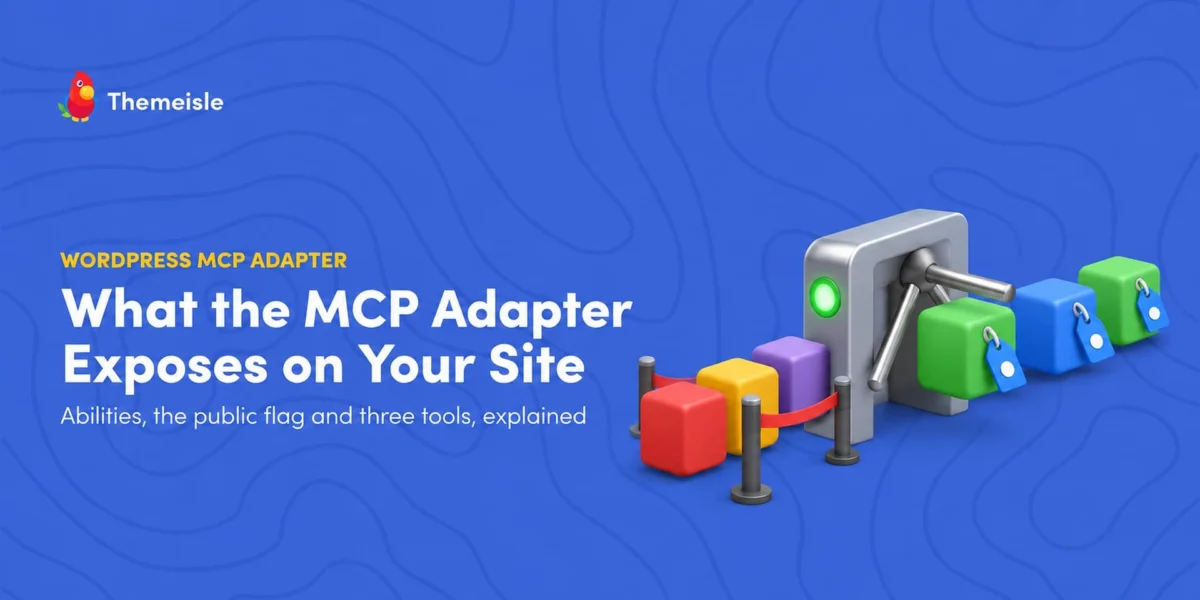
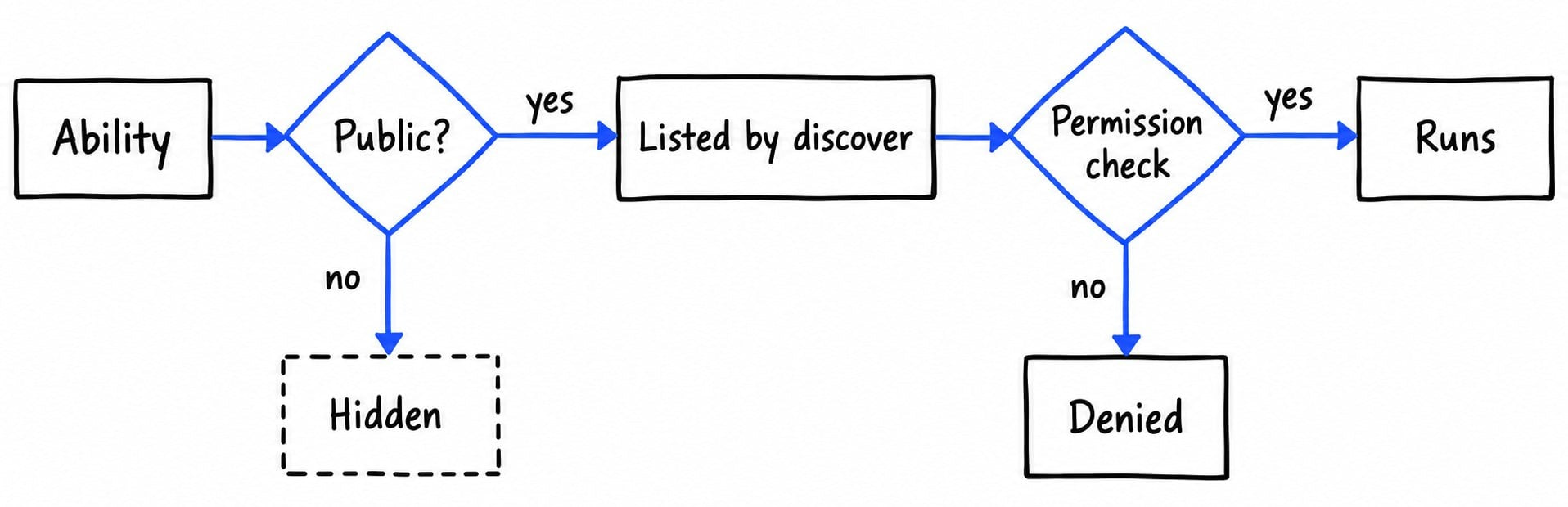
- Opt-In Exposure: By default, every registered capability on the site is strictly private and invisible to external MCP clients. Exposure requires explicit opt-in flags.
- The Abilities API Dependency: The Adapter relies heavily on the Abilities API, a native registry introduced in WordPress core (version 6.9). An "ability" represents a discrete, named capability consisting of typed inputs and outputs, a designated code execution block, and an optional security permission check.
- Streamlined Discovery Flow: Rather than overwhelming an AI client with dozens of direct tool schemas, the Adapter exposes just three primary discovery tools:
mcp-adapter-discover-abilities,mcp-adapter-get-ability-info, andmcp-adapter-execute-ability. The AI dynamically queries what is available, inspects individual schemas as needed, and executes tasks sequentially. - User-Level Permission Enforcement: Even if an ability is marked public for MCP use, it cannot execute unless the authenticated user account tied to the MCP session possesses the necessary WordPress capabilities.
Chronology: The Evolution to Canonical Status
To understand where the WordPress MCP Adapter stands today, it is essential to trace its path through recent development milestones within the broader WordPress and AI communities.
- Early Experimentation (Automattic’s Prototype): In the early stages of AI protocol integration, Automattic released an experimental repository (
Automattic/wordpress-mcp) on GitHub. While groundbreaking for its time, this repository has since been officially deprecated and archived. Its maintainers explicitly noted that it is no longer supported and should not be used for production deployments. - Core Evolution (WordPress 6.9): The foundational mechanics for modern WordPress AI integration arrived with the debut of the Abilities API in WordPress core version 6.9, providing a unified registry for system and plugin functions.
- The AI Building Blocks Initiative: WordPress.org formally adopted MCP integration under its broader "AI Building Blocks" initiative, clearing the path for an official, standardized plugin.
- Version 0.7.0 Release (October 2026): Published on October 2, 2026, version 0.7.0 marked the official landing of the MCP Adapter in the WordPress.org plugin directory. This update enabled seamless, direct-from-dashboard installations for millions of sites running WordPress 6.9+ and PHP 7.4+.
Supporting Data: What a Real-World Site Exposure Looks Like
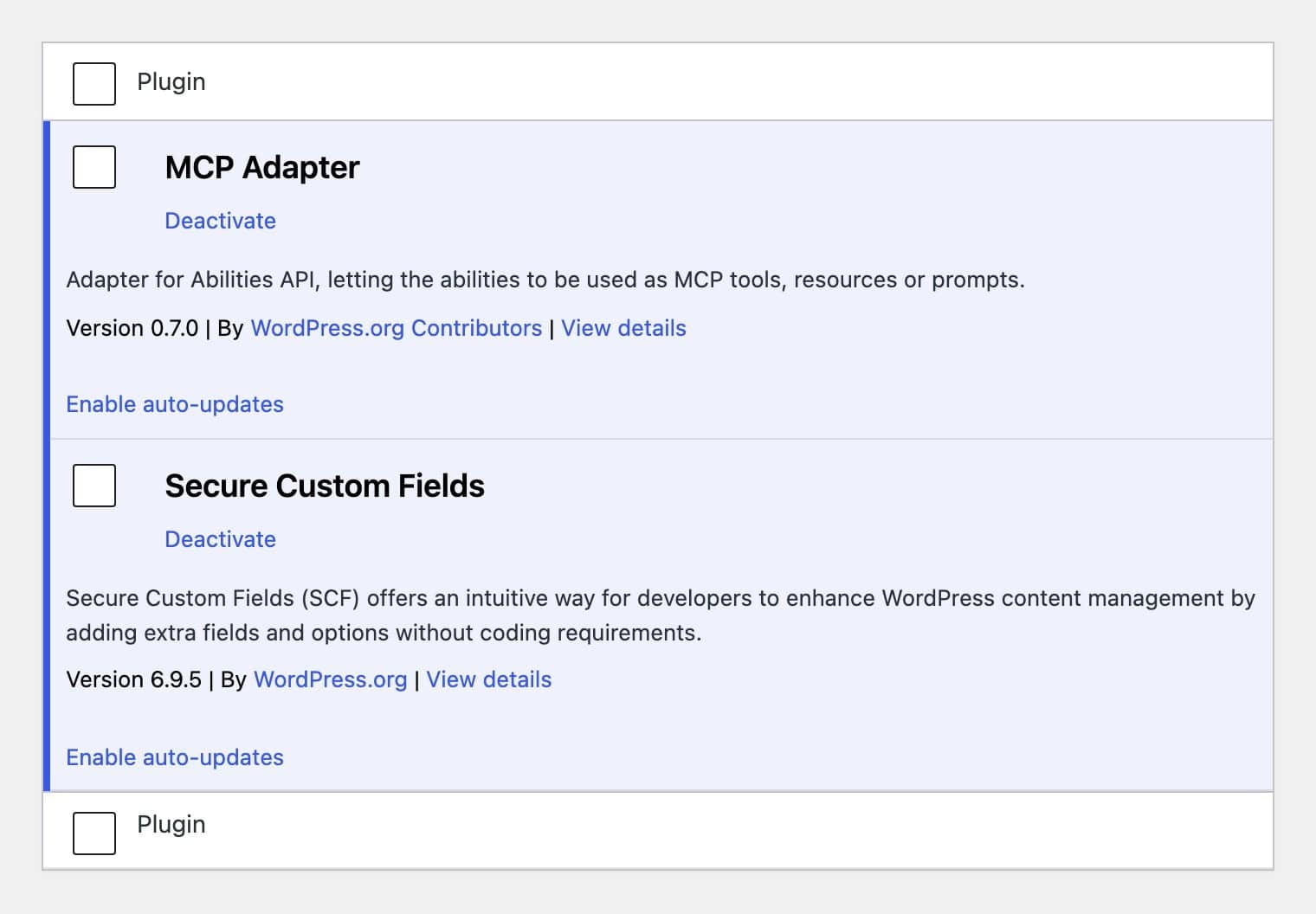
To understand the practical footprint of the MCP Adapter, consider empirical testing conducted on a live staging environment running WordPress 7.1.2, MCP Adapter 0.7.0, and Secure Custom Fields (SCF) 6.9.5 on October 5, 2026.
Operating under an administrative authentication profile over HTTP, the discovery endpoint revealed a total of 51 active abilities:
- Core WordPress (3 abilities):
core/get-site-info,core/get-user-info, andcore/get-environment-info. These are marked public by core defaults, with two requiringmanage_optionspermissions. - Secure Custom Fields (48 abilities): Because SCF explicitly applies the MCP public flag to its registered functions, a massive suite of structural tools became accessible to the AI client. This included listing, creating, importing, trashing, and restoring field groups, fields, post types, taxonomies, and options pages.
- The Destructive Element: Among those 48 plugin-driven abilities, five were permanent delete operations, including one explicitly described as permanently destroying an SCF field group instance with no undo mechanism.
What Was Missing? Interestingly, none of the 51 exposed abilities granted direct read or write access to standard posts, pages, media attachments, or comments. This highlights a vital takeaway: the Adapter is merely a mirror. WordPress core and your active plugins dictate entirely what resides on the other side of that glass.
Official Responses and Documentation Guidelines
Official documentation from WordPress.org and developer resources emphasize strict adherence to security best practices when deploying the Adapter.
- The Opt-In Guarantee: The official FAQ explicitly reiterates: "No, exposure is opt-in." Developers must consciously flag abilities as public via metadata parameters (
meta.mcp.public = true), ensuring that accidental exposure of sensitive backend functions remains minimal by default. - Authentication Mandate: Unauthenticated calls to the MCP endpoint (
/wp-json/mcp/mcp-adapter-default-server) are instantly rejected with a401 Unauthorizedstatus response. - The Dedicated User Recommendation: WordPress developers strongly advise against connecting primary high-level administrator accounts to external AI clients. Best-practice architecture involves generating dedicated service accounts or utilizing heavily restricted user roles equipped only with the capabilities necessary for the task at hand.
Implications: Security, Prompt Injection, and Least Privilege
Opening a direct communications channel between an external Large Language Model (LLM) and a content management system introduces unique administrative challenges.
1. The Threat of Indirect Prompt Injection
As outlined in OWASP’s Top 10 for LLM Applications (specifically risk LLM01: Prompt Injection), any text processed by an AI can potentially act as an instruction vector. If an AI client is connected to a site with broad read/write permissions, malicious comments, imported form data, or compromised external feeds could embed hidden text commands designed to manipulate the AI into executing unauthorized abilities.
2. Implementing the Principle of Least Privilege
Site administrators can dramatically minimize their attack surface by using custom must-use (MU) plugins to filter and restrict accessible abilities. For instance, the following PHP snippet programmatically strips out all write and delete operations associated with the Secure Custom Fields plugin while preserving read-only visibility:
<?php
/**
 * Plugin Name: Limit MCP Abilities
 * Description: Keeps Secure Custom Fields' read-only abilities visible to MCP clients and hides writing/deleting functions.
 */
add_filter( 'wp_register_ability_args', function ( $args, $ability_name )
    if ( 0 === strpos( $ability_name, 'scf/' ) && empty( $args['meta']['annotations']['readonly'] ) )
        $args['meta']['mcp']['public'] = false;

    return $args;
, 10, 2 );
Deploying filters of this nature transforms an expansive, high-risk administrative toolset into a tightly controlled, read-only analytical assistant.
Strategic Options for Site Owners
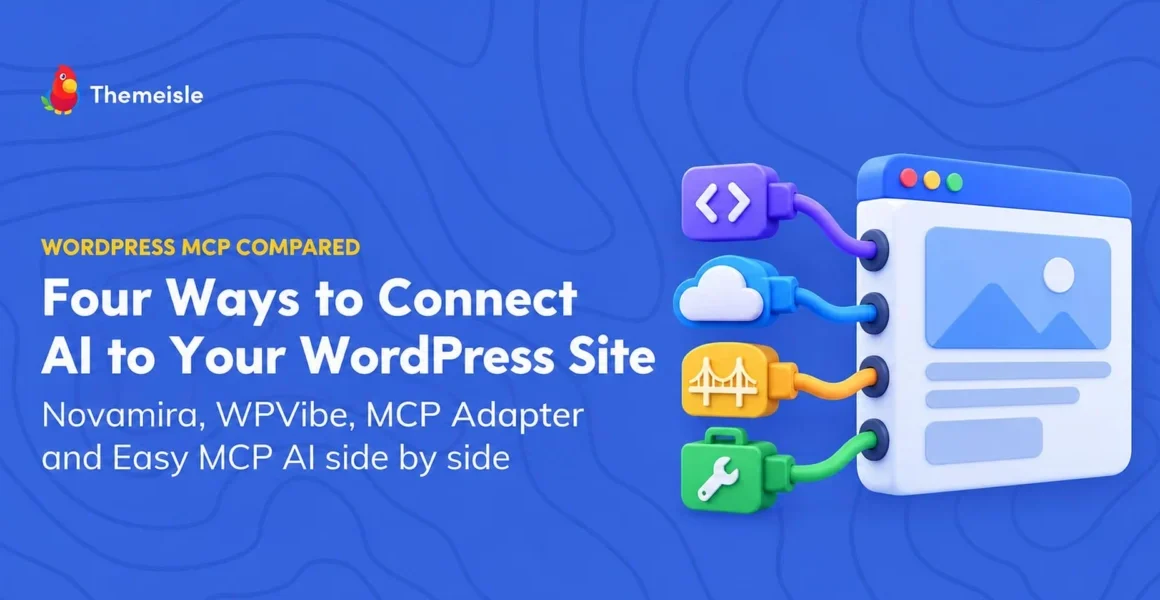
Administrators seeking to leverage AI workflows within their WordPress installations generally choose one of three distinct paths:
- Build Custom on the Adapter: Ideal for advanced developers. Install the core Adapter, register custom site-specific abilities using the Abilities API, and meticulously craft filters to control public exposure.
- Utilize WordPress.com Built-In Infrastructure: Perfect for users on paid WordPress.com tiers or self-hosted environments connected via Jetpack AI/Complete plans. This route leverages native OAuth 2.1 authentication without requiring manual application password management.
- Deploy Pre-Built Tool Suite Plugins: Solutions like Easy MCP AI offer hundreds of pre-configured tools spanning WooCommerce, SEO, media, and content management, complete with visual dashboard controls, audit logs, and granular permission toggles.
Final Thoughts
The WordPress MCP Adapter represents a massive leap forward for AI integration, turning self-hosted sites into highly responsive, programmable environments. However, power demands responsibility.
Before integrating your AI assistant into production environments, administrators should install the Adapter, run the discovery tool to audit exactly what functions are exposed, implement strict user role restrictions, and apply custom filters to keep the AI’s operational scope as narrow as security best practices demand.