






The modern developer’s workflow has been fundamentally altered by the advent of AI coding agents. Tools like Cursor, Claude Code, and Windsurf have transitioned from mere autocomplete engines to autonomous entities capable of scaffolding full-stack applications. However, a glaring limitation persists: while these agents are masters of syntax and logic, they are notoriously deficient in aesthetic judgment.
When left to their own devices, AI agents gravitate toward the "Default UI"—a monotonous landscape of purple gradients, overly rounded corners, generic sans-serif typography, and layouts that fulfill functional requirements while failing to evoke a sense of professional craftsmanship. This lack of "taste" isn’t a failure of the model’s intelligence, but a lack of specialized training in the nuances of visual design.
To bridge this gap, the developer community is moving toward "AI Skills"—executable markdown files and modular configurations that inject design systems, color science, and typography rules directly into an agent’s instruction set. This evolution marks a pivotal shift in how we build software: moving from static, human-interpreted design handoffs to dynamic, agent-interpreted design systems.
The Genesis of Agentic Design: A Chronology of Progress
The history of AI-assisted design is short but aggressive. Initially, developers relied on "System Prompts"—cumbersome, lengthy strings of text pasted into the top of every chat window, attempting to coerce the AI into adhering to a brand identity.
- The Prompt Engineering Era (2022–2023): Developers spent hours crafting massive "persona" prompts. These were fragile; a long conversation thread would often lead the AI to "forget" the design constraints, resulting in the return of the dreaded default styling.
- The Rise of Context Injection (2024): With the introduction of local context files like
.cursorrulesor project-level instructions, agents gained the ability to "see" aDESIGN.mdfile. This was the first true leap toward consistency. - The Modular Skill Era (Late 2024–Present): We are currently witnessing the maturation of the "Skill" ecosystem. Instead of writing custom documentation for every project, developers are now using standardized, installable packages—libraries of design logic that can be pulled into any environment via CLI, allowing agents to "learn" specific design philosophies on command.
The Toolkit: 10 Essential Skills for Elevated UI
The following directory represents the state-of-the-art in agent-focused design. These tools transform an agent from a generic coder into a specialist capable of executing complex visual hierarchies.
1. OKLCH Color Skill: Precision Engineering
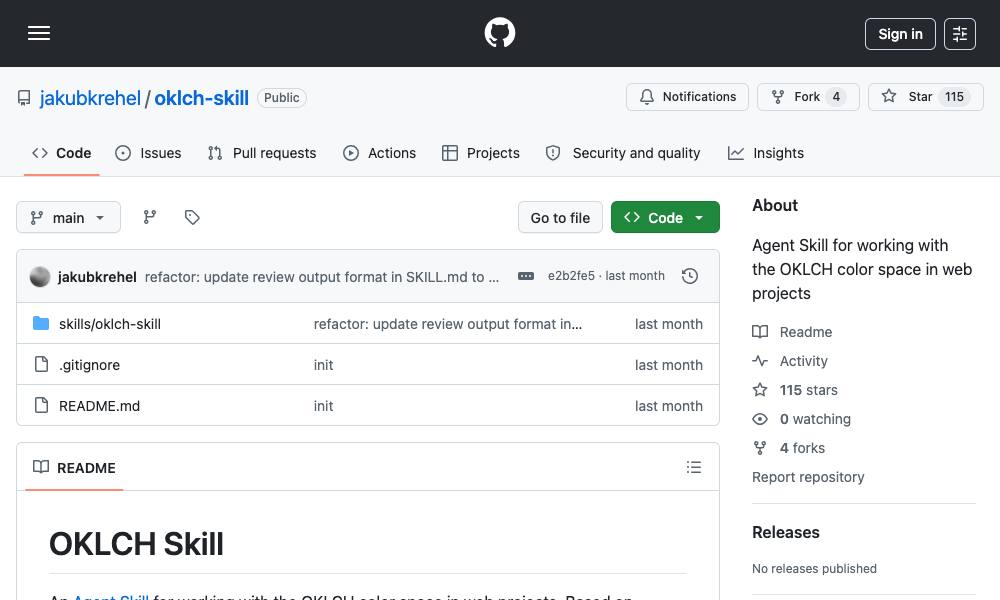
The OKLCH Color Skill addresses the persistent issue of "muddy" color palettes. By forcing the agent to operate within the perceptually uniform OKLCH color space rather than the legacy HSL or RGB models, it eliminates hue drift. The agent learns to generate uniform scales, derive accessible dark-mode variants, and validate contrast against WCAG 2.2 and APCA standards.
- Implication: Predictive, accessible, and scientifically balanced palettes.
2. Swiss Design System: The Power of Restraint
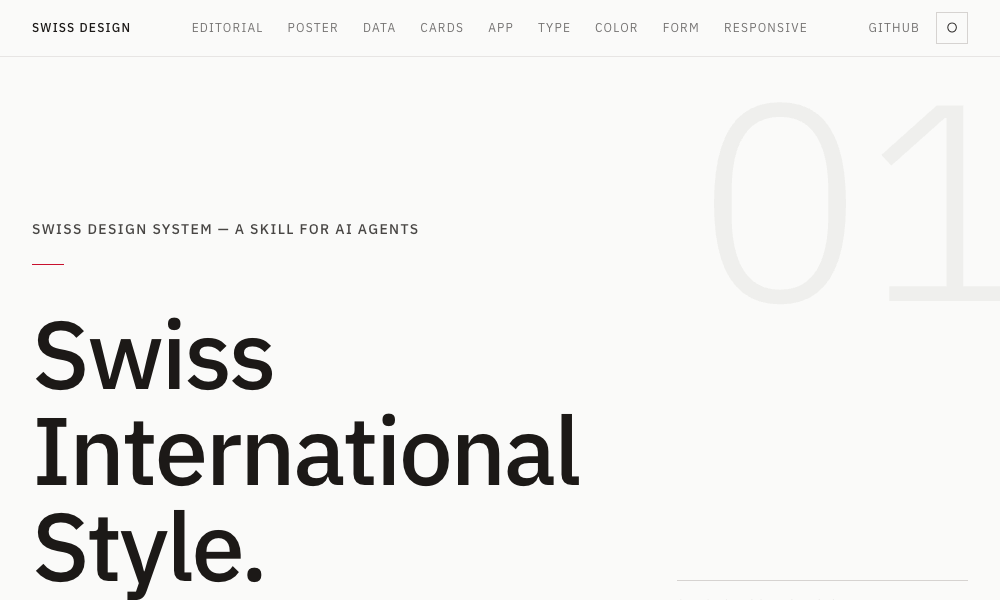
For projects requiring high readability and professional authority, the Swiss Design System skill is indispensable. It encodes the principles of Josef Müller-Brockmann—grid discipline, generous whitespace, and the use of grotesque typefaces like Helvetica or Neue Haas Grotesk—directly into Tailwind utility class recommendations.
3. Transitions.dev: The Micro-Interaction Layer
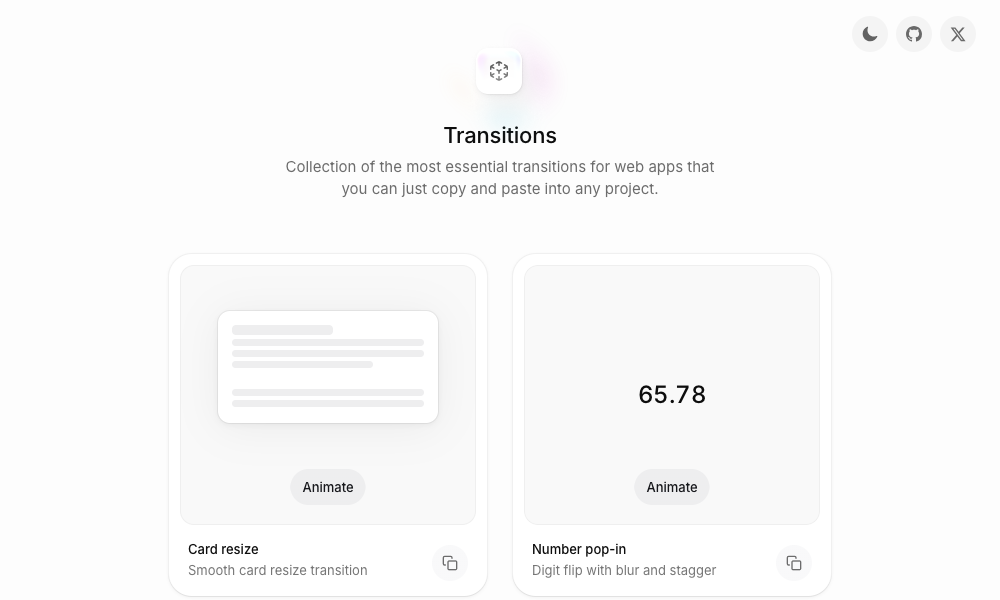
A static UI often feels "dead." Transitions.dev provides a library of nine essential animation patterns, from digit-flip counters to diagonal slide notifications. By providing the agent with pre-optimized CSS for these transitions, it ensures that your application feels polished rather than mechanical.
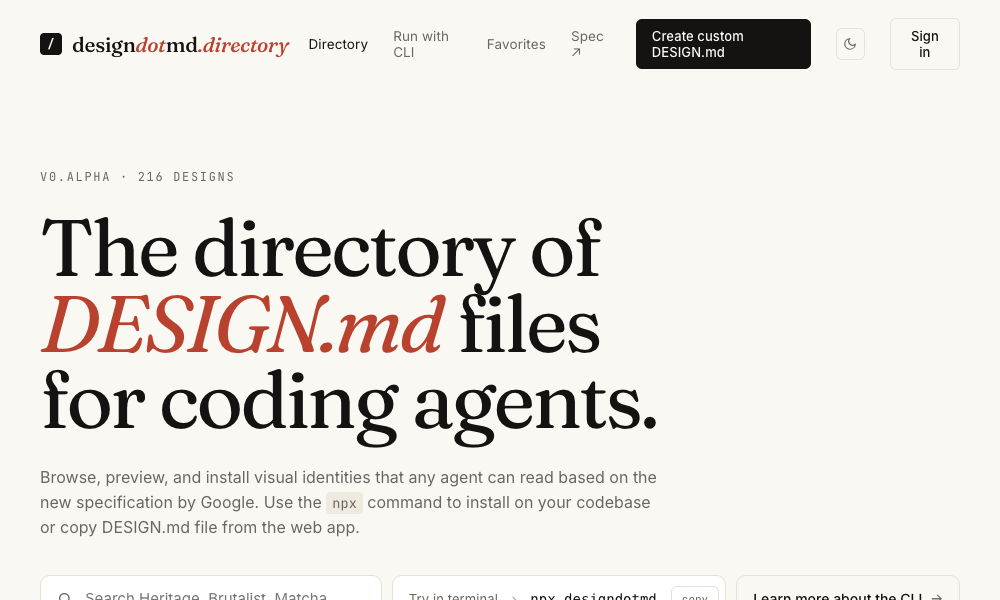
4. DESIGN.md Directory: The Frictionless Standard
The most accessible entry point, this directory provides templates for DESIGN.md files. By dropping these into your project root, you establish a "source of truth" that the agent respects implicitly. No CLI or npm installation is required, making it the most portable solution for cross-team collaboration.
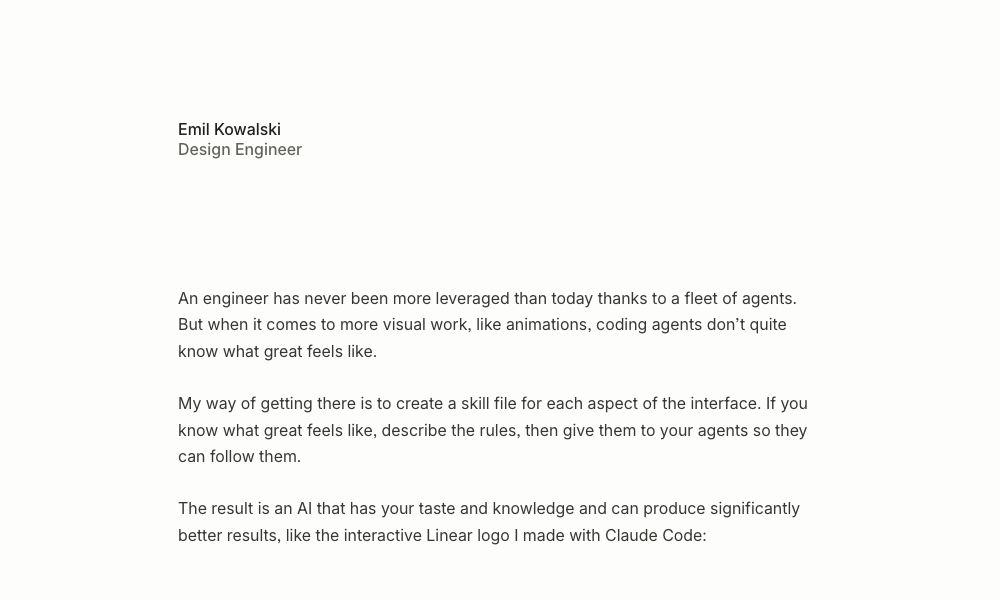
5. Agents with Taste (by Emil Kowalski)
Emil Kowalski’s contribution to the space is a masterclass in design engineering. This skill doesn’t just dictate color; it teaches the agent the rhythm of an interface—capping body text at 65 characters, choosing the correct easing curves for specific interactions, and applying micro-interaction timing (e.g., 200ms for modals).
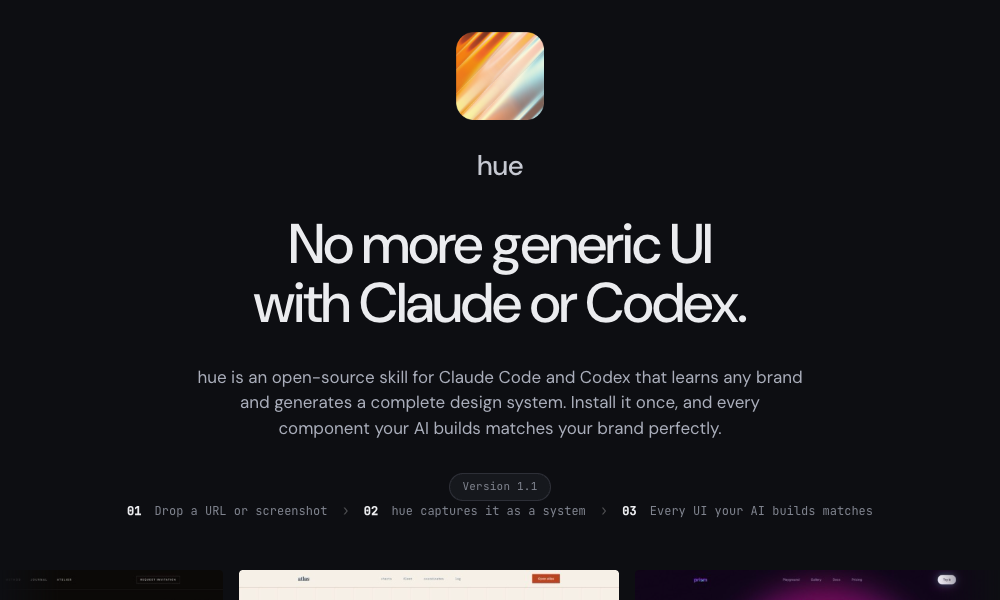
6. Hue: Brand-Aware Design Systems
Hue is the premier choice for developers tasked with replicating an existing brand. By analyzing a URL or screenshot, it reverse-engineers a complete design system—typography, spacing, components, and icon sets—allowing the agent to build new pages that feel native to an existing ecosystem.
7. Refero Styles: The 150,000-Screen Library
Refero functions as a visual search engine that provides the technical "DNA" of top-tier apps like Stripe or Linear. Through its MCP (Model Context Protocol) server, an agent can query real-world UI patterns, providing a level of reference that was previously reserved for human designers browsing Dribbble.
8. TypeUI Design Skills
TypeUI offers a highly curated gallery of aesthetics. Its CLI-based approach (npx typeui.sh pull) allows developers to inject a specific "look and feel" into a project with a single command, ensuring the agent adheres to a cohesive visual language from the very first component it renders.
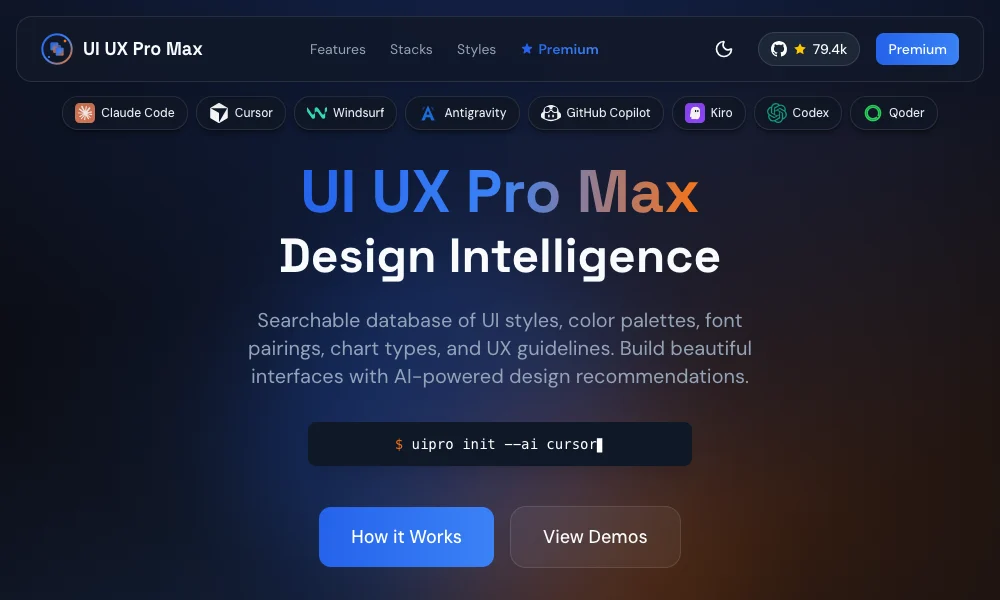
9. UI/UX Pro Max: The Holistic Engine
This is the most comprehensive tool on the list. With over 160 reasoning rules, it functions as an autonomous design consultant. It handles the entire lifecycle: from initial requirements analysis (e.g., "design a premium tour booking app") to generating the component-level CSS and layout structures.
10. AI UX Playground: The Pattern Library
Moving beyond visuals, this library focuses on the behavior of AI products. It provides patterns for handling LLM streaming, error states in chat interfaces, and complex data visualization, ensuring that the user experience is optimized for the specific challenges of AI-native applications.
Implications: The Future of the Design-to-Code Workflow
The integration of these skills represents a fundamental shift in the professional hierarchy of digital product creation.
For the Designer: The role is evolving from "pixel pusher" to "systems architect." Designers will no longer need to export static assets; instead, they will curate, refine, and maintain the DESIGN.md files and logic sets that govern how agents assemble interfaces.
For the Developer: The burden of visual decision-making is being lifted. By offloading the minutiae of color contrast and grid alignment to specialized agents, developers can focus on the higher-order problems of application logic and user flow.
For the Organization: This shift allows for unprecedented velocity. A startup can now maintain a high-fidelity brand aesthetic across an entire suite of applications without requiring a dedicated front-end team to manually police every pull request.
The Human Element
Despite these advancements, the "taste" of an agent remains a reflection of the rules it follows. While the industry is making great strides, the ultimate responsibility for the aesthetic impact of a product still rests with the human in the loop. The most successful developers will be those who curate their agent’s skills with as much care as they curate their own technical toolchains.
As these tools continue to mature, the distinction between "machine-generated" and "human-designed" will become increasingly irrelevant. The goal is no longer to make the machine behave like a human, but to empower the machine to execute the highest standards of human design principles at scale. We are currently in the "early days," but the trajectory is clear: the agents of tomorrow will not just code; they will create.