







Main Facts: The Aesthetic Revolution in AI-Assisted Development
For the past several years, generative artificial intelligence has fundamentally transformed software engineering. Developers utilizing coding agents in environments like Claude Code, Cursor, and Codex can rapidly scaffold functional applications, debug complex algorithms, and ship software at unprecedented speeds.
Yet, a glaring friction point has consistently plagued AI-generated outputs: mediocre aesthetics.
Left to their own devices, default AI coding agents frequently gravitate toward a homogenous, uninspired visual language. Projects built entirely by algorithms notoriously lean on predictable purple gradients, overly aggressive rounded corners, ubiquitous typography like the Inter font, and structural layouts that technically fulfill requirements while completely lacking visual conviction.
This creative deficit is not an inherent flaw in the reasoning capabilities of large language models. Rather, it is a symptom of context: default agents simply lack a standardized sense of design taste.
The paradigm is shifting rapidly through the introduction of AI skills—modular markdown files and configuration packages installed directly into AI coding environments. By injecting specialized design systems, color theories, typographic hierarchies, and motion guidelines into an agent’s working memory, developers can fundamentally upgrade their AI assistants. Instead of spitting out generic web templates, a skill-augmented agent can meticulously apply OKLCH color science, adhere to Swiss grid systems, or execute mathematically precise UI animations.
This development marks a monumental pivot in software creation. Design expertise is evolving from static Figma files and human-read style guides into executable rules that AI agents can run autonomously.
Chronology: From Static Prompting to Executable Design Systems
To understand how the ecosystem arrived at executable design skills, it helps to look at the chronological evolution of AI-assisted web development:
- The Early Prompting Era (2022–2023): Developers relied heavily on verbose system prompts or ad-hoc instructions (e.g., "Make it look modern and minimalist"). Because LLMs lack persistent design tokens or structural constraints, results varied wildly across sessions, often requiring extensive manual refactoring of CSS and layout components.
- The Component Library Era (2023–2024): The adoption of pre-built component frameworks like Tailwind CSS, shadcn/ui, and Radix UI gave AI agents robust structural building blocks. While this dramatically improved baseline code quality, it did not solve the homogenization problem; thousands of distinct applications ended up looking identical because they pulled from the same default utility classes.
- The Rise of Agentic Coding Frameworks (Late 2024–Early 2025): The industry witnessed a mass migration toward terminal- and IDE-integrated coding agents such as Cursor, Claude Code, and Windsurf. These tools gained the ability to read local project files, execute terminal commands, and maintain persistent contextual awareness of a codebase.
- The Advent of Executable AI Skills (Present): The introduction of modular
.mdskill files and directory standards (such asDESIGN.md) created a standardized mechanism to inject domain-specific knowledge directly into an agent’s operational workflow. Rather than telling an agent to "design well" in every single prompt, developers can now permanently install sophisticated design languages that activate contextually whenever color, layout, or animation tasks arise.
Supporting Data: The 10 Essential Design Skills Transforming Coding Agents
A burgeoning ecosystem of open-source directories, design engineering guides, and specialized skill packages has emerged to solve the AI aesthetic crisis. Below is a comprehensive breakdown of the ten most influential design skills reshaping automated development workflows.
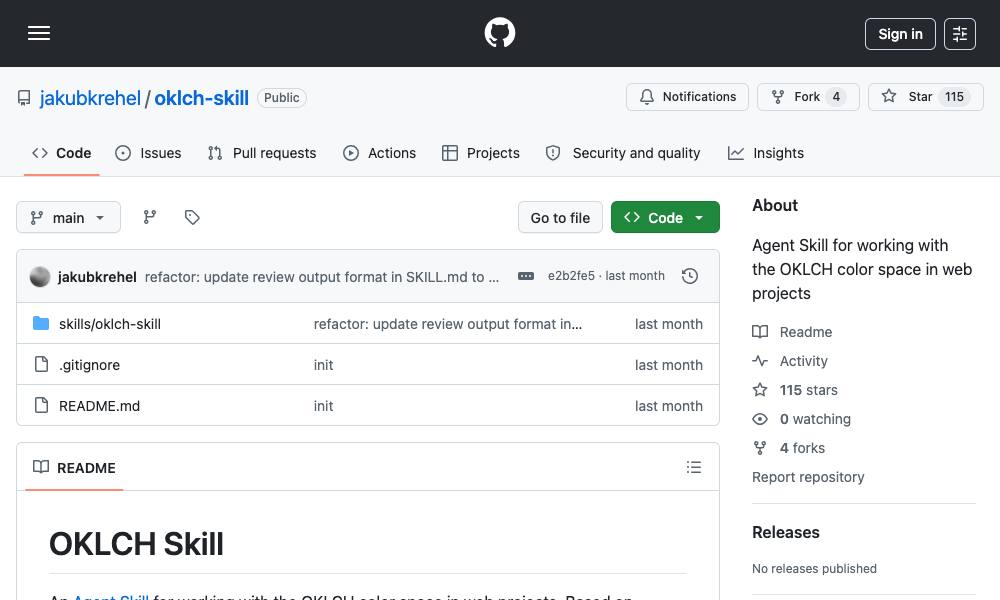
1. OKLCH Color Skill
- What it does: Teaches AI agents how to leverage the OKLCH color space—a perceptually uniform alternative to traditional HSL. It completely eliminates hue drift, guarantees predictable palette generation, and ensures robust accessibility compliance.
- Key capabilities: Converts between color formats, builds uniform palette scales (50 to 950), derives dark mode variations via lightness manipulation, checks contrast against WCAG 2 and APCA standards, and generates Tailwind CSS v4 tokens.
- Installation:
npx skills add jakubkrehel/oklch-skill
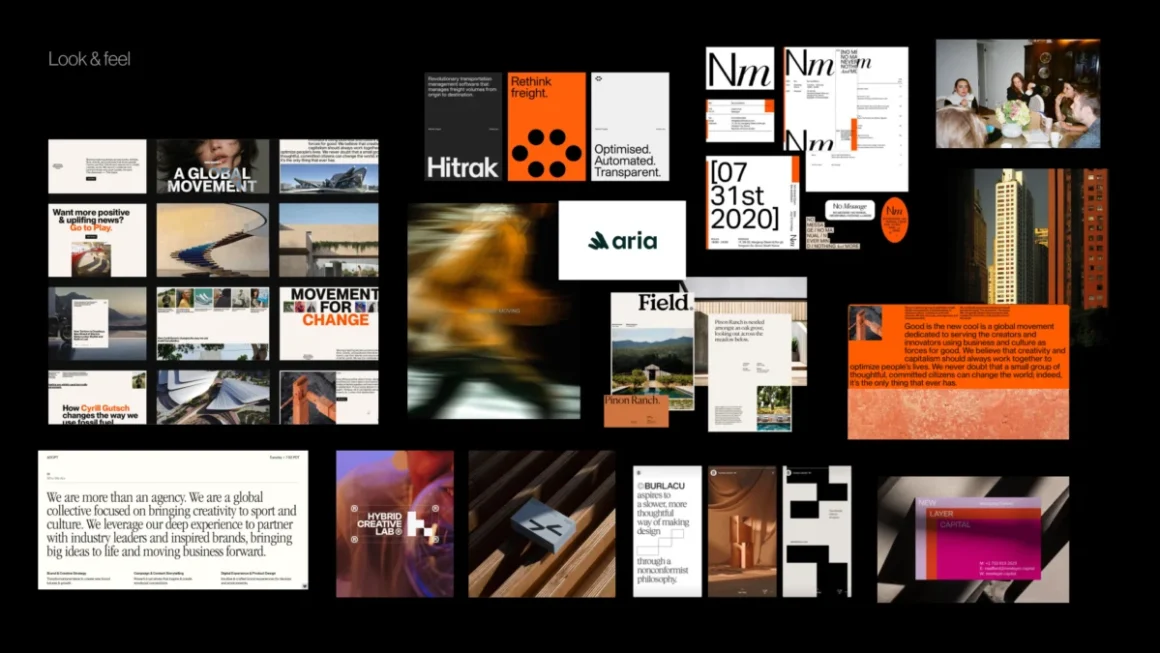
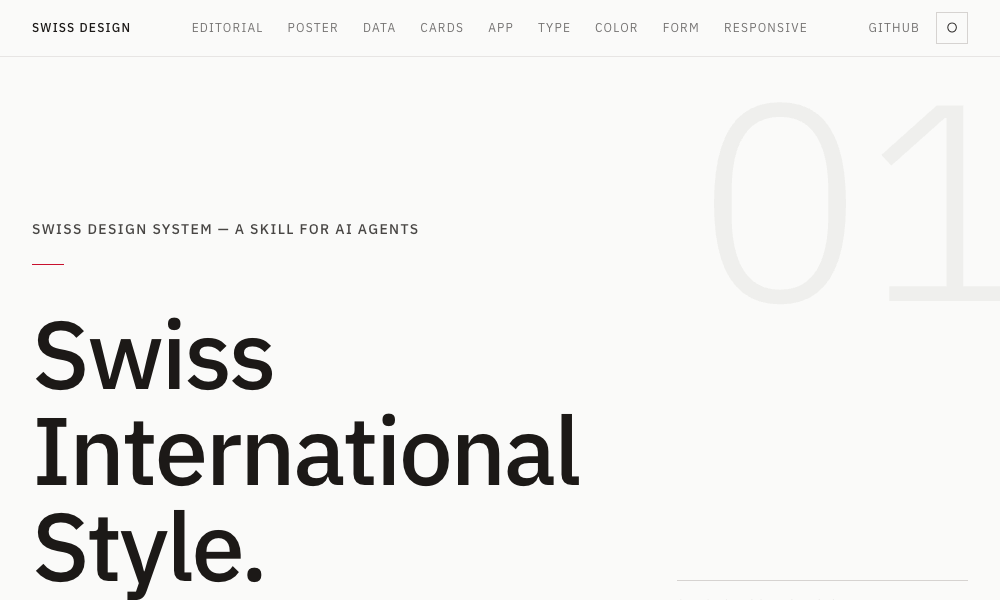
2. Swiss Design System Skill
- What it does: Brings the timeless principles of the Swiss International Style (International Typographic Style) into the modern web development stack via Tailwind CSS.
- Key capabilities: Enforces strict grid systems (drawing from Josef Müller-Brockmann’s foundational theories), utilizes grotesque sans-serif typography (Helvetica, Univers, Neue Haas Grotesk), maximizes generous whitespace, and applies restrained, functional color theory.
- Installation:
npx skills add zeke/swiss-design-skill
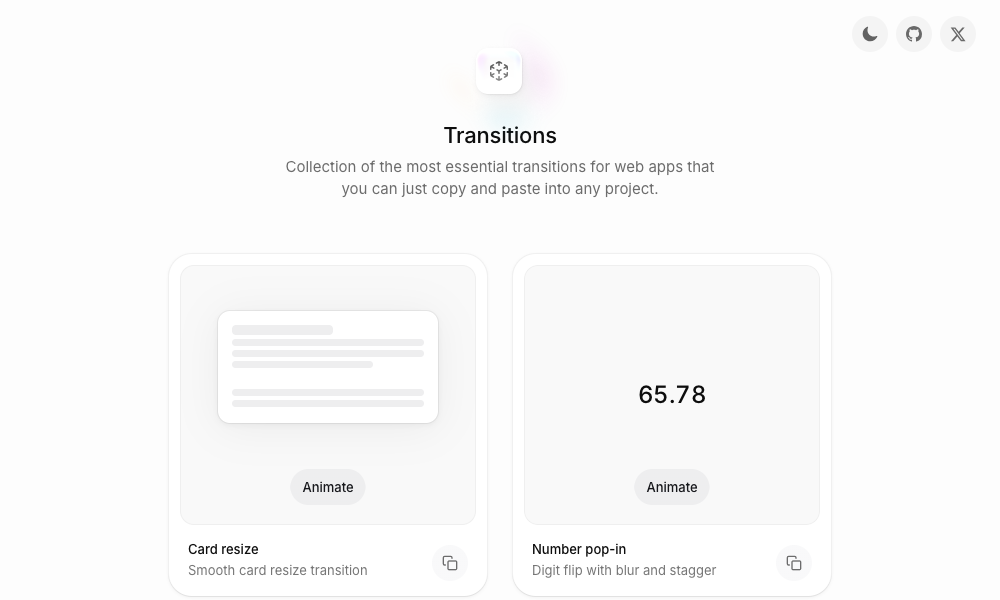
3. Transitions.dev
- What it does: Eliminates jarring, abrupt UI changes by providing agents with a curated suite of micro-interactions and layout animations.
- Key capabilities: Instantly applies production-ready CSS for card resizing, number pop-ins with digit-flip and blur effects, and notification badge sliding animations. Code matches the verified showcase, preventing agents from rendering static, un-animated UI components.
- Installation: Cloned or referenced directly via GitHub.
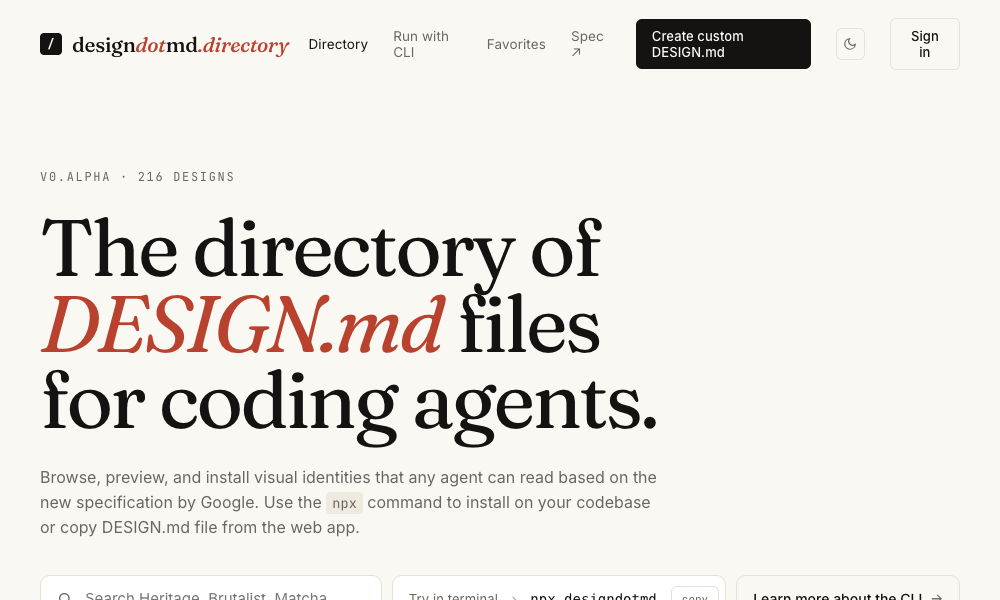
4. DESIGN.md Directory
- What it does: Offers a zero-friction, highly portable approach to AI design systems. Developers simply place a standardized markdown file containing comprehensive design tokens into their project root.
- Key capabilities: Defines complete aesthetic languages—including color palettes, typography rules, spacing systems, and component specs—that agents read and execute automatically without CLI installation or package managers.
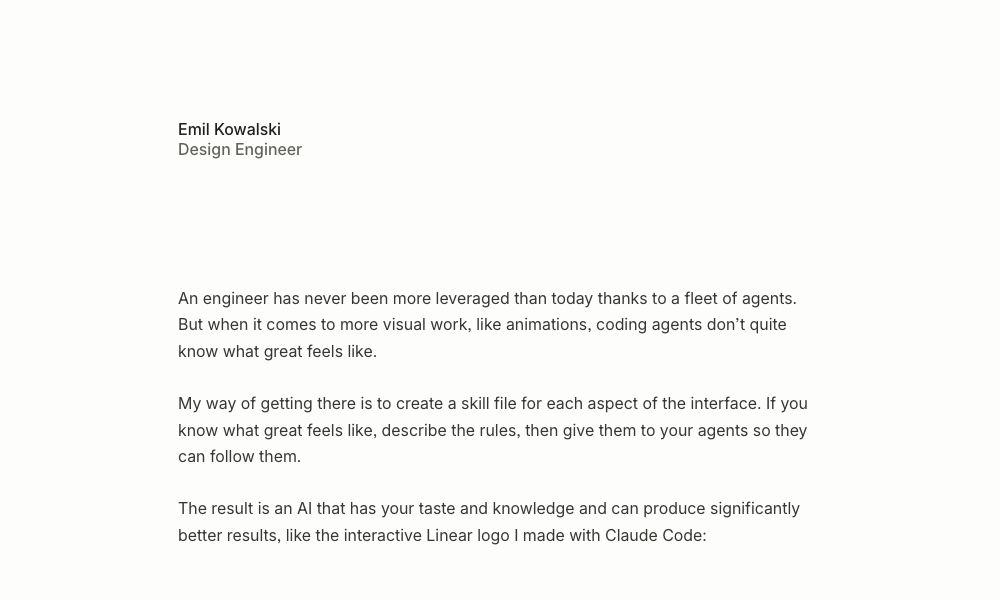
5. Agents with Taste (by Emil Kowalski)
- What it does: Embeds the personal design engineering philosophy of prominent open-source creator Emil Kowalski directly into an agent’s decision-making matrix.
- Key capabilities: Introduces rigorous easing curve selection flowcharts, precise duration guidelines (100–150ms for micro-interactions; 200–300ms for modals), and strict typographic constraints (such as capping body copy at 64–65 characters per line).
- Installation:
npx skills add emilkowalski/skill
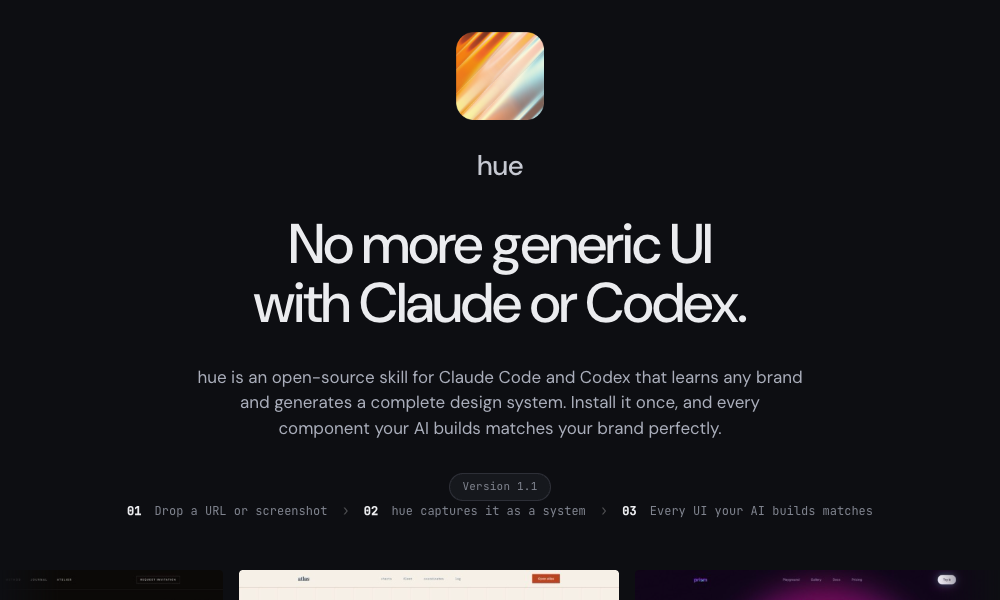
6. Hue
- What it does: An open-source skill developed by Dominik Martin that reverse-engineers brand identities from a URL, name, or screenshot, automatically generating a bespoke design system.
- Key capabilities: Analyzes target sites (e.g., Cursor.com or Raycast) and produces structured
design-model.yamlconfigurations complete with color tokens, typography rules, spacing grids, and component recommendations. - Installation:
git clone https://github.com/dominikmartn/hue ~/.claude/skills/hue
7. Refero Styles
- What it does: Bridges a massive visual search engine housing over 150,000 real application screens and user flows directly to your AI coding agent.
- Key capabilities: Allows developers to query elite product styles (from Stripe, Linear, Notion, and Figma) and immediately extract corresponding
DESIGN.mdfiles and Model Context Protocol (MCP) server linkages for on-demand pattern retrieval.
8. TypeUI Design Skills
- What it does: Provides a streamlined, multi-platform gallery of optimized
SKILL.mdandDESIGN.mdfiles compatible with Claude Code, Codex, Cursor, and OpenClaw agents. - Key capabilities: Offers a frictionless CLI workflow to pull specific aesthetic profiles into local development environments instantly.
- Installation:
npx typeui.sh pull [name]
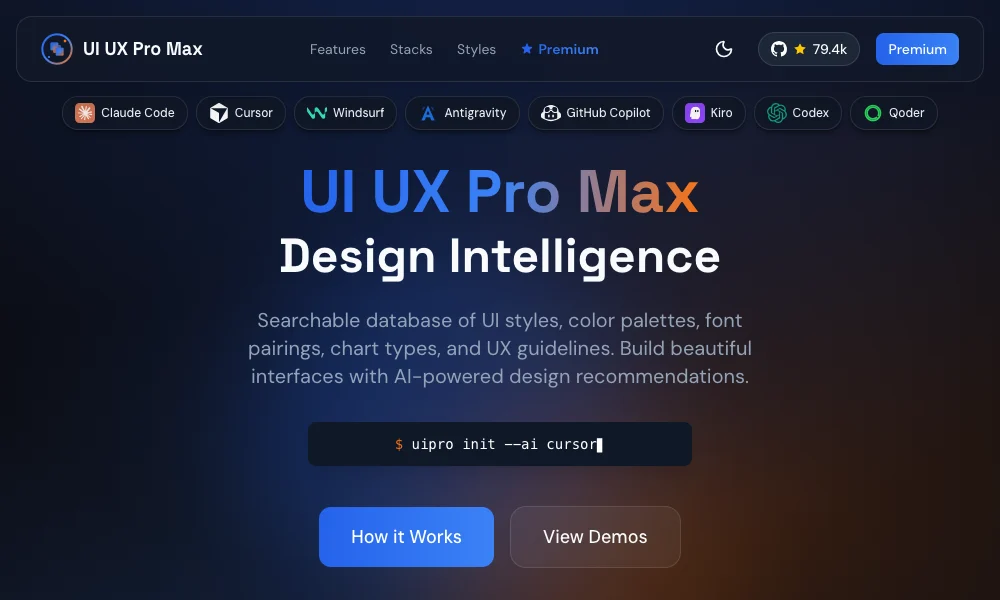
9. UI/UX Pro Max Skill
- What it does: The most exhaustive framework on the market, packing 161 reasoning rules, 67 distinct UI styles, and a powerful Design System Generator.
- Key capabilities: Analyzes project requirements (e.g., building a high-end tour booking platform) and outputs a comprehensive blueprint spanning layout structures, color theory, typography, motion, and explicit design anti-patterns to avoid.
- Installation:
npx ui-pro init
10. AI UX Playground
- What it does: Focuses exclusively on interface patterns optimized for conversational and generative AI products (ChatGPT, Claude, Perplexity, Gemini).
- Key capabilities: Documents platform-specific UX interaction models, real-world case studies, and implementation guidelines tailored for software interacting with large language models.
Official Perspectives and Industry Reception
The rapid institutionalization of AI skills has drawn widespread praise from software architects, design engineers, and product leaders alike.
Industry analysts note that as software development tools become increasingly commoditized, visual differentiation and user experience polish will serve as the primary competitive moats for modern digital products. By bridging the traditional chasm between backend-focused coding agents and frontend visual standards, skills empower solo developers and lean engineering teams to ship enterprise-grade interfaces that rival the output of dedicated design agencies.
Proponents of open-source design repositories emphasize that executable skills eliminate subjective arguments during code reviews. When an agent is explicitly instructed via an installed skill to adhere to strict WCAG 2 contrast ratios, correct typographic line lengths, or mathematically sound easing curves, the resulting pull requests naturally align with professional design standards.
Implications: The Future of Design, Development, and Agency
The widespread adoption of executable AI design skills carries profound structural implications for the technology sector:
- The Evolution of the Designer’s Role: Designers are transitioning from creators of static visual artifacts (such as individual Figma mockups) to architects of executable logic. Writing, maintaining, and curating markdown-based design systems and prompt skills will become an essential core competency for modern design engineers.
- Eradication of Template Fatigue: As customized
DESIGN.mdfiles and brand-matching engines like Hue become ubiquitous, the era of generic, cookie-cutter AI web applications will draw to a close. Agents will effortlessly mirror unique brand identities on demand. - Democratization of Enterprise Aesthetics: High-end design polish—previously restricted to organizations with large dedicated UI/UX teams—is becoming universally accessible. Any developer with a properly configured coding agent can now command institutional-grade typography, color theory, and motion design.
What’s Next?
The current ecosystem of design-focused AI skills represents merely the tip of the iceberg. While early implementations feature occasional rough edges, the long-term trajectory is undeniable: static human-read design documentation is rapidly being replaced by executable, machine-run rules.
For developers and designers looking to stay ahead of the curve, the prescription is straightforward: explore the directories, install a skill that aligns with your aesthetic goals, and observe how your AI coding agent transforms from a functional code generator into a true design partner.