Garmin has officially launched its comprehensive fall software update, breathing new life into a wide array of its premier smartwatches and Edge cycling computers. Known widely for producing some of the industry’s most robust fitness tracking and outdoor navigation hardware, the company’s latest firmware package aims to close the gap on lifestyle smartwatches while doubling down on elite athletic performance metrics.
The rollout introduces highly anticipated safety features—such as fall detection for lifestyle-focused wearables—alongside hands-free voice commands, adaptive running coaching plans, and advanced automated metrics for cyclists. As the update continues its phased deployment across the globe, users of compatible devices can expect a significantly enhanced ecosystem experience designed to optimize daily health monitoring and elevate high-intensity training regimens.
Main Facts: What the Fall Update Delivers
The latest software deployment is a feature-rich package that spans multiple product lineups, touching everything from everyday multi-sport smartwatches to specialized running and cycling gear.
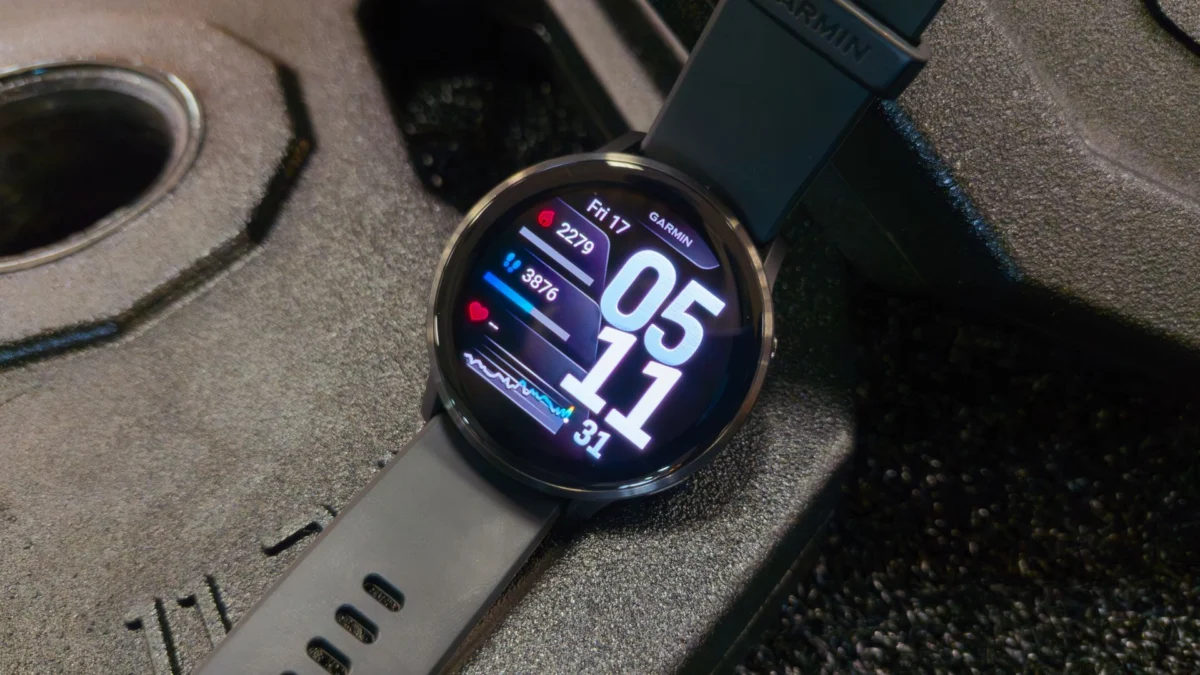
- Target Devices: The update is rolling out to several high-profile devices, including the rugged Fenix 8 series, the performance-oriented Forerunner 570 and Forerunner 970, the lifestyle-centric Venu 6, and the everyday wellness companion Vivoactive 6.
- Safety Integration: Crucially, the Venu 6 is finally receiving fall detection. If the watch detects a hard fall, it can automatically transmit the user’s live GPS coordinates to pre-selected emergency contacts—a feature long standard on Apple Watch and Wear OS devices.
- Hands-Free Control: Select smartwatches are gaining voice-activation capabilities via a new "OK Garmin" wake word, allowing athletes to navigate menus, log hydration, or check stats without breaking their stride.
- Adaptive Running Tech: Runners will benefit from personalized workout routines paired with a newly redesigned adaptive Garmin Run Coach plan, which dynamically alters future training loads based on real-time performance, fatigue, and recovery metrics.
- Cycling Enhancements: Edge cycling computers are not being left behind; the update introduces automated climb and descent detection, seamlessly adjusting data screens and tracking parameters when the topography shifts.
Chronology of the Release
The deployment of Garmin’s firmware updates typically follows a careful, tiered schedule to ensure server stability and bug mitigation before hitting the wider public.
- Late Summer / Early Fall Development: Following the launch of next-generation hardware like the Fenix 8, Garmin’s software engineers finalized algorithms for dynamic training loads, voice recognition layers, and safety protocols.
- Initial Deployment Phase: Garmin officially announced and initiated the rollout of the fall firmware package. Early adopters running compatible smartwatches began seeing update prompts.
- Current Status: The software is currently pushing out via regional waves. Devices linked to the Garmin Connect app are automatically queuing the download packages, though users in certain regions may experience a staggered arrival over the coming days.
- Companion Hardware Update: Simultaneously, Garmin pushed out firmware updates for its Edge cycling series, ensuring that multi-sport athletes operating both a smartwatch and a bike computer can sync their training ecosystem seamlessly.
Supporting Data and Ecosystem Impact
Garmin’s strategic pivot in this update addresses two major consumer demands: lifestyle safety and smarter, less rigid training architecture.
For years, mainstream consumer smartwatches from Apple, Samsung, and Google dominated the conversation regarding daily safety utilities like fall detection and robust voice assistants. By bringing fall detection to the Venu 6 and introducing the "OK Garmin" voice command, Garmin is successfully bridging the divide between a hardcore training computer and a daily connected smartwatch.
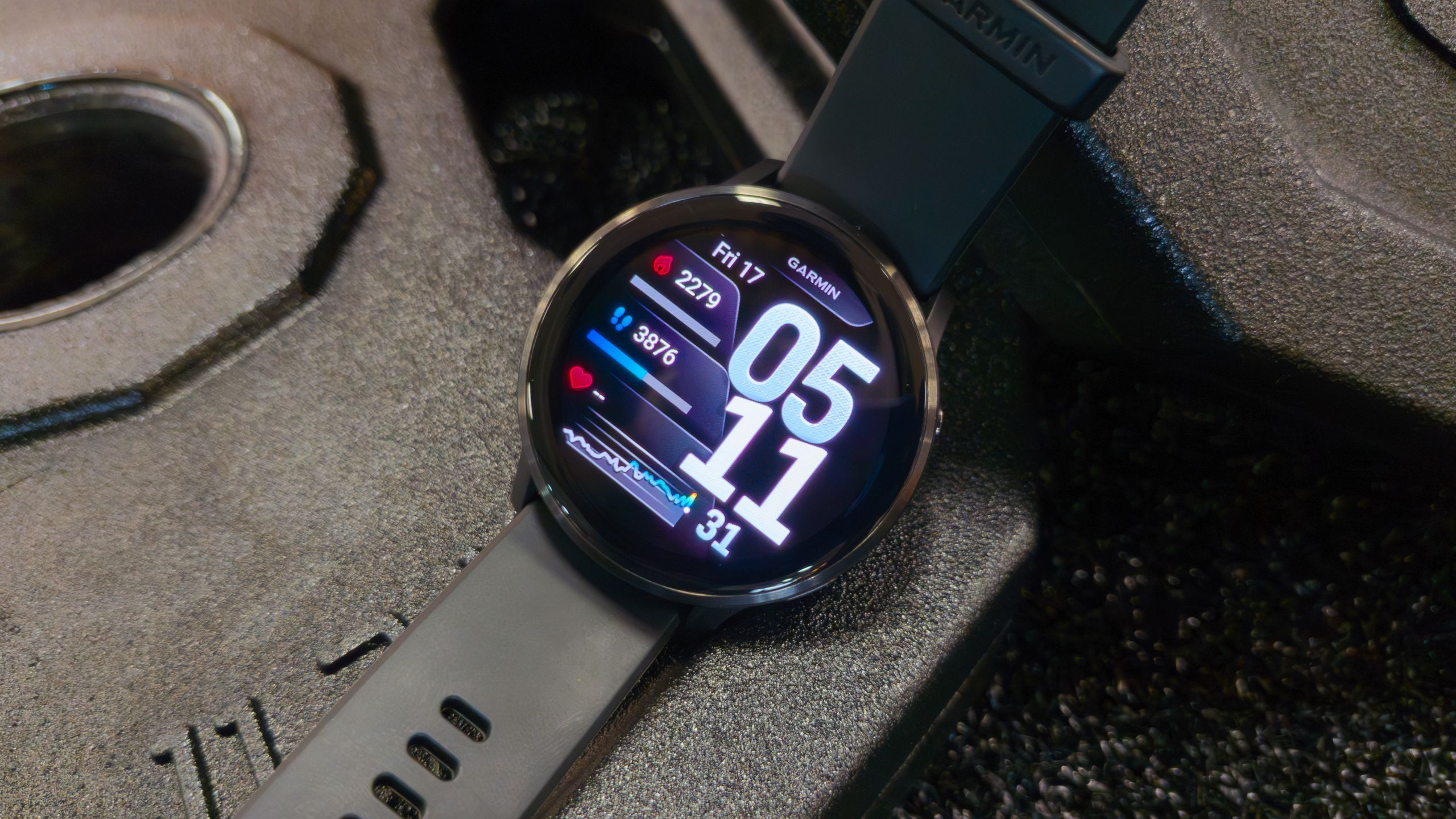
On the athletic front, the integration of adaptive training metrics—such as tracking acute impact load miles, tolerance levels, and actual mileage through visual charts on devices like the Forerunner 970—underscores Garmin’s commitment to data-driven recovery. Overtraining remains one of the primary causes of athletic injury. By dynamically adjusting the Garmin Run Coach plan based on recent performance metrics, the software acts as a virtual coach that understands when an athlete needs to push harder and, just as importantly, when they need to rest.
Furthermore, the cycling updates—specifically automatic climb and descent detection—remove the friction of manual lap-marking or screen-swapping during grueling hill climbs, allowing cyclists to maintain absolute focus on the road or trail ahead.
Official Responses and Developer Insights
While Garmin routinely releases minor stability patches, major seasonal feature drops are treated as milestone events for the brand’s engineering and product development teams.
In statements accompanying the rollout, Garmin representatives emphasized that these features were heavily driven by consumer feedback and competitive benchmarks within the wearable tech market. The addition of fall detection to the Venu series, in particular, represents a philosophical shift toward making high-end safety tech accessible across a wider spectrum of price points and use cases, rather than restricting it solely to extreme outdoor adventure watches.
Product specialists have also highlighted the computational improvements required to run the "OK Garmin" voice recognition locally on battery-conscious hardware, noting that optimizations were made to ensure the feature does not compromise the legendary battery life for which Garmin devices are renowned.
Implications for Users and the Wearable Market
The release of this fall update carries significant implications for both current Garmin owners and the broader smartwatch landscape.
1. Enhanced Value Retention for Existing Owners
One of Garmin’s strongest selling points has always been its post-purchase support. Instead of forcing users to upgrade to brand-new hardware to access cutting-edge features, Garmin consistently rolls major software packages down to previous-generation and current flagship devices alike. This builds immense brand loyalty, reassuring buyers that their investment in a high-end GPS watch will appreciate in capability over time.
2. Narrowing the Gap with General-Purpose Smartwatches
Historically, buyers shopping for lifestyle wearables often gravitated toward Apple or Wear OS devices because of superior voice integration and safety suites. By incorporating "OK Garmin" voice commands and robust fall-detection protocols into popular lifestyle models like the Venu 6, Garmin makes it much harder for casual fitness enthusiasts to justify choosing a competitor solely for lifestyle conveniences.
3. The Future of AI-Driven Fitness Coaching
The inclusion of dynamically adjusting run plans signals where the fitness tech industry is heading. Static PDF training plans or unchanging calendar schedules are rapidly becoming obsolete. As Garmin, Polar, and Coros continue to refine algorithms that factor in sleep scores, heart rate variability (HRV), and acute training loads, the watch on your wrist transitions from a passive data collector into an active, intelligent training partner.
How to Get the Update
If you own a compatible device—such as a Fenix 8, Forerunner 570, Forerunner 970, Venu 6, or Vivoactive 6—getting the update is a straightforward process:
- Ensure your smartphone has the latest version of the Garmin Connect app installed from the Apple App Store or Google Play Store.
- Open the app and verify that your smartwatch is actively synced via Bluetooth.
- Navigate to Settings > System > Software Update on your watch, or check the device tab in the Garmin Connect mobile app.
- If the update has reached your region and device, select Install.
Note: Because rollouts are handled in staggered waves, if the update does not appear immediately, check back periodically over the next few days as the deployment expands globally.