






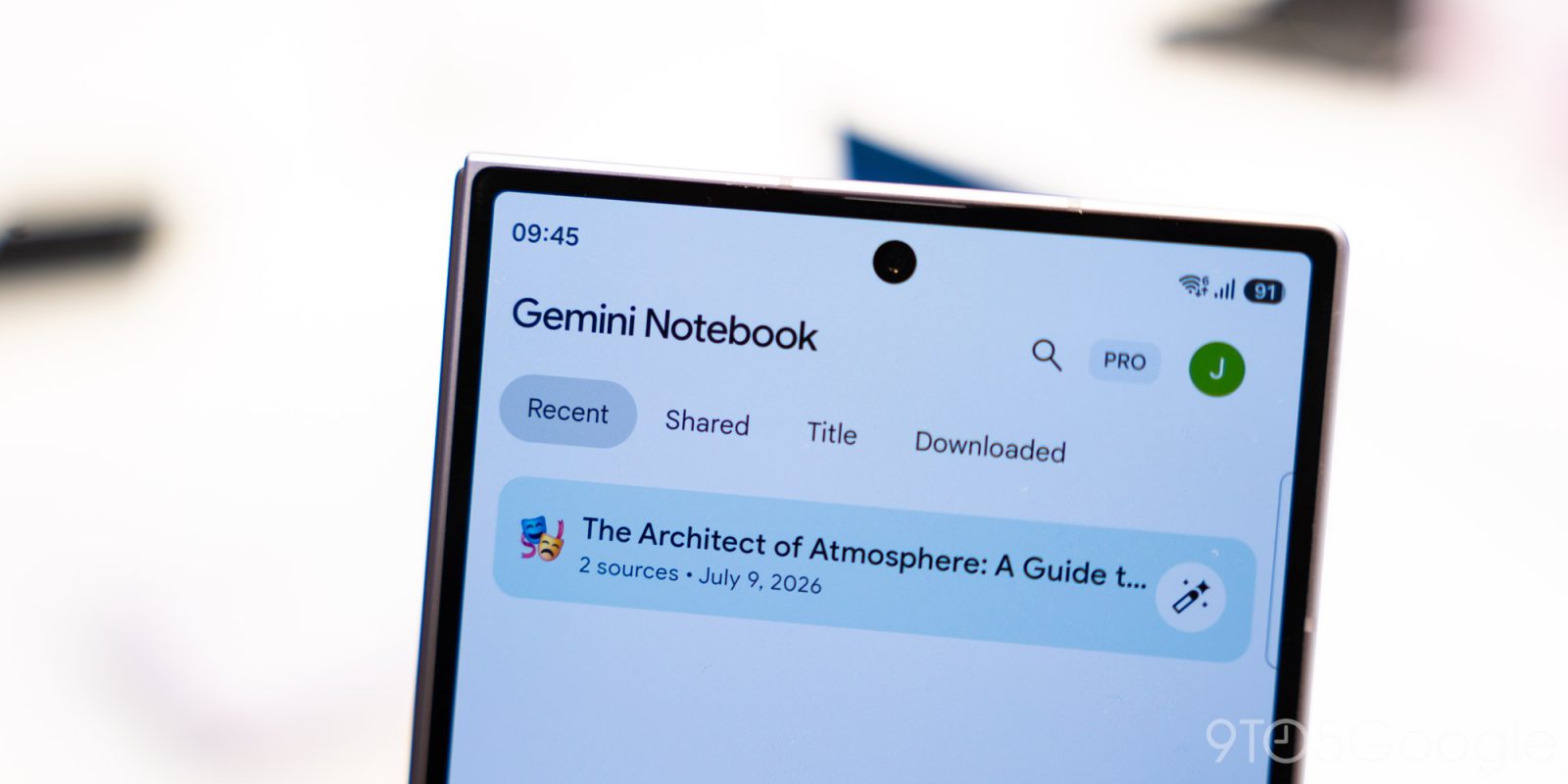
In an era defined by the rapid convergence of artificial intelligence and personal productivity, Google is pushing the boundaries of how we capture and synthesize information. Following the introduction of "Connected App" integration just last week, Google has officially rolled out a native audio recording feature for the Gemini Notebook application on both Android and iOS. This strategic update transforms the app from a static repository of documents into a dynamic, multi-modal capture tool capable of handling spoken thoughts, lectures, and meetings in real-time.
The update, which began its wide rollout today, marks a significant step in Google’s mission to make Gemini Notebook a central hub for cognitive offloading—a "second brain" that leverages AI to process, organize, and retrieve information with minimal friction.
Main Facts: The New Audio Capture Experience
The integration of an audio recorder into the Gemini Notebook interface is designed for simplicity and efficiency. Users will notice a new microphone icon positioned prominently at the bottom of the screen, situated between the existing camera shortcut and the "Create New" floating action button (FAB).
Functional Mechanics
The recorder is built for versatility, accommodating two primary workflows:
- Independent Capture: Launching the recorder from the homepage triggers the creation of a new notebook, which is then populated by the resulting audio file once the session concludes.
- Contextual Capture: Tapping the microphone icon while inside an existing "Sources" tab attaches the audio file directly to that specific project, allowing users to keep related materials—such as lecture recordings and research papers—within a single, unified workspace.
The interface itself is minimalist. It features a pause button, a stop-and-upload checkmark, and a stylized, Gemini-branded waveform that provides visual confirmation of audio input. A live timer keeps users informed of their recording duration, with Google implementing a generous 1-hour capture limit per session. Crucially, the app supports background recording; users can lock their screens or switch to other applications while the recorder continues to function, making it an ideal tool for multitasking professionals and students.
Chronology: The Road to Integrated Intelligence
The rollout of the audio recorder is the latest milestone in an aggressive development roadmap for Gemini Notebook. To understand the significance of this update, one must look at the recent history of Google’s AI ecosystem:
- September 2026: Google first teased the audio recording capability during a product showcase, highlighting the need for a seamless bridge between spoken content and AI-assisted analysis.
- Late October 2026: The company introduced "Connected App" integration, allowing Gemini Notebook to pull data from other Google services, further cementing the app’s utility as an aggregation tool.
- Early November 2026: Google introduced the "Live" button within the Chat tab, enabling users to engage in real-time, fluid conversations with their notebooks. This shifted the app from a document-retrieval system to an interactive, conversational partner.
- Today: The wide release of the audio recorder completes the current "capture" phase of the app’s development, enabling users to ingest audio data as easily as they do text or images.
Additionally, this week saw a refined user experience tweak: the "Create New" FAB now initiates a fresh notebook instantly, removing the previous intermediate step of sliding up the "Add a source" panel. This streamlining reflects Google’s intent to reduce the "time to capture," ensuring that the app never stands in the way of a user’s train of thought.
Supporting Data: Why Audio Integration Matters
The shift toward audio-first note-taking is supported by broader industry trends. As mobile devices become more powerful, the bottleneck for productivity has moved from processing power to user input. Typing on a mobile keyboard remains slower than natural speech, and in many scenarios—such as during a lecture, a brainstorming session, or a walk—keyboard input is physically impractical.
The Power of Multi-Modal Synthesis
Gemini Notebook’s value proposition lies in its ability to synthesize heterogeneous data. By allowing audio to sit alongside PDFs, spreadsheets, and web articles, Google is enabling a deeper level of cross-referencing. When a user records a one-hour lecture, Gemini doesn’t just store the file; it provides a platform where the user can:
- Chat with the audio: Ask the AI to summarize specific sections of the recording.
- Cite the sources: Request that the AI pinpoint the exact timestamp where a specific topic was discussed.
- Iterate: Edit the automatically generated transcript in real-time while the audio plays, ensuring the highest level of accuracy for archival purposes.
Official Responses and Strategic Vision
While Google has kept specific usage metrics private, the company’s recent messaging surrounding Gemini Notebook points toward a "NotebookLM-plus" philosophy. The goal is to provide a workspace where the barrier between "thinking" and "recording" is effectively removed.
In documentation accompanying the release, Google emphasizes the "chat, cite, and build" workflow. The company positions the audio recorder not merely as a voice memo tool, but as a "knowledge ingestion" tool. By enabling background recording, Google is acknowledging the mobile nature of its user base—professionals who need to record meetings while simultaneously reviewing documents or taking additional notes.
The decision to limit recordings to one hour is a calculated constraint, likely aimed at balancing cloud storage costs with the typical length of academic lectures and business meetings, while ensuring that the processing load for the AI to "understand" the audio remains manageable for the current Gemini model architecture.
Implications: The Future of Cognitive Offloading
The implications of this update for education, journalism, and corporate management are profound.
1. The Death of the "Transcription Gap"
Historically, students and journalists have spent hours transcribing audio after an event. With Gemini Notebook, the transcript is treated as a first-class citizen within the AI workspace immediately upon upload. This allows for near-instant analysis, effectively eliminating the transcription gap that often delays the utilization of raw information.

2. A New Standard for "Second Brain" Applications
By embedding an audio recorder, Google is competing directly with specialized note-taking apps like Notion, Obsidian, and Otter.ai. However, the advantage of the Gemini ecosystem is the underlying intelligence. Unlike a simple recorder that just stores a file, Gemini Notebook treats the audio as a prompt. If a user asks, "What were the key points from the meeting I recorded earlier today?" the app can cross-reference the audio file, generate a summary, and even cross-check it against a project plan stored in a separate document.
3. Workflow Friction and UX
The recent UI changes—specifically the modification of the "Create New" FAB—demonstrate a mature understanding of user intent. By prioritizing immediate entry over menu navigation, Google is optimizing for the "capture it now, organize it later" school of productivity. The interface is increasingly becoming an invisible layer between the user and their thoughts.
4. Technical Hurdles and Future Challenges
Despite the excitement, challenges remain. As with all AI-driven tools, accuracy in transcription depends heavily on audio quality, ambient noise, and the clarity of the speakers. Furthermore, as users populate their notebooks with more audio, the demand for sophisticated search and retrieval—finding a specific sound bite from a 45-minute recording—will grow. Google will likely need to implement advanced "audio fingerprinting" or semantic search for audio in the coming year to maintain its lead.
Conclusion
The rollout of the audio recorder for Gemini Notebook is more than just a new feature; it is an evolution of how we interact with our own knowledge base. By integrating audio capture into an AI-powered workspace, Google is validating the concept of the "intelligent notebook"—a tool that listens, remembers, and synthesizes.
For the end-user, the message is clear: whether you are a researcher synthesizing dozens of interviews, a student capturing complex lectures, or a professional documenting agile stand-ups, your information is no longer locked away in isolated files. It is now part of an active, conversational, and deeply interconnected ecosystem. As Google continues to refine the Gemini experience, we can expect the line between human thought and digital record to continue to blur, making the act of note-taking a truly collaborative effort between the user and their AI.
For those eager to get started, the update is available now. Users on Android and iOS should check their respective app stores for the latest version. If the feature does not appear, a simple "force stop" and restart of the application is recommended to refresh the interface assets. As the digital workspace continues to shift toward AI-native environments, Gemini Notebook is proving itself to be a front-runner in the race to define the next generation of productivity.