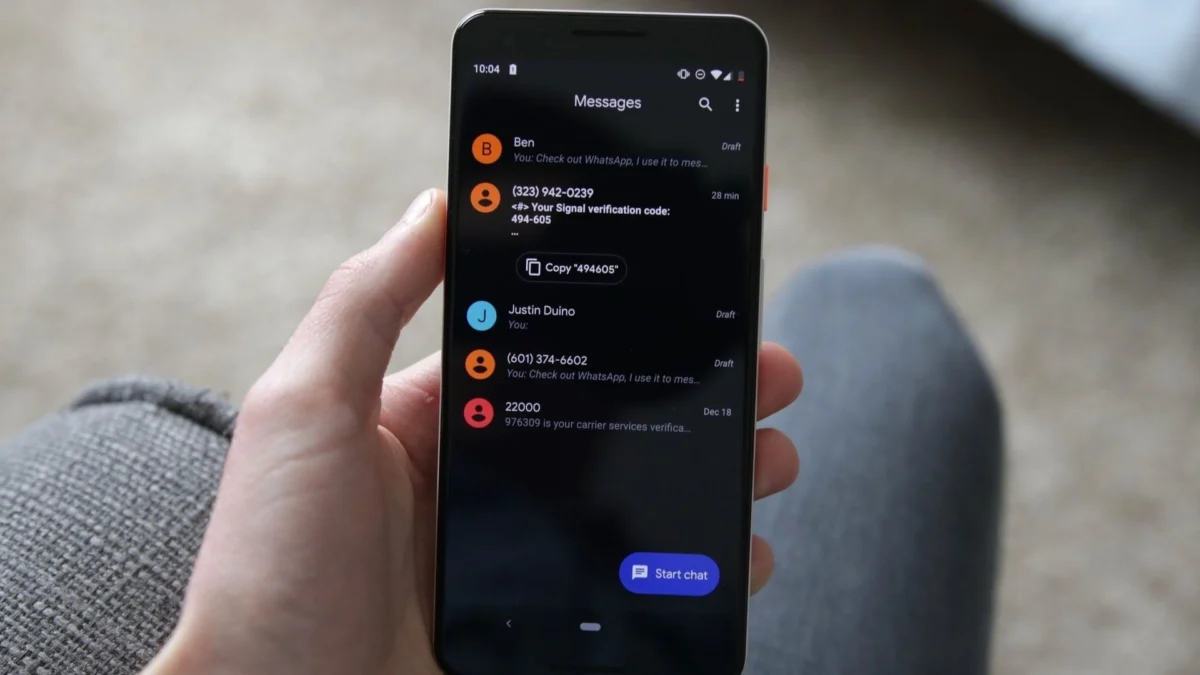
SAN FRANCISCO — Google is rolling out a sweeping series of interface and navigational updates to its flagship messaging application, Google Messages. For years, Android users have relied on a predictable, albeit sometimes rigid, set of gestures and menus to navigate their conversations. However, the tech giant is now modernizing the application’s user experience (UX) with a fluid floating long-press menu, granular text-selection capabilities, and fundamentally reworked swipe gestures for timestamps and replies.
As these changes begin appearing in stable releases via server-side updates, millions of Android users worldwide will soon find their daily messaging habits undergoing a subtle yet profound evolution.
Main Facts: What Is Changing in Google Messages?
The latest update introduces several core alterations to how users interact with text bubbles, media, and thread navigation within Google Messages.
- The Floating Long-Press Menu: Instead of pushing management tools to a static top toolbar—the standard design paradigm for Android apps over the past decade—Google Messages now displays a contextual floating menu directly adjacent to the selected message bubble.
- Blurred Background UI: When the long-press menu is invoked, the chat background dynamically blurs, helping to isolate the active message and draw the user’s focus squarely onto the available options.
- Granular Text Selection: Users no longer have to copy an entire text block when they only need a specific fragment. By tapping and holding a second time within the selection mode, users can highlight and copy precise segments, such as an isolated phone number or street address.
- Overhauled Swipe Gestures:
- Left Swipe: Swiping left anywhere within a conversation now reveals message-specific timestamps alongside the RCS (Rich Communication Services) encryption status.
- Right Swipe: Swiping right directly on an individual message bubble is now the designated gesture for initiating a reply.
- Universal Support: Google has confirmed that these touch-and-hold actions and contextual options apply broadly across text, images, videos, web links, files, physical locations, and shared contact cards.
Chronology: From APK Teardowns to Stable Rollout
To understand how these features reached users, it is helpful to trace their development timeline through Google’s rigorous testing pipeline:
- Early Discovery (Late 2024 – 2025): Hints of a floating UI redesign first surfaced during routine APK (Android Package Kit) teardowns by tech analysts examining early code structures within experimental beta builds of Google Messages. At the time, code strings pointed toward an upcoming shift away from the legacy top toolbar.
- The Granular Copy Feature Emerges: Subsequent beta iterations revealed snippets indicating that Google was working on fine-tuned text-highlighting capabilities, allowing users to extract specific data fields out of longer conversational blocks without third-party intervention.
- Initial Public Sightings (Early 2026): Beta testers began sharing screenshots across online communities like Reddit, showcasing the dramatic visual departure of the floating long-press menu and the blurred background effect.
- The Stable Rollout (September 2026): Google initiated the stable rollout starting with build
20260910_03_RC02. Because Google manages this transition via server-side switches rather than a traditional, all-at-once Google Play Store update, deployment has been staggered, reaching devices incrementally worldwide.
Supporting Data and Feature Breakdown
The redesign is not merely aesthetic; it targets friction points that have long frustrated power users and casual texters alike.
The New Floating Menu Arsenal
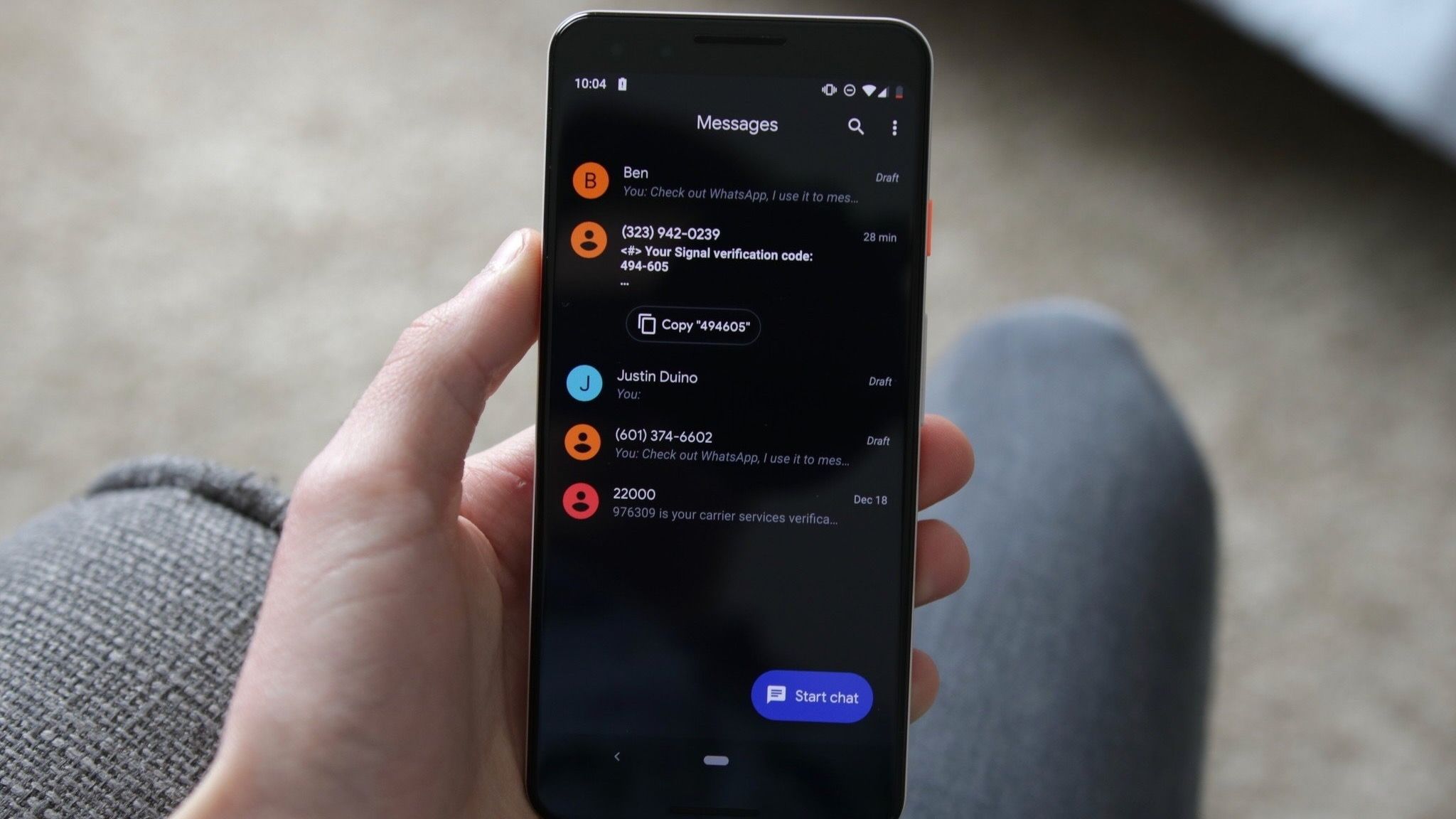
When a user long-presses a standard text message, the floating menu instantly populates with quick-access controls, including:
- Reply
- Forward
- Copy
- Star
- Delete
- Select More
- Info
For media attachments—such as photographs or graphics—the menu expands dynamically to include workflow-enhancing shortcuts like Save and Remix, integrating deeper creative toolsets directly into the chat stream.
Navigational Efficiency in Long Threads
Under the legacy interface, checking the exact timestamp of every single message in a fast-moving, hours-long conversation required tapping into message details individually—a tedious process.
With the new left-swipe gesture, users can reveal timestamps and encryption markers across the entire thread instantaneously. According to initial feedback gathered by platforms like 9to5Google, this dramatically speeds up reference checks in multi-person group chats and back-and-forth professional exchanges.
Official Responses and Documentation
Google has updated its official support documentation—specifically Google Messages Help Article 17499346—to reflect these architectural adjustments. While the company frequently deploys interface updates without formal press conferences, the publication of updated help pages confirms that these modifications are intended as permanent, platform-wide standards rather than temporary A/B experiments.
Independent reporting from prominent Android publications, including Android Authority and Android Central, corroborated the rollout details through user-submitted bug reports, community threads on Reddit (notably contributions from users tracking early deployment waves like Lazy_Excitement_2602), and hands-on testing of the stable build branches.
Implications for Android Users and the Ecosystem
1. Muscle Memory and Adaptation Hurdles
The most immediate implication for users is the friction of unlearning years of muscle memory. For nearly a decade, Android users have associated swiping gestures and long-presses with specific system behaviors. Shifting the reply action exclusively to a right-swipe on the bubble, and transforming the left-swipe into a timestamp reveal, means users will inevitably misfire during the initial transition period.
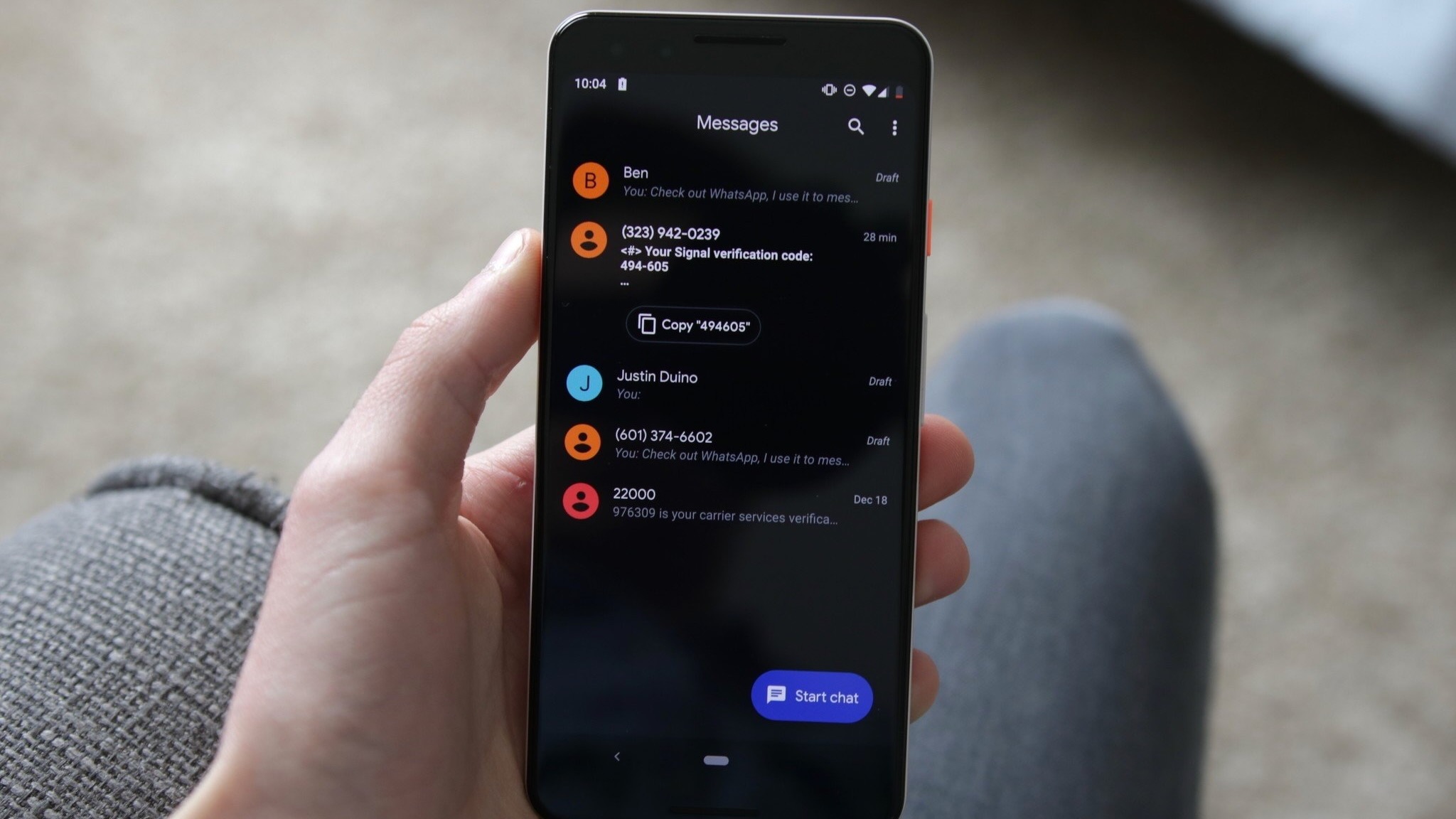
To ease this friction, Google has implemented subtle visual cues: when a user taps a message, read receipts are displayed alongside a temporary flash of the timestamp to subtly hint at the new navigational layout.
2. Streamlining Modern Text Interactions
By making multi-media manipulation (such as the "Remix" and "Save" options) directly accessible via the floating menu, Google is positioning Messages as a richer communications hub. This aligns with broader industry trends where chat applications double as mini-ecosystems for sharing, editing, and consuming media without requiring users to jump between multiple apps.
3. Privacy and Transparency Visibility
The prominent integration of RCS encryption statuses into the left-swipe timestamp view places security front and center. In an era where cross-platform messaging security—particularly between Android and iOS via modern RCS adoption—is a major consumer talking point, giving users a frictionless way to verify that a conversation is end-to-end encrypted is a notable win for transparency.
4. Accessibility and the Server-Side Rollout Model
Because the update is deployed via server-side switches, users eager to test the new gestures may experience a waiting game. This rollout methodology, standard practice for Google’s app ecosystem, allows the company to monitor stability and catch regressions before forcing the new UI onto every active Android device globally.
Conclusion
Google’s latest updates to Google Messages prove that even deeply established user interfaces can benefit from thoughtful modernization. By replacing top-heavy toolbars with floating, contextual menus and refining how users parse timestamps and reply to threads, Google is smoothing out the daily friction of mobile communication.
As the rollout continues to widen across the global Android user base, these changes will soon transform from novel talking points into the invisible, second-nature fabric of how millions text every day.