In the rapidly evolving landscape of web development, the introduction of AI-assisted design has moved beyond simple text generation into the realm of complex, structural site management. With the launch of Divi AI Agents within the Divi 5 Visual Builder, Elegant Themes has introduced a sophisticated way for developers and designers to interact with their site architecture.
However, as any seasoned developer knows, the quality of an AI’s output is only as good as the specificity of the input. When a user requests an update to a "pricing button" on a page featuring a dozen such elements, ambiguity often leads to suboptimal results. To bridge this gap, Divi has introduced the "Context" and "Scope" framework—a powerful mechanism designed to give AI agents the surgical precision required for professional-grade web production.
The Evolution of AI-Assisted Design
The integration of artificial intelligence into the Divi 5 environment represents a paradigm shift in how we handle site layout. Rather than relying on manual clicks for every minor CSS adjustment, users can now employ plain-language instructions to inspect, query, and modify their site structure.
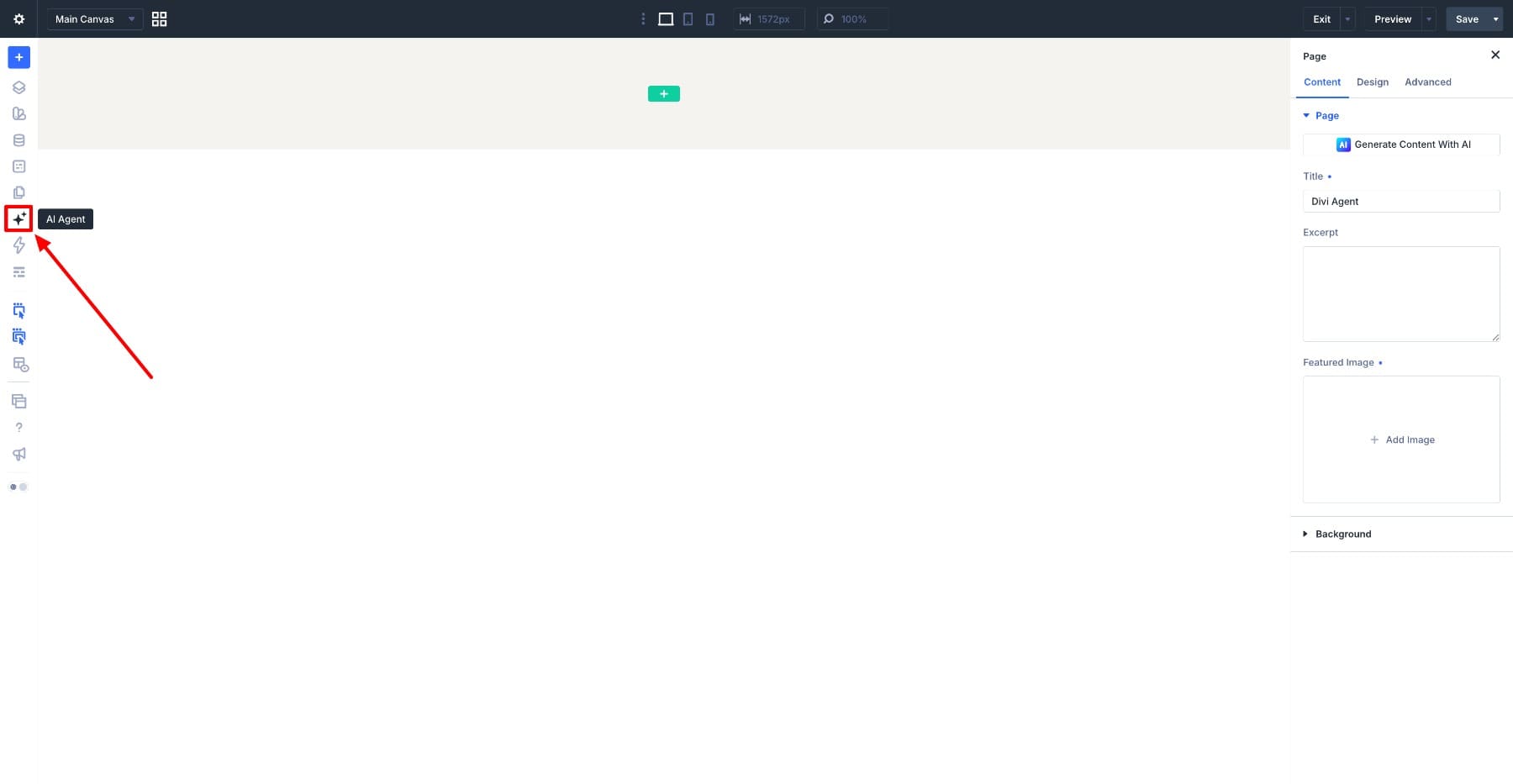
The Divi AI Agents panel, located in the Visual Builder’s sidebar, serves as the command center for these operations. Users can toggle between Ask Mode—geared toward inquiry and ideation—and Build Mode, which executes direct changes to the layout. By incorporating Context, users no longer need to describe elements from scratch; instead, they can point the agent directly to the specific module, preset, or variable they wish to influence.
Context vs. Scope: Defining the Relationship
Understanding the distinction between Context and Scope is the key to unlocking the full potential of Divi AI Agents. While both serve to narrow the focus of an AI request, they function in fundamentally different ways:
- Context: This acts as a reference point. It provides the AI with the "what" or the "how"—the source of truth. By attaching a specific preset or element as Context, you are telling the AI: "Use this as your blueprint."
- Scope: This defines the "where." It keeps the conversation focused on a specific target element, allowing for follow-up prompts without needing to re-identify the subject.
For instance, if a designer wants a secondary "Browse Courses" button to mirror the styling of a primary "Hero" button, they would attach the hero button as Context and set the course button as the Scope. The resulting instruction in Build Mode becomes remarkably simple: "Match the scoped button’s styling to the attached hero button." This workflow eliminates the risk of accidental changes to the hero element itself, ensuring only the target is modified.
The Architecture of Context: A Deep Dive
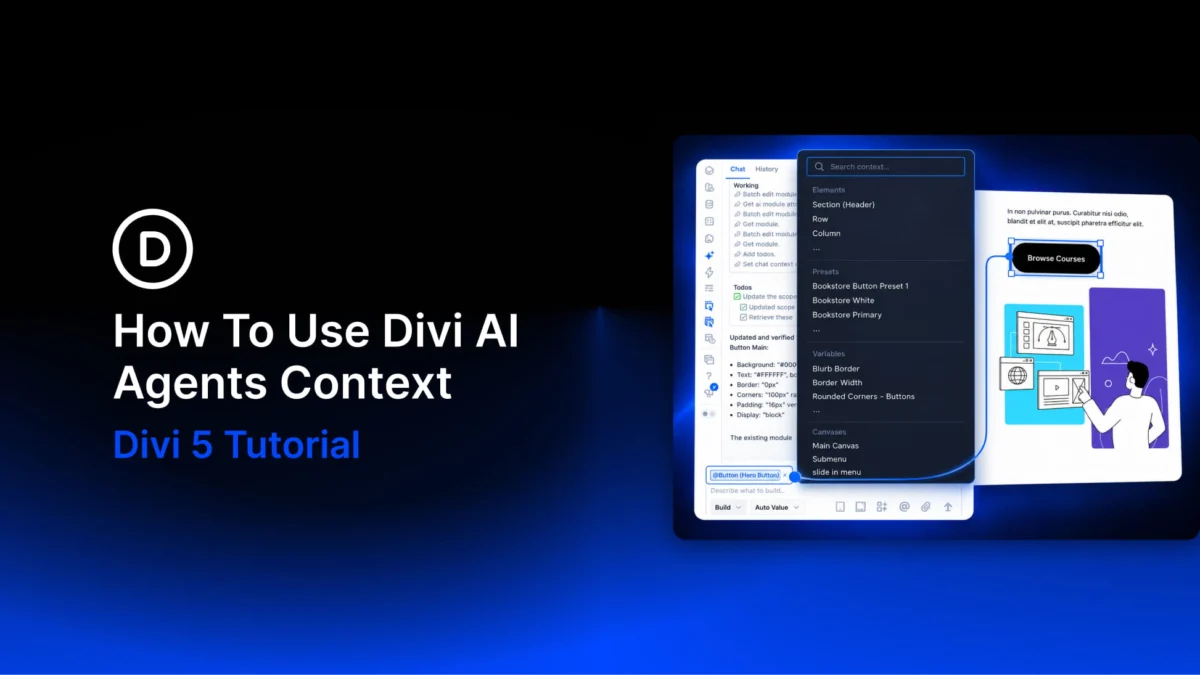
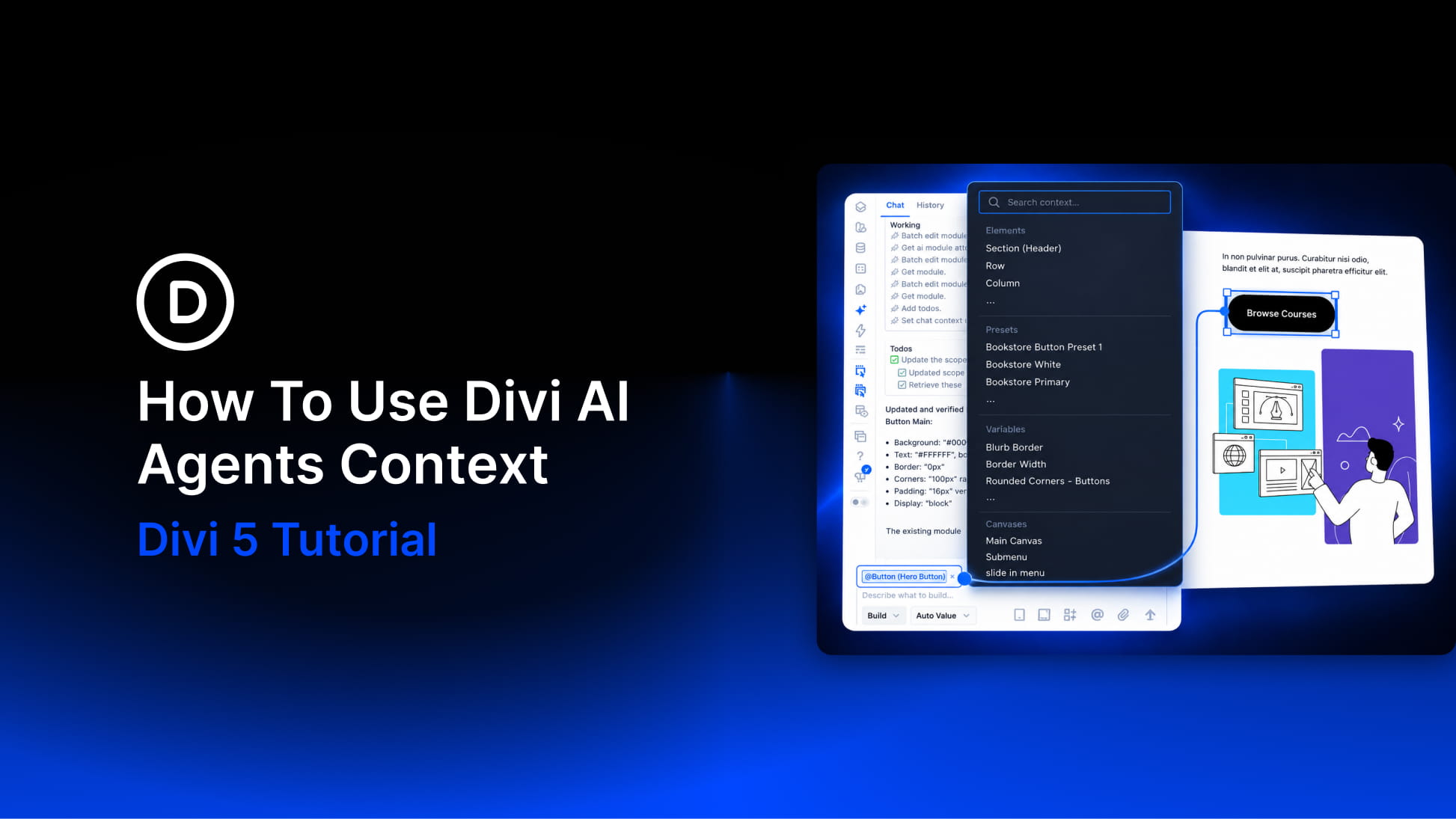
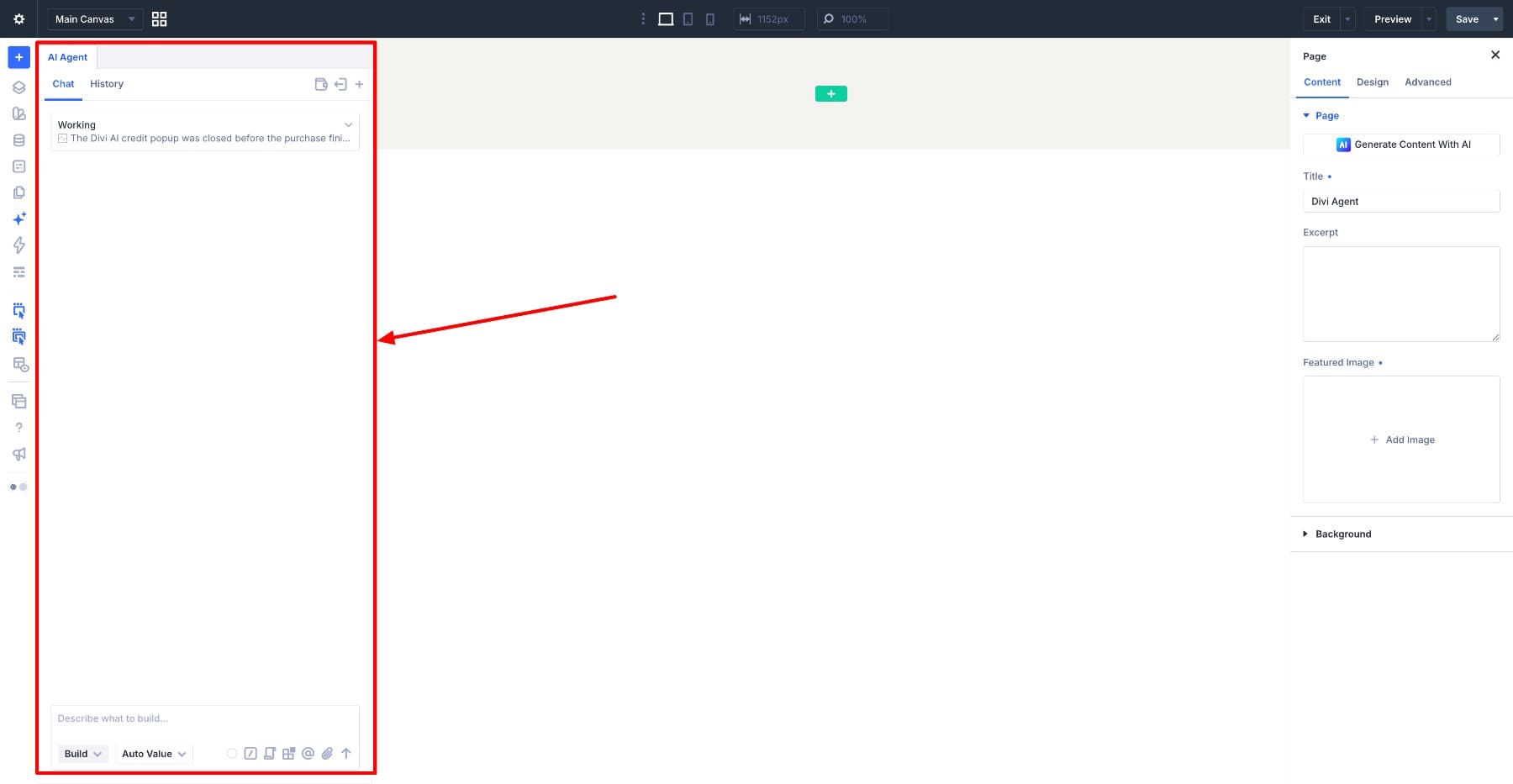
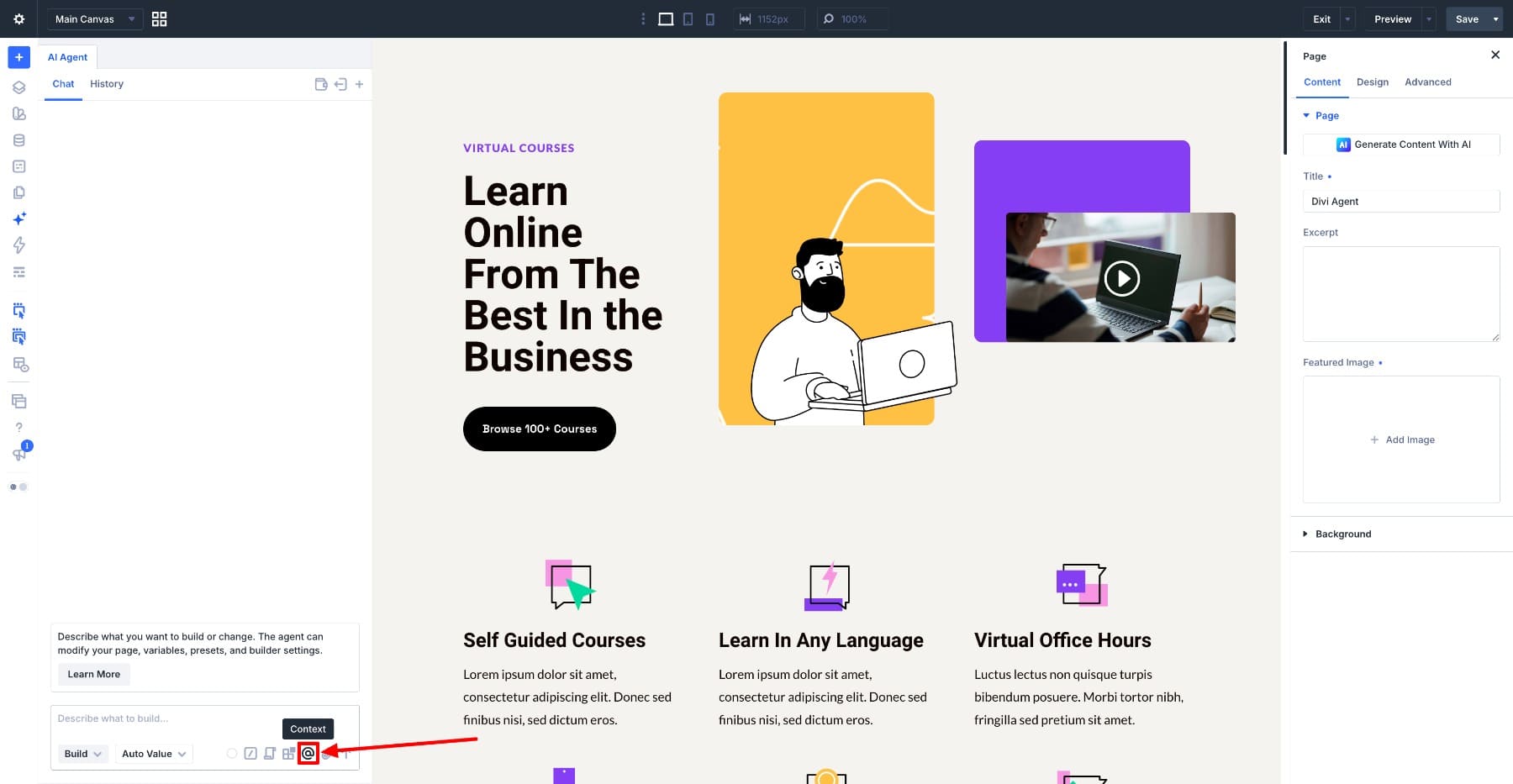
Context is managed directly within the chat composer. By clicking the context icon or typing the "@" symbol, users trigger the "Select Context" window, which allows them to browse through presets, variables, specific elements, tools, and even external files.
1. Utilizing Presets for Consistency
Design systems thrive on consistency. By using the "Presets" group, users can ensure that global styles—such as specific heading tags or button configurations—are applied uniformly. When an agent is instructed to apply a "Course Heading" preset to multiple modules, it doesn’t just copy the styling; it links the elements to the preset, ensuring that future global changes propagate automatically.
2. Variables as Single Sources of Truth
For reusable values like brand colors, font sizes, or URLs, the "Variables" group is indispensable. By attaching a variable (such as "Contact Link") to a button update request, the user ensures the button points to the variable rather than a hardcoded string. This makes future site maintenance as simple as updating one global variable rather than editing dozens of individual buttons.
3. Leveraging Built-in Tools
Tools represent the "action" layer of the agent. When a user attaches a tool—such as the "Promote Layout To Global Variables" tool—they are guiding the AI’s methodology. The AI analyzes the code or CSS structure and provides professional suggestions on how to clean up the site’s design tokens, which the user can then selectively approve in Build Mode.
4. External References and Beyond
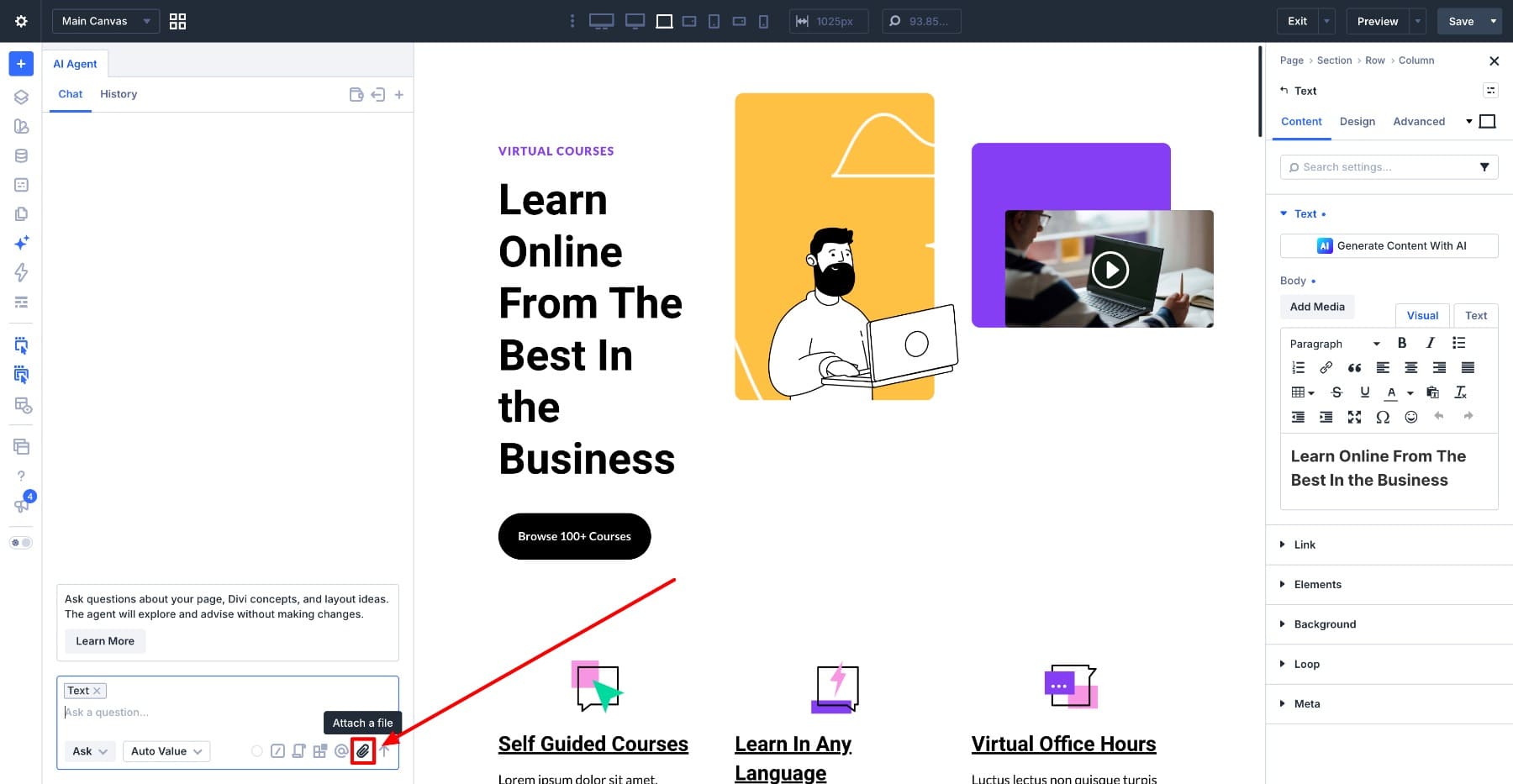
Divi AI Agents are not confined to the current page. Users can pull in data from other site pages, off-canvas menus, or popups via the "Canvases" group. Furthermore, by attaching files (such as JPEG screenshots for layout inspiration or TXT files for approved copy), users can provide the AI with external benchmarks, ensuring the final output aligns perfectly with pre-approved design documents.
Operational Chronology: From Task to Execution
The workflow for a high-efficiency designer using Divi AI Agents typically follows a structured path:
- Identification: The user identifies a design requirement (e.g., "Standardize all buttons").
- Context Selection: The user attaches the desired styling source (the Preset or Reference element).
- Scoping: The user selects the specific sections of the page that need updating.
- Prompting: The user issues a precise command in Build Mode.
- Validation: The user reviews the changes, utilizing the agent’s ability to undo or adjust if the initial output deviates from the intent.
Implications for Agency and Freelance Productivity
The implication of these tools is significant for the web design industry. Agencies often struggle with "design debt," where minor inconsistencies in styling across a large site accumulate over time. By using Context to link elements to Presets and Variables, developers can effectively "de-spaghettify" their designs.
Furthermore, by saving these Context-heavy instructions as Commands or Rules, teams can standardize their workflows. A Rule that mandates "Always use the Brand Heading preset for all H2 tags" ensures that even junior team members or automated processes adhere to the agency’s design standards without manual oversight.
Official Guidance: Keeping Context Focused
A common pitfall, according to the development team at Elegant Themes, is "Context Overload." Providing too much information can lead to diluted results. The interface includes a "Context Usage" meter to help users maintain an optimal balance.
If the agent’s focus begins to wander, the best practice is to start a new chat session. This clears the working memory of the AI while retaining the saved Commands and Rules, providing a fresh, clean slate for the next task.
Conclusion: The Future of Precision Web Design
The power of Divi AI Agents lies in the marriage of high-level intelligence and granular control. By treating AI not as a magic button, but as a sophisticated tool that requires clear parameters, designers can achieve a level of consistency and speed that was previously impossible. As these tools continue to evolve, the barrier between an idea and a live, perfectly styled web element continues to shrink, empowering creators to focus on strategy and aesthetics rather than the mechanics of CSS overrides.
For the professional developer, the ability to "point" the AI toward the correct reference is the single most important skill in the modern web design stack. With the right context, Divi AI becomes less of an assistant and more of a force-multiplier for the creative process.