







Managing multiple online accounts efficiently has become one of the most pressing operational hurdles for digital marketers, affiliate networks, cryptocurrency traders, and e-commerce sellers. Navigating client profiles across separate sessions without exposing sensitive data—or triggering automated security blocks—requires specialized infrastructure.
When you open the wrong session, lose track of authorization credentials, or spend half your morning switching between disparate browser windows, productivity plummets. To solve this, antidetect browsers have emerged as an essential piece of software architecture. By isolating projects into distinct browser environments—complete with individualized session data and custom digital fingerprint settings—these platforms redefine multi-account management.
Main Facts: What Is an Antidetect Browser and Why Does It Matter?
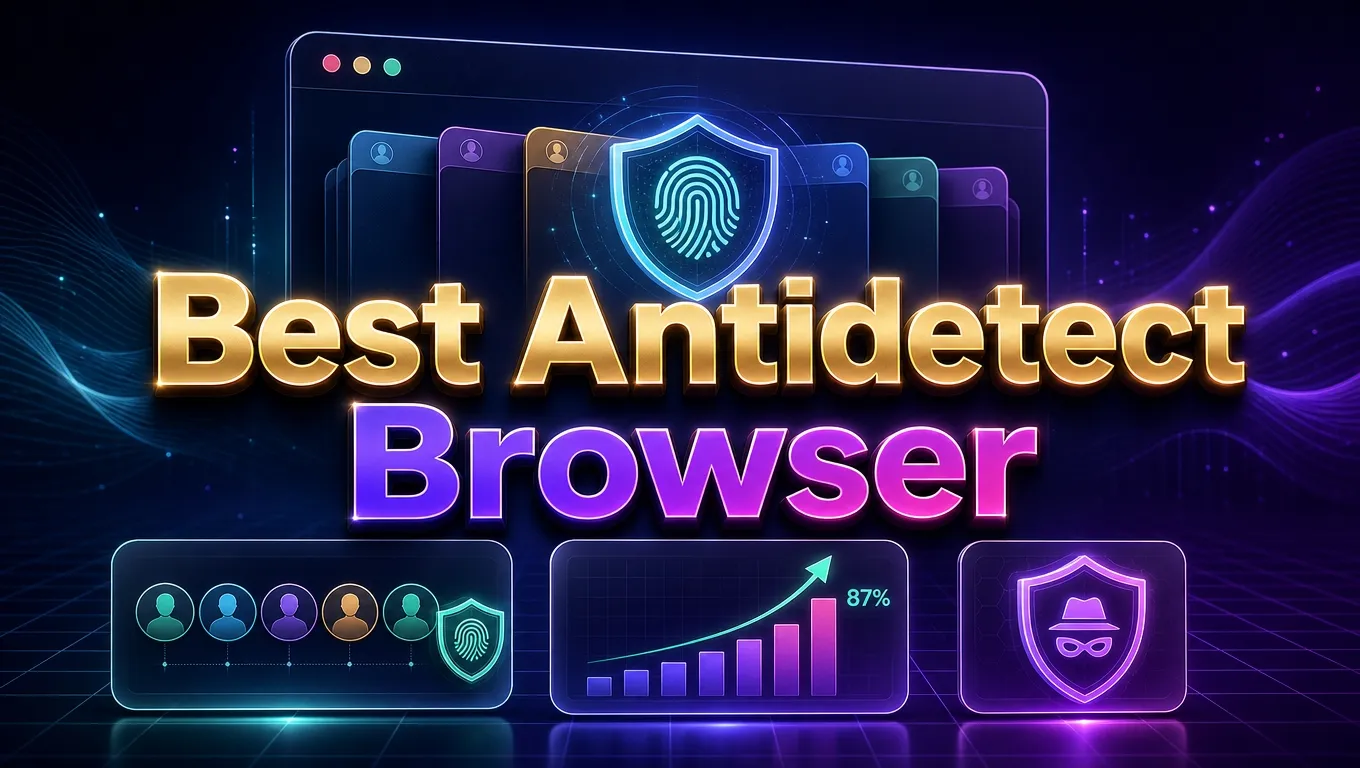
At its core, an antidetect browser is a specialized software tool designed to manage separate, isolated browser profiles while meticulously altering the technical characteristics that websites can read. These distinctive markers—often referred to as a "digital fingerprint"—include parameters about your operating system, hardware configurations, screen resolution, installed fonts, and graphics processing environment.
Key Capabilities of Antidetect Browsers:
- Environment Isolation: Every profile maintains its own completely segregated browsing session, cookies, and cache.
- Fingerprint Masking: Prevents cross-session data leaks by spoofing hardware and software identifiers.
- Team Collaboration: Enables multi-user access controls, letting organizations delegate account management safely.
- Automation Ready: Supports programmatic management through APIs and web-scraping frameworks.
However, users must understand the operational limits of these tools. Separating cookies does not magically erase information a target website has previously associated with an identity. Similarly, masking a fingerprint does not make an account exempt from platform rules and terms of service. Professionals must choose software for the granular workflow controls it provides, rather than chasing an unrealistic promise of absolute anonymity.

Chronology: The Evolution of Multi-Account Management Tools
The journey toward sophisticated antidetect solutions has evolved rapidly alongside stricter platform securities and anti-bot algorithms:
- The Early Era (Pre-2018): Marketers relied primarily on basic browser extensions, multiple portable installations of Google Chrome, or virtual machines (VMs) to handle multiple accounts. These methods proved resource-heavy, prone to memory leaks, and easily detectable by modern JavaScript tracking scripts.
- The Rise of Dedicated Antidetect Tools (2018–2021): Early versions of specialized multi-profile browsers emerged, targeting affiliate marketers operating on Facebook and Google Ads. These tools focused primarily on basic canvas and user-agent spoofing.
- The Enterprise Integration Phase (2022–2024): As platforms tightened security, developers introduced complex kernel updates, cloud synchronization, localized profile storage models, and seamless API integrations for automated scaling.
- The Modern Ecosystem (2025–2026): Today’s landscape features a robust mix of hybrid desktop-mobile solutions (integrating Android cloud phones), no-code RPA (Robotic Process Automation) builders, and sophisticated team management architectures tailored for distributed global teams.
Supporting Data: Comprehensive Comparison of Leading Antidetect Browsers for 2026
To help organizations narrow down their options before investing in a subscription, the table below outlines the top-performing antidetect browsers on the market, categorized by their ideal use cases, pricing structures, and standout features.

| Rank | Browser | Best Fit For | Pricing Structure | Main Feature Highlights |
|---|---|---|---|---|
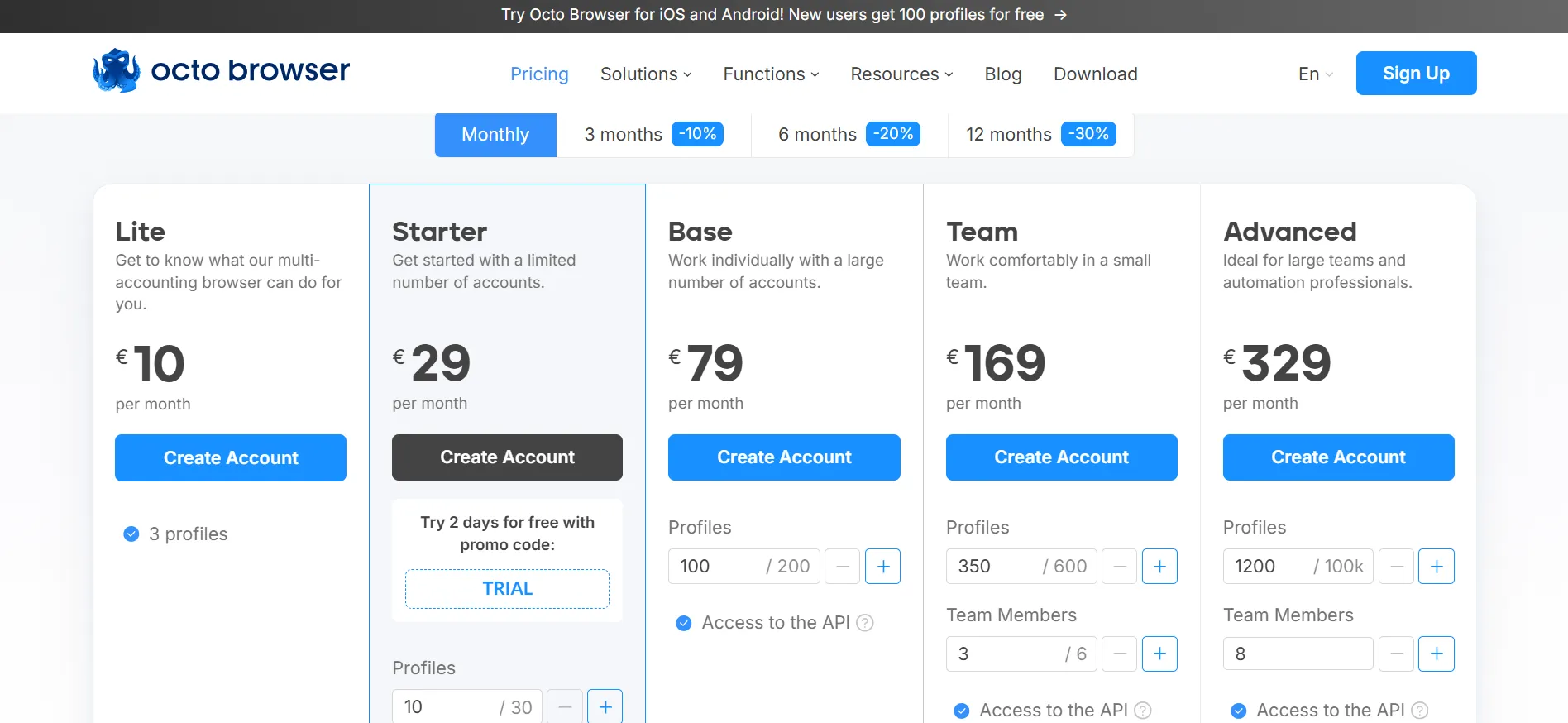
| 1 | Octo Browser | Professional profile management & large-scale ops | €10 – €329 / month (3 to 1,200+ profiles) | Advanced fingerprint spoofing, fast kernel updates, robust API automation, team management. |
| 2 | Multilogin | Browser and cloud-phone workflows | Free tier available; Pro plans from $11 to $100+/month | Cloud mobile and browser profiles, built-in proxy traffic, mobile device minutes. |
| 3 | AdsPower | Budget-conscious users & automation without coding | Free tier (5 profiles); Professional ($8–$16/mo); Business ($40–$80/mo) | RPA automation, browser synchronizer, real-time data synchronization. |
| 4 | GoLogin | Flexible profile packages & scaling teams | Variable tier pricing (Free trials available) | Bulk actions, profile sharing, cloud-browser access, clean UI. |
| 5 | Dolphin Anty | Organizing marketing-team profiles | Free plan (5 profiles); Paid tiers vary | Tags, folders, mass actions, granular team permissions. |
| 6 | Incogniton | Small initial setups before scaling | Free starter plan (10 profiles for 2 months, then 3) | Selenium/Puppeteer integration on higher tiers. |
| 7 | Kameleo | Developer-led browser automation | Free tier (2 concurrent browsers); Startup from €59/mo | Local API, robust SDKs, Puppeteer, Playwright compatibility. |
| 8 | MoreLogin | Combined desktop and mobile operations | Tiered pricing | Synchronizer, no-code RPA, Android cloud phone integration. |
| 9 | Undetectable | Large local profile collections | Subscription-based with unlimited local profiles | Local vs. cloud storage flexibility, bulk profile creation. |
| 10 | VMLogin | Teams needing strict profile sharing | Regional pricing models | REST API access, subaccounts, custom profile sharing. |
Detailed Analysis of the Top 3 Platforms
1. Octo Browser: First Choice for Professional Profile Management
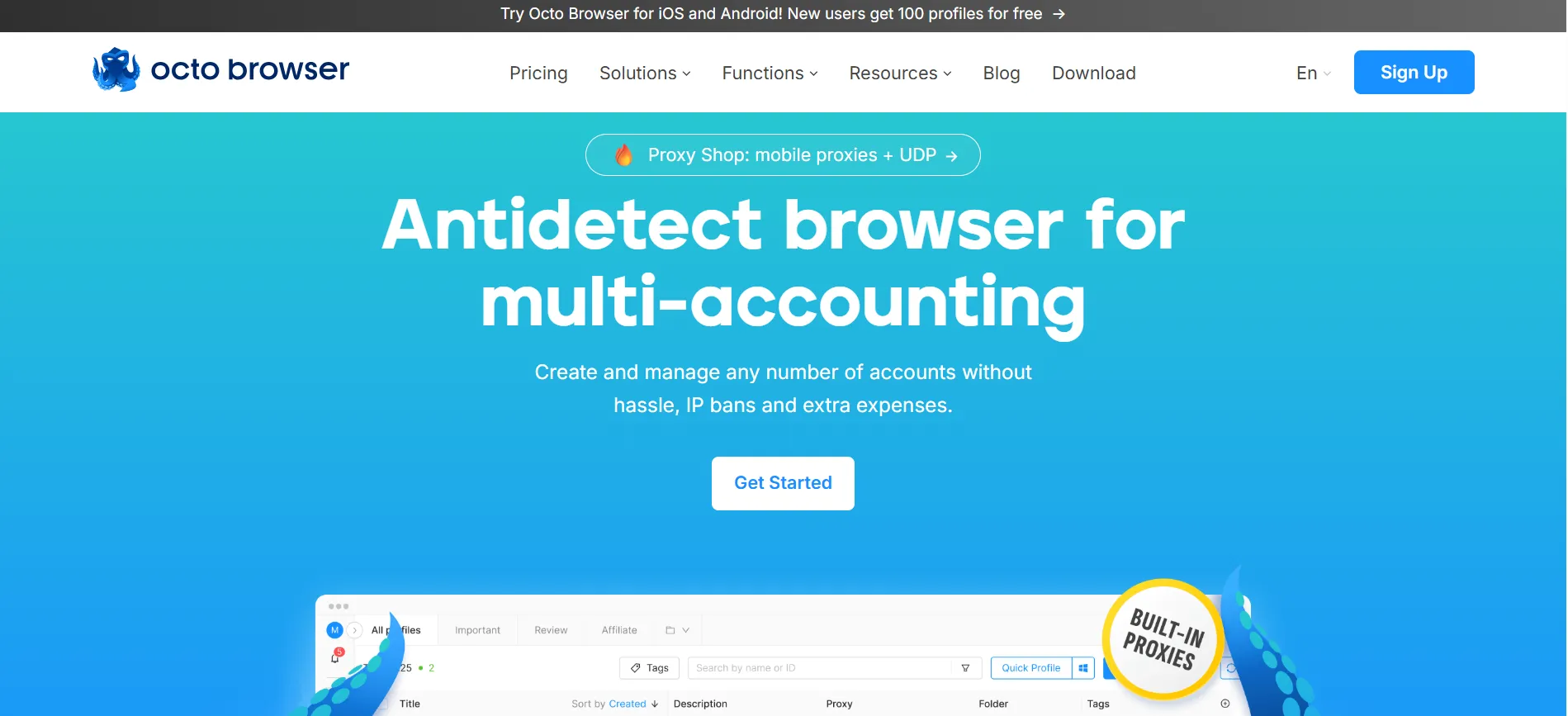
Octo Browser takes the top position in our 2026 guide due to its seamless integration of high-level profile organization, dynamic fingerprint management, flexible proxy settings, and multi-tier team collaboration tools.
- Practical Utility: It bridges the gap between manual account operations and programmatic automation. Octo’s official documentation features robust support for Puppeteer, Selenium, and the Chrome DevTools Protocol (CDP).
- Pricing & Considerations: Official pricing starts at approximately €10/month for the Lite plan (3 profiles), scaling up to €29/month for Starter, and moving higher for enterprise tiers. API access and advanced team permissions scale with subscription levels.
2. Multilogin: Worth Considering for Browser and Cloud-Phone Work
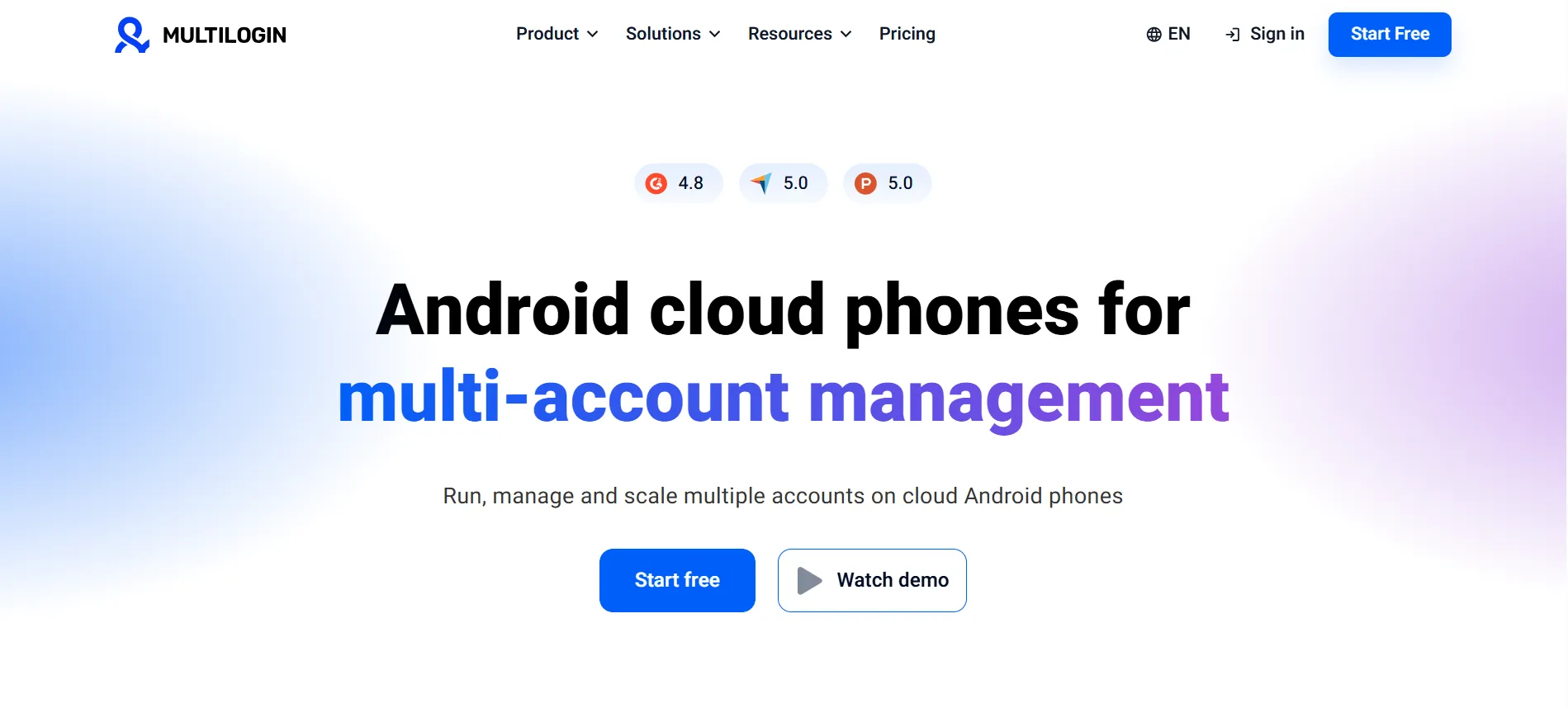
Multilogin breaks away from traditional desktop-only browsers by natively combining web profiles with Android cloud phones. This makes it an invaluable asset for organizations managing omnichannel operations spanning both web dashboards and mobile applications.
- Practical Utility: The platform offers a free entry tier alongside valuable ancillary perks, such as bundled proxy traffic allowances and mobile device runtime minutes.
- Pricing & Considerations: While introductory tiers and promotional bonuses help users test the waters, teams must calculate their long-term resource consumption—specifically regarding proxy traffic and mobile device minutes—to avoid unexpected scaling costs.
3. AdsPower: A Strong Option for Automation Without Coding
AdsPower is the go-to solution for users seeking to eliminate repetitive, manual browser tasks without writing custom scripts from scratch.
- Practical Utility: It features an intuitive built-in Synchronizer, no-code RPA (Robotic Process Automation) builders, and a responsive local API.
- Pricing & Considerations: AdsPower features a free tier for small users, a 7-day trial period, and tiered professional plans ranging from $8 to $80+ per month depending on team size and profile volumes.
Official Responses and Industry Standards
As the antidetect browser industry matures, cybersecurity experts and platform architects emphasize transparency regarding software capabilities. Industry feedback highlights several critical realities:
- No Absolute Anonymity: Vendors consistently state that their software is designed to manage authorized sessions efficiently. Industry leaders warn against marketing claims that promise absolute immunity from platform detection bots.
- Data Governance & Security: Enterprises increasingly demand localized storage options versus cloud-synced profile libraries to ensure compliance with strict internal data governance policies.
- Developer-First APIs: As automation becomes standard practice, top-tier browser providers are heavily investing in robust API architectures, ensuring seamless integration with third-party testing suites like Playwright and Selenium.
Implications: How to Choose the Right Antidetect Browser
Selecting the optimal antidetect browser depends entirely on your specific organizational workflow. A solo freelancer managing a handful of local client accounts has vastly different infrastructure requirements than a distributed performance marketing agency running hundreds of automated browser instances daily.
Actionable Checklist for Your Evaluation Trial:
- Test Core Workflows: Run a representative, day-to-day task during the trial period rather than relying solely on synthetic benchmark tests.
- Audit Concurrency Limits: Ensure the plan’s simultaneous browser execution limits match your peak operational hours.
- Evaluate Collaboration Controls: If working in a team, test how easily profiles can be assigned, revoked, and transferred between members.
- Calculate Total Cost of Ownership: Factor in proxy costs, mobile minute add-ons, and team seat expansions before committing to an annual billing cycle.
FAQs: Frequently Asked Questions
Q1: Which antidetect browser is best overall?
Octo Browser is widely recommended for professional profile management and scaling operations. However, AdsPower is superior for no-code automation, Kameleo excels in developer environments, and Multilogin or MoreLogin are ideal for combined desktop and mobile workflows.
Q2: Are there reliable free antidetect browsers available?
Yes. Several vendors offer limited free tiers or introductory periods. AdsPower provides a baseline free tier, Dolphin Anty offers five free profiles, and Incogniton offers a 10-profile starter tier. Always review feature restrictions before committing.
Q3: Is an antidetect browser the same thing as a VPN?
No. A Virtual Private Network (VPN) reroutes your internet traffic and alters your public IP address. An antidetect browser specifically isolates browser environments and masks hardware fingerprints. They address entirely different layers of privacy and network management.
Q4: Do these browsers guarantee that my accounts will never be banned?
No browser can guarantee immunity from platform bans. Websites analyze numerous data points—including account activity, behavioral patterns, IP reputation, and payment verification signals—far beyond browser fingerprints. Users should strictly utilize these tools for authorized tasks and adhere to target platform guidelines.
Final Verdict
When choosing an antidetect browser in 2026, start by assessing your core operational needs. For professional profile management, robust collaboration tools, and clean API automation, Octo Browser stands out as the premier first choice. Take advantage of trial periods to test a small, representative workflow before locking into a long-term subscription. Ultimately, the best antidetect browser is the one that seamlessly integrates into your daily routine, offers precise environmental controls, and maintains transparent, predictable pricing.