





In the rapidly evolving digital landscape, the performance, security, and scalability of your website are not merely technical metrics—they are the bedrock of your business success. For WordPress users, the transition from shared or unmanaged hosting to a specialized, managed environment is often the single most impactful decision for long-term growth. As of January 2026, Pressable has emerged as a premier contender in the managed WordPress hosting space, offering a robust infrastructure tailored for those who demand excellence without the overhead of manual server administration.
This comprehensive guide explores the strategic advantages of moving to Pressable, provides a meticulous, step-by-step migration chronology, and evaluates the implications of this transition for agencies, freelancers, and small business owners alike.
Main Facts: Why Pressable is Redefining Managed Hosting
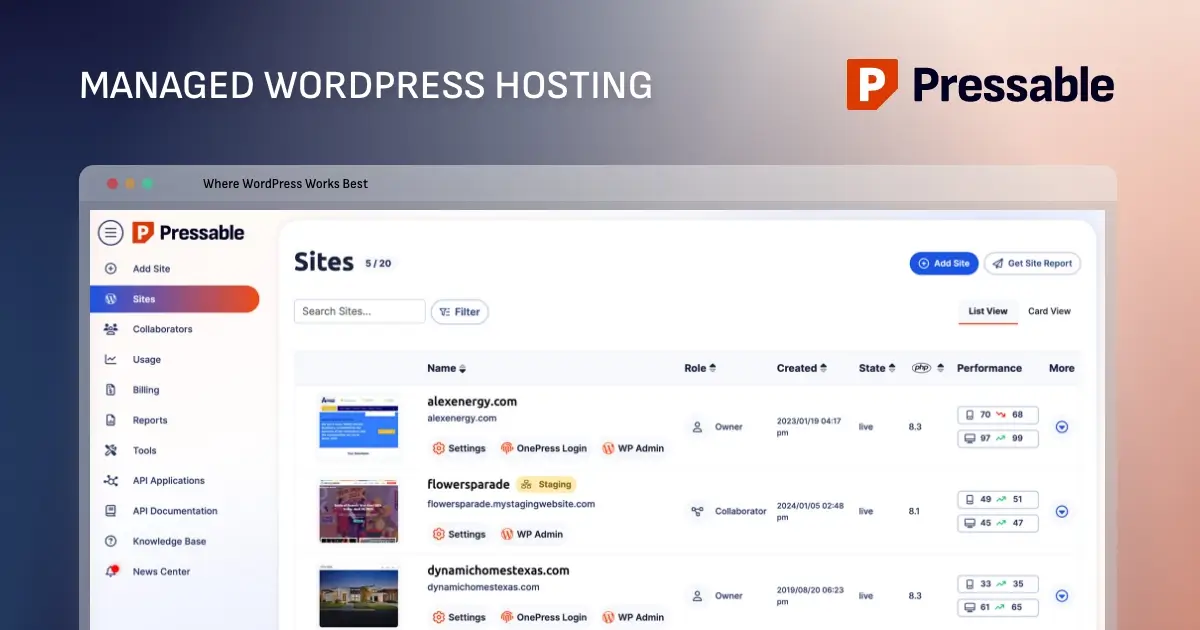
Pressable is a managed WordPress hosting solution designed exclusively for the WordPress ecosystem. Unlike generic hosting providers that juggle various platforms and scripts, Pressable’s infrastructure is purpose-built to optimize the performance of self-hosted WordPress sites.
Key Value Propositions
- Performance Optimization: By leveraging a specialized NGINX and PHP-FPM architecture, Pressable eliminates the need for complex
.htaccessconfigurations, ensuring faster load times and higher reliability. - Security-First Architecture: With built-in features like free SSL certificates, automated malware scanning, and brute-force protection through integrated Jetpack Security, Pressable offloads the heavy lifting of site hardening from the user.
- Professional-Grade Support: The platform provides access to a support team comprised of WordPress experts who understand the nuances of the CMS, ensuring that technical hurdles are addressed with precision rather than generic scripts.
- Seamless Scalability: Whether you are managing a boutique blog or a high-traffic business site, Pressable’s tier-based "Signature" plans allow for growth from 30,000 to over 2 million monthly visitors.
The Strategic Chronology: A Step-by-Step Migration Roadmap
Moving a website can be a daunting prospect, but when executed with a systematic approach, the transition is remarkably fluid. Whether you choose to utilize Pressable’s "White Glove" concierge service or opt for a manual transfer, following a structured workflow is critical.

Phase 1: Preparation and Sanitization
Before initiating any data transfer, you must ensure your current environment is optimized for migration:
- Update Everything: Ensure your WordPress core, active themes, and all plugins are running their latest versions. Migrating outdated software can lead to compatibility conflicts with newer server environments.
- Comprehensive Backups: Never initiate a migration without a fail-safe. Use tools like UpdraftPlus, Duplicator, or your existing host’s native backup feature to capture a full snapshot of your site files and database. Store these in a secure, off-site location like Dropbox or Google Drive.
Phase 2: The Migration Process
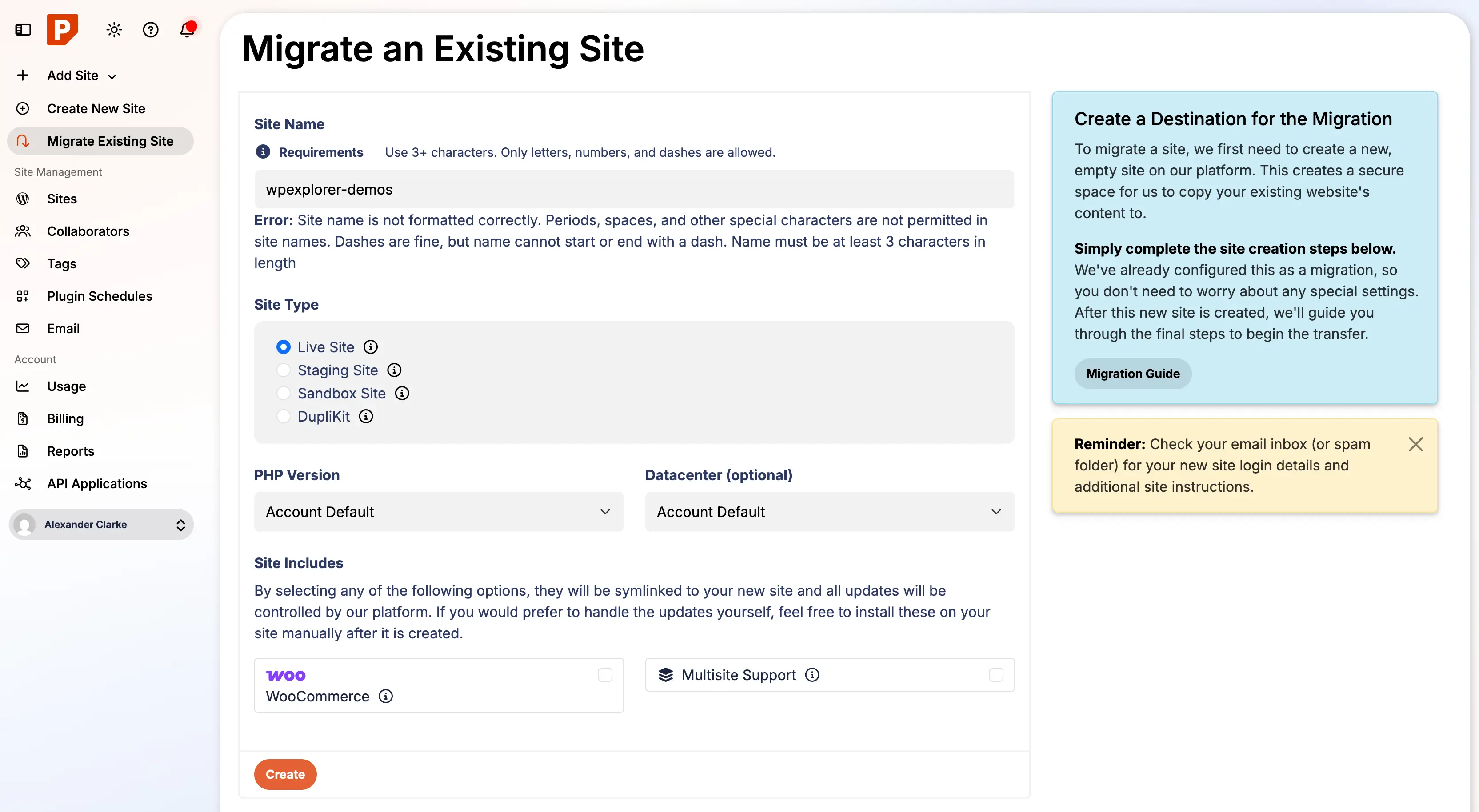
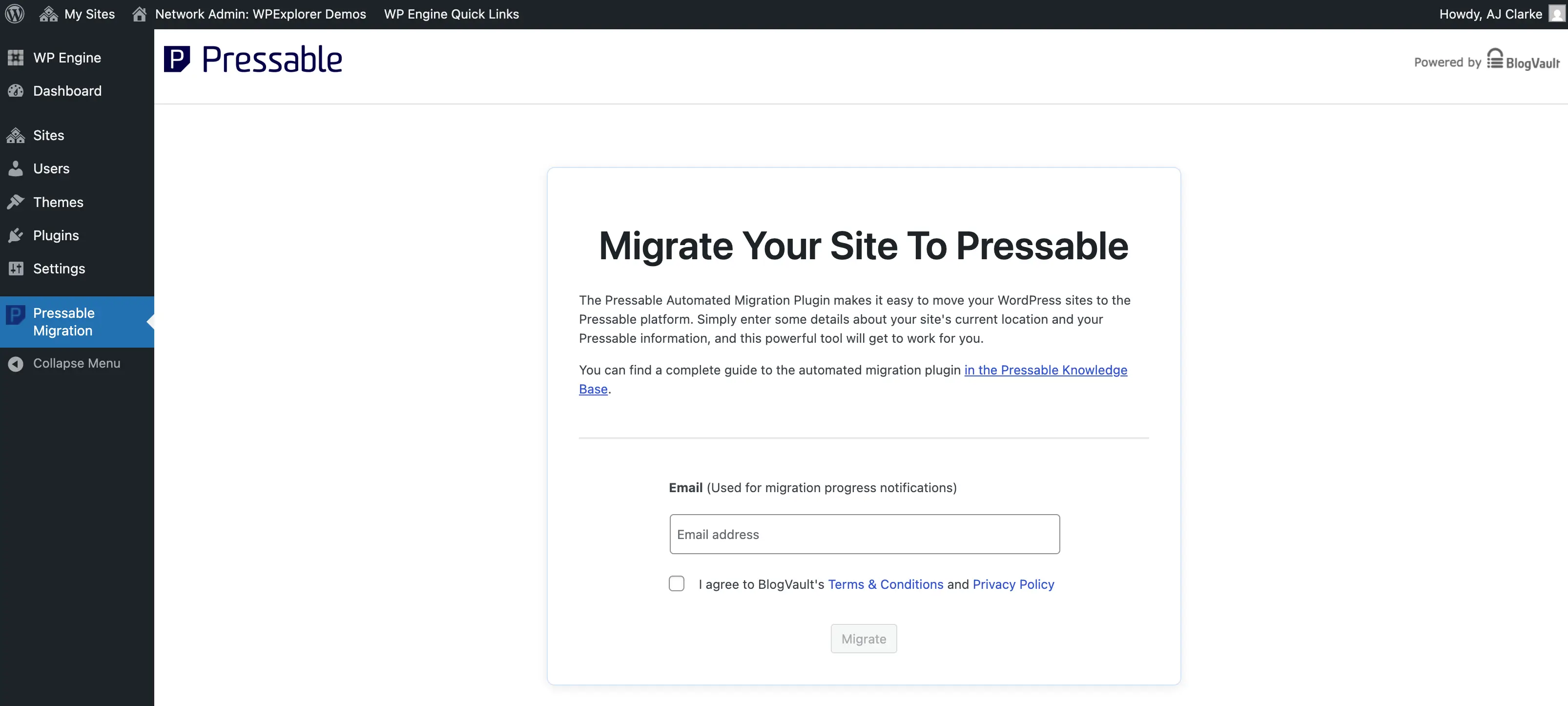
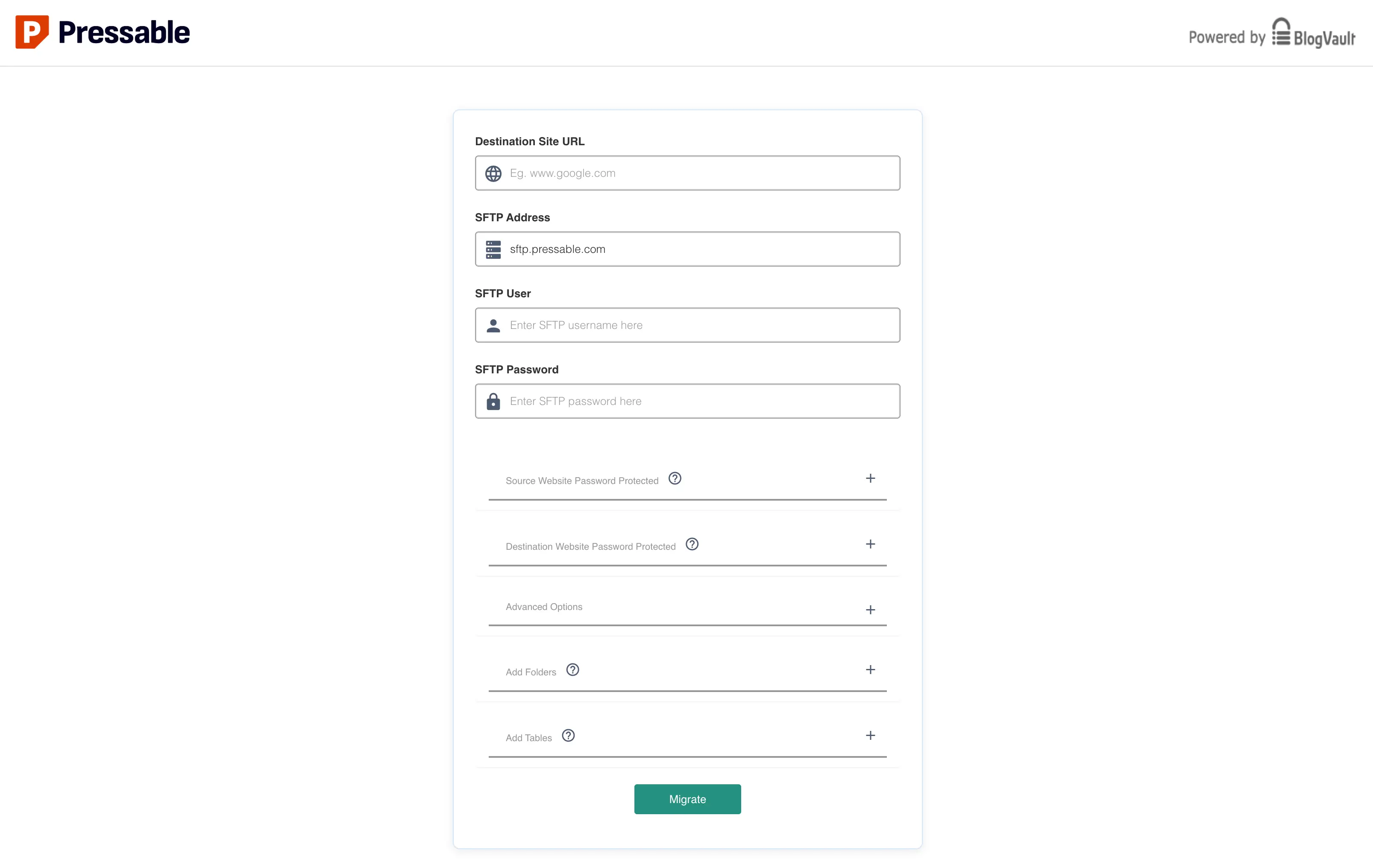
Pressable has streamlined the migration process through their custom plugin, Pressable Automated Migration.
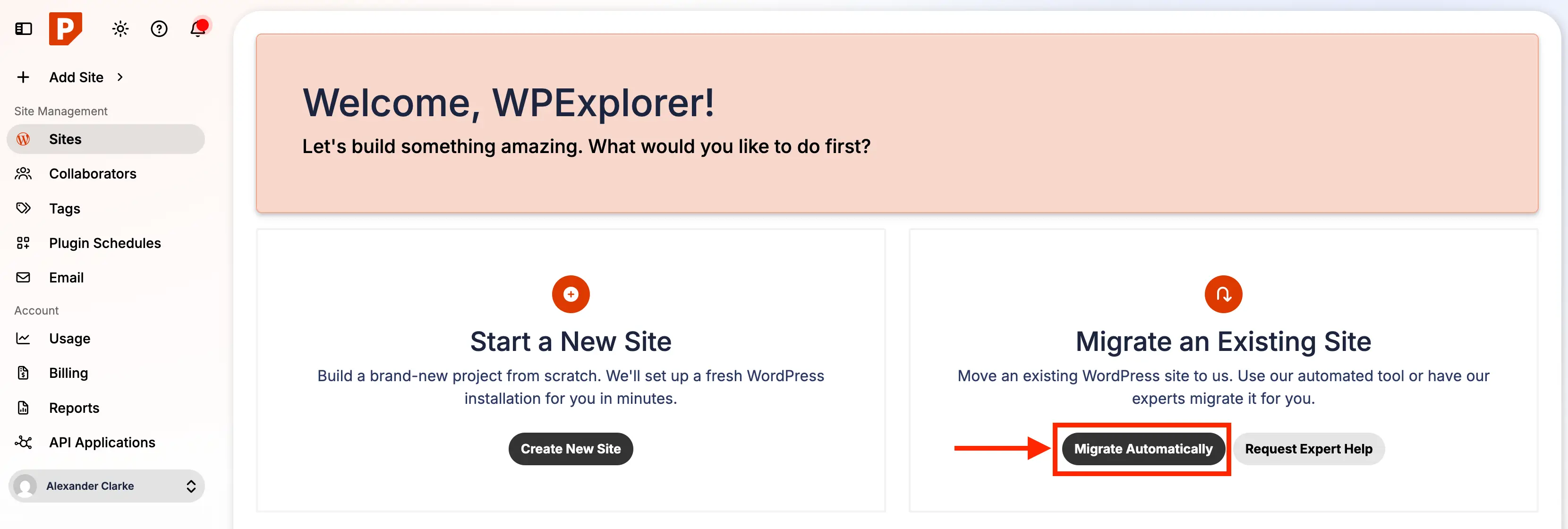
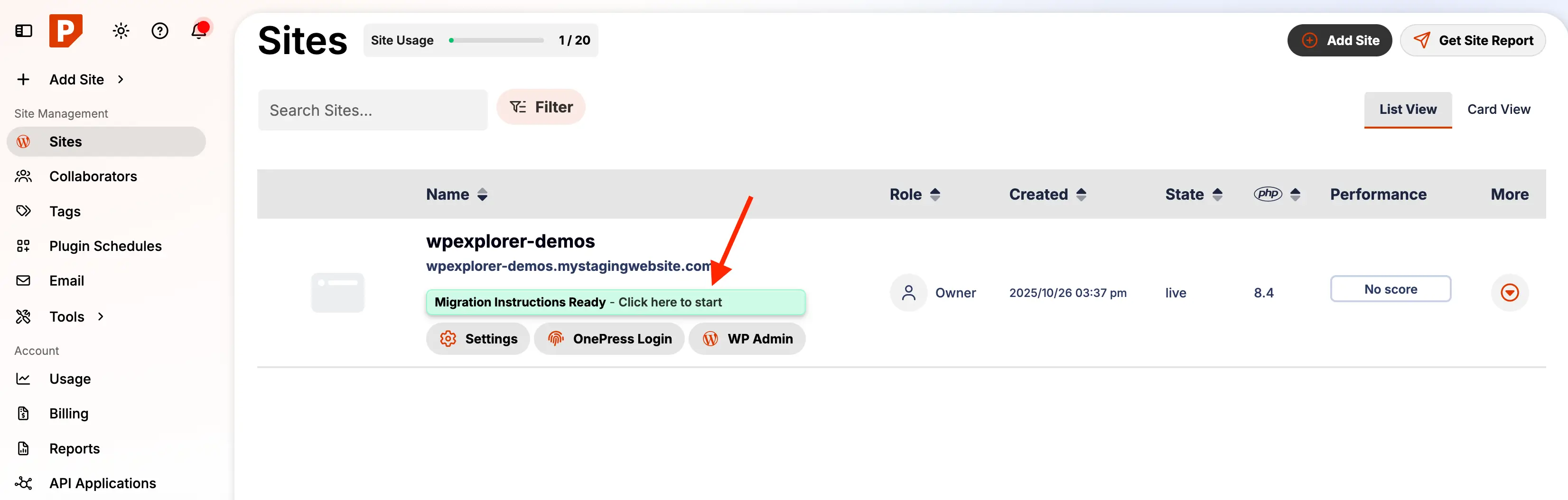
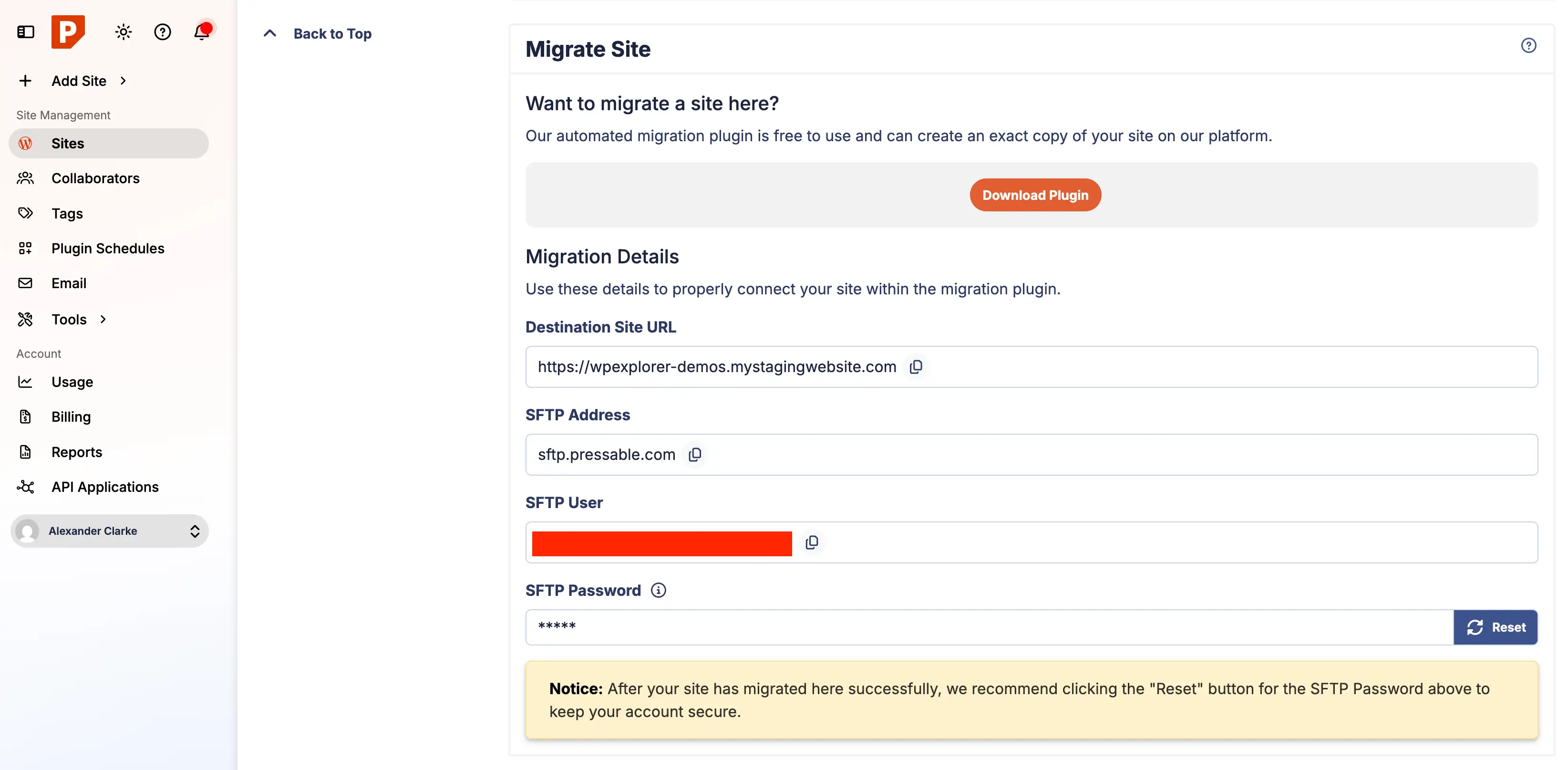
- Dashboard Configuration: Log in to your Pressable account and initiate the "Migrate Automatic" process. You will be prompted to define your site’s temporary URL and connection credentials.
- Plugin Execution: On your source site, install the Pressable Automated Migration plugin. Input the credentials generated in your Pressable dashboard.
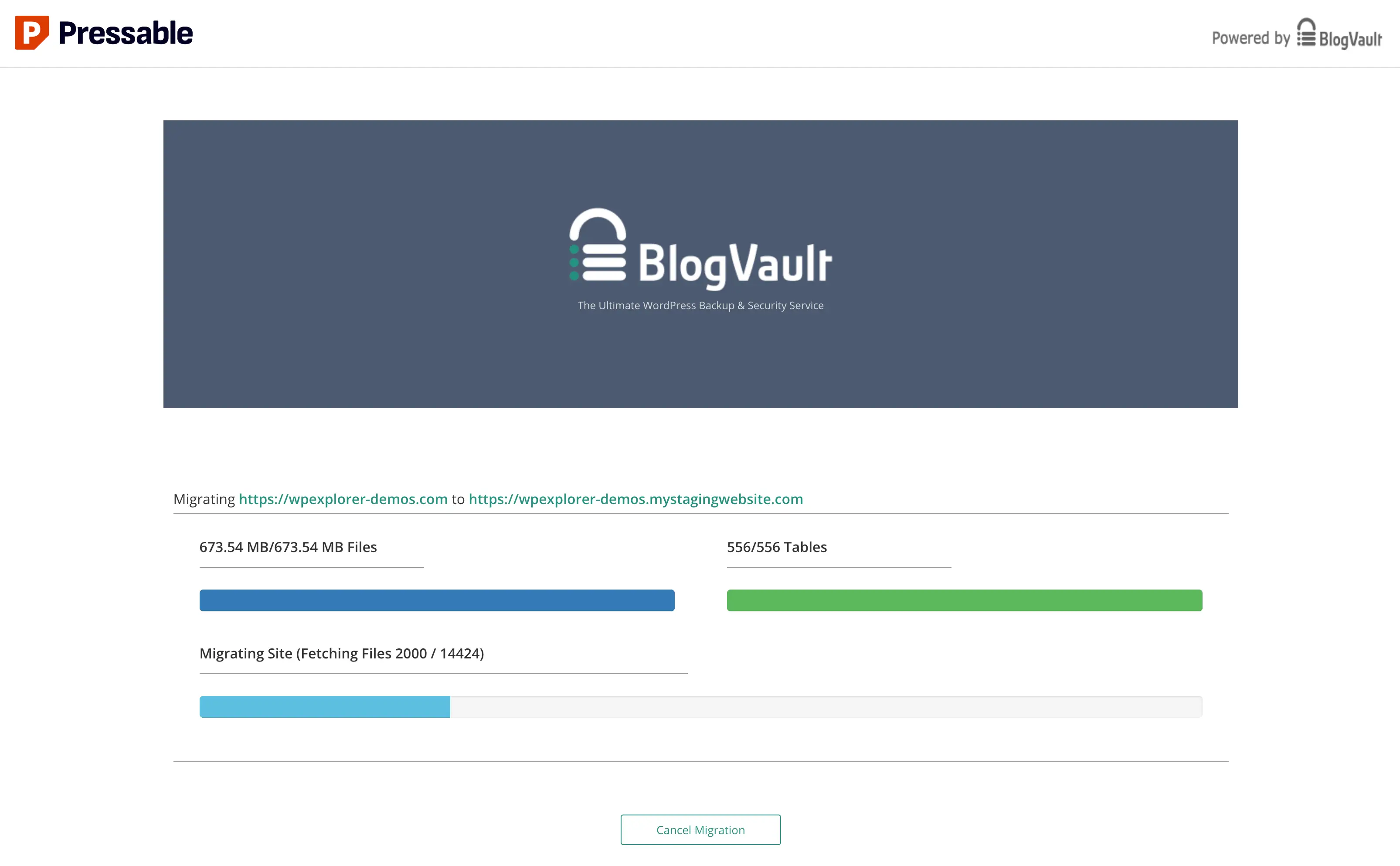
- The Transfer: Once triggered, the migration engine initiates. Note that for large multisite installations, this process may take up to an hour. Maintain an active browser session to monitor progress and receive real-time updates via email.
Phase 3: Post-Migration Cleanup
After the data resides on the new server, you must perform "housekeeping" to maintain security and performance:
- Remove Host-Specific Artifacts: Delete legacy files, such as
mu-pluginsspecific to your previous host (e.g., WPEngine-specific source selectors). - Audit Cron Jobs: Check for leftover automated tasks. Use a plugin like "Cron Jobs" to audit and prune any tasks that are no longer relevant to your new environment.
- User Management: Audit your administrative users. Remove any system accounts created by your previous host to minimize the attack surface.
Supporting Data: Selecting the Right Tier
Choosing the correct plan is a balance between your current traffic requirements and your projected growth. Pressable’s "Signature" plans are segmented to provide clarity for site owners:
| Plan Tier | Max Installs | Monthly Visitors | Ideal Use Case |
|---|---|---|---|
| Signature 1 | 1 | 30,000 | Personal blogs, portfolios |
| Signature 8 | 100 | 2,000,000 | Large agencies, enterprise portfolios |
For "mission-critical" sites requiring high-concurrency handling, Pressable offers Premium Site Plans. These provide dedicated CPU allocations and vertical scaling capabilities, ensuring that your site remains responsive during traffic spikes. If you are uncertain about your current load, Pressable’s support team can analyze your site logs and suggest the appropriate tier.
Official Responses and Technical Nuances
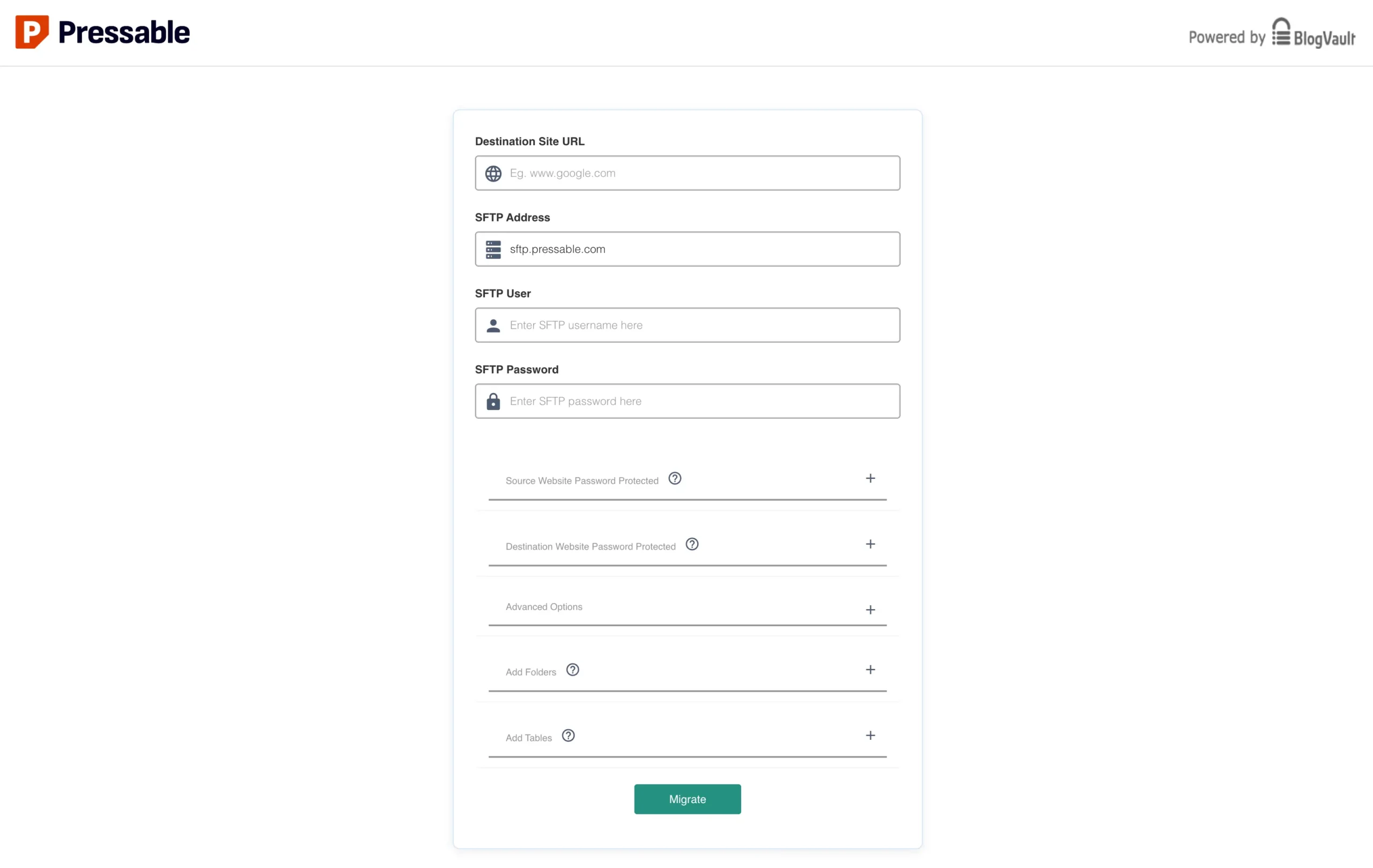
A point of contention for some power users is the reliance on third-party integration for migrations. Some users have noted that the migration process relies on migrate.blogvault.net. While this is a secure, industry-standard process, some industry experts—including developers at WPExplorer—have suggested that Pressable should consider white-labeling these services to maintain a more consistent user experience within their own ecosystem.
Furthermore, it is important to address the lack of .htaccess support. Because Pressable operates on an NGINX-based architecture, traditional Apache-based rules will not function. Users are instead encouraged to utilize a custom-redirects.php file. This is not just a necessity for redirects; it is a security best practice. By adding security headers to this file, you can bolster your site’s defense against XSS (Cross-Site Scripting) and clickjacking.
Recommended Security Headers for your custom-redirects.php:
header( 'X-XSS-Protection: 1; mode=block' );
header( 'X-Content-Type-Options: nosniff' );
header( 'X-Frame-Options: SAMEORIGIN' );
header( 'Referrer-Policy: no-referrer-when-downgrade' );
Implications: The Shift to Managed Infrastructure
The transition to a managed host like Pressable has profound implications for the professional lifecycle of a website.
For Agencies and Freelancers
Managing dozens of client sites on unmanaged VPS hosting is a recipe for operational burnout. By offloading server-side maintenance—updates, backups, and security patches—to Pressable, agencies can redirect their focus from "firefighting" technical outages to high-value tasks such as SEO strategy, design refinement, and client acquisition.
For Non-Technical Site Owners
The "democratization" of high-performance hosting is the true promise of Pressable. You no longer need to be a Linux sysadmin to ensure your site is fast and secure. The automated nature of the platform, coupled with the inclusion of Jetpack Security, provides a "set it and forget it" layer of protection that was previously only available to enterprise-level organizations.
The Trade-off
It is important to remain objective: Pressable is not for everyone. If your project requires custom NGINX configurations, ionCube support, or specific low-level server tweaks, a managed solution may feel restrictive. However, for 95% of WordPress users, these limitations are actually a feature—they prevent the accidental misconfigurations that often plague custom-managed servers.
Final Verdict: Is Pressable Your Next Move?
Migrating to a managed host is an investment in your site’s longevity. By choosing Pressable, you are opting for a partnership with a platform that understands the specific architecture of WordPress at a granular level.
If your site is currently languishing on a slow, shared host, or if you are spending more time managing your server than creating content, the migration path outlined above provides a clear, actionable route to stability. With their free migration service, the barrier to entry is essentially zero.
Take the next step: Evaluate your traffic, assess your current maintenance burden, and consider whether your time is better spent building your brand or managing your server. For those ready to scale, Pressable offers the infrastructure to ensure your site remains fast, secure, and ready for whatever the future of the web holds.
Disclaimer: This article contains affiliate links. If you choose to sign up for Pressable through our recommendations, we may earn a commission at no additional cost to you. We only recommend services that we have thoroughly vetted for performance and reliability.