











By the Tech & Culture Desk
Published: March 2025
Main Facts
The landscape of professional video production has undergone a seismic shift. For decades, achieving cinematic visual effects (VFX) required substantial financial capital, massive post-production teams, and years of mastering complex software ecosystems like Adobe After Effects or Nuke. Today, that barrier to entry has evaporated.
Modern artificial intelligence video editing platforms—ranging from browser-based text-to-video generators to sophisticated neural engines embedded in industry-standard software—have automated the most labor-intensive aspects of post-production. Tasks that once demanded meticulous frame-by-frame labor, such as rotoscoping, object removal, relighting, and advanced color grading, are now executed in seconds.

Key platforms leading this revolution include:
- Envato VideoGen: A text-to-video utility designed for rapid ideation and social media content creation.
- Runway ML: A pioneer in browser-based AI video editing, offering accessible, high-end generative tools for hobbyists and professionals alike.
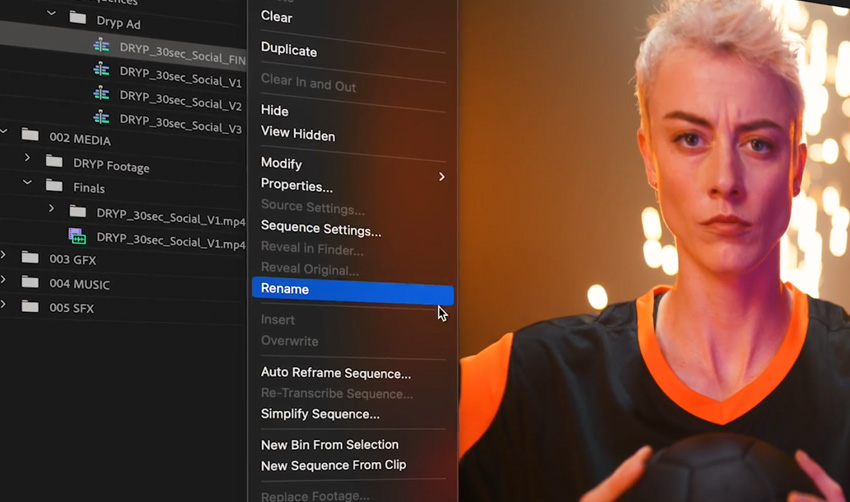
- Adobe Premiere Pro (powered by Adobe Firefly): Seamlessly integrates generative AI into a professional editing suite.
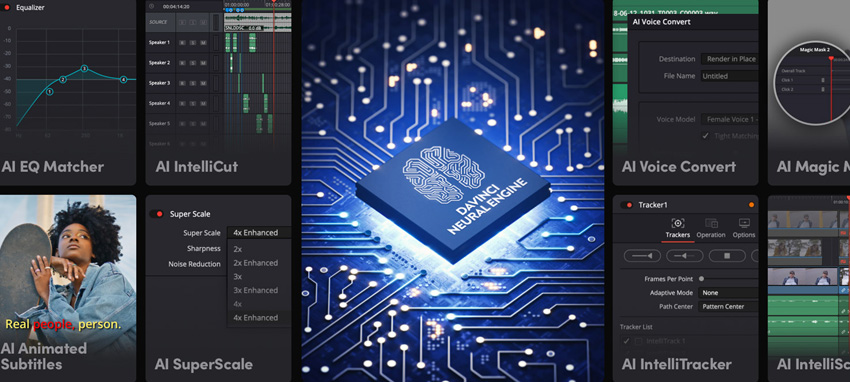
- DaVinci Resolve (Neural Engine): Combines legendary color-grading tools with machine-learning features for advanced masking and face refinement.
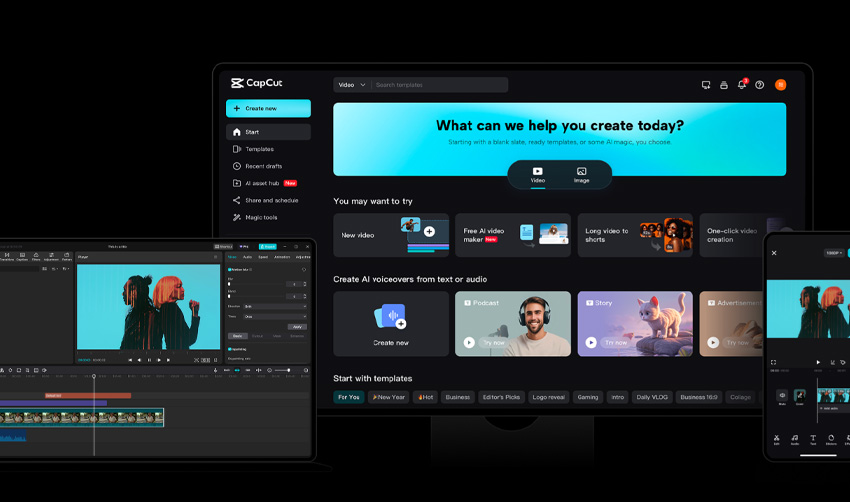
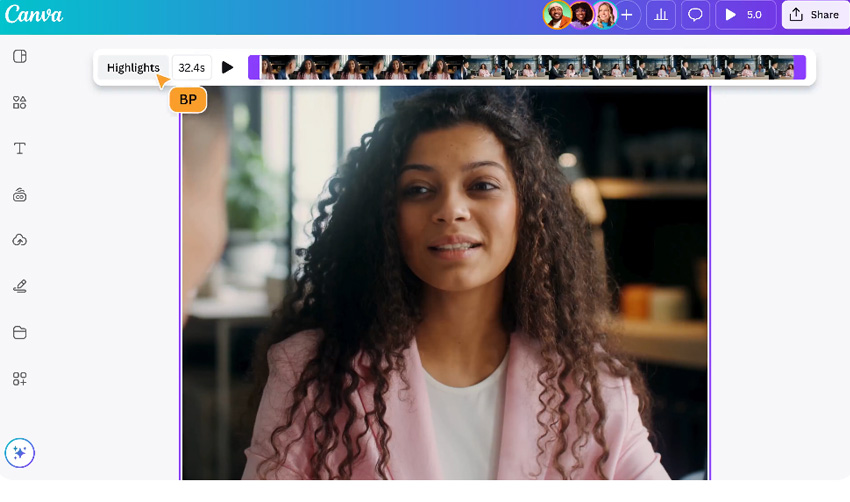
- CapCut and Canva Video Editor: Mobile-to-desktop ecosystems that bring intuitive, AI-driven editing to casual creators and digital marketers.
Rather than replacing human artistry, these tools function as high-speed digital assistants. They assume the burden of technical execution, allowing creators to focus entirely on narrative structure, emotional resonance, and visual style.
Chronology: The Evolution of Digital Post-Production
To understand the weight of the current AI video boom, it is helpful to look back at how visual effects workflows have evolved over the past thirty years.

- The Analog and Early Digital Era (1990s–Early 2000s): Visual effects were dominated by physical models, optical printers, and early digital compositing. Software packages required specialized workstations, and pipelines were rigid, slow, and expensive.
- The Desktop Software Boom (2010s): High-powered consumer computers democratized desktop editing software. Non-linear editors (NLEs) became accessible, yet advanced VFX remained locked behind steep learning curves. Rotoscoping a single subject from a background required hours of painstaking keyframing.
- The Rise of Machine Learning Support (Late 2010s–2020): Early AI integrations began appearing in software suites, primarily for basic tasks like audio cleanup and rudimentary object tracking. These tools were novelties rather than workflow pillars.
- The Generative AI Explosion (2022–2024): The advent of transformer models and diffusion networks radically changed media creation. Text-to-image and text-to-video generators emerged, enabling users to conjure entire scenes from typed prompts. Software developers rapidly integrated these capabilities directly into NLE timelines.
- The Mainstream Integration Era (2025 and Beyond): AI video editing tools are no longer standalone novelties; they are foundational components of modern video workflows. From solo YouTubers to indie filmmakers, creators possess the processing power of a mid-2010s post-production studio directly on their laptops.
Supporting Data & Ecosystem Analysis
The rapid adoption of AI video tools is driven by significant efficiency gains and accessibility. Industry benchmarks indicate that automated rotoscoping and background removal reduce task completion times by upwards of 80% compared to traditional manual masking. Furthermore, browser-based accessibility has opened the cinematic landscape to non-traditional creators—including graphic designers, 3D artists, and social media managers—who previously lacked traditional film editing training.
An analysis of the leading tools highlights how different platforms cater to various segments of the creative market:
1. Envato VideoGen
Envato’s native AI text-to-video tool serves as an entry point for subscribers needing fast visual assets. Whether generating presentation visuals, YouTube thumbnails, or promotional social reels, VideoGen excels when production schedules are tight. For instance, complex prompts—such as “An orange with a face, hanging in a tree with other oranges, until a blackbird lands on it and begins pecking”—can be rendered into dynamic video clips in a matter of minutes, circumventing the need for traditional shooting or expensive animation pipelines.

2. Runway ML
Operating entirely within the browser, Runway ML is specifically designed for creators seeking advanced generative results without technical overhead. It bridges the gap between complex AI generation and intuitive video editing, making it an ideal sandboxing environment for learning modern VFX.
3. Adobe Premiere Pro + Adobe Firefly
For editors already embedded in the Adobe ecosystem, Firefly technology offers a frictionless transition into AI-enhanced workflows. Because these features live directly inside Premiere Pro, users can pivot seamlessly between traditional timeline trimming and generative content insertion, maintaining a professional-grade standard throughout.
4. DaVinci Resolve and the Neural Engine
Long celebrated for its color-correction supremacy, Blackmagic Design’s DaVinci Resolve utilizes its proprietary Neural Engine to handle heavy computational tasks. Features like speed warping, smart masking, and face refinement run smoothly, and the software’s robust free tier ensures that powerful cinematic tools remain within reach of budget-conscious filmmakers.

5. CapCut and Canva Video Editor
CapCut and Canva have redefined lightweight editing. CapCut offers surprisingly robust desktop capabilities—such as precise motion tracking and instant background removal—while Canva appeals directly to designers looking to produce storytelling-driven video content without confronting intimidating timelines.
Official Perspectives and Industry Responses
The creative community’s reaction to the AI video boom is a mixture of profound optimism and cautious pragmatism.
The Pro-AI Viewpoint: Amplifying Human Creativity
Industry veterans and software developers consistently emphasize that AI is an amplifier, not a replacement. According to leading product developers in the video software sector, the core objective of generative AI is to eradicate friction in the creative process.
"AI isn’t here to replace your creativity; it’s here to make it faster, easier, and more fun," notes industry commentary on modern VFX workflows. By automating the mechanical aspects of editing—such as aligning masks, tracking objects, and generating placeholder b-roll—creators are insulated from burnout, allowing them to dedicate their energy to narrative pacing and emotional impact.
The Skeptical Viewpoint: Guarding Against Homogenization
Conversely, veteran editors and traditional visual effects artists caution against over-reliance on automated tools. A recurring concern within professional circles is the risk of "auto-generated homogenization"—a phenomenon where AI-assisted videos begin to look identical due to overused presets, generic color grades, and predictable motion styles.
Furthermore, trade guilds and independent filmmakers continue to monitor copyright concerns regarding how training datasets are compiled, ensuring that human artists retain fair compensation and attribution for their foundational work.
Implications for the Future of Filmmaking
The widespread availability of cinematic AI tools carries profound economic, cultural, and technical implications for the media landscape.
1. The Democratization of Indie Cinema
The financial barrier to producing visually stunning narratives has collapsed. Independent filmmakers can now produce pitch prototypes, proof-of-concept trailers, and final festival-bound features with micro-budgets. This shift empowers diverse global voices to bypass traditional gatekeepers and secure funding independently.
2. The Redefinition of the Post-Production Role
As routine tasks like rotoscoping and color-matching become automated, the job description of the video editor and VFX artist is evolving. Technical execution is taking a back seat to artistic curation and prompt engineering. The modern editor acts less like a digital laborer pushing pixels and more like a film director orchestrating machine intelligence.
3. The Imperative of Human Touch
As AI-generated content floods digital platforms, discerning audiences will place a higher premium on authenticity. The ultimate differentiator for creators will not be technical perfection—which AI can supply instantly—but unique perspective, imperfect human emotion, and genuine storytelling.
Step-by-Step Guide: Crafting Cinematic AI Effects
For creators eager to leverage these technologies, achieving a professional cinematic look requires a structured, hybrid approach.
Step 1: Start with Strong Footage and Narrative Foundation
AI cannot rescue a fundamentally flawed story. Prioritize strong composition, intentional lighting, and clear narrative intent during production. The higher the quality of your source material, the more effectively AI tools can elevate it.
Step 2: Delegate Technical Cleanups to AI
Free yourself from frame-by-frame tedium. Utilize AI tools to handle:
- Automatic background removal and green-screen replacement.
- Object removal and wire erasure.
- Audio noise reduction and voice isolation.
Step 3: Apply Cinematic Polish
Deploy generative grading tools and AI color matchers to establish mood, depth, and cinematic atmosphere. Keep adjustments subtle; the objective is to evoke emotion, not to distract the viewer with heavy-handed digital manipulation.
Step 4: Conduct a Manual Final Review
This is the critical handshake between machine and human. Strip away the AI assistance for a final pass to evaluate pacing, emotional flow, and continuity. Trust your creative gut to refine the edges and ensure the final product feels uniquely yours.

Frequently Asked Questions
Do I need prior editing experience to use AI video tools?
No. Most modern AI video editors are built specifically for beginners. They automate complex steps like masking, tracking, and color grading, allowing users to achieve professional results without experience in legacy software like After Effects.
Can I achieve cinematic effects using free tools?
Yes. Platforms like CapCut, Runway ML, and the robust free version of DaVinci Resolve offer powerful AI feature sets. However, users should note that certain free tiers may limit export resolution or apply watermarks.
What is the best AI video editing tool for complete beginners?
For absolute beginners, browser-based text-to-video utilities like Envato VideoGen provide an intuitive starting point, making it effortless to generate short cinematic clips or social media assets without a background in production.

Will AI completely replace traditional VFX artists?
Unlikely. While AI accelerates repetitive technical tasks, it cannot replicate human taste, critical nuance, or original storytelling. It serves as a powerful assistant rather than a total replacement.
How can I prevent my AI-generated videos from looking generic?
Focus on strong source material, thoughtful composition, and deliberate pacing. Use AI for baseline enhancements and cleanups, then apply manual artistic touches to ensure your personal creative voice shines through.
What hardware specifications are required for AI video editing?
Browser-based tools (such as Runway ML, Canva, and VideoGen) operate smoothly on standard modern laptops. However, heavy local processing suites like DaVinci Resolve benefit significantly from a dedicated, high-performance GPU.



