






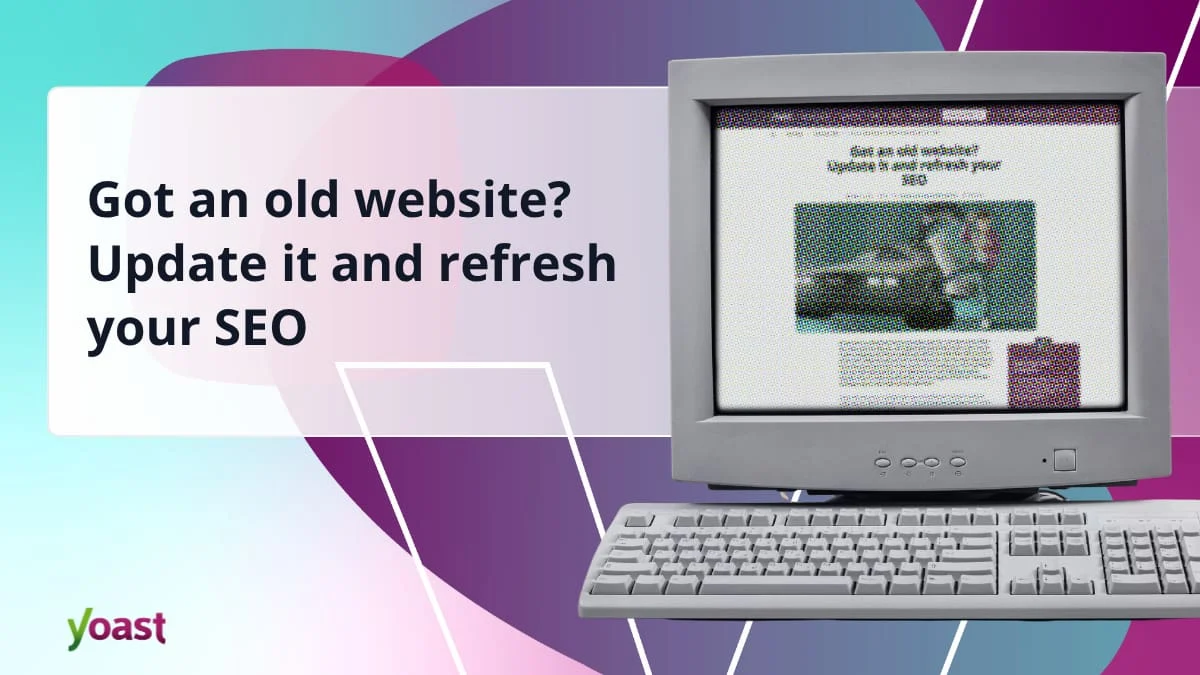
In the rapidly evolving landscape of the internet, a website is rarely a "set it and forget it" asset. Technology shifts, search engine algorithms evolve, and user expectations move toward lightning-fast, mobile-first experiences. If your website has been gathering digital dust, you aren’t just missing out on traffic—you are potentially harming your brand’s reputation. A website only gets a fraction of a second to make a first impression; if that impression is outdated, broken, or insecure, your visitors will leave before they even see your value proposition.
Revitalizing an old website is a systematic process that requires a blend of technical maintenance, content auditing, and strategic planning. This guide outlines the essential steps to bring your site into the modern era.
Main Facts: Why Your Site Needs a Refresh
The primary driver for updating an aging website is relevance. In the eyes of search engines like Google, an unmaintained site is a low-quality site. This is not merely an aesthetic concern; it is a functional one. Modern websites are expected to be secure, compliant with global data privacy laws, and optimized for a diverse array of devices.
The "digital decay" of a website usually manifests in three ways:
- Technical Debt: Outdated CMS versions, incompatible plugins, and deprecated themes create security vulnerabilities.
- Content Stagnation: Information that is no longer accurate or optimized for current search intent.
- Performance Lag: A failure to meet modern "Core Web Vitals," leading to poor user experience (UX) and lower search rankings.
Chronology: A Roadmap to Restoration
Revitalizing a site should follow a logical sequence to avoid breaking functional elements or losing existing equity.
Phase 1: Foundation and Strategic Setup
Before you touch a single line of copy, evaluate the site’s architecture. Ask yourself: Does the current domain name still reflect your brand? Are you locked into a hosting provider or CMS that is hindering your growth?
If you are planning a migration to a new CMS (such as WordPress) or a rebrand, execute these structural changes first. If you are keeping your current domain, ensure you still have administrative access. If you are starting fresh, decide between custom development, drag-and-drop builders, or AI-assisted platforms. While AI builders—like those offered by Bluehost—provide a rapid route to deployment, WordPress remains the industry standard for those who require long-term scalability and granular control.
Phase 2: Technical Housekeeping
Once the foundation is set, secure the "engine room."
- CMS & Plugin Audit: Update your core software. If a plugin hasn’t been updated in years, delete it; it is a security risk. Use tools like the WordPress "Site Health" dashboard to identify critical bottlenecks.
- Indexing Management: Decide which pages should be seen. If you are performing a major overhaul, use a "maintenance mode" plugin to prevent users from seeing a broken site, but be careful with
noindextags—misusing them can effectively "hide" your site from Google, causing a catastrophic drop in traffic. - Privacy Compliance: Modern standards (such as GDPR and CCPA) require explicit consent for cookies. If your site is older, your current data handling may be legally non-compliant. When in doubt, prune unnecessary user data to reduce your liability.
Phase 3: Content and SEO Realignment
Content is the heartbeat of your site. Refreshing it isn’t just about editing grammar; it’s about aligning with current search intent.
- Keyword Refresh: Search behavior has shifted. Users are now interacting with AI-driven search overviews and LLMs (Large Language Models). Perform new keyword research to ensure your content answers the questions users are asking today, not five years ago.
- Audit for Value: Apply the "Keep, Update, or Delete" framework. If a page provides no value and drives no traffic, remove it. Consolidate thin content into comprehensive, authoritative pieces.
- Internal Linking: Reinforce your site structure by linking related articles. This helps search crawlers understand the hierarchy of your site and promotes "cornerstone" content—your most important pages—to higher search positions.
Phase 4: Final Polish and Launch
After the internal structure is sound, verify the external delivery. Submit your updated XML sitemap to Google Search Console to alert the search giant that your site has been refreshed. Finally, announce your return. A website is a social entity; leverage your email lists and social media channels to signal that you are back and open for business.
Supporting Data: The Pillars of Modern Performance
The technical requirements for a successful website have moved beyond simple text and images. To compete in the current digital ecosystem, you must prioritize the following:
Mobile-First Indexing
Google uses mobile-first indexing for almost all websites. If your site is not responsive—meaning it fails to adapt to screens ranging from smartphones to large monitors—it will be penalized in search results. Mobile parity is no longer an "extra"; it is the default.
Core Web Vitals
Performance is a ranking factor. Google’s Core Web Vitals measure:
- Largest Contentful Paint (LCP): How fast the main content loads.
- Interaction to Next Paint (INP): How responsive the site is to user clicks.
- Cumulative Layout Shift (CLS): How stable the page is (i.e., do elements jump around as they load?).
Media Optimization
High-resolution images and heavy video files can kill your page speed. Modern best practices demand that media be compressed, served in next-gen formats (like WebP), and lazy-loaded to ensure the user gets the content they need without waiting for unnecessary assets to download.
Official Perspectives: The Role of Structured Data
Search engines are increasingly relying on Structured Data (Schema markup) to understand the context of web pages. By adding structured data, you provide a roadmap for search engines. For example, by labeling your content as a "News Article," "Product," or "Event," you become eligible for "Rich Snippets"—those highlighted search results that feature images, star ratings, or price tags.
Furthermore, structured data is vital for the age of AI search. When chatbots and AI models scrape your site, they use structured data to verify facts and context. If you want your content to be accurately represented in an AI overview, you must speak the language of the machine.
Implications: Why You Cannot Afford to Wait
The implications of neglecting your website are cumulative. A site that is not maintained does not stay static; it degrades. Security vulnerabilities become more pronounced as hackers develop new methods to exploit outdated software versions. From a business perspective, the loss of organic search traffic can take months or even years to recover once a site has been labeled as "low quality" or "abandoned."
Conversely, the benefits of a refresh are tangible:
- Trust: A modern, fast, and accessible site signals to customers that your business is active and professional.
- Accessibility: By implementing features like Alt Text for images and proper heading structures, you open your business to a wider audience, including those using screen readers.
- Efficiency: Modern plugins and automated SEO tools (like the Yoast SEO suite) can handle much of the heavy lifting, allowing you to focus on creating content rather than fixing code.
The Path Forward
Updating your website is not a one-time chore; it is an ongoing commitment to excellence. Once you have finished your restoration, adopt a maintenance schedule. Use tools that provide feedback on your content health, conduct quarterly link audits, and ensure your plugins remain current.
In the digital world, your website is your 24/7 storefront. If you don’t keep the windows clean and the lights on, your customers will simply walk to the next shop. By following the systematic steps outlined above—from technical infrastructure to content optimization—you can restore your site to its former glory and ensure it remains a powerful tool for your business for years to come.