



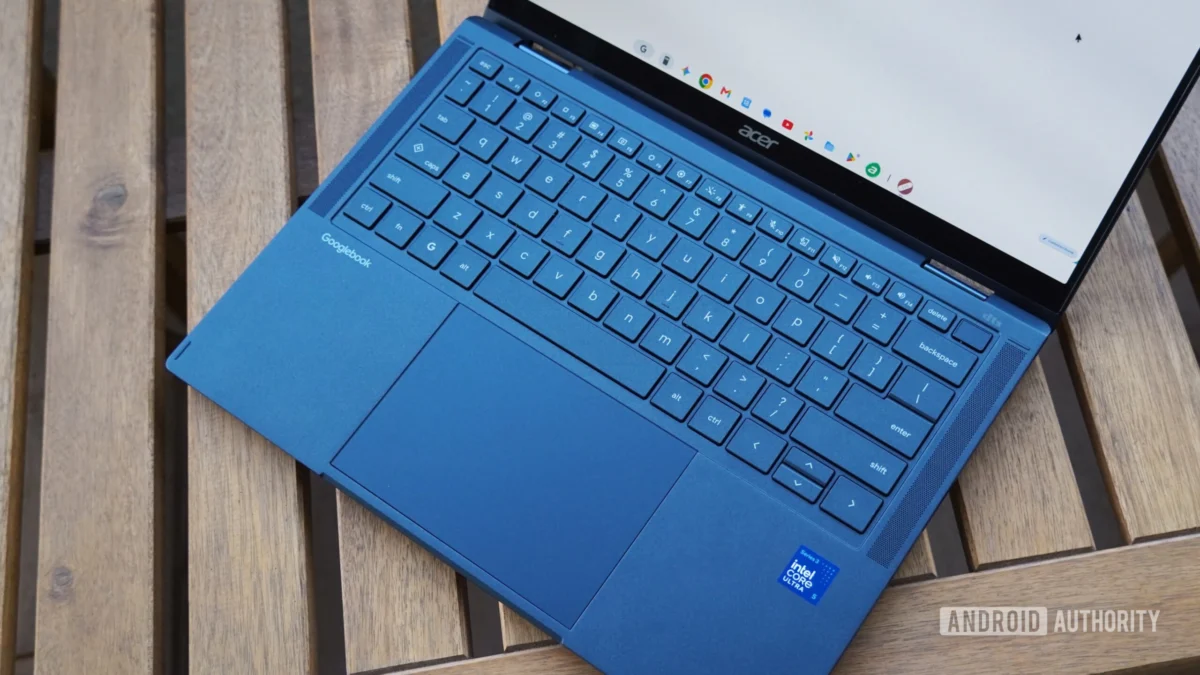
In the rapidly evolving landscape of personal computing, Google has attempted to bridge the gap between mobile flexibility and desktop productivity with the introduction of "Googlebooks." Billed as a new category of Android-powered laptops, these devices promise a seamless, unified experience that ties your smartphone and computer together in a way that macOS and Windows users have long envied.
However, after a rigorous two-week testing period—encompassing the Acer Googlebook 14 and the premium Dell XPS Googlebook—the reality is far from the polished, visionary product Google marketed. While the ambition is clear, the execution is currently riddled with technical hurdles, hardware inconsistencies, and a fundamental misunderstanding of what professional users require from their primary computing devices.
Main Facts: A Bold Concept with a Rocky Start
At its core, a Googlebook is a laptop running a specialized version of Android. It is designed to act as an extension of your mobile ecosystem, leveraging features like "Better Together"—Google’s suite of cross-device utilities—to create a unified workflow.
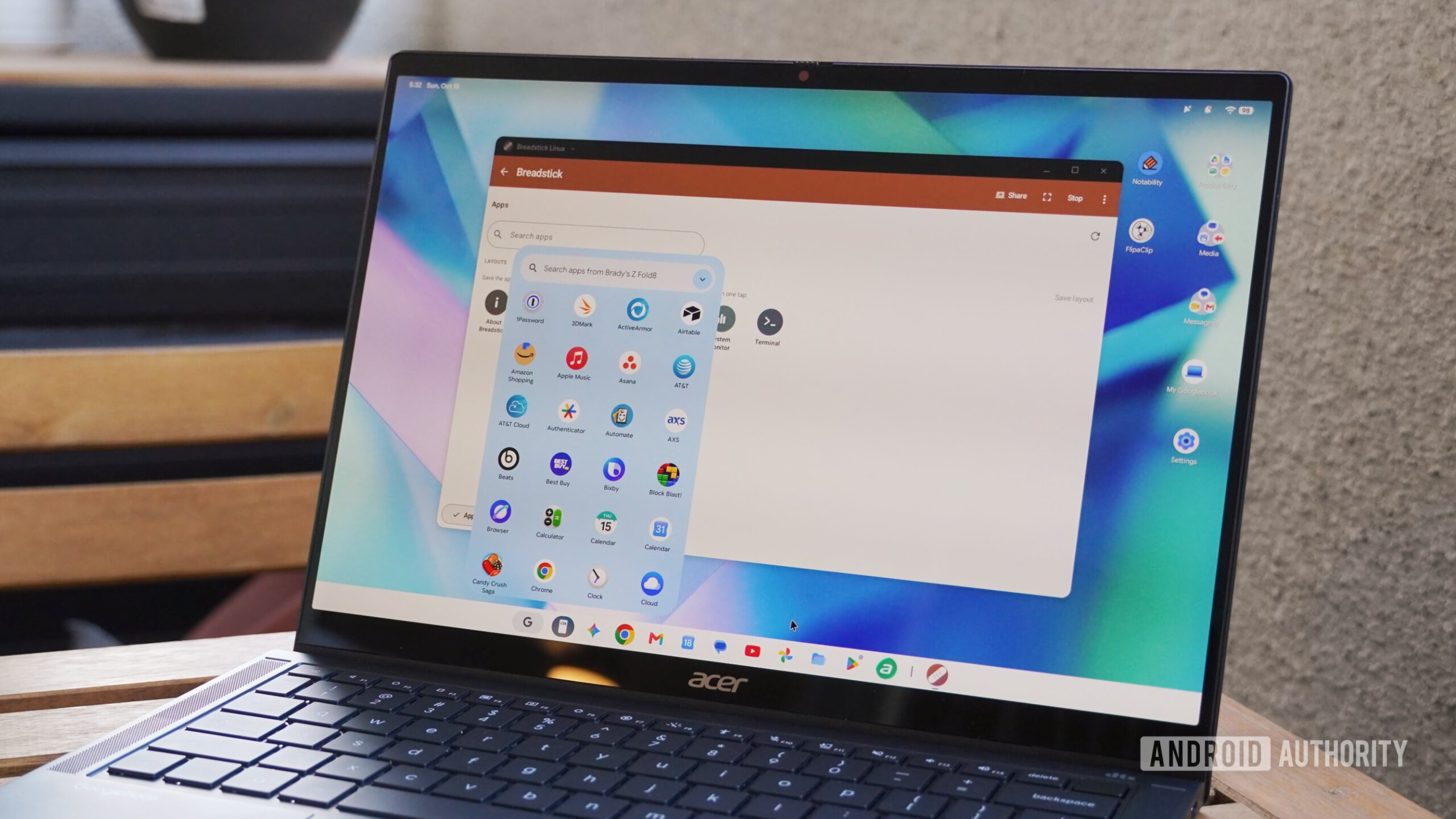
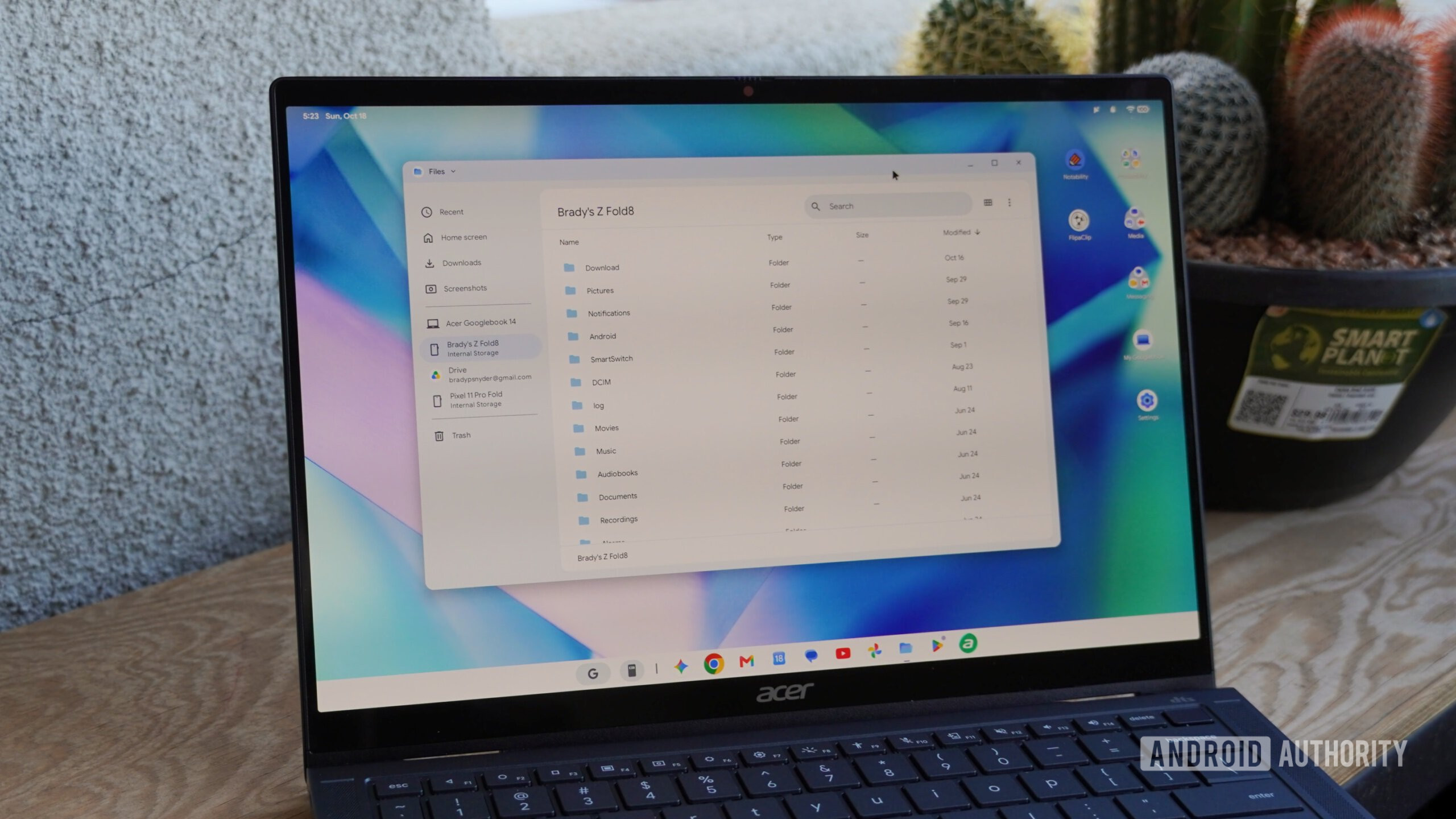
The primary selling point is supposed to be the convergence of app ecosystems. Users are encouraged to stream mobile apps directly from their phones to the laptop, share files instantly, and maintain a continuous workflow between their folding phones and the desktop environment. Yet, the price point—starting at a hefty $899 and scaling up to $1,299—suggests these are professional-grade tools. When measured against laptops in the same price bracket, such as the MacBook Air or high-end Windows ultrabooks, the Googlebook fails to justify its premium cost.
A Chronological Descent into Frustration
The testing process was divided into two distinct phases to account for the "early adopter" nature of the product.
Week One: The Trial by Fire
The initial seven days were spent attempting to use the Googlebook as a sole daily driver. The experience was, to put it bluntly, chaotic. Tasks that take minutes on a standard laptop were stretched into hour-long troubleshooting sessions. Whether it was the inability to properly interface with external monitors or the unreliability of basic file management, the system felt like a beta test rather than a consumer-ready launch. Reliability was non-existent, and the friction of the software made standard office tasks feel like a Herculean effort.
Week Two: The Patchwork Solution
Following the release of several "early Googlebook OS fixes," the second week offered some relief. Minor bugs were ironed out, and some stability was restored. By shifting to a hybrid usage model—where the Googlebook was used alongside more reliable computing devices—the potential of the platform became clearer. However, the fundamental limitations of the OS became even more apparent. While the software is improving, it is currently building on a shaky foundation that is ill-equipped to handle the rigors of professional workflows.
Supporting Data: Where the Experience Breaks Down
The promise of the "Better Together" ecosystem is arguably the device’s strongest asset, yet it is held back by critical dependencies.
1. The Wi-Fi Dependency
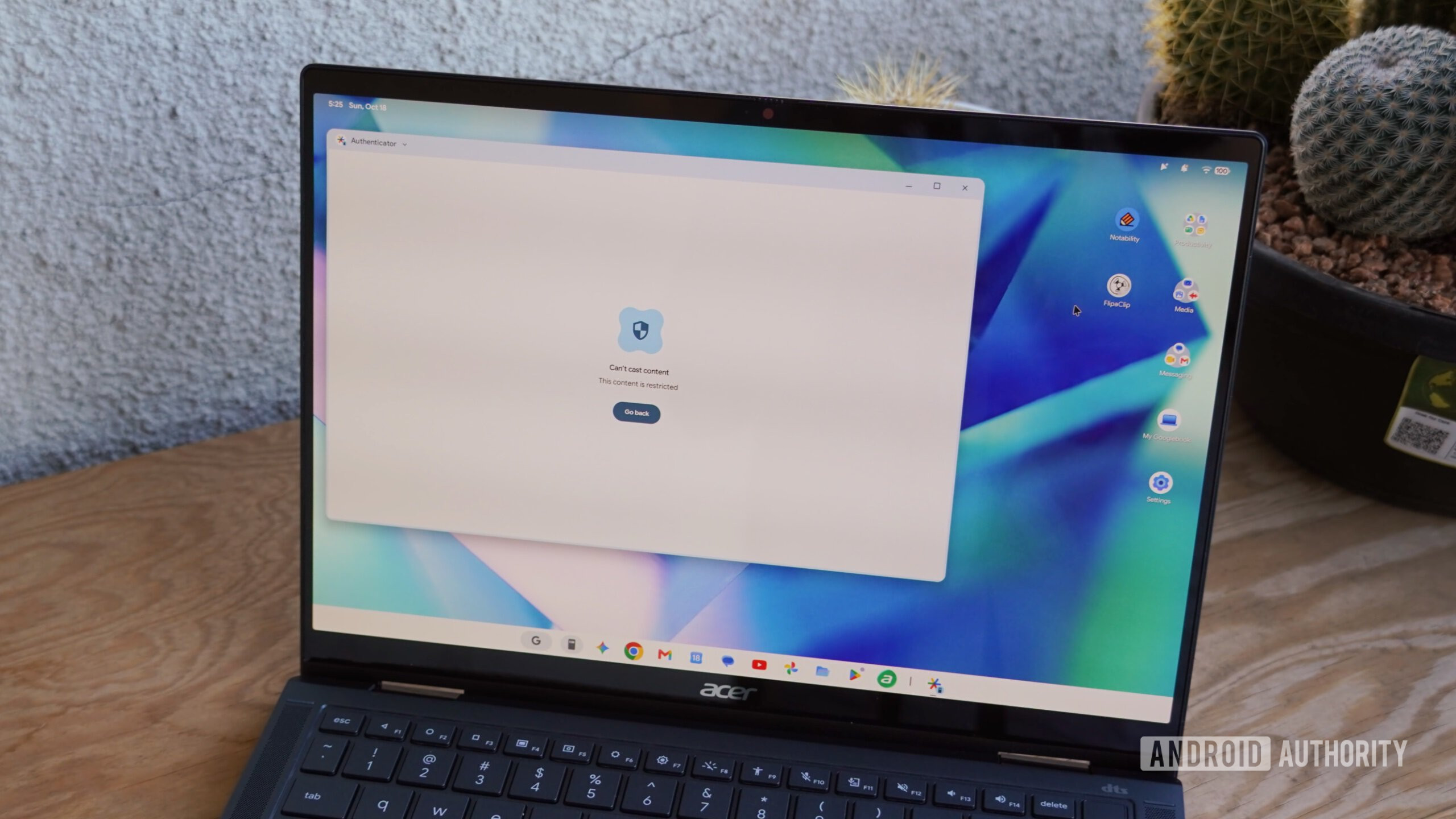
For the Better Together suite to function—allowing for file access and app streaming—both the phone and the laptop must be on the same Wi-Fi network. This is a massive oversight in a world where mobile users rely on cellular data. Apple’s ecosystem, by contrast, uses proprietary peer-to-peer protocols (AWDL) to maintain these connections without needing a local network. If you are in a coffee shop or a transit hub with public Wi-Fi, the core features of your $1,000 laptop essentially vanish.
2. App Compatibility and Performance
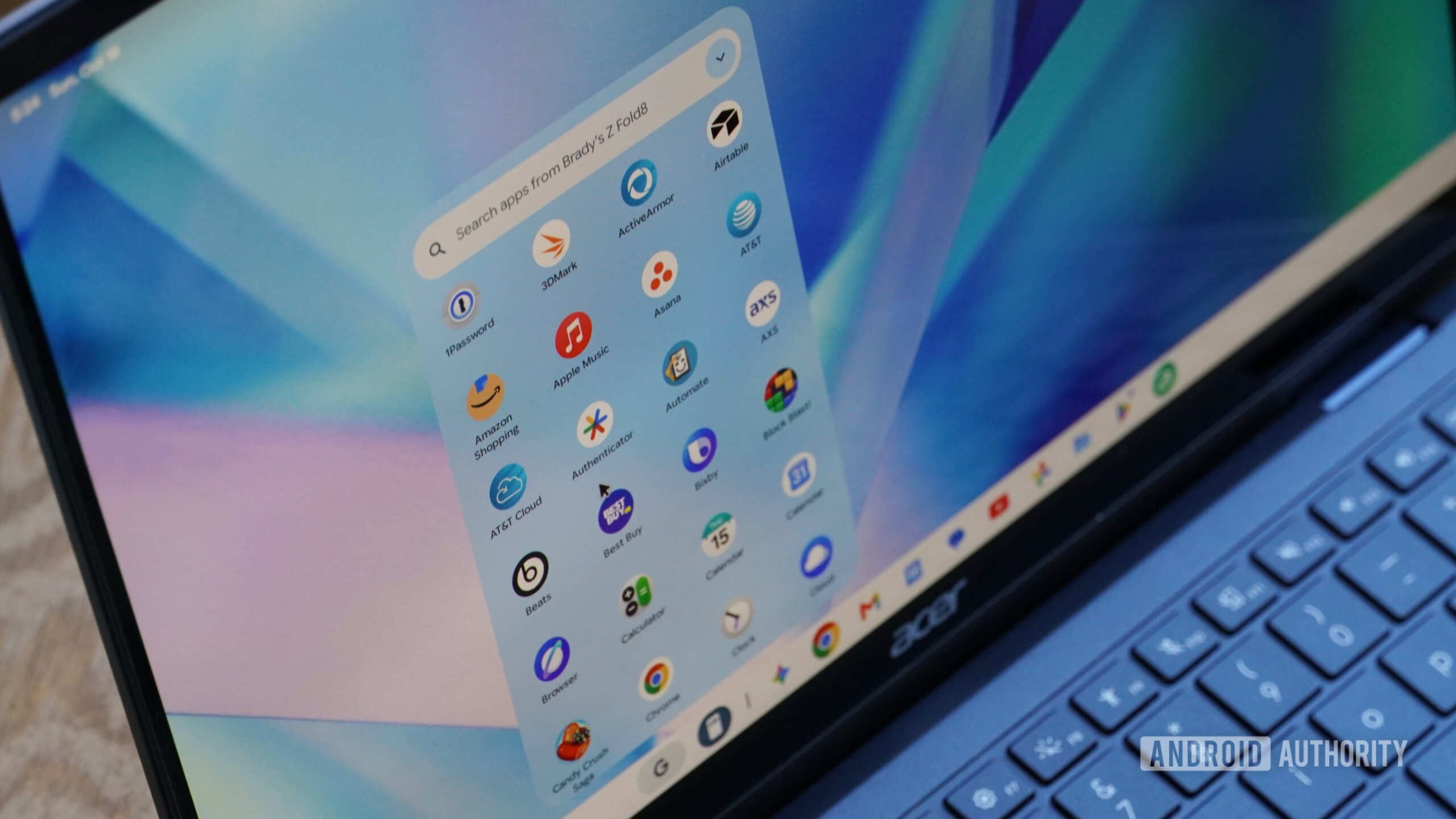
The "Cast My Apps" feature, which allows you to stream Android apps from your phone, is often a workaround for the fact that many apps are not optimized for the Googlebook OS. My tests with the Tesla app and various retail applications revealed that these streams frequently fail to render correctly. Even worse, native apps are often just "Trusted Web Activities" (TWAs)—essentially glorified browser wrappers that lack the responsiveness of true native applications.
3. Chrome: Not "Desktop-Class"
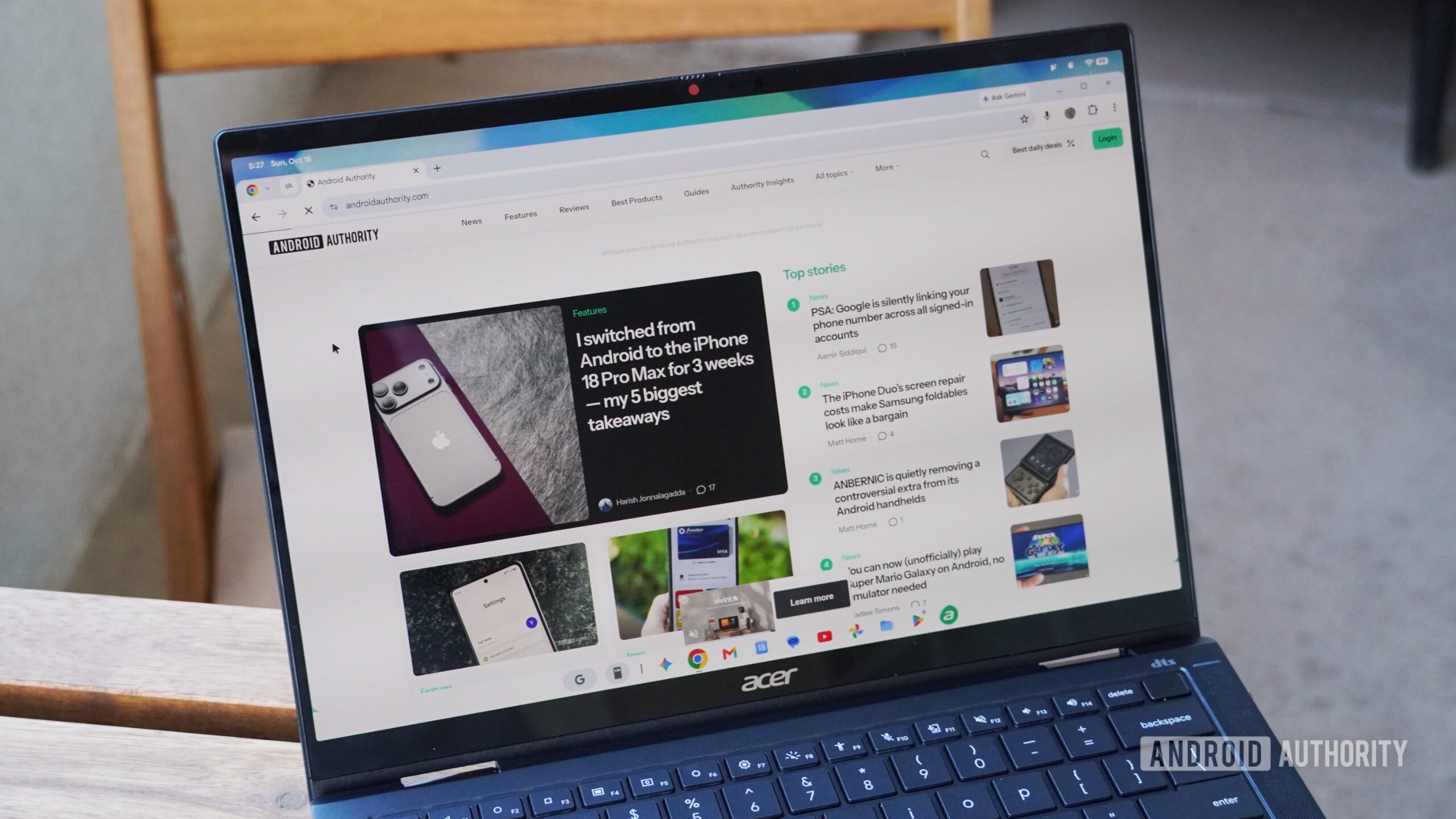
Despite marketing materials claiming the inclusion of a "desktop-class Chrome browser," the reality is a mobile-adapted app that happens to support extensions. It lacks the robust multi-profile management that power users demand. When compared to the actual desktop versions of Chrome on Windows or macOS, the Googlebook version feels like a compromise, lacking the deep settings and granular control that a professional user expects at a $1,000 price point.
Hardware Inconsistencies and Design Flaws
The physical hardware of the Googlebook category also leaves much to be desired. The Acer Googlebook 14 features a bulky chassis with thick bezels that feel dated compared to the sleek aesthetic of modern ultra-portables. Conversely, the Dell XPS Googlebook suffers from noticeable "deck flex" and creaky build quality that is uncharacteristic of the XPS line.
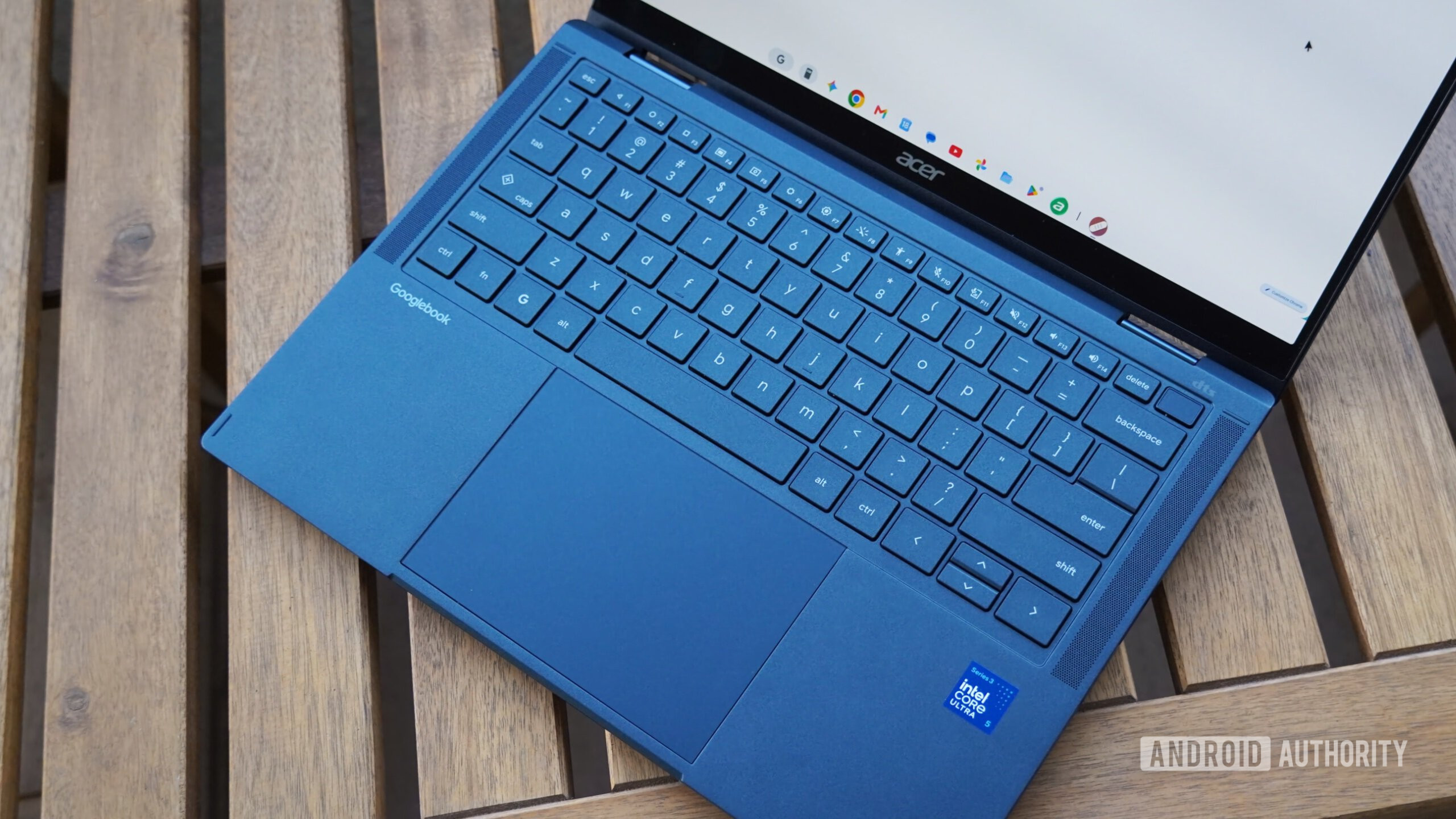
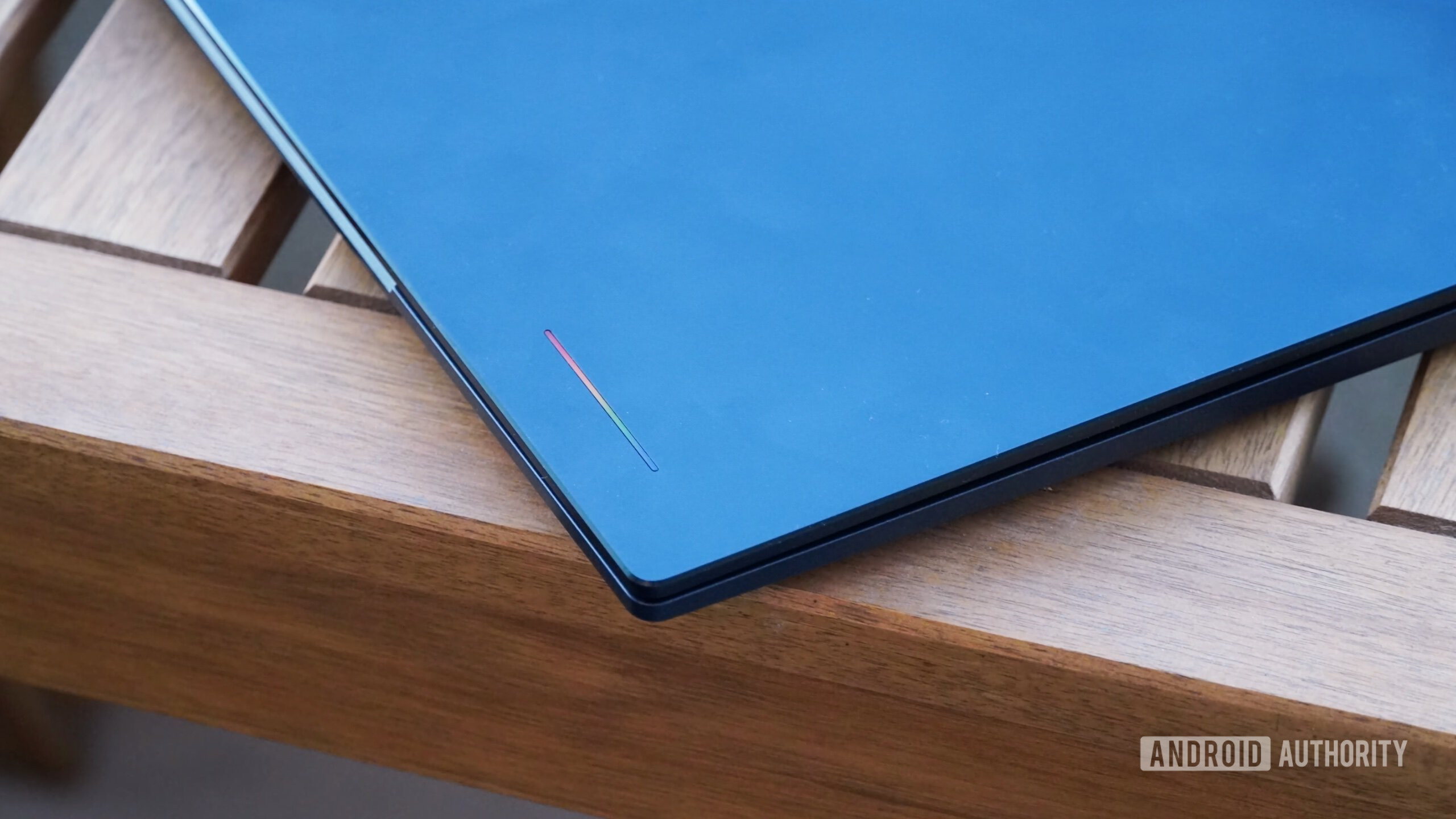
Furthermore, the "glowbar" feature—a signature design element—is entirely aesthetic and serves no functional purpose, as it faces away from the user. Even worse, the biometric security is unreliable. The fingerprint sensors on both test units frequently failed to recognize input, forcing users to rely on passcodes. Given that modern laptops offer near-instantaneous biometric login, these regressions are difficult to overlook.
Official Responses and Strategic Implications
Google has positioned the Googlebook as the future of "mobile-first" computing. In their view, the average user is moving away from traditional desktop architectures and toward an environment where the phone is the center of the digital universe.
However, the market reality is that professional software—Photoshop, advanced development tools, and complex data management software—does not currently exist in a state that satisfies power users on this platform. The "Linux support" included in the OS is a stark step backward from the highly functional Linux implementation found on standard Chromebooks. In the current iteration, Linux apps are confined to a terminal-only environment, precluding the use of vital GUI-based tools that could have saved the platform from its current limitations.
Conclusion: A Concept in Need of Maturation
The implication for potential buyers is clear: Do not replace your current laptop with a Googlebook. If you have $1,000 to spend, your money is significantly better invested in a MacBook or a refined Windows machine. If you believe a Googlebook might suit your needs, it is highly likely that a standard Chromebook—which costs half as much—would provide a similar, if not superior, experience.
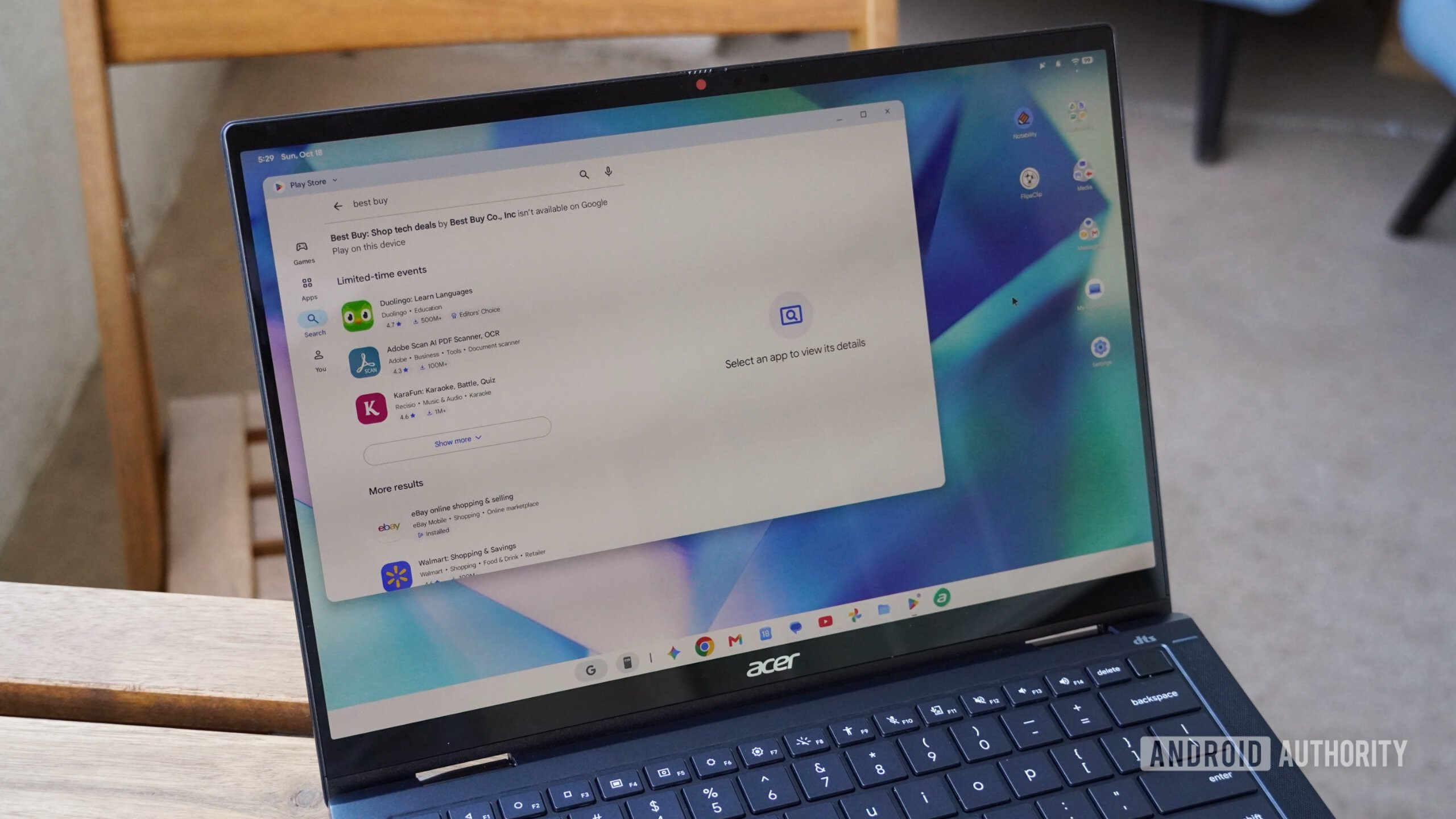
Googlebooks are essentially expensive Android tablets with a permanently attached keyboard and trackpad. They are not yet "laptops" in the traditional sense, and they certainly don’t offer the productivity that the price tag implies.
My hope, however, is that Google stays the course. The idea of a deeper, more integrated bridge between mobile and desktop is the right one. The "Better Together" features, when they do work, show a glimpse of a frictionless future. But as of October 2026, that future is still on the horizon. Until Google addresses the reliance on local Wi-Fi, optimizes the OS for true desktop performance, and mandates better hardware build quality, the Googlebook remains a fascinating experiment that is simply not ready for the rigors of the real world.