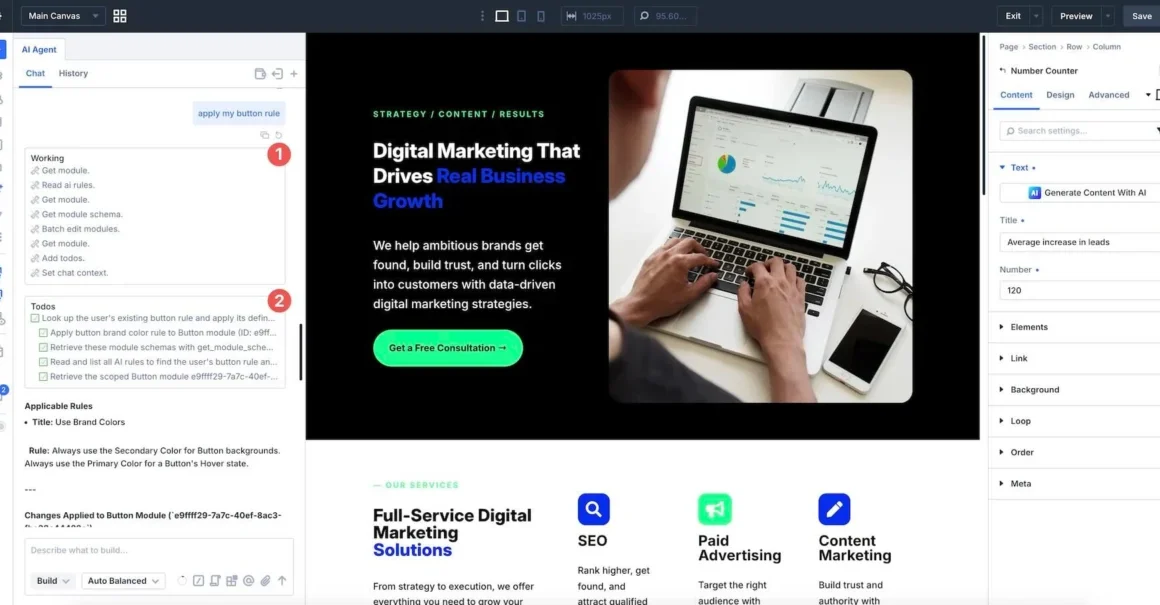








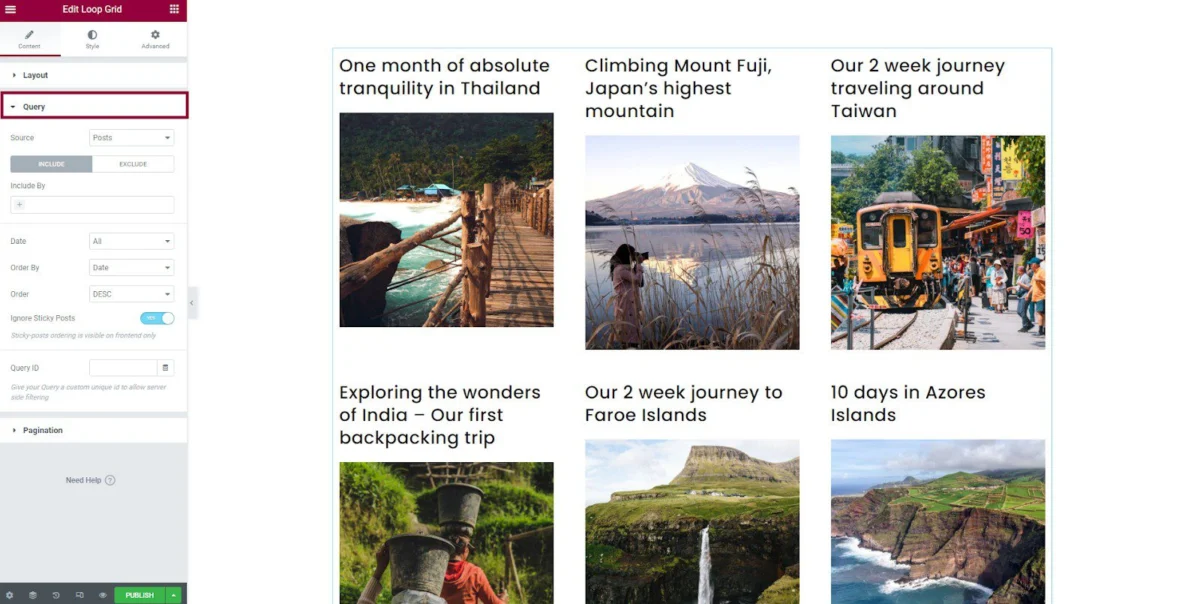
In the modern digital landscape, the difference between a generic website and a professional, high-converting digital storefront often comes down to design control. For years, WordPress users were tethered to the rigid structures of pre-made themes, often requiring deep dives into PHP, CSS, and child themes to make even minor aesthetic adjustments. Today, the rise of the WordPress theme builder has revolutionized this workflow, offering a "no-code" or "low-code" approach that empowers users to craft every pixel of their site—from headers and footers to complex dynamic templates—without ever opening a code editor.

The Evolution of WordPress Design: What is a Theme Builder?
A WordPress theme builder is a sophisticated software layer that sits atop the WordPress core, providing a visual interface to design the global architecture of your site. Unlike a standard page builder, which may restrict your design capabilities to the content area of individual posts or pages, a theme builder provides full-stack control.
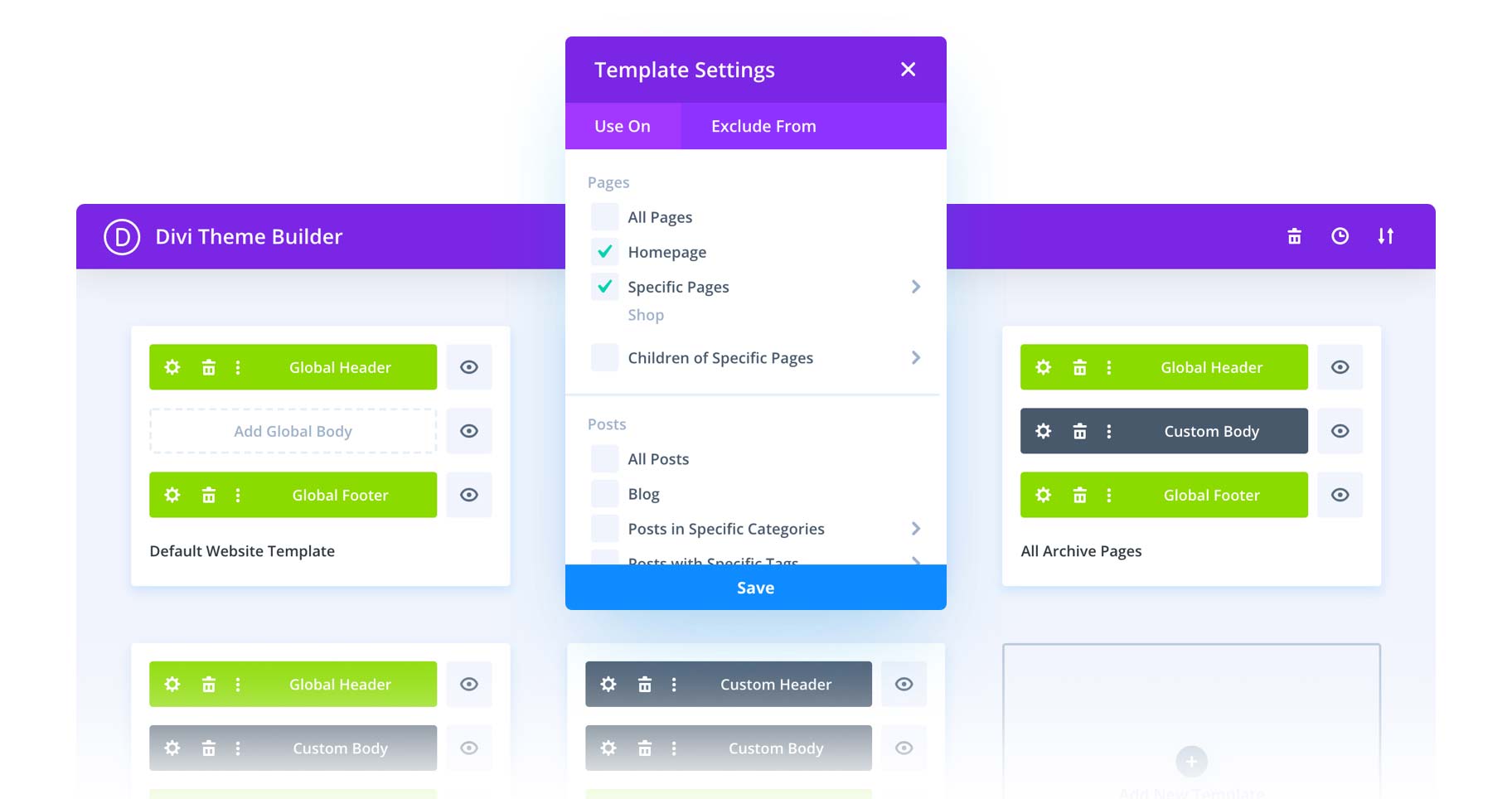
With these tools, users utilize modular blocks to construct the structural components of a website. You can design a custom header, create a specialized 404 error page, or build unique templates for your blog archives and product categories. The fundamental advantage is the move away from back-end technical files; by using a drag-and-drop interface, you can see your changes in real-time, significantly reducing development time and the barrier to entry for non-technical users.
Distinguishing Builders: Page, Website, and Theme
To understand the current market, it is essential to distinguish between the three primary categories of design tools:

- Page Builders: These operate strictly within the post or page content editor. They are excellent for specific layouts but cannot usually edit the "skin" of your site (header/footer).
- Website Builders: Platforms like Wix or Shopify are all-in-one, hosted ecosystems. While easy to use, they offer limited flexibility compared to WordPress, which remains the gold standard for ownership and extensibility.
- Theme Builders: These represent the intersection of power and convenience, offering the deep control of a custom-coded theme with the ease of a visual editor.
The Shift to Full Site Editing (FSE)
The introduction of WordPress Block Themes and native Full Site Editing (FSE) has brought some theme-building capabilities into the WordPress core. While default themes like Twenty Twenty-Three provide basic building blocks, dedicated third-party theme builders continue to outperform native tools. They offer superior functionality, such as complex mega-menus, scroll animations, and extensive library support, allowing for the creation of truly one-of-a-kind digital experiences.
Top 11 WordPress Theme Builders: A Comparative Analysis
1. Divi: The Industry Standard
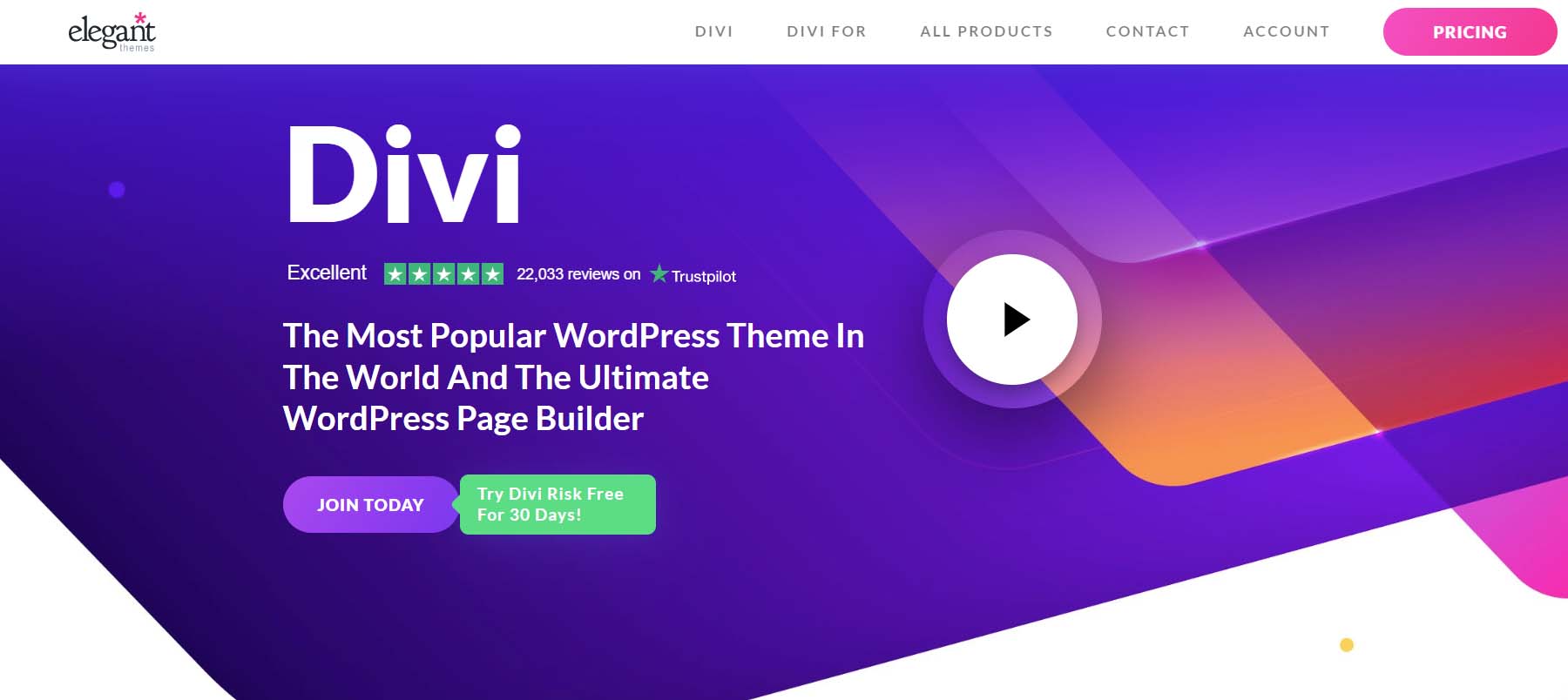
Divi remains the premier choice for those seeking maximum creative control. With a user base exceeding 800,000, it is a powerhouse of design.
- Functionality: Its Theme Builder allows for granular control over every aspect of the site. You can assign specific templates to distinct sections of your site, ensuring a highly tailored user experience.
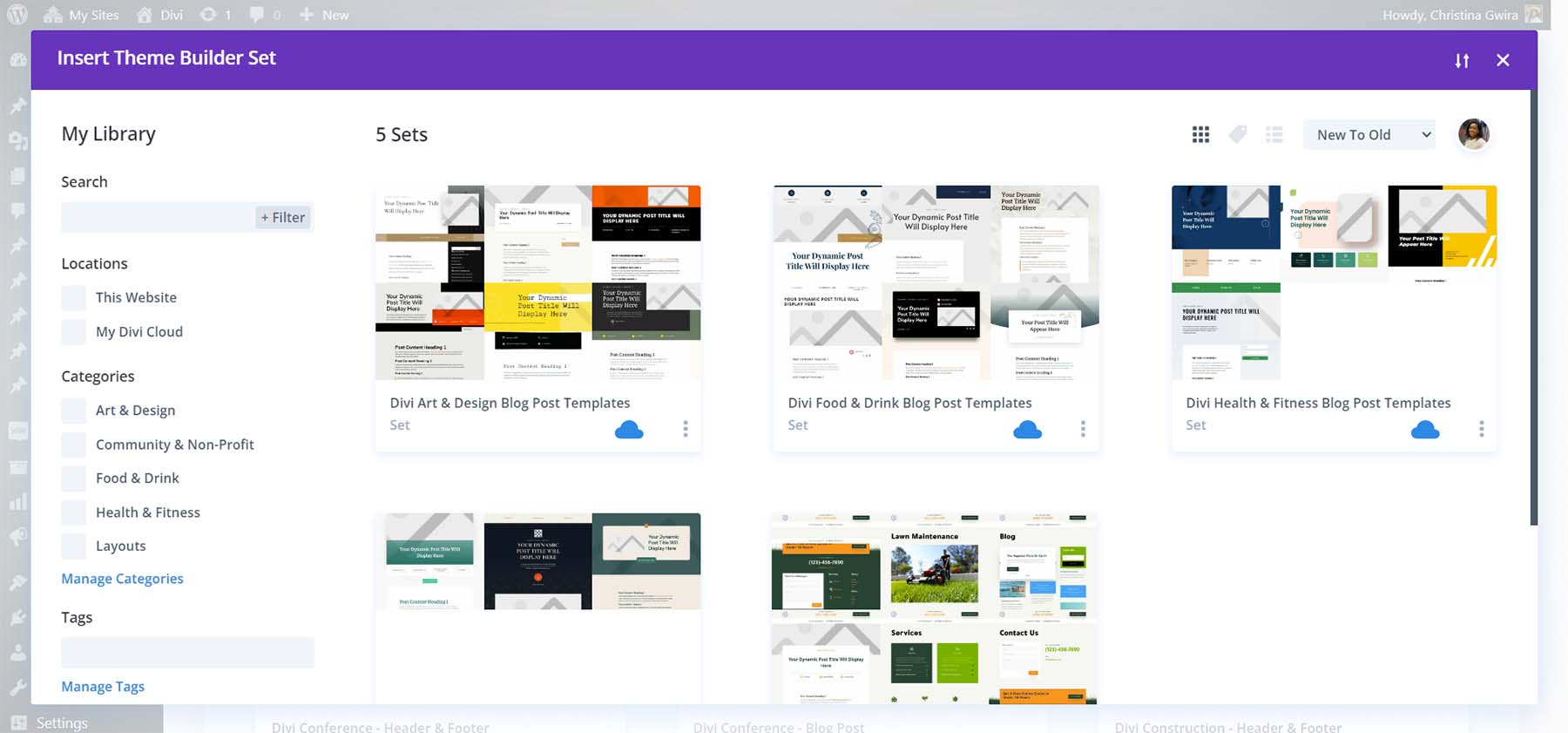
- Key Advantage: The integration of 40+ native modules and 20+ WooCommerce modules makes it ideal for everything from personal blogs to complex e-commerce stores. Its "Theme Builder Sets" feature allows users to save and export entire site architectures, making it a favorite for agencies.
2. Astra: The Speed Demon
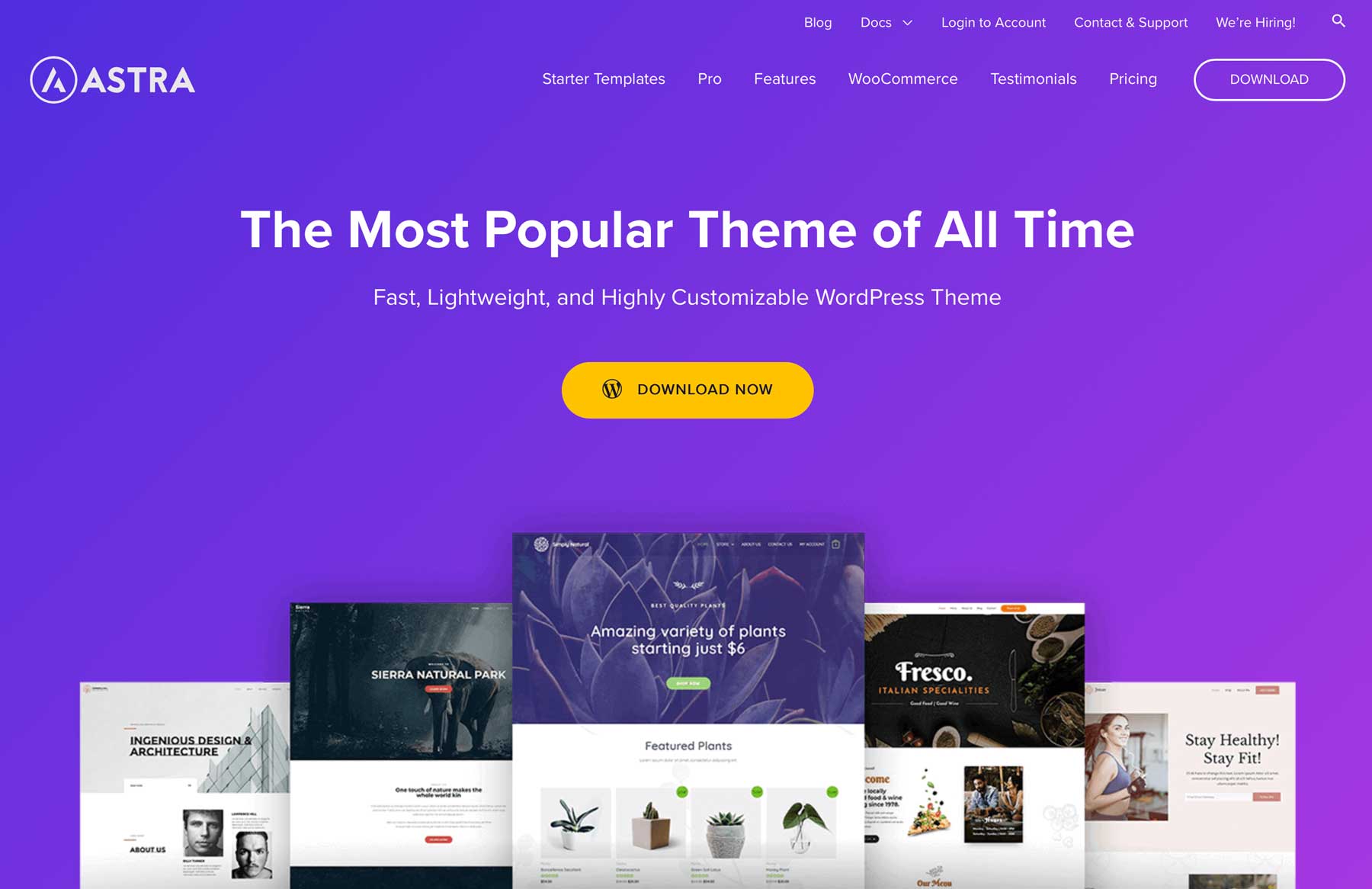
Astra is often cited as the fastest theme builder on the market. It offers a unique "freemium" model that makes professional design accessible to beginners.
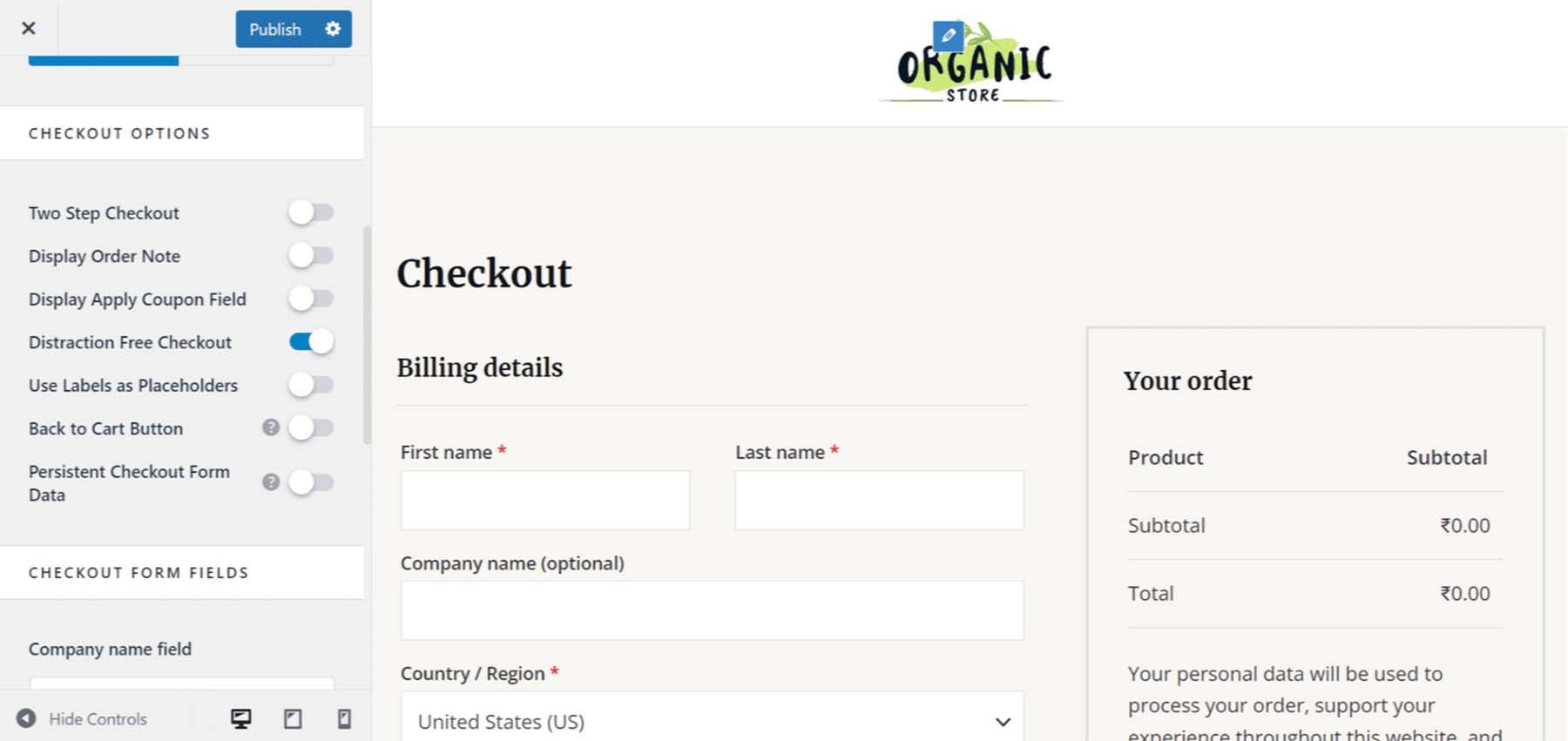
- Focus: Astra emphasizes performance and mobile responsiveness, particularly for WooCommerce checkout processes. Its live editing capabilities ensure that you see exactly what your users see as you build.
3. OceanWP: The Budget-Friendly Powerhouse
OceanWP is arguably the most generous option for those on a tight budget. It provides an extensive range of features in its free version that competitors often reserve for premium tiers.
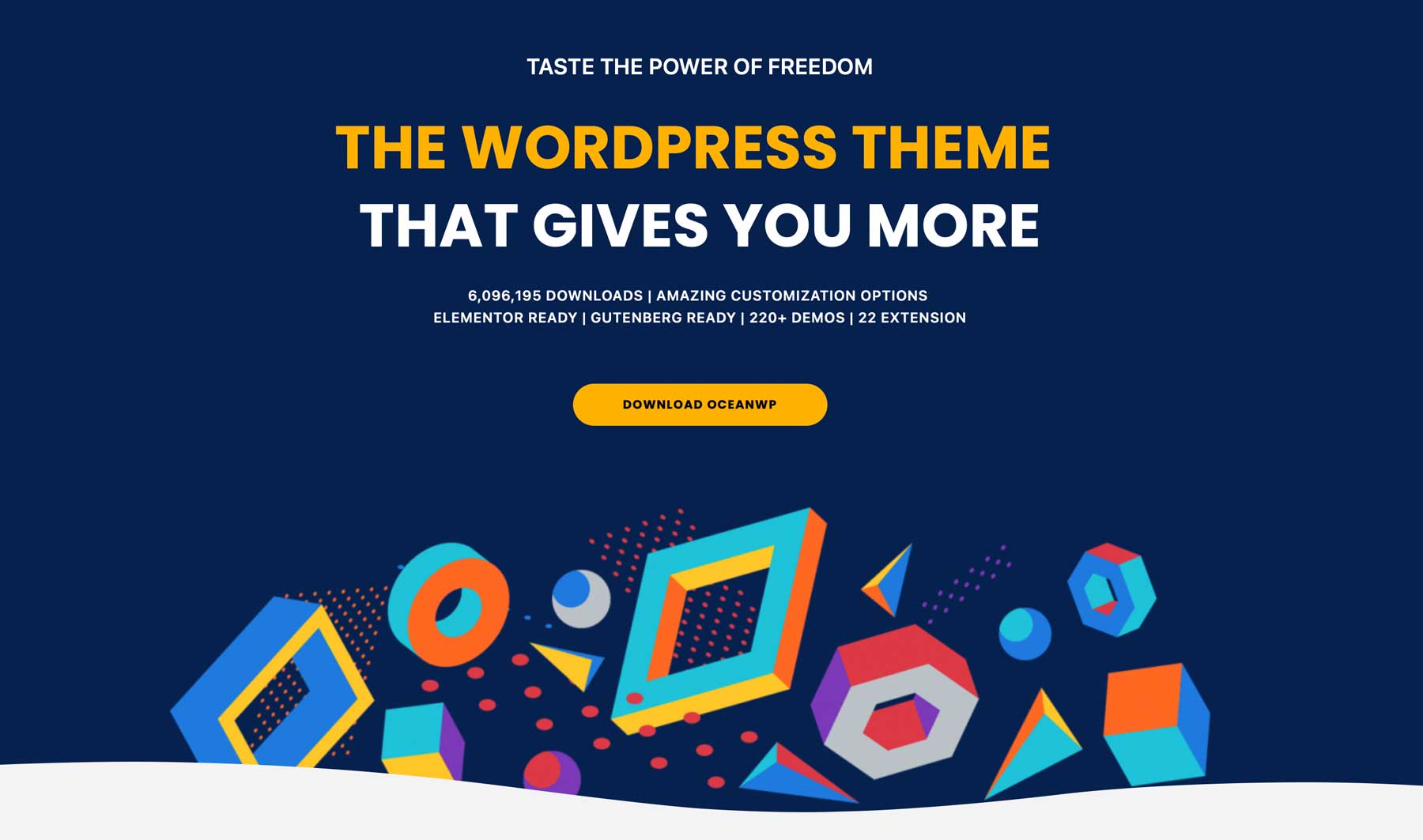
- Specialty: Its mega-menu builder and advanced blog pagination options make it a standout for content-heavy sites that don’t want to pay for expensive add-ons.
4. GeneratePress: The Block-Based Pioneer
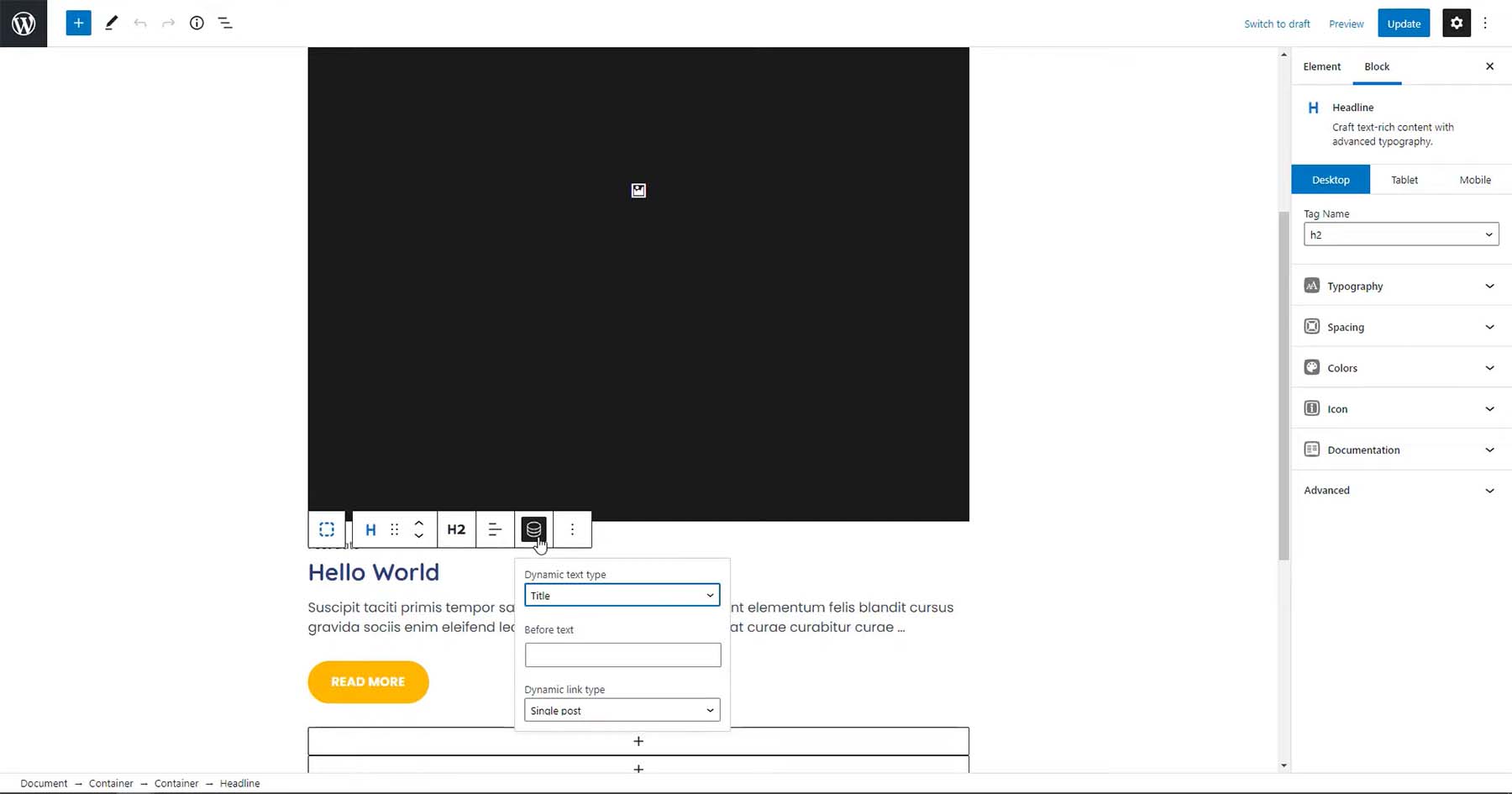
As one of the first adopters of block-based theme building, GeneratePress is designed for the modern WordPress era.
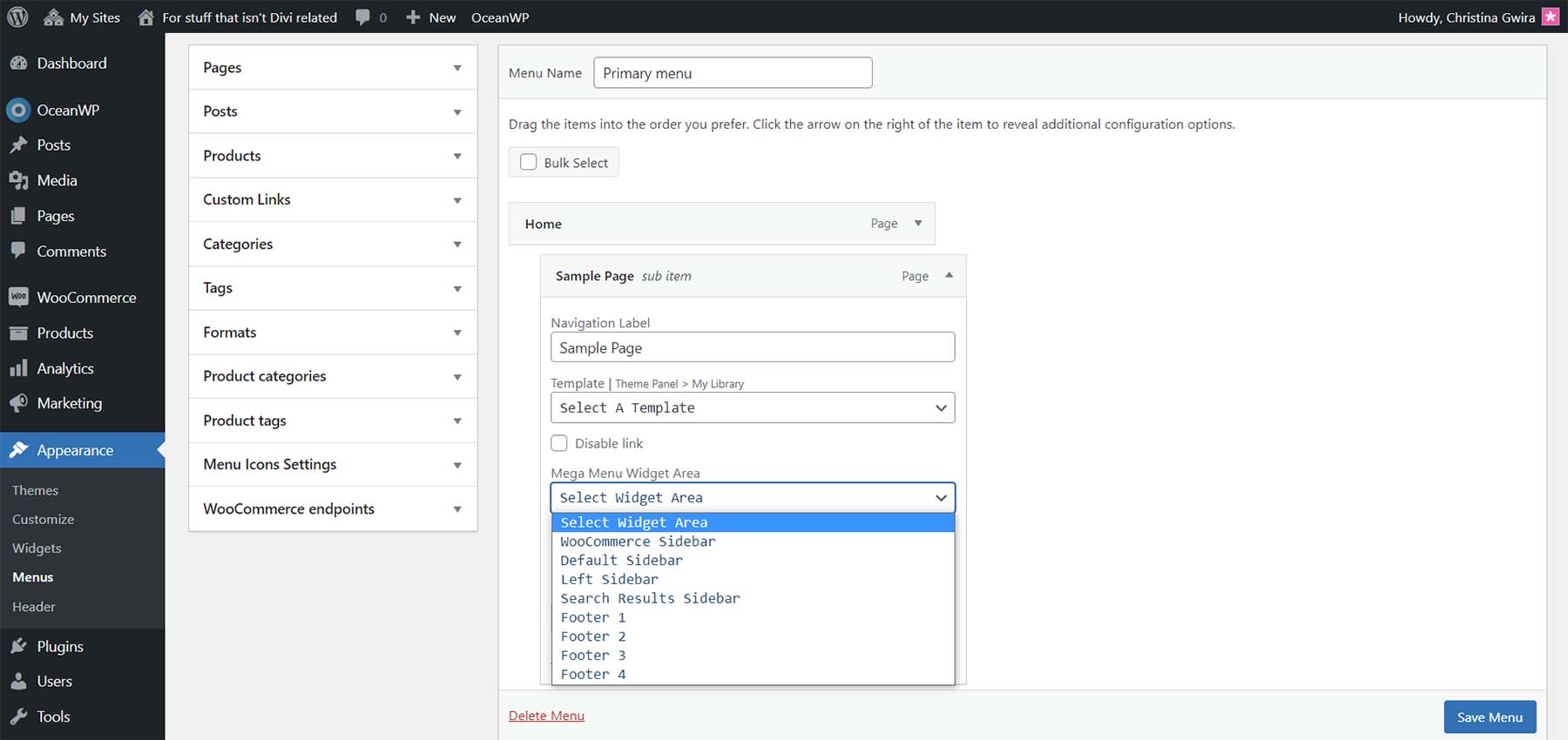
- Performance: It is incredibly lightweight. By leveraging the Gutenberg editor, it provides a seamless experience for those who prefer working within the native WordPress flow rather than a proprietary interface.
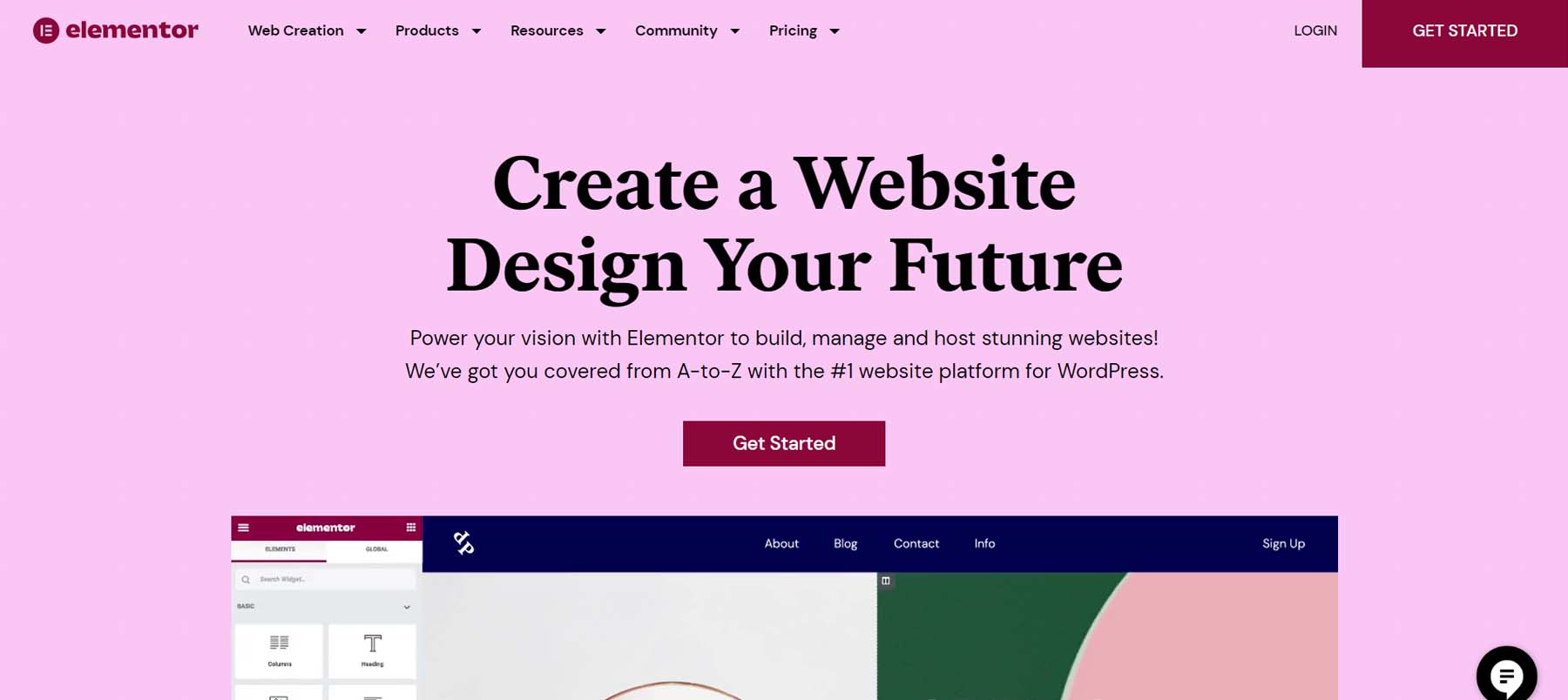
5. Elementor: The Versatile Giant
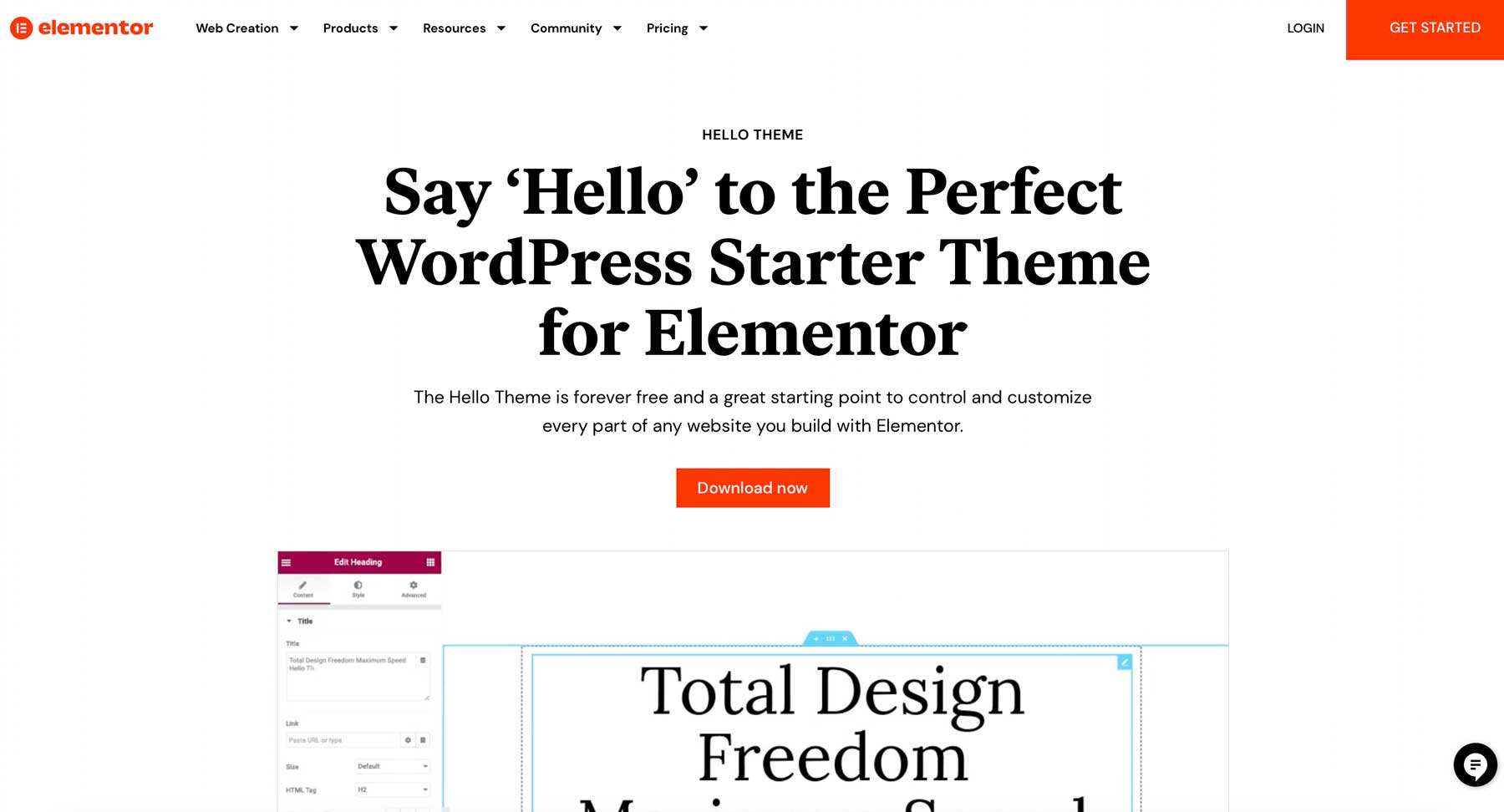
Elementor has become synonymous with visual building. Its ability to act as a theme-agnostic builder means it can work with almost any foundation, though it pairs best with the "Hello" theme.
- Marketing Focus: With over 100 widgets and a massive library of pre-built kits, it is the go-to for designers who need to launch professional sites rapidly.
6. Beaver Themer: The Professional’s Choice
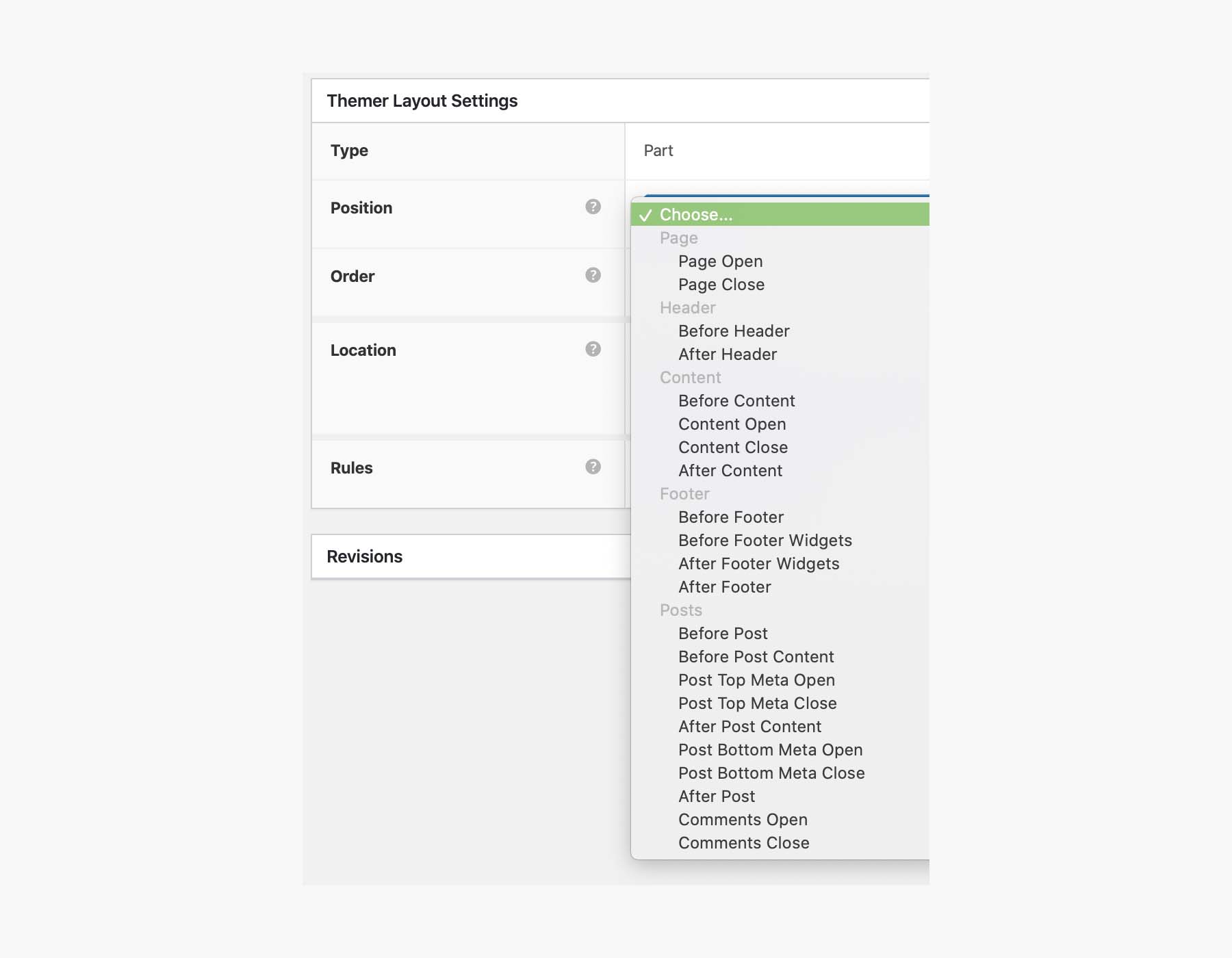
Beaver Themer is an extension of the reliable Beaver Builder. It is known for its stability and "Themer Parts," which allow for the precise placement of elements outside the standard content area.
- Implication: It is a professional-grade tool often chosen by developers who prioritize clean code and site stability over flashy, pre-made templates.
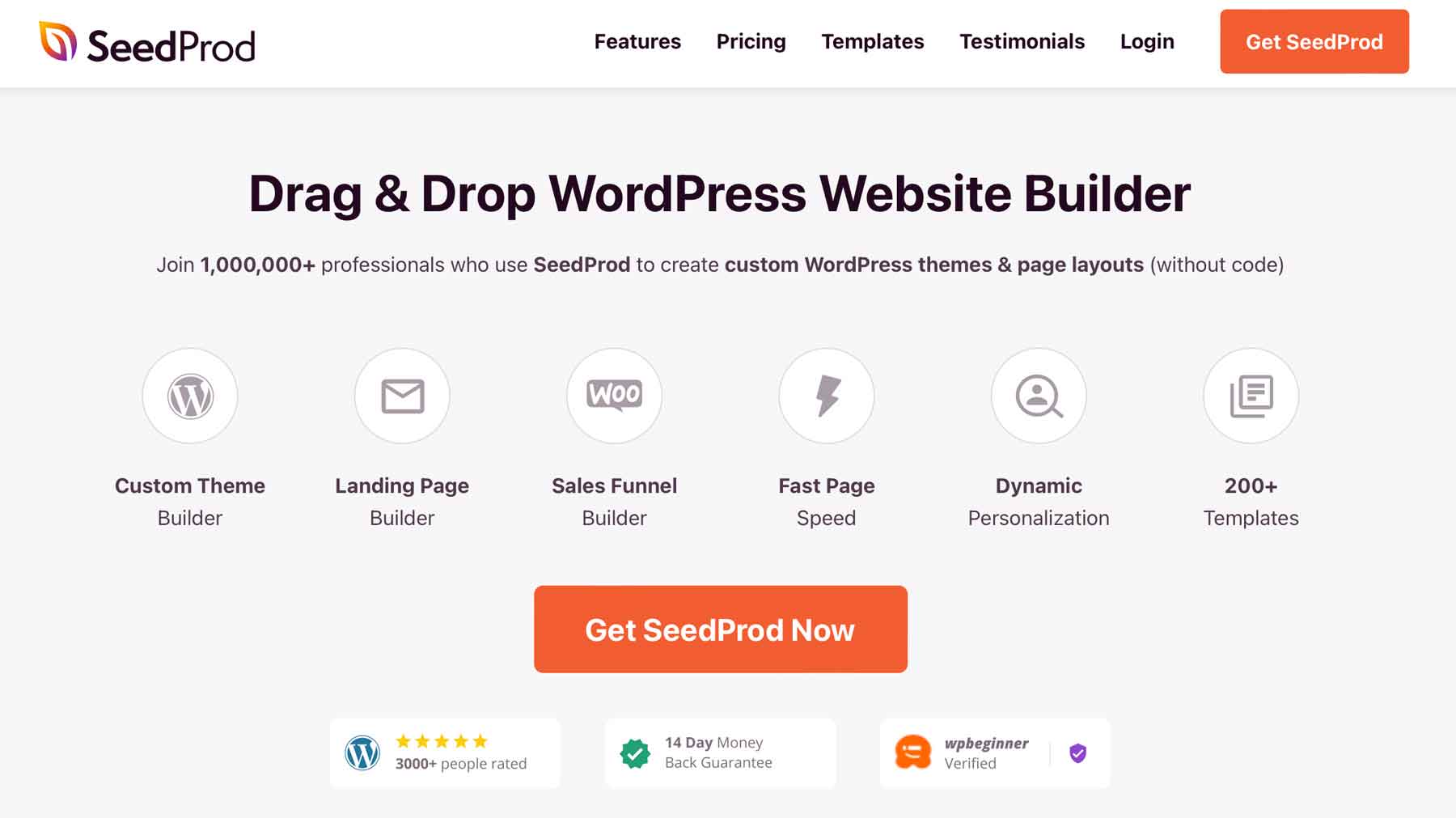
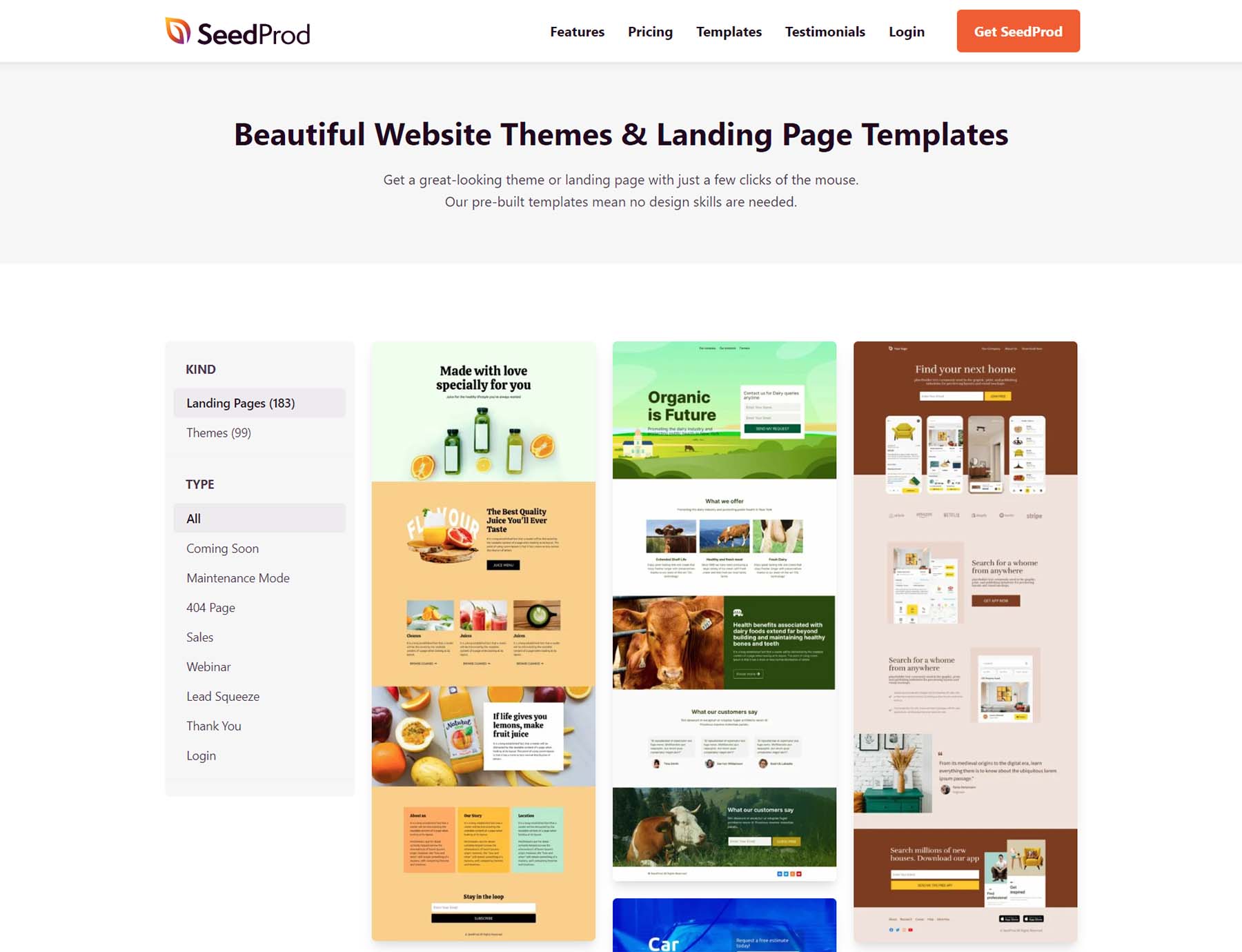
7. SeedProd: The Marketer’s Toolkit
SeedProd is engineered specifically for conversions. It excels at creating landing pages, squeeze pages, and sales funnels.
- Why it works: If your primary goal is lead generation or digital marketing, SeedProd’s library of high-converting templates is unmatched.
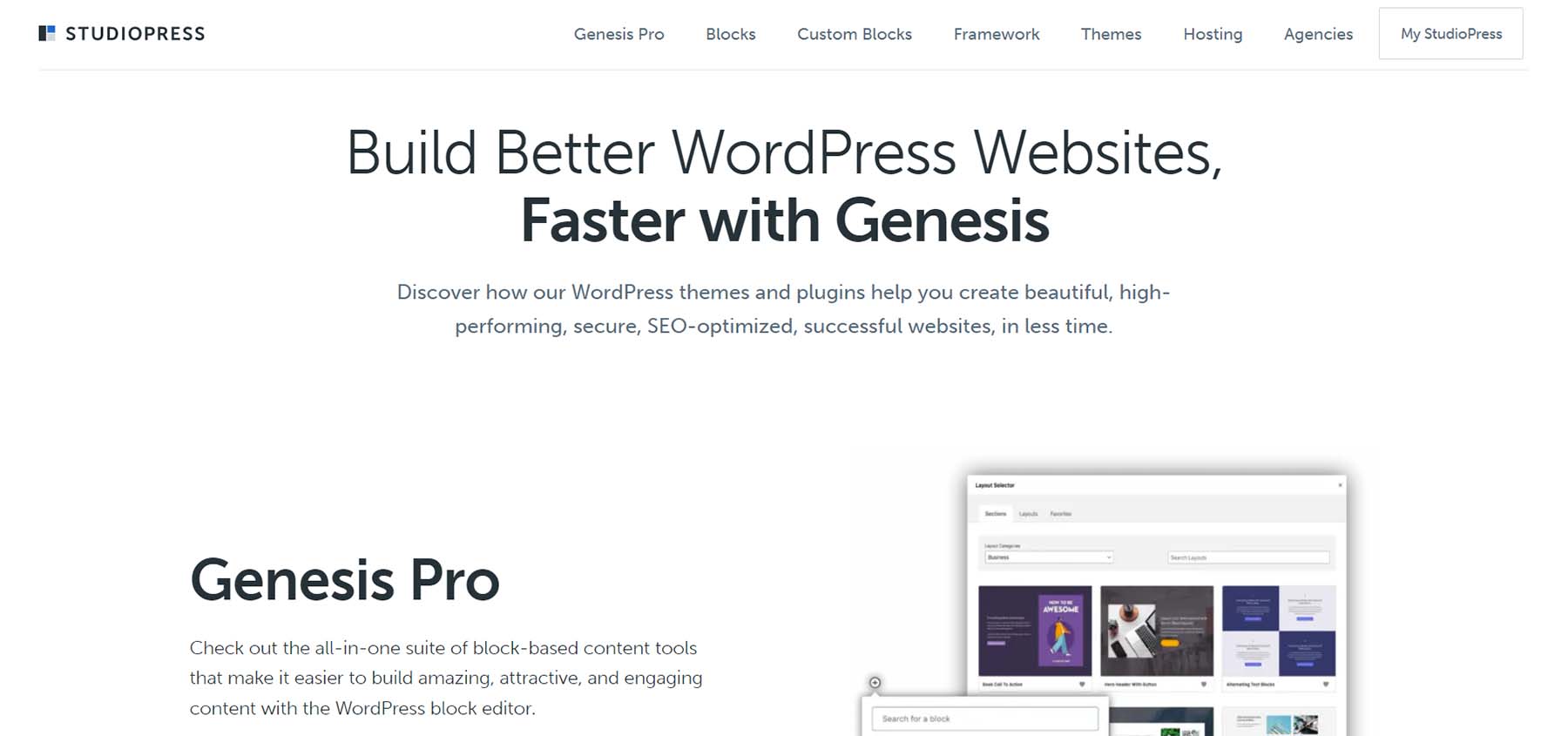
8. Genesis Pro: For the Tech-Savvy
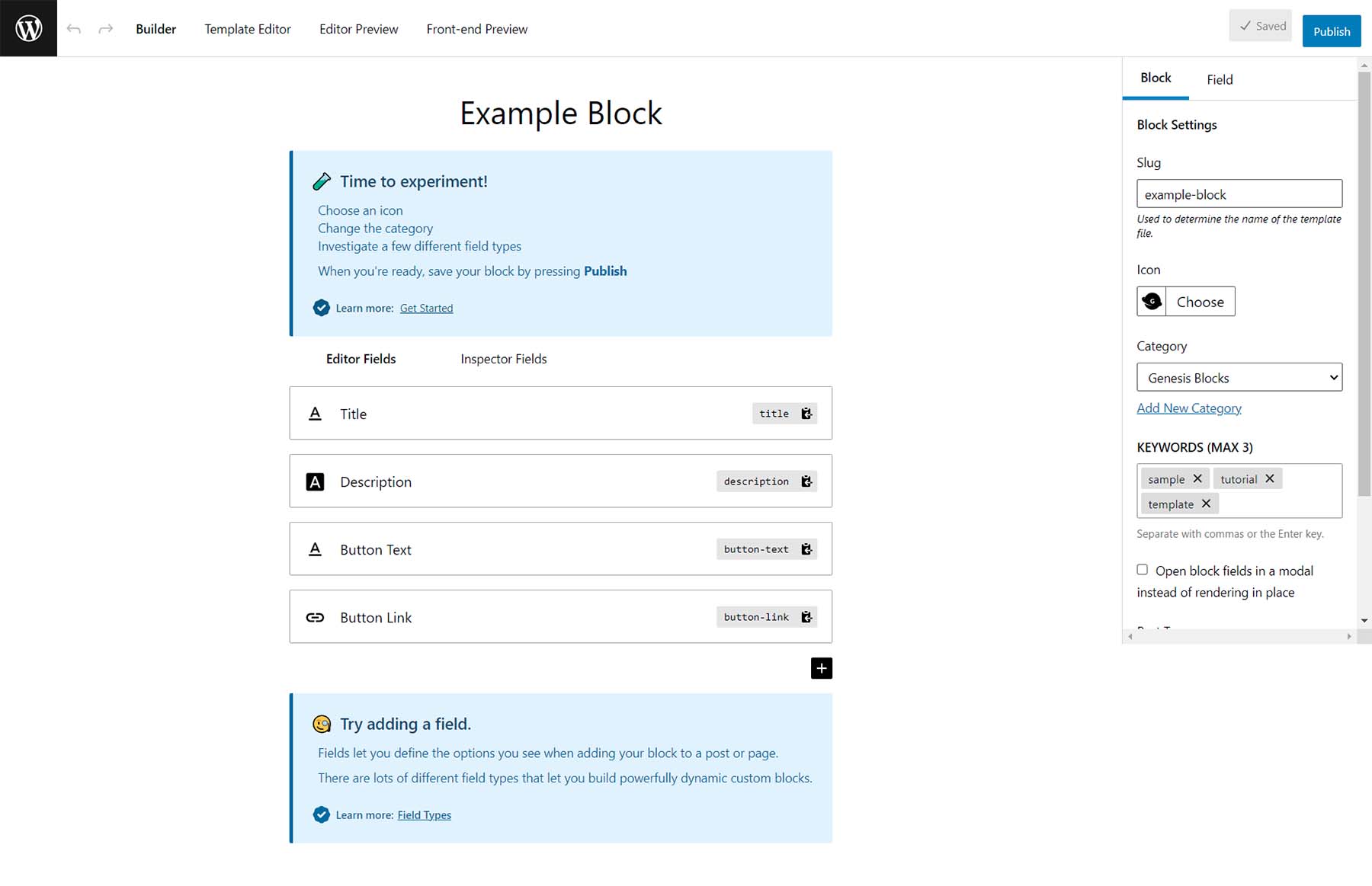
Genesis Pro bridges the gap between block-based building and custom coding.
- Target Audience: It is best suited for developers who are comfortable with PHP and CSS but want the speed of a library of reusable custom blocks.
9. Thrive Theme Builder: The Conversion Expert
Thrive focuses on the psychology of sales. Its "Wizard" setup ensures that your site is built according to best practices for online marketing from the very first click.

10. Brizy: The Modern Hybrid
Brizy offers a unique value proposition by providing both a WordPress plugin and a hosted cloud platform, making it perfect for agencies who want to offer white-label services to clients.
11. Oxygen Builder: The Architect’s Tool
Oxygen is for the "true" builder. It is completely theme-agnostic and provides deep access to code, allowing for pixel-perfect design. It carries a steeper learning curve but offers the highest level of customization on this list.
Supporting Data and Market Implications
The demand for theme builders has spiked as the gig economy and the necessity for online business presence have grown. Market data suggests that the average development time for a custom-built WordPress site using a theme builder is reduced by approximately 60% compared to traditional coding methods.
Economic Impact
- Reduced Development Costs: By removing the need for dedicated front-end developers for minor site changes, businesses save thousands in maintenance costs annually.
- Accessibility: Non-technical entrepreneurs can now launch enterprise-level websites, democratizing access to digital markets.
The Trade-offs
While these builders offer incredible efficiency, there are implications to consider:
- Bloat: Some builders load more scripts than necessary, which can impact site speed if not optimized correctly.
- Vendor Lock-in: Moving from one builder to another can be a complex task, as many use proprietary shortcodes or data structures.
- Learning Curve: While "no-code" is the goal, mastering the design systems of tools like Oxygen or Divi still requires significant time investment.
Final Thoughts: Choosing Your Path
The best WordPress theme builder for your project depends entirely on your technical comfort level and your ultimate goal.
- For Beginners: Divi or Astra provide the most supportive environments.
- For Marketers: SeedProd or Thrive Theme Builder offer the best tools for conversion.
- For Developers: Oxygen or Genesis Pro offer the flexibility required for highly custom, high-performance applications.
Ultimately, the power of these tools lies in their ability to translate your vision into a reality without the traditional hurdles of web development. Whether you are launching a personal blog, a massive e-commerce store, or a corporate portal, there is a builder in this list that can serve as your foundation. As the WordPress ecosystem continues to evolve, the distinction between "developer" and "designer" will continue to blur, placing more power than ever before into the hands of the site owner.