





The WordPress ecosystem has long relied on block-based editing to democratize web design, but for many creators, the initial "blank canvas" phase remains a significant hurdle. Today, ThemeIsle officially announced the release of Otter Blocks 3.2.0, a major update designed to transition the plugin from a simple block library to a comprehensive, AI-driven site-building ecosystem. By integrating advanced generative AI, a fully overhauled design library, and full compatibility with the WordPress 7.0 core, this release signals a shift toward faster, more intuitive web production.
Main Facts: What’s New in Otter 3.2.0?
Otter Blocks 3.2.0 represents the most significant feature expansion in the plugin’s history. The update aims to address the "slowest part of building"—the initial setup—by offering tools that generate entire sections and pages on command.
Key highlights of the release include:
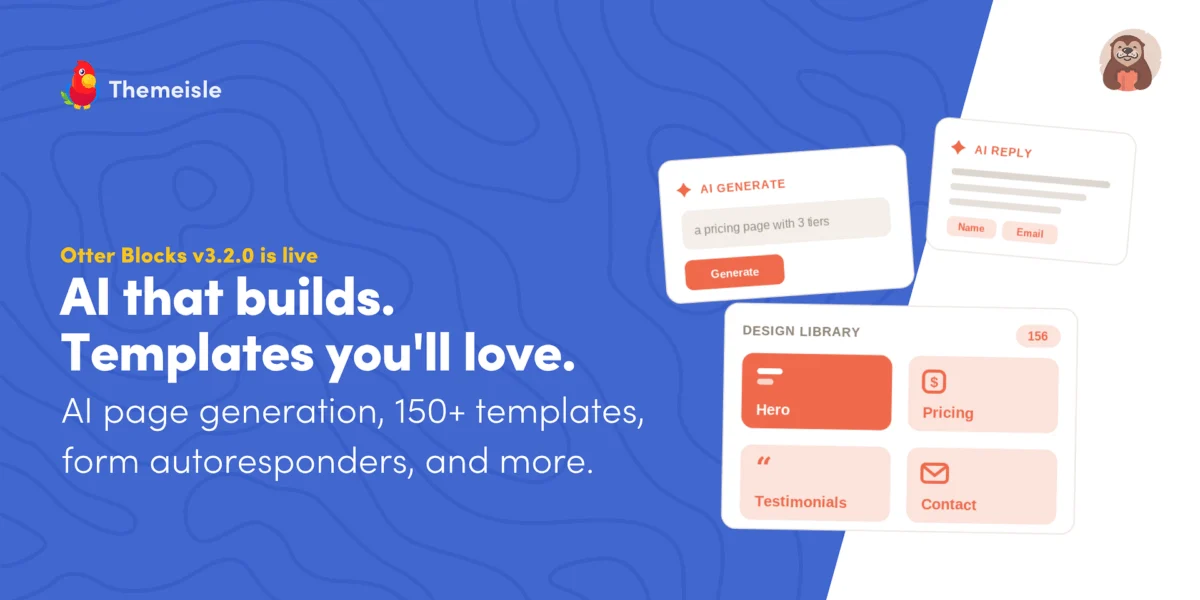
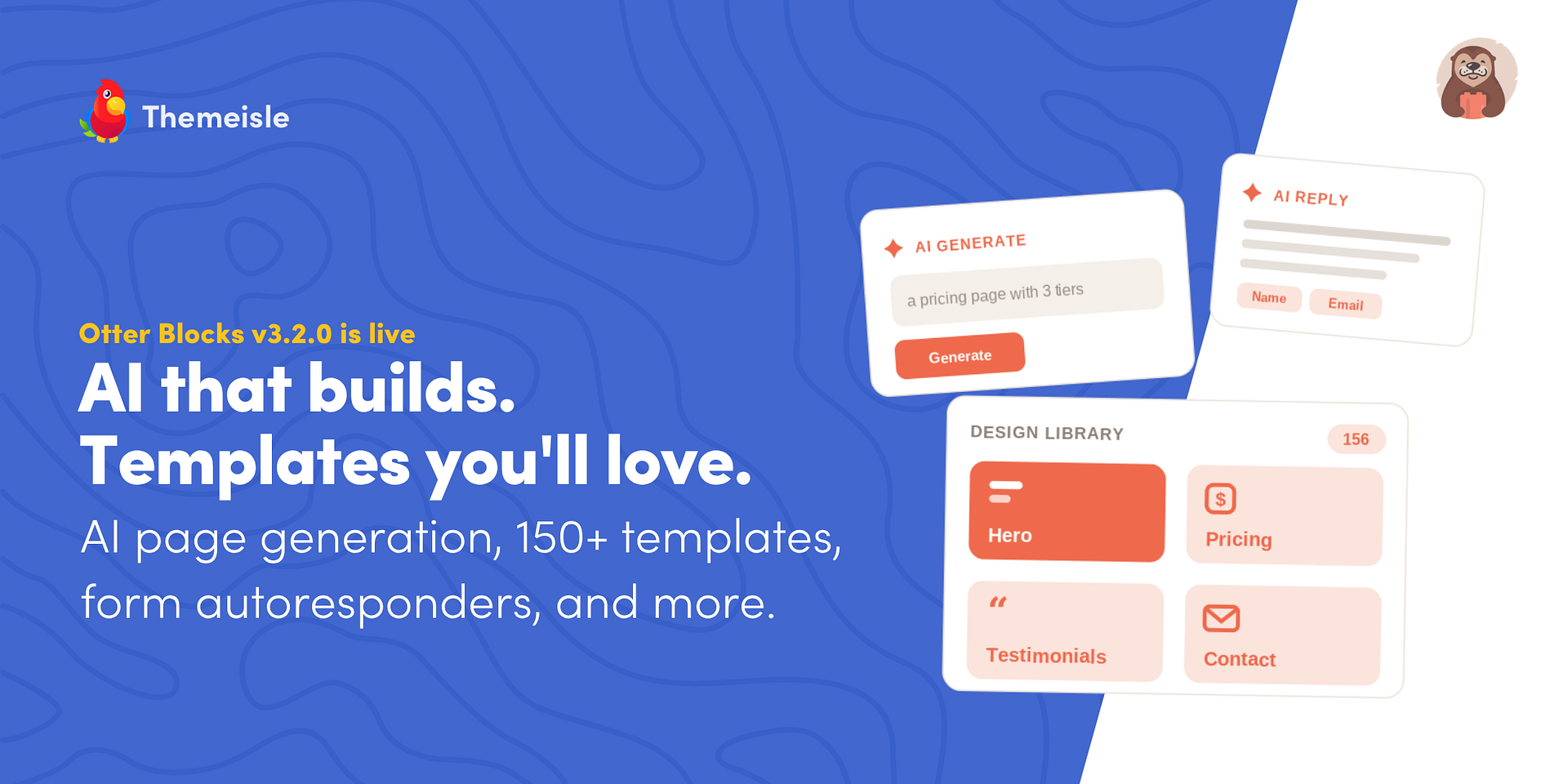
- Generative AI Building: A new "AI Content Generator" block allows users to describe a section or page, which the AI then builds using native blocks.
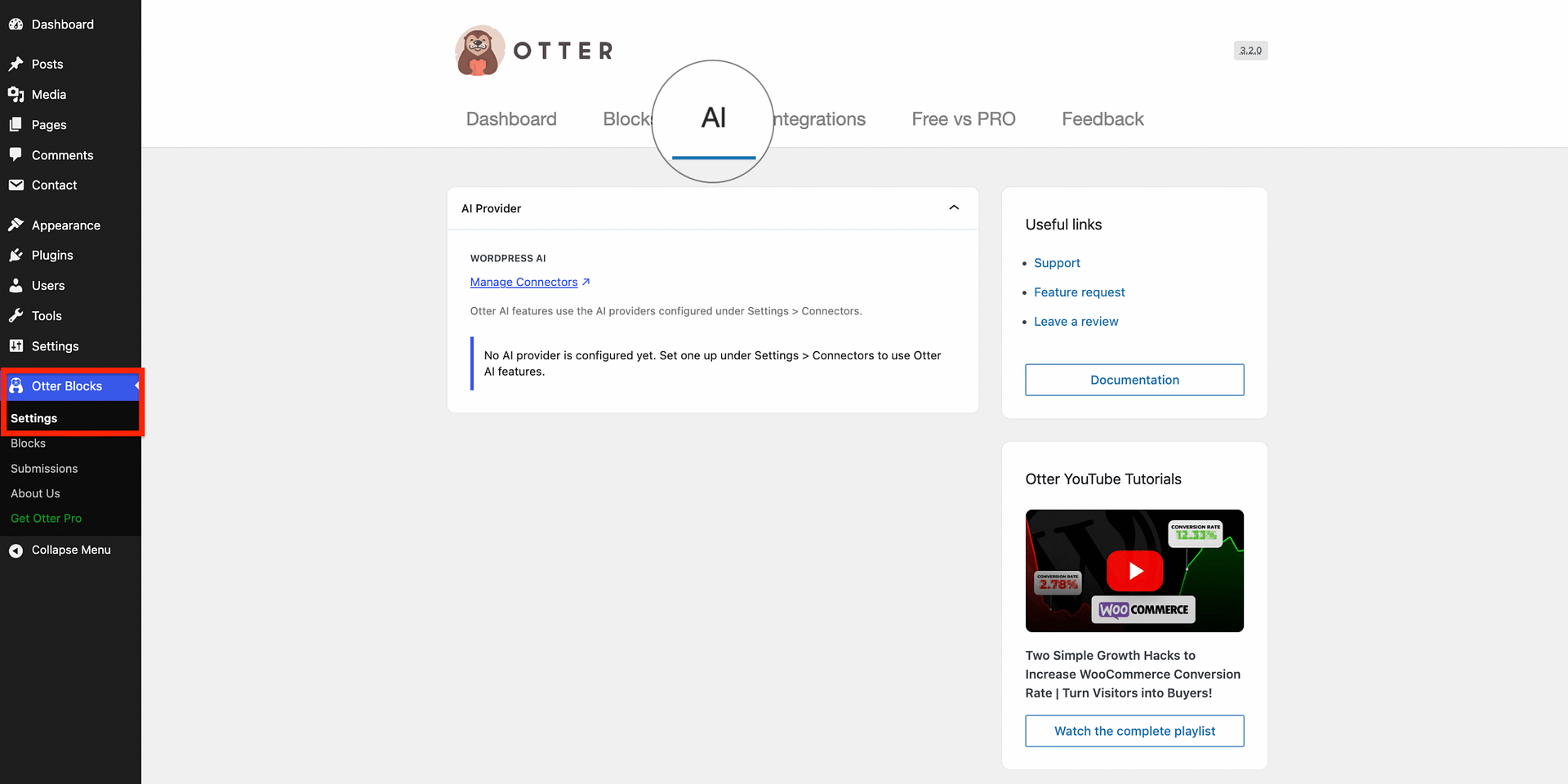
- Centralized AI Management: A dedicated AI settings tab allows users to select their preferred AI models and connect them directly through the native WordPress 7.0 AI connectors.
- Enhanced AI Toolbar: The writing assistant now supports custom, user-defined prompts, allowing for repeatable brand-specific tasks.
- Pro-Exclusive AI Autoresponders: A tool designed to automatically reply to user form submissions with personalized, AI-generated content.
- Rebuilt Design Library: A complete overhaul of the library, now featuring 150+ searchable, filterable templates.
- Content Slider Block: A versatile new block that allows users to turn any inner block—not just images—into a sliding, interactive element.
- WordPress 7.0 Integration: Full native support for the latest WordPress architecture.
Chronology: The Evolution of Otter Blocks
The journey of Otter Blocks has mirrored the evolution of the Gutenberg block editor itself. Initially launched as a collection of aesthetic blocks to complement the native editor, the plugin gradually introduced dynamic content, conditional logic, and design tools.
- Pre-3.0 Era: Focused on filling gaps in the native editor by providing advanced layouts, animations, and custom styling options.
- The Rise of AI (3.0 – 3.1): ThemeIsle began introducing AI-driven text editing, allowing users to rephrase, shorten, and fix grammar within the editor.
- The 3.2.0 Milestone: This release marks the pivot from "text-editing AI" to "layout-building AI." By shifting from tweaking existing text to generating structural layouts, the plugin has effectively entered the realm of AI-assisted site architecture.
Supporting Data: Why This Update Matters
The complexity of modern web design often results in "decision paralysis" for site owners. According to internal metrics and user feedback loops reported by the ThemeIsle development team, the time spent from "opening the editor" to "finishing the first draft" is where most users experience the highest friction.
The new Design Library is a direct response to this data. By moving away from a traditional, static grid to a dynamic, searchable, and tag-based system, the developers aim to reduce the time spent searching for templates by an estimated 40%. Furthermore, the Content Slider block eliminates the need for third-party slider plugins, which are often cited as a major cause of site bloat and performance degradation. By keeping the slider functionality native, users can expect improved Core Web Vitals and faster page load times.
Official Responses and Strategic Vision
In a statement accompanying the release, the development team emphasized the importance of user control. "We didn’t want to lock users into a single AI model," noted the lead architect. "By leveraging the new WordPress 7.0 AI connectors, we’ve made Otter a platform-agnostic tool. Whether you prefer OpenAI, Claude, or a local model, our plugin acts as the interface, not the gatekeeper."
The team also addressed concerns regarding backward compatibility. For users who have not yet migrated to WordPress 7.0, the update ensures that existing OpenAI API configurations remain functional. This "bridge" approach allows users to adopt the new features at their own pace without breaking existing site workflows.
Implications for Web Professionals and Agencies
The release of 3.2.0 has significant implications for how WordPress agencies and freelancers deliver projects.
1. The Death of the "Generic" Template
The ability to generate sections that automatically inherit theme colors means that "AI-built" pages are no longer inherently "generic." By matching the user’s defined brand palette, the AI content generator creates a foundation that looks like it was custom-designed by a human developer. This significantly cuts down on the hours spent manually adjusting CSS or block properties to match branding guidelines.
2. Efficiency at Scale
The introduction of AI form autoresponders is a game-changer for service-based businesses. By automatically generating personalized replies based on form data, businesses can maintain high engagement levels without needing a dedicated customer support staff for initial inquiries.
3. Consolidation of the Tech Stack
By adding features like the Content Slider and robust Block Conditions, Otter 3.2.0 encourages a leaner plugin stack. Relying on fewer plugins for essential functionality directly correlates with higher security and better site performance.
A Technical Deep-Dive: Under the Hood
The New AI Settings Tab
Previously, AI configurations in many WordPress plugins were siloed. If a user had a form plugin, a writing plugin, and a page-building plugin, they often had to manage three different API keys. Otter 3.2.0 simplifies this significantly. By centralizing the configuration in one tab, it provides a "set it and forget it" environment. The integration with WordPress 7.0’s core AI connectors ensures that as the WordPress ecosystem matures, Otter will remain compatible with future industry-standard AI implementations.
Mastering the Custom AI Toolbar
The ability to create custom prompts is a sophisticated addition for professional copywriters. For instance, a user can create a "Translate to French" button or a "Professional Tone Check" button that applies specific brand voice parameters. This turns the editor into a bespoke content engine tailored to the specific needs of an organization.
The Rebuilt Design Library
The library is now categorized by "Design Intent." Whether a user needs a "Glassmorphism" look for a modern SaaS site or a "Classic" layout for a law firm, the filtering system allows for rapid prototyping. The inclusion of premium templates for Pro users provides a high-end starting point that is significantly more polished than the standard block patterns found in other free builders.
Moving Forward: Is 3.2.0 Right for You?
For those already utilizing the Otter ecosystem, 3.2.0 is a mandatory update that provides significant workflow advantages. For those still on the fence, the free version of the plugin now offers a comprehensive suite of tools that competes directly with premium page builders.
Recommended Action Plan for Users:
- Backup your site: Always ensure a full database and file backup is performed before applying major feature updates.
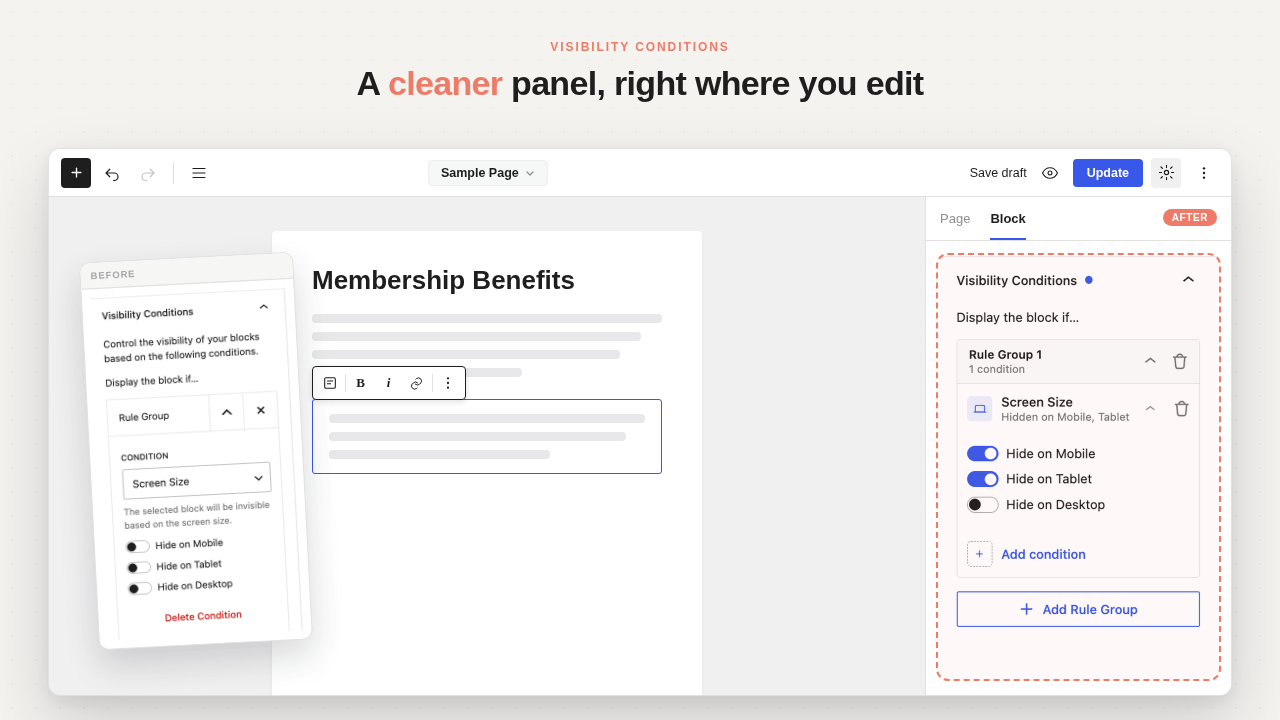
- Audit your current stack: Review which plugins might now be redundant, such as sliders or basic visibility condition tools.
- Explore the AI Tab: Spend time configuring your preferred AI provider to ensure you are getting the best results for your specific content needs.
- Experiment with the Content Generator: Start by generating individual sections before attempting a full-page generation to understand how the AI interprets your site’s color and typography settings.
Conclusion
Otter Blocks 3.2.0 is more than just a maintenance release; it is a strategic repositioning of the plugin as a modern, AI-first tool for the WordPress community. By solving the dual challenges of "getting started" and "maintaining brand consistency," ThemeIsle has created a robust foundation for the next generation of WordPress site building. Whether you are a solo entrepreneur building your first site or an agency managing dozens of client projects, the tools introduced in this version are set to fundamentally change how you interact with the WordPress block editor.
As the digital landscape moves toward faster, more automated workflows, Otter 3.2.0 stands as a testament to the power of integrating generative AI with the flexibility of the Gutenberg editor. The future of WordPress is here, and it is more automated, personalized, and efficient than ever before.