







The landscape of professional web development is undergoing a seismic shift. For years, designers and developers have relied on manual interfaces, granular settings, and complex coding structures to bring their visions to life. With the introduction of Divi AI Agents within the Divi 5 ecosystem, that paradigm is evolving into a collaborative, conversational experience. By blending the precision of a robust page builder with the intuitive power of artificial intelligence, Elegant Themes has provided a pathway for creators to build, edit, and optimize complex web structures simply by talking to their workspace.
Main Facts: Redefining the Visual Builder
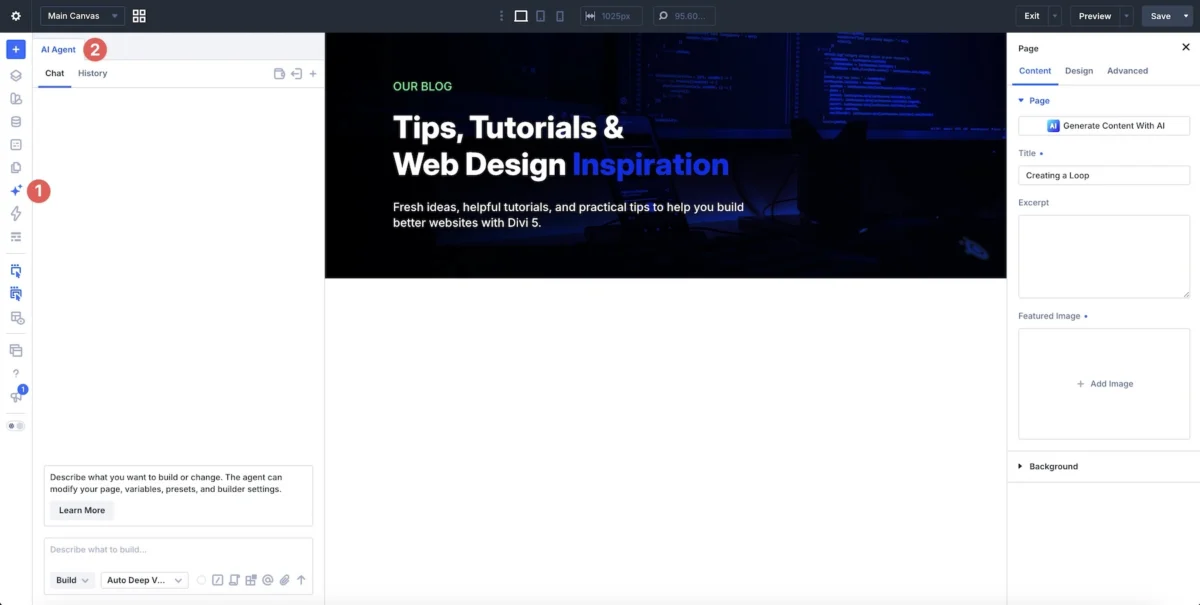
Divi AI Agents represent a sophisticated integration of generative AI directly into the heart of the Visual Builder. Unlike external AI tools that generate static code snippets or images, Divi AI Agents operate natively within the Divi ecosystem. They have the capability to manipulate actual Sections, Rows, Columns, and Modules in real-time.
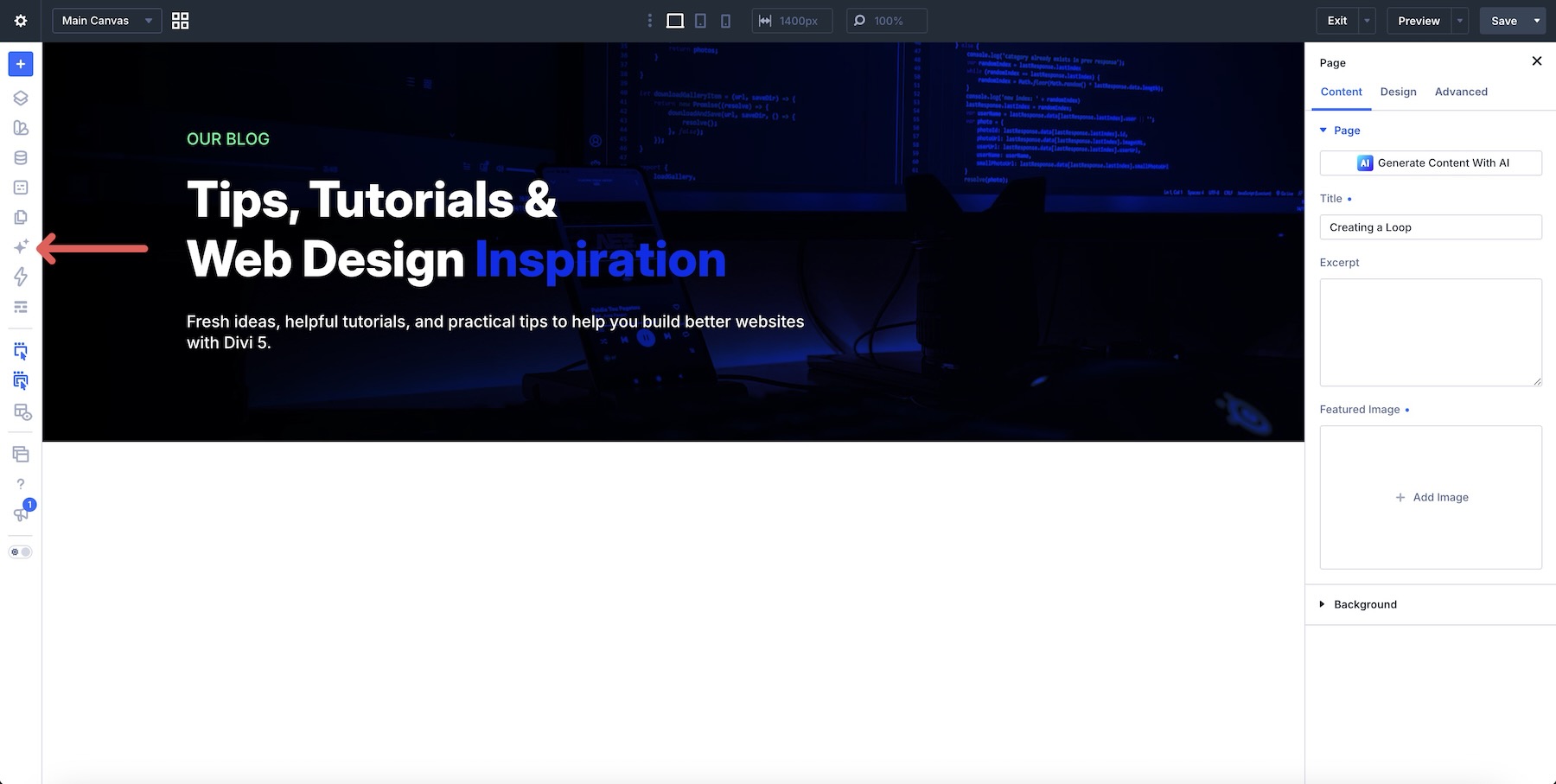
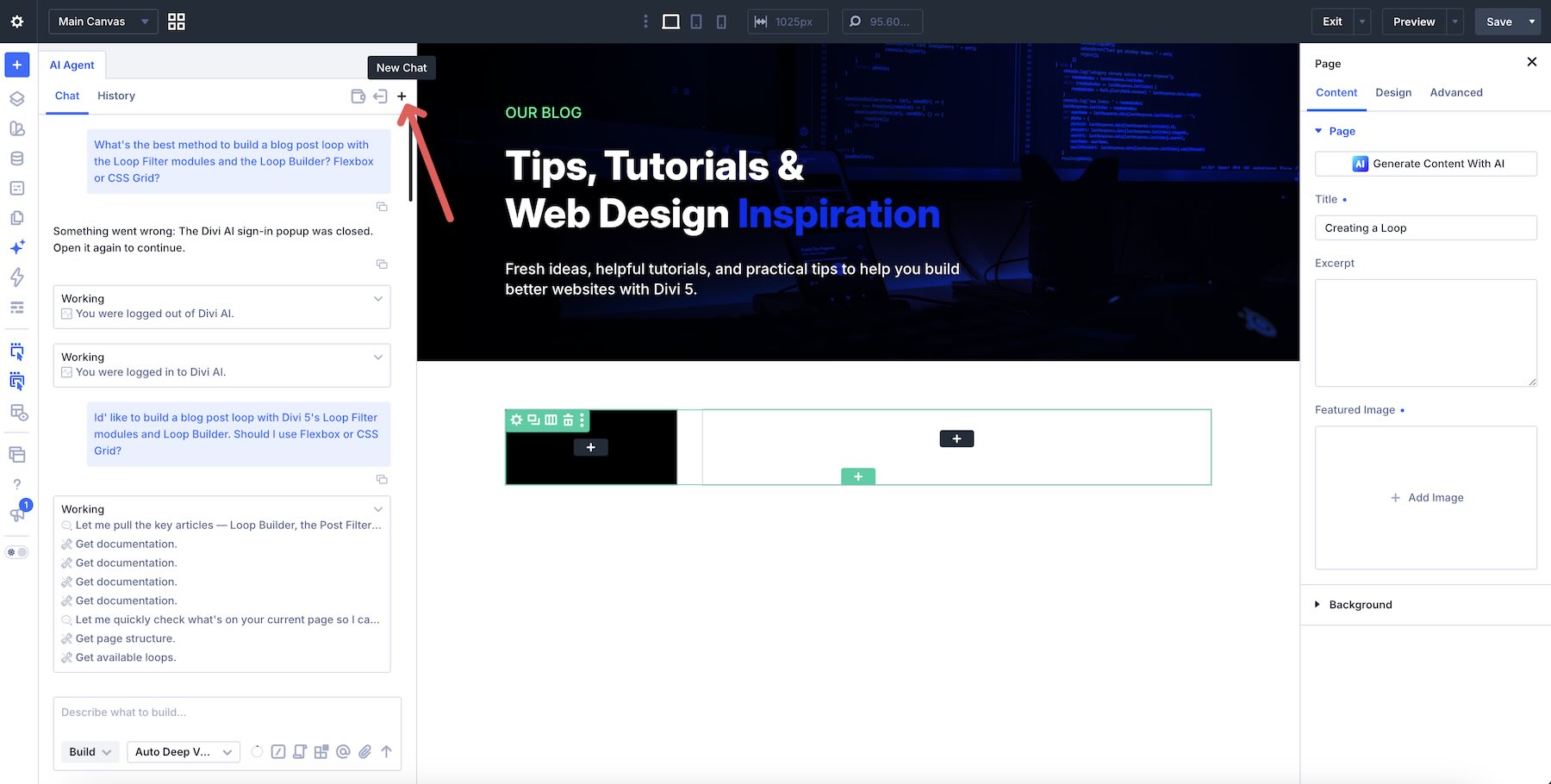
The interface resides directly beside the canvas, functioning as a dual-mode assistant:
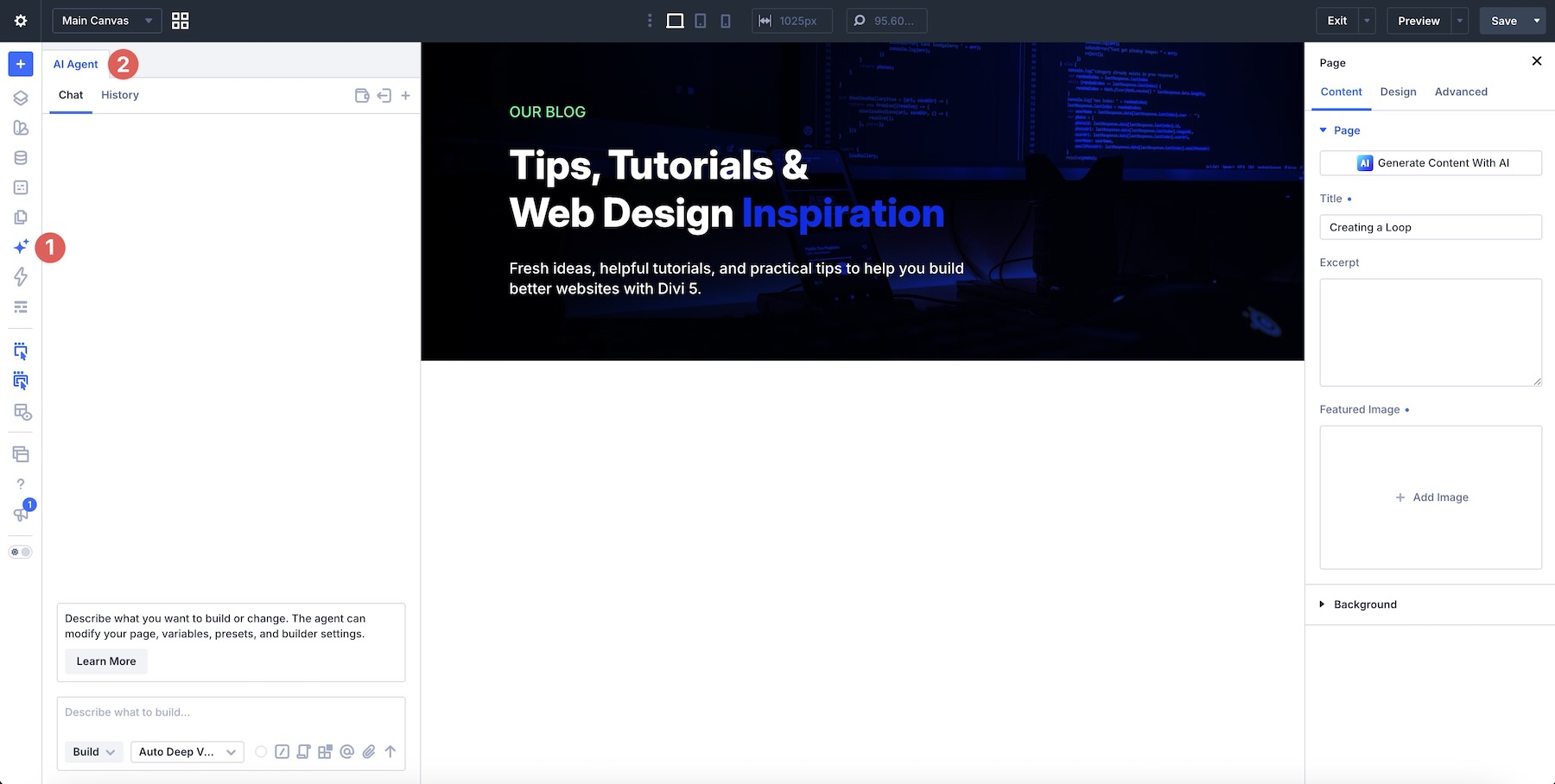
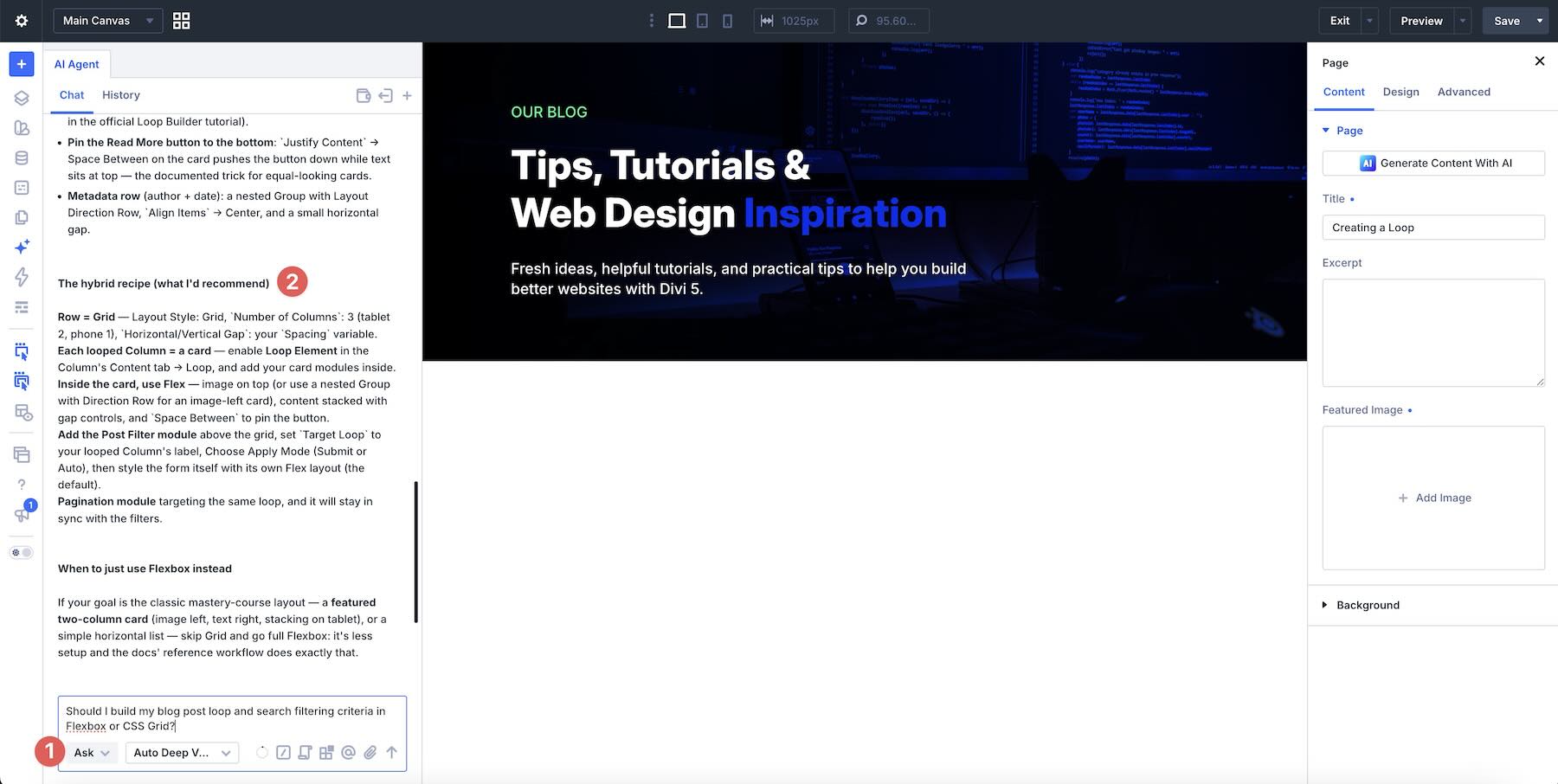
- Ask Mode: An analytical tool designed for guidance, strategy, and education. It can parse the current state of a page, explain complex CSS concepts like Flexbox versus CSS Grid, and help users plan their design strategy before a single element is placed.
- Build Mode: An execution engine that translates natural language prompts into actual design components. It can create complex layouts, assign Design Variables, and establish dynamic content loops while the user observes the changes in the live editor.
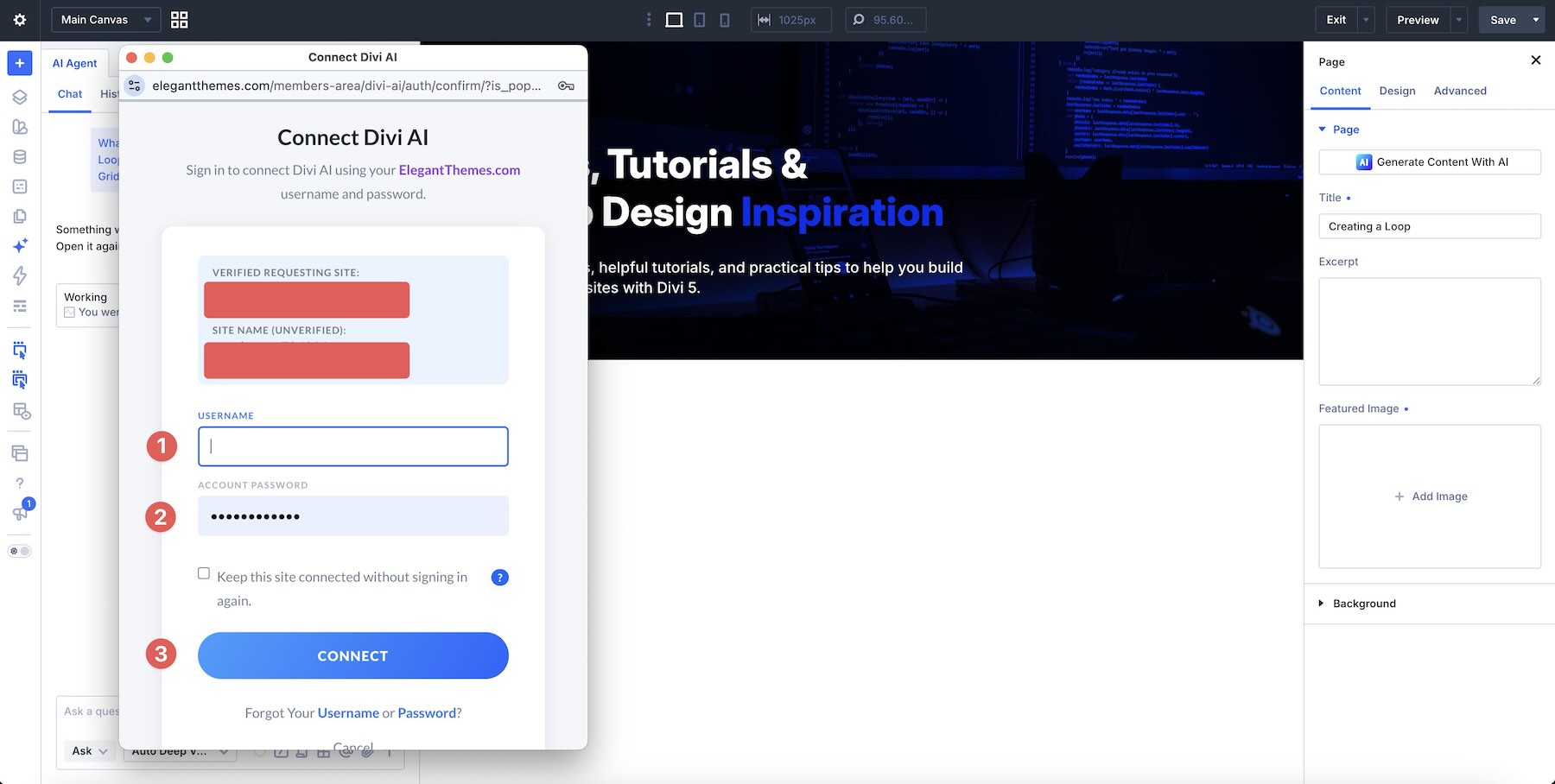
This system is backed by the Divi AI membership (also included in Divi Pro), providing users with a monthly allowance of $5 in complimentary agent spend, with costs scaling based on the complexity of the AI model and the specific request.
Chronology: A Step-by-Step Evolution of the Workflow
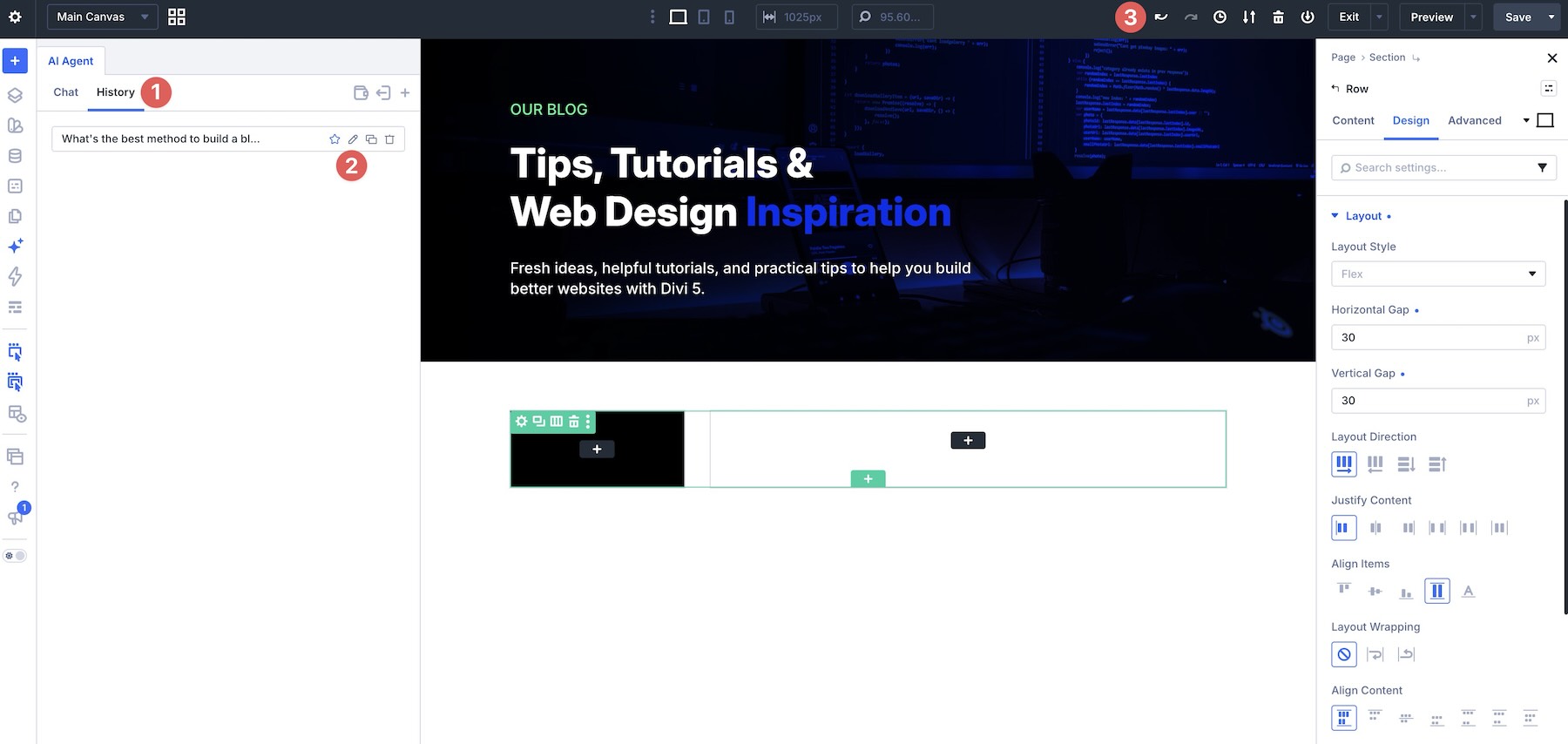
To fully harness the power of Divi AI Agents, users are encouraged to adopt a phased approach. By breaking down the creation of a sophisticated project—such as a filtered blog index—into logical, manageable stages, the agent can maintain better context and deliver more precise results.
Stage 1: Establishing the Skeleton
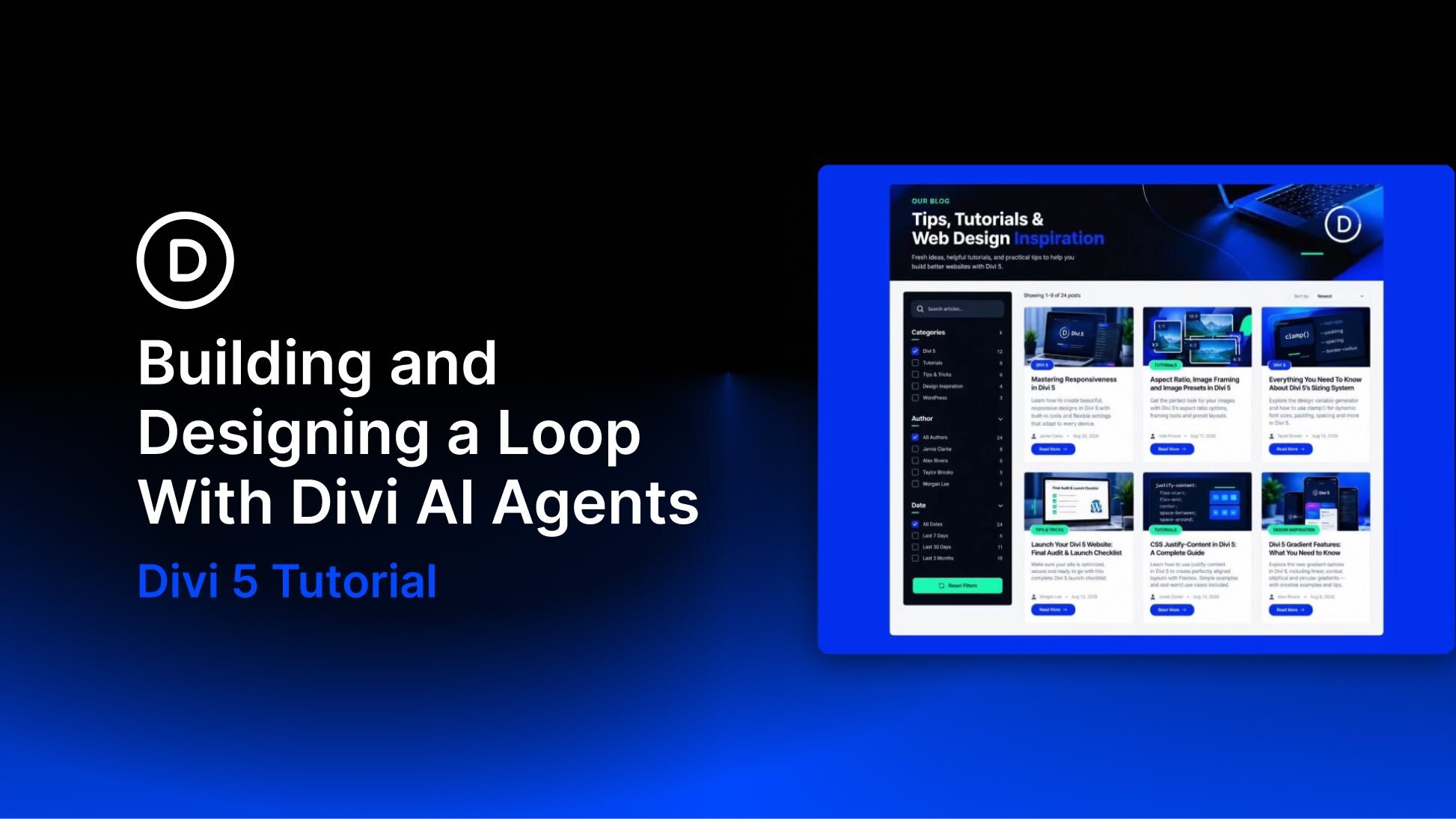
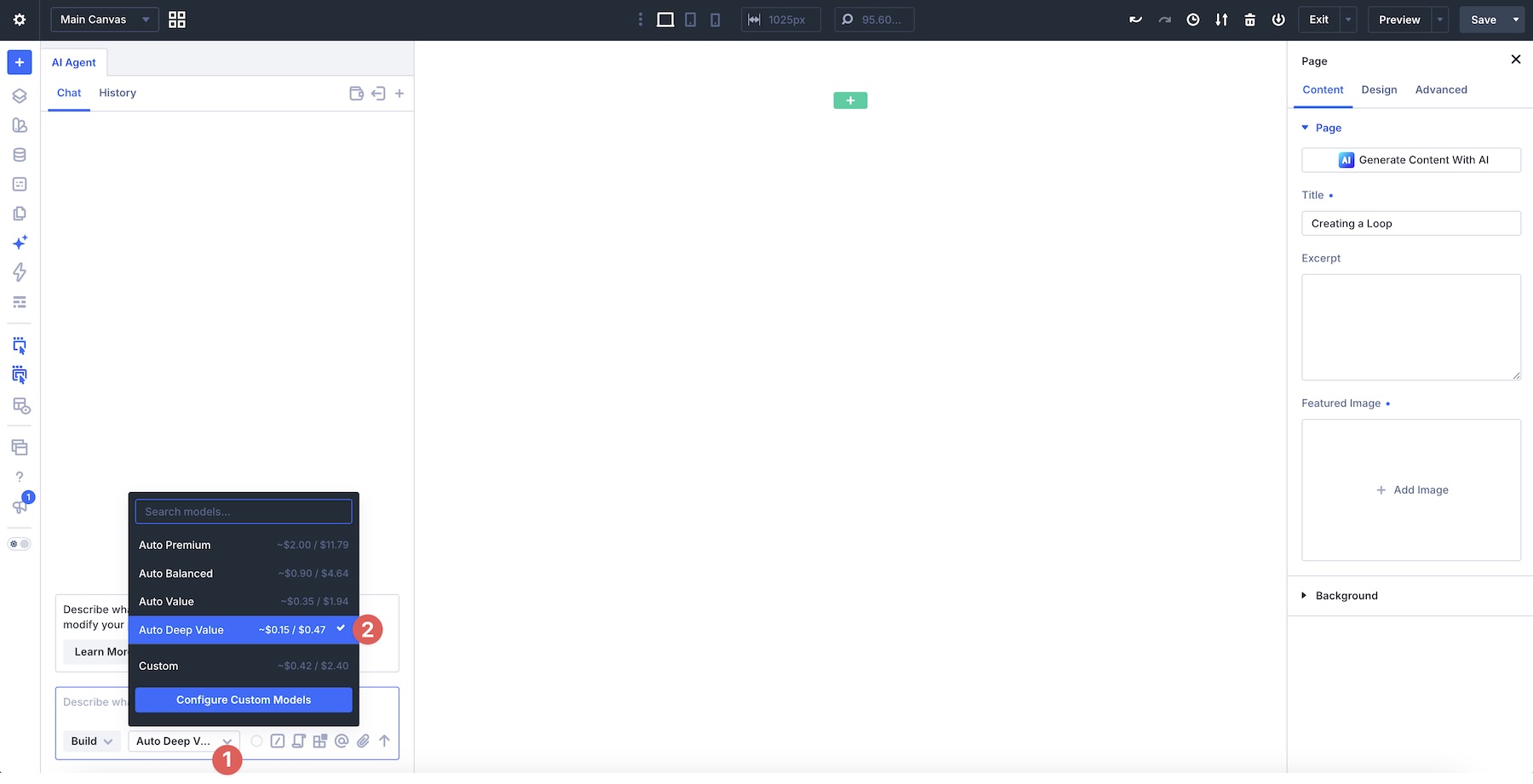
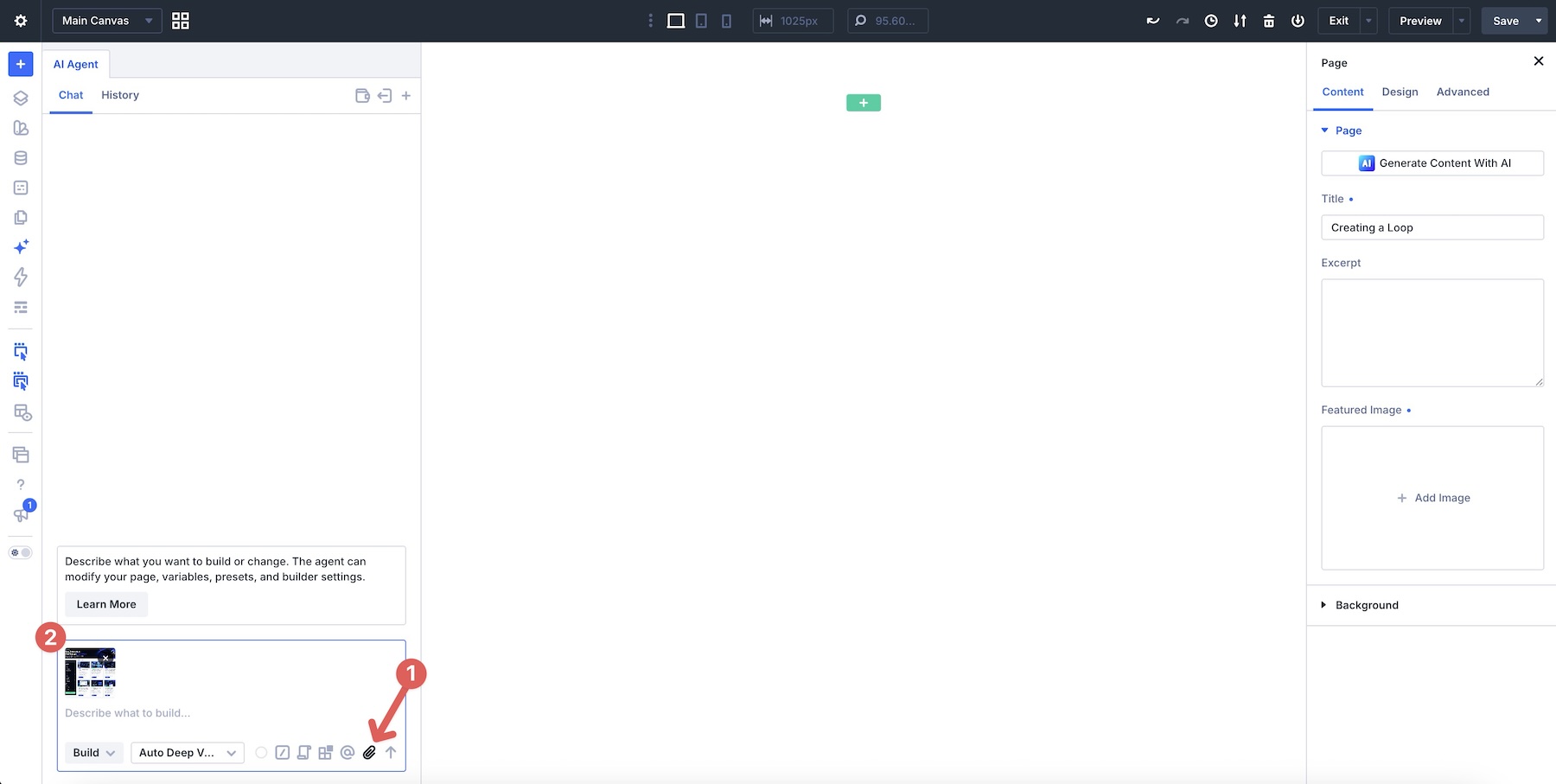
The process begins with the "Reference Stage." By providing the agent with a screenshot or a visual mockup, the user sets the ground truth. Using the Auto Deep Value model, the agent interprets the visual hierarchy and begins constructing the Flexbox-based structure. At this stage, the focus is purely on layout: creating a hero section, a sidebar for filters, and a grid to hold future posts.
Stage 2: Implementing Dynamic Logic
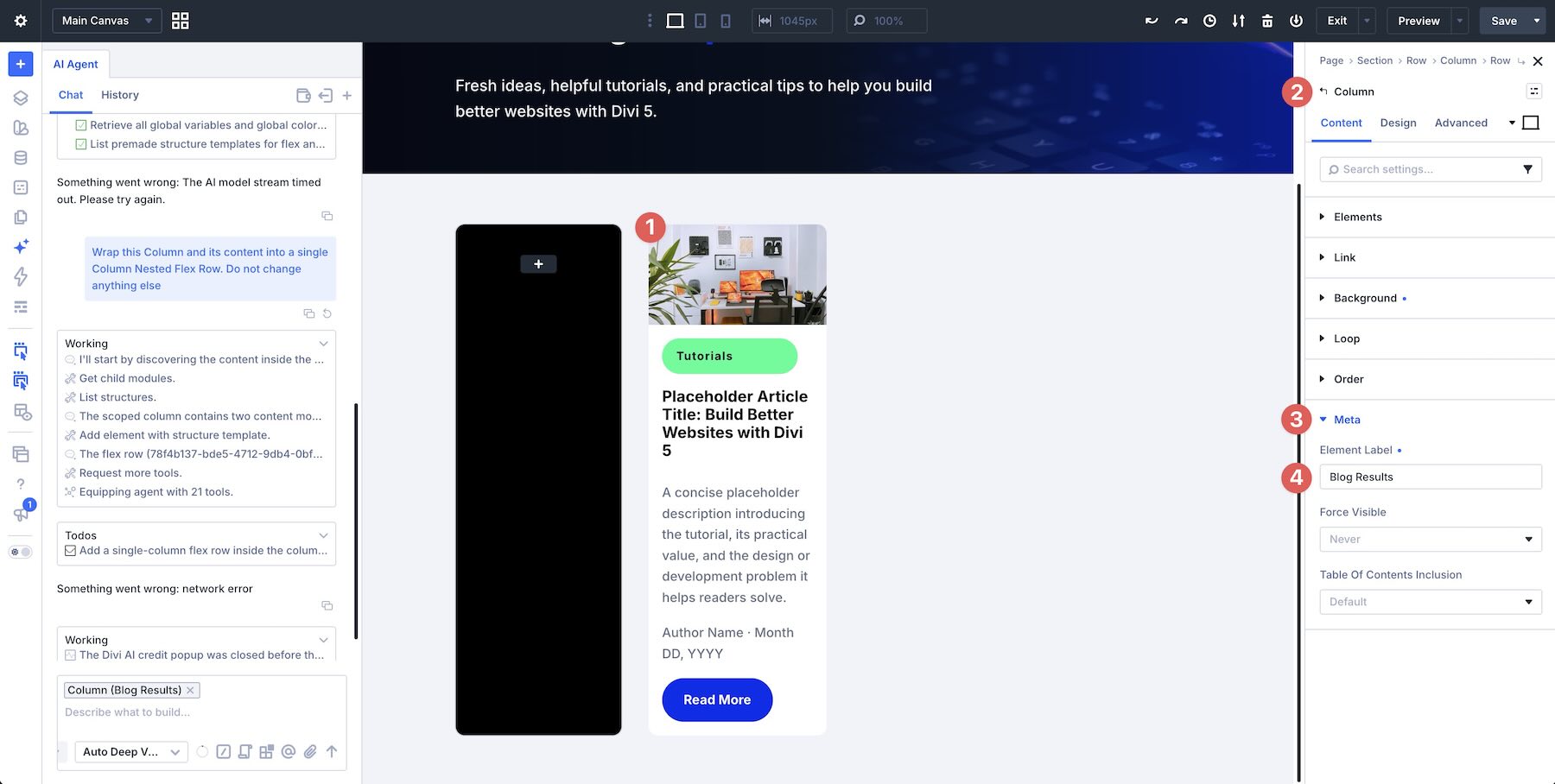
Once the structural foundation is laid, the user transitions to the "Loop" phase. By selecting a specific column and defining it as the template for the Loop Builder, the user instructs the agent to fetch dynamic data from the WordPress database. The AI handles the heavy lifting of mapping fields—featured images, post titles, excerpts, and author metadata—ensuring that every card in the grid reflects real-time site content rather than placeholder text.
Stage 3: Adding Interactive Filtering
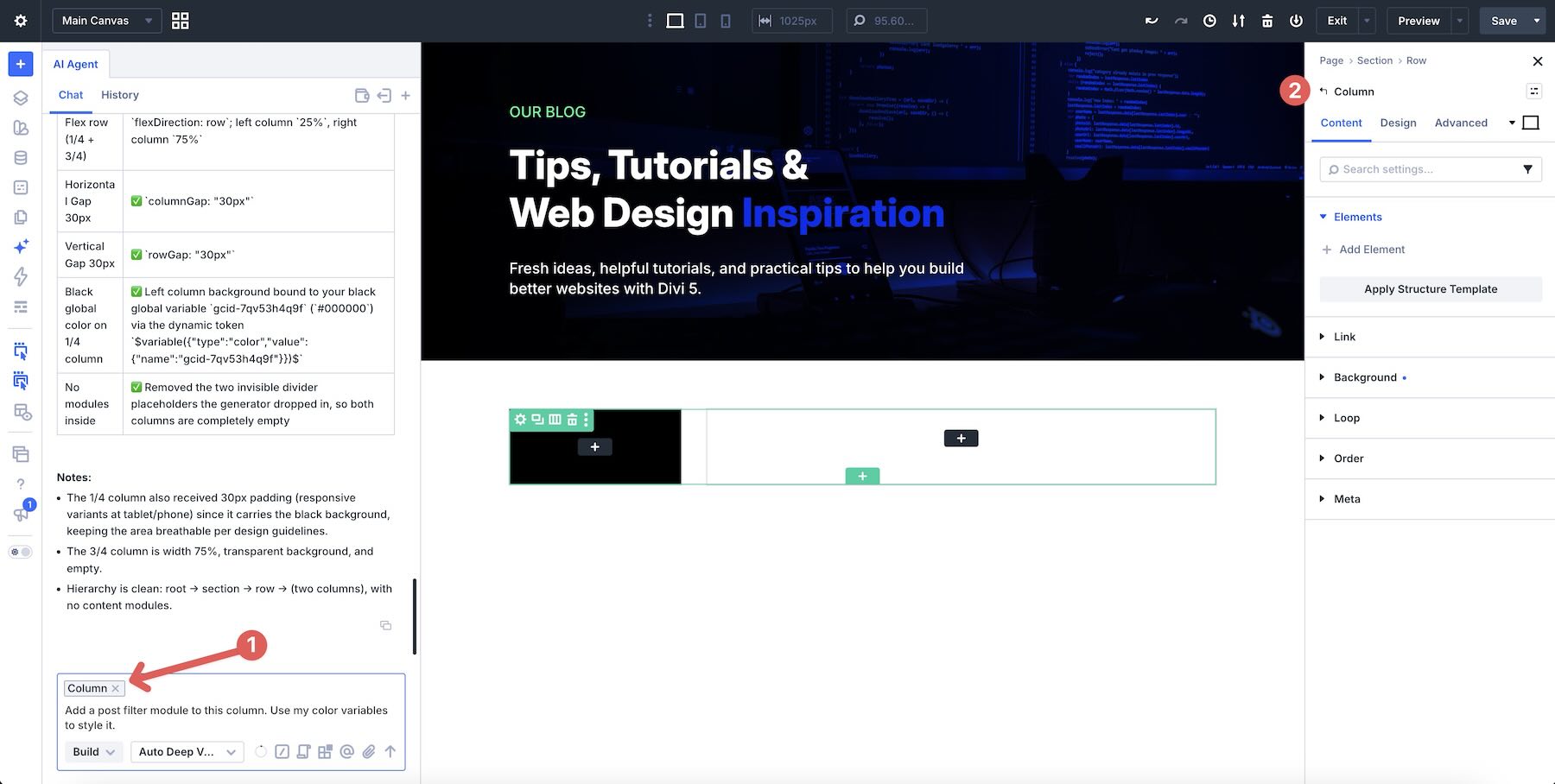
With the posts live, the "Filter Stage" commences. The user inserts a Loop Filter Module into the sidebar, targeting the previously defined "Blog Results" loop. The agent is then instructed to configure search parameters, category filters, and author sorting, ensuring that the user’s interaction with the sidebar leads to a seamless, instant update of the blog grid.
Stage 4: Refinement and Responsiveness
The final phase involves "Responsive Tuning." Using the agent to address breakpoint-specific issues ensures that the design maintains its integrity from desktop to tablet and mobile devices. By specifically asking the agent to fix alignment or spacing errors on mobile, the user avoids the tedious process of manual global adjustments.
Supporting Data: Enhancing Workflow Efficiency
The primary advantage of this AI-driven workflow is the radical reduction in "context switching." Traditionally, a designer might move between the front-end builder, the CSS stylesheet, and the WordPress database settings to achieve a functional blog loop.
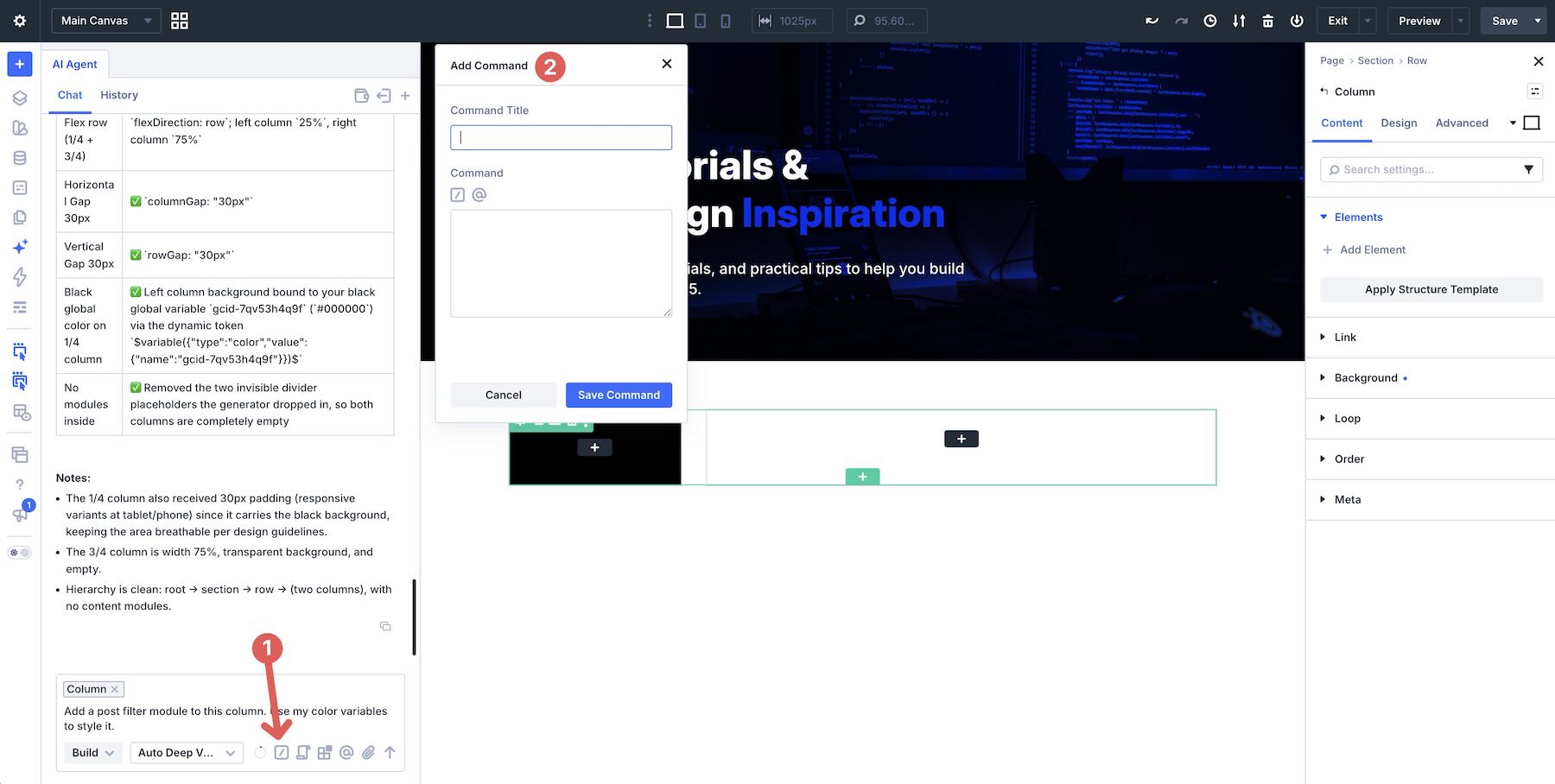
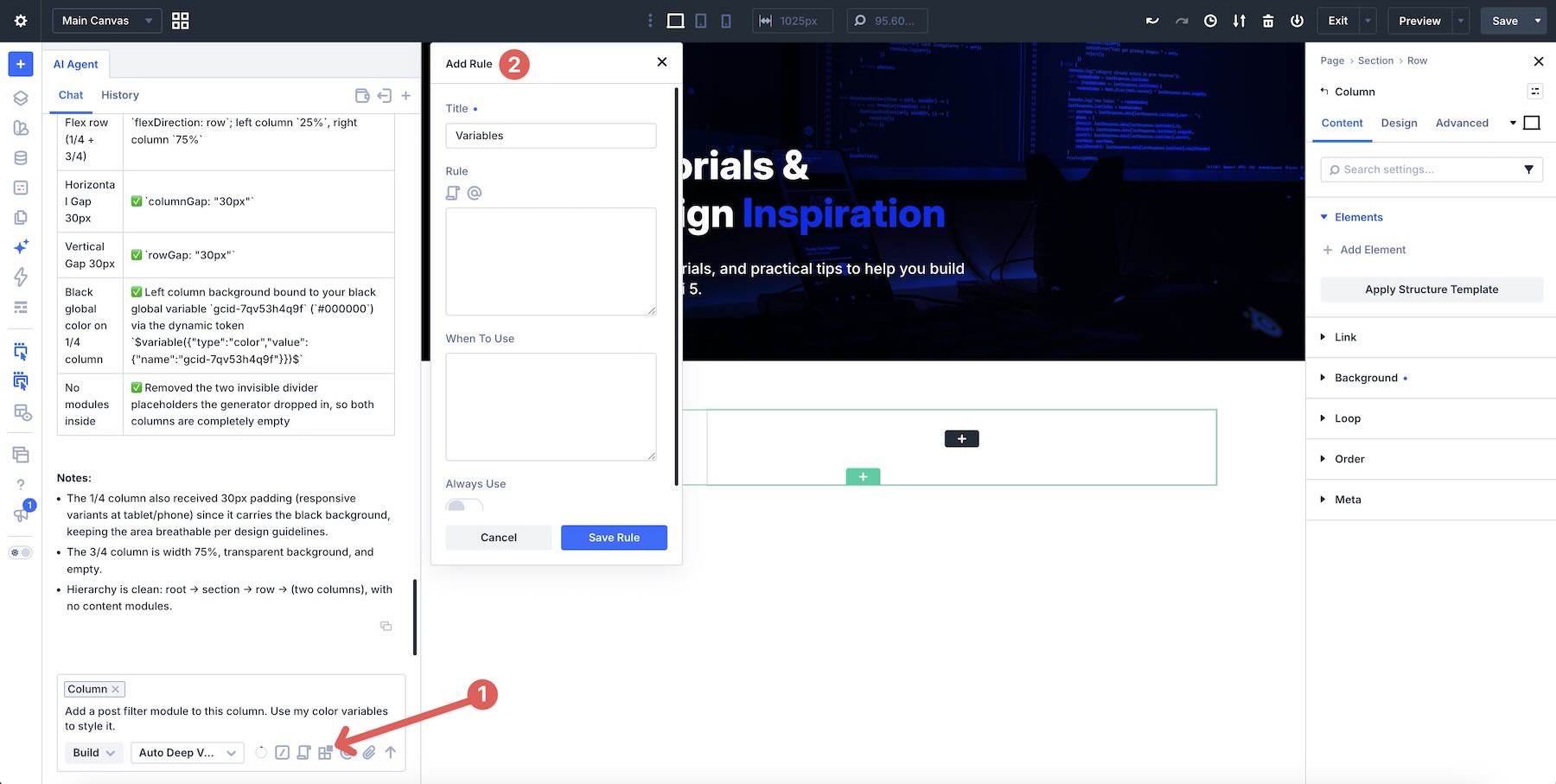
Data from early implementations suggest that by utilizing Rules and Commands, users can save significant time on repetitive tasks. For example:

- Rules: By setting a rule for "Brand Voice" or "Spacing Convention," the agent applies these standards globally, eliminating the need to re-input constraints for every new section.
- Commands: Complex multi-step processes—such as "Perform a responsive cleanup and accessibility check"—can be triggered as a single command, effectively automating site-wide maintenance that would otherwise take hours of manual inspection.
The integration of Design Variables and Presets further ensures that everything the agent builds remains consistent with the established design system of the site. When an agent creates a new button or a new row, it doesn’t create "one-off" values; it utilizes existing variables, keeping the codebase clean and manageable.
Official Responses and Strategic Implications
The introduction of Divi AI Agents marks a strategic pivot for Elegant Themes. In official documentation, the company emphasizes that the goal is not to replace the designer, but to amplify their capabilities. By handling the "mechanical" aspects of construction—the dragging, dropping, and configuring of modules—the AI frees the designer to focus on high-level architecture and aesthetic strategy.
Implications for the Future of Web Development
The implications for professional web development are profound:
- Lowering the Barrier to Entry: Concepts that once required a deep understanding of CSS Grid and Flexbox are now accessible to those who can describe their requirements clearly in natural language.
- Scalability: For agencies, the use of custom Commands and Rules means that design teams can maintain extreme consistency across dozens of client sites, significantly reducing the overhead of quality assurance.
- Real-Time Collaboration: Because the AI operates inside the Visual Builder, it creates a new form of "human-in-the-loop" development. The developer remains in control, using the AI as an expert assistant that can execute tasks instantly while the developer oversees the design intent.
Conclusion: A New Era of Construction
Divi AI Agents represent a maturation of the website building process. As the industry moves away from static, manual page building and toward dynamic, AI-assisted workflows, the ability to converse with one’s own tools will become a core competency for modern designers.
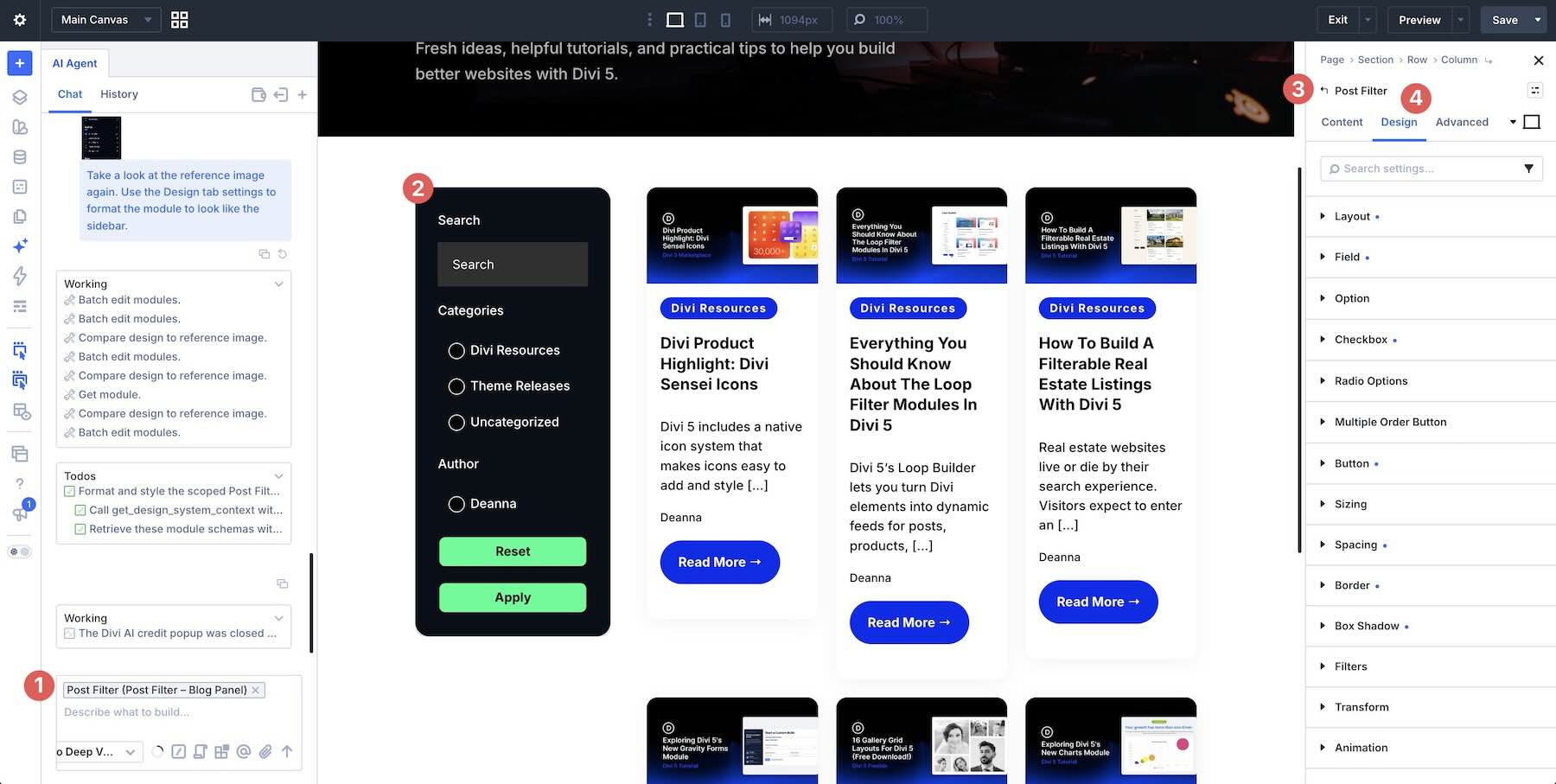
By adopting a structured approach—starting with clear layouts, moving into dynamic content, and ending with responsive refinement—users can leverage Divi 5 to build complex, high-performing websites faster than ever before. Whether you are building a personal blog or a complex, data-driven e-commerce platform, the combination of the Loop Builder, Flexbox controls, and the Divi AI Agent creates a powerful, integrated ecosystem designed to push the boundaries of what is possible in WordPress.
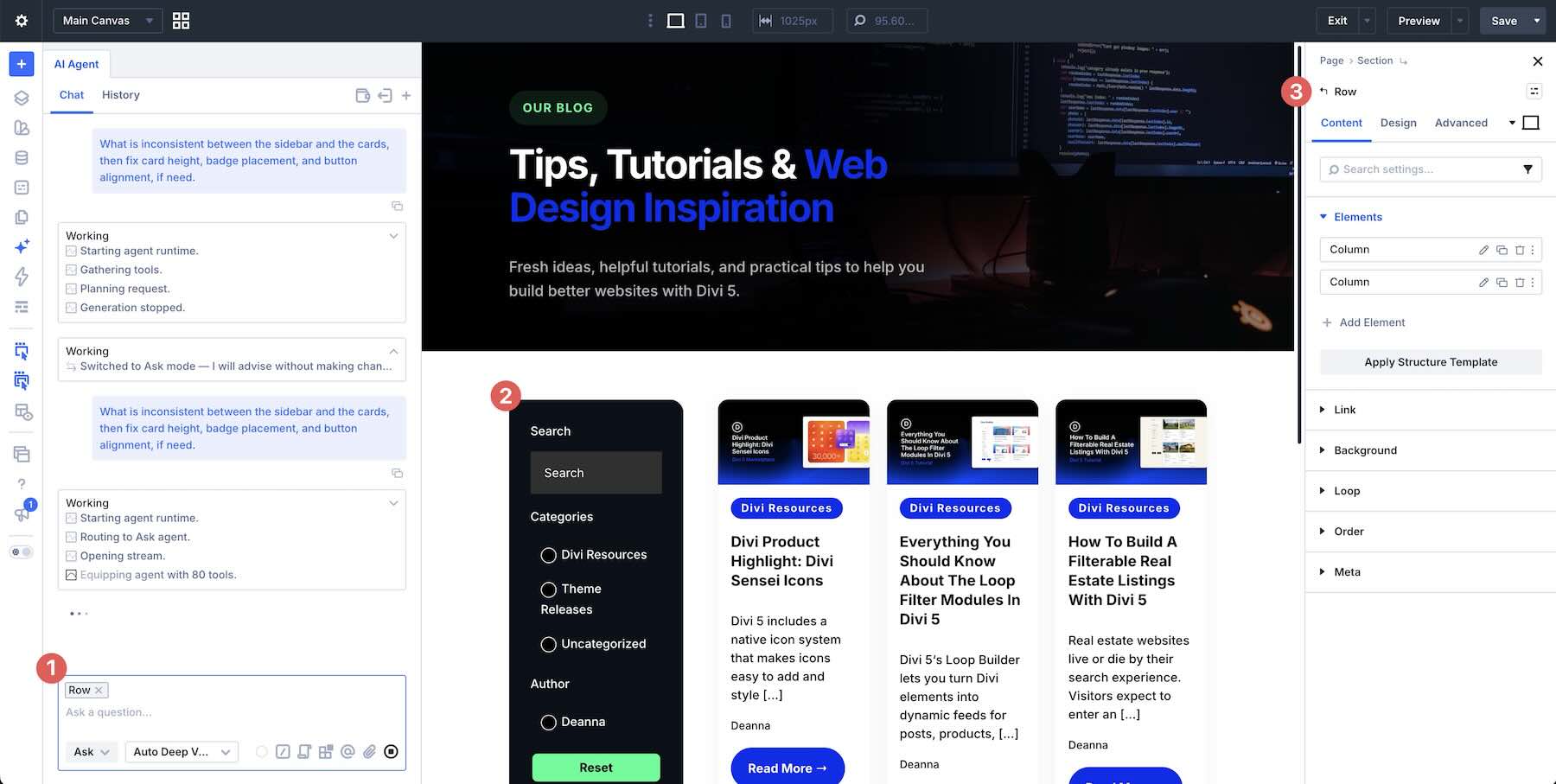
For those ready to integrate these tools, the path forward is clear: start small, use the available Ask Mode for planning, and let the Build Mode handle the complexities of the canvas. As the tool continues to evolve, the distinction between "developer" and "designer" will continue to blur, leaving only "creators" empowered by the next generation of web technology.