







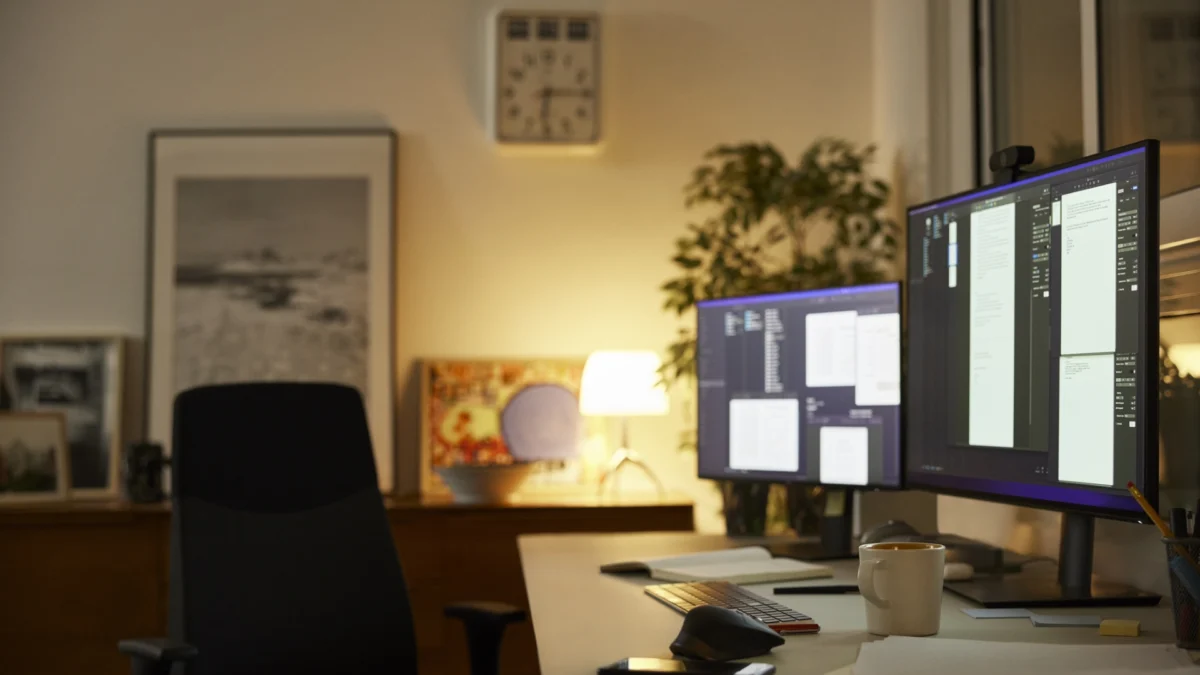
In the modern digital workspace, the "one screen, one computer" paradigm has long since evaporated. Today’s professionals, developers, and creatives frequently juggle multiple operating systems, specialized workstations, and portable devices simultaneously. While the dream of a seamless, multi-device ecosystem is increasingly attainable, the reality of managing peripherals across these disparate machines often leads to a cluttered desk, a tangled web of cables, and significant workflow friction.
In a previous exploration, we examined software-based solutions for controlling multiple PCs via a single keyboard and mouse. While these network-reliant applications are elegant, they are not infallible. They often stumble when confronted with the security restrictions of corporate environments, the instability of public Wi-Fi, or the latency inherent in congested local networks. When software-defined bridges fail, hardware becomes the final, most reliable frontier.
The Hardware Alternative: Bridging the Physical Gap
When software isn’t enough, USB-based hardware provides a robust, latency-free alternative. Unlike network-dependent software, physical switches operate at the controller level, often functioning before an operating system has even finished booting or reached the login screen. This makes them indispensable for IT professionals troubleshooting headless servers or power users who require absolute reliability.
The Evolution of the KVM Switch
The traditional Keyboard, Video, and Mouse (KVM) switch remains the gold standard for hardware-level control. By physically routing USB signals through a central hub, these devices allow users to toggle between workstations with the push of a button.
However, modern users must exercise caution: while the KVM manages your input devices, it is not always advisable to use it for display management if you are juggling high-refresh-rate monitors or complex multi-GPU setups. The modern "KM" switch—which manages only the keyboard and mouse—has become the preferred tool for those who prefer to keep their monitors independently connected to their respective GPUs, allowing for instant, high-bandwidth switching without the risk of display handshake delays.
The Wormhole Revolution: Specialized Connectivity
Among the most sophisticated players in the multi-computer peripheral space is J5Create, which has carved out a niche with its "Wormhole" technology. This branding encompasses a range of docking stations, hubs, and direct-connect cables designed to facilitate seamless interaction between computers.
The J5Create lineup serves as a tiered spectrum of functionality. At the entry level, basic USB-A to USB-A cables handle input sharing. At the higher end, products like the JUC700 cable offer sophisticated features, such as the ability to treat one PC as an extended display for another—a feat that mimics the flexibility of software-based solutions like Stardock’s Multiplicity but with the stability of a direct, wired connection.
The Cross-Platform Conundrum
One of the most persistent issues in peripheral management is OS compatibility. While some high-end cables support Mac and Windows, others remain stubbornly platform-locked. The requirement for software installation—usually housed on a virtual volume embedded within the cable itself—remains a sticking point for those in strictly managed or highly secure environments. However, the ability to share clipboard content across these wired connections is a game-changer for productivity, enabling a fluid movement of data that bridges the gap between different OS environments.
The Novelty of Wireless: The Aero Drop CrossLink
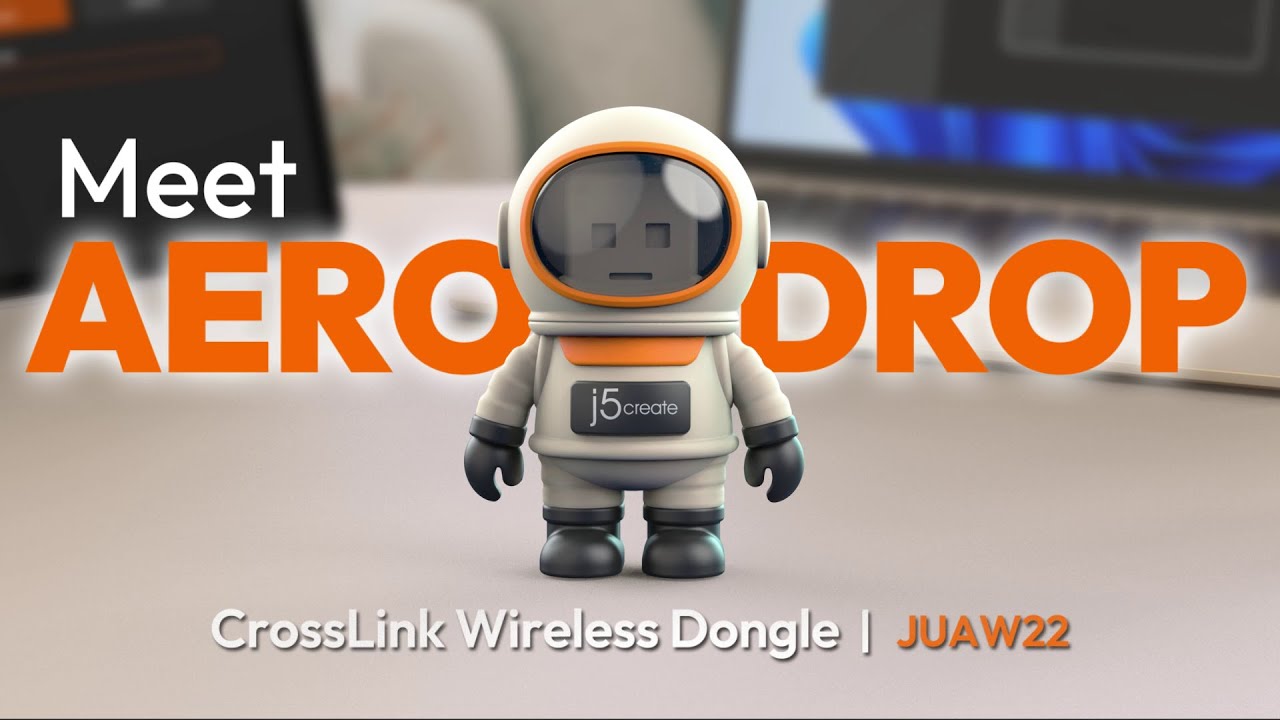
Innovation in this space is not limited to wired connections. J5Create’s recent release, the Aero Drop CrossLink, represents a departure from the traditional cable-based paradigm. Packaged in a whimsical astronaut figure, this USB-A dongle utilizes Bluetooth to bridge the gap between a PC-connected keyboard and mouse and a mobile device (iPhone, iPad, or Android).
While it lacks the ability to bridge two full-sized PCs or Macs, it fills a specific void: the mobile-to-desktop workflow. It acknowledges a reality where mobile devices are no longer just "secondary" but are instead primary hubs for communication and media consumption that need to be integrated into the desktop experience.
Kickstarter Innovators and the Quest for Simplicity
The market for intelligent switches has been significantly shaped by crowdfunding platforms, which have brought niche, user-focused products to the fore.
Asuizo Crossys: The Integrated Approach
The Asuizo Crossys represents a shift toward permanent, all-in-one connectivity. By integrating the cables directly into the switch, it eliminates the need for users to supply their own USB cables, ensuring that the hardware is optimized for the specific protocol it uses to bridge computers. Like its competitors, it requires software, but it emphasizes a "faceless" application approach that respects the user’s screen real estate while requiring necessary accessibility permissions on macOS to ensure smooth cursor transitions.
LoopMotion: The Software-Free Standard
Perhaps the most significant advancement in the "intelligent switch" category is the LoopMotion. It distinguishes itself by being the only truly software-free, location-aware KM switch currently on the market.
For the user who cannot install third-party software due to corporate policy or who simply desires a "plug-and-play" experience, LoopMotion is unrivaled. It manages the switching logic internally. Advanced users can access an HTML-based configuration page by pressing a specific key combination, allowing them to toggle modes optimized for gaming, productivity, or power management.
Technical Implications and Limitations
While hardware switches offer unparalleled stability, they are not without their trade-offs.
- Cursor Handoffs: Unlike software solutions that can track the exact coordinates of a mouse cursor as it leaves one screen and enters another, many hardware switches require a manual trigger—a button press or a hotkey.
- Touchpad Integration: Software-based bridges can often "see" laptop trackpads and map their movement across systems. Hardware switches generally cannot; they treat the input as a generic USB device. This means if you are bridging two laptops, you will likely need to rely on the external mouse connected to the switch, rather than the built-in trackpad of the secondary device.
- Linux and Chrome OS: While hardware switches are generally more OS-agnostic than software, some still struggle with the unique input handling of Linux distributions, and Chrome OS remains a difficult environment for anything beyond the most basic, "dumb" mechanical switches.
A Landscape of Choice: Which Path to Take?
The choice between hardware and software, or a combination of both, depends entirely on the user’s specific environment and constraints.
- The Power User: If you are operating within a Windows-only ecosystem, Microsoft’s Mouse without Borders remains the gold standard. It is free, robust, and offers seamless file transfer and clipboard synchronization.
- The Cross-Platform Pro: For those working with Mac, Linux, and Windows, Synergy or its open-source counterpart, DeskFlow, offer the most mature feature sets for network-based bridging.
- The Security-Conscious: If you are in an environment where network-based software is restricted or where latency is unacceptable, the LoopMotion is the clear winner for its software-free operation.
- The Mobile Integrator: If your goal is to pull your tablet or phone into your desktop workflow, the J5Create Aero Drop CrossLink offers the most novel and accessible solution.
Conclusion: The Future of Peripheral Control
The desire for a unified digital workspace is driving rapid innovation in peripheral hardware. As the line between desktop and mobile continues to blur, the demand for devices that can facilitate movement—not just of data, but of control—will only grow.
Whether through the reliability of hardware-based KM switches or the flexibility of network-based software, the goal remains the same: to reduce the cognitive load of managing multiple devices. As we move forward, the ideal solution will likely be one that combines the "plug-and-play" simplicity of a hardware switch with the intelligent, coordinate-aware fluidity of modern software. Until that perfect hybrid emerges, the current crop of specialized hardware offers a powerful, reliable, and increasingly sophisticated way to master your multi-computer environment.