



In the modern digital landscape, visual noise is no longer an error—it is an art form. The "glitch" aesthetic, once a symbol of hardware failure, transmission interference, and technological decay, has evolved into a cornerstone of contemporary graphic design. From the neon-soaked streets of cyberpunk cinema to the high-energy visuals of music festivals and tech startups, the intentional corruption of imagery has become a powerful tool for visual storytelling.
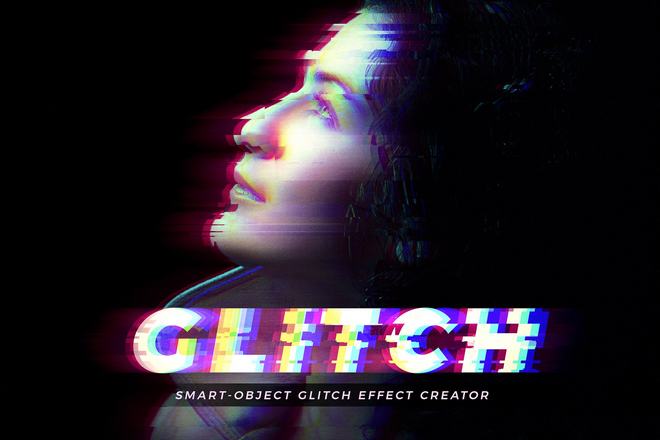
A well-executed glitch effect can transform a static, ordinary photograph into an image that feels alive with electric, kinetic energy. By introducing calculated chaos, designers can evoke feelings of urgency, nostalgia, and futuristic disruption. This guide explores the best Photoshop resources available to help you master this distortion, providing a roadmap for those looking to push the boundaries of their digital canvas.
The Evolution of the Glitch: From Error to Aesthetic
The history of glitch art is rooted in the early days of analog and digital video transmission. What began as a technical inconvenience—color misalignment, scan-line jitter, and pixelation—has, over the last decade, been co-opted by designers as a stylistic choice.
Chronology of the Trend
- The Analog Era (1970s–1990s): Artists began experimenting with "circuit bending," manually altering hardware to force "errors" in audio and visual equipment.
- The Digital Transition (2000s): With the rise of early digital video formats, compression artifacts and "macro-blocking" became the new visual language of technological imperfection.
- The Modern Resurgence (2015–Present): The rise of social media and short-form video content necessitated high-impact, immediate visuals. Photoshop developers began creating automated actions and templates to mimic these complex, time-consuming effects, democratizing the "glitched" look for designers of all skill levels.
Precision Distortion: Curating the Best Photoshop Assets
For designers tasked with tight deadlines, manual distortion is often impractical. The following professional-grade Photoshop actions and templates allow for high-end customization, ensuring that your "chaos" is both beautiful and controlled.
Premium Tools for Professional Results
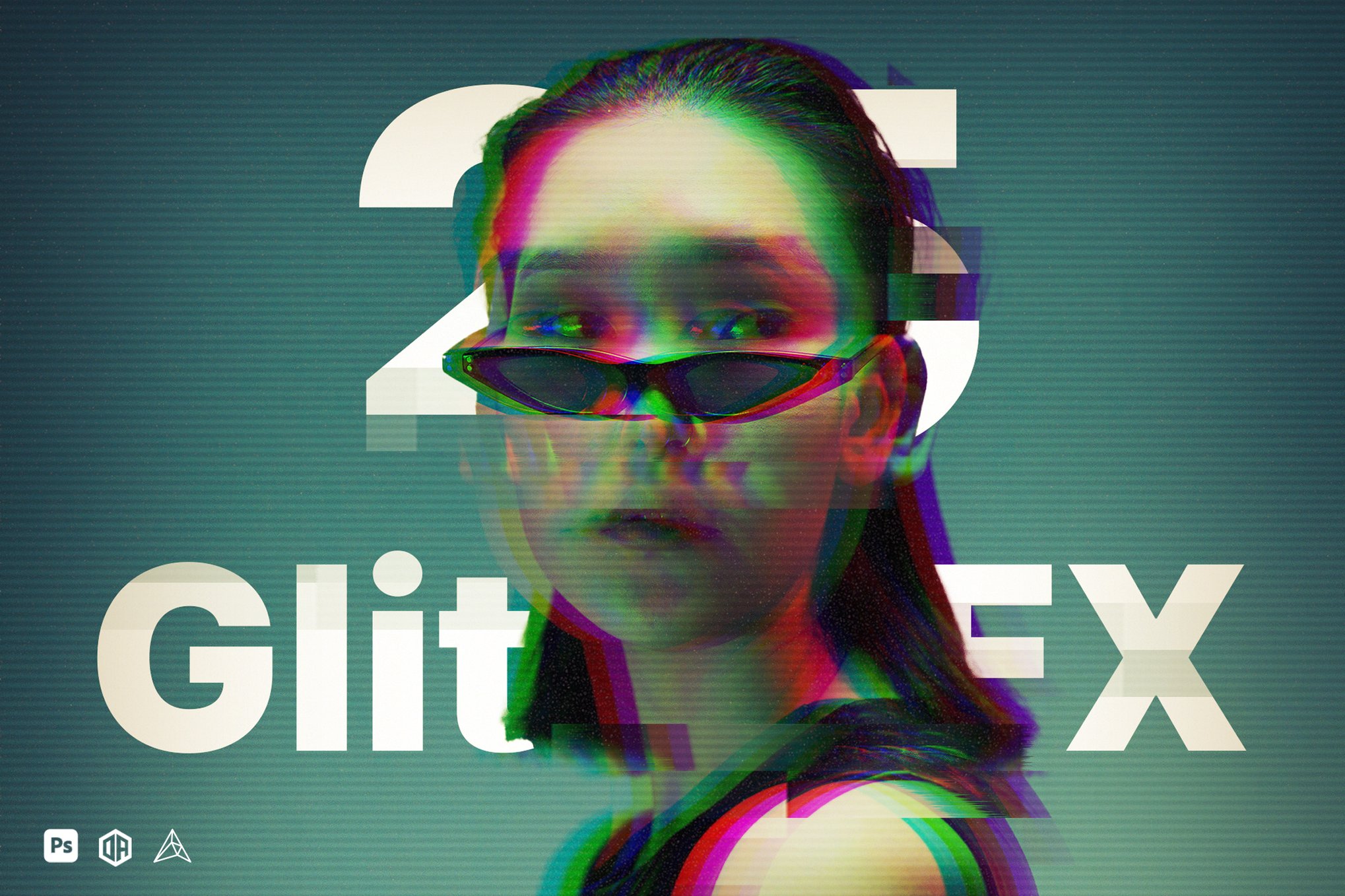
- Glitch Studio – 25 Glitch Effects: This comprehensive plugin serves as a toolkit for the modern editor. With seven distinct categories of distortion, it allows for one-click transformations that remain fully editable. The inclusion of video tutorials makes it an excellent entry point for those new to complex layer manipulation.
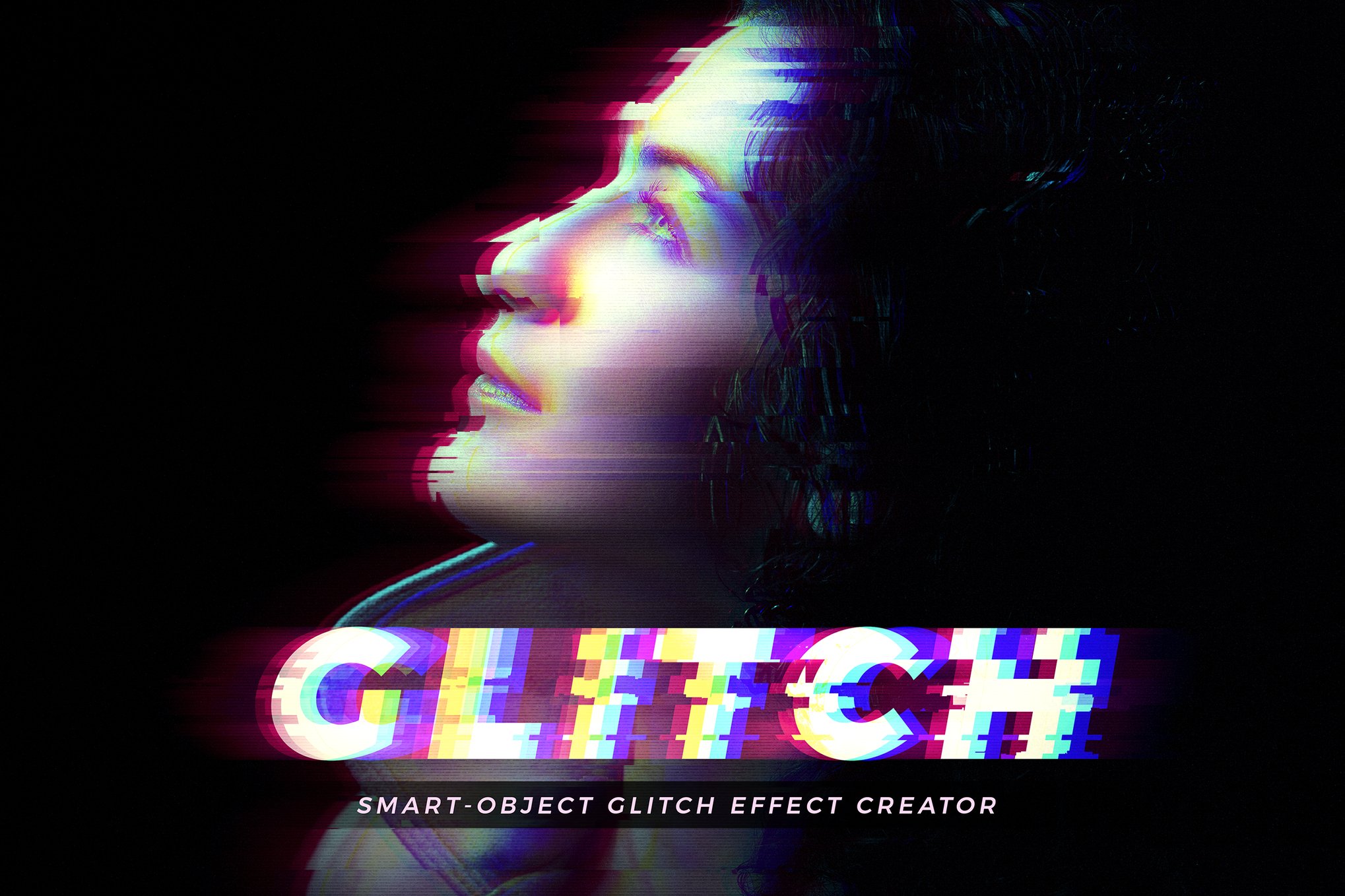
- Glitch Effect Creator: Ideal for branding and poster work, this template excels at blending text with imagery. Its support for both portrait and landscape formats, combined with organized Smart Objects, ensures that your cyberpunk or neon-glow aesthetic remains sharp regardless of the output medium.
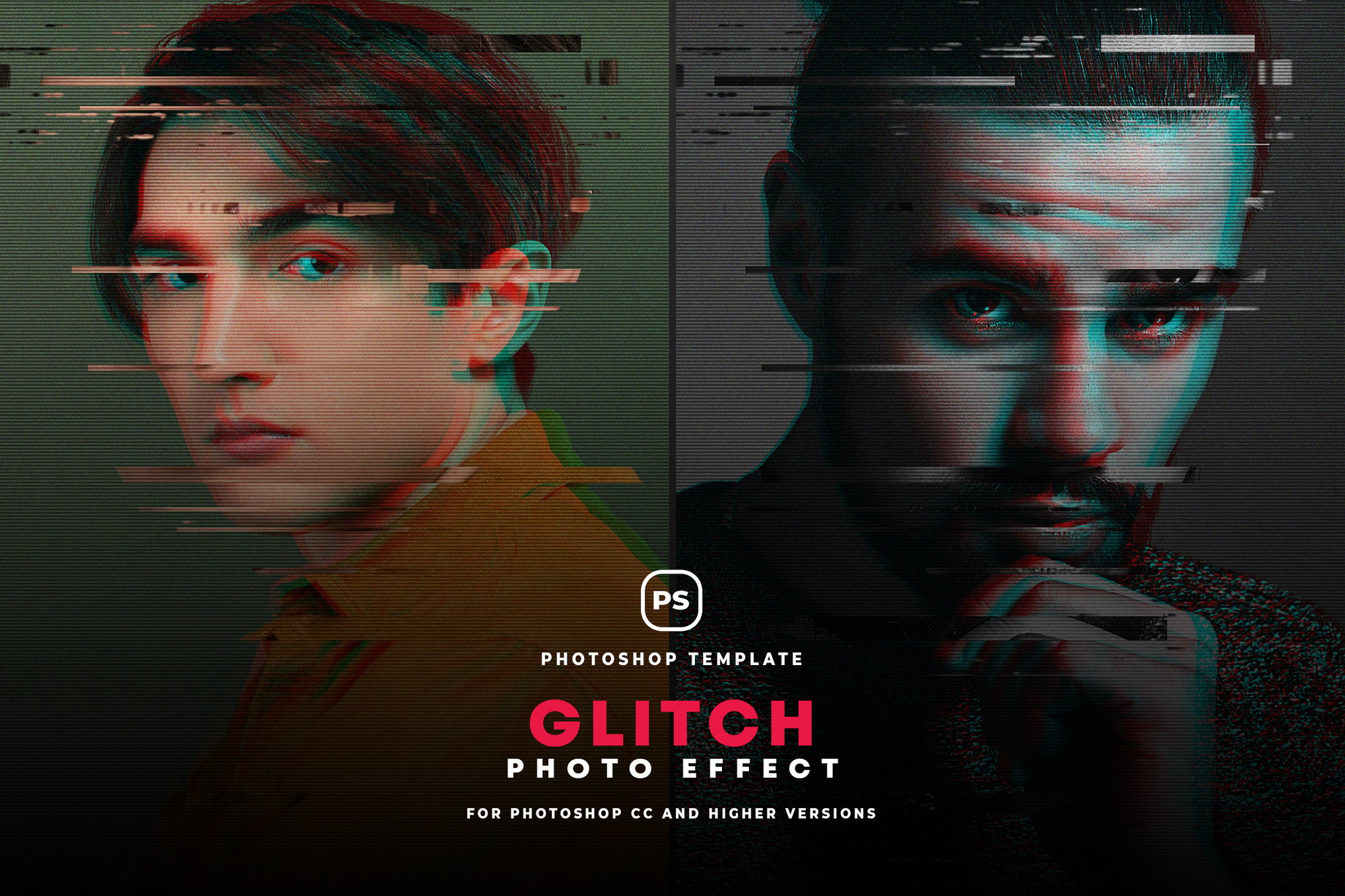
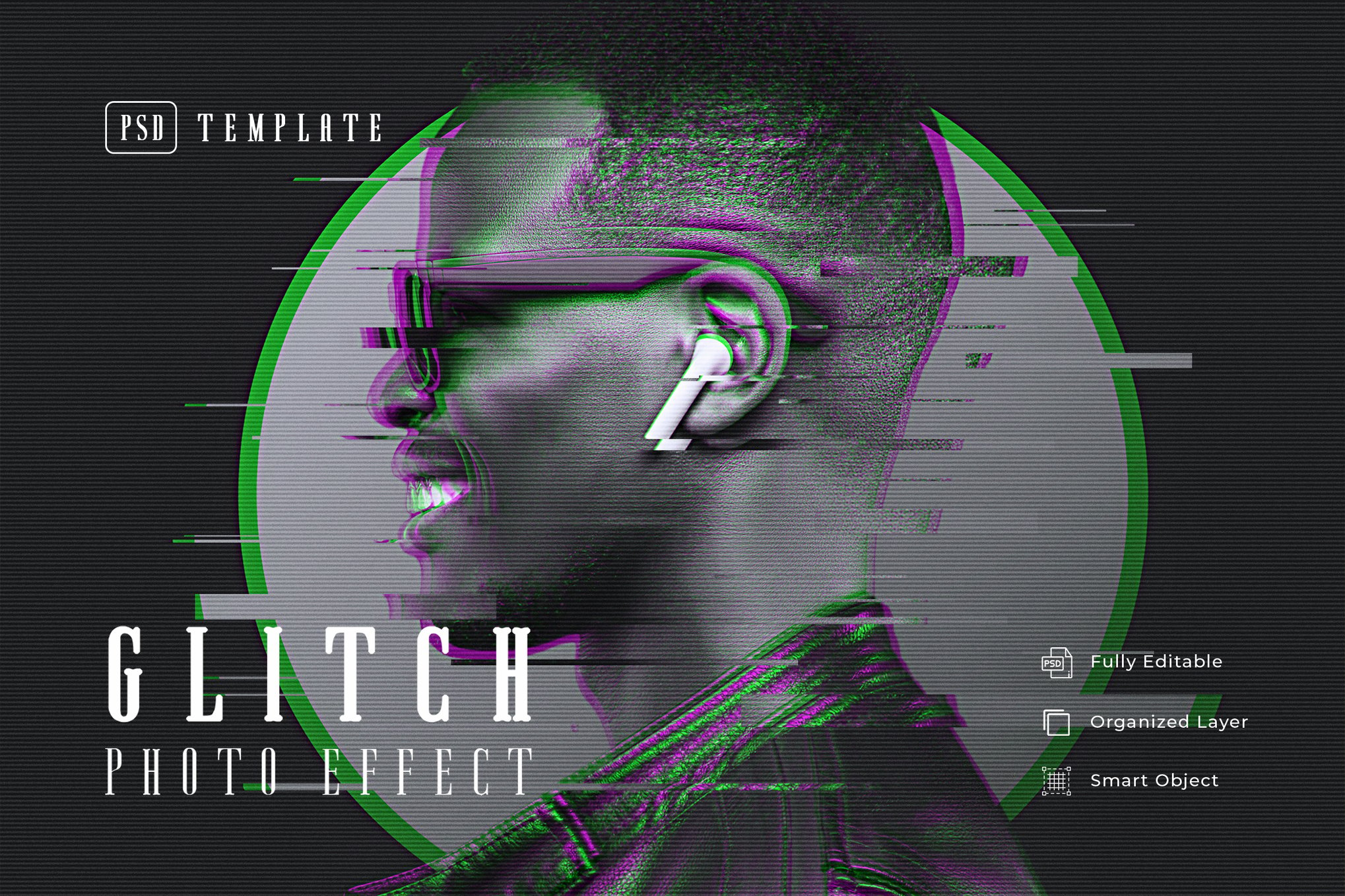
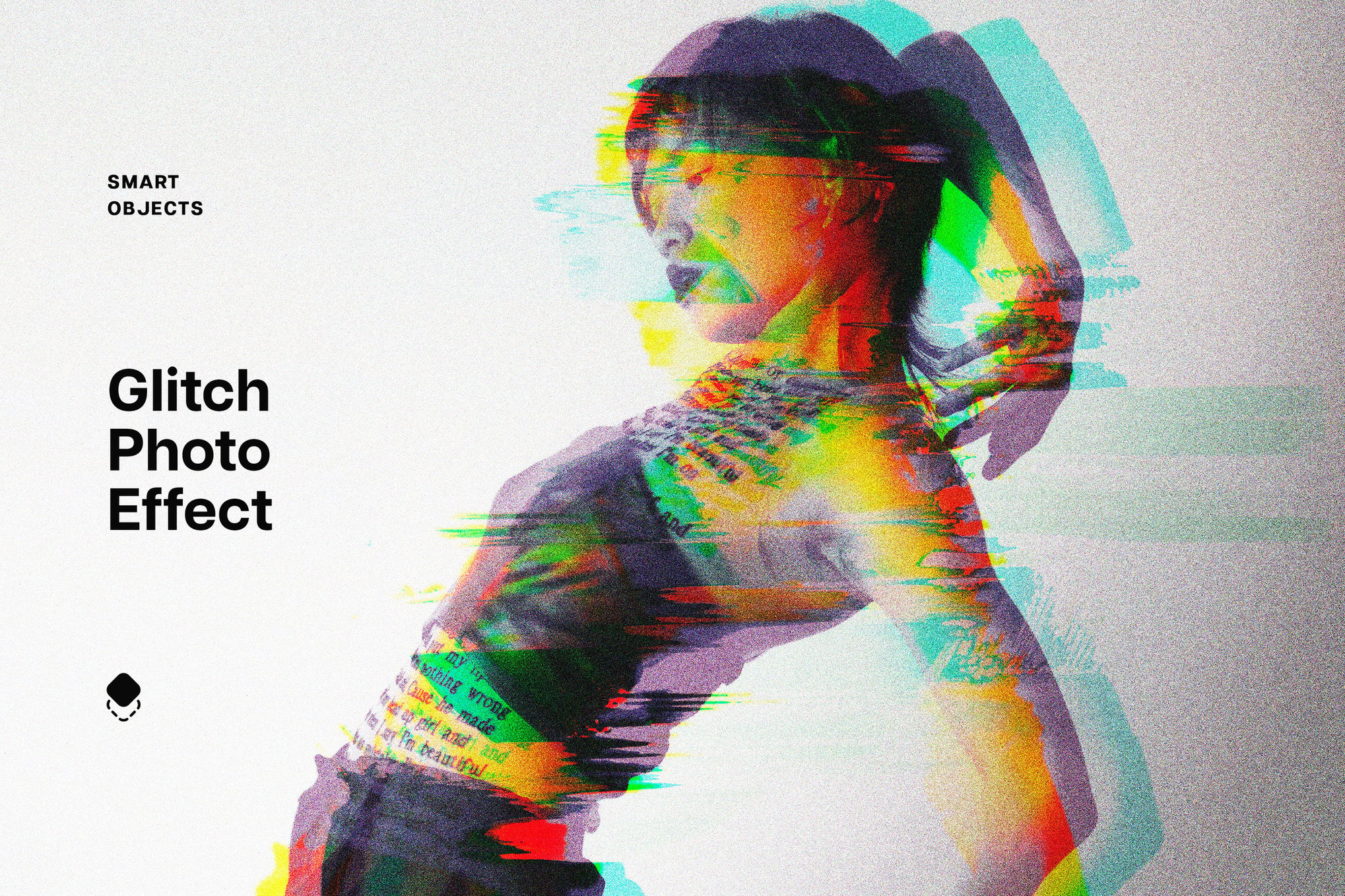
- Glitch Photo Effect PSD Template: Designed for resolutions between 1000px and 3000px, this template is the go-to for lifestyle and fashion photographers. Its ability to simulate oil painting and caricature-style distortions offers a unique hybrid look that goes beyond simple static noise.
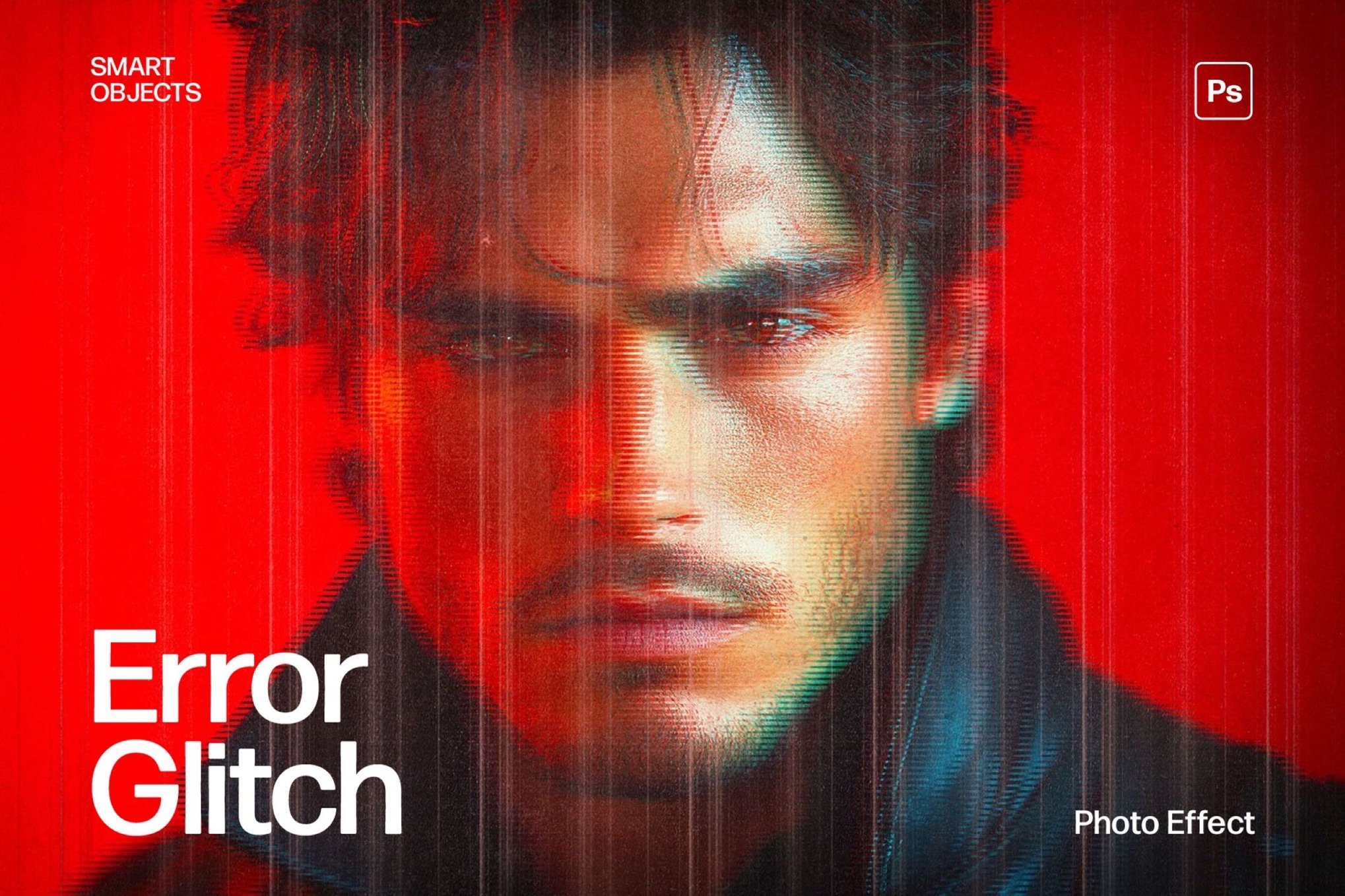
- Error Glitch Photo Effect Template: For those chasing the high-fidelity cyberpunk aesthetic, this 3840 x 2160px template is a powerhouse. It is particularly effective for large-scale digital displays and gaming-related marketing materials where high resolution is non-negotiable.
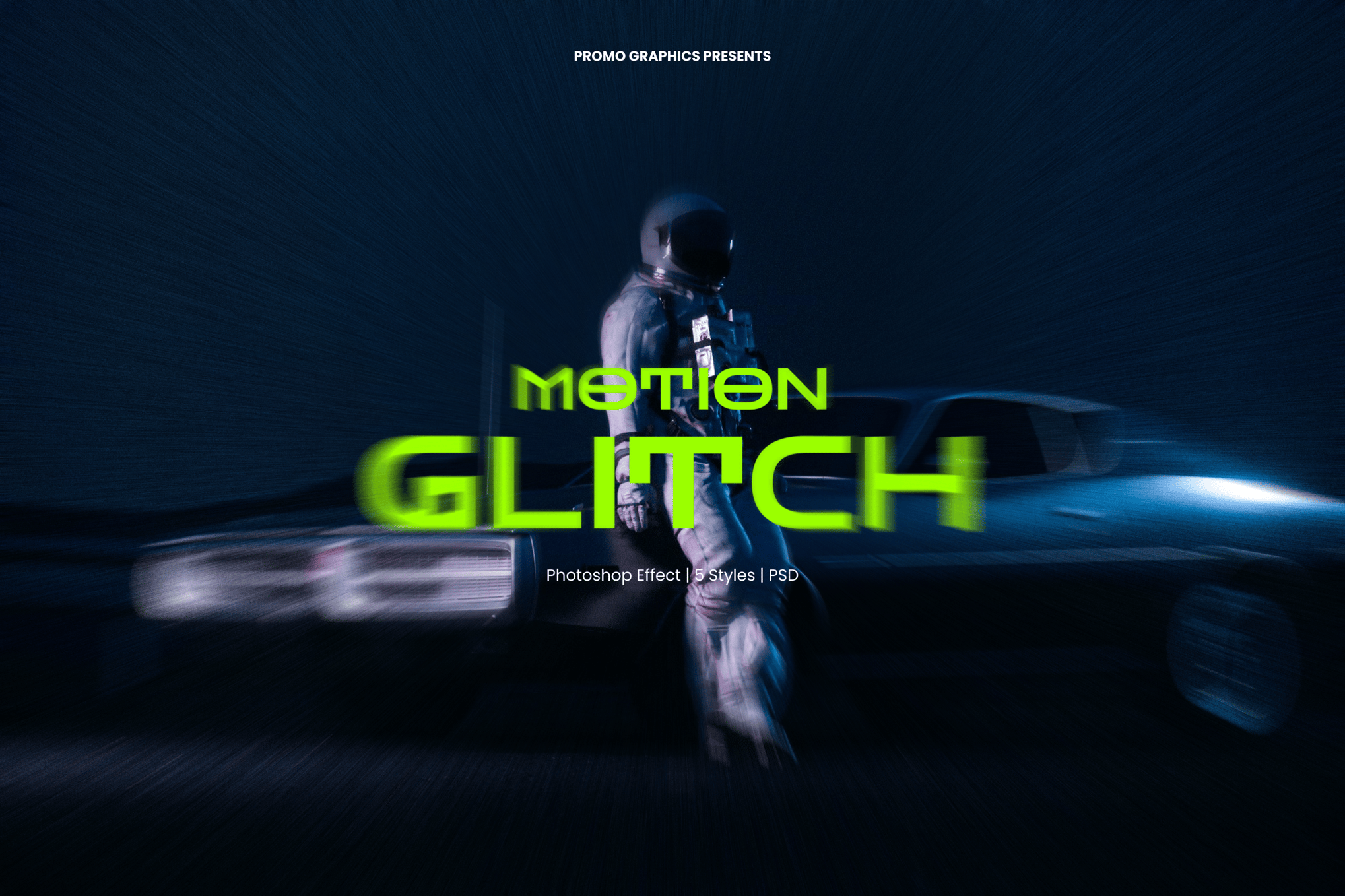
- Motion Glitch Photoshop Effect: This set offers five unique styles specifically calibrated to suggest high-speed movement. It is perfect for designers looking to infuse a sense of urgency into their static layouts.
Versatile Solutions for Everyday Projects
Beyond the high-end studios, several other templates offer specific niches:
- Glitch Wave PSD: Focuses on rhythmic, wave-like distortions.
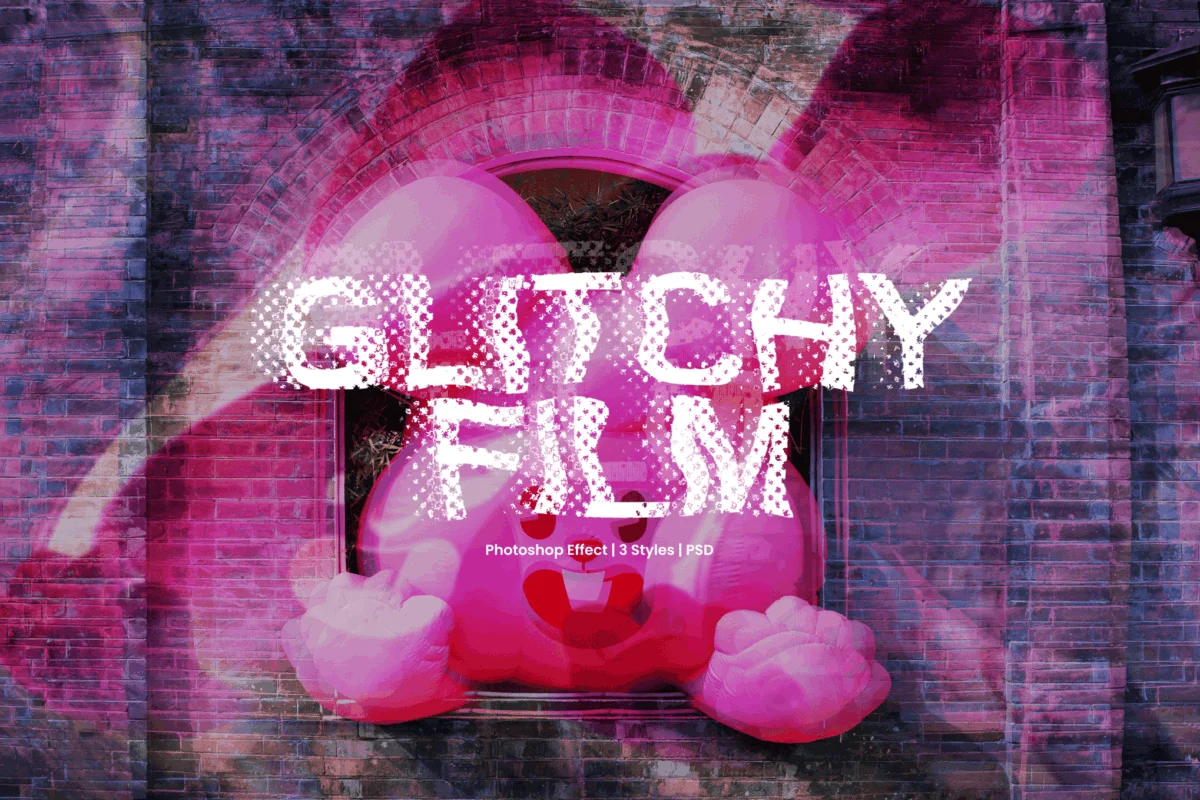
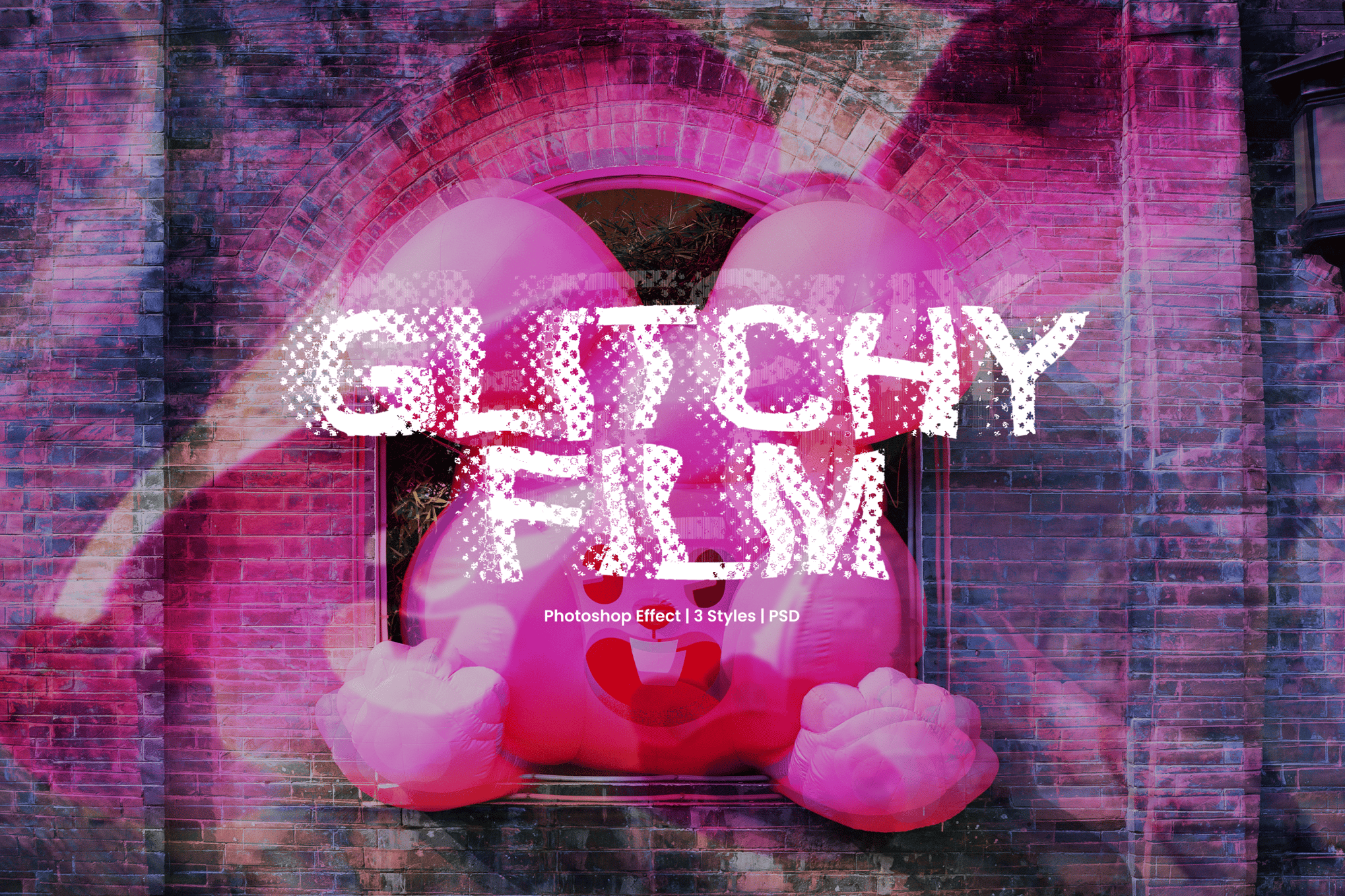
- Glitchy Film: A nod to analog nostalgia, perfect for retro-digital projects.
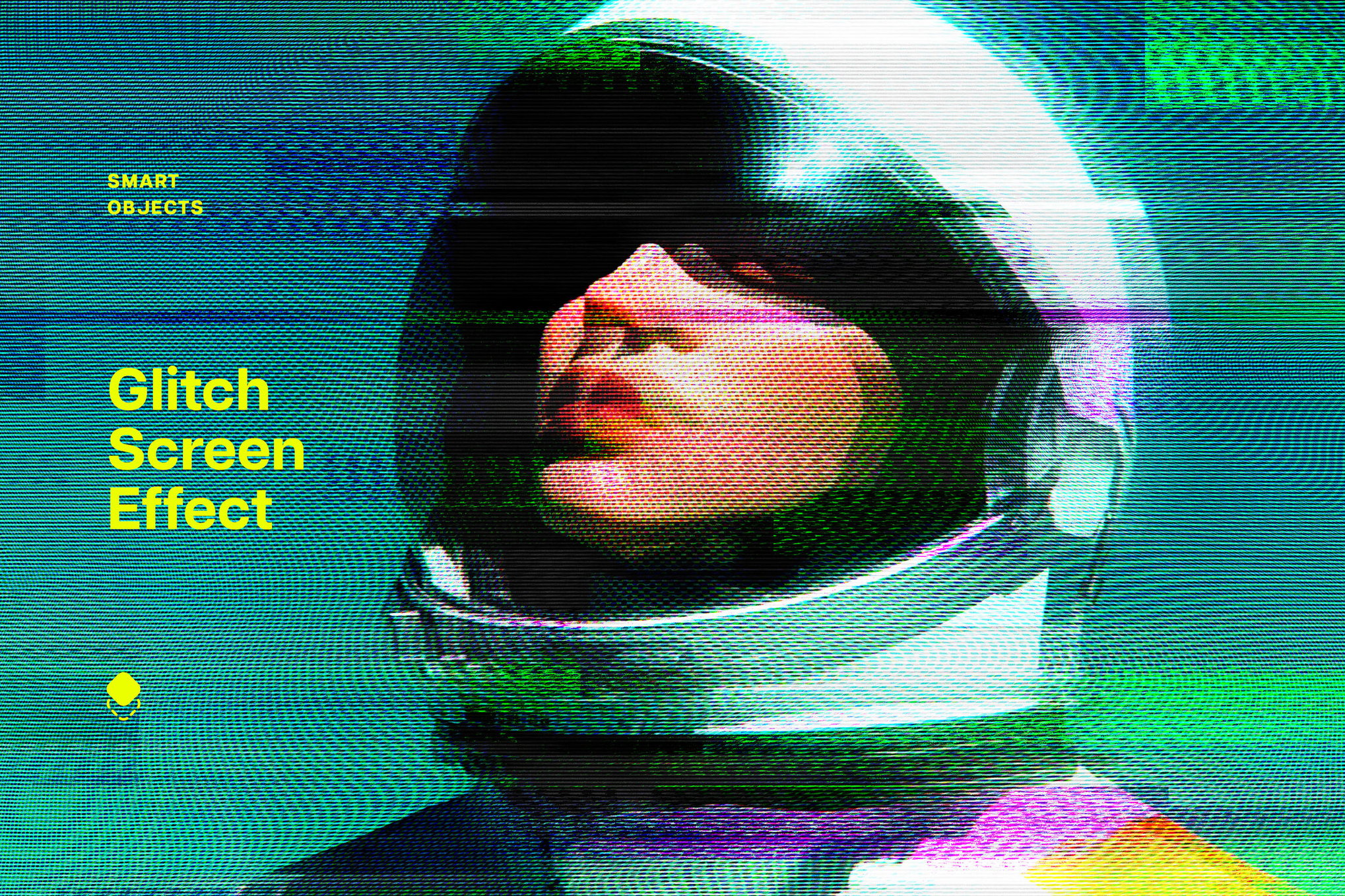
- Screen Glitch: Simulates the specific, jagged look of failing monitor hardware.
- Futuristic 3D Glitch: Adds depth and perspective to flat images, creating a "shattered glass" effect.
The Open-Source Movement: Free Resources
You do not need a significant budget to enter the world of glitch art. Several high-quality, free resources provide the same fundamental "pixel displacement" and "RGB splitting" capabilities as their paid counterparts.
- Free Digital Glitch Effect PSD: A fantastic introduction to digital-corruption artifacts.
- Free Glitch Poster Photo Effect: Specifically optimized for event posters that require high-impact visual noise.
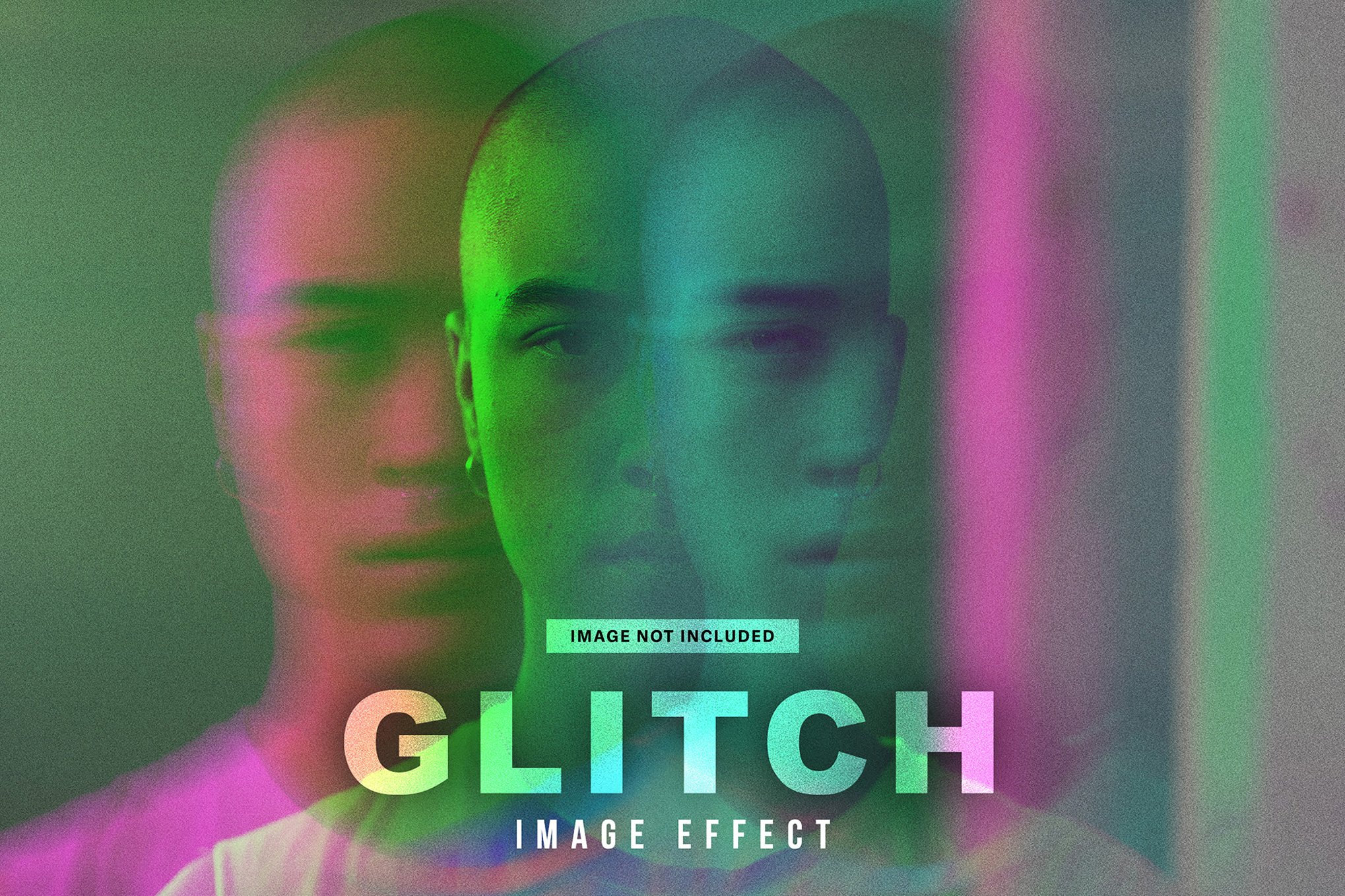
- Free Duotone Glitch Photo Effect: Merges color-grading with distortion for a highly stylized, artistic finish.
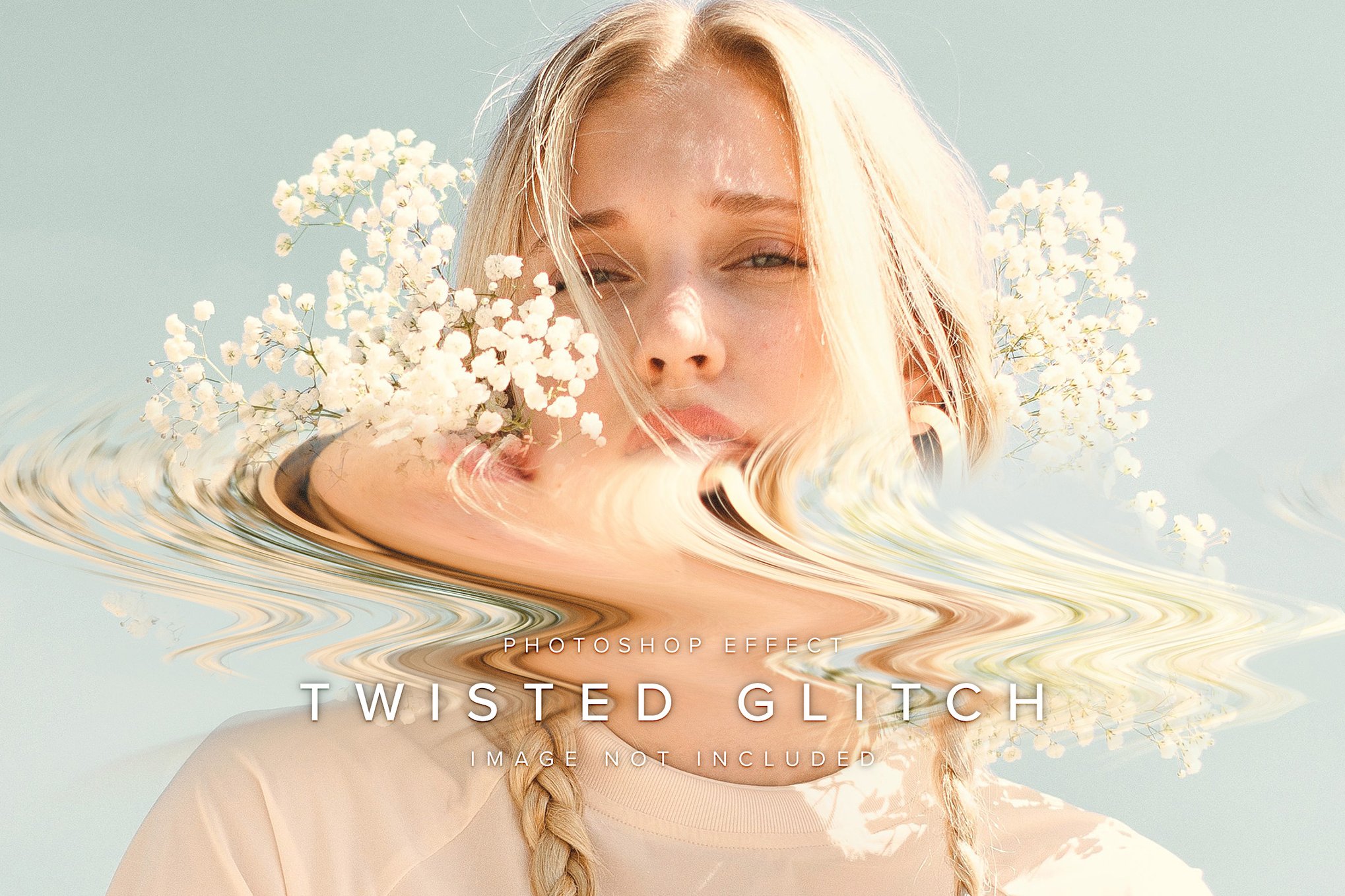
- Free Distort Glitch Photo Effect: Best for those looking for extreme, wavy horizontal tears.
Implications for Modern Design
The widespread availability of these tools has profound implications for how brands communicate. In an era where consumer attention is a scarce resource, the "glitch" serves as a "pattern interrupt." When a user scrolls through a feed of clean, minimalist imagery, a distorted, high-contrast glitch graphic forces the eye to stop and linger.
However, the professional consensus is clear: intent is everything.
Strategic Implementation
The most successful designers use these effects to amplify the message, not mask it.
- Event Promotion: In music and tech marketing, the glitch effect signals "the future," "the underground," or "the experimental."
- Social Media Engagement: A subtle RGB shift on a headline can create a "vibrating" effect that makes text appear more dynamic without sacrificing legibility.
- Brand Disruption: For tech companies, using a "glitch" logo animation or still can suggest that the brand is breaking the status quo.
- Editorial Rhythm: When laying out a magazine or a digital article, using a "ghost" or "motion" glitch can act as a visual separator between sections, providing a sense of flow.
- Typography Treatment: Using a displacement map on typography can turn a static title into a piece of digital architecture.
Technical Considerations: The "How-To" of Quality Control
When working with these assets, designers must pay attention to resolution and file management. Most high-end PSD templates use Smart Objects. It is imperative to keep your source images at high resolution (ideally 300 DPI for print, or at least 1920px wide for digital) to ensure that the distortion effects don’t result in unwanted pixelation or blur.
Furthermore, always use the "Help" files provided with these assets. While the "one-click" nature of these actions is appealing, the true power lies in the layer masks and blending modes that allow you to dial back the intensity. A good rule of thumb is the 80/20 rule: let the effect do 80% of the heavy lifting, but use the remaining 20% of your manual effort to fine-tune the colors and the focus areas.
Conclusion: Mastering the Controlled Chaos
The glitch aesthetic is a testament to the fact that perfection can be boring. In a world saturated with pristine, AI-generated images and hyper-polished marketing, the "glitch" offers a humanizing touch—a reminder of the fragility of the machines we rely on.
Whether you are using a professional-grade suite like Glitch Studio or a simple, free PSD template, the goal remains the same: to create a visual that feels unpredictable, charged, and uniquely yours. By mastering these tools, you are not just applying a filter; you are curating an atmosphere. Start by experimenting with the templates mentioned above, focus on the harmony between your source material and the distortion, and you will find that the most effective designs are often the ones that appear to be falling apart at the seams.